

Key Highlights
- Instagram adds Blend Reels feature
- Will help with enhancing user engagement
- Is similar to Spotify’s Blend
- Allows curating Reels based on group’s collective interests
Instagram has been bringing new features to offer a more customised experience on its platform. The Meta-owned social media platform just released another collaborative feature for Reels called “Blend”. This new Reels feature is designed to make sharing more fun and personalised for all Android and iOS users.
For the tech geeks, stay updated with the latest cutting-edge gadgets in the market, exclusive tech updates, gadget reviews, and more right on your phone’s screen. Join Giznext’s WhatsApp channel and receive the industry-first tech update.
Also Read: Instagram Tips And Tricks: How To Play Hidden Interactive Games On Instagram
Instagram Blend For Reels: What Is It?
Instagram Blend for Reels is the latest update that is designed to transform the way users interact with each other on the platform. This is in context with sharing Reels which will now be more customised and engaging experience. Blend for Reels will be available in both scenarios including ‘sharing reels with friends individually’ or ‘sharing reels with groups’ as DM (direct message) thread.
Instagram Blend for Reels’ concept is somewhat similar to Spotify’s Blend where users are shown playlist inspired by their contact’s interests. Likewise, Blend for Reels will curate a fresh library for Reels that can be shared with a single contact or groups that will be essentially based on the collective interests. So, what your friend has been consuming and vice versa will be the primary content-type for the new Reels you discover with Blend.
Also Read: Hacked Instagram Account? Don’t Worry! Instagram To Help Regain Hacked Account Access Easily
How To Use Blend For Reels On Instagram
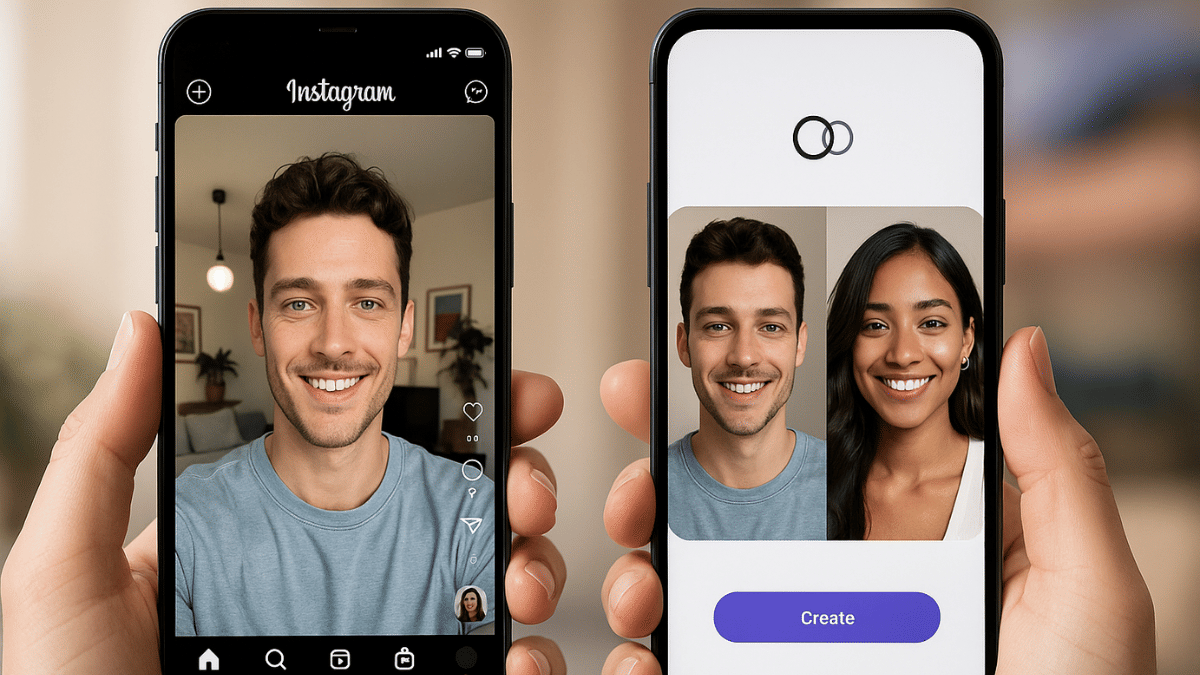
Before you start using Blend For Reels on Instagram, know that it’s an invite-based feature as of now. Therefore, you would first need to share an invite via the DM section to the preferred chat to start with sharing reels generated on common interests.
Step 1: Check your Instagram app’s version. It should be updated to the latest version
Step 2: Go to the DM section and open the single chat or group where you want to start Blend for Reels. A new Blend icon will be showed on the top right before the call icon. Tap on it.
Step 3: Once the Blend process is complete, share the invite with the friend. Tap on “Send Invite” option for the same.
Step 4: Wait for the invitation to be accepted.
Step 5: A new window with curated shared feed will be created where Reels of common interests will be shown.
