

Key Highlights
- Instagram offers multiple privacy and safety features
- Enabling login alerts prevents unwanted access and account controls
- Feature available for both Android and iOS devices
Instagram remains the dominating app in the social media space. And with constant surge in its user base, this we definitely are getting some of the unique features that keeps us hooked to this platform. And not just entertainment, Instagram has turned out to be one of the best apps for having fun conversations. Besides, Instagram has evolved as created a whole different era of social media influencing giving opportunities to creators and brands reach out a larger audience base boosting their market presence overall. Collectively Instagram is one of those apps that if you are using (as a general user, creator, or for business) then you need all the precautionary measures offered by the platform enabled. Login alert notification is one such feature that you need to enable for advanced privacy. In this guide, we tell you how to enable Instagram login alert notification making your account more private and secure. This will help you know if someone has logged into your Instagram account and if there’s any privacy breach.
Also Read: Instagram Edits: New Standalone Editing Insta Tool? 10 Easy Steps To Use!
How To Activate Login Alerts For Your Instagram Account (Android, iOS)
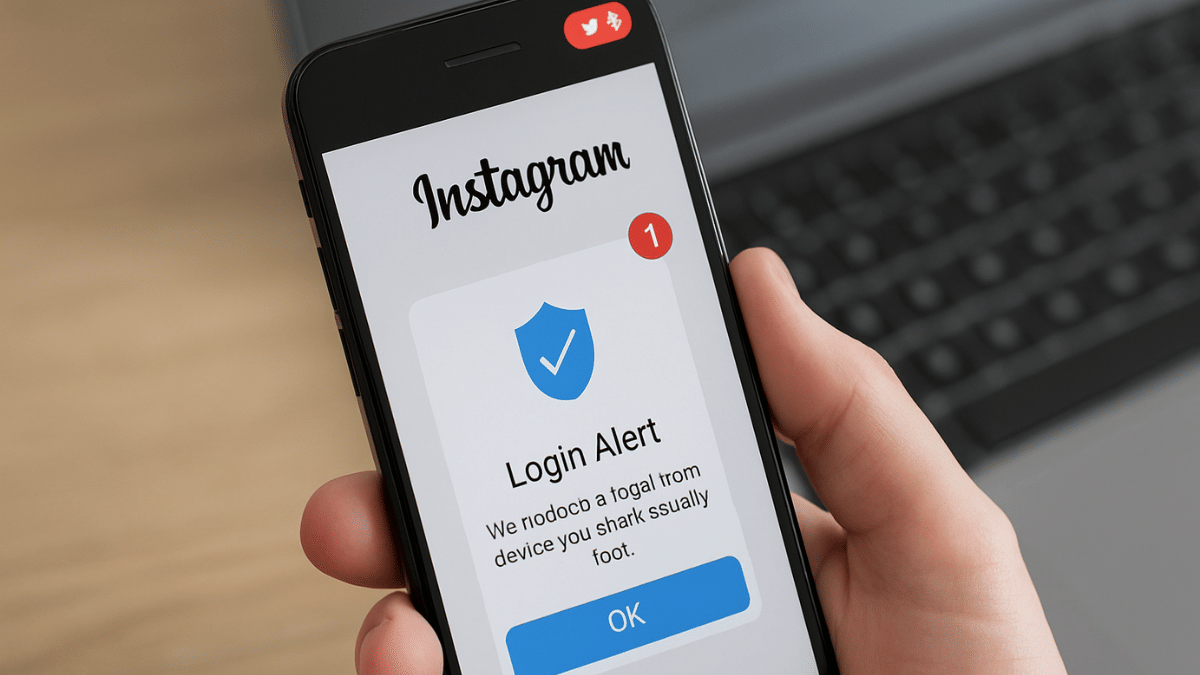
Step 1: After launching Instagram mobile app, tap on the profile icon from the homepage.
Step 2: Tap on the Menu (three dots) icon
Step 3: Tap on the Accounts Centre option
Step 4: Click on the ‘Password and Security’ option
Step 5: Now, select the Login Alerts option
Step 6: Enable the in-app notifications
Step 7: Ensure Email notification is enabled to Always on. Also, cross check the email address.
Also Read: Operation Sindoor Live: How To Map Real-Time Action, Track Live Updates On Smartphones
How To Check If Some Other User Has Logged Into Your Instagram Account

Step 1: Open Instagram app and tap on the Profile icon
Step 2: Now, click on the Settings tab and head to the Accounts Centre
Step 3: Tap on the ‘Where you’re logged in’ option. Check the list of login devices along with the locations. Make sure there are no unfamiliar device or login location. If there is, your account security might be compromised.
Step 4: Change your password if you believe account security might have been compromised. Otherwise, enable the login alerts using the procedure listed above.
