Key Highlights
- Keep your phone cool by avoiding heat and direct sunlight
- Adjust settings like brightness and turn off unused features
- Charge smartly and close background apps to save battery
In hot weather, smartphone batteries drain faster that makes it challenging for us to stay connected. Excessive heat can degrade battery health, reduce efficiency, and even cause overheating issues. So, if you are struggling with battery life this summer, here are five practical ways to extend it. Let’s check them out.
Also Read | Four Must-Have Travel Gadgets For A Hassle-Free Summer Vacation
Avoid Direct Sunlight And Heat Exposure
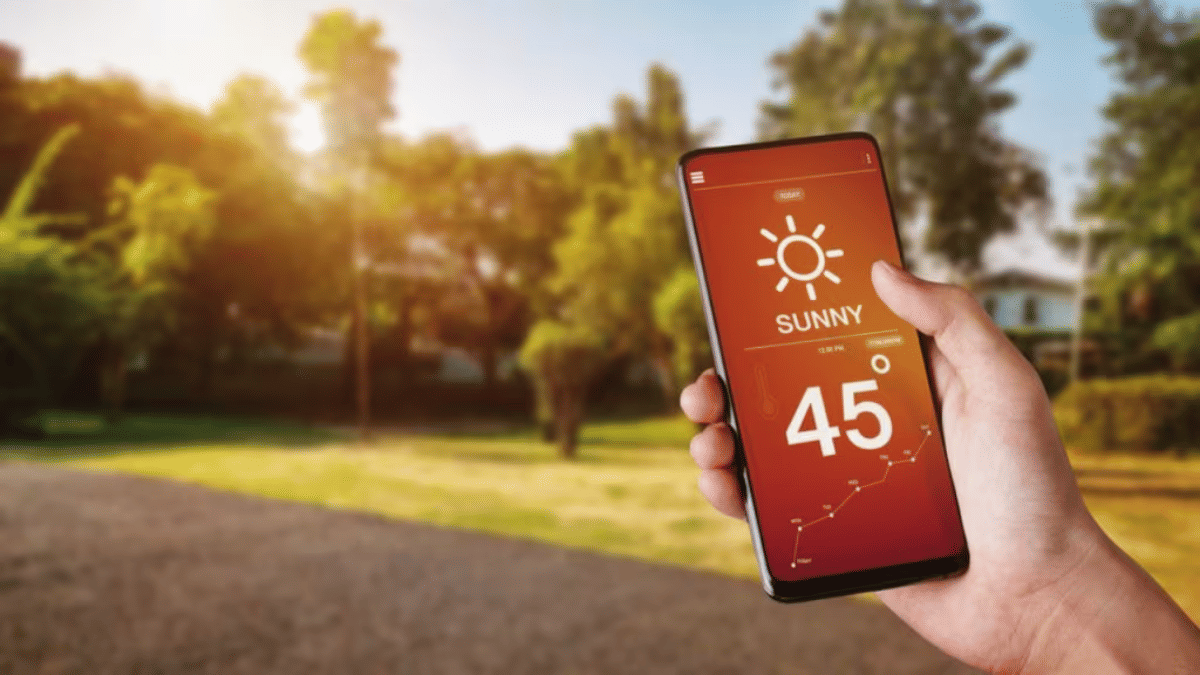
Heat is the worst enemy of your smartphone’s battery. Keeping your device cool can significantly improve battery longevity.
- Avoid placing your smartphone in direct sunlight or near heat sources like car dashboards.
- Use special cooling cases or heat-resistant covers that help prevent overheating.
- Turn off unused apps as running multiple apps generates extra heat and drains the battery faster.
- Avoid gaming or streaming for long periods under direct sunlight.
- Charging your phone in high temperatures can lead to battery swelling and long-term damage. Charge in a cool environment.
Optimize Display And Brightness Settings
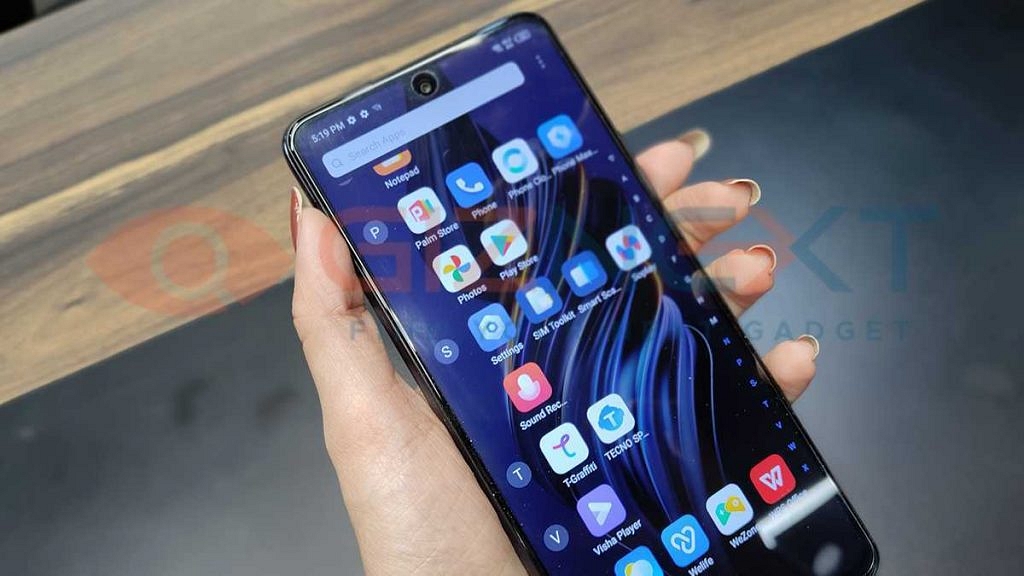
Your screen is one of the biggest power consumers, especially in bright conditions. Adjusting these settings can help save battery.
- Lower the screen brightness of your smartphone. Manually reduce brightness instead of using auto-brightness.
- Enable dark mode as it consumes less power, especially on OLED screens.
- Reduce screen timeout and set the screen timeout to 15-30 seconds to save power.
- Disable live wallpapers. Animated wallpapers consume more battery.
- On AMOLED screens, black pixels use less power compared to bright colors. Use a black wallpaper.
Manage Connectivity And Background Apps

Your phone constantly searches for networks and runs background processes. This leads to unnecessary battery drain.
- When not in use, turn off Bluetooth and Wi-Fi. Keeping these on drains battery even when idle.
- In poor network areas, use Airplane Mode. A weak signal forces your phone to use more power.
- Restrict background apps. Disable auto-refresh for apps like social media and email.
- Disable location services. GPS tracking consumes a significant amount of power.
- Use battery saver mode. It limits background activity and optimizes performance.
Charge Smartly And Use The Right Accessories

Improper charging habits can shorten your phone’s battery lifespan. Follow these tips for better battery health.
- Use original or certified chargers. Low-quality chargers can overheat and damage your battery.
- Keep your battery between 20 – 80 percent for longer lifespan.
- Don’t overcharge overnight.
- Frequent partial charging is better than draining the battery completely. It’s better to charge in short bursts.
- Some smartphones have features that slow charging at night to protect battery health.
Also Read | Stay Cool On A Budget: Four Best Coolers Under Rs. 15,000 For Summer
Reduce Processor Load And Close Unused Features

Your phone works harder in summer due to heat, affecting performance and battery life.
- Close unnecessary apps. Apps running in the background drain battery even when not in use.
- Disable 5G if not needed. 5G consumes more power than 4G and Wi-Fi.
- Lighter versions of apps like Facebook Lite or YouTube Go use less power.
- Reduce refresh rates. High refresh rate displays drain more battery, switch to 60Hz when possible.
- Apps that run in the background without use should be removed.
By following these simple yet effective tips, you can keep your smartphone’s battery running longer, even in the scorching summer heat.
For the tech geeks, stay updated with the latest cutting-edge gadgets in the market, exclusive tech updates, gadget reviews, and more right on your phone’s screen. Join Giznext’s WhatsApp channel and receive the industry-first tech updates.