Key Highlights
- Connect Smart TV to mobile hotspot in easy steps
- Ensure you have enough data for streaming
- Use a stable 4G or 5G network
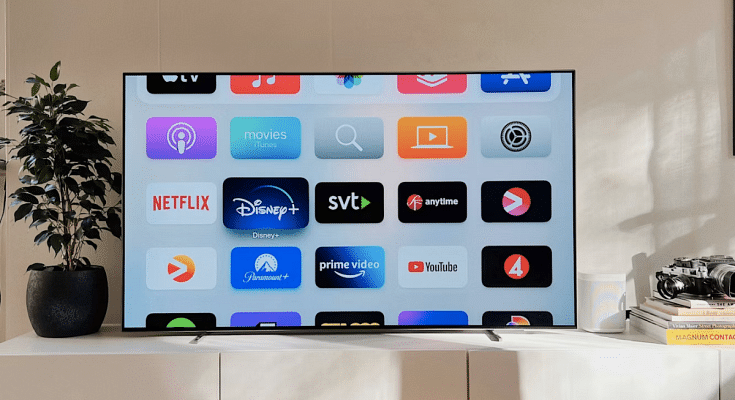
Smart TVs have become an essential part of home entertainment. It allows users to stream their favorite content from various OTT apps. However, not everyone has a Wi-Fi connection at home. The good news is that you can still connect your Smart TV to the internet using your mobile hotspot. Here’s an easy guide to help you do it.
Also Read | Smart TV Storage Crisis? How To Get Additional Storage For Your Smart TV To Install Games, Apps
Steps To Connect Mobile Internet To Smart TV
Step 1: Start by turning on your Mobile Hotspot.
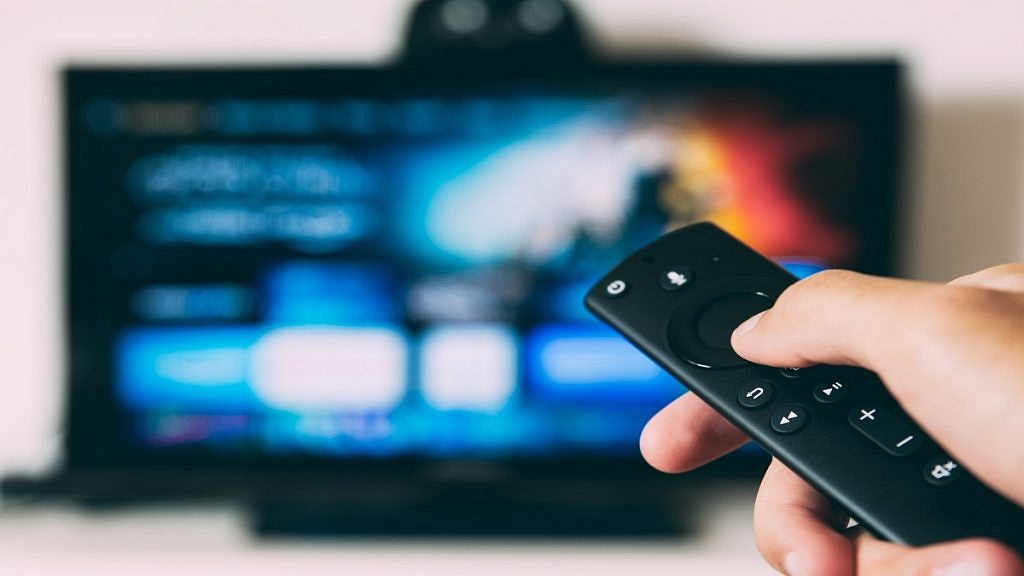
Step 2: Then, turn on your Smart TV using the remote and wait for the TV to fully boot up before proceeding.
Step 3: Navigate to the ‘Settings’ menu on your TV. Look for ‘Network Settings’ or ‘Wi-Fi Settings’ depending on the TV brand. Click on it.
Step 4: Now, your TV will display a list of available Wi-Fi networks. Find your mobile hotspot’s name in the list.
Step 5: Select it and enter the password. Click ‘Connect’ and wait for the connection to establish.
Once the connection is successful, your TV will be connected to the internet. Open any streaming app on your TV like YouTube, Netflix, or Amazon Prime and start watching your favorite content.
Also Read | Smart TV Buying Guide: Top Budget-Friendly Smart TVs Under Rs. 35,000 In India
Important Tips To Keep In Mind
- Streaming videos can consume a lot of your data. Make sure you have a sufficient data plan, preferably one with unlimited or high data limits.
- Many mobile phones allow you to track your data usage. Set a limit or warning to avoid exhausting your mobile data.
- Using a 4G or 5G network will ensure smooth streaming without buffering issues.
- Keeping a hotspot on for long durations can drain your phone’s battery quickly. Keep it plugged into a charger if needed.
Using a mobile hotspot to connect your Smart TV to the internet is a simple and convenient solution when Wi-Fi is unavailable. Just follow these steps, and you can enjoy seamless entertainment anytime.
For the tech geeks, stay updated with the latest cutting-edge gadgets in the market, exclusive tech updates, gadget reviews, and more right on your phone’s screen. Join Giznext’s WhatsApp channel and receive the industry-first tech updates.