
Also Read
- Air conditioner usage surges in peak summers
- Basic AC timer feature is useful in multiple ways
- Helps with energy efficiency and low electricity bills
- Allows undisturbed night sleep
- Improves AC compressor lifespan
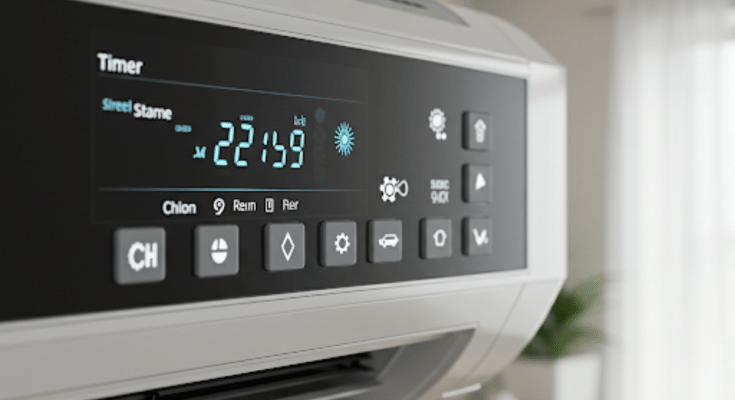
Summer season is here and in 2025 we have advanced range of air conditioners keeping our rooms cool despite soaring temperatures outside. There has been a significant increase in temperatures each year which means air conditioners and coolers are being operated longer than before. This not just leads to increased electricity bills but also impacting the longevity of modern day air conditioners. But it doesn’t mean such common issues are being left unaddressed by the air conditioner manufacturers. A basic yet functional feature, i.e., Timer or Schedule (depending on the brand) comes as a rescue. In this guide, we are exploring the Air conditioner timer feature and how it can be your saviour this summers managing your AC’s operation timings, improving its life span, reducing electricity bills and eventually improving your sleep quality.
For the tech geeks, stay updated with the latest cutting-edge gadgets in the market, exclusive tech updates, gadget reviews, and more right on your phone’s screen. Join Giznext’s WhatsApp channel and receive the industry-first tech update.
Also Read: Enhance WhatsApp Privacy: How To Blur Images On WhatsApp Mobile, Desktop App
AC Timer Feature Explained: Functionality
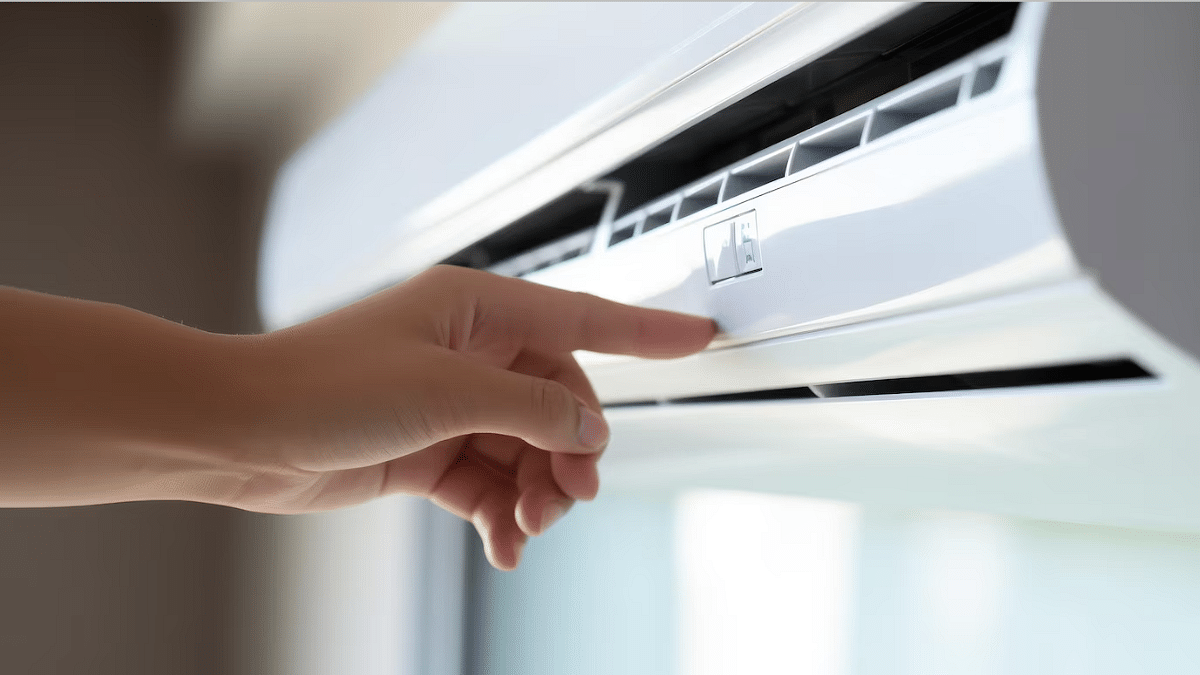
Air conditioner timer is an integrated function available with most of the new-age models including split and window ac type that helps with automatic power on and off. This feature can be found as Timer or Automatic schedule names (on the AC remote or controls) depending on the brand. This feature generally offers two basic settings including
- Timer On- Power ON the Air conditioner at specific duration
- Timer Off: Automatically power off the Air conditioner at specific duration
- Where to find:
- On AC remote
- Compatible smartphone app (Wi-Fi enabled Air conditioners)
- Physical controls (On the panel)
Also Read: Android Auto Customization: How To Change Wallpaper With And Without Smartphone
How To Use/Activate AC Timer Feature Via Remote
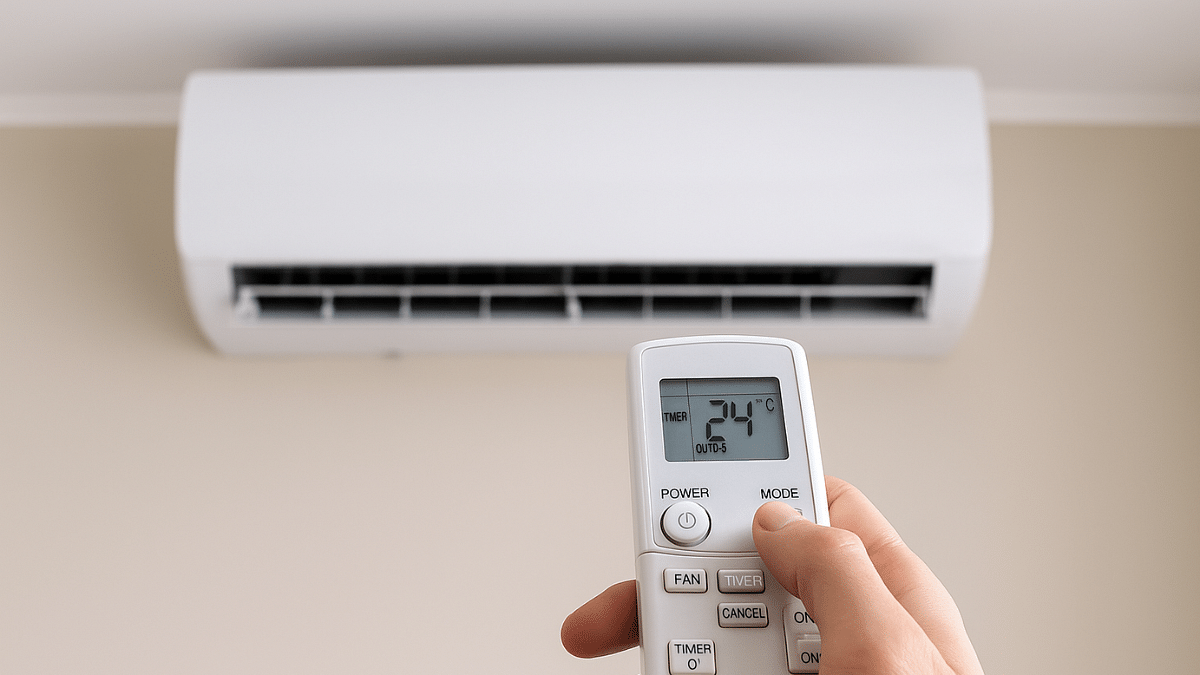
Step 1: Power on your Air conditioner
Step 2: Push the “Timer button” once from the AC remore
Step 3: Once you see the “Timer On” option, use the arrow keys to adjust auto-start timer
Step 4: Use the arrow key again to move to the Timer Off option and set the auto-off time.
Step 5: Now, press Ok or Set (as per the AC model) using the remote
Also Read: Top 2025 Summer Appliances That Save Power
How To Use/Activate AC Timer Feature Via Compatible Smartphone App (Wi-Fi Enabled ACs)
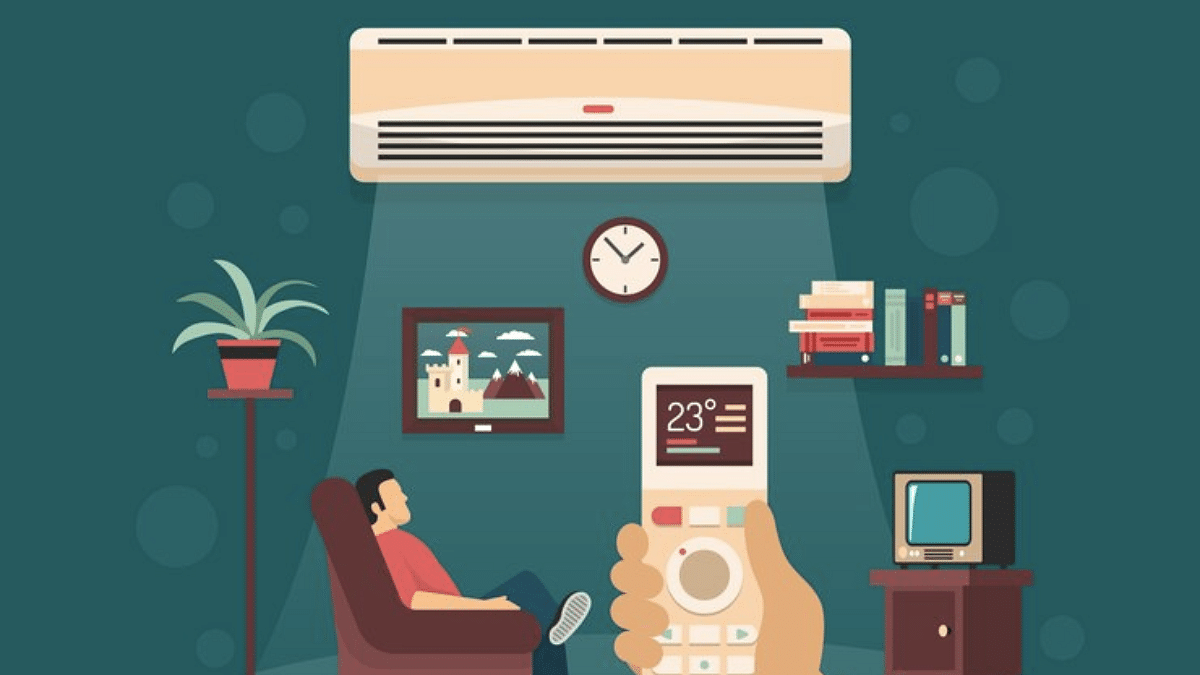
Step 1: Power on the Air conditioner and pair it with the mobile app
Step 2: Select the AC model in the mobile app
Step 3: Navigate to the “Timer/ Schedule” feature
Step 4: Adjust the auto-on and auto-off timings for the AC
Step 5: Tap on Save to set the auto timer
Also Read: AC Power Consumption: How To Reduce Your Electricity Bill In Summers
Benefits Of Using AC Timer Feature In Summers 2025:

1. Reduced Electricity Bills/ Efficient Energy Consumption
Air conditioners when running continuously consumes excessive power which can lead to increased bills every summers. By automatic shut down, energy consumption is efficient leading to lower bills.
2. Improves Air Conditioner Lifespan
The timer feature turns off the compressor usage which further helps with reduced loads on compressor while maintaining the ideal room temperature. This helps in improving the longevity and lifespan of the air conditioner.
3. No More Disturbed Sleep Cycle
By setting up the AC auto timer, you don’t have to wake up in the middle of the night to turn off the chilling ac.
