
Key Highlights
- WhatsApp allows creating profile pic using AI
- Option available for Android and iOS
- Group icons can also be created using AI
Meta AI has been a game changer for WhatsApp. The instant messaging platform has become more advanced and smarter with the arrival of AI capabilities. Drafting messages and creating replies using AI, images, and even stickers has made conversations more fun on WhatsApp. And now, WhatsApp will allow users to create profile pictures using AI. This new feature will transform the way you interact with contacts using your DP on WhatsApp. Besides profile pictures, WhastApp is also adding the option to create AI-generate group icons. Interested in knowing the steps? Read on the step-by-step guide below:
For the tech geeks, stay updated with the latest cutting-edge gadgets in the market, exclusive tech updates, gadget reviews, and more right on your phone’s screen. Join Giznext’s WhatsApp channel and receive the industry-first tech updates.
Also Read: YouTube Music Hacks: How To Share YT Music Playlists With Others On WhatsApp, Email, Etc
Steps To Create New WhatsApp DP Using AI On Android (Smartphones and Tablets)
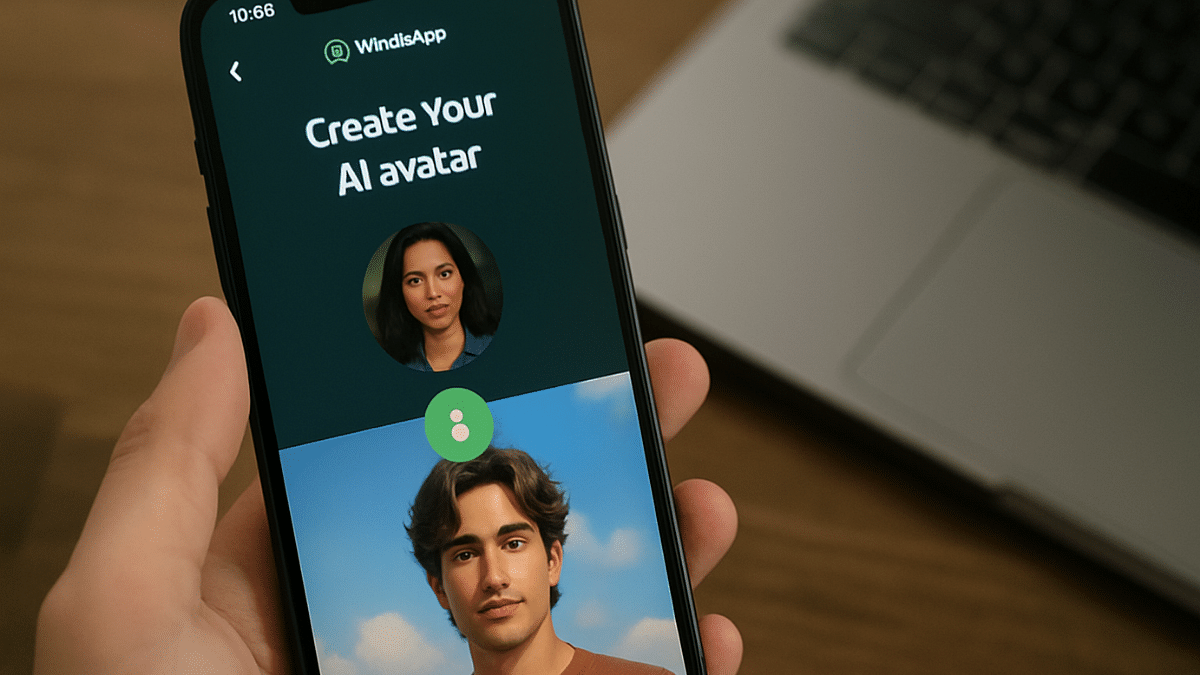
Step 1: Open WhatsApp and navigate to the Settings tab
Step 2: Click on your profile picture
Step 3: Tap on the Edit option.
Step 4: You’ll see a new category AI Images. Select it.
Step 5: Describe what kind of image you would want the AI to create
Step 6: Once the image is created select it (simply tap on it).
Step 7: Click save to set the AI generated image as your profile picture.
Also Read: Windows PC Getting Unresponsive? Here’s How To Emergency Restart Windows Laptops/ PCs
Steps To Create and Upload New AI Profile Images On WhatsApp (iOS Devices)
The steps are identical for creating and uploading WhatsApp images using AI on iOS as Android
Step 1: Launch WhatsApp and navigate to the Settings option
Step 2: Tap on your profile picture and click on the camera icon to upload
Step 3: Select AI image option to create new profile picture
Step 4: Tap on the AI created image to set it as your new DP
Also Read: No More Snooping: How To Get Instant Login Alerts On Instagram And Protect Privacy
How To Create AI-Generated Group Profile Photos On WhatsApp (For both Android and iOS Platforms)
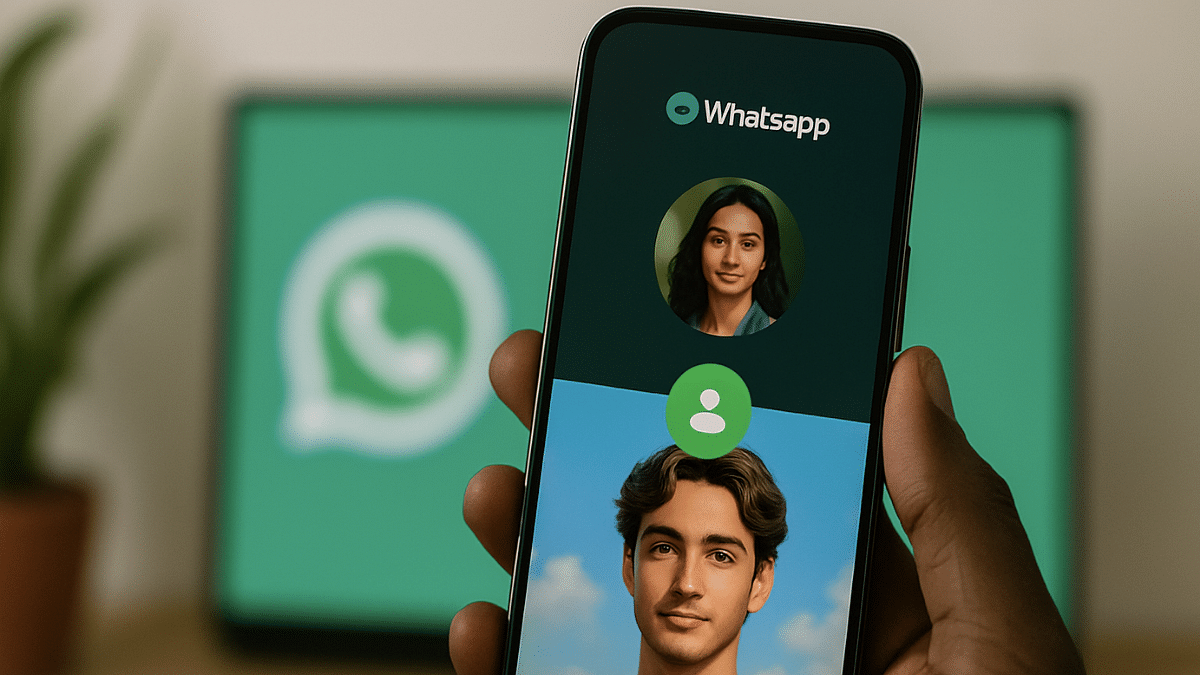
Step 1: Open WhatsApp and go to the group chat whose profile pic you want to update
Step 2: Click on the group’s name followed by the group icon
Step 3: Tap on the Edit option and select AI images option
Step 4: Give description of the image type that you want AI to create
Step 5: Tap and select the AI-created image to upload as new group icon
.
