Categories
Accessories Featured How To

How To Connect OnePlus Buds True Wireless Earbuds With Smart TVs and Laptops?

Key Highlights

  • OnePlus Buds uses latest Bluetooth technology for quick connectivity
  • To connect your OnePlus Buds earbuds to your smart TV, read more.
  • You have to turn on Bluetooth on both devices for pairing

OnePlus has been growing its consumer gadgets portfolio with new products proactively. We see new Android smartphones, TWS earbuds, and smart TV launches from the Chinese tech OEM in the global regions and India frequently. OnePlus Buds is the brand’s bet in the affordable TWS earbuds segment.

OnePlus has been leading this race with pocket-friendly yet performance-oriented truly wireless earbuds. All the OnePlus Buds earbuds including the Buds Pro, Buds Z/Z2, and the vanilla Buds offer a rich listening experience. OnePlus has also made numerous upgrades with the new OnePlus Buds models to offer a wider range of connectivity as well as a better soundstage.

Also Read | How To Enable Multipoint And Audio Switch Feature In Pixel Buds TWS Earbuds

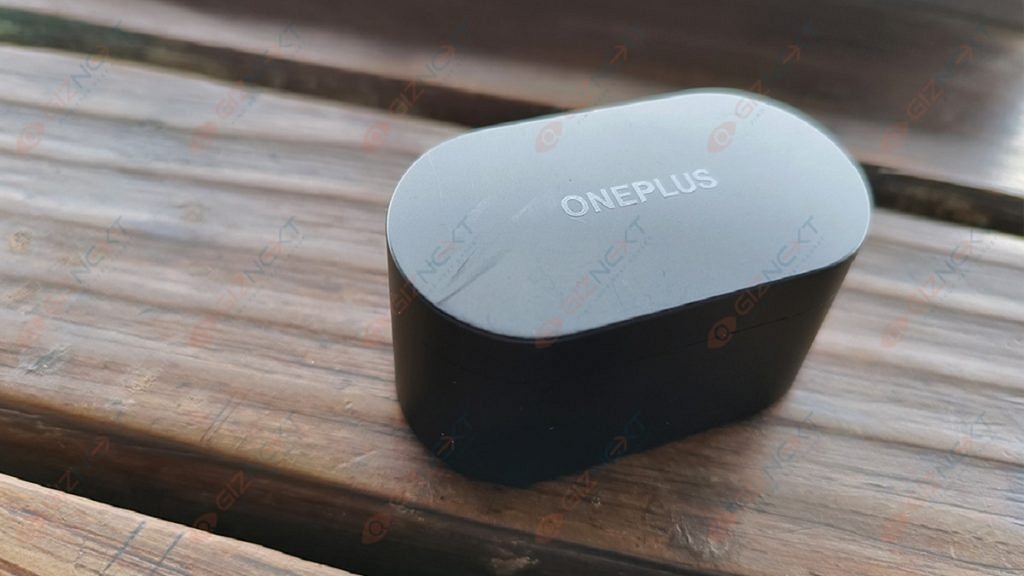
All OnePlus Buds variants are equipped with Bluetooth technology for quick connectivity with compatible smartphones and tablets. The OnePlus Buds TWS earbuds can also be paired with laptops and smart TVs. What all steps would you need to perform to connect the OnePlus Buds earbuds with any laptop or smart TV? The steps are listed here:

How To Connect OnePlus Buds Earbuds With Laptops

Step 1: To pair the OnePlus Buds TWS with laptops, go to the control panel first.

Step 2: Scroll to the Bluetooth and other devices options.

Step 3: Tap on the + icon or the Add Bluetooth device option.

Step 4: Now, you would need to put the OnePlus buds earbuds into pairing mode. To do so, press and hold the setup/pairing key. You can locate this key on the charging case.

Step 5: Once the earbuds are in pairing mode, you will see it in the list of available devices on your laptop. Click on the device name to initiate the pairing process.
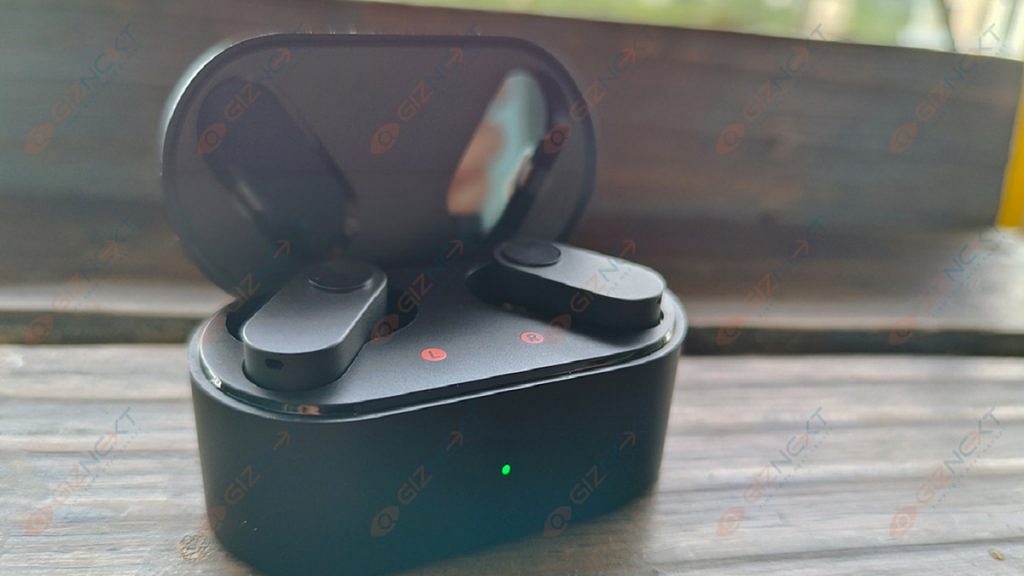
Step 6: The OnePlus Buds will now be connected to the laptop. You can start playing videos or games and listen to the audio on the OnePlus Buds earbuds.

Also Read | OnePlus Buds Failed To Discover Or Identify? How To Resolve Pairing Issues With OnePlus Buds TWS Earbuds

How To Pair OnePlus Buds TWS with Smart TVs
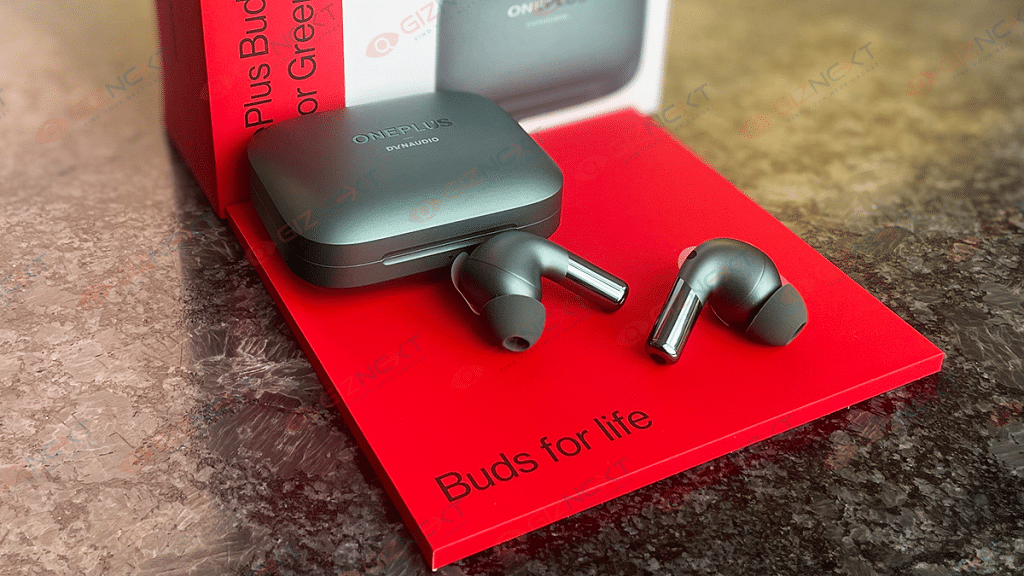
Step 1: You can connect OnePlus Buds TWS earbuds with TVs that have Bluetooth support.

Step 2: Go to the Settings menu on your respective smart TVs.

Step 3: Go to the pair new device option.

Step 4: Press and hold the pairing key on the OnePlus Buds earbuds.

Step 5: Tap on the earbuds name listed on the TV screen.

Step 6: Accept all permissions on the screen and you are good to go.

Also Read | Five Best Wireless Earbuds Under Rs. 2,000
Categories
Featured Leaks

Realme 10 4G Massive Leak; Full Specifications, Renders, Pricing Tipped

Key Highlights

Realme 10 4G official sale in mid-week of November

Price range within Rs. 17,000 to Rs. 19,000

6.6-inch FHD+ AMOLED screen with 90Hz display tipped

50MP dual rear cameras

5,000 mAh battery with 33W fast charging technology

Just a few days ago, Realme confirmed its next-gen affordable smartphone series launch. The Realme 10 series is breaking covers sometime in November with multiple models. The vanilla Realme 10 is one of the variants that will debut month besides the Realme 10 Pro and the Realme 10 Pro Plus. The rumor mill has been prompt with spilling beans related to the upcoming Realme 10 series features and pricing details.

Realme 10 4G Model Renders Leaked

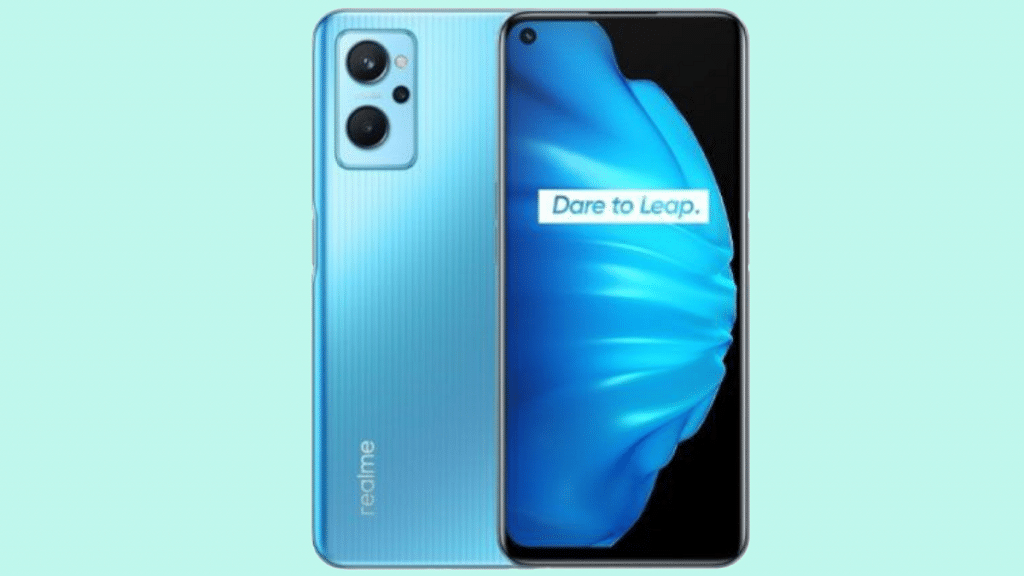
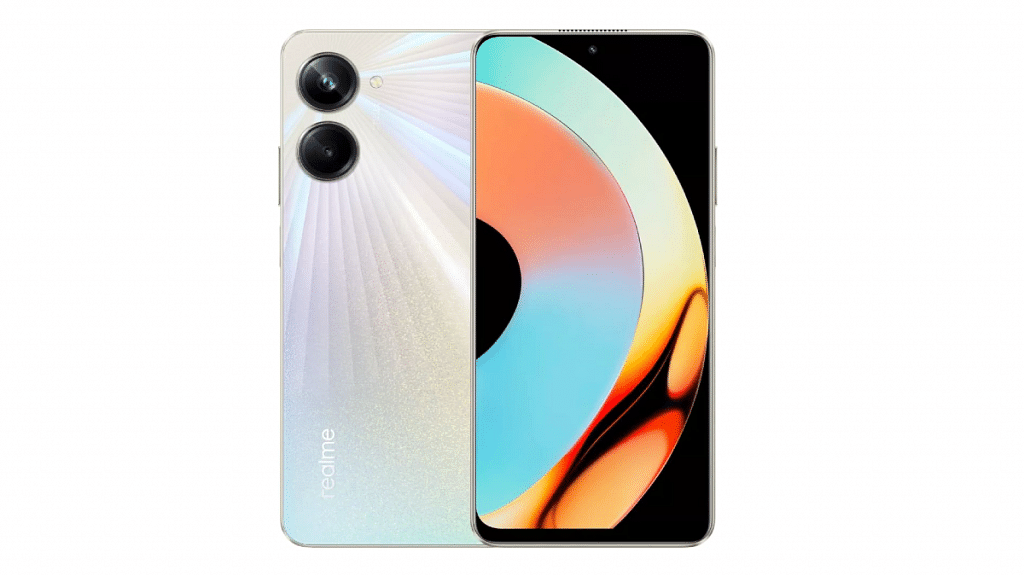
Tipster Paras Guglani in association with the publication 91Mobiles has detailed the entire spec sheet along with the renders and pricing details of the standard Realme 9 4G model. The leaked renders have revealed the complete design language along with the color options. The Realme 10 4G model will feature a flat frame design with a thin bezel profile upfront.

A tiny punch-hole camera cutout will be placed on the top left of the Realme 10 4G’s display. The right panel of the handset will be packing the volume keys along with the fingerprint scanner integrated power key. At the rear, we can see the Realme 10 4G sporting two large camera modules with and an LED flash. The color options leaked are blue, pink, and grey.

Realme 10 4G Rumored Specifications

The Realme 10 4G’s spec sheet has also been leaked completely. The tipster has suggested the Helio G99 chipset powering the upcoming affordable Realme phone. The configuration details are not confirmed just yet. However, Realme could possibly pair this octa-core MediaTek gaming chipset with up to 6GB RAM and 128GB storage configuration.

The display panel that Realme 10 4G is said to offer will be AMOLED and the screen size will be 6.5-inches. The display on the Realme 10 will further support a 90Hz refresh rate. The camera setup that the Realme 10 4G will comprise two sensors including a 50MP main lens and a 2MP macro lens. The connectivity features will include a 3.5mm headphone jack, dual-band Wi-Fi, Bluetooth 5.0, and GPS along with 4G VoLTE.

A 5,000 mAh battery unit along with a 33W fast charging capacity tipped to keep the processor ticking. While this spec sheet of the vanilla Realme 10’s 4G model, there are rumors Realme will also launch a 5G variant of this handset.

Realme 10 4G Price In India And Sale Details

According to the tipster, the Realme 10 4G will be launched within Rs. 17,000 to Rs. 19,000 price range. However, the handset will be sold with around Rs. 15,000 price tag post introductory and other card offers. The exact launch date for the Realme 10 series is not announced, but the official sale is said to start in the mid-week of November 2022.

Categories
Featured Laptop Leaks

Xiaomi Book Air 13 Full Specifications Listed Revealed Via E-Commerce Portal; When Is India Launch?

Key Highlight

Xiaomi Book Air 13 is launching alongside Redmi Note 12 series

Will pack 13.3-inches display with 1800 x 2800 pixels screen resolution

Core-i5 1230U and Core-i7 1250U chipset variants upcoming

Xiaomi is revamping its product lineup soon with a new range of Android smartphones. The brand has scheduled the Redmi Note 12 series launch for today and we are expecting the standard model to debut alongside the Redmi Note 12 Pro and Redmi Note 12 Pro Plus. Rumors are rife Xiaomi could also launch a new laptop called the Xiaomi Book Air 13. The key details related to the Xiaomi Book Air 13 laptop’s specifications are right ahead of the launch. Following are the details:

Xiaomi Book Air 13 Leaked Specifications Surface Hours Before Launch

Xiaomi already has forayed in the laptop market and has introduced a couple of models for the masses. The Xiaomi Book Air 13 specification has been leaked by an online retailing website’s listing. The laptop has been listed on JD.com which is a Chinese retailer.

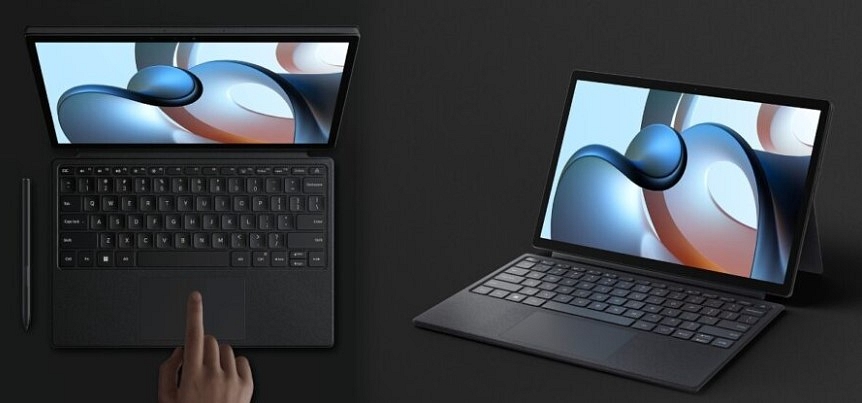
The entire specifications of the Xiaomi Book Air 13 has been revealed by the Chinese e-commerce platform. As per the website, the Xiaomi Book Air 13 will be launched with an OLED display. The screen size mentioned is 13.3-inches and the resolution tipped is 1800 x 2880 pixels.

The Xiaomi Book Air 13’s display will have an aspect ratio of 16:10 which is a standard figure. The notebook will come with 12mm thickness and will weigh around 1.2 kgs. Under the hood, the Xiaomi Book Air will be using an Intel Core U series chipset. This laptop like previous Xiaomi notebooks will be available in multiple variants.

The laptop will be available with a Core i5-1230U chipset that will deliver up to 4.7GHz maximum clock speed and a Core i7-1250U chipset with up to 4.4GHz models. These chipsets will have 12 threads and 10 cores cluster. The JD.com listing has also given insight into the laptop’s ports and connectivity options.

The Xiaomi Book Air will come integrated with thunderbolt ports, Wi-Fi 6E, and Bluetooth 5.2 UI. The device will be available with 58.3Wh and 65Wh battery capacity. Xiaomi has not yet confirmed the exact availability details of the Book Air 13 in India and also kept the pricing details under wraps. But we should get some details post its China launch.

Categories
Apps Featured How To

Instagram Tips And Tricks: How To Reply To Any Reel Comment With Another Reel Video On Android, iOS

With Instagram, social media usage has seen a substantial boost in the past few years. The Meta-owned messaging platform has become a personal favorite for content creators and not just the general audience. The app started its journey as a photo-sharing platform for the audience but has incorporated multiple other services and features in the last few years.

Besides photo sharing, Instagram also has expanded its capabilities for direct messaging and sharing short format videos called Reels. The latter emerged as one of the best substitutes for TikTok faced a blanket ban in India due to its China links.

Also Read: 100 Best Instagram Boys Name With Alphabets M To Z100 Best Instagram Name Ideas For Graphic Designers

Instagram Reels is now one of the quickest ways for social media influencers to earn fame and also get monetary benefits out of the content they generate. Instagram Reels is a full-fledged service that lets you make short videos with multiple audio-video effects. You can also remix your Instagram Reel video with other Reels to enhance effects.

Also Read: 100+ Best Catchy And Unique Instagram Names For Your Pets

We already have shared the steps with which you can remix your Instagram Reel video and share it with the desired audience. In this article, we are sharing another handy feature with Reel on Instagram that will improve your experience with its usage. Just for reference, Instagram lets you comment on a Reel video with another Reel video.

This improves your user experience with the Reels video option on Instagram. But what all steps would you need to perform in order to reply to a Reel with another Reel? Below is the step-by-step guide:

Also Read: 100+ Best Instagram Names For Boys

How Can You Comment Instagram Reel Video With Another Reel Video

When you share any Reel video on Instagram, you can reply to user comments with a video or a new Reel. When you use this option, the reply or the reel that you are commenting on will be in the form of a sticker with the commenter’s username as well as a profile picture.

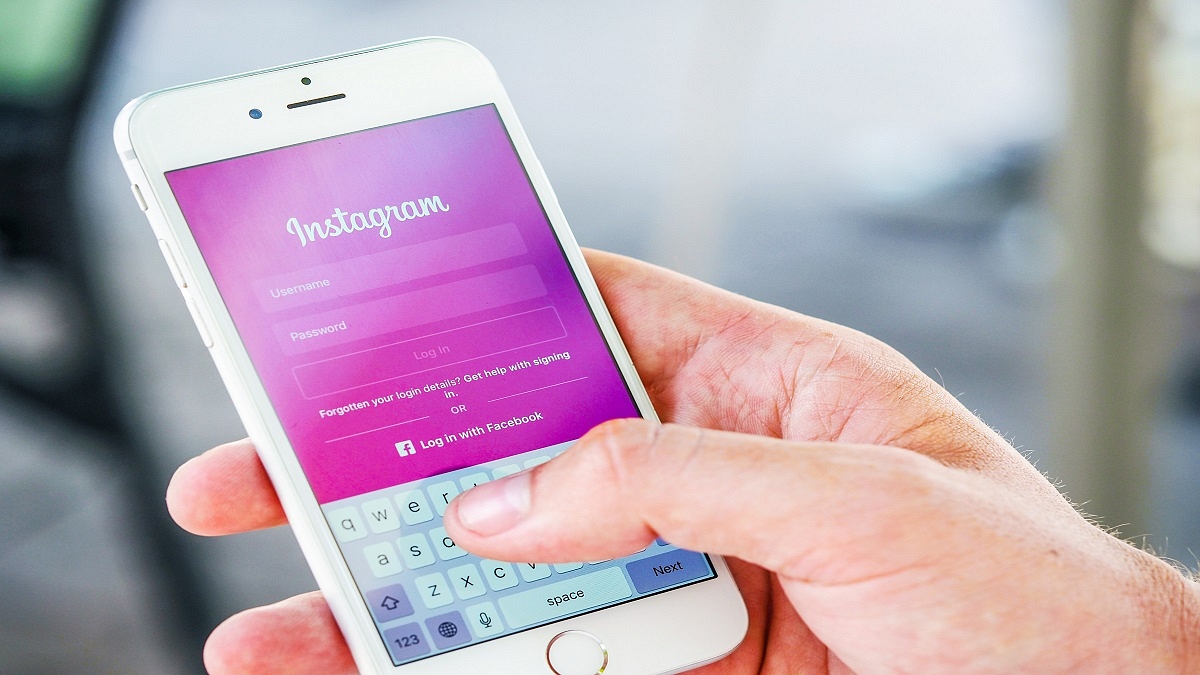
Step 1: Launch the Instagram application on your Android smartphone or iPhone.

Step 2: Open the Reel video and then go to the comment to which you wish top reply with another Reel.

Step 3: Now, click on the Record option placed at the bottom left. You will now be able to select the video from the gallery or the camera roll. Additionally, there is also a Green Screen option that lets you record a fresh reel with a different background.

Step 4: Click on the comment sticker with which the background color will change.

Step 5: Tap and hold the sticker and drag to adjust.

Also Read: Instagram Stylish Name And Bio: How To Write Instagram Profile Name And Bio With Stylish And Cool Fonts

Step 6: Click on the Next button.

Step 7: Make the required editing.

Step 8: Tap Next again.

Step 9: Hit the Share button to finish.

Also Read: Need A Cool Instagram Boy Name? Top 100 Instagram Boys Name With Alphabets A To L

Categories
Featured Info mobile

Realme 10 Series Global, India Launch Confirmed For November 2022; Expected Price

Key Highlights

Realme 10 Series officially teased

Launch confirmed for November 2022

Display, Design, Performance Upgrade Tipped

Curved Display variant also launching

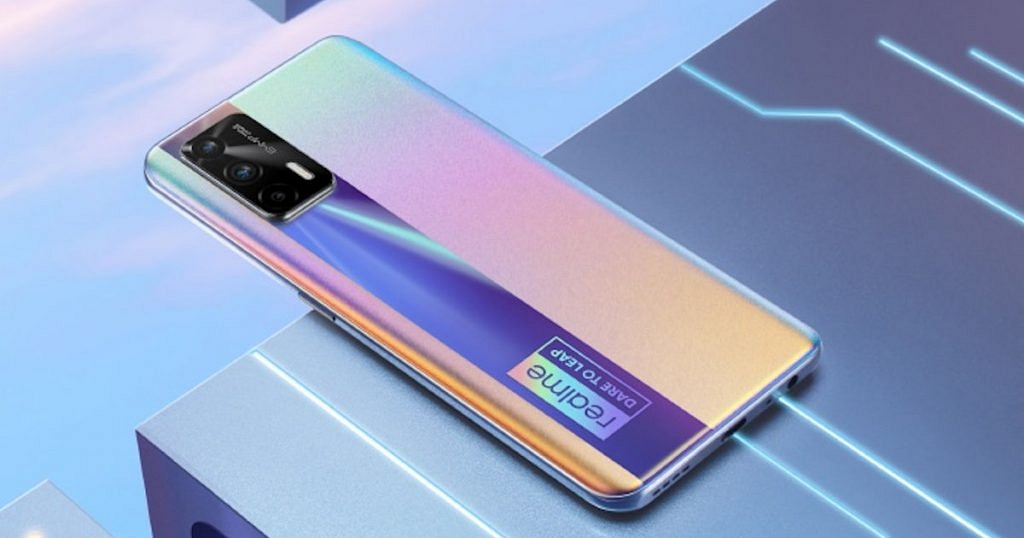
Realme is all set to strengthen its portfolio in the budget smartphone industry with the launch of a new lineup. The brand is now prepping up to introduce the successor of its popular Realme 9 series. Called the Realme 10, the new lineup will be launched with multiple models including the Realme 10 Pro and the Realme 10 Pro Plus. A number of leaks have already surfaced detailing the key features of both these aforementioned models. Now, the brand itself teased the official launch slated for next month.

Realme 10 Series Official Launch Happening In November 2022

The Realme 10 series upcoming launch has been tipped by the brand’s official Twitter handle. Separately, Madhav Sheth has also tipped the upcoming Realme 10 series launch via his official Twitter handle. The teaser shared on the microblogging website reads, “the 3 major leap-forward technologies are Performance, Design & Display. The new #realme Number Series will be launched in Nov!!”.

While the official teaser confirms the arrival of the Realme 10 series next month in November, there is no information available as to which all models will be released first. With just a few weeks remaining for November, we can expect some more details to surface soon.

Going by the rumors, the Realme 10 series is likely to break covers in the first week of November 2022. We might see the new Realme phones to debut on November 5 in China and the availability in India and other markets could follow. But this suggested date is an anticipation based on the recent leaks and rumors and the exact timeline could differ.

Realme has also teased what all upgrades we can expect from the upcoming Realme 10 series. The brand has tipped three main features including design, display, and performance. This hints we might see an improved display panel and chipset configuration with the new series.

Realme could also release one of the models (likely the high-end variant) with a curved display. That’s one of the major design upgrades we expect Realme to bring along with the new lineup.

Realme 10 Series Expected Pricing Details

Realme has not revealed any details related to the pricing of the Realm 10 series phones. But, we are expecting the Realme 10 series to be priced within Rs. 15,000- Rs. 25,000 price range. That’s our speculation and the actual pricing could vary. If we speak of the leaked hardware.

Also Read : Realme 10 Pro 5G, Realme 10 Pro+ 5G With 108MP Camera, 67W Fast Charging Official Announced: Price, Expected India Launch

Categories
Apps Featured Info

WhatsApp Image Blur Tool To Enhance User Privacy: Update Coming Soon

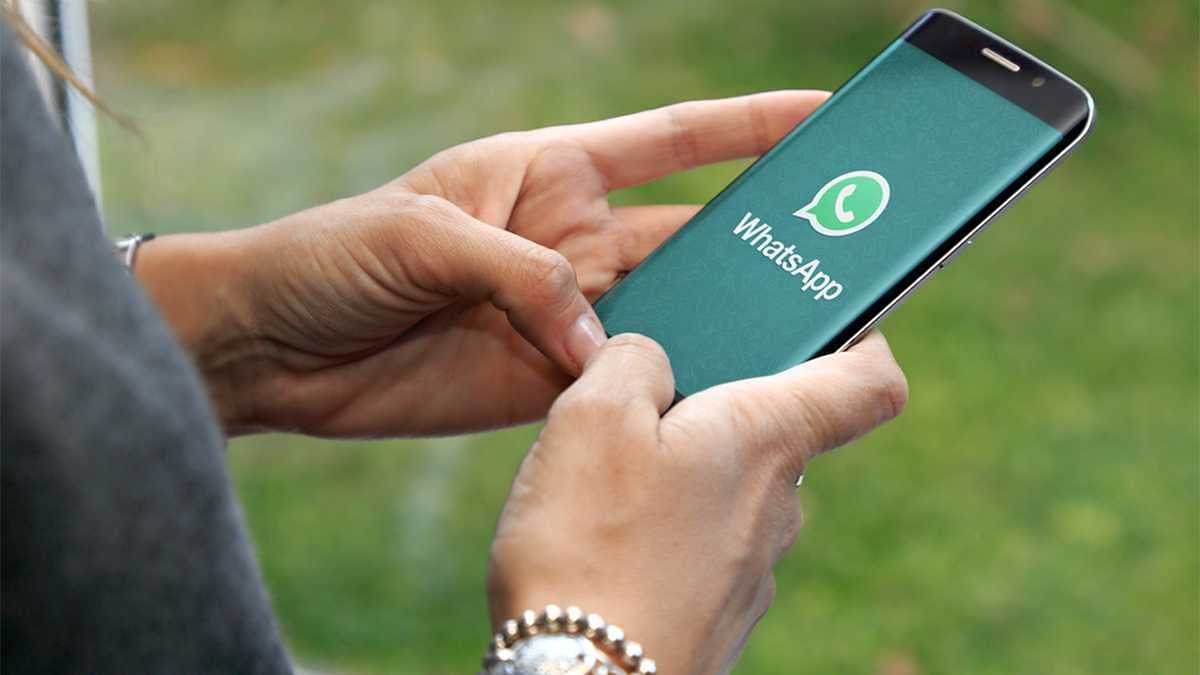
WhatsApp has been consistently upgrading its messaging services and releasing new features for the masses using Android and Apple smartphones. Even since Meta acquired WhatsApp, we have seen some major upgrades with the privacy as well as messaging features. The company is now testing a new feature with which users will be able to blur images. The new tool is expected to be released for the audience on a mass scale in the coming months. Here are the developments:

WhatsApp Image Blur Tool Coming Soon Via OTA Update

WhatsApp is reportedly working on a new image blur tool that will be made available to both Android as well as iOS users. WaBetaInfo has confirmed this development. As per the report shared, WhatsApp will be releasing two blur tools with which an alternate blur effect can be added to the images.

WhatsApp is well known for its privacy-oriented messaging services. With this new feature upcoming, user privacy will be further enhanced. Using this blurring feature, users will be able to hide sensitive details and information to keep their privacy intact. Users will be able to adjust the blur levels using this tool.

Not only the intensity of blur could be adjusted but also the size of the blur can be set as per requirement. The image blur tool will also let users to choose the granular effect’s precision which will further improve the security aspects. This new feature will be handy for the audience who wishes to secure sensitive information in a neat and clean manner.

WhatsApp has apparently developed this new tool and has started with its testing. The feature is currently made available only for WhatsApp beta users. As mentioned earlier, we are expecting WhatsApp to release this new image blur tool feature for both Android and iOS ecosystems. But it is not clear by when. There are possibilities that WhatsApp also extends this image editing feature to the Web version as well.

WhatsApp will be releasing an OTA update that will add this feature to the Android and iOS apps. We are keeping an eye on the development and will keep you posted with its availability details.

Categories
Featured How To TV

Audio Not Playing With Recorded Videos On Realme Phones? Here’s The Fix

Realme has lodged its name in the smartphone industry as a popular budget player. The Chinese OEM started its journey as OPPO’s subsidiary but later established itself as an independent brand. In a short span, Realme has created a challenging ground for other prime players with its smartphone lineups. For the budget audience, the company has the Realme C and the Realme Narzo series, while for the gaming audience it has launched the GT series.

Realme smartphones are known for their all-around performance under budget. All the models for the lineups mentioned above deliver a good experience with general usage and multimedia playback. You can look out for certain models with large and multiple camera sensors if you wish for a premium photography experience. And for high-end gaming, the Realme GT series is to vouch for.

The top-tier Realme phones packed with a potent camera setup also offer multiple-inhouse features for an enhanced photography experience. The Chroma Boost, Night mode, and AI enhancer are some of the best camera features you get with Realme Phones. Video recording is also good with all Relme handsets.

The stabilization factor is also top-notch with Realme phones’ cameras which is why Realme phones are one of the first preferences for budding social media content creators. You also get advanced video recording features such as time-lapse and slow-motion video recording.

While video recording is a premium user experience, a common issue is highlighted by users. We are speaking of the no audio issue with video recording. How can you quickly fix the no audio with videos recorded using a Realme phone’s camera? Read on the troubleshooting steps here:

How To Resolve No Audio Issue With Videos Recorded By Realme Phones

Step 1: The first step is to check the media sound volume. Make sure the media volume is not off.

Step 2: Check the media volume is audible with video playback. Turn up the volume levels to the max.

Step 3: Now, open the recorder on your phone and record any audio. This is to check if the phone’s speakers are working fine. If the volume is playing without any issues, the video you have recorded might have been corrupted.

Step 4: Record a new video and check if the audio is playing fine. If not, try cleaning your speakers and rebooting your phone.

Step 5: After rebooting the handset, play any general video file from the device gallery and see if the audio is playing. If not, the issue could be with your phone’s speaker. You would need to visit the service centre and get the issue fixed.

Categories
Tech Gadgets

OnePlus TV Display Issues? How To Fix OnePlus Smart TV Display Errors Easily

OnePlus has invested majorly in the smartphone business and has been delivering a premium user experience with its Android phones at a reasonable budget. The Chinese firm is gradually expanding its product portfolio and adding up devices such as audio accessories, smart wearables, and even smart TVs.

OnePlus has launched two different smart TV lineups for audiences across the globe and India. The OnePlus TV U1 and OnePlus TV Y1 series smart TVs are taking care of the large screen requirements of all categories of audiences in India. OnePlus is ensuring its smart TVs are equally premium as its smartphone series and is embedded in all the latest gen hardware for the same.

OnePlus TV lineups deliver a rich viewing experience with their high-resolution display panel and powerful audio setup. You also can easily access several pre-loaded third-party streaming and other apps on OnePlus smart TVs. OnePlus TV U and Y series is also equipped with features such as HDR10 and HDR10+, Dolby Vision, and more that enhance the entire viewing experience.

You get a theatre-like experience from the comfort of your home with OnePlus smart TVs. If you own a OnePlus Android TV, you can easily binge on your favorite TV show or movies in FHD resolution on dedicated streaming apps such as Netflix, Amazon Prime Videos, and others. If you own a OnePlus smart TV, you must know all the troubleshooting steps so that you don’t have to pay frequent visits to service centres in case of general issues.

The display issues are one of the most common with any smart TV be it OnePlus or any other brand. Take, for instance, screen flicker, blurred pictures, backlight without display issues, and others. How can you quickly resolve any display issue with the OnePlus smart TV? We have listed the steps below:

How To Fix OnePlus TV Display Issues At Home

Step 1: Power on your OnePlus smart TV.

Step 2: Go to the Settings menu and select Picture option.

Step 3: Tap on “Reset Default picture settings”.

Step 4: Go back to the home screen and check if the problem is resolved. If the issue isn’t fixed follow the next step.

Step 5: If the issue encountered is with a specific app, go to the Apps section from the Settings menu.

Step 6: Select the app with which there is an issue and click “Clear data”.

Step 7: If the issue stull persists and you think its with any external device than restart the both TV and the external source to fix the display issue.

Categories
Featured Info Tablet TV

Flipkart Diwali Sale Final Deals: List Of Best Smart TV, Smartphone, Tablet Under Rs. 10,000

The festive season in India is at full swing and we have all the major e-commerce retailers making its special for us by offering lucrative deals on a wide range of consumer products. Flipkart and Amazon are hosting Diwali sales on their respective platforms. You can head to both these inline retailing platforms and grab deals on smartphones, tablets, laptops, audio and digital accessories, smart TVs, and more.

The Diwali special sale on Flipkart and Amazon is at its final run, so you should hurry and buy the best gift for your loved ones or yourself. We have curated a list of some of the best deals available on Flipkart that you should consider this Diwali. If your budget is under Rs. 10,000, you should check out this list.

Flipkart Diwali Sale Offers

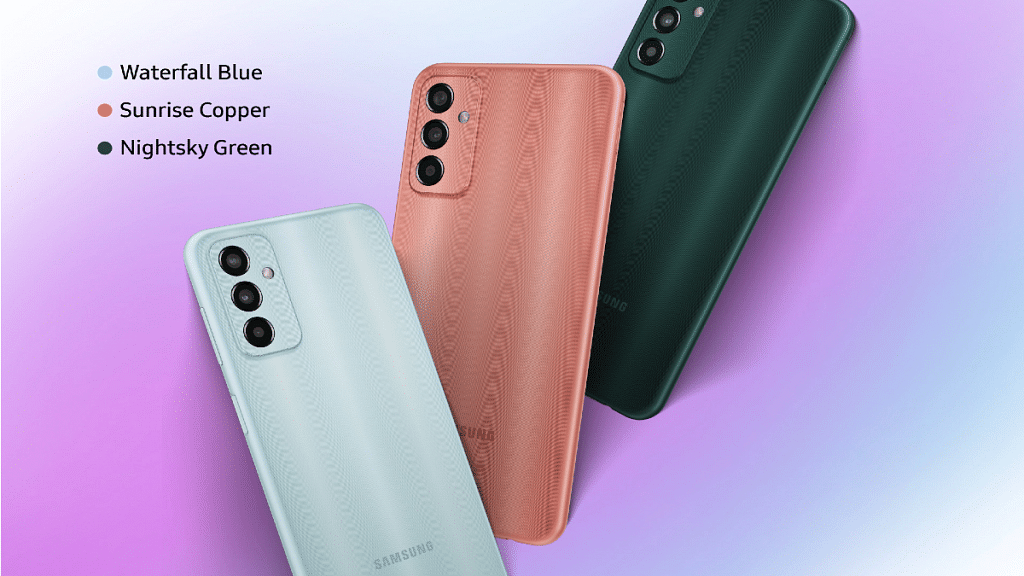
Samsung Galaxy F13 Diwali Offer

Pros

Sub Rs. 10,000 price tag for the base variant

6.6-inch FHD+ display

50MP triple rear cameras

6,000 mAh battery with 15W fast charging

Cons

Limited period discount offer

Smartphones makes for the best gifting option be it any occasion; specifically mid and premium mid-tier phones. The Samsung Galaxy F13 which is high-end mid-range phone is a good option that you can buy during Diwali sale on Flipkart. The Galaxy F13 128GB storage model is retailing at a discounted rate of Rs. 10,499, while the base model with 64GB storage is available at just Rs. 9,499.

The sub Rs. 10,000 starting price for an Android phone powered by Exynos 850 chipset makes it a good pick. At this special price, you also get a 50MP triple rear camera setup, a large 6.6-inch FHD+ display, and a massive 6,000 mAh battery unit along 15W fast charging.

Buying Link

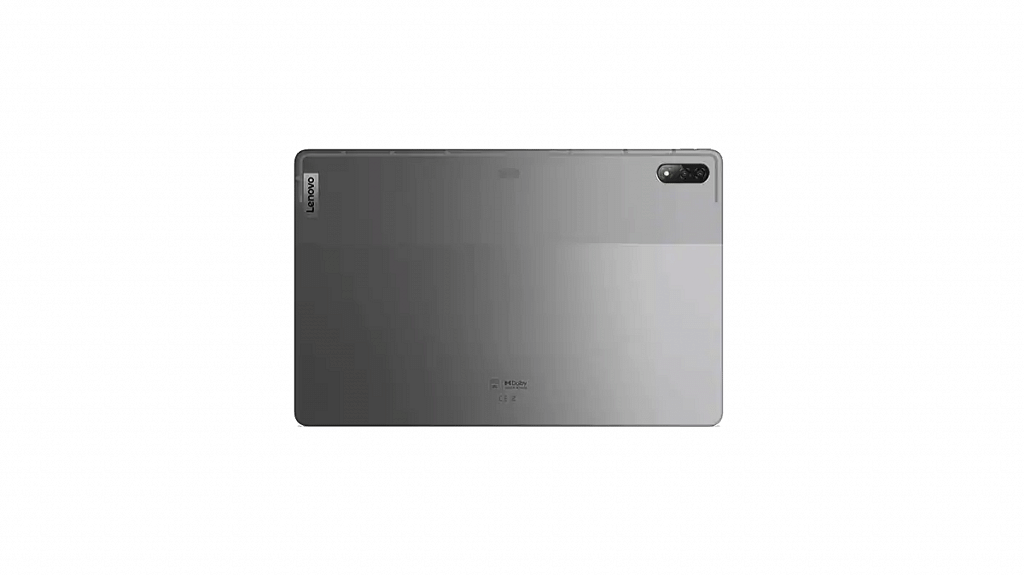
Lenovo Tab M7 Android Tablet Diwali Sale Flipkart

Pros

Starting price of Rs. 7,999

Tall 7.9-inch display with 600 x 1024 pixels

Cons

Smaller 3,950 mAh battery

The Lenovo Tab M7 is another good deal that you can grab during Diwali this year. The budget Android tablet is available starting at Rs. 7,999 on Flipkart.

This is a Diwali discount offer of Rs. 2,000 in addition to which you can also grab up to Rs. 7,400 exchange bonus, no-cost EMI offers, and more offers on Flipkart. The Lenovo Tab M7 flaunts a 7.9-inch display with 600 x 1024 pixels resolution, up to 2GB RAM, and 32GB storage. A 3,950 mAh battery rounds off the spec-sheet.

Buying Link

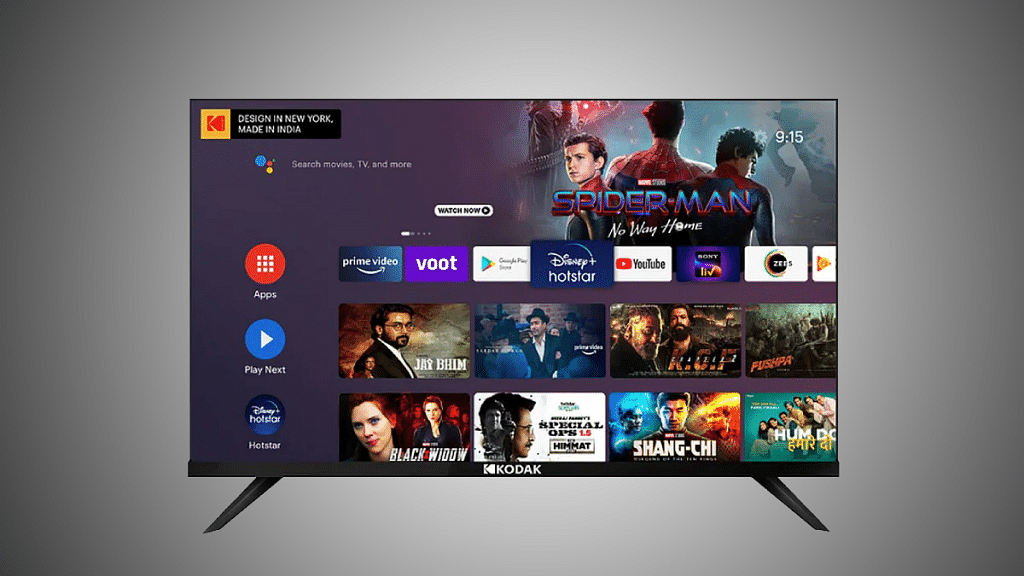
Kodak 7XPro Series 32HDX7XPRO 32-inch HD Ready LED Android TV Under Rs. 10,000

Pros

Special discount price of Rs. 8,999

32-inch LED TV with 1366 x 768 pixels HD+ resolution

Loud 24W audio output

Cons

No in-built Netflix app

Adding on to another budget product to the list is the Kodak 7XPro series 32HDX7XPRO 32-inch HD Ready LED Smart Android TV. You can buy this 32-inch LED TV at just Rs. 8,999 this Diwali from Flipkart.

The under Rs. 20,000 price label makes it the best buy option in the smart TV segment during this festive season. This TV is also available in 40-inch and 43-inch screen sizes. The TV delivers around 768 x 1366 pixels screen resolution and offers 24W audio output.

Buying Link

Categories
Apps Featured Info

WhatsApp Customised Avatar For Profile Pictures, Video Calling Arriving Soon

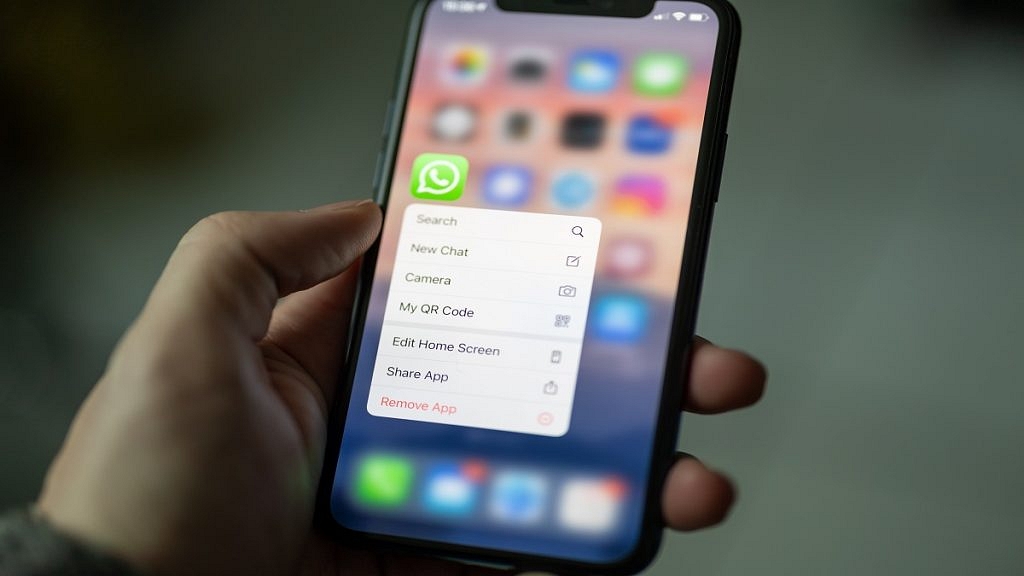
WhatsApp has been testing numerous features for its instant messaging platform. The Meta-owned messaging service is consistently getting updated with a new set of user-oriented tools and services to enhance the messaging experience. The brand was earlier reported to be working on a new option to use personalized Avatars as profile pictures. Seems like this option has finally entered the last testing phase and could soon be available for the audience in large scale. The details are as below:

WhatsApp Profile Avatar Feature Rolling Out Soon

WhatsApp has been testing the Avatar feature for the masses. The feature has been rumored to be in the development phase for a while. However, it has now entered the testing phase. The messaging giant has been testing the new avatar sticker feature with the WhatsApp Beta version for Android.

A new report by WaBetaInfo suggests this new customized Avatar sticker feature is currently being tested with Android 2.22.21.3 beta build. Previously, the WhatsApp Android with the firmware beta build 2.22.15.5 was seen with this new messaging feature.

This hints WhatsApp has fixed the unwanted bugs and issues with this feature and is closer to releasing the stable version. As of now, WhatsApp has not announced when the stable update will be released that will add the personalized emoji sticker option to the Android ecosystem.

It is also not clear by when WhatsApp will be extending this feature to iOS users. But we can expect the availability of this feature in the coming months for both Android and iOS users. Once this new update is released, WhatsApp users will be able to use personalized stickers as not only profile pictures but also the same avatars can be used during video calls.

Also, this new Avatar version will be distinct from the current one, and with this users will create their own Avatar from within the app itself. The avatar feature will let users create their iteration of avatar stickers in different styles and expressions.