As the Assistant Editor, Sandeep is generating tech-oriented content and also monitoring the content published on the website. He has over six years of experience in tech journalism and has expertise in product reviews, news articles, listicles, and media campaigns.
Android 13 OS with OneUI 5.0 interface will be pre-installed
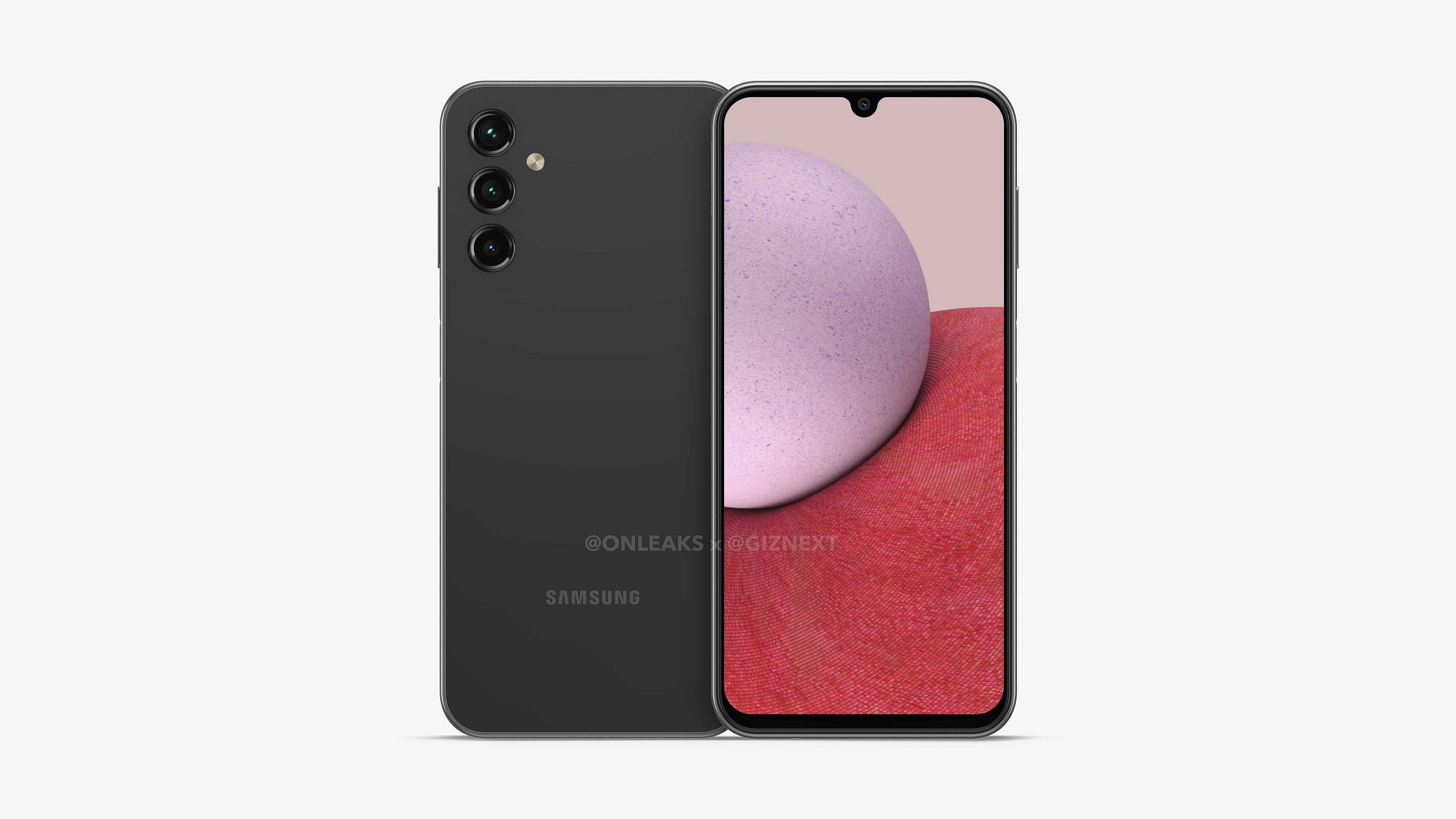
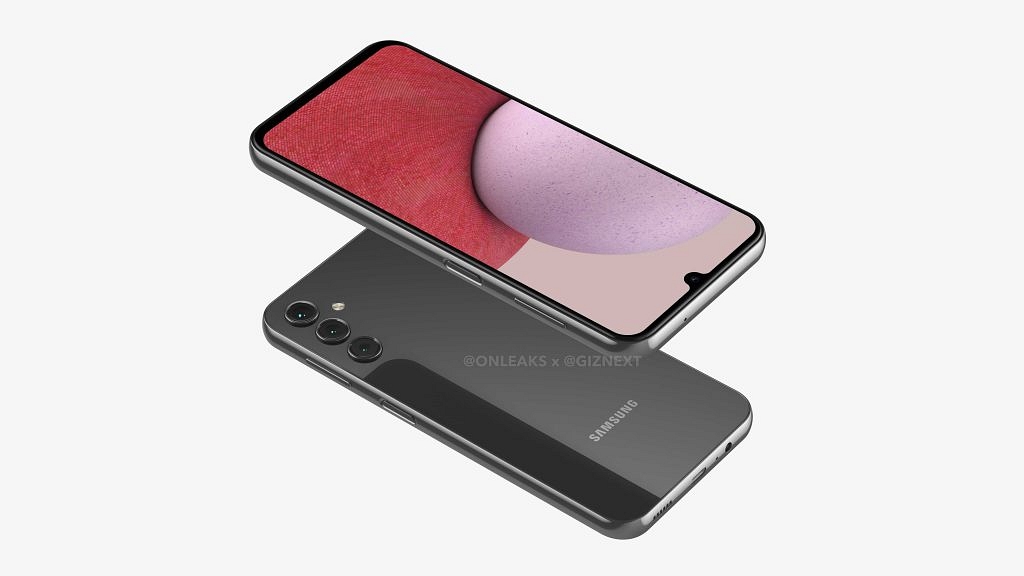
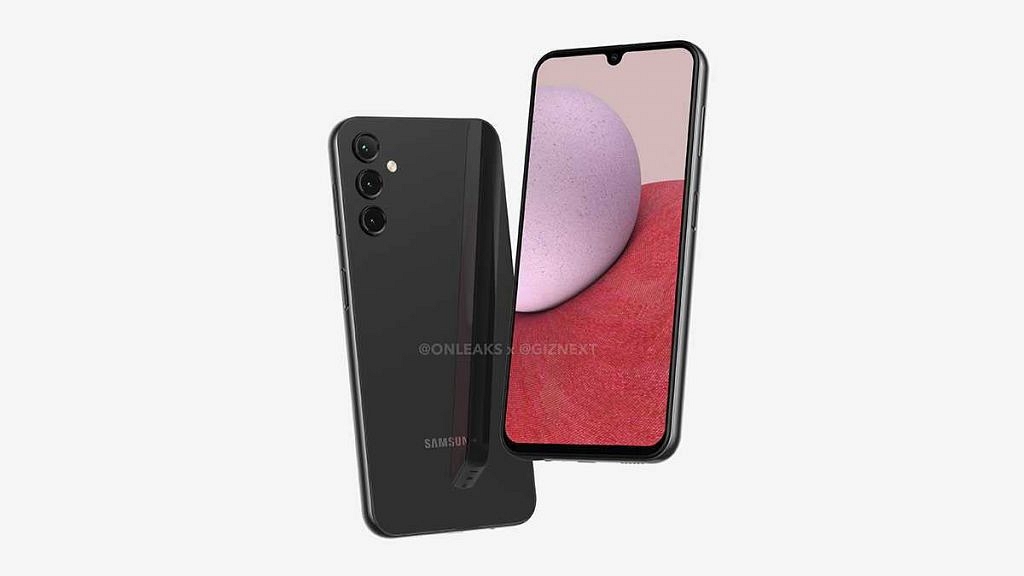
Samsung Galaxy A series is getting a new member soon. The South Korean tech giant is now working on the Galaxy A14 for the global audience which will be a budget-friendly option as its successor, i.e, the Galaxy A13. We earlier leaked the exclusive 5K renders of the Galaxy A14 which revealed its design in full glory. Now, the device has cleared its certification from one of the mobile authentication platforms which hint at its imminent launch.
Samsung Galaxy A14 Certified
The Samsung Galaxy A14 has been listed on the Wi-Fi Alliance certification website. The device has been spotted with the SM-A146P model number. Unfortunately, the mobile authentication website hasn’t revealed much related to the hardware features. The only information revealed by the website is dual-band Wi-Fi support.
The Galaxy A14 will ship with both 2.4GHz and 5GHz Wi-Fi. The device will ship with Android 13 OS which would likely be combined with a custom One UI 5.0 interface. The Samsung Galaxy A14 will flaunt an Infinity-U display with thin side bezels if we speak of the other details. The panel will have a thicker chin bezel.
Samsung will be using a 6.8-inch display which probably will be an IPS LCD screen supporting a 1080p FHD+ screen resolution. It is currently unknown if the panel will support a standard 60 or 90Hz refresh rate.
The Galaxy A14’s rear panel will have three camera sensors. The camera specifications are not known at this point. But the rumor mill hints at a 50MP triple rear camera module. We are not aware which chipset Samsung will be using to power the Galaxy A14. Also, it remains to be seen if the device will be launched with just 4G network support or 5G as well.
Considering its predecessor is also available in both 5G and 4G models, we can expect the same with Galaxy A14 as well. The handset will have power and volume rockers on the right spine, whereas the latter will also be used as a fingerprint scanner. The device will also feature a 3.5mm headphone jack and a USB Type-C port. The battery capacity could be around 5,000 mAh or above.
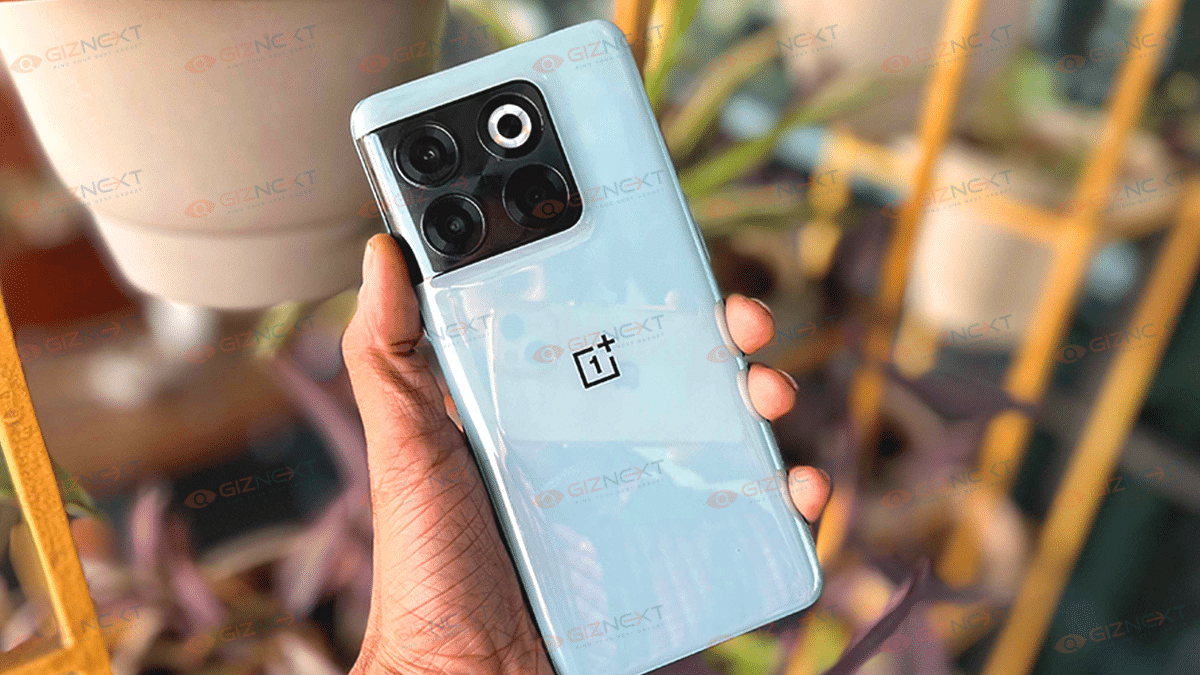
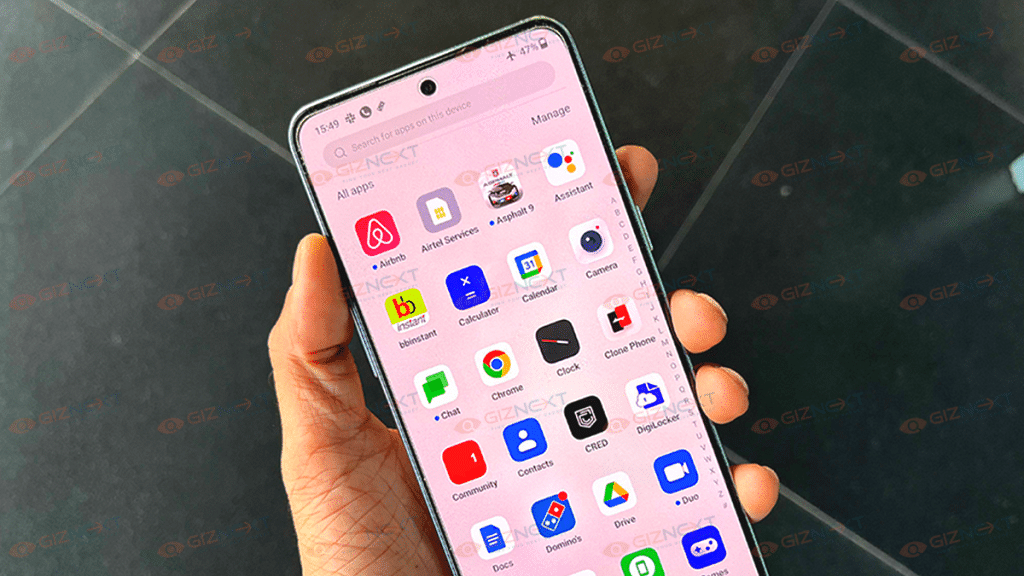
Oneplus has been upgrading with the latest innovations so that its premium phones deliver the best-in-class viewing experience. The OnePlus 10T is one of the latest examples of a OnePlus handset with flagship-grade hardware. The premium Android phone comes with an asking price of Rs. 49,999 in the country. You get the base model with 8GB RAM and 128GB storage at this price tag.
The OnePlus 10T is one of the most potent Android phones powered by the latest Snapdragon 8+ Gen 1 processor. OnePlus has been rattling the flagship industry with its offerings, the OnePlus 10T also comes with the same promising performance. How well does the OnePlus 10T fair in daily life scenarios? Let’s find out in this review video:
Pros
New-generation Snapdragon 8+ Gen 1 chipset
Quick and accurate under-screen fingerprint scanner
Good cameras
Ultra-fast 160W fast charging
Cons
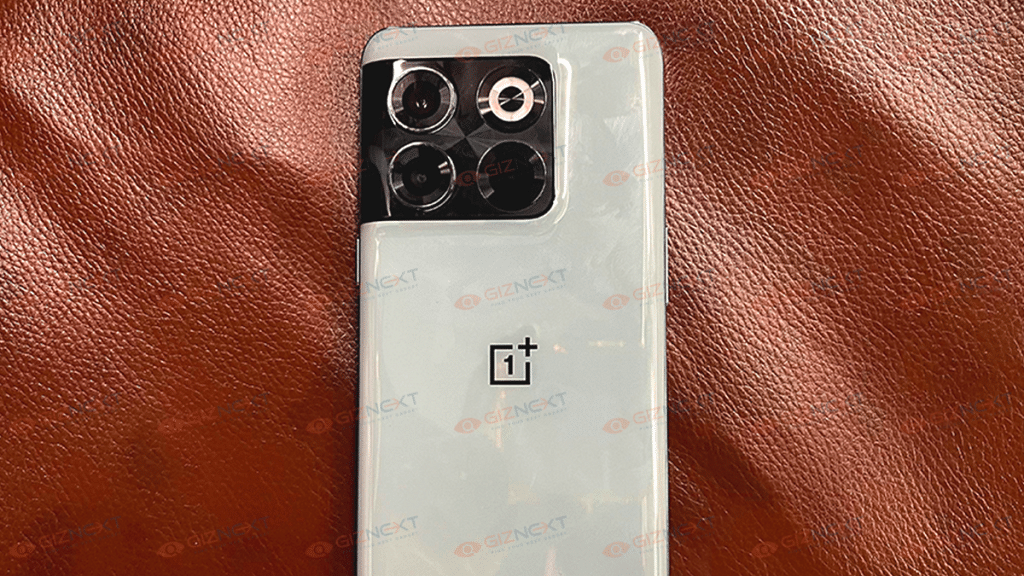
Glossy back panel accumulates dirt easily
Larger camera sensors would have been appreciated
How Does The Display Perform?
OnePlus phones have been a visual treat right from the beginning. And Oneplus has been upgrading with the latest innovations so that its premium phones deliver the best-in-class viewing experience. The same applies to the OnePlus 10T as well. The top-of-the-line OnePlus T series phone also delivers an immersive visual experience with its massive 6.67-inch FLUID AMOLED display.
You get deeper blacks and vivid output each time you turn the screen on. The display quality gets better with the HDR 10+ certification and 120Hz refresh rate which further helps with fluid touch response. If you are a frequent OTT media consumer, the OnePlus 10T’s display isn’t going to disappoint you.
Even if you are outdoors and plan to watch any random video or movie, you would have no struggles with the brightness levels. The panel is super responsive outdoors which works in its favor. During our usage period, we played numerous high-resolution videos on YouTube, Netflix, Amazon Prime Videos, and other portals and have been totally impressed with the OnePlus 10T’s display performance.
Overall Performance
Moving on to the hardware performance, the OnePlus 10T is amongst the first few Android phones powered by the octa-core Snapdragon 8 Plus 1 Gen chipset. Now, you have a premium handset backed by the most advanced mobile chipset. So, expecting a lag-free user experience throughout is only fair. The OnePlus 10T is blazing fast with all tasks and can easily deliver the best performance you can expect from any high-end device.
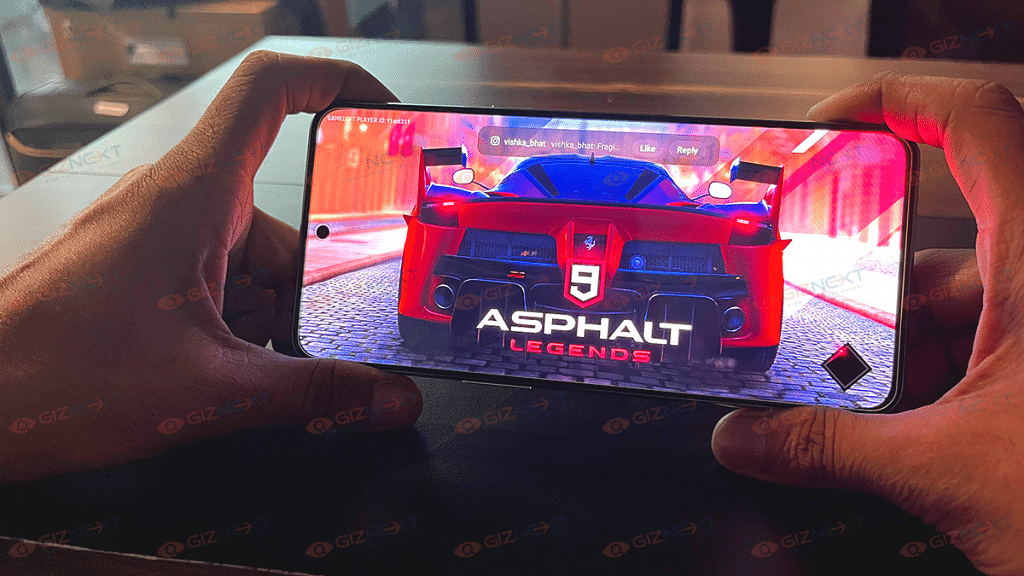
Of course, gaming performance is also top-notch with the OnePlus 10T and we have been hooking up to our favorite gaming titles extensively without any worries about glitches on the screen. OnePlus also provides multiple variants of the OnePlus 10T. You can select the handset with up to 16GB RAM and 256GB UFS 3.1 storage capacity. Go for the high-end models if you wish to stay hassle-free of multitasking and storage crunch issues. The latest 5G chipset also ensures the handset offers better internet speeds and connectivity.
Camera Performance
The imaging setup on the OnePlus 10T has a 50MP main sensor with an f/1.8 aperture. The primary sensor supports PDAF and OIS. The large camera sensor takes in more light and captures images with a high level of clarity. Aiding the primary sensor is an 8MP sensor which is a wide-angle lens with 120 degrees Field of View and another 2MP sensor with an f/2.4 aperture.
Now, we were expecting OnePlus to slightly upgrade the camera hardware with the OnePlus 10T. That’s considering the 10T is an upgraded model and the flagship phones in this range offer better camera hardware. Now, we aren’t complaining about the camera quality, but larger sensors would have made it a better deal.
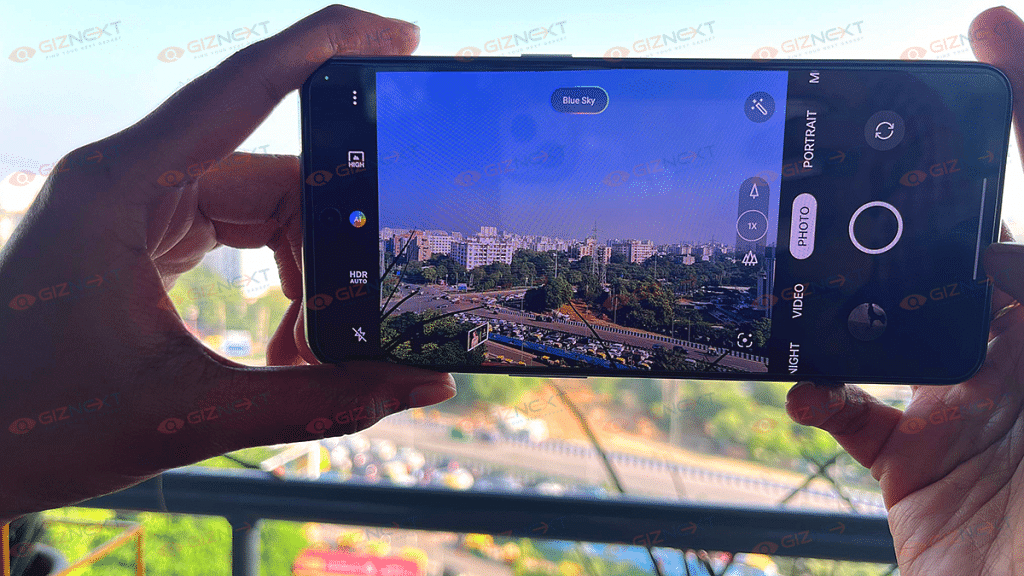
That’s also considering the high-end Android phones in this price bracket have a bigger main camera or secondary sensors. Daylight shots are good. The clarity levels and colors aren’t compromised if the background has decent light levels. The dynamic range is high and the edge detection is also good with daylight photos. Of course, you can make use of the additional shooting modes to enhance the imaging quality. Night shots are also good.
You see less noise and distortions with the images captured using the dedicated night mode. The camera performance with video recording is also good. The stabilization levels are decent when you record any video using the OnePlus 10T. The selfie camera performance is at par with the competition. The 16MP selfie snapper makes sure you get a decent output for all social media posts.
Battery Backup
Under the hood, a 4,800 mAh battery drives the OnePlus 10T. The 160W fast charging support is definitely the positive hardware aspect. It feels like a blink of an eye and the handset is charged over 50 percent. Expect over six hours of backup with a single charge and the refueling time under 10 minutes.
Final verdict
OnePlus 10T makes for the best deal if you want a powerful handset with the latest hardware features including the Snapdragon 8+ Gen 1 chipset and a Fluid AMOLED panel for your binge-watching sessions.
This handset is efficient with all tasks and you can expect a rich gaming experience and a swift multitasking experience. The OnePlus 10T makes for a good buy if you are considering the price segment under Rs. 50,000 (asking price for the base model).
Qualcomm has released several Snapdragon chipsets for mid and premium mid-tier Android smartphones. The brand is now replacing the older chipset lineups with new models ensuring power delivery is at its peak. The Qualcomm Snapdragon 750G is one of the best chipsets from Qualcomm which drives gaming-oriented phones.
Another popular chipset from the brand is Snapdragon 732G chipset for game-centric phones priced in the affordable segment. We have done several chipset comparison articles pitting processors from MediaTek, Qualcomm, Exynos, and Apple. In this article, we are comparing the Snapdragon 732G and the Snapdragon 750G’s CPU and GPU performance.
Qualcomm Snapdragon 750G Vs Snapdragon 732G: CPU Performance
The Qualcomm Snapdragon 750G chipset has an octa-core CPU cluster with an ARMv8.3-A Instruction set. This chipset is designed using an 8nm fabrication process. The core clusters comprise two Cortex-A77 Cores clocked at 2.2GH and six Cortex-A55 cores clocked at 1.8GHz. The frequency range is 2200MHz.
The octa-core Snapdragon 732G chipset is also fabricated using an 8nm process like the Snapdragon 750G chipset. The frequency range with this chipset is 2300MHz and the octa-core cluster has dual octa-core Cortex-A76 cores and six Cortex-A55 cores.
Qualcomm Snapdragon 750G Vs Snapdragon 732G: GPU Performance
The Qualcomm Snapdragon 750G has Adreno 619 GPU integrated for graphics. On the contrary, the Snapdragon 732G also uses Adreno 600 series GPU; Adreno 618 GPU for graphics. The former delivers around 825MHz frequency range, while the Snapdragon 732G has around 810MHz frequency range. The execution and shading units are 2 and 128 respectively.
Snapdragon 750G Vs Snapdragon 732G: Memory, Multimedia (ISP)
The Qualcomm Snapdragon 750G and the Snapdragon 732G ship with LPDDR4X RAM support. The memory frequency is around 2133MHz with the Snapdragon 750G and 1866MHz with the Snapdragon 732G chipset. The maximum memory compatibility is 12GB with the former and 8GB with the Snapdragon 732G. The storage type is UFS 2.1, UFS 2.2, and UFS 3.0 with the SD 750G, whereas, the SD 732G has eMMC 5.1 and UFS 2.1 storage.
The maximum display resolution supported by the SD 750G is 1080 x 2520 pixels and 1440 x 3360 pixels. The former offer 1 x 192MP, 2x32MP maximum camera resolution, and 1 x 192MP and 2x22MP. The video recording and playback is 4K@30fps and 4K@60fps respectively.
Smartphone and tablet OEMs have been launching 5G-ready handsets for the Indian audience
Numerous tablets now currently come with both Wi-Fi as well as LTE network support
India has also joined the 5G network bandwagon following all the delays and anticipations. PM Narendra Modi inaugurated the 5G services in India which is expected to replace 4G and 3G networks in the next few years. Smartphone and tablet OEMs have been a step ahead in this race and have been launching 5G-ready handsets for the Indian audience even before the services became active in the country.
And we aren’t entirely limited to smartphones capable of 5G network support. The new-generation tablets specifically premium mid-range and flagship-grade models are equipped with 5G-ready chipsets. You have numerous tablets that come with both Wi-Fi as well as LTE network support. But if you wish to buy a 5G-enabled tablet, you can check out this list.
Beefy 10,900 mAh battery unit with 45W fast charging
Cons
Standard TFT LCD panel instead of AMOLED or OLED display
Average display brightness
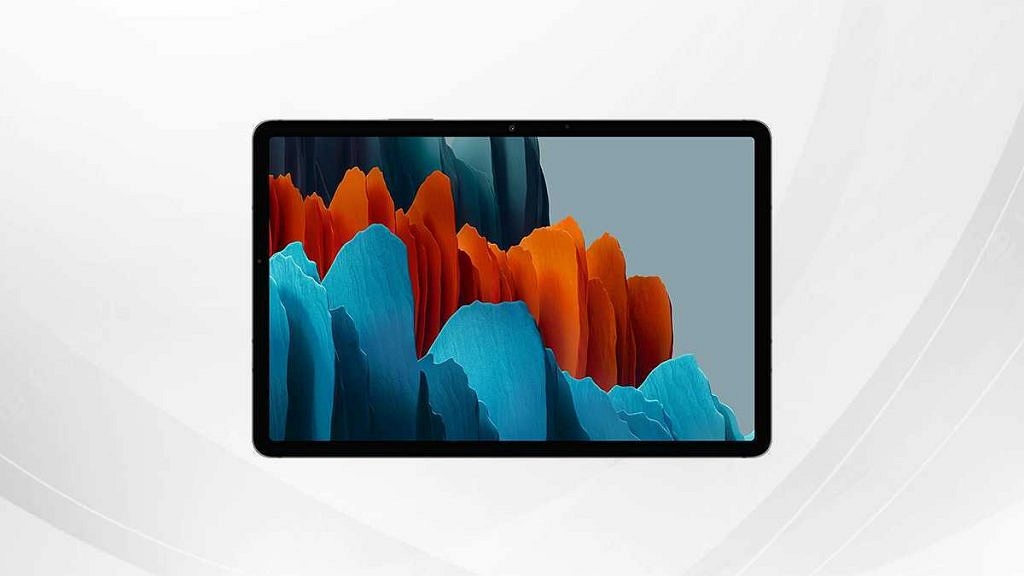
The Samsung Galaxy Tab S7 FE is one of the most popular Android tablets which supports both Wi-Fi and 5G network. The premium mid-tier Android tablet flaunts an 11-inch TFT LCD display with 274 PPI pixel density. The tablet supports a pixel density of 1600 x 2560 pixels and has single 8MP selfie snapper.
The tablet is powered by a 10,900 mAh battery unit with 45W fast charging. It is powered by the octa-core Snapdragon 750G chipset which has 5G network support along with up to 8GB RAM and 256GB storage configuration. This tablet can be purchased via Amazon and the official Samsung website at a starting price of Rs. 33,999.
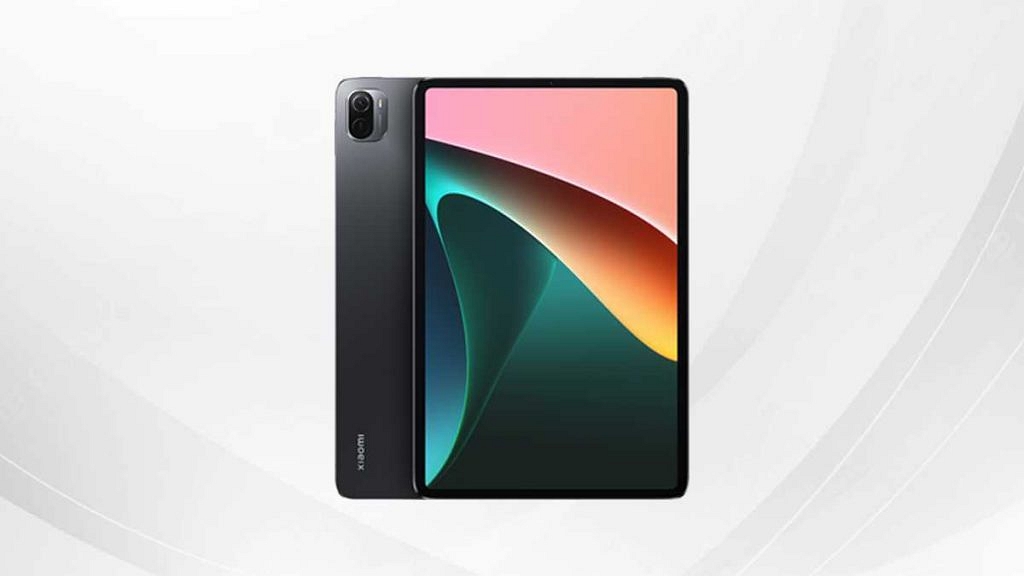
The Xiaomi Pad 5 Android tablet is one of the most affordable yet premium range tablets that have Wi-Fi as well as LTE support. You can consider this tablet if your budget is under Rs. 30,000 and compromising on performance aspects is what you wish to avoid.
The Xiaomi Pad 5 flaunts a 10.95-inch display that is a standard IPS LCD panel offering a WQHD+ screen resolution and 120Hz refresh rate. The imaging setup on the Xiaomi Pad 5 ships with a 13MP main camera that records up to 4K video recording.
The selfie snapper packed inside is an 8MP lens with an f/2.0 aperture. The octa-core Snapdragon 860 premium mid-range tablet offers reliable performance and also 5G network support. You can buy this tablet with up to 6GB RAM and 256GB native storage capacity. The tablet draws its power from an 8,720 mAh battery unit with fast charging support. This tablet can be purchased via both Amazon and Xiaomi India’s official website starting at Rs. 24,999.
Realme Pad X 5G Android Tablet
Pros
Affordable 5G-ready Android tablet
13MP big main camera sensor
Up to 6GB RAM and 128GB storage
Cons
Average selfie snapper
Hybrid microSD card slot
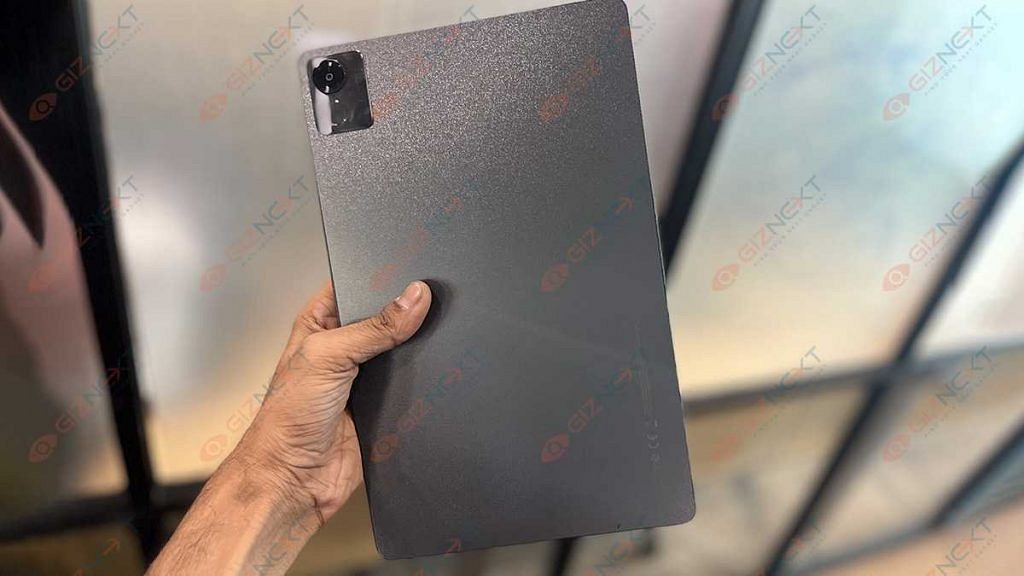
One of the latest Android tablets backed by a 5G chipset and is priced starting at around Rs. 19,899 in the country is the Realme Pad X 5G. You can buy this tablet via Flipkart and the Realme official India website. The Realme Pad X 5G tablet runs on the octa-core Snapdragon 695 5G chipset along with up to 6GB RAM and 128GB storage. The firmware pre-installed is Android 12 OS with Realme UI 3.0 interface.
The imaging setup on the Realme Pad X 5G tablet is the same as the Xiaomi Pad 5 featuring a 13MP main snapper with an f/2.2 aperture and 1080p@30fps video recording. Rounding off the spec sheet is an 8,340 mAh battery unit with 33W fast charging.
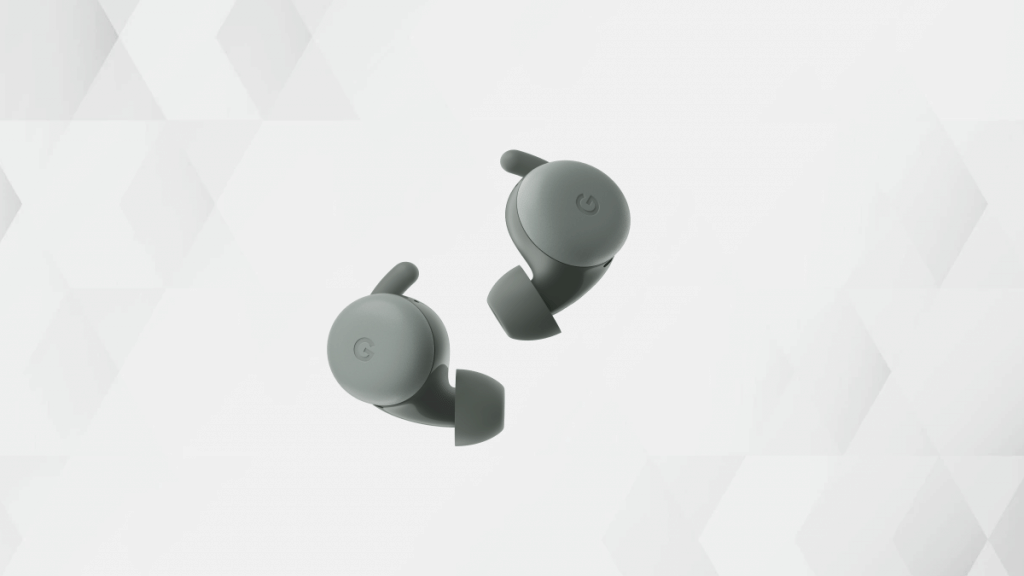
Google is amongst those tech giants that is catering to the audience globally with technological services and also products. Google is currently dominating the premium smartphone space with its Pixel series of smartphones that uses the in-house custom Tensor chipsets and Android firmware. Google has also marked its presence in other consumer electronics categories including audio. The Pixel buds TWS earbuds are Google’s answer to AirPods and Galaxy Buds which are also premium range wireless audio earbuds.
Google has employed the latest of tech innovations to design the Pixel Buds earbuds. Just recently, at its I/O 2022 event, the company took the wraps off the new-generation Pixel Buds and showcased all the possibilities with the Pixel Buds that will ensure a premium listening experience on the go.
Multipoint connectivity is one of the features that Google has added to Pixel Buds TWS earbuds. It lets users connect the earbuds to more than one compatible device simultaneously. In simple terms, users can pair their Pixel Buds with two audio sources at once and seamlessly use the Audio Switch feature as well. However, this feature isn’t toggled on by default and you would need to make the required modifications with the settings manually. This article is a step-by-step guide to help you set up Multipoint connectivity with Pixel Buds. Read on:
How To Activate Multipoint Feature On Pixel Buds
Step 1: Unlock your Pixel or any other smartphone with which you wish to pair the Pixel Buds and use the Multipoint connectivity option.
Step 2: You would need a device running on the Android 6 OS or above.
Step 3: Open the Settings tab.
Step 4: Go to the Connected device option. Notably, you can also perform these steps to activate the Multipoint feature using the Pixel Buds app.
Step 5: Select the Multipoint option.
Step 6: Toggle on the Use Multipoint option.
How To Turn On Audio Switch On Pixel Buds
Step 1: Launch the Pixel Buds app on your respective Android phones running on Android 6 OS or above.
Step 2: You can also activate this option from the Connected Device option in the Settings menu. This is applicable for new-generation phones running on the Android 10 OS and above.
OnePlus TV 50-inch offers a 2160 x 3840 pixels screen resolution
Realme 4K Smart TV 50-inch also offers the same pixel resolution
Multiple connectivity ports and wireless network support on both TVs
OnePlus TV U1S delivers 30W audio
Realme 4K Smart TV offers a 24W audio output
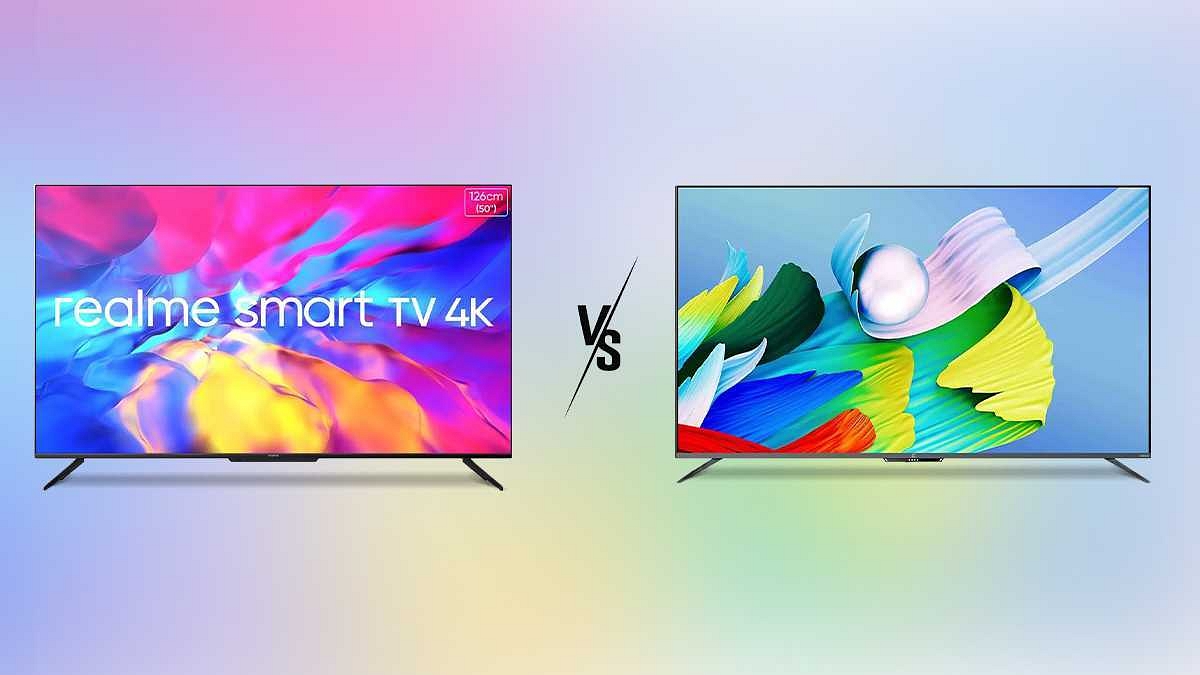
Smart TVs are filling in for the audiences demanding a theatre-like experience from the comfort of their homes. We now not only have established TV manufacturers, but also smartphone OEMs ramping up the competition in this space. OnePlus and Realme are the two popular smartphone OEMs that are offering some value-for-money deals when we speak of smart TVs.
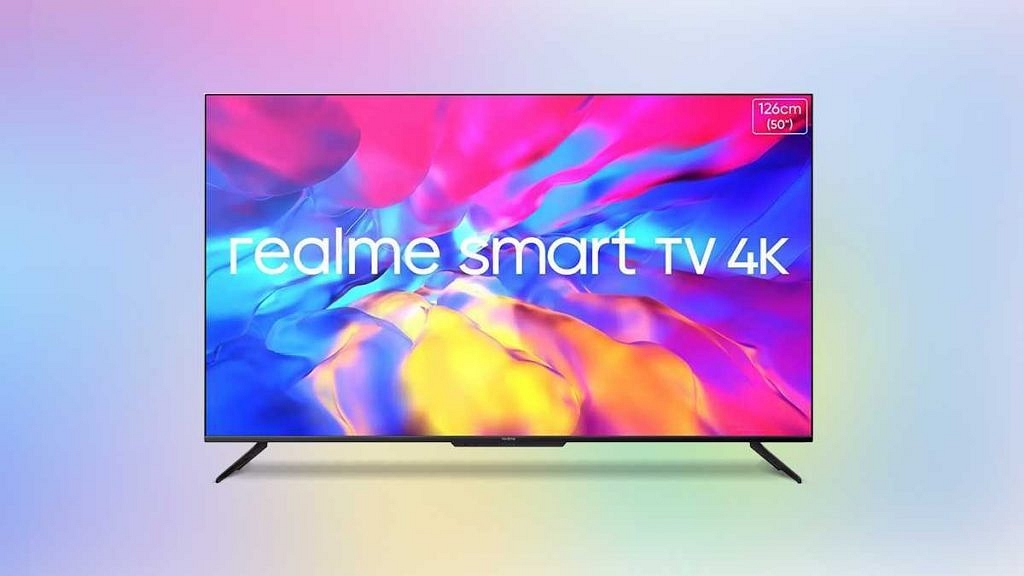
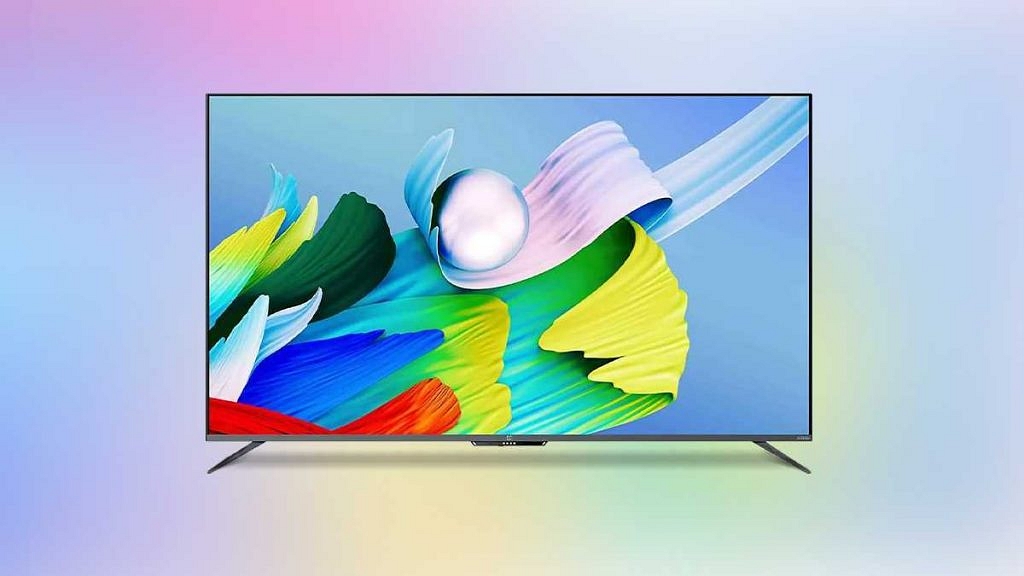
The OnePlus TV U1S series is the best premium range TV from the Chinese firm that comes in 50-inch, 55-inch, and 65-inch screen sizes. Realme’s 4K Smart TV 50-inch is another good option for those demanding a theatre-like experience at home. This article is a quick comparison between the OnePlus TV U1S 50-inch and the Realme 4K Smart TV 50-inch.
Realme 4K Smart TV 50-inch Vs OnePlus TV U1S 50-inch: Display Features
The OnePlus TV U1S 50-inch smart TV has a high-resolution LED panel that supports a 93 percent DCI-P3 color gamut and a resolution of 2160 x 3860 pixels. The Picture Enhancer and the Gamma Engine improve the imaging quality and keep you hooked to the screen’s action. The TV further uses MEMC, Dynamic Contrast, and Color Space Mapping imaging features. The HDR10, HDR10+, and HLG support also boost the picture quality of the OnePlus TV U1S 50-inch.
The Realme 50-inch 4K Smart TV also offers a similar display resolution as the OnePlus TV, i.e., 2160 x 3860 pixels. The LED panel supports around 1.07B colors and a 16:9 aspect ratio. The wide 178-degree viewing angle lets you watch your favorite TV show or movie from any corner of the room. The MediaTek imaging processor handles all the graphics delivery. The Chroma Boost and Dolby Vision certification ensures a better viewing experience.
OnePlus TV U1S 50-inch Vs Realme 4K Smart TV 50-inch: Audio, Connectivity Options
Speaking of the audio, the Realme 4K smart TV is equipped with a quad-speaker system generating around 24W of output, the OnePlus TV U1S packs a dual speaker system producing a slightly higher 30W output. Dolby Audio support is present in both of these smart TVs, so you can expect good volume levels throughout.
However, a loud audio delivery is ensured with the 30W output churned out by the OnePlus TV U1S speakers. Both these smart TVs are backed with dual-band Wi-Fi and Bluetooth wireless network support. With this, you can add external accessories such as wireless remotes and speakers. Three HDMI ports are present in both these TVs along with two USB ports and one AV port.
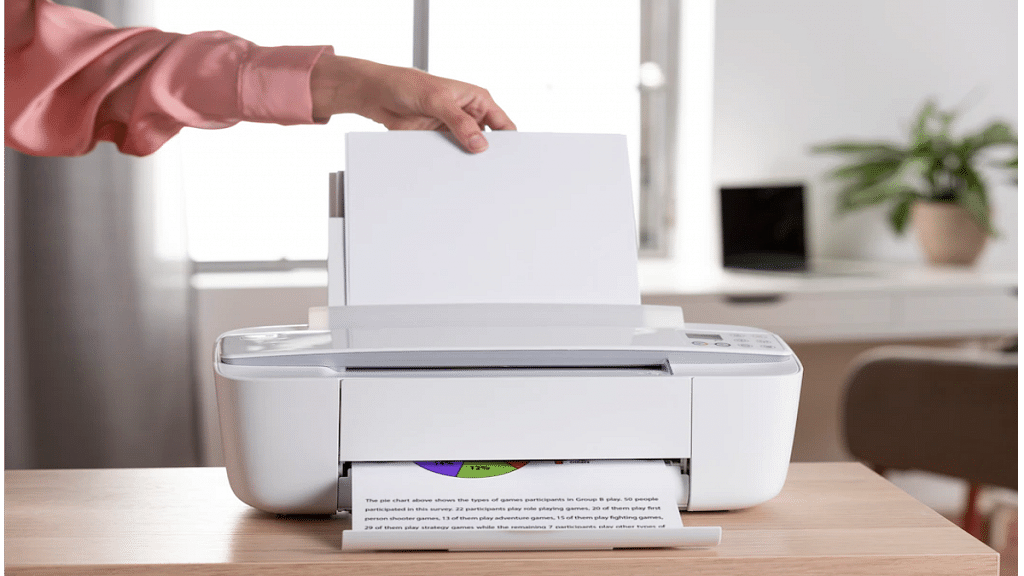
Printers are an essential tool for students and working professionals. While the digital transition is at its peak, printers still platy a vital role in our daily lives. The modern day printers are all advanced and lets users scan and fax from the same machines. HP, Epson, Canon, and Samsung are the noted players in the printer market in India offering a wide range of models.
Printers have also evolved with the technolgy the same way other mainstream consumer gadgets such as smartphones, tablets, laptops, and PCs. The services have also improved with the new-gen printers. For most of the general issues, you can try quick fixes at home to avoid visits to service centres.
The latest generation printers have wide range of connectivity options and also compatibility with multiple operating system including Microsoft Windows and Mac OS. We have previously shared some of the tips and tricks to resolve issues with Windows OS. Here we are sharing the steps to add a wireless printer to your Mac OS-powered device.
How To Add A Bluetooth Or Wireless Printer In MacOS
As mentioned above, this articles is centred around the method to add a Bluetooth printer to a Mac OS laptop or PC. If your MAC laptop or PC is Bluetooth-enabled then you can easily pair a wireless printer. Additionally, you can alo give prints using USB Bluetooth adapter that you have used to pair the Mac device and the PC.
Step 1: Open your Mac laptop or PC and check if the system firmware is up to date. You wouldn’t need to check this if the printer to be connected is one from the AirPrinter series.
Step 2: Complete the printer setup by filling up ink cartridges and papers.
Step 3: Turn on the printer.
Step 4: On your Mac device, tap on the Apple menu option.
Step 4: Click on System preferences.
Step 5: Tap in the Printers and Scanners option.
Step 6: Click on the Add option.
Step 7: Select the Default option.
Step 8: In the pop up screen, you’ll see the printer name in the list of printers. Select the appropriate printer.
Step 9: The wireless printer will now be set as default in your Mac laptop or PC. You can directly give print commands from the Mac device.
Octa-core MediaTek Kompino 1300T chipset under the hood
8GB RAM and 256GB storage configuration launched
13MP rear camera and 8MP selfie camera
8,200 mAh typical battery capacity
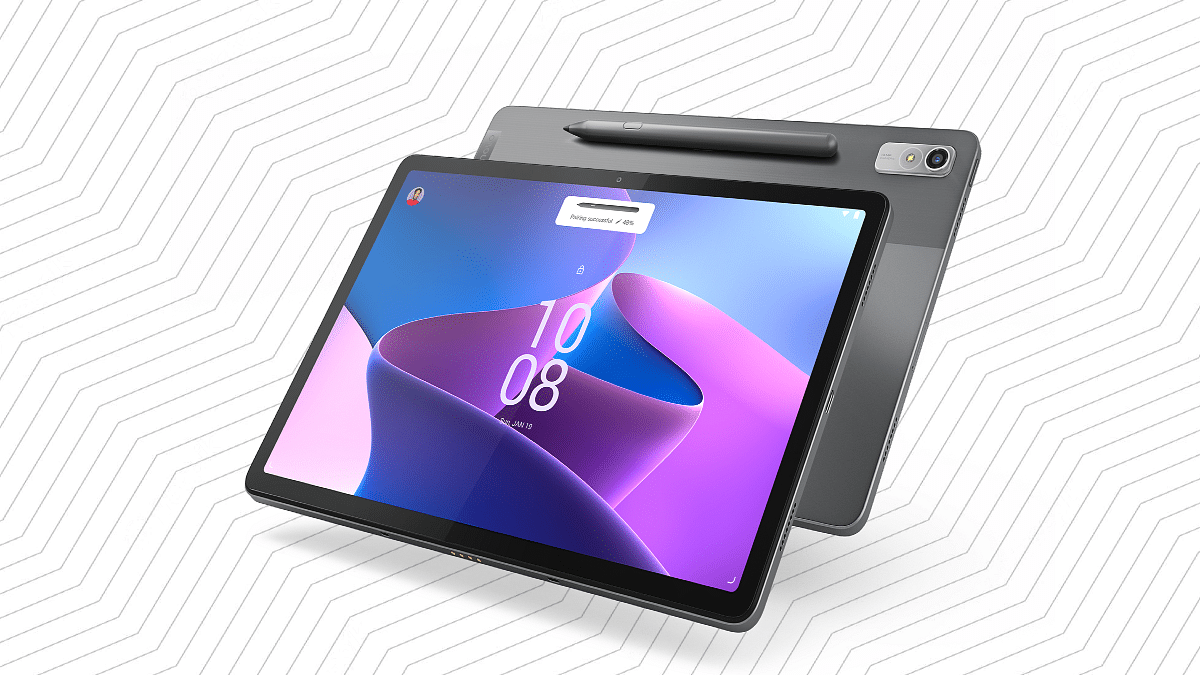
Lenovo has added a new Android tablet to its product lineup in India. The brand has refreshed the Tab P11 series with the launch of the Tab P11 Pro (2nd Gen). The latest tablet from Lenovo is a premium range Android tablet similar to its successor, i.e, the standard Tab P11 Pro. The upgrades along with the pricing details are mentioned below:
Lenovo Tab P11 Pro (2nd Gen) Key Features And Specifications
The latest Tab P11 Pro (2nd Gen) tablet brings along a bunch of internal upgrades compared to its predecessor. We have broken down all the hardware aspects for your convenience.
Design And Display
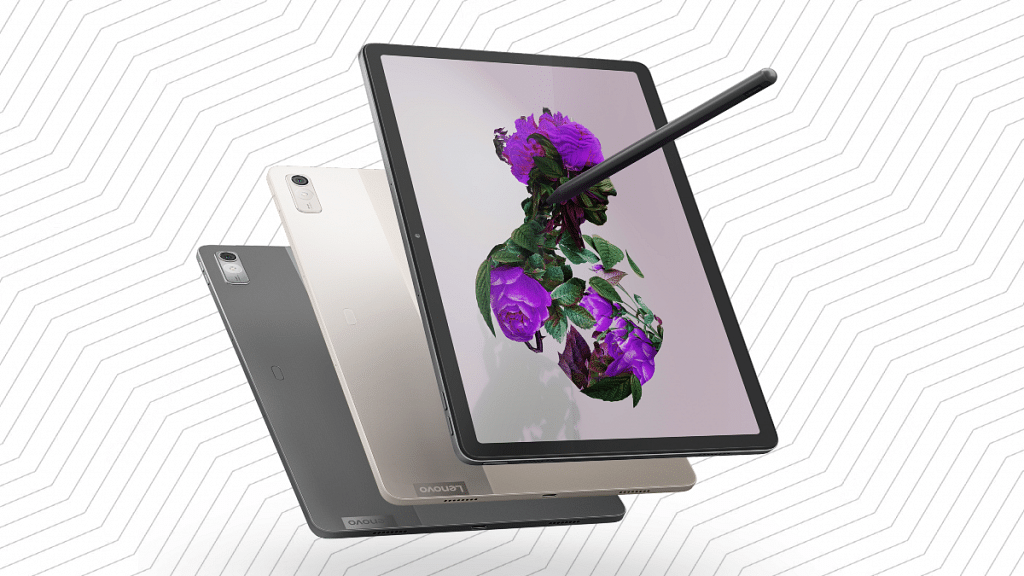
The Lenovo Tab P11 Pro (2nd Gen) tablet wears a dual-tone design. The company used a glass-like finish at the rear, adding to its premium appeal. The tablet is lightweight and weighs around 480 grams making it easily portable. The display tucked inside the Tab P11 Pro (2nd Gen) measures 11.2-inches in size.
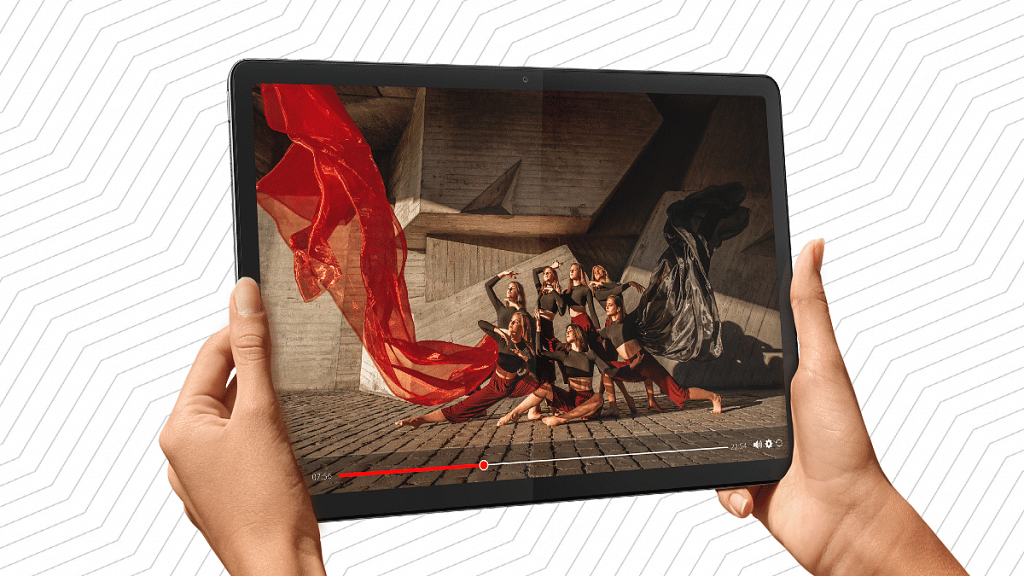
The premium tablet’s display panel type is OLED which is impressive with visual quality. The screen comes with an aspect ratio of 15:9 and supports a 1536 x 2560 pixels screen resolution and 120Hz refresh rate. The tablet’s display supports 600 nits peak brightness levels and is Dolby Vision certified. The screen also supports HDR 10+ for an immersive viewing experience.
Camera And Audio
The Lenovo Tab P11 Pro (2nd Gen) tablet is equipped with a single front and rear camera setup in the imaging department. Lenovo has used a bigger 13MP main RGB camera at the back. Upfront, this tablet has an 8MP snapper for selfies and video calling.
The camera hardware is decent for general photography and video conferencing. Audio delivery is handled by a quad-speaker system from JBL. The tablet also features Dolby Atmos support.
Processor And Configuration
The performance delivery on the Lenovo Tab P11 Pro (2nd Gen) is handled by an octa-core MediaTek Kompino 1300T processor. The premium mid-range chipset is clubbed with a single 8GB RAM. The tablet offers 256GB onboard storage capacity. The tablet is pre-loaded with Android 12 OS.
Connectivity, Battery
The Lenovo Tab P11 Pro (2nd Gen) tablet comes with a Precision Pen 3 stylus pen support that can latch magnetically to the tab. The tablet also comes with wireless keyboard support. The tablet features Wi-Fi 6 and Bluetooth wireless connectivity. The battery packed inside is an 8,200 mAh typical capacity with 10V charging.
Lenovo Tab P11 Pro (2nd Gen) Price In India
The Lenovo Tab P11 Pro (2nd Gen) ships with a single 8GB RAM and 256GB storage configuration that is priced at Rs. 39,999. The tablet will be available for purchase via Amazon, Lenovo.com, and Lenovo Exclusive stores starting October 17 in India. If we speak of the competition, the Samsung Galaxy Tab S7 FE and the Apple iPad Mini are among the top contender for this tablet.
Qualcomm Snapdragon 750G has an octa-core CPU and 8m fabrication
MediaTek Dimensity 800 is fabricated using a 7nm process
Snapdragon 750G has Adreno 619 GPU
Dimensity 800 has Mali-G57 MC4 GPU
Smartphone OEMs are looping in the latest hardware innovations to design their products. All modern days smartphones are relying on MediaTek and Qualcomm chipsets to power their mid-range and flagship Android phones. We just compared two of the most competent chipsets from both these brands including the Dimensity 700 and the Snapdragon 750G. In this article, we are pitting down another budget 5G chipset by MediaTek, i.e., the Dimensity 800 against the Snapdragon 750G. Which one out of the two has a better CPU architecture and overall performance? Read on the details here:
Qualcomm Snapdragon 750G Vs MediaTek Dimensity 800: CPU Architecture
The CPU core cluster is octa-core on both MediaTek Dimensity 800 and Snapdragon 750G mobile processors. However, the fabrication process is 8nm on the Snapdragon 750G, while the Dimensity 800 has a thinner 7nm fabrication process. The CPU frequency is 2200MHz with the Snapdragon 750G and 2000MHz with the Dimensity 2000.
If we speak of the cluster design, the Snapdragon 750G chipset has 2.2Ghz Cortex-A77 cores and six Cortex-A55 cores clocked at 1.8GHz. The higher frequency range is an advantage of the Snapdragon 750G when we consider the performance deliver aspect.
Qualcomm Snapdragon 750G Vs MediaTek Dimensity 800: GPU Architecture
The Qualcomm Snapdragon 750G octa-core Chipset has the Adreno 619 GPU support for graphics. The GPU integrated delivers around 825MHz frequency range with two execution and 128 shading units. On the contrary, the MediaTek Dimensity 800 processor has the Mali-G57 MC4 GPU that churns out around 650MHz of GPU frequency with four execution units and 64 shading units. Graphics rendering is good with both these mobile processors.
Snapdragon 750G Vs Dimensity 800: Memory, Multimedia (ISP)
Speaking of the memory type, it’s LPDDR4X RAM with both Snapdragon 750G and Dimensity 800 processor. The memory frequency is 2133MHz with both these chipsets but the maximum memory support is 12GB and 16GB with Snapdragon 750G and the Dimensity 800 respectively. The storage compatibility is UFS 2.1, UFS 2.2, and UFS 3.0 with the SD 750G and UFS 2.2 with the Dimensity 800.
The maximum display resolution is 1080 x 2520 pixels with both of these chipsets. The maximum camera resolution is 1 x 192MP and 2 x 32MP with the SD 750G and 1 x 80MP and 2 x 32MP with the Dimensity 800. The video recording support is 4K@30fps with both these processors.
Android TV ecosystem is evolving with modern days technologies. Brands are incorporating the latest hardware innovations so that users get the best audio-video experience with large screens. And there is a horde amongst the manufacturers to offer all its consumer base a premium viewing experience at an affordable price tag.
We have multiple dedicated smart TV brands and smartphone OEMs that are catering to the audience in the smart TV market. And a majority of the brands are using Android services for their TVs. With Android smart TVs, you can also use third-party apps and games. You can download and install not just free apps but also paid apps. Making third-party app purchases is also a simple process when you do it on smart TVs.
You can try multiple payment methods to make new in-app purchases. The procedure remains the same as on smartphones and tablets or laptops/ PCs. But what if you are unable to make payments or go ahead with in-app purchases? Adding different payment methods to Google Play is one of the easiest ways in such cases. The solution is listed below:
How To Fix Payment Issues With App Purchases In Smart TVs
Buy services on other Android devices and then access on smart TVs.
Step 1: On any of your Android devices including a smartphone, laptop, or tablet, launch any web browser and go to play.google.com.
Step 2: Now, sign in to the Android TV with the same account.
Step 3: Find the content or the app that you wish to buy.
Step 4: If you are making an app purchase, complete the payment using your other Android device.
Step 5: If the content is related to a movie or show, you can do that on your other device and then watch it on your smart TV.
How Can You Start A New Subscription On Another Device?
Step 1: Open the website or the app whose subscription you wish to purchase.
Step 2: Now, make the payment on the website or the app.
Step 3: Go to your Android TV and hit back from the remote to dismiss any payment error message.
Step 4: Sign in to your account on the smart TV and start using the subscription services.