Categories
Apps Featured How To

Measure Distance Between Two Points With Pinpoint Accuracy On Google Maps: How To Guide

Key Highlights

  • Navigation is easier than ever with Google Maps
  • Allows calculating distance between two points
  • Option available for Android and iOS users
  • Desktop version also supports distance measure feature

Google Maps is one of those reliable navigation apps that besides helping us to get directions also helps with trip planning and more. Maps have also simplified lives of tourists by offering the option to find nearby hot spots, emergency services, fuel stations, and what not. With such a long list, it might be a possibility that you miss out on some of the coolest features that Google Maps offer. One of such feature is the option to measure distance between two or more points. And Maps allows to do so with pinpoint accuracy. Here’s how you can use this simple Google Maps trick for you journey planning.

For the tech geeks, stay updated with the latest cutting-edge gadgets in the market, exclusive tech updates, gadget reviews, and more right on your phone’s screen. Join Giznext’s WhatsApp channel and receive the industry-first tech updates.

Also Read: No Microsoft Account? No Problem: Here’s How To Install Windows 11 Your Way

Steps To Measure Distance On Google Maps (Android, iOS) With Pinpoint Accuracy
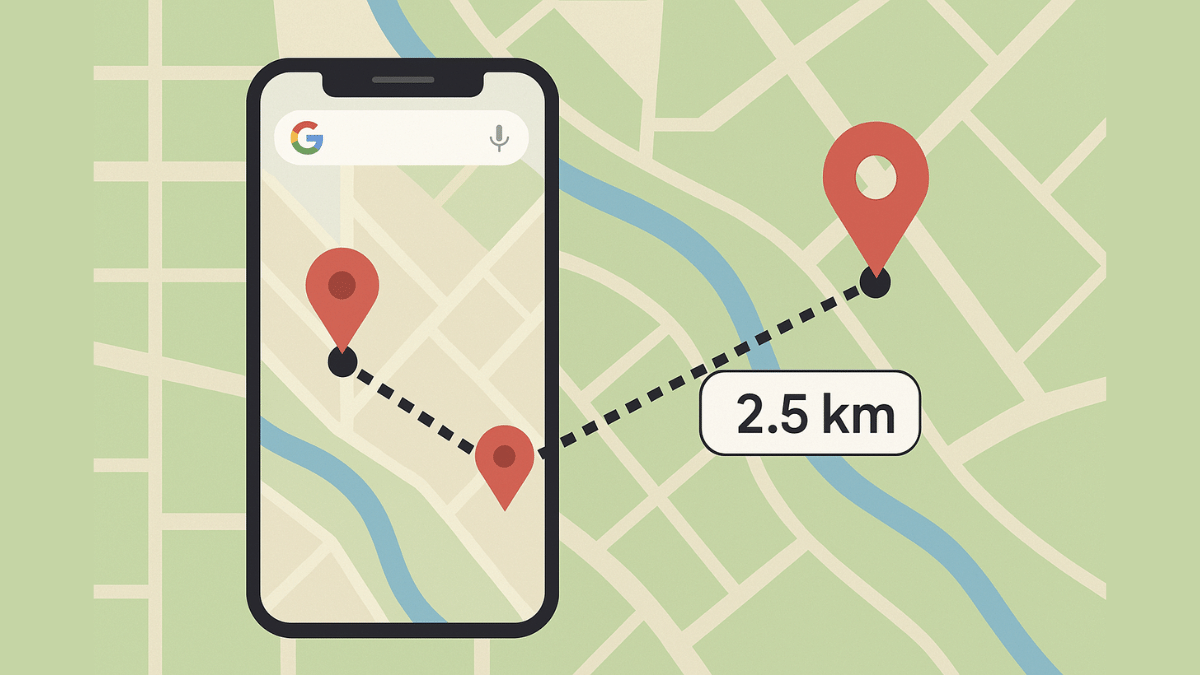
Step 1: On your smartphones, open Google Maps app

Step 2: Touch anywhere on the app’s home screen. Ensure you are tapping on an empty space instead of a place or name or icon.

Step 3: A Red pin icon will show up. Tap on it.

Step 4: Scroll down to the option list and click on the Measure distance (ruler icon)

Step 5: Now, drag or move the map bringing the black circle to the point that you want to add for distance measurement.

Step 6: From the bottom right, select the Add Point (+) option. This will allow you to add multiple options.

Step 7: The distance between the selected two points will be displayed at the bottom with pinpoint accuracy.

Also Read: How To Use WhatsApp Without Internet And Your Primary Device: Step By Step Guide

Steps To Measure Distance On Google Map Desktop Version (Laptop, PC) With Pinpoint Accuracy

Step 1: Launch Google Maps desktop version on your laptop/ PC

Step 2: Right-click on any starting point

Step 3: Navigate to and select the Measure distance option

Step 4: Now, tap anywhere on the map to create a path to measure the distance.

Step 5: If you need another point then click anywhere again on the map.

Step 6: The distance between the point A and point B will be shown at the bottom with pinpoint accuracy.

Why Should You Use Distance Measure Feature On Google Maps?

  • Allows to plan trips efficiently
  • Allows tracking distances for fitness activities like running, cycling, etc.
  • Can help calculating distanced between points that aren’t directly connected via roads
  • Allows measuring distances between multiple points

Categories
Apps Featured How To

How To Use WhatsApp Without Internet And Your Primary Device: Step By Step Guide

Key Highlights

  • WhatsApp requires an active internet connection for message sending messages and media
  • It can also be used without internet
  • This method required workaround via linked devices feature

WhatsApp is the modern day messaging app on which we rely for daily texting and media transfers. The instant messaging mobile app has definitely simplified our lives and remain the top preferred choice for all personal and professional conversations. But to use all WhatsApp services a smartphone with working internet is must. Or not? Ever imagined using WhatsApp without both internet and your smartphone? That too, without compromising on privacy and security aspects keeping your chats all private? What if we tell you there’s a workaround where you can use WhatsApp without your smartphone and internet. Fone out more below:

For the tech geeks, stay updated with the latest cutting-edge gadgets in the market, exclusive tech updates, gadget reviews, and more right on your phone’s screen. Join Giznext’s WhatsApp channel and receive the industry-first tech updates.

Also Read: Call Merge Scam Alert: Here’s How To Stay Safe From OTP Fraud

Is It Possible To Use WhatsApp Without Internet Or Your Smartphone?

While there is no direct option to use WhatsApp without internet on your smartphone, there are a bunch of few features that can help you with all your conversations. There is the Schedule messages feature that comes handy when you know you won’t be able to access internet for WhatsApp and yet need your messages to be delivered on time.

But if in case your smartphone battery is drained and it can get switched off any moment, then the Linked Devices feature is what comes to the rescue. You can continue with your chats on a separate smartphone/ laptop, or PC via this WhatsApp feature. This paired device functions independently from the primary device while providing all levels of safety.

Also Read: Forgot Your ATM Card? Don’t Worry! Here’s How To Withdraw Cash From ATM Using Smartphone

How to Use WhatsApp Without Internet on Android, iOS

Step 1: Open WhatsApp Mobile App On Primary Phone

  • On your Android or iOS smartphone, launch WhatsApp app

Step 2: Tap the More Option Placed On The Top Right (Three Dots)

  • On Android devices select the “Linked Devices” option .
  • On iPhones navigate to Settings and select Linked Devices.

Step 3: Link a Secondary Device (Laptop/ PC)

  • Tap on the “Link a Device” option.
  • On your laptop or PC launch Chrome or any web browser
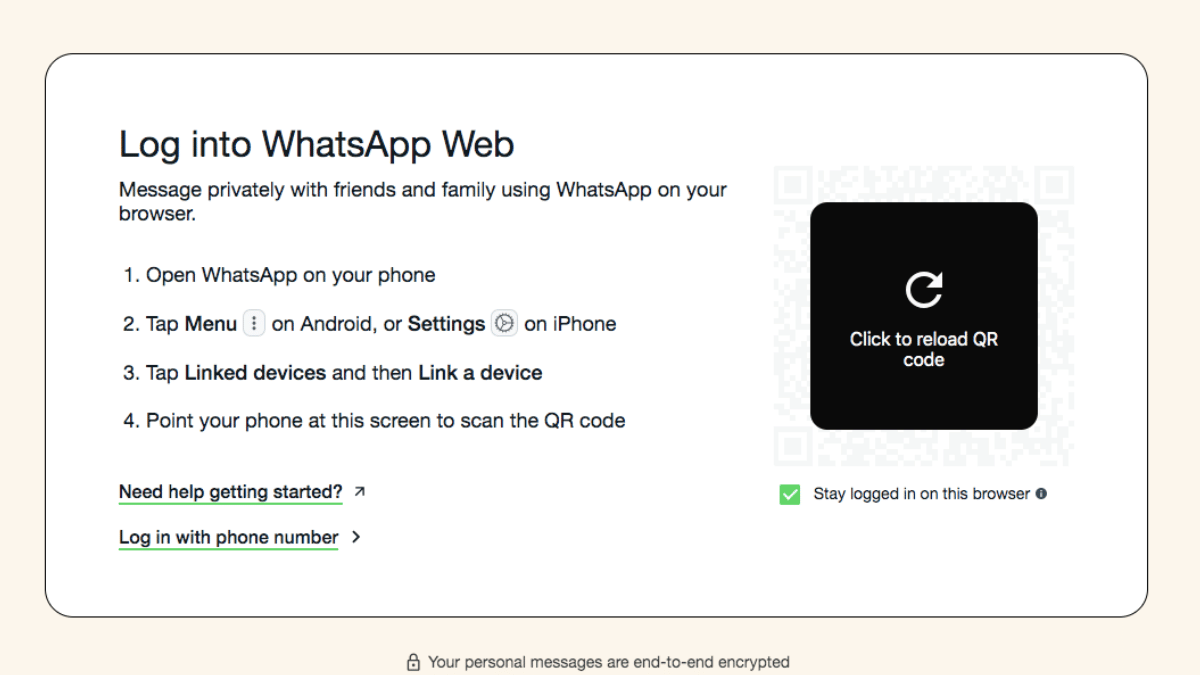
  • Open web.whatsapp.com
  • You can also install the WhatsApp Desktop App.

Step 4: Scan the QR Code Shown On The Screen

  • Open the QR scanner on your primary device
  • Scan the code shown on the laptop/ PC
  • Wait for the connection to be established

Also Read: Ghibli Studio Art Viral Social Media Trend: How To Create Your Own Ghibli Art For Free Without ChatGPT+

What All Can Be Done With Linked Devices On WhatsApp

All the standard messaging and media feature available for mobile app can be done via the Linked devices.

WhatsApp Feature Availability
Send Messages Yes
Receive Messages Yes
Media sharing Yes
Voice calls Yes (on supported systems)
Video Calls Supported systems with web cam
Categories
Apps Featured How To

Vacation Planning Guide: 5 Effective Ways To Make Use Of AI For Travel Planning In 2025

Key Highlights

  • AI-enabled apps and tools can be used for travel and vacation planning
  • Finding cheap flight an train tickets is now possible via AI tools
  • Pre-reservations of hotels and resorts can also be done via AI apps

With exams getting over, vacation planning is likely going on with full swing amongst families and friends. We believe you might have started that long tiring search for the best destination to travel this summers. For the ones planning a trip to Himalayas, beaches, or even international destinations, AI chatbot and tools can come to the rescue. With travel apps and agencies getting onboard with AI tech, planning travel and vacations is simple than ever. From reserving flight/ train tickets, to booking accomodations and finding route suggestions, all can be done without much efforts using AI. Let’s explore the ways that can help you plan your vacations this summer to your favourite destination.

For the tech geeks, stay updated with the latest cutting-edge gadgets in the market, exclusive tech updates, gadget reviews, and more right on your phone’s screen. Join Giznext’s WhatsApp channel and receive the industry-first tech updates.

Also Read: Forgot Your ATM Card? Don’t Worry! Here’s How To Withdraw Cash From ATM Using Smartphone

How To Use AI For Summer Travel Planning Effortlessly

1. Use AI Apps/ Tools To Find Cheapest Flights & Hotels

Most of the popular travel app such as Google Flights MakeMy Trip, Ixigo, Scyscanner have incorporated AI to help users search for cheapest flight/railways tickets along with stays. This helps with advance planning while keeping a check on the budget.

  • Can help with prediction and tracking cheapest flight tickets along with the month or timeline when the fares are lowest.
  • Allows price comparison for tickets for different airlines and hotels
  • One can also get discounts and offer alerts using AI travel apps and tools

Expert Tip: MakeMyTrip and Goibibo travel apps are best for making last-minute bookings for hotels. Both platforms offers deals and packages for long as well as short stay options.

Also Read: Want To Transfer Ola Money Cash To Bank Account? Here’s How To Do It

2. Create Customised Travel/ Stay Itinerary Using AI

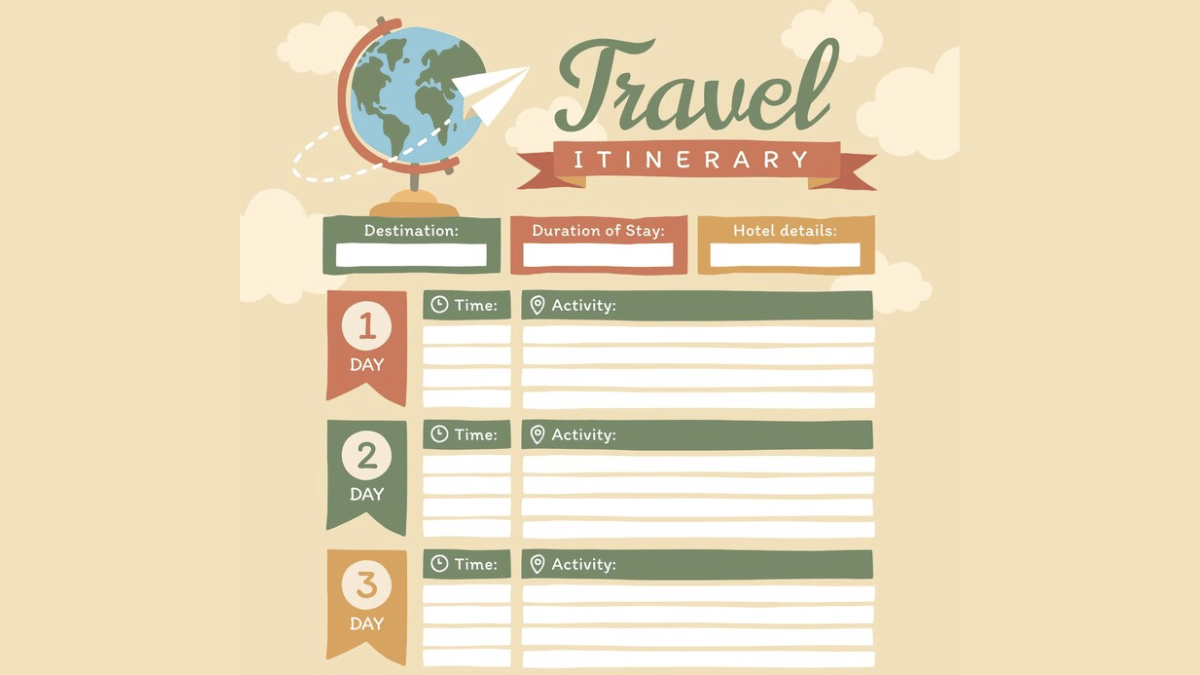
AI tools besides helping to find cheapest flights and hotels can help you create a customised itinerary as well. You can make use of ChatGPT and Gemini AI for the same. All you need is to share details of the journey including dates, number of days of the trip, your preferences while travelling, and also budget. Adjustments and further customisations can be done using the same AI chatbots.

Also Read: Make WhatsApp Video Calls More Fun: How To Add Filters, Change Backgroun

3. Faster Trains & Buses Ticket Reservations

Domestic travel via trains and busses makes more sense of your destination is roughly an overnight journey. IRCTC, the official Indian Railways train booking app is now AI-enabled and can help with all bookings with just a few taps. Likewise, you can use RedBus app for reserving bus tickets for your destination. The AI integrated in these apps helps with faster and confirmed ticket booking. Additional tasks that these helps with are:

  • Check real time PNR status predictions
  • Emergency Tatkal ticket booking
  • Train/ bus delay predictions

Also Read: Aadhaar Card Lost Or Misplaced? Here’s How to Apply for a Duplicate Aadhaar Card Online

4. Check Weather Forecasting Via AI Before Travel

AI apps can also help you keep a check on the weather which is necessary before you hit the roads. This is specifically if you are planning your visit to destination with high chances or rainfall or snowfall or extreme heat conditions. You can check early weather predictions (Week-wise or month-wise) using AccuWeather, Rainbow weather, and others are AI-enabled and can predict weather effectively allowing you to plan your travel well in advance.

Also Read: Summer 2025 Buying Guide: How To Choose The Perfect Air Conditioner And Pay Less Electricity Bills

5. Plan Your Budget Using AI

AI travel apps can also help you with effective budget management for your summer vacation travels. And for the international travellers, currency apps such as Instarem and Niyo Global can help you with rate conversions. Users can also keep a track of their travel expenses and expenditure further making it simple to avoid overspending of funds.

Also Read: Ghibli Studio Art Viral Social Media Trend: How To Create Your Own Ghibli Art For Free Without ChatGPT+

Why Use AI for Vacation Planning in India?

Travelling is essential for reviving your brain and energies and also for new experiences and memories. However, unplanned vacations or travels can be a nightmare if you are planning to visit an entirely new destination. And if you are with our family, it is always advised to make bookings well in advance. Specifically, when the tourist season is at peak, finding stays and travel options could be difficult. Hence, AI tools can make our jobs much easy by planning our trips, train/ flight, and hotel reservations.


Categories
Apps Featured

Tired Of Ghibli AI Art? Here Are Five Exciting Styles To Experiment With

Key Highlights

  • AI art offers more than just Ghibli-style images
  • Try cyberpunk, oil painting, anime, pixel, or surrealism
  • AI tools make creativity easy and fun

With Ghibli-style images becoming a favorite among fans, AI-generated art has taken the internet by storm. But why stop there? If you are looking for new and unique artistic expressions, there are plenty of other AI-powered styles to explore. Whether you want hyper-realistic portraits or futuristic cyberpunk visuals, here are five exciting art styles to try with AI image generators.

Also Read | Ghibli Studio Art Viral Social Media Trend: How To Create Your Own Ghibli Art For Free Without ChatGPT+

Cyberpunk Art

If you love high-tech, dystopian aesthetics, cyberpunk art is a must-try. AI tools can create stunning cityscapes filled with neon lights, rain-soaked streets, and futuristic characters straight out of a sci-fi novel.

  • Best AI tools: MidJourney, NightCafe
  • Perfect for: Sci-fi book covers, wallpapers, concept art

Oil Painting

Recreate the look of Renaissance and Baroque paintings with AI-powered oil painting styles. These images capture the texture, brush strokes, and depth of traditional artworks, making them ideal for portraits and landscapes.

Anime And Manga Art

If you are an anime fan, AI-generated anime-style images can bring your favorite characters or original creations to life. You can choose between soft, pastel-colored styles or bold, action-packed scenes with sharp linework.

  • Best AI tools: Waifu Labs, ChatGPT
  • Perfect for: Anime avatars, webcomics, character design

Pixel Art

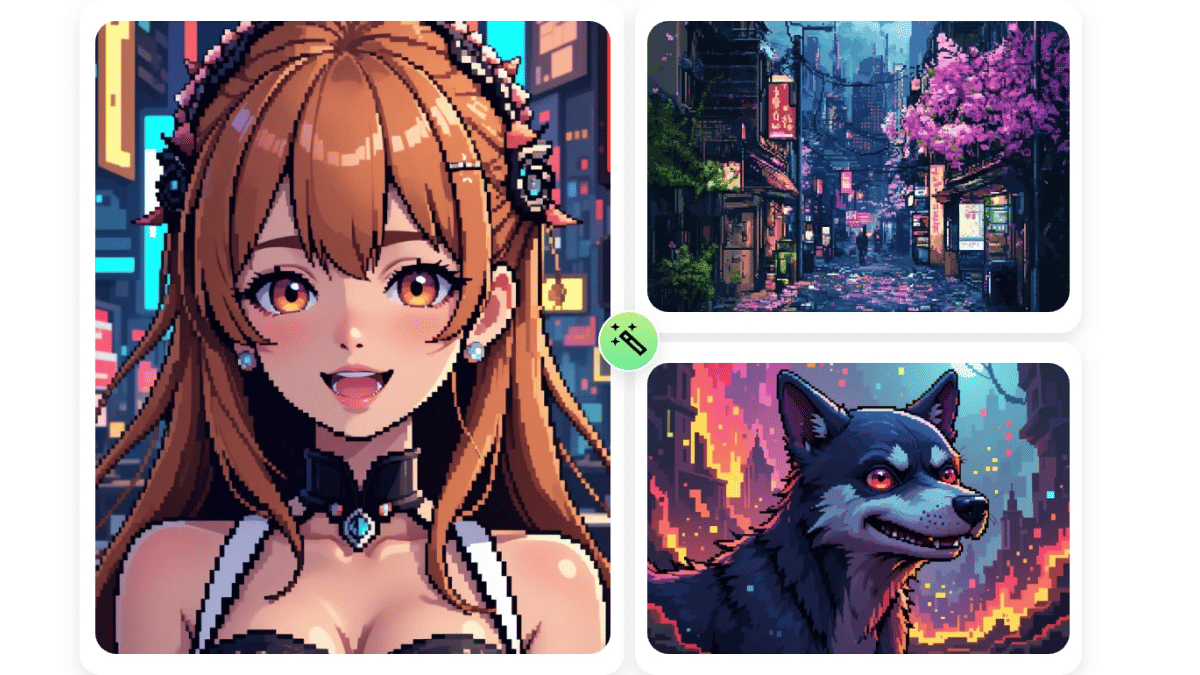
Pixel art takes you back to the golden era of 8-bit and 16-bit gaming. AI can generate detailed pixelated scenes, characters, and environments. It is perfect for game assets or digital collectibles.

  • Best AI tools: PixelMe, Piskel
  • Perfect for: Indie game development, NFTs, social media avatars

Also Read | ChatGPT Vs Grok AI: Can Elon Musk’s AI Beat OpenAI’s Chatbot?

Surrealism

If you want something out of this world, AI-generated surrealist art is a fantastic choice. Think melting clocks, floating islands, and mind-bending landscapes that defy logic.

While Ghibli-style AI art is beautiful, these five alternative styles offer endless creative possibilities. Try these styles today and discover a whole new world of artistic expression.

For the tech geeks, stay updated with the latest cutting-edge gadgets in the market, exclusive tech updates, gadget reviews, and more right on your phone’s screen. Join Giznext’s WhatsApp channel and receive the industry-first tech updates.

Categories
Apps Featured

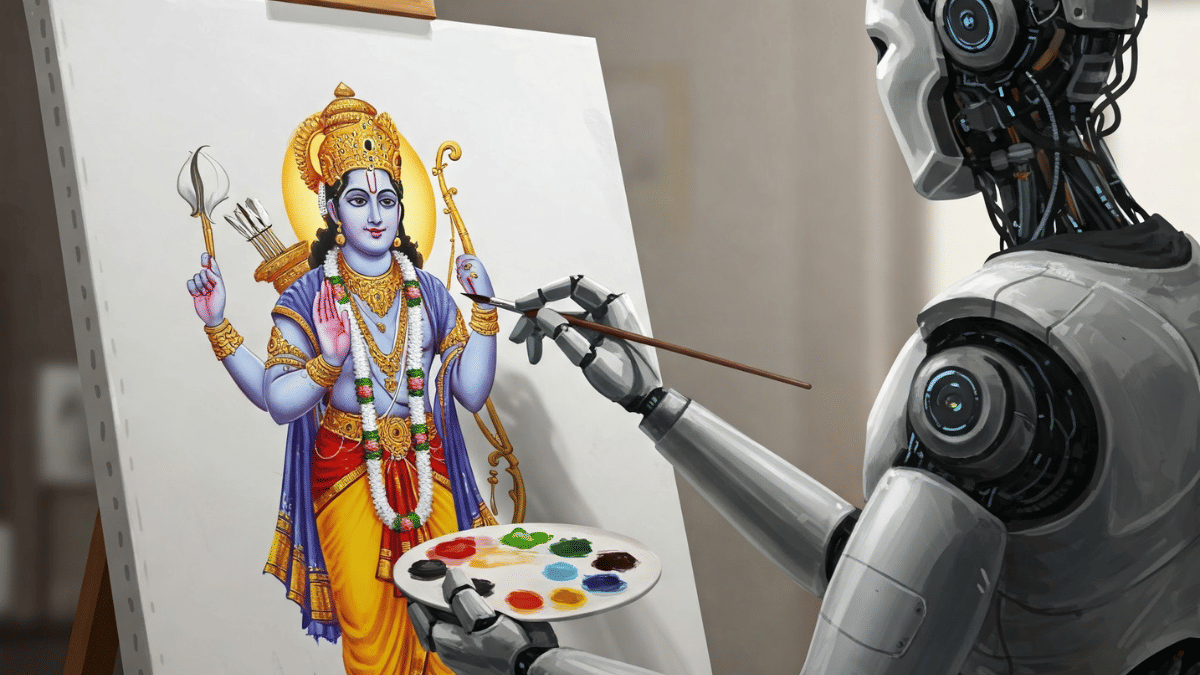
Ram Navami Special: How AI Can Bring Lord Rama-Themed Wallpapers To Life

Key Highlights

  • AI creates Ram Navami wallpapers instantly
  • Users can customize designs easily
  • Wallpapers are perfect for mobile and social media

Ram Navami is an auspicious festival that marks the birth of Lord Rama. Many people celebrate this special day by decorating their homes and sharing festive images. Now, with the help of AI, you can easily create beautiful Ram Navami-themed wallpapers and art. AI-powered tools can generate stunning digital designs that capture the spirit of the festival. Here’s how AI can help.

Also Read | DeepSeek Vs ChatGPT: Which AI ChatBot Leads In 2025

AI Tools Can Create Beautiful Wallpapers

  • AI platforms like MidJourney, DALL·E, and Stable Diffusion can generate high-quality Ram Navami wallpapers
  • You just need to describe what you want, like ‘Lord Rama with a golden bow’ or ‘Ram Navami festival with lamps’
  • The AI will instantly create a unique and detailed wallpaper for you.

Customize Wallpapers As Per Your Choice

  • AI allows you to personalize wallpapers by adding your name, favorite colors, or religious symbols
  • You can choose from different styles, like traditional temple art or modern digital effects
  • Some apps even let you upload your own sketches which AI can turn into a beautiful wallpaper.

AI Can Enhance Traditional Artwork

  • AI can mix Indian art styles like Madhubani or Tanjore with modern designs to create unique wallpapers
  • It can also improve old Ram Navami paintings by making them sharper and more colorful
  • This helps keep traditional art alive while giving it a fresh, digital look.

Also Read | ChatGPT Vs Microsoft Copilot: The AI Battle In 2025!

Instant Wallpapers For Social Media And Mobile Screens

  • AI tools can create wallpapers in different sizes, perfect for mobile phones, desktops, and social media
  • With just one click, you can generate and share festive wallpapers on WhatsApp, Instagram, or Facebook
  • Some AI apps even offer animated wallpapers, making your phone screen more lively.

With AI, celebrating Ram Navami becomes even more fun and creative. Whether you want a traditional or modern design, AI can quickly generate the perfect festive wallpaper for you.

For the tech geeks, stay updated with the latest cutting-edge gadgets in the market, exclusive tech updates, gadget reviews, and more right on your phone’s screen. Join Giznext’s WhatsApp channel and receive the industry-first tech updates.

Categories
Apps Featured

Top YouTube Channels For Exploring Hindu Mythology

Key Highlights

  • Explore Hindu epics and stories in engaging formats
  • From animations to deep discussions, there’s something for everyone
  • Watch or listen anytime to dive into ancient wisdom

Hindu mythology is a treasure trove of ancient stories, wisdom, and spiritual insights. With digital platforms gaining popularity, many creators are bringing these mythological tales to life through YouTube channels and podcasts. Whether you are curious about the Mahabharata, Ramayana, or Vedic philosophy, these channels offer a deep dive into the fascinating world of Hindu mythology.

Also Read | Chart-Toppers: Check Out The World’s Five Most Popular YouTube Channels

HINDU STORIES

  • Content Focus: Animated 2D stories featuring deities like Ganesha, Lakshmi, Shiva, Vishnu, and Durga.​
  • Source Material: Draws from Puranas, Ramayana, Mahabharata, and other Hindu texts.​
  • Additional Offerings: Insights into Hindu festivals, rituals, and cultural beliefs.​
  • Subscribers: Over 1 million.​
  • Link: HINDU STORIES

The Bhakti

  • Content Focus: Engaging narratives centered on Hindu mythology.​
  • Presentation Style: Storytelling that brings ancient tales to life.​
  • Subscribers: Approximately 1.6 million.​
  • Link: The Bhakti

Also Read | YouTube Channel Names: 100+ Creative Usernames For Music Addicts

Hindu Mythology – Our Pride

  • Content Focus: Detailed explorations of various Hindu myths and legends.​
  • Presentation Style: Narrative storytelling with visual aids.​
  • Subscribers: Growing community of mythology enthusiasts.​
  • Link: Hindu Mythology – Our Pride

These channels serve as valuable resources for anyone interested in delving into the rich tapestry of Hindu mythology, offering a blend of storytelling, historical analysis, and spiritual insights.

For the tech geeks, stay updated with the latest cutting-edge gadgets in the market, exclusive tech updates, gadget reviews, and more right on your phone’s screen. Join Giznext’s WhatsApp channel and receive the industry-first tech updates.

Categories
Apps Featured How To Mobile

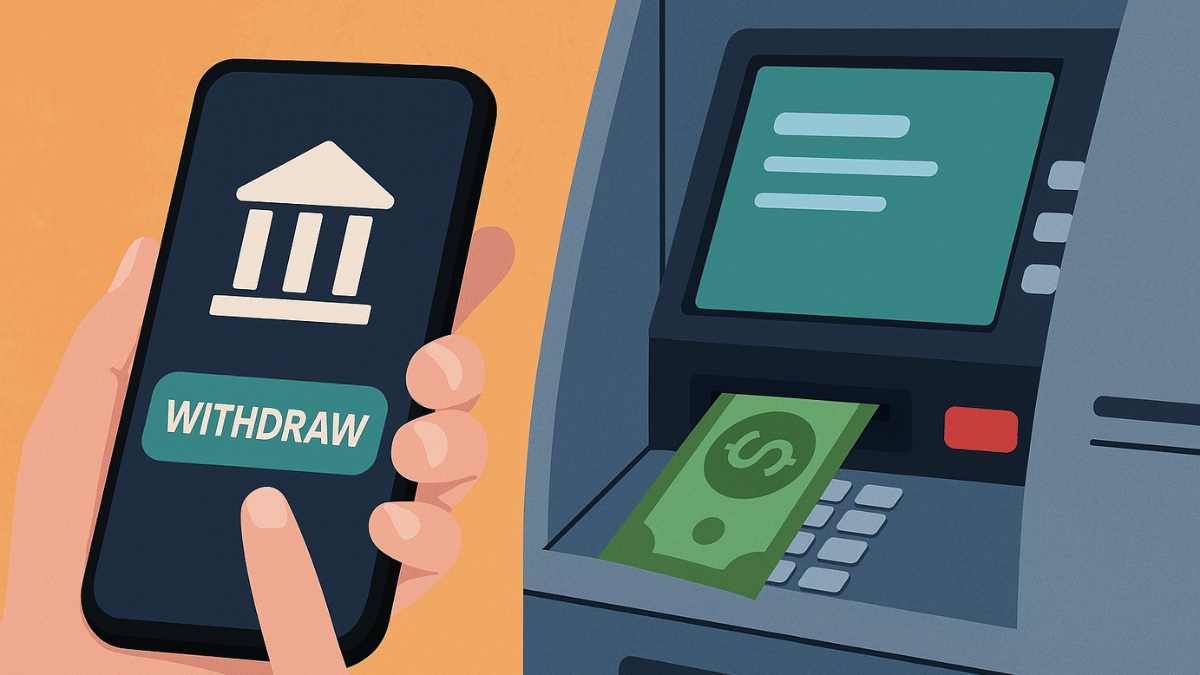
Forgot Your ATM Card? Don’t Worry! Here’s How To Withdraw Cash From ATM Using Smartphone

Key Highlights

  • Cash withdrawal possible without physical cards at ATM
  • Smartphones comes to the rescue here
  • UPI and bank apps used for card-less withdrawals at ATM

Ever been in a situation where you need to withdraw cash for emergencies and don’t have the ATM card? It’s definitely one of those scary situations that you would wish to avoid. Not any more? Modern day banking have made it easy for account holders to withdraw money from ATM machines without any physical ATM card. All you need now is a smartphone with working internet connection. Here in this guide, we’ll take you through the process of withdrawing money from ATMs with just your smartphones.

Also Read: Ghibli Studio Art Viral Social Media Trend: How To Create Your Own Ghibli Art For Free Without ChatGPT+


Cardless Cash Withdrawal At ATM? Is It Possible?

The answer is yes. You can now easily withdraw cash from any ATM even if you aren’t carrying a physical debit or credit card. All thanks to the digital banking which now is more secure and making lives easier for the masses. By downloading the bank’s mobile app or via UPI apps, cardless cash withdrawals can be done at the ATMs.

Also Read: Want To Transfer Ola Money Cash To Bank Account? Here’s How To Do It

How To Withdraw Money Without ATM Card Using Smartphone

Method 1: Via Dedicated Bank’s Mobile App

Step 1: Download And Install Your Bank’s Mobile App

  • Open PlayStore or App Store on Android and iOS devices respectively
  • Download and install the bank’s mobile app (HDFC, SBI Yono, Axis, ICICI, etc)
  • Log in to your banking account

Step 2: Select ‘Cardless Withdrawal’ Option

  • Go to the menu section
  • Scroll to the cardless cash withdrawal option and tap on it.

Step 3: Enter the Amount That You Need To Withdaw

  • Enter the amount that you want to withdraw as cash from the ATM.

Step 4: Generate OTP/ Transaction Code

  • Wait for the app to generate an OTP which you need at the ATM.

Step 5: Visit an ATM

  • Go to the nearest ATM
  • Ensure the ATM machine supports cardless transaction option

Step 6: Enter the OTP Withdraw Cash Without ATM Card

  • Go to the ‘Cardless Cash Withdrawal’ on the ATM machine’s screen.
  • You need to enter your registered mobile number
  • Enter the OTP/Transaction code generated earlier
  • After confirming the transaction, you can collect the cash

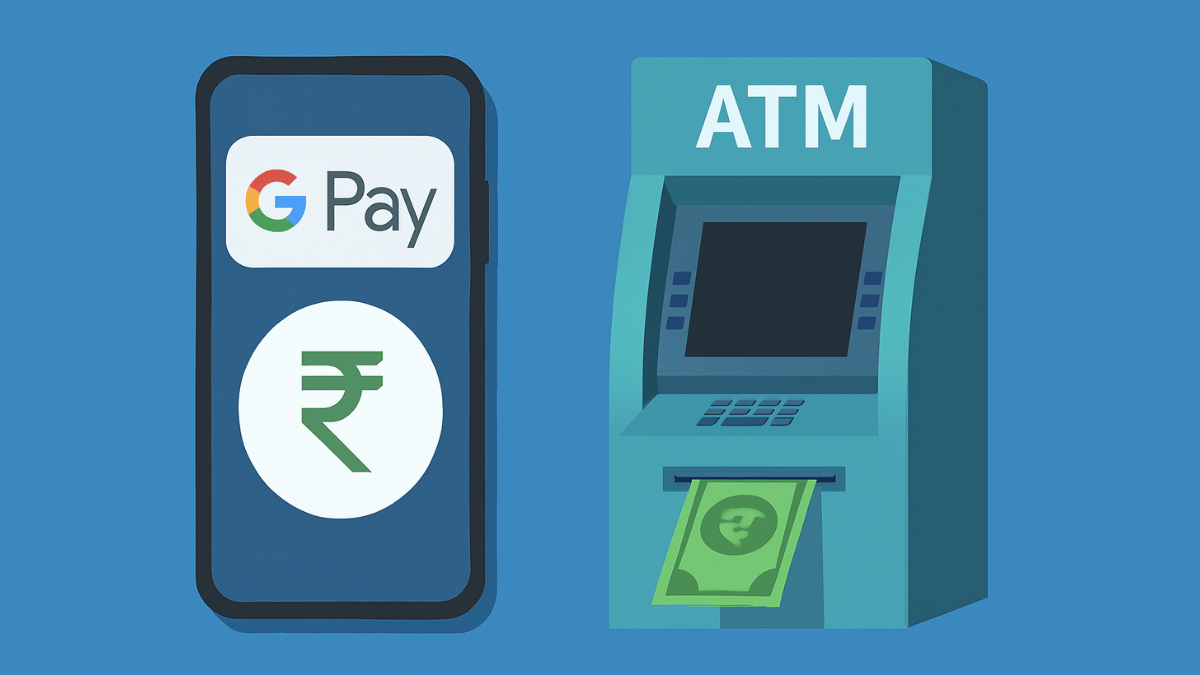
Method 2: Via UPI (Google Pay, PhonePe, Paytm, etc.)

Step 1: Go to a UPI-Enabled ATM

  • Visit a nearby ATM that supports UPI-withdrawal option
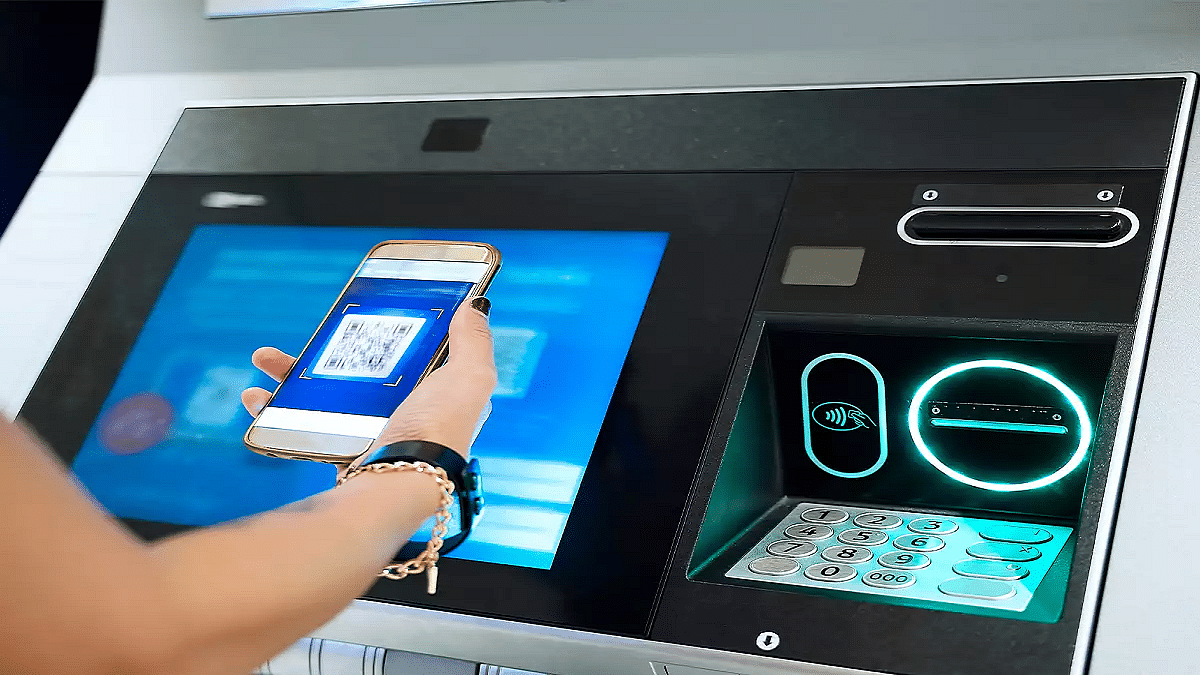
  • These ATM machines will display a QR code scanner on the screen

Step 2: Select ‘UPI Cash Withdrawal’ Option

  • On the screen, locate and select the UPI Cash Withdrawal option.

Step 3: Scan the QR Code

  • A new QR code will be displayed on the ATM screen after performing the above step.
  • Unlock your smartphones and launch the desired UPI app (PhonePe, GPay, Paytm)
  • Navigate to the Scan QR code option
  • Scan the QR code using your smartphone shown on the ATM screen

Step 4: Enter & UPI PIN

  • Enter the amount that you need to withdraw from the ATM
  • Now, enter your UPI PIN to process the transaction.

Step 5: Collect Cash

  • Collect the cash dispensed from the ATM machine.

Also Read: Make WhatsApp Video Calls More Fun: How To Add Filters, Change Backgrounds

What Makes Cardless Cash Withdrawal Practical?

  • Safety From Scams and Card Thefts – Helps with enhanced safety while money withdrawal by ruling out possibilities of card skimming or thefts at the ATM.
  • Hassle Free Cash Withdrawal– Cuts down on hassle of carrying physical ATM cards everywhere and helps with withdrawal even if there is no card.
Categories
Apps Featured How To

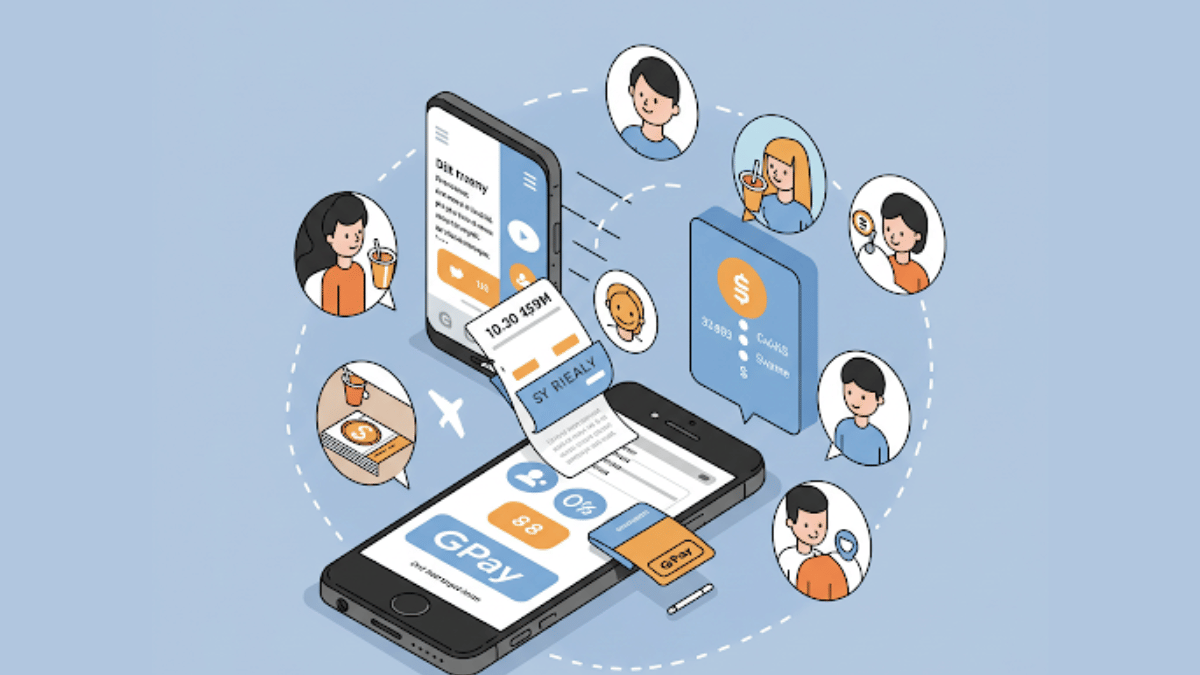
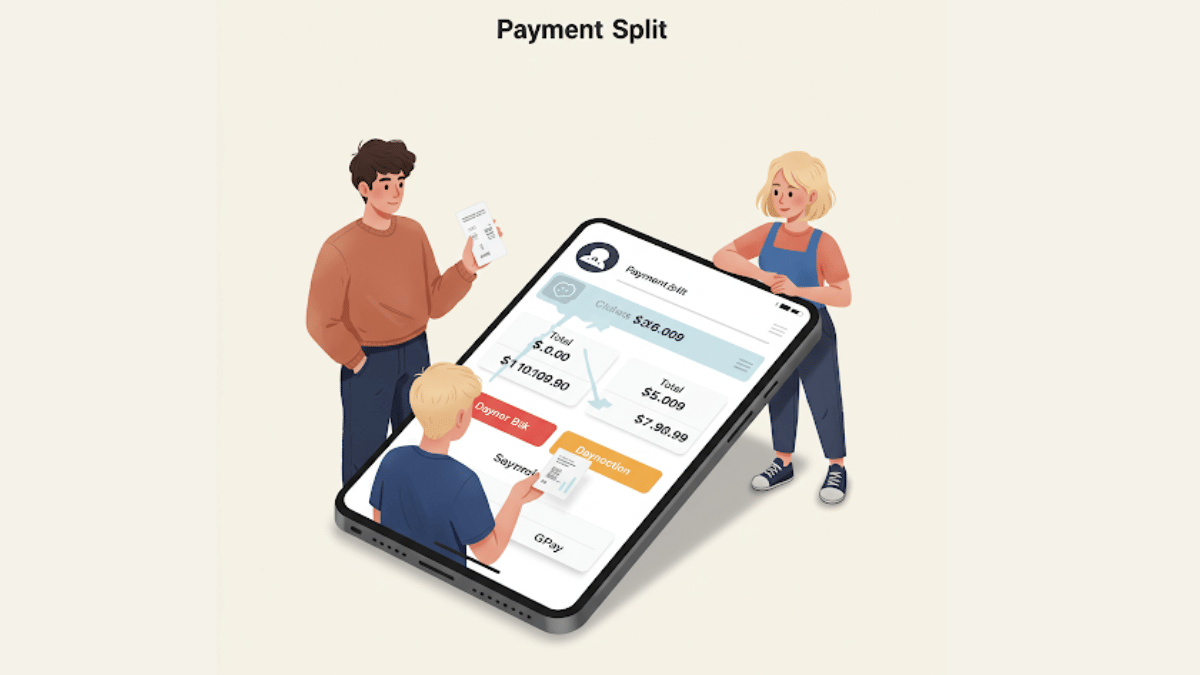
GPay Payment Split: Get Done With Hassle Free Bills/ Payment Splits On Android, iOS

Key Highlights

  • Google Pay allows easy UPI money transfers
  • Multiple features available to enhance payment services
  • Payment Split feature available for easy bill splits

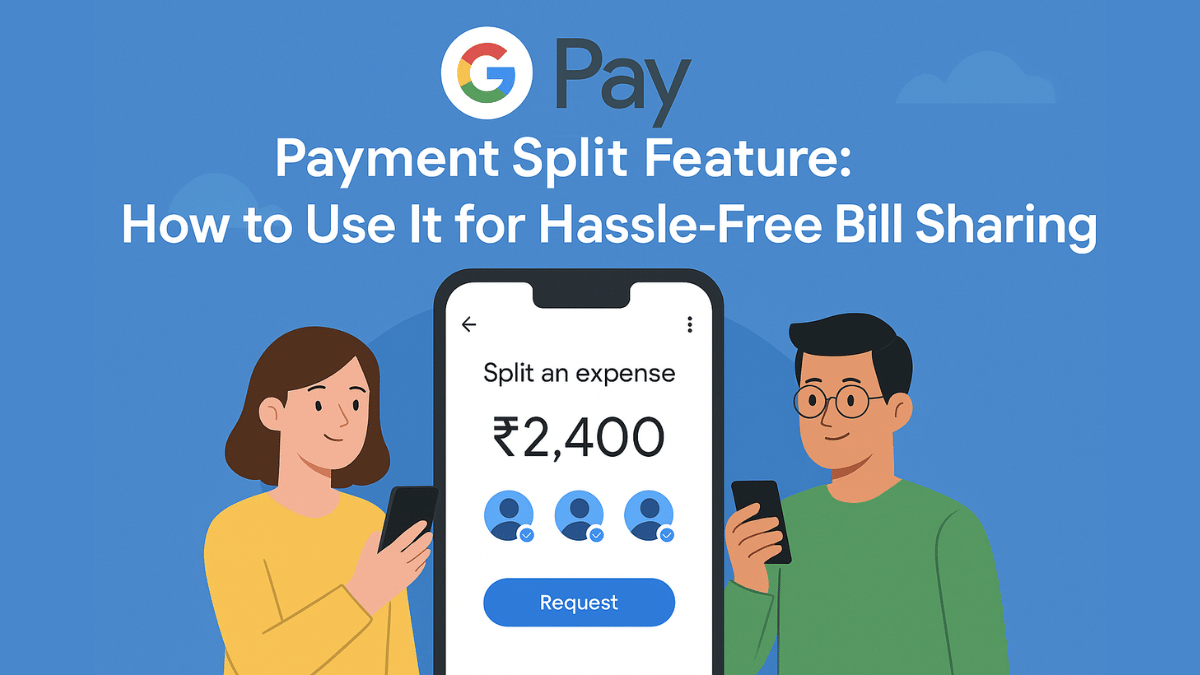
With the arrival of UPI (Unified Payment Interface), India has witnesses a huge shift towards digital payments and money transactions. All you need is a smartphone with active internet connection and a bunch of few UPI apps such as GPay, PhonePe, And Paytm for all digital transactions and payments. Forgetting wallet wouldn’t be a valid excuse if you are out with friends and wish to split bills. But often, it is difficult to keep a track of all the expenses that you have made during a trip and want to share your contribution. While there are dedicated third party apps such as Splitwise that helps you with bill splits, it rather would be easier to keep a track using a UPI app. GPay, the official UPI app from Google also has this feature integrated. So, if you are out dining with your friends or sharing room rent and OTT subscriptions, Google Pay’s Payment Split feature will come to your rescue. Let’s explore the quick ways to access GPay’s payment split feature and use it for hassle free bill payments:

For the tech geeks, stay updated with the latest cutting-edge gadgets in the market, exclusive tech updates, gadget reviews, and more right on your phone’s screen. Join Giznext’s WhatsApp channel and receive the industry-first tech update.

Also Read: How to Check FASTag Toll Payment History and File Complaints for Overcharging

Google Pay Payment Split Feature: Functionality Explained

Google Pay’s Payment Split feature is designed to help users with equal payment splits with friends and families. This features simplifies the entire process of dividing payments between multiple people users directly from the app. It further cuts down on the hassle of manual expense tracking for different contacts. This feature is handy when you are out on a road trip with your friends or are planning to share expenses for room rents, groceries, etc.


Benefits Of GPay’s Payment Split Feature

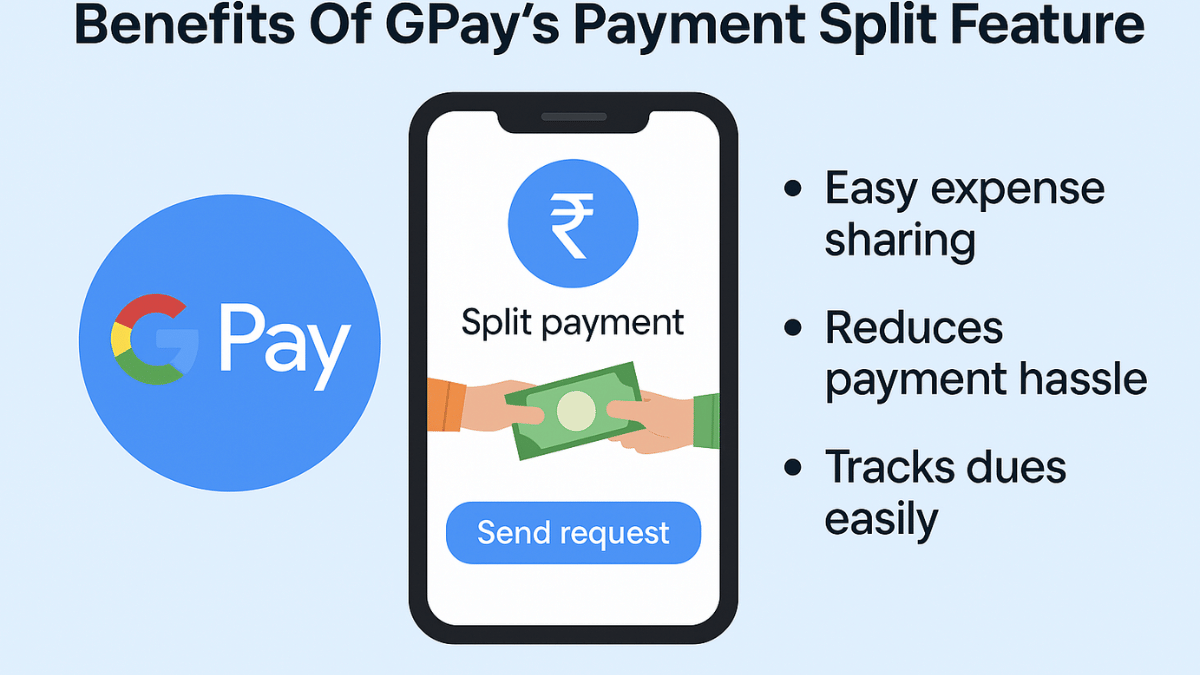
  • Send Instant Payment Requests – GPay’s Payment Split feature will allow users to send quick payment request to the contacts with whom you wish to split payment. Just with a single tap, the payment request can be processed.
  • Allows Hassle Free Group Management – This feature is extremely helpful in managing and splitting expenses even for large group of users. It can easily keep a track of the payments made by the members.
  • Does Automatic Calculation – Helps with automatic expense calculation and evenly distribution. Users can also make custom changes to the amounts to be paid or received.
  • Offers Secure Transactions – GPay is a private and secure UPI app. It’s encrypted platforms ensure all the transactions are safe.

Also Read: Incognito Browsing Not So Private! Steps To Check Incognito Mode Browsing History And How To Delete

How to Use Google Pay’s Payment Split Feature On Android, iOS

Step 1: Access Payment Split Feature On Android, iOS

  • Launch Google Play mobile application
  • Ensure Google Pay app installed is updated to the latest version.
  • Navigate to the “Transaction History” option

Step 2: Start New Payment Split Request

  • Open the transaction history whose payment you wish to split
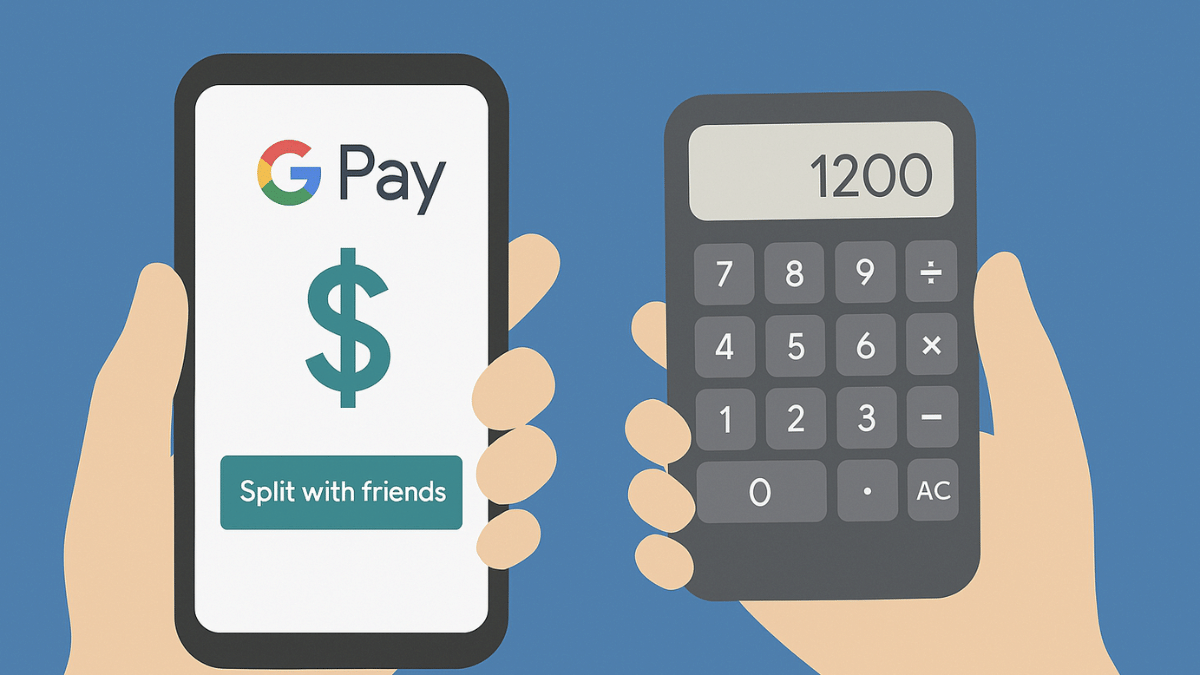
  • Scroll down and locate the “Split with Friends” option. Tap on it.
  • Now, select the contacts with whom the bill.
  • Tap on Continue

Step 3: Add Bill Amount That Has To Be Split

  • Add the total amount of the bill that you want to split.
  • Wait for the GPay app to automatically split the bill amount.
  • Manual adjustments also allowed

Step 4: Send Payment Requests

  • Tap “Request” to allow GPay to send payment notifications to the selected contacts.

Also Read: How To Check Your EPF (Employee Provident Fund) Balance With And Without UAN Number

Who Can Use Google Pay’s Split Payment Feature?

  • Android & iPhone Smartphone Users – GPay is available for both Android and iOS smartphone users. This app can be downloaded via Google Play Store and Apple App Store to access the payment split feature.
  • Users with an active account on GPay – All the registered GPay users can access the payment split feature on their respective smartphones.
Categories
Apps Featured Info

Apple’s iOS 19 To Bring An AI Doctor? Here’s What All It Can Do

Key Highlights

  • Apple’s AI health coach will offer personalized health insights
  • Medical experts are training the AI for accuracy
  • New food tracking feature will help monitor nutrition

From heart rate monitoring and ECG to SpO2 tracking and fall detection, Apple has been steadily enhancing its health-focused features. Now, the tech giant is reportedly taking things a step further by working on an AI-powered health coach designed to offer personalized health guidance. According to Bloomberg’s Mark Gurman, Apple is developing a virtual medical assistant integrated into the Health app. This AI-driven doctor, part of a major revamp of the app, is expected to debut with iOS 19. Let’s take a closer look at what this feature might offer.

Also Read | Ready To Factory Reset Your Apple iPhone? Here’s What To Do

AI-Powered Virtual Health Coach

The AI doctor, referred to internally as ‘Health+,’ will analyze user data from iPhones, Apple Watches, and other health-tracking devices. It will provide tailored insights based on key health metrics such as heart rate, sleep patterns, and activity levels. The system will use Apple’s advanced machine learning capabilities to suggest improvements in fitness, nutrition, and overall well-being. The AI assistant will function like a virtual doctor, helping users make informed health decisions. It remains unclear if ‘Health+’ will be a free service or part of a subscription model.

Expert Training For Accuracy

Apple has recruited medical professionals to train its AI model to ensure reliable health insights. Experts from fields such as cardiology, mental health, sleep science, and nutrition are contributing to this project. The AI tool will provide educational content created in collaboration with these professionals. By leveraging real medical expertise, Apple aims to make the AI health coach a trusted companion. This approach aligns with Apple’s vision of shifting from passive health tracking to active health coaching.

Also Read | How To Maximize iPhone Battery Health: Tips & Tricks

New Health App Features In iOS 19

  • The updated Health app, codenamed Project Mulberry, will be deeply integrated into iOS 19.
  • A major addition is food tracking which will allow users to log meals and track calorie intake.
  • The AI assistant will analyze food choices and provide personalized nutritional recommendations.
  • Apple aims to make it easier for users to adopt healthier eating habits.
  • These enhancements reflect Apple’s long-term vision of making technology a central part of personal health management.

With these new advancements, Apple is moving beyond simple health tracking to providing real-time, AI-powered health insights. If the AI health coach launches successfully, it could redefine how users manage their fitness, nutrition, and well-being.

For the tech geeks, stay updated with the latest cutting-edge gadgets in the market, exclusive tech updates, gadget reviews, and more right on your phone’s screen. Join Giznext’s WhatsApp channel and receive the industry-first tech updates.

Categories
Apps Featured How To

Ghibli Studio Art Viral Social Media Trend: How To Create Your Own Ghibli Art For Free Without ChatGPT+

Key Highlights

  • Ghibli Studio art is the latest viral trend on social media
  • Is legendary Japanese animation studio art introduced by ChatGPT
  • Available for ChatGPT+ and ChatGPT teams users for free
  • Third party apps and tools can be used to create Ghibli Style Studio art

We bet, your social media feed must have been flooded with animated images and posts from your friends and contacts. Called, Ghibli Art, it’s the latest sensation on the internet. OpenAI introduced this feature where users can generate the legendary Japanese animation studio-style images of their photos. Studio Ghibli is grabbing all the attention by providing hand-drawn-like visuals and whimsical storytelling of an image. But why has this art form suddenly gone viral online and do you really need ChatGPT to create your own Ghibli studio style art? In this article, we are helping you explore the easiest way with which you can create Ghibli arty style image for free without buying ChatGPT+ or ChatGPT Teams subscriptions.

Also Read: How To Download Google Meet On Laptop

Why Is Ghibli Art Trending on Social Media?

Ghibli Art has recently gained a massive popularity amongst users on almost every social media platform including Instagram and X (formerly Twitter). The reason this studio art has become popular all of a sudden is the fun way it transforms images to animations. Besides making the images more aesthetically pleasing this feature further brings back nostalgia which is why the sudden rise in its trend

  • AI Art Generators Takes The Credit: OpenAI made this feature more popular by integrating it into ChatGPT. Users with paid subscription of ChatGPT can access this feature for free. Besides, other AI image generator tools that can create Ghibli-style images have helped with its popularity.
  • Nostalgia & Aesthetic Appeal: It’s the classic, hand-painted -like re-construction of the scenes which is making masses resonate deeply with childhood memories. The nostalgic appeals is the added bonus for its trend.
  • Social Media Trens: All of the major social media platforms like Twitter, Instagram, and TikTok are known for pushing the latest trends. The same has been the case with Ghibli Studio art which instantly became the viral trend.

How Can You Create Ghibli Art For Free Using X (Twitter)?

You can easily transform your pictures into stylish Ghibli Style Studio art. You don’t need the paid subscriptions for ChatGPT. Using X (formerly Twitter), you can create Ghibli Style images for free. Read the steps below:

Step 1: Launch X mobile app on

Step 2: From the bottom of the app’s homepage, click on Grok

Step 3: Do note that Grok 3 active model is selected for further process

Step 4: Use the attachment icon (paperclip icon) and upload the image that you want to transform to Studio Ghibli style art.

Step 5: Now, type the command, “Show this image in Ghibli Studio Style Art”.

Step 6: Press enter

Step 7: Wait for the image generation. Once generated, save to to your device gallery or post it on your feed.

Step 8: You can also give further commands to make any adjustments or modifications to the image, background, or overall scenario setting.