Categories
Featured Info Mobile

Realme 11 Pro Series Powered By Dimensity 7050 Chipset, 200MP Camera Launched In India: Price Starts Under Rs. 25,000

Key Highlights

  • Realme 11 Pro Series: Powered by Dimensity 7050
  • 200MP Camera: Stunning photography capabilities
  • Affordable Pricing: Starts under Rs. 25,000
  • Launched in India

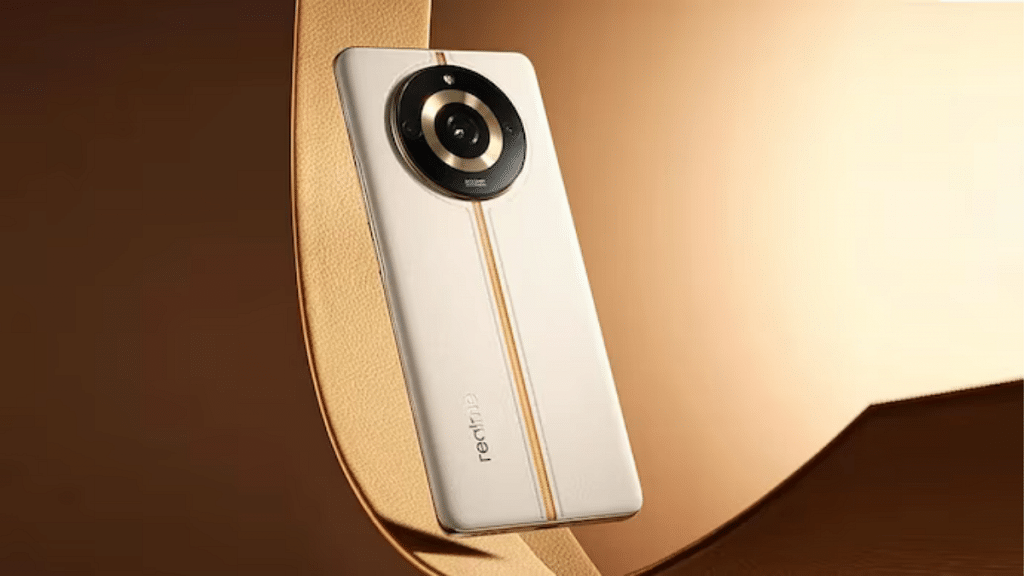
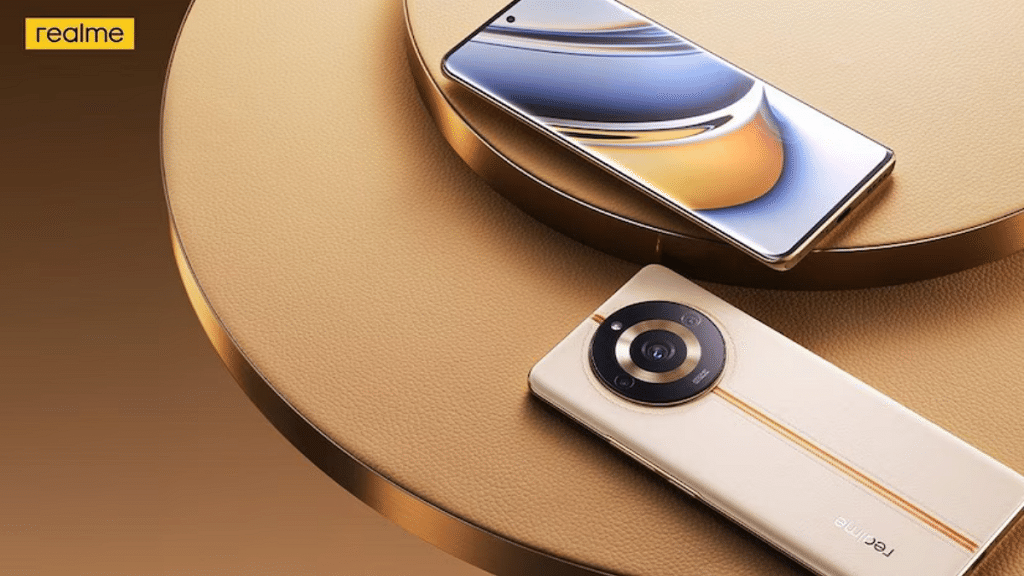
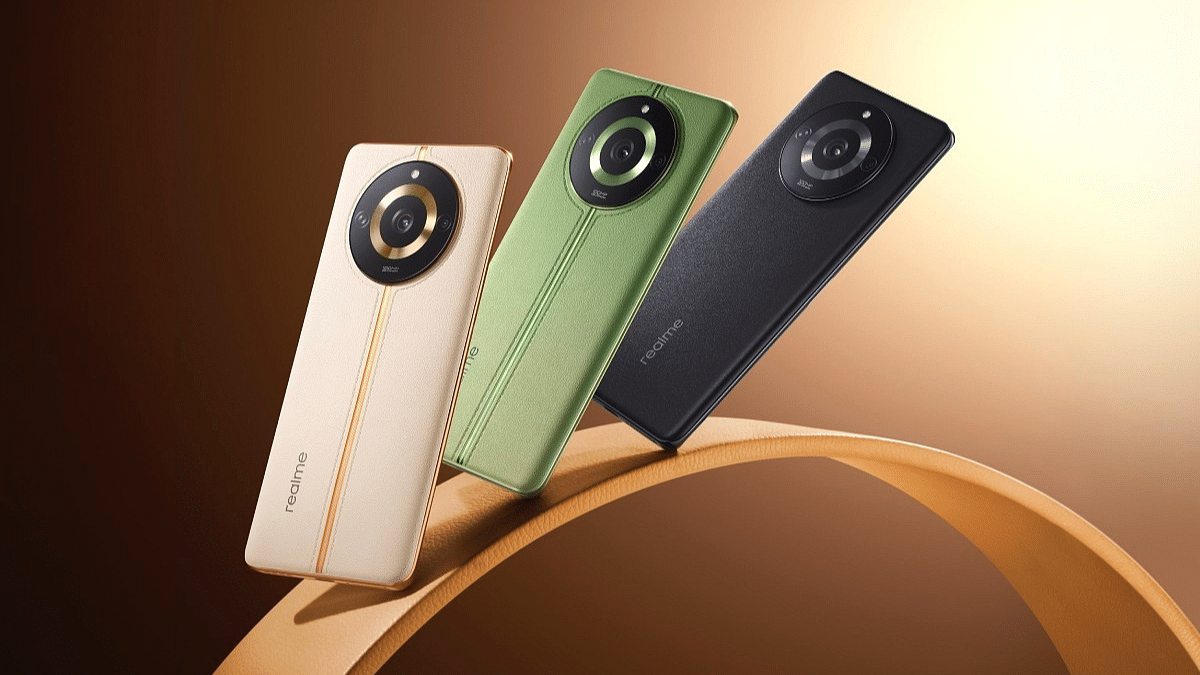
Realme has introduced its latest Realme 11 Pro series lineup which consists of two mid-range smartphones, the Realme 11 Pro and the Realme 11 Pro+ 5G. These devices come packed with powerful specifications and innovative features to provide users with an exceptional smartphone experience.

Let’s delve into the details of the Realme 11 Pro series.

Also Read: Realme GT Neo5 Vs POCO F5 Pro: Which One Should You Buy?

Realme 11 Pro+ : Specifications

SpecificationDetails
Display6.7-inch Full HD+ AMOLED display
Refresh Rate120Hz
ProcessorMediaTek Dimensity 7050 SoC
RAM Options8GB, 12GB
Storage256GB
Rear Camera200MP main camera
Front Camera32MP
Operating SystemAndroid 13-based Realme UI 4.0

The Realme 11 Pro+ is a feature-packed smartphone with a 6.7-inch Full HD+ AMOLED display and 120Hz refresh rate, delivering stunning visuals and smooth animations. Powered by the MediaTek Dimensity 7050 SoC, it offers powerful performance and multitasking capabilities.

With options for 8GB or 12GB RAM and 256GB storage, users have ample space for apps and media. The camera setup includes a 200MP main camera, 8MP ultra-wide camera, and 2MP macro sensor, enabling stunning photos with excellent detail. The 32MP front camera ensures high-quality selfies and video calls. It runs on Android 13-based Realme UI 4.0 and features an in-display fingerprint scanner, USB Type-C port, and dual speakers for immersive audio.

Also Read: Xiaomi Civi 3 Or Realme 11 Pro Plus: Which Is The Better Option For You?

Realme 11 Pro : Specifications

Realme 11 ProSpecification
Display6.7-inch Full HD+ curved AMOLED display
Refresh Rate120Hz
ProcessorMediaTek Dimensity 7050 SoC
RAM Options8GB, 12GB
Storage Options128GB, 256GB
Battery Capacity5000mAh
Fast Charging67W
Rear Camera100MP main camera with optical image stabilization
Front Camera16MP
Operating SystemAndroid 13-based Realme UI 4.0

The Realme 11 Pro features a 6.7-inch Full HD+ curved AMOLED display with a 120Hz refresh rate, providing immersive visuals with a hole-punch cutout at the top center. Powered by the MediaTek Dimensity 7050 SoC, it delivers reliable performance.

Users can choose between 8GB or 12GB of RAM and 128GB or 256GB of storage options. The device is equipped with a 5000mAh battery that supports 67W fast charging. The rear camera setup consists of a 100MP main camera with optical image stabilization and a 2MP secondary camera with a portrait lens. For selfies, there’s a 16MP front camera. It runs on Android 13-based Realme UI 4.0 and offers additional features like an in-display fingerprint scanner, USB Type-C port, and dual speakers.

Also Read: Realme Pro And Pro+: All The Latest Details On India Launch Date And Specs

Realme 11 Pro Series: Price & Availability
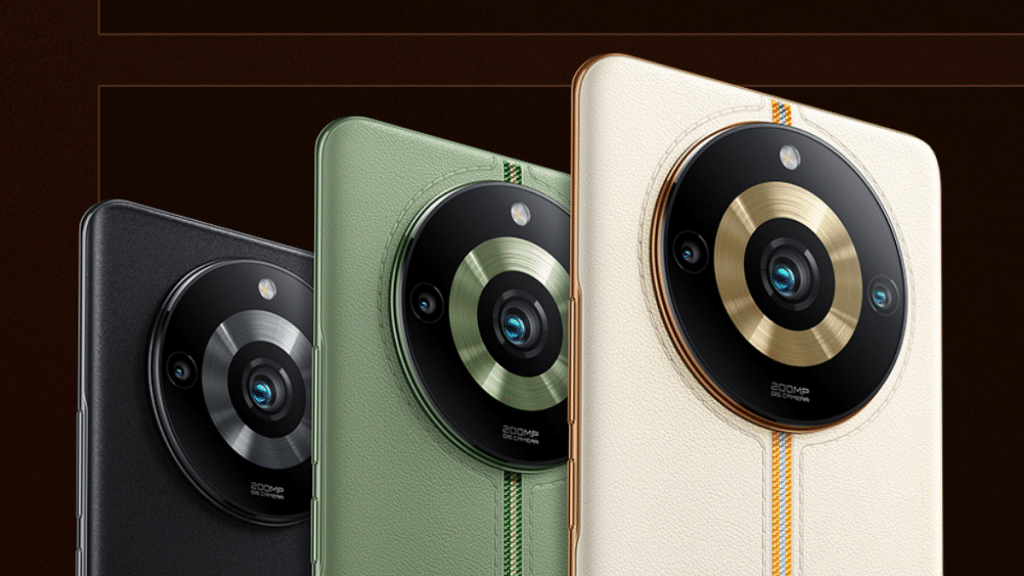
The base model of Realme 11 Pro starts at Rs. 23,999 with 8GB RAM and 128GB storage. The 8GB RAM and 256GB storage variant cost Rs. 24,999. For more storage, there’s a 12GB RAM option with 256GB storage priced at Rs. 27,999. These models will be available from June 16 on Realme.com, Flipkart.com, and retail stores.

The Realme 11 Pro+ 5G has two storage choices. The base model has 8GB RAM and 256GB storage for Rs. 27,999. The top-end variant with 12GB RAM and 256GB storage costs Rs. 29,999. Sales for the Realme 11 Pro+ 5G begin on June 15.

Customers can enjoy discounts up to Rs. 2,000 on select cards as part of the launch offers. There’s also an early-access sale on June 8 from 6 pm to 8 pm on Flipkart.

Also Read: Nokia C12 Plus Vs Poco C50 Vs Realme C30: Top Pick Under Rs. 8,000 In 2023 In India
Categories
Featured Info Tech Gadgets

HP Poly Voyager Free 60 UC TWS Earbuds With Unique Touchscreen Case Launched In India: Price, Features

Key Highlights

  • Unique Touchscreen Case
  • ANC and Transparency Mode
  • Long Battery Life Up to 24 hours of listening time and 16.5 hours of talk time.

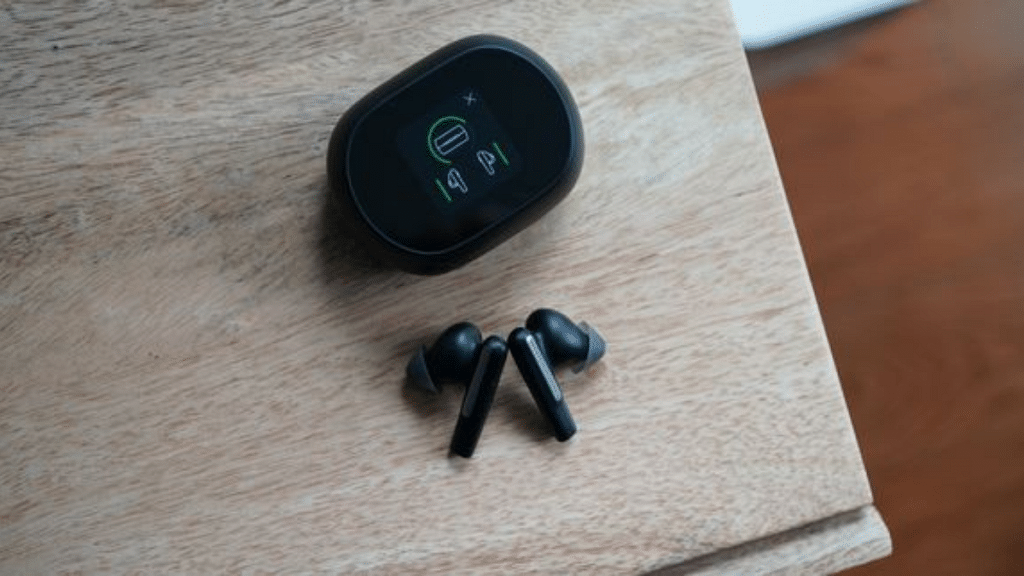
HP has recently introduced the true wireless Poly Voyager Free 60 UC TWS Earbuds. These earbuds boast a range of high-end features, such as active noise cancellation (ANC), wireless charging, transparency mode, and more.

However, what sets them apart is the inclusion of a unique touchscreen charging case, providing users with added convenience and functionality.

HP Poly Voyager Free 60 UC TWS EarbudsSpecifications
Battery LifeUp to 24 hours of listening time, 16.5 hours of talk time
MicrophonesThree
Ear Tip OptionsDifferent-sized ear tips for a customized fit
Device CompatibilityBluetooth-enabled iPhones, Android phones, PCs
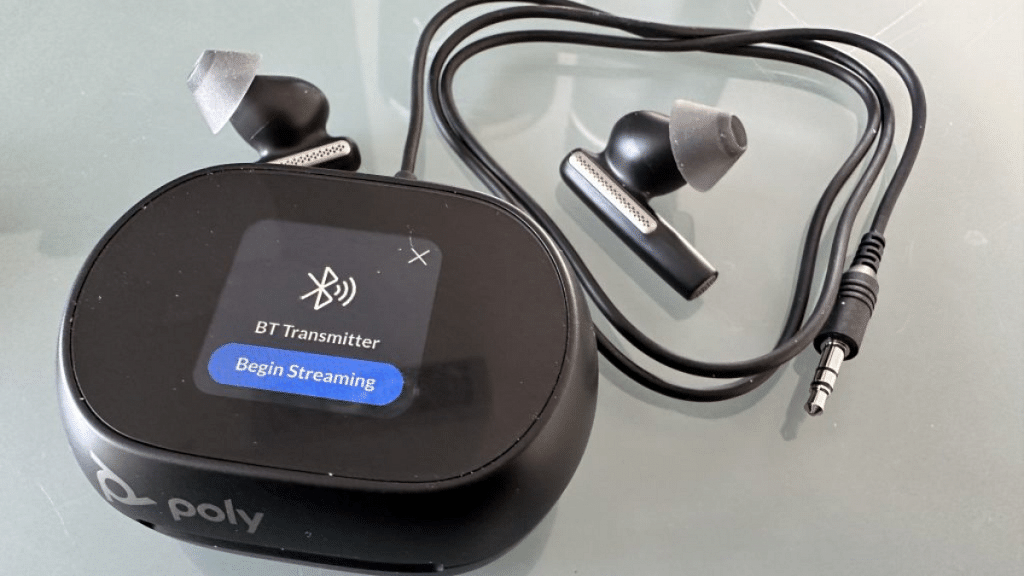
Included Adapter for Non-Bluetooth DevicesBT700 Bluetooth adapter
Mobile App SupportPoly Lens mobile app

Also Read: Wings Phantom 345 TWS Gaming Earbuds Review: Trendy And Affordable

HP Poly Voyager Free 60 UC TWS Earbuds: Specs

The Poly Voyager Free 60 UC TWS Earbuds promise an impressive battery life, with up to 24 hours of listening time and 16.5 hours of talk time. The earbuds are equipped with three microphones and offer the option to switch between different-sized ear tips for a customized and secure fit. They can be connected to various devices, including Bluetooth-enabled iPhones, Android phones, and PCs. For non-Bluetooth devices, the package includes a BT700 Bluetooth adapter. The Poly Lens mobile app allows users to manage the earbuds effortlessly.

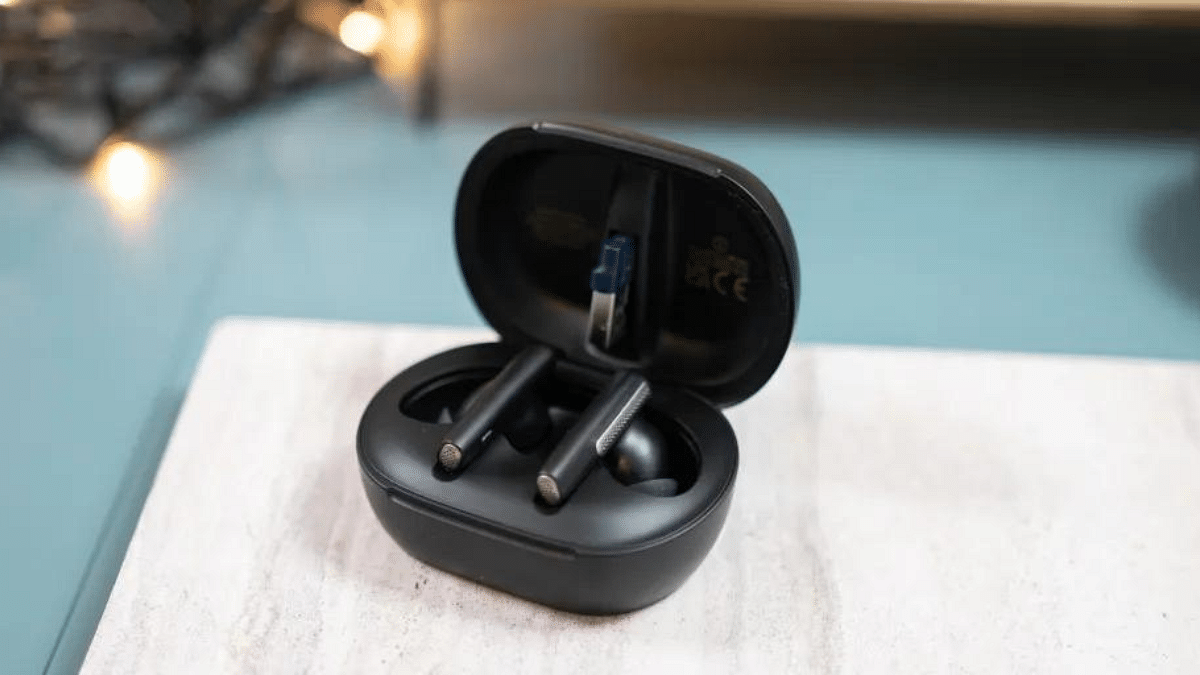
The charging case features an oval design with a flat top, housing an OLED screen that serves as a touchscreen interface for device switching and call information display. The display also allows users to change tracks and establish connections conveniently.

The Poly Voyager Free 60 UC TWS Earbuds have smart sensors that answer calls or pause music when you put them in or take them out of your ears. They also have WindSmart technology to reduce wind noise, and they can connect to two devices at the same time and remember up to eight devices for easy switching.

Also Read: boAT Airdopes Genesis TWS With TWS Earbuds With In-Ear Detection, Up To 54 Hours Backup Launched In India: Price, Features

HP Poly Voyager Free 60 UC TWS Earbuds: Price

The starting price of these earbuds is set at Rs 41,999. Customers have the choice between two color options: carbon black and white sand. Although the price might be high for some people, those who appreciate advanced features and a high-quality design may consider these earbuds as a worthwhile investment to enhance their audio experience.

Also Read: Mivi Duopds K1 Vs Wings Phantom 345 Budget TWS Comparison: Best Earbuds Under Rs. 1,500

Categories
Accessories Featured

Father’s Day 2023: Best Smart Tech Gadgets That Will Bring A Smile On Your Dad’s Face This Father’s Day

Key Highlights

  • Father’s Day 2023 will be celebrated on June 18
  • Tech products make for the best gifts
  • Smartwatches and wireless audio products are amongst the top gifting ideas

Father’s Day is just around the corner and the marketplace has started hosting sale events to mark the celebrations. This year Father’s Day will be celebrated on June 18 and we bet most of you have already started looking for the best gifts that will bring a big smile on your dad’s face. If you step out, you will surely get numerous options be it tech gadgets, lifestyle, and health products that you can gift your dad this Father’s day. We are listing down the best five tech gifting ideas for Father’s Day. Take a look:

Also Read: Running Low On Google Storage? Five Best Techniques To Clear Your Gmail Space

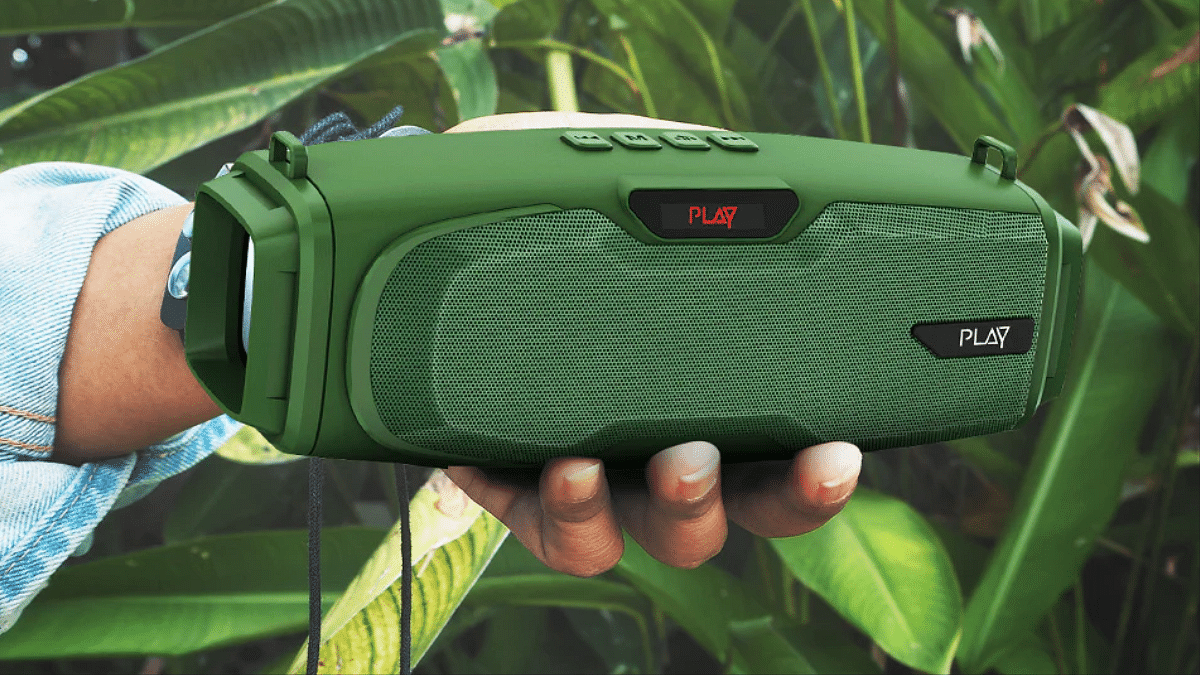
Playgo Muze

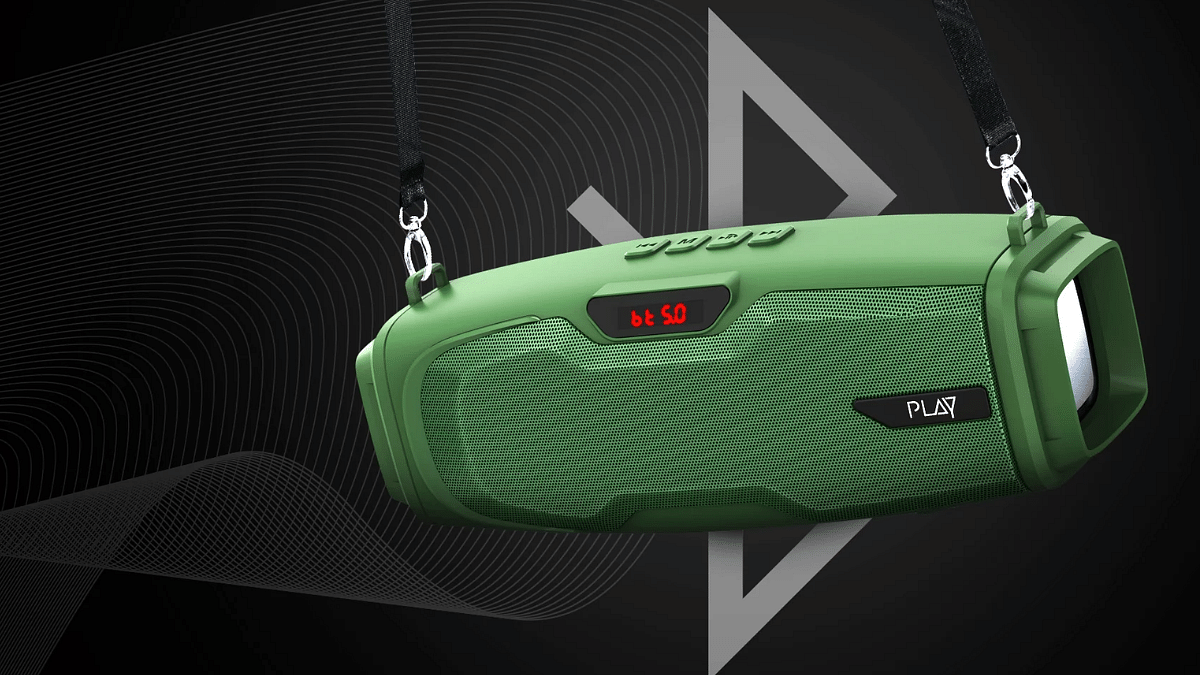
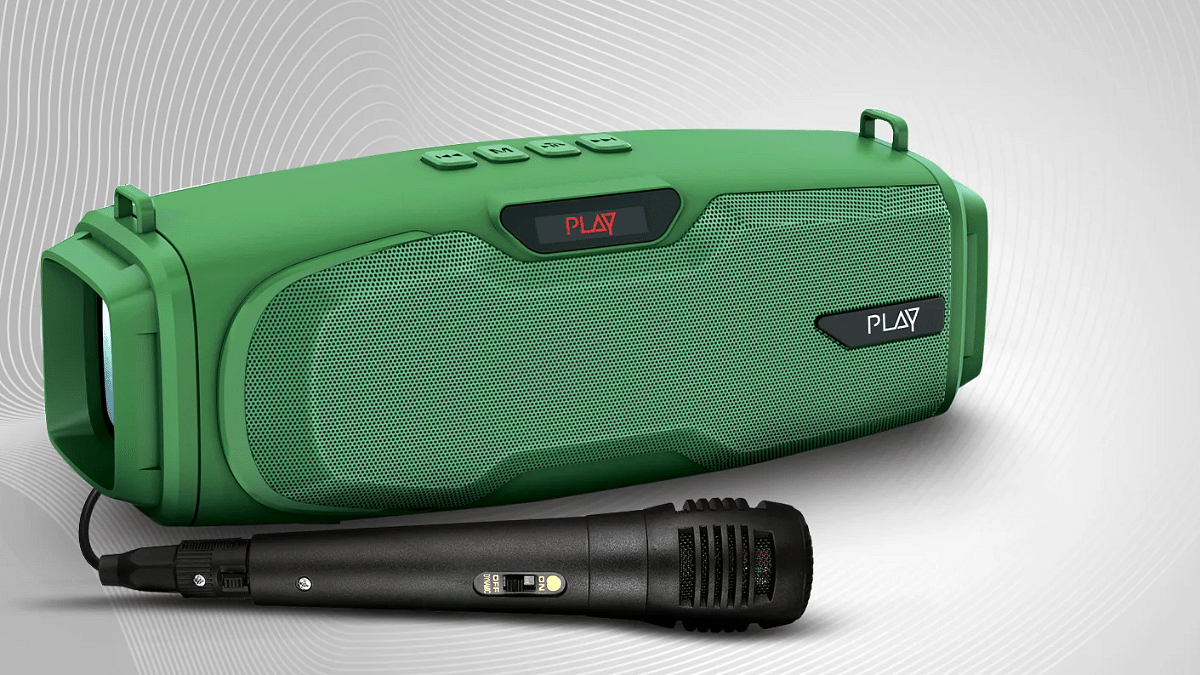
If you wish your dad to stay entertained and are looking for a good quality speaker with Karaoke then the Playgo Muze is one good option to consider.

  • Portable wireless speaker featuring a trendy design
  • Rugged build for outdoor usage
  • Loud 20W audio
  • Features Bluetooth 5.0 wireless network support and True Wireless Stereo (TWS) mode
  • Has Karaoke option
  • Packed with a 2,400 mAh battery that delivers approx. 7 hours of backup
  • Priced at Rs. 2,499

Buying Link: Official Site

Bose Frames

If your dad has an outgoing personality and like to have a wide collection of sunglasses then Bose Frames with Bluetooth calling feature would be one of the best gifts.

  • Bose Frames Sunglasses comes with Bluetooth Calling support
  • Has built-in speakers that allow taking calls
  • Music playback is also supported
  • Offers Augmented Reality (AR) to enhance outdoor experience
  • Priced at Rs. 17,520

Buying Link: Official Site

Fossils Gen 6 Smartwatch

https://fossil.scene7.com/is/content/FossilPartners/bgvideos/Fossil/gen6/fsl_0823_Gen6_Homepage_Hero1_Desktop_NAM_video-med.mp4

Smartwatches makes for ideal gifting solution be it any occasion. And for Father’s Day this year, you can consider the Fossil Gen 6 smartwatch which can track your dad’s fitness on the go.

  • Stylish smartwatch with classic round dial design
  • Runs on Wear OS
  • Compatible with Android and iOS smartphones
  • Has a customizable watch face option
  • Packed with multiple fitness features
  • Features interchangeable strap design
  • Priced at Rs. 24,995

Buying Link: Amazon

Jabra Elite Active 75t

This one on the list is for dads who love music. The Jabra Elite Active 75t TWS earbud is a good pick if you want to gift your dad a premium product.

  • TWS earbuds with a premium listening experience
  • Compatible with both Android and iOS devices
  • Offers ANC for rich soundstage
  • Comes with  water resistant design
  • Priced at Rs. 10,995

Buying Link: Amazon

Ember Wave

If you are constantly worried about your dad’s health and need an advanced wearable that can regulate body temperature then Ember Wave Thermal wristband is the product you need.

  • Ember Wave is a smart wearable for regulating body temperature
  • Gives relief from hot flashes
  • Cooling and warming sensation can be calibrated depending on requirements\
  • Priced at Rs. 46,748

Buying Link: Amazon

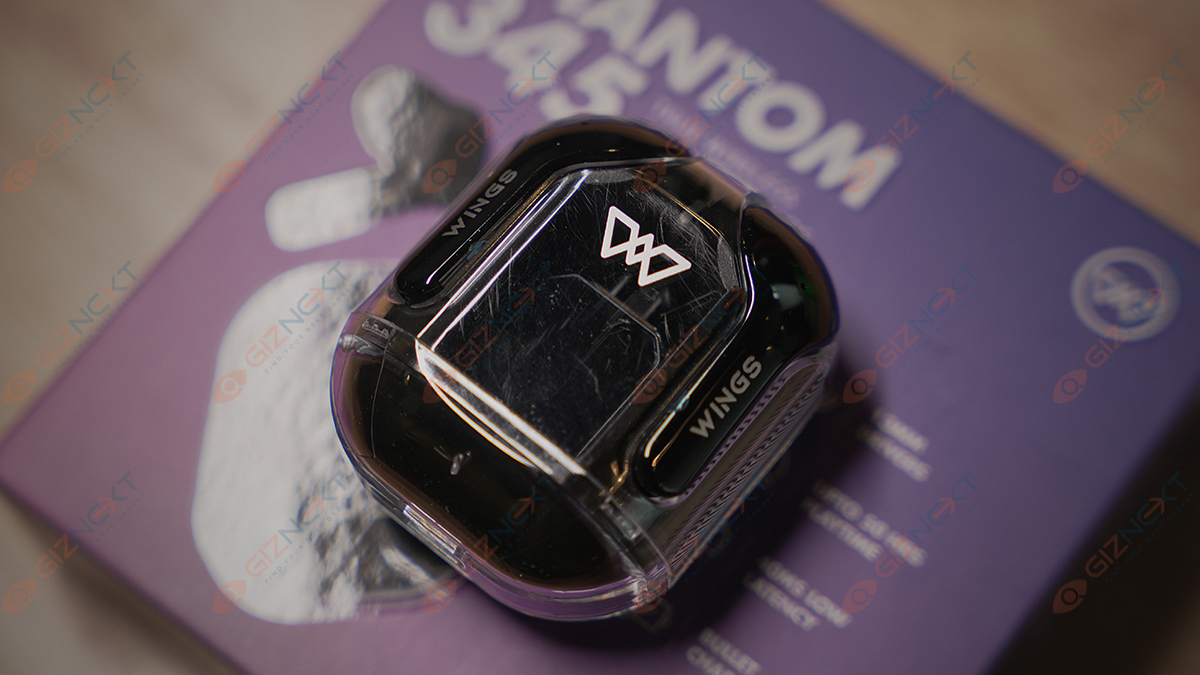
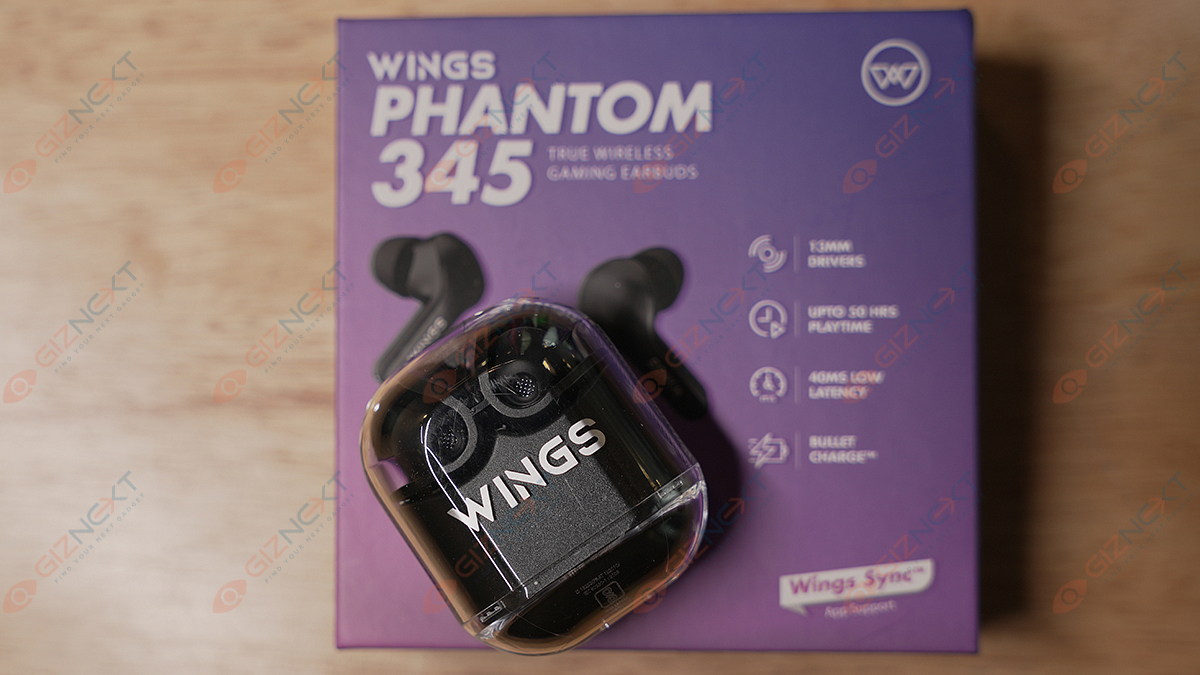
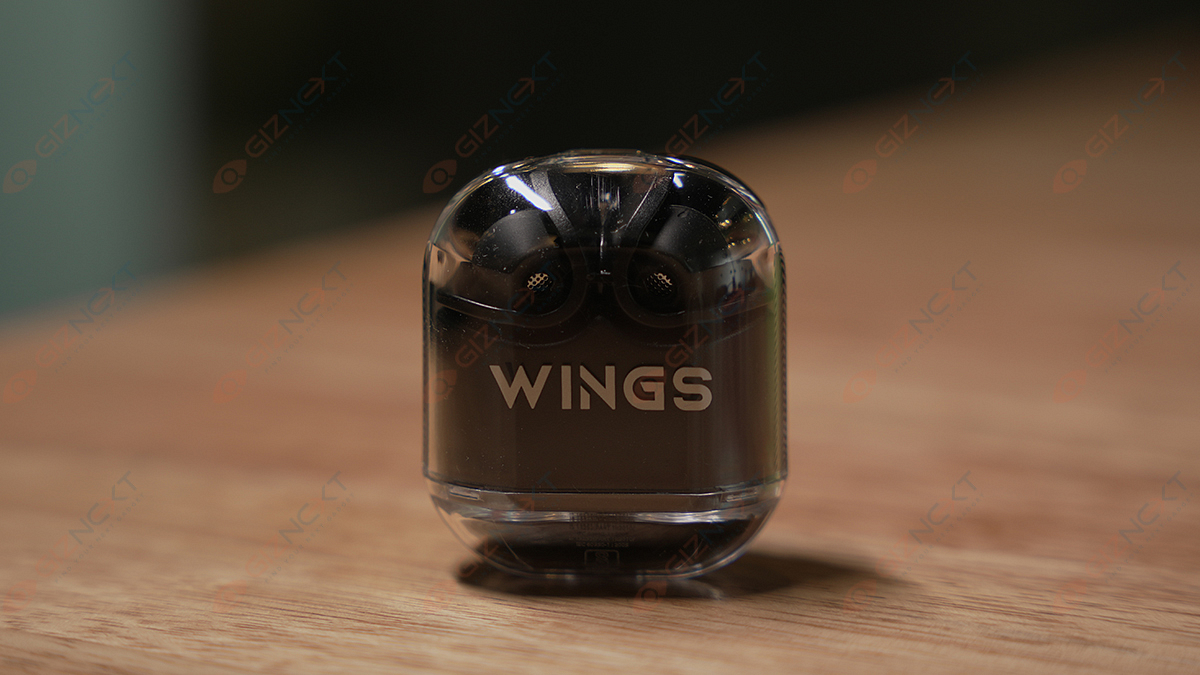
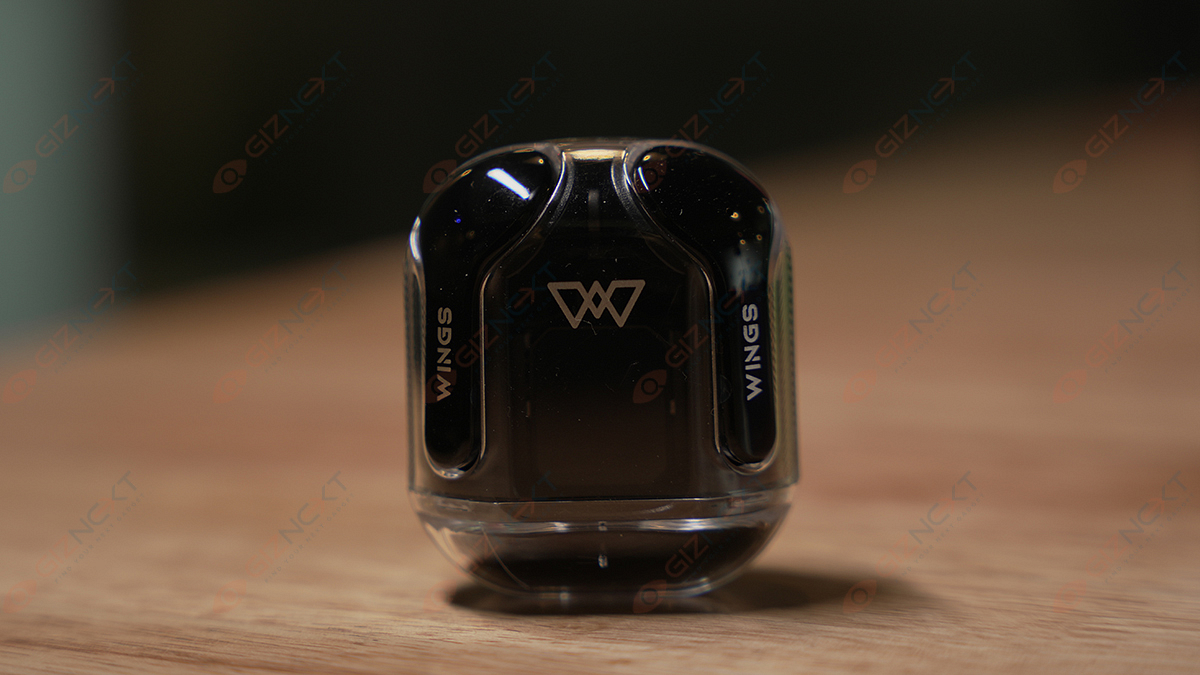
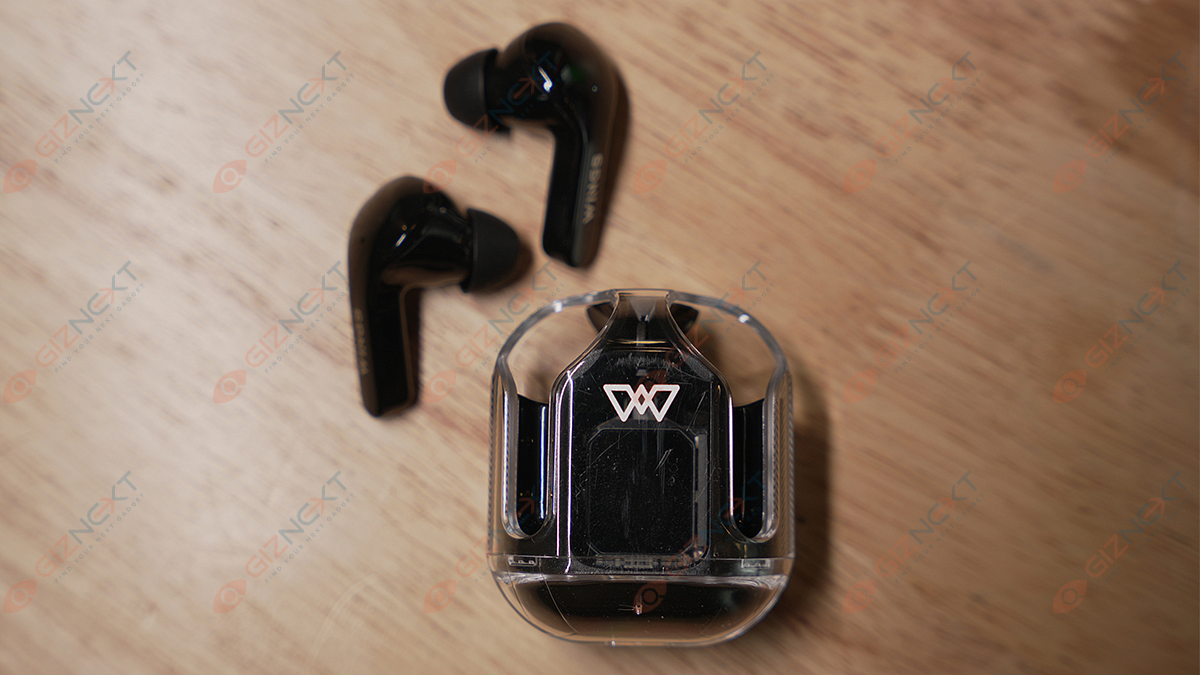
Wings Phantom 345

If you’re looking to gift your music-loving dad with a high-quality product, the Wings Phantom 345 TWS earbuds are a great choice from the list.

  • Transparent case design with a digital display for battery level
  • Features 13mm high-fidelity drivers, environmental noise cancellation, and 30db ANC
  • Dedicated Gaming mode with low latency of 40ms
  • Four microphones with ENC support for clear voice calls
  • Has an IPX5 rating for sweat and water resistance
  • Priced at Rs. 1,499

Buying Link: Official website

Also Read: AI Chatbots Unmasked: Check Out The Four Best Chatbots Competing With ChatGPT

Categories
Featured Info TV

Motorola EnvisionX 4K QLED TV With 55-inch, 65-inch Screen Size, MediaTek Quad Core Processor Launched In India: Price, Specifications

Key Highlights

  • 4K resolution for stunning visual experience.
  • Quantum Dot technology enhances color reproduction.
  • Powerful MediaTek Quad Core processor ensures smooth performance.
  • Pricing starts at Rs. 35,999.

Motorola introduces Motorola EnvisionX QLED TV in India after the success of the Envision series, the company has expanded its lineup to include larger screen sizes. Last month, Motorola unveiled a range of Envision TVs in screen sizes of 32, 43, and 55 inches, all offering impressive 4K resolution.

Now, the company has launched EnvisionX QLED TV with 55 and 65 inches screen size catering to those seeking larger screen sizes and exceptional picture quality. Let’s take a closer look into it.

Also Read: Sony Bravia X82L Premium Smart TV Series With 4K HDR Picture Engine, Dolby Vision Launched In India: Price, Specifications

Motorola EnvisionX 4K 55″ and 65” QLED TV: Specifications

SpecificationsMotorola EnvisionX QLED TV
Screen Size55 inches, 65 Inches
Display Type4K QLED
Picture Modes6
Color Gamut1.07 billion colors
ProcessorMediaTek Quad Core
RAM2 GB
Integrated GraphicsYes
Speaker Output20W
Dolby Atmos SupportYes
Operating SystemGoogle TV OS
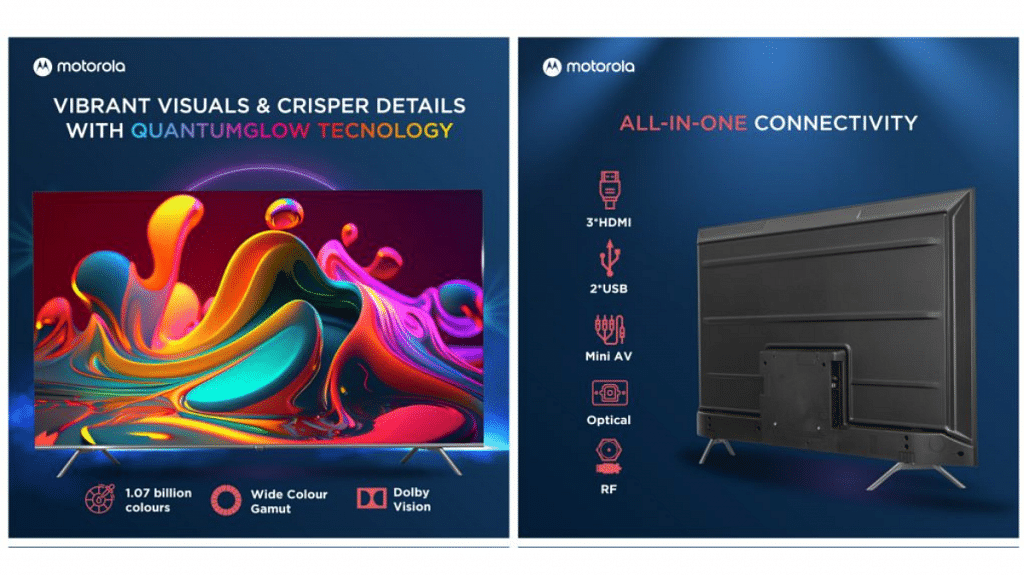
Connectivity3 HDMI, 2 USB, Ethernet, RF
Wireless ConnectivityWi-Fi 802.11 ac, Bluetooth

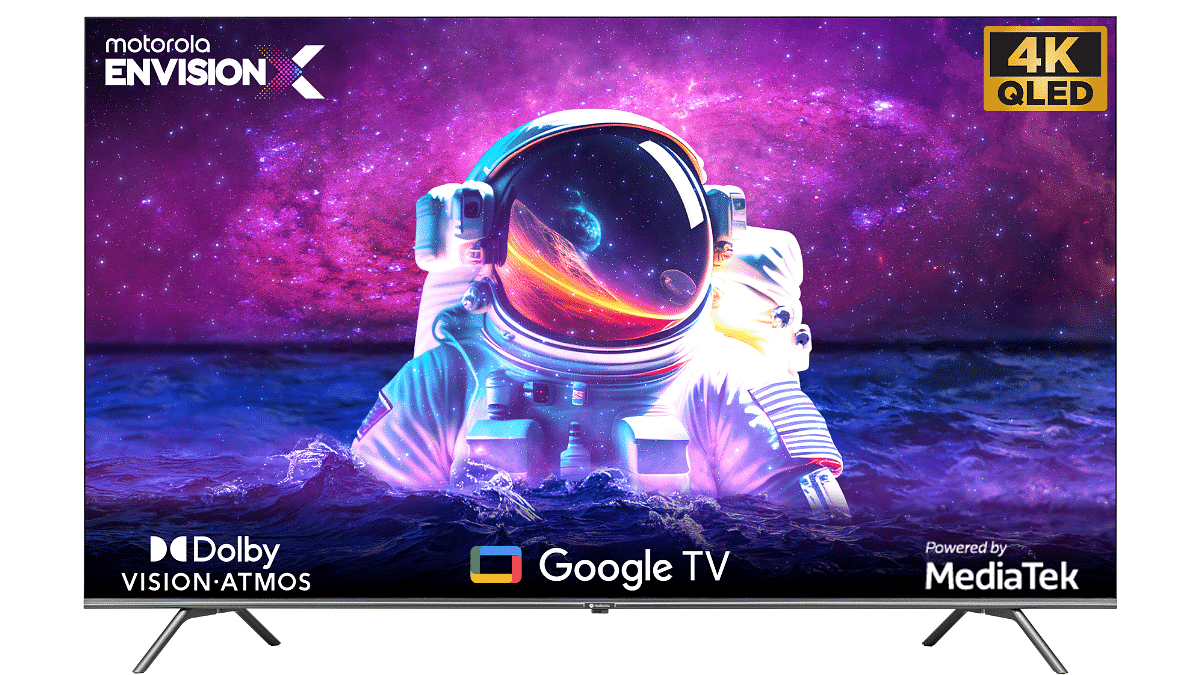
The newly launched Motorola EnvisionX QLED TV offers an impressive set of specifications. With a sleek design featuring a bezel-less display and a stylish stand, the TV is available in 55-inch and 65-inch screen sizes. The Quantum-Glow technology enhances the picture quality and supports Dolby Vision, offering a wide color gamut of 1.07 billion colors. Users can select from six picture modes based on their viewing preferences.

Powered by a MediaTek Quad Core processor and equipped with 2 GB of RAM, the TV ensures smooth performance. It also features an integrated graphics unit and 20W speakers that support Dolby Atmos. Running on Google TV OS, the smart TV provides access to various streaming platforms and supports Google’s Voice Assistant. It offers connectivity options such as 3 HDMI ports, 2 USB ports, Ethernet, RF port, Wi-Fi 802.11 ac (at 2.4GHz/5GHz), and Bluetooth.

Also Read: Samsung First QD-OLED TV Lineup With Quantum Processor Launched In India: Price, Specs Details

Motorola EnvisionX 4K 55″ and 65” QLED TV: Price

The Motorola EnvisionX QLED TVs are now available for purchase in India. The 55-inch model is priced at Rs. 35,999, while the 65-inch model comes with a price tag of Rs. 49,999. These TVs can be exclusively bought from Flipkart, offering customers a range of options to choose from based on their preferred screen size and budget.

Also Read: List Of Best Motorola Phones That You Can Buy In India Under Rs. 25,000

Categories
Apps Featured

100+ Perfect Instagram Names For Personal Bloggers

In the vast world of personal blogging, finding the perfect Instagram name that encapsulates your unique voice and resonates with your audience can be quite a challenge. Whether you’re a lifestyle guru, a travel enthusiast, or a fashionista, a catchy and memorable Instagram handle can make all the difference in attracting followers and establishing your personal brand. In this article, we will explore some of the best personal bloggers’ names for Instagram, offering inspiration and creativity to help you stand out from the crowd. Also Read | 100+ Cool And Stylish Instagram Names For Bikers

Cool Instagram Names For Personal Bloggers

LifeInFramesFashionableWandererSereneScribbles
StorytellerChroniclesExploreAndShareChicAndSassy
TheBlogJourneyMyPassionPaletteUrbanDreamer
DiaryOfMeMindfulMemoirsTheInspiredNomad
WanderlustChroniclesCoffeeAndCaptionsCaptivatingChronicles
BlissfulBloggerBoldAndBeautifulWhimsicalWanderer
SoulfulInsightsCuriousAdventurerDaringDispatches
TheCreativeHiveTheSavvyExplorerVibrantVoyager

Trendy Instagram Names For Personal Bloggers

TalesOfTravelsBlissfulMomentsJoyfulJourneyer
StylishAdventuresTheGlamorousGlobeFashionableFascination
EnchantingExpressionsWanderer’sWhisperSerendipityScribe
BeautyUnveiledCreativeEssenceTheSoulfulGlobe
DreamyDiscoveriesThrivingThoughtsExquisiteEscapes
LifeThroughLensesStylishSojournerBoldExpressions
ThePoeticBloggerArtisticWanderlustWanderWithPurpose
AuthenticAndAlivePoisedAndPassionateColorfulChronicles

Also Read | 100+ Best Instagram Names For Cricket Lovers

Attractive Instagram Names For Personal Bloggers

TheInspiringInkUrbanAdventurerStylishScribbler
BohemianBloggerTheArtisticOdysseyJourneyOfJoy
BlissfulWanderingsMindfulMusingsTheGlamorousGypsy
CaptivatingTalesBeautyAndBeyondDreamyDispatches
WhimsicalWritingsTheEnlightenedExplorerLifeInColors
ChasingSunsetsChicVibesOnlyTheArtfulAdventurer
TheCuriousCameraTheWanderLustAuthenticAbroad
FashionFlairTalesFromTheRoadBlissfulExpressions
TheEnchantedExplorerMy LifeI am Wonderer

Catchy Instagram Names For Personal Bloggers

BoldBrushstrokesBohoBloggerChasingAdventures
WanderWiselyBlissfulRoamingTheCuriousClick
ColorfulCapturesCaptivatingChaptersFashionForward
TheInspiringImprintWhimsicalWanderlustUrbanVoyages
TheFashionVagabondStylishSafariFashionFusion
Wanderer’sWhimsyArtisticJourneysSerendipitySafaris
CreativeCuratorPoisedPassionsTheSoulfulSojourner
ThrivingTravelsJoyfulJauntsExquisiteExperiences
TheArtisticVagabondMindfulMeanderingsBeautyBlogger

Choosing the right Instagram name is crucial in establishing your brand as a blogger. It should reflect your personality, niche, and appeal to your target audience. Whether you opt for a clever play on words, a combination of your name and niche, or a catchy phrase, the key is to make it memorable and unique. With these suggestions and a touch of creativity, you’re well on your way to creating an Instagram handle that will captivate and engage your followers.

Also Read | Love K-pop? Check Out 100+ Fun And Unique Instagram Names

Categories
Accessories Featured

Amazfit Pop 3s Bluetooth Calling Smartwatch Launched Under Rs. 4,000 In India: Full Specs

Key Highlights

  • Amazfit Pop 3s launched in India
  • Comes as a successor to Amazfit Pop 2
  • Offers Bluetooth calling at Rs. 3,999
  • Available via Amazon exclusively

Amazfit is well known for its premium smartwatch lineup in India. The brand is also catering to the mid-range and budget audience with its Pop smartwatch series in the country. The latest addition to this pocket-friendly lineup in India is the Pop 3s. The company had teased the arrival of the latest Pop series smartwatch a while ago and now has made it available for Indian consumers.

Also Read: Fire-Boltt Phoenix Ultra Smartwatch Launched In India: Check Price And Features

Amazfit Pop 3s Key Specifications And Features

Amazfit Pop 3sFeatures
Display1.96-inch AMOLED
Screen resolution502 x 410 resolution
Watch FacesOver 100
SpO2Yes
Heart Rate sensorYes (24 x 7)
Bluetooth CallingYes
BackupUp to 12 hours

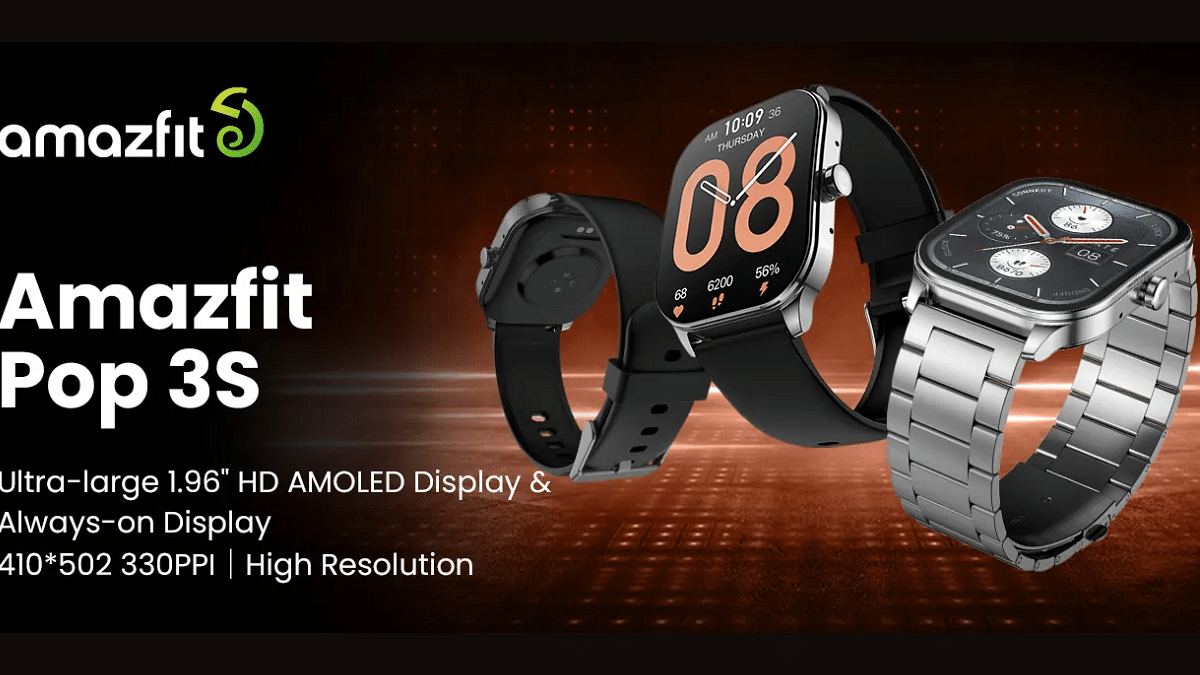
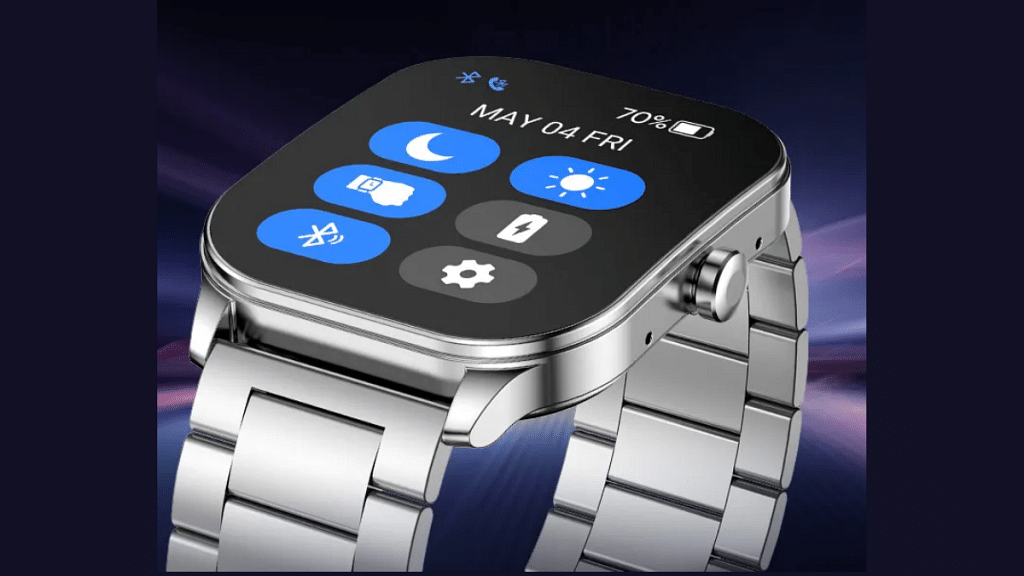
The Amazfit Pop 3s is a cost-friendly smartwatch that features a square-shaped dial design that adds to its modern appeal. The company has used an AMOLED panel which is 1.96 inches in size and has an Always On Display feature. The screen comes with a resolution of 502 x 410 pixels and has 330 PPI pixel density.

 Also, the display gets a 2.5D curved glass protection that will keep scratches at bay. The square-shaped dial is complemented by stainless steel straps and a digital crown on the watch frame. Speaking of the additional features, the Amazfit Pop 3s smartwatch gets several fitness and health-centric features.

Amazefit has loaded the Pop 3s smartwatch with a heart rate sensor and SpO2. The former measures heartbeats, while the latter keeps track of blood oxygen. This smartwatch also gets sleep and stress monitor for additional health metrics.

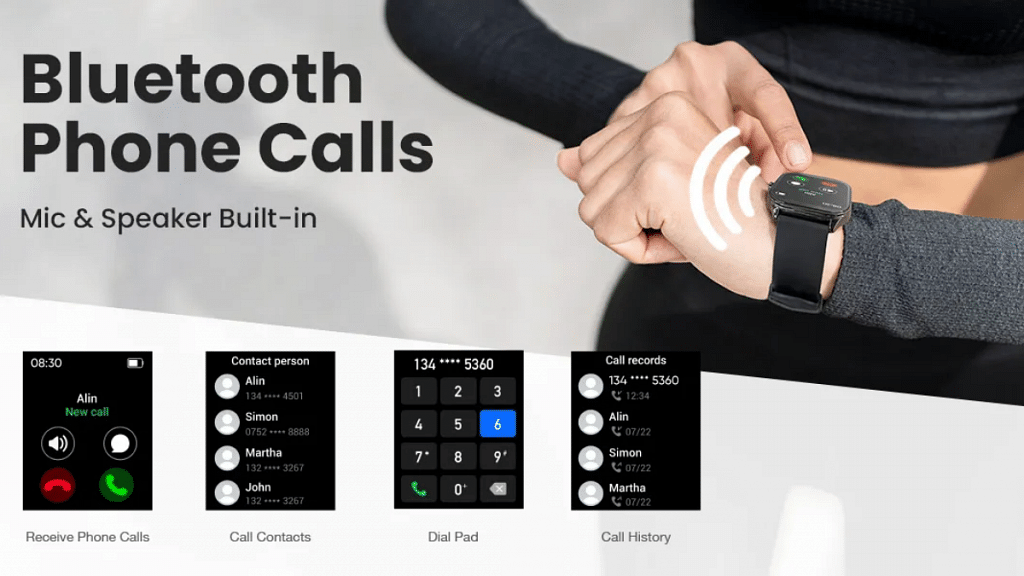
The Amazfit Pop 3s smartwatch is equipped with over 100 sports modes and watch faces that one can use for customization. It also supports a digital voice assistant and has an in-built microphone for Bluetooth calling. Furthermore, the Pop 3s comes offers camera shutter controls, app notifications, and also music playback control.

The smartwatch’s battery capacity is unspecified but the brand has claimed a backup of up to 12 days on a single charge. One of the other useful features that the Amazfit Pop 3s smartwatch offers is the IP68 certification that makes it dust and water-resistant which is suitable for outdoor usage.

Also Read: Best Smartwatches With Bluetooth Calling, Fitness Features Under Rs. 5,000 In 2023

Amazfit Pop 3S Price In India, Buying Details

The Amazfit Pop 3s smartwatch is launched at Rs. 3,999 in India. Interested buyers can visit the Amazon India website or shopping app to buy the latest Amazfit smartwatch in the country.

Also Read: Crossbeats Ignite Surge Review: Ideal Daily-Use Smartwatch Under Rs. 4,000

Categories
Featured Info

Apple 13-inch MacBook Air M2 Receives Major Price Cut

Key Highlights

  • The cost of Apple’s outdated 13-inch MacBook Air M2 model has been drastically reduced
  • After Apple unveiled the 15-inch MacBook Air M2, the pricing was reduced
  • The Apple India website has already been updated with the new prices

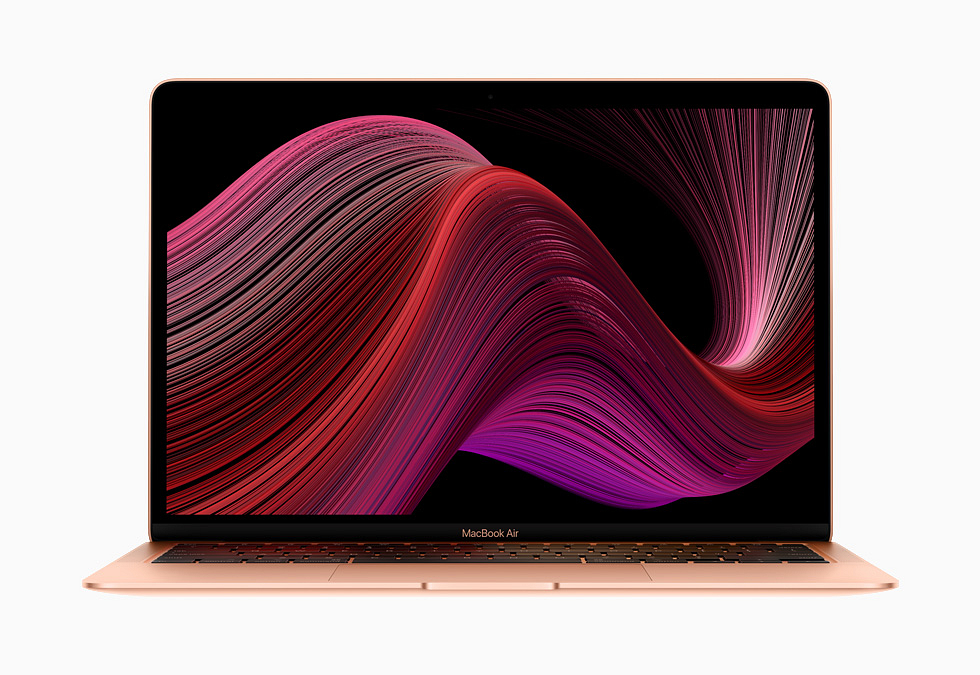
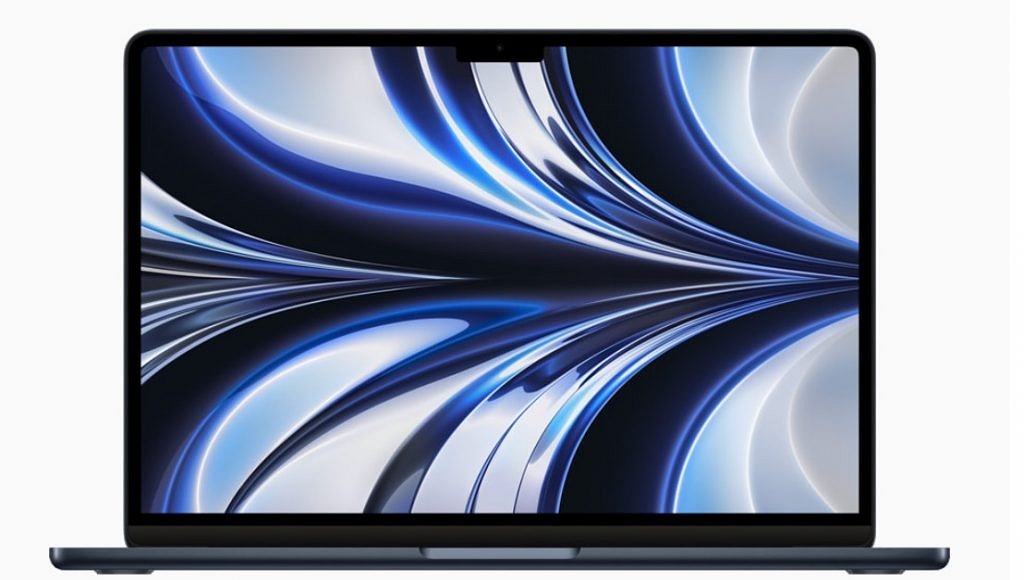
The 15-inch MacBook Air was introduced by Apple at WWDC 2023, with a starting price of Rs 1,34,900. Apple has reduced the price of its 13-inch MacBook Air with M2 chipset, which was introduced last year. In India, it had a starting price of Rs. 1,19,900. The 13-inch MacBook Air with M2 chip is now available at a starting price of Rs 1,14,900 (256GB), down from Rs 1,49,900, and is available in Midnight, Starlight, Space Grey, and Silver color options. Both variants have seen a price reduction of Rs 5,000 at the Apple India Store.

Also Read: iOS Hacks: How To Activate And Use Mobile/Cellular Services On Apple Watch For Calling And Messaging

Apple 15-inch MacBook Air: Specifications

The 15.3-inch Liquid Retina display on the new 15-inch Macbook Air boasts up to 500 nits of brightness and supports 1 billion colors. The laptop has a 100GB/s memory bandwidth, supports up to 24GB of rapid unified memory, and is powered by an M2 chip.

For video conferencing and FaceTime chats, the MacBook Air has a 1080p FaceTime HD camera. According to Apple, its batteries have a life span of up to 18 hours. Additionally, it has a six-speaker audio system with Spatial Audio with Dolby Atmos capability.

The recently released 15-inch MacBook Air weighs 1.4kg and is 11.5mm thin. It has a 3.5mm headphone jack, two Thunderbolt ports for attaching devices, support for external displays up to 6K, and MagSafe charging.

Also Read: Apple Unveils watchOS 10: Top Five Updates For Apple Watch

Apple 15-inch MacBook Air: Price

The starting pricing for the 15-inch MacBook Air with M2 in India is Rs 1,34,900 (Rs 1,24,900 for students). It is available in Midnight, Starlight, Silver, and Space Grey colorations in terms of colors.

Also Read: Apple Unveils Highly Anticipated Augmented Reality Headset

Categories
Apps Featured Info

UPI Tips And Tricks: Here’s How You Can Set UPI PIN Without Using Debit Card Details

Key Highlights

  • Set UPI PIN without a debit card hassle-free.
  • Use Aadhaar number for UPI PIN setup.
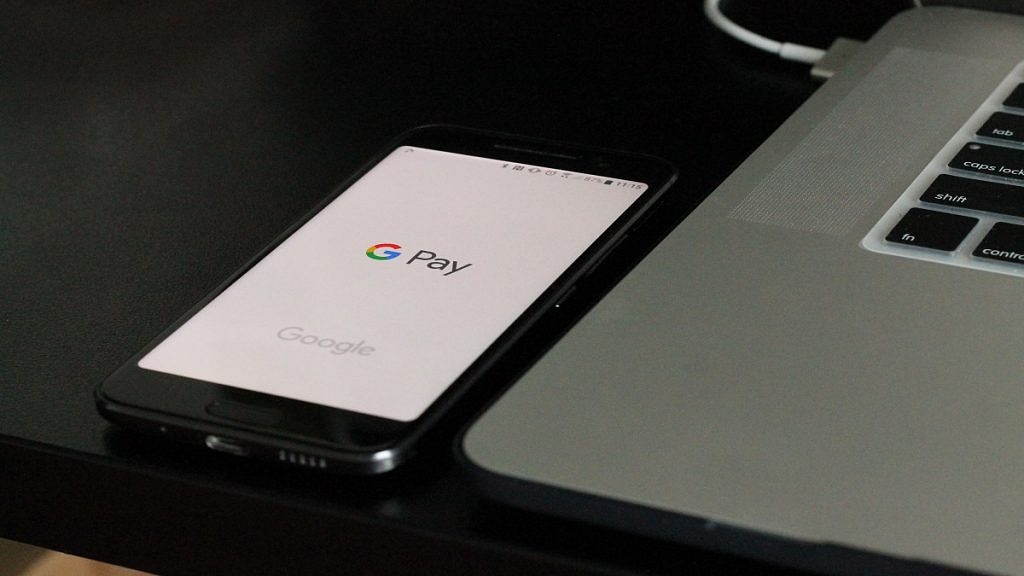
  • Google Pay facilitates secure Aadhaar validation process.

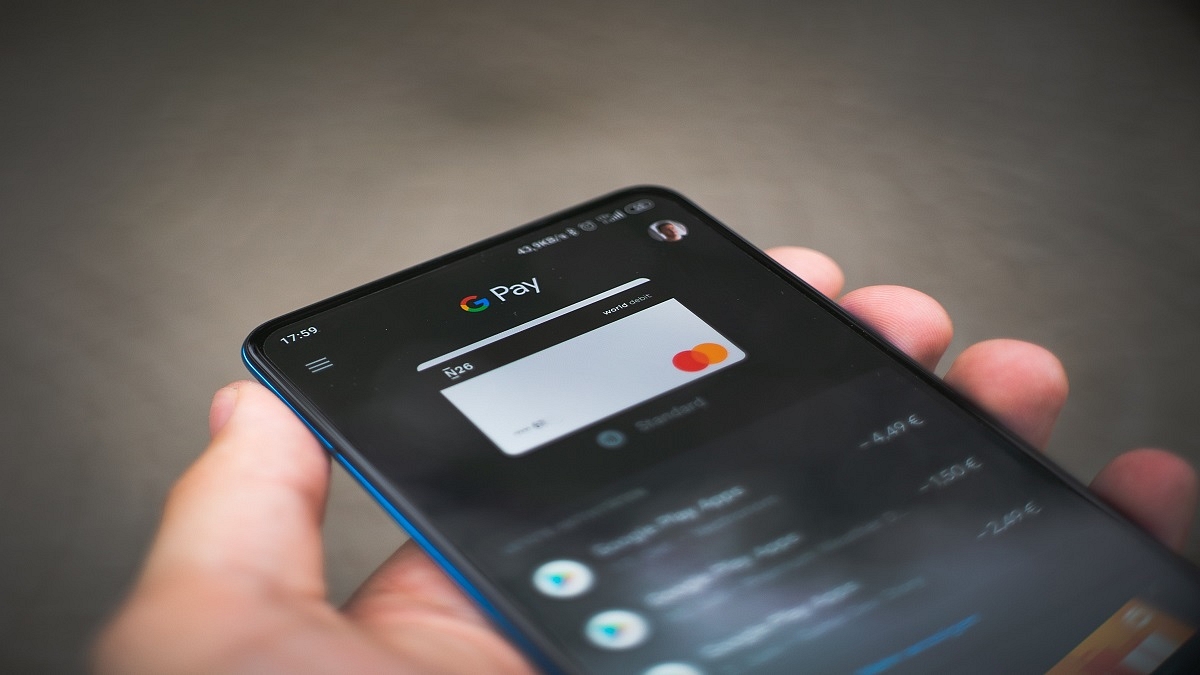
If you’ve been struggling to set up your UPI PIN without a debit card, there’s good news. Google Pay now offers an alternative method to sign up for UPI using your Aadhaar number through the National Payments Corporation of India (NPCI).

Also Read: How Can You Delete Google Pay Transaction History: A Step-By-Step Guide

Aadhaar-based UPI Onboarding

With the new Aadhaar-based UPI onboarding method, Google Pay users can set up their UPI PIN without a debit card. This service is currently available to customers of banks that accept it, with more banks expected to follow suit soon.

Requirements for Aadhaar-based UPI

To use UPI through Aadhaar on Google Pay, users must ensure that their bank and UIDAI (Unique Identification Authority of India) share the same phone number. Additionally, their Aadhaar must be linked to their bank account.

Also Read: Google Pay Expands Payment Options In India With UPI Payments Using RuPay Credit Cards
The Sign-Up Process

Users opting for Aadhaar-based UPI on Google Pay will have the choice between using a debit card or their Aadhaar number for sign-up. If they choose Aadhaar:

  1. Enter the first six digits of their Aadhaar number to initiate the process.
  2. Enter the OTPs received from UIDAI and their bank to complete the identification step.
  3. The bank will then finalize the process, allowing users to set their UPI PIN.
  4. Customers can now utilize the Google Pay app for transactions and to check their account balance.

Ensuring Aadhaar Security

When a user enters the first six digits of their Aadhaar number, the number is sent to UIDAI for approval via NPCI. Google Pay emphasizes that it does not retain the Aadhaar number. Instead, it facilitates the secure transfer of the Aadhaar number to NPCI for validation.

Also Read: Google Pay Expands Payment Options In India With UPI Payments Using RuPay Credit Cards
Categories
Apps Featured How To

How To Sign In To Your Google Workspace Accounts Without Passwords: A Step-by-Step Guide

Key Highlights

  • Google began rolling out passkeys for personal Google Accounts
  • Users of Google Workspace can now permit users to log in using passkeys
  • Passkeys are two times faster than passwords, according to Google data
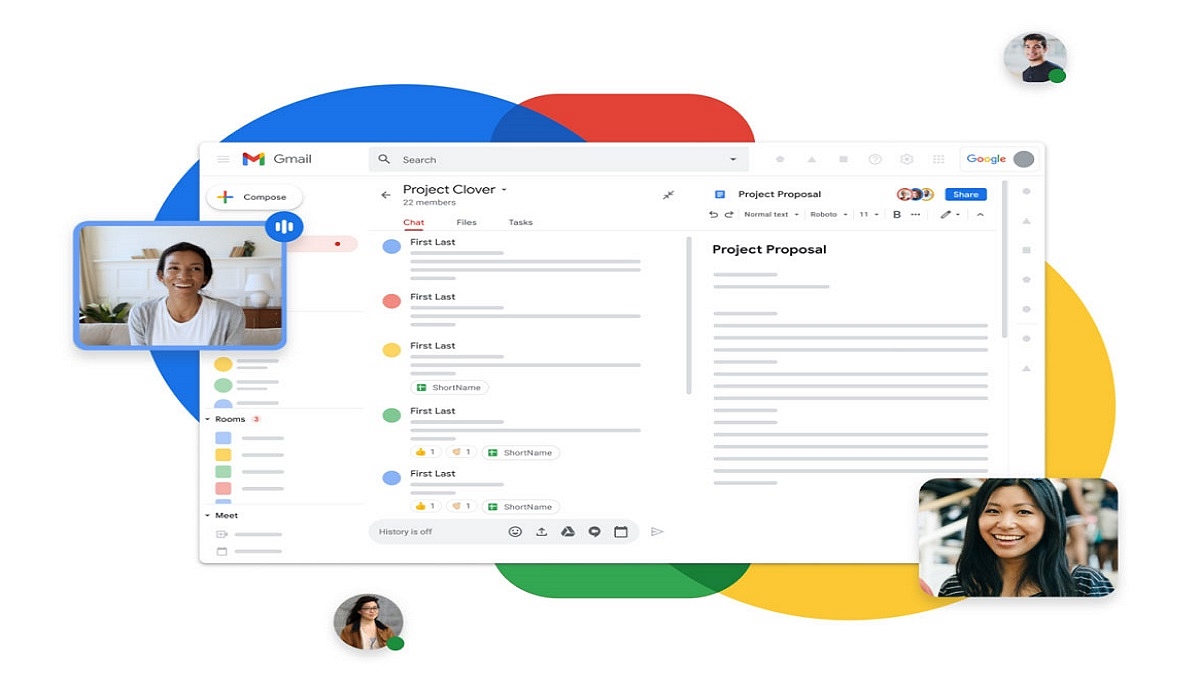
Google has recently extended its passkey feature from personal Google Accounts to include Google Workspace and Google Cloud accounts. Given the increasing vulnerability of passwords to theft and phishing attacks, passkeys offer a secure and simpler alternative for users. Passkeys can be authenticated using fingerprints, face recognition, or other screen locks, ensuring convenient access across various devices such as phones, laptops, and desktops. Also Read | Struggling With Message Composition? Let Google Magic Compose’s AI Assist You! Here’s How

Passkeys adhere to a common standard and are compatible with numerous browsers and operating systems, including Android, MacOS, iOS, and Windows. By eliminating the need to memorize passwords, passkeys significantly reduce the risk of theft. According to Google’s data, compared to traditional passwords, passkeys prove to be twice as fast and four times less error-prone. Recognizing their benefits, Google has expanded the availability of passkeys to businesses, schools, and governments.

Passkeys For Google Workspace Users

Google has commenced the rollout of passkeys for Google Workspace users, along with providing controls for Workspace administrators. This deployment will be completed over the coming weeks, ensuring all users gain access to this new feature. Once enabled, Workspace admins can authorize users within their organization to sign in using passkeys.

How To Enable Passkey For Workspace Account Users

By default, the passkey feature is not activated for Workspace users, requiring them to continue using passwords. However, Workspace admins have the option to enable passkeys as a two-step verification method. To allow users in your organization to skip passwords and adopt passkeys for sign-in, follow the step-by-step guide outlined below:

Step 1: Sign in to your Google Admin console.

Step 2: Navigate to the Menu in the Admin console and select Security.

Step 3: Choose Authentication and then Passwordless.

Step 4: Opt for Skip passwords.

Step 5: To enable users to bypass password challenges, select the “Allow users to skip passwords at sign-in by using passkeys” checkbox.

Step 6: Save your changes. That’s all!

Also Read | Running Low On Google Storage? Five Best Techniques To Clear Your Gmail Space

Categories
Featured How To Smart Watch

iOS Hacks: How To Activate And Use Mobile/Cellular Services On Apple Watch For Calling And Messaging

Key Highlights

  • Cellular and mobile services can be used on Apple Watch
  • One can make calls, reply to messages using Apple Watch
  • Both Apple Watch and iPhone should have the latest firmware version

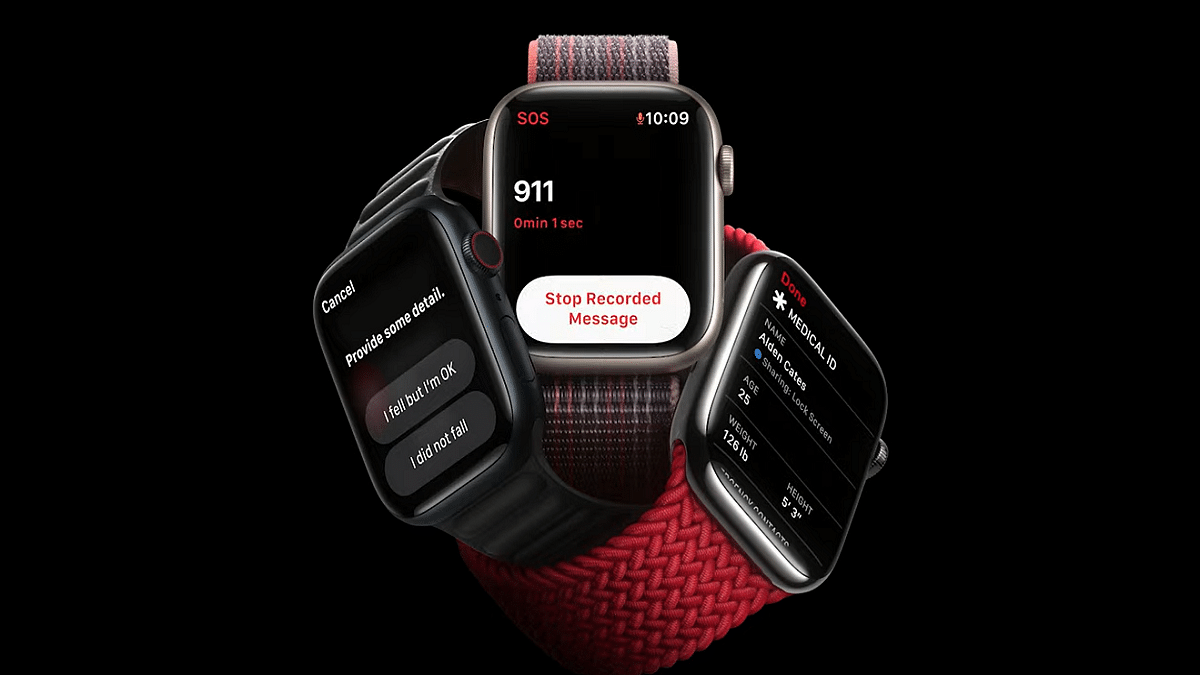
Apple has been improving the user experience with all its products including iPhones, iPads, Apple Watch, and others. With the Apple Watch series, the company has introduced a myriad of health-centric features which allow users to keep track of their health and also get access to medical services. Using the integrated features with all Apple Watch models is an easy process. One can also access cellular services on Apple Watch smartwatches.

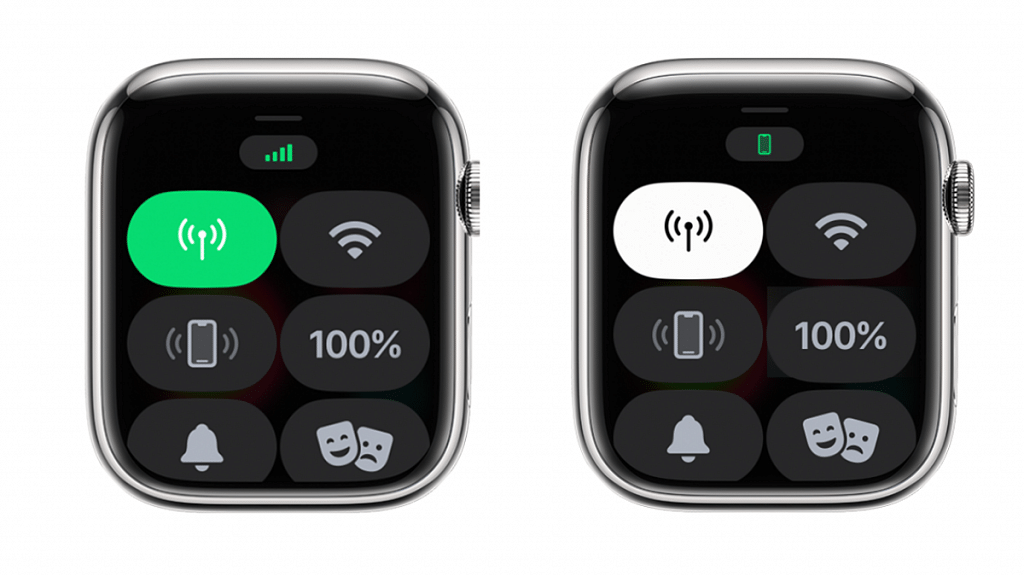
Once the mobile or cellular services are activated on Apple Watch, it becomes easy to make calls, reply to messages, and receive incoming calls/messages notifications. It doesn’t require the users to have the iPhone handy to use these services if the mobile networks have been activated on the smartwatch. If you have purchased a new Apple Watch model and are planning to set up cellular services then this article will guide you with the steps.

Also Read: Use ChatGPT On Apple Watch? Here’s The Step-By-Step Guide

Steps To Activate Mobile/ Cellular Services On Apple Watch (Compatible Models)

Step 1: Unlock your iPhones and go to the app drawer

Step 2: Launch the Apple Watch application on your respective iPhones

Step 3: Click on the My Watch option

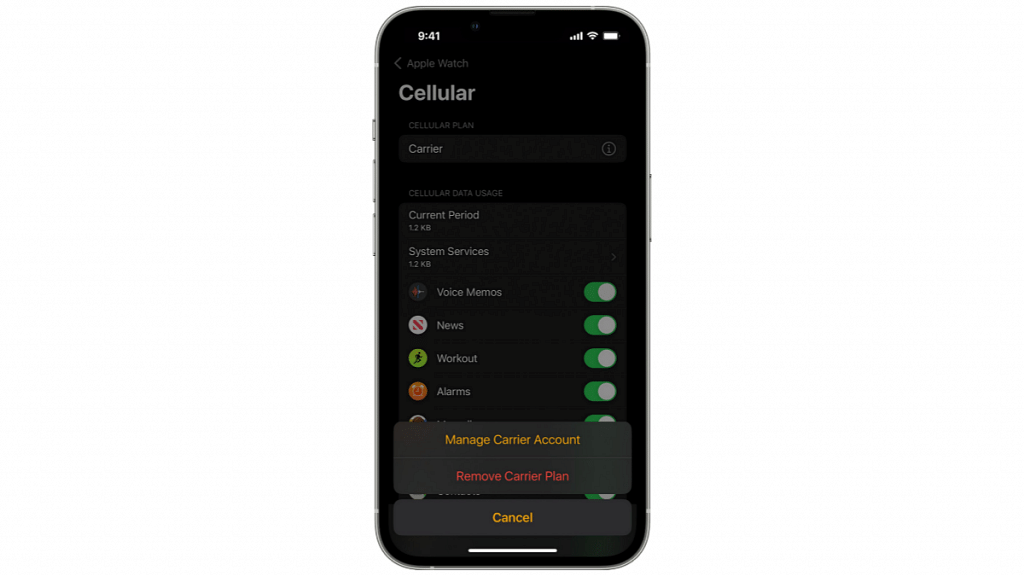
Step 4: Select the Cellular option

Step 5: You will now need to tap on the Set Up Cellular tab

Step 6: Now, follow the on screen instructions. In some cases, users might need to get in touch with the carrier providers for additional help

Notably, there are a bunch of pointers that you need to keep in mind before proceeding with the mobile network/ cellular services activation on the Apple Watch.

The most important factor that one needs to check before cellular services activation on the Apple Watch is the firmware version. Both Apple Watch and iPhone being paired need to run on the latest iOS version for a seamless experience with mobile services.

Users also need to check if they have an eligible cellular service plan with any supported carrier. Notably, the iPhone and Apple Watch being paired should have the same carrier network during the setup process. Also, carrier services for Apple Watch might not be accessible in all regions so crosschecking this information is important.

Also Read: Google Maps On Apple Watch: How To Setup And Use Google Maps For Navigation On Apple Watch