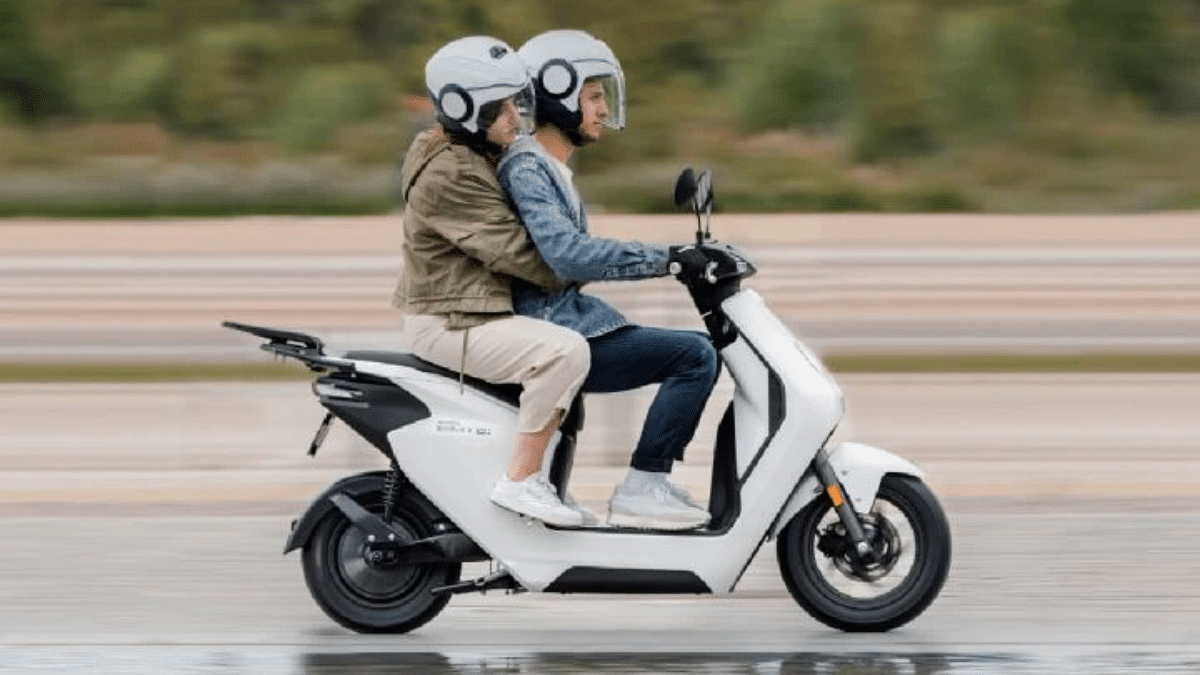
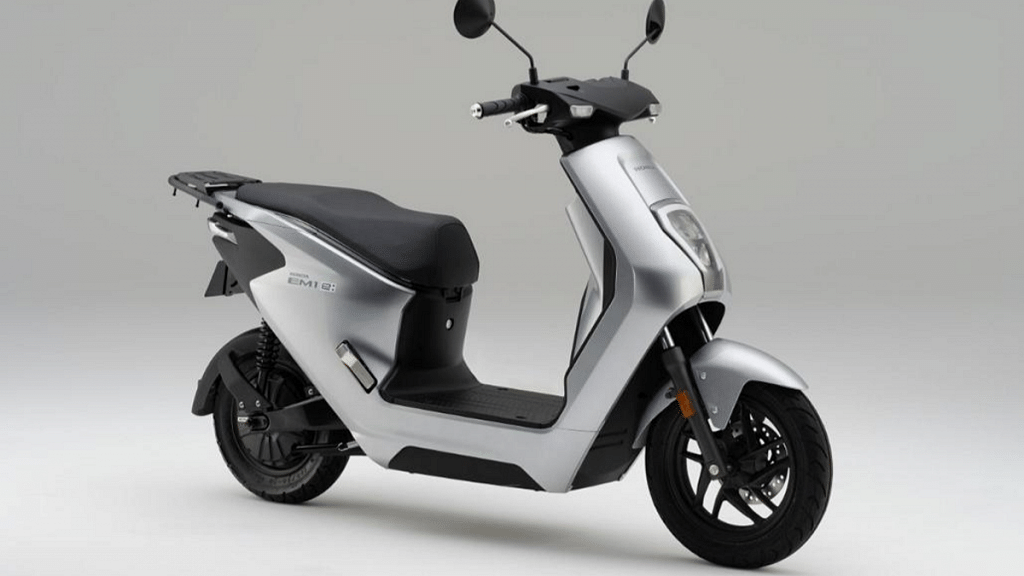
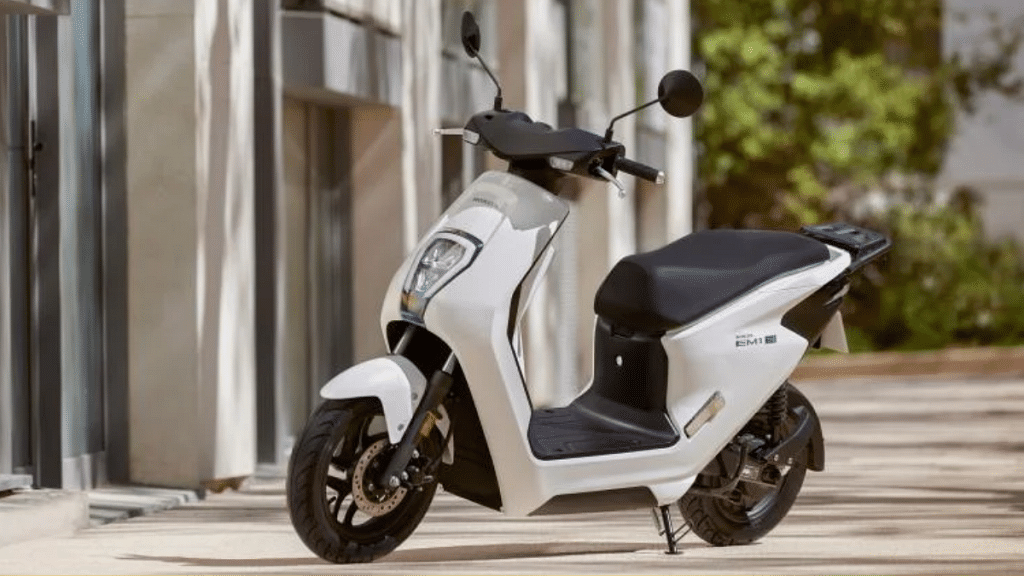
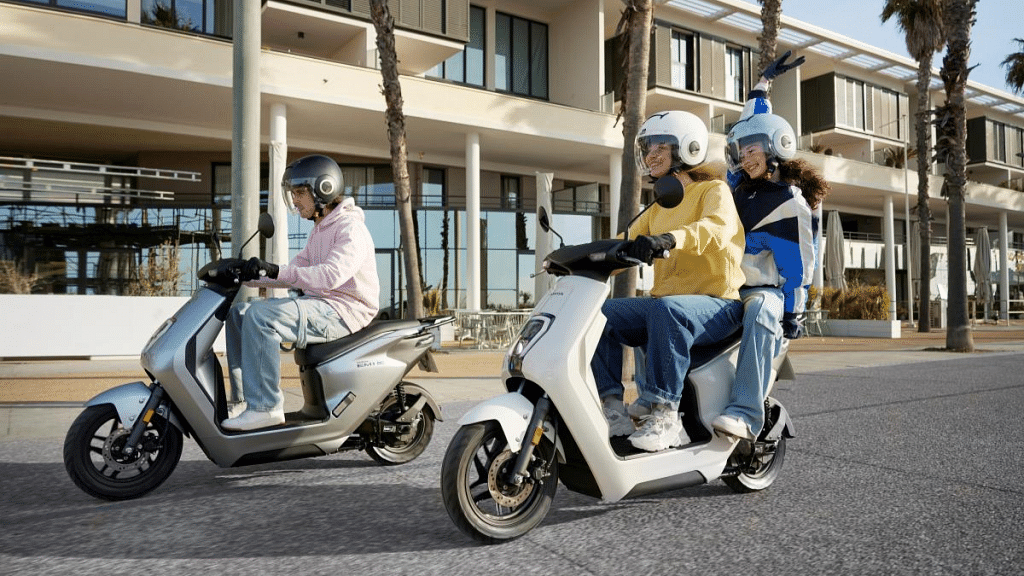
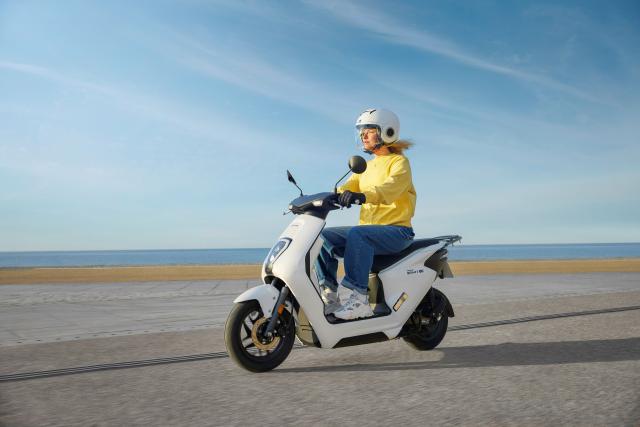
Honda is in the rumors to join the electric two-wheeler market soon. The Honda Activa electric is the brand’s most awaited electric scooter that is likely coming by next year to the market. However, Honda has rather introduced the EM1 E as its first electric moped for the masses. Interested in knowing the Honda EM1 e electric moped’s powertrain, pricing, and availability details? Read on below:
Honda EM1 E Electric Moped Powertrain, Features
Honda EM1 E
Powertrain
Motor
1.7kW electric motor
Battery
Honda Mobile Power Pack swappable battery
Range
Up to 48 km per charge
Peak Torque
90 Nm
Battery Charging
Up to 75 percent in 2.5 hours
The Honda EM1 E as mentioned is the company’s first electric moped. The low-cost electric two-wheeler is packed with a 1.7 kW (2.3 hp) electric motor. The Honda EM1 E electric moped can deliver a maximum torque of 90 Nm. The top speed that this budget electric moped from Honda can reach is up to 45 kmph.
Honda has packed the EM1 E electric moped with the Mobile Power Pack e lithium-ion battery pack. Notably. Honda itself has developed the battery module for the EM1 E electric moped. The battery pack is swappable which makes it convenient for the daily commuters. As per Hona, the EM1 electric scooter’s battery can get 25- 75 percent charge within 160 minutes (over 2.5 hours).
The Honda EM1 electric moped can deliver a maximum range of 48 km with a single charge. Notably, this riding range is claimed when the electric moped is being ridden the ECON (economy mode). However, the brand has also revealed a 30 km range in the WMTC Class 1 testing conditions. The peak torque churned out by the EM1 E electric scooter is 90Nm.
For breaking, the Honda EM1 electric moped relies on front disc and rear drum brakes that uses CBS breaking system. The suspension system comprises telescopic and twin rear front and rear shock absorbers respectively. The first electric moped from Honda gets a USB port for smartphone charging and additional storage compartments and space. Upfront it has a fairing that can accommodate a bottle (up to 500ml). An additional 35-litre top box is also available as an added accessory.
Honda EM1 E Electric Moped Price, Color Options, India Availability
The Honda EM1 E electric moped pricing and availability details are kept under wraps as of now. However, the details are likely to be revealed by the end of 2023. As for the color options, the Honda EM1 E electric moped can be purchased in Matte Ballistic Black Metallic and Digital Silver Metallic color variants.
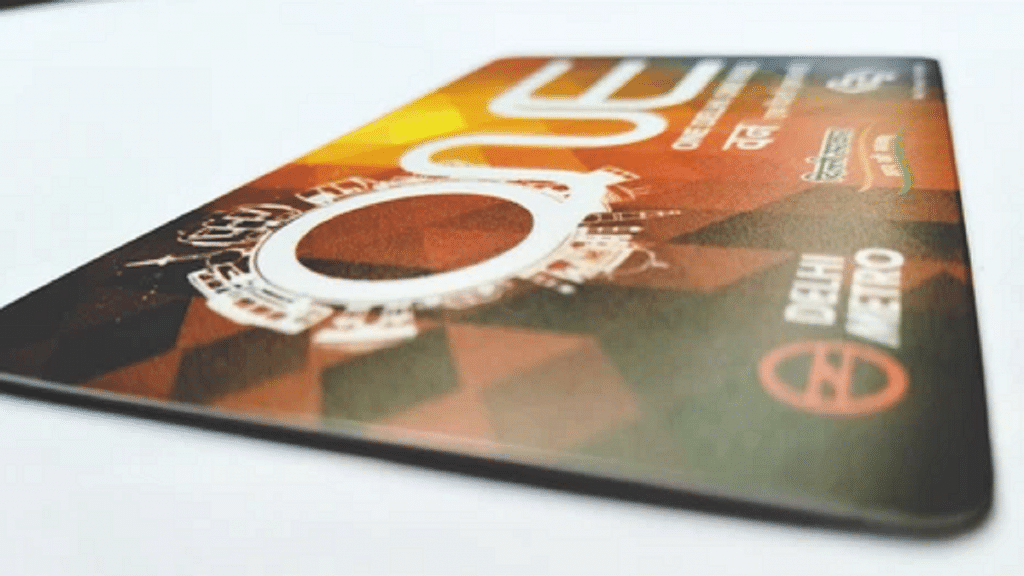
Getting a new Delhi metro smart card is possible if your card is defective
Passengers will have to pay Rs. 50 to replace a physically damaged card
No security deposit will be taken from the passenger if the card is physically OK
Delhi Metro Rail Corporation (DMRC) smart cards have made traveling on the Delhi metro faster, easier, and more convenient. However, if your smart card is not working, it can be a frustrating experience. Fortunately, getting a new Delhi metro smart card immediately is possible. This article will guide you through the steps to get a new smart card.
Before getting a new smart card, make sure that the card is not physically damaged. Sometimes, the card may stop working due to scratches or other forms of damage.
Step 2: Visit the Customer Care Center
The next step is visiting the Customer Care Center (CCC) at any Delhi metro station. You can also contact them through their website or helpline number. The CCC will check the card and inform you of the problem.
Step 3: Submit the old smart card
If the unreadable smart card that was deposited is found to be physically damaged, the passenger will be required to pay a security deposit of Rs. 50 in cash before a new card is issued. However, if the unreadable smart card is in good physical condition, the passenger will not be required to pay any security deposit.
Once you have submitted the old card and paid the fee (for a physically damaged card), the CCC will immediately provide you with a new smart card.
Step 5: Transfer the balance
If you have a balance on your old smart card, you can transfer it to the new card. You can do this by visiting the Add Value Machine (AVM) located at any metro station. Tap the old card and enter the transfer amount. Then, tap the new card to complete the transfer.
Overall, getting a new Delhi metro smart card immediately is possible if your card is defective. By checking for damage, visiting the Customer Care Center, paying the fee for the damaged card, getting a new card, and transferring the balance, you can continue to enjoy the benefits of using the Delhi metro with a new smart card.
For the tech geeks, stay updated with the latest cutting-edge gadgets in the market, exclusive tech updates, gadget reviews, and more right on your phone’s screen. Join Giznext’s WhatsApp channel and receive the industry-first tech updates.
ASUS has finally revealed the ROG Ally as its first gaming handheld device
The ROG Ally is compatible with Xbox Game Pass, Epic Games, EA applications, and Steam games
The device’s availability in India is yet to be confirmed
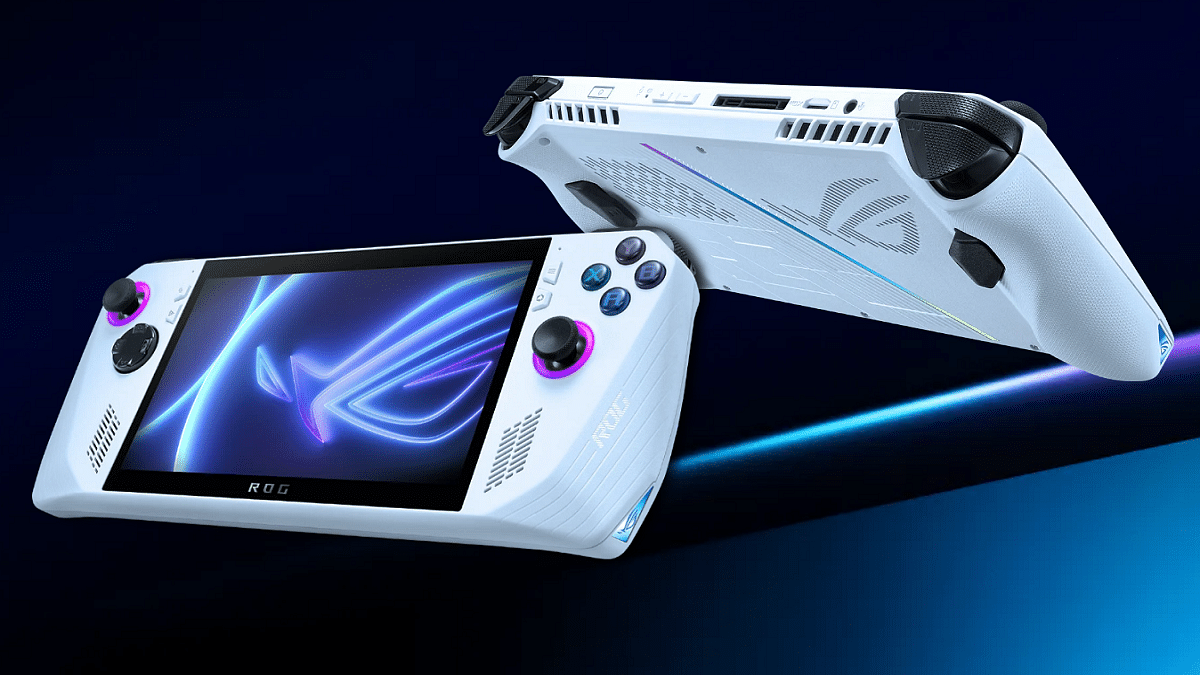
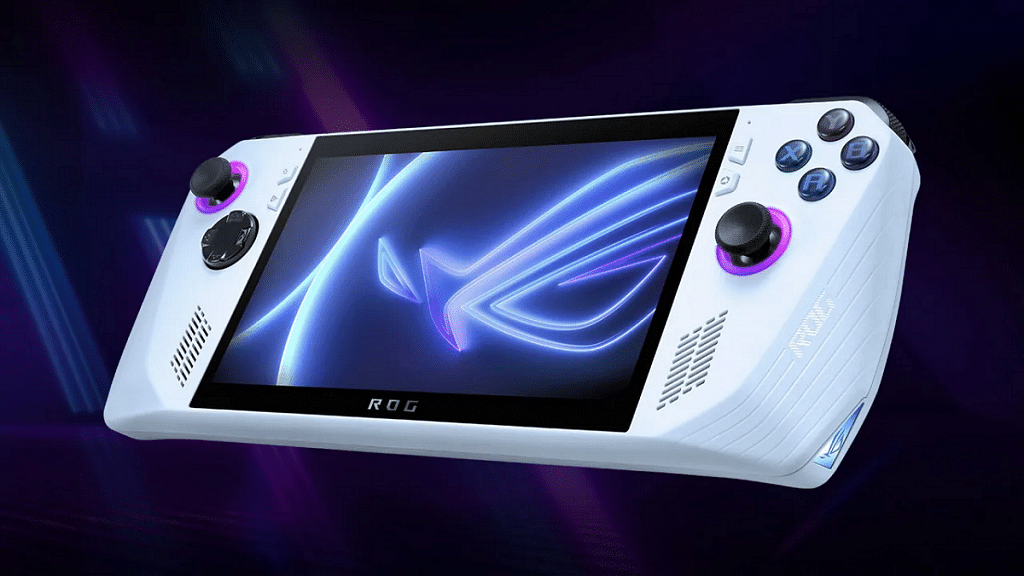
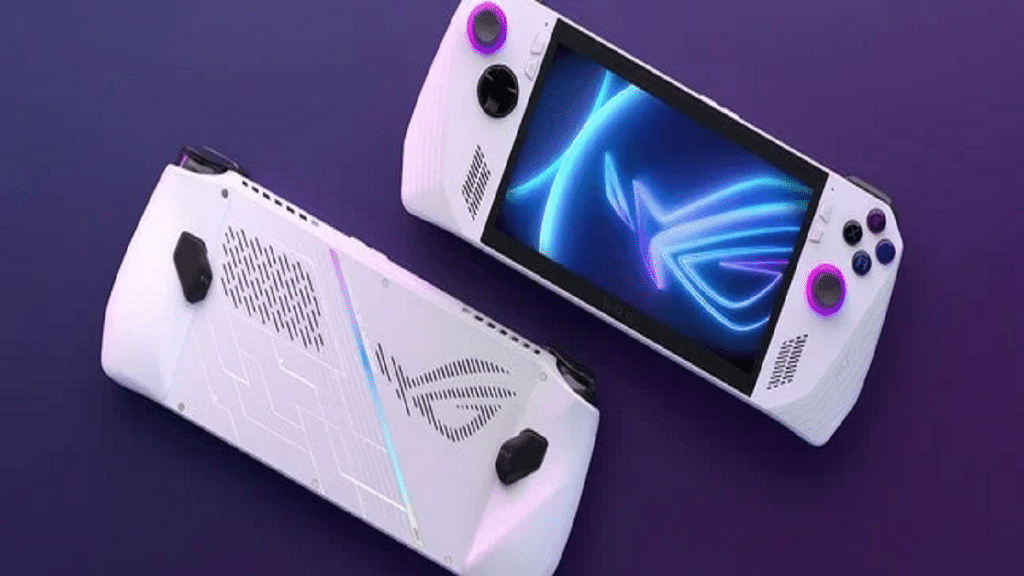
ASUS has unveiled its first handheld gaming device, the ROG Ally. The compact device packs powerful hardware for an exceptional gaming experience. The device has been launched globally but is yet to be introduced in India. Let’s take a look at the ASUS ROG Ally specifications, price, and other details announced at the launch event. Also Read |Best Gaming Mouse Under Rs. 2,000 To Buy In India
ASUS ROG Ally: Price
ASUS has launched two variants of the ROG Ally. The base model starts at $599, while the more powerful variant, dubbed “Extreme,” is priced at $699.
ASUS ROG Ally: Display
The device features a 7-inch IPS display with Full HD resolution and a 120Hz refresh rate. The ROG Ally is equipped with an AMD Z-series processor and has 16GB of LPDDR5 RAM. The device is compatible with games available on multiple services, including Windows, Xbox, Android, and Steam.
ASUS ROG Ally: Processor
The handheld gaming device is powered by an AMD Ryzen Z1 Extreme processor, which is based on Zen 4 technology from AMD. The Ryzen Z1 CPU (up to 2.8 Teraflops per second) is present in the base configuration, while the Ryzen Z1 Extreme processor (up to 8.6 teraflops) is present in the more expensive model. Both variants come with AMD Radeon Navi3 Graphics, 16GB of LPDDR5 RAM, and 512GB of PCIe 4.0 NVMe M.2 SSD.
It sports a 40WHr battery with 65W charging capabilities and two speakers with ASUS’ Smart Amplifier Technology. The ROG Ally also includes a USB 3.2 Gen2 Type C connector combo port, a 3.5mm headphone jack, and support for a UHS-II microSD card reader.
ASUS ROG Ally: Operating System And Compatibility
The ROG Ally boots Windows 11 out of the box and comes with three months of Xbox Game Pass Ultimate. It works with Xbox Game Pass, Epic Games, EA applications, and Steam games.
ASUS ROG Ally: Dimensions And Weight
The ROG Ally’s dimensions are 28.0 x 11.1 x 2.12 cm, and its weight is roughly 608 grams.
Overall, the ROG Ally is ASUS’ first foray into the handheld gaming device market, and it offers powerful hardware and compatibility with various games. While it has been launched globally, its availability in India is yet to be confirmed.
India has become the biggest consumer tech market in the last decade. In addition to smartphones digital accessories segment has also seen rapid growth in the last few years and contributions are not from just the international tech giants but also homegrown OEMs. Mivi is one such brand that is flooding the Indian market with budget friendly audio products including TWS earbuds.
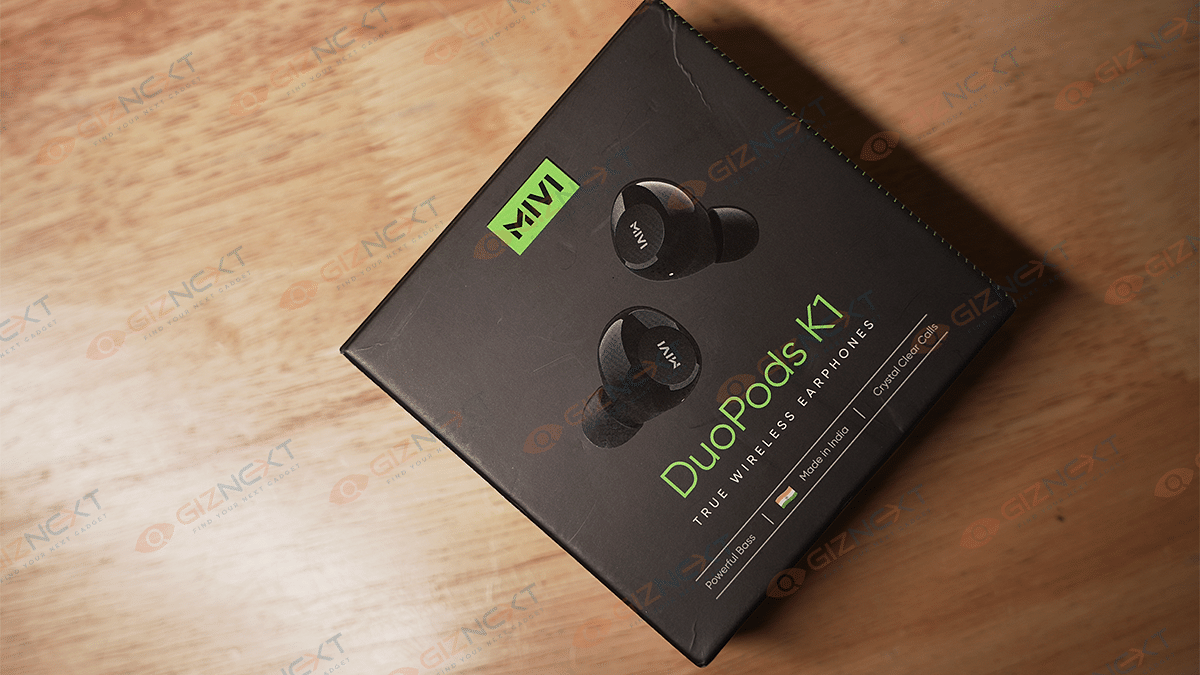
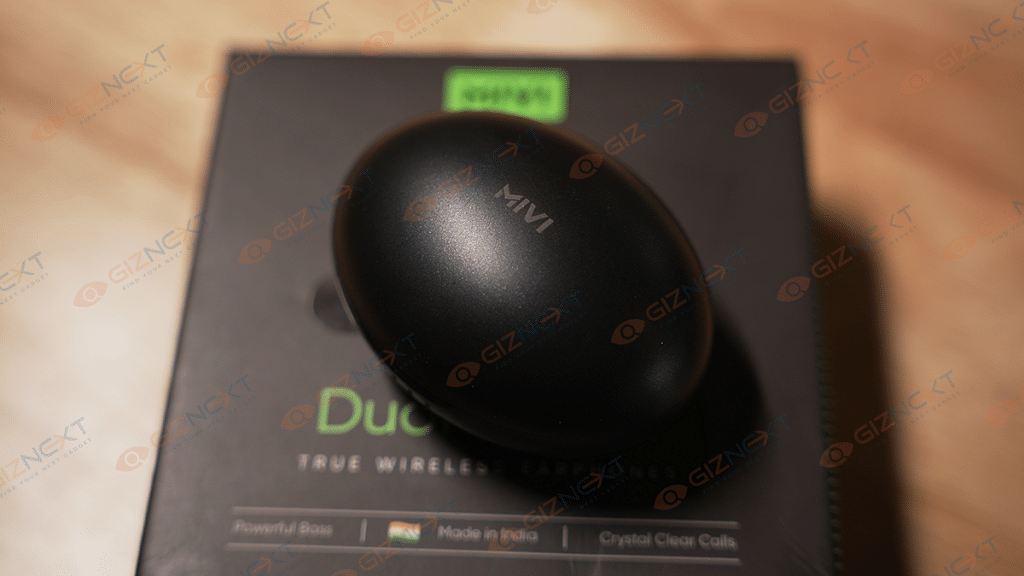
The Mivi Duopods K series has got a wide range of options for modern-day consumers. One of the latest models in this budget-friendly lineup is the Duopds K1. Priced at Rs. 1,299, the Mivi Duopods K1 TWS earbuds bring along an IPX 4.0-certified design and AI ENC features. At Giznext, we got a chance to review the latest Mivi Duopods K1 earbuds and this article has all the details that you need to know before purchasing.
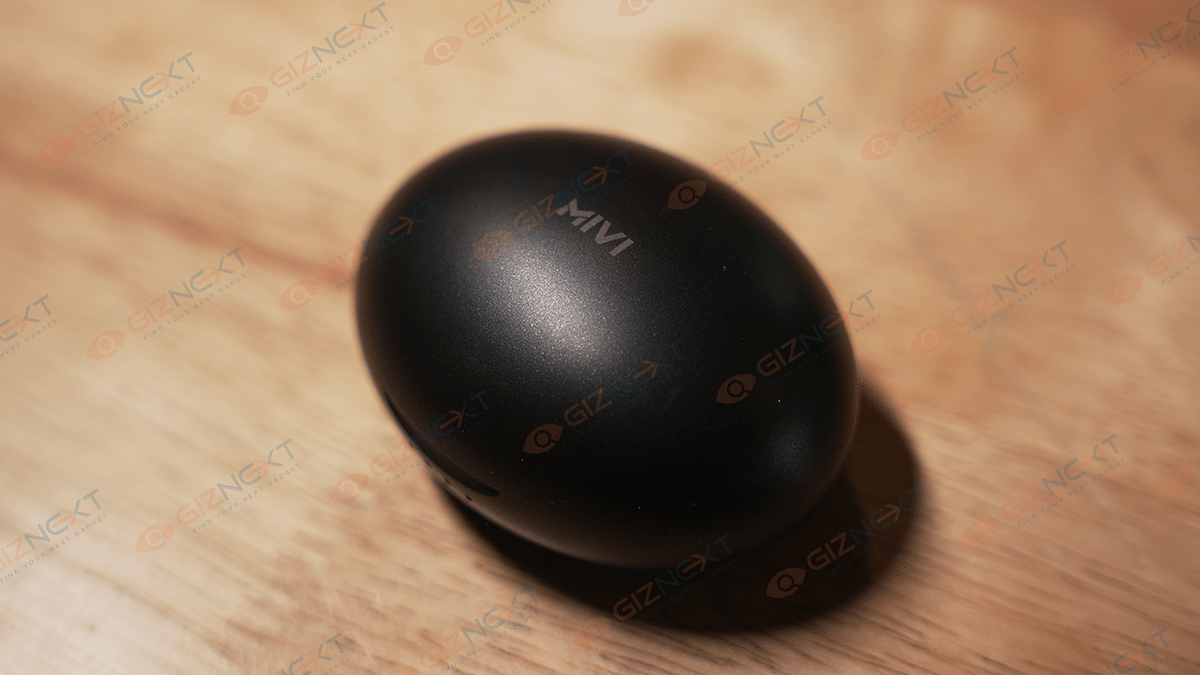
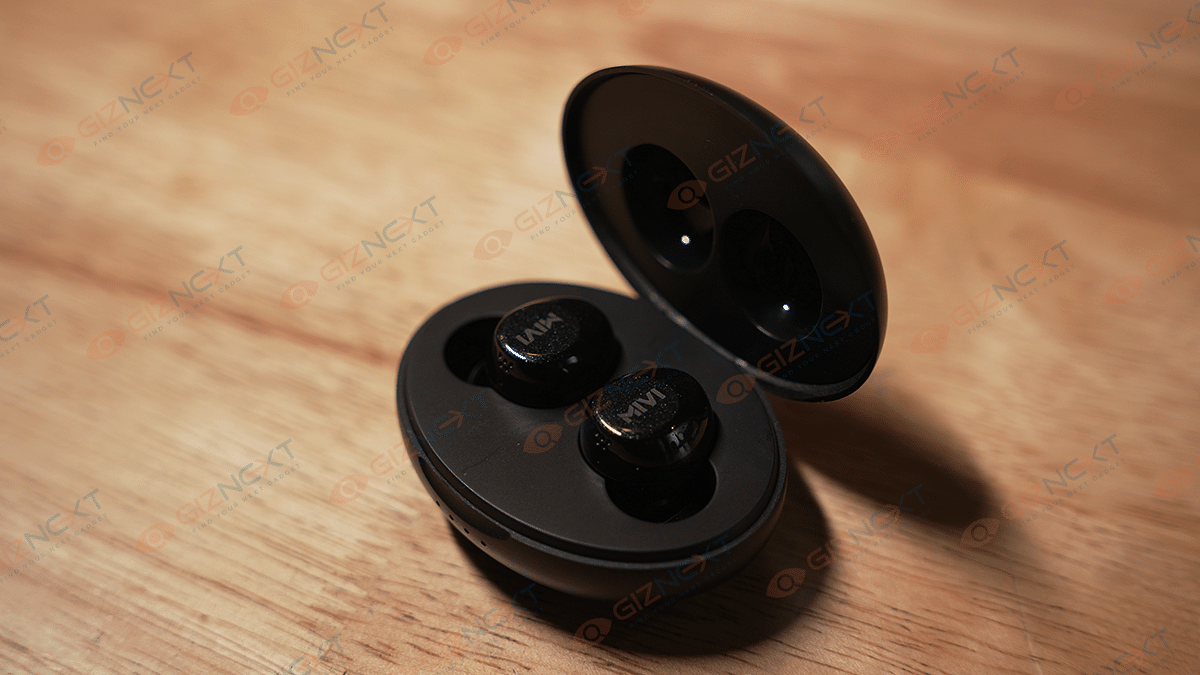
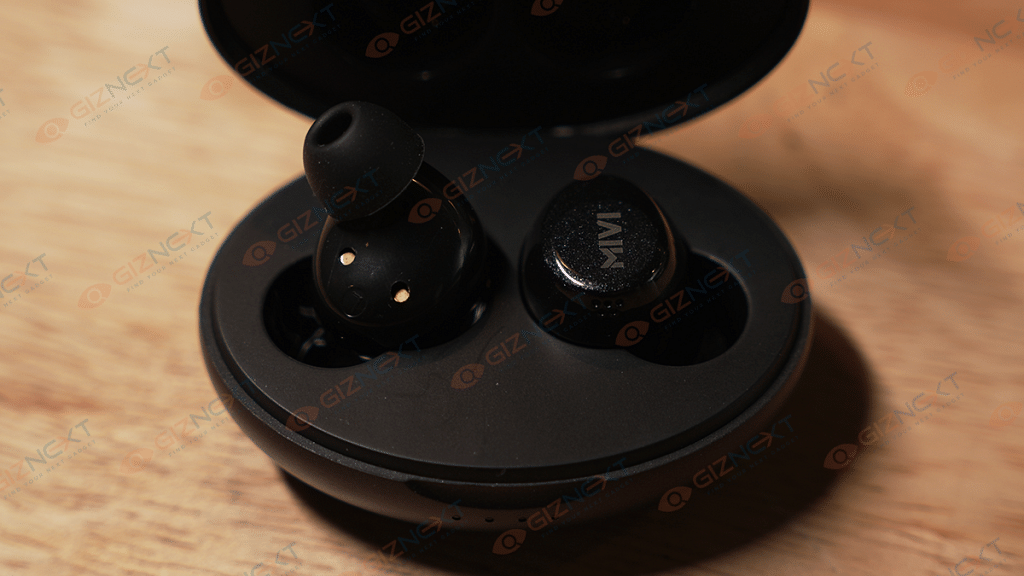
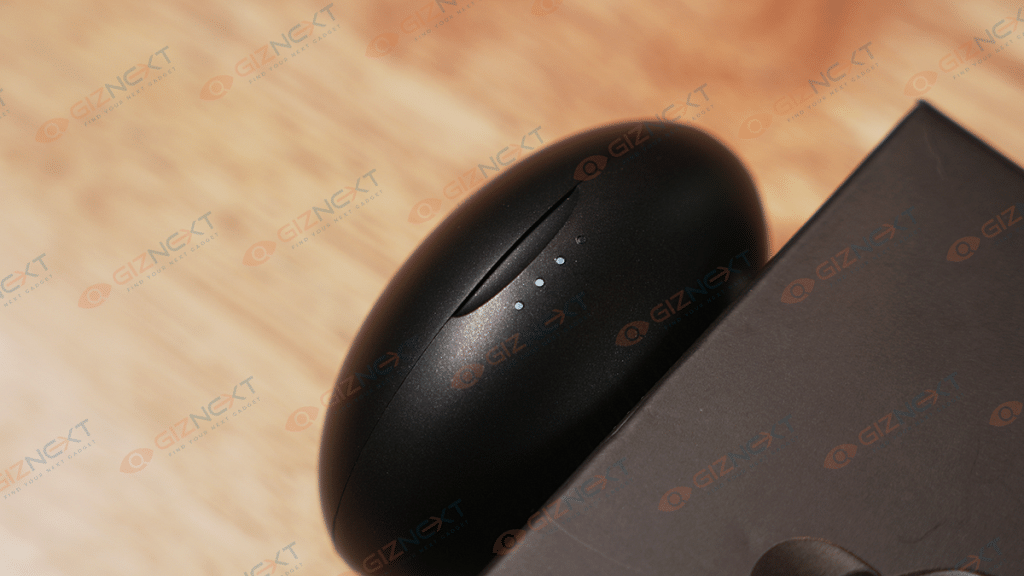
The Mivi Duopods K1 case design is capsule-shaped and constructed using decent-quality plastic. The bottom of the case is flat which allows its easy placement. The flip open case design is standard with the hinge quality being average. As soon as you open the charging case’s lid, you’ll see the LEDs glowing both on the earbuds as well as the case.
The earbuds are bullet-shaped and integrate an MFB key for controls. The earbuds offer decent comfort level with wearing and you don’t struggle much with the fittings.
The case has a matte finish which helps with keeping fingerprints and smudges at bay. The Duopods K1 comes with an IPX4 certification that makes it dust and water-resistant. Overall, the Duopods K1 has a basic and functional design. The only drawback is the dated microUSB port for charging.
The Duopods K1 gets 10.5mm Dynamic drivers for audio delivery. Now, the driver size is slightly lower compared to the Duopods K7 that we reviewed recently but offers a decent punch for daily music-listening sessions. The bass levels are decent. You don’t get super punchy bass but has enough oomph to get you grooving on the go.
The overall loudness levels are also good and you don’t struggle to listen to the audio in a noisy background. The audio performance has been fairly good with all genres of music. But you can’t expect the same level of refinements as the high-end pairs that cost over Rs. 5,000.
The Duopds K1 supports AI ENC Noise Cancelling feature which allows for a clear calling and listening experience. This feature essentially reduces noises and distortion to clean the audio signature. The added support for Bluetooth codec profiles including AAC and SBC Audio codecs.
The Mivi Duopds K1 comes with Bluetooth 5.3 which allows it to pair wirelessly with smartphones, tablets, and laptops. We didn’t experience any issues with the pairing. It is a simple and fast process that is standard for most earbuds. You just have to take out the earbuds from the charging case and look for its name in the Bluetooth settings of the device with which it is being paired. As for the control functions, check the table below:
Mivi Duopds K1
Controls
Play music
Single tap left/right earbud (MFB)
Pause Music
Single tap left/right earbud (MFB)
Play previous track
Double tap left earbud
Play Next track
Double tap right earbud
Answer call
Single tap left/right earbud
End call
Single tap left/right earbud
Moving on to the battery, the Duopods K1’s charging case pack a 380 mAh battery, while the earbuds have a 35 mAh battery each. The earbuds during our testing lasted well over three to four hours. With the case combined the backup is almost two days. However, you might need a replug towards the end of the second day.
Mivi Duopods K1 Final Verdict: Worth A Buy?
The Mivi Duopods K1 is a decent option for consumers who need basic yet functional earbuds for daily use. It offers a good sound stage with decent bass and loudness levels. The sweat and dust resistant design is another USP of this affordable TWS earbuds along with the battery life that makes it a worthy opponent in its league
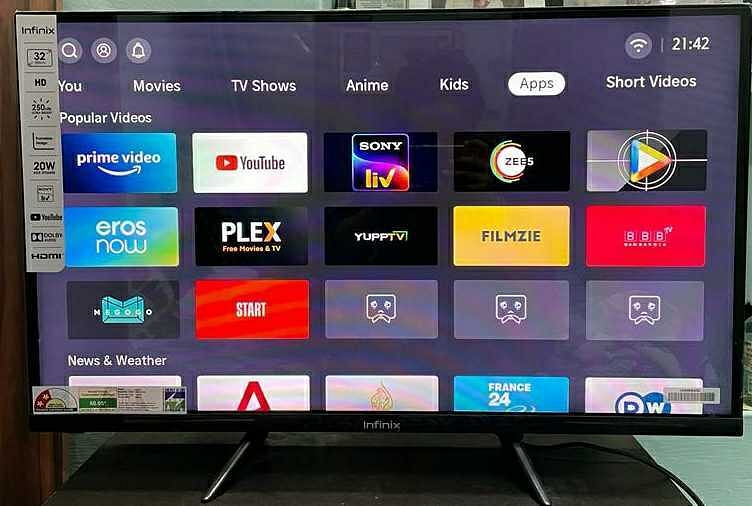
Infinix has launched a new range of affordable smart TVs in India called the X3IN.
The X3IN series is available in two different screen sizes – 32-inch and 43-inch.
The 32-inch variant is priced at Rs 9,799, while the 43-inch variant costs Rs 16,999.
Both models offer an almost bezel-less design, with support for HDR, HLG, and MEMC tech.
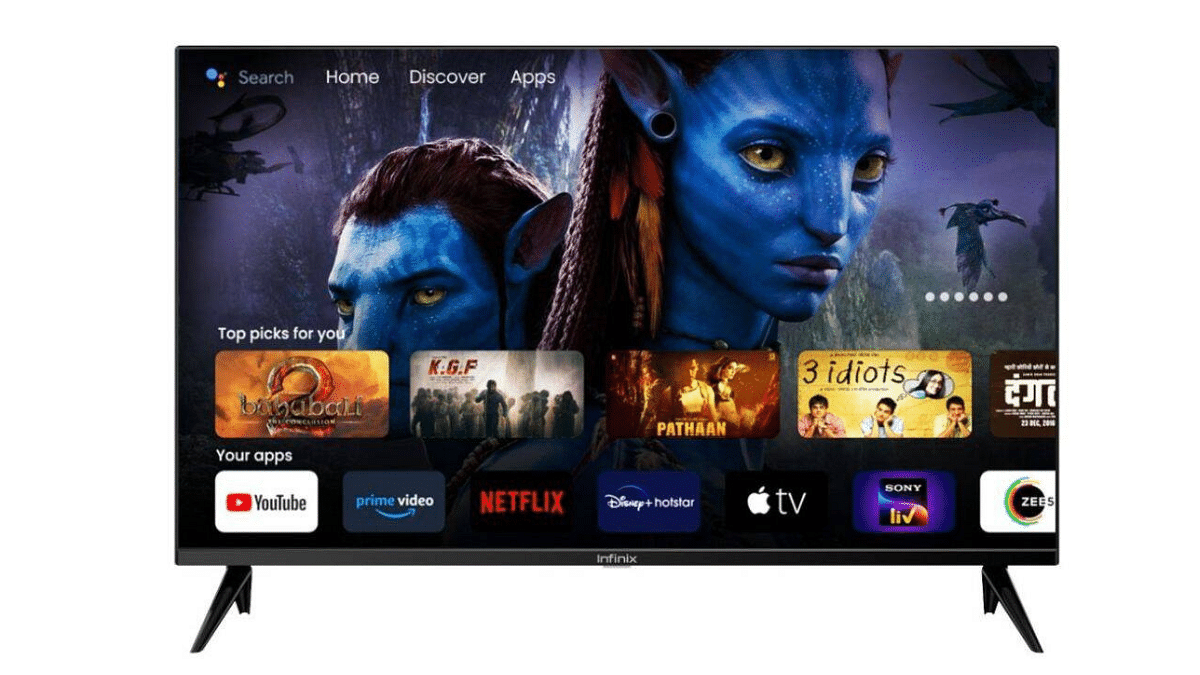
Infinix has entered the smart TV segment with the launch of its latest X3IN series. The new Infinix X3IN smart TV series is a budget-friendly offering with two different screen sizes – 32-inch and 43-inch. The base variant with a 32-inch display has a price tag of Rs 9,799, whereas the 43-inch variant is priced at Rs 16,999.
1366×768 pixels (32-inch) and 1920 x 1080 pixels (43-inch)
Brightness
Up to 250 nits
Technology
HDR, HLG, and MEMC
Processor
Quad-core MediaTek
RAM
1GB
Internal Storage
8GB
Operating System
Android 11 TV
Connectivity
2 USB 2.0 ports, 2 HDMI ports, Ethernet, Wi-Fi 802.11 ac, Bluetooth 5.0
Audio
20W speaker with Dolby Atmos
Price
Rs 9,799 (32-inch) and Rs 16,999 (43-inch)
The new Infinix X3IN smart TVs come with an almost bezel-less design with a slightly thick chin for the sensors and the Infinix branding. The 32-inch variant offers an HD resolution of 1366×768 pixels, while the 43-inch variant has a Full HD resolution of 1920 x 1080 pixels. Both models offer up to 250 nits of brightness, HDR, HLG, and MEMC technology.
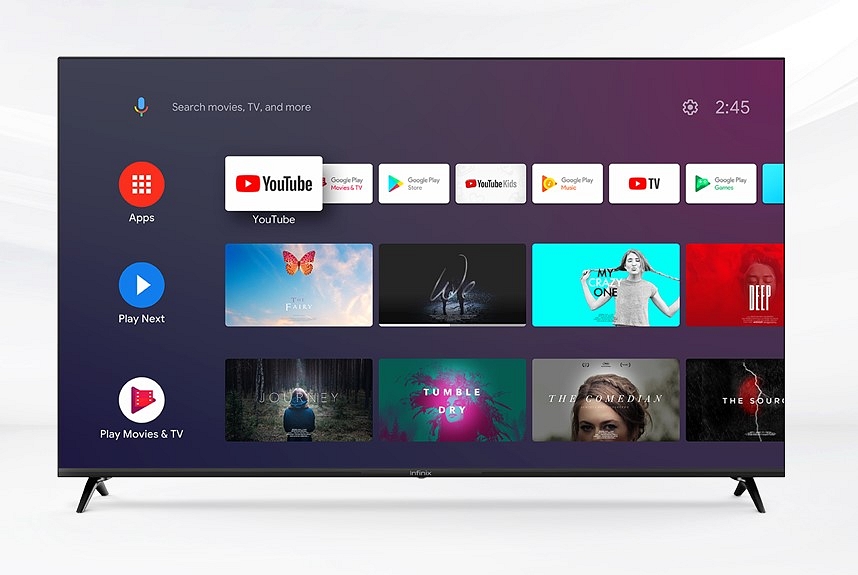
Under the hood, the X3IN series is powered by a quad-core MediaTek processor, but the company did not provide any details about the processor. The smart TVs come with 1GB of RAM and 8GB of internal storage. The X3IN series runs Android 11 TV and comes with a built-in Chromecast, Google Assistant, and Google Play Store.
The Bluetooth remote that comes with the smart TV has hotkeys for various apps and services like Netflix, Prime Video, YouTube, and Google Play. It also has a microphone cutout that can be used to invoke the voice assistant on the TV and perform tasks.
In terms of connectivity options, the X3IN smart TVs come with two USB 2.0 ports, two HDMI ports, an Ethernet port, support for Wi-Fi 802.11 ac (2.4 GHz + 5GHz), Bluetooth 5.0, and more. The X3IN series also features a 20W speaker setup with support for Dolby Atmos.
The Infinix X3IN smart TVs will be available for purchase via Flipkart starting May 18, 2023. The 32-inch variant of the X3IN has a price tag of Rs 9,799, while the 43-inch variant is priced at Rs 16,999.
Uber users will be able to book flights with major carriers, select seats, and pay through the app
The new feature is part of Uber’s ongoing efforts to create a seamless travel experience, from door-to-door
The new feature aims to offer a stress-free and simple solution to booking and managing air travel
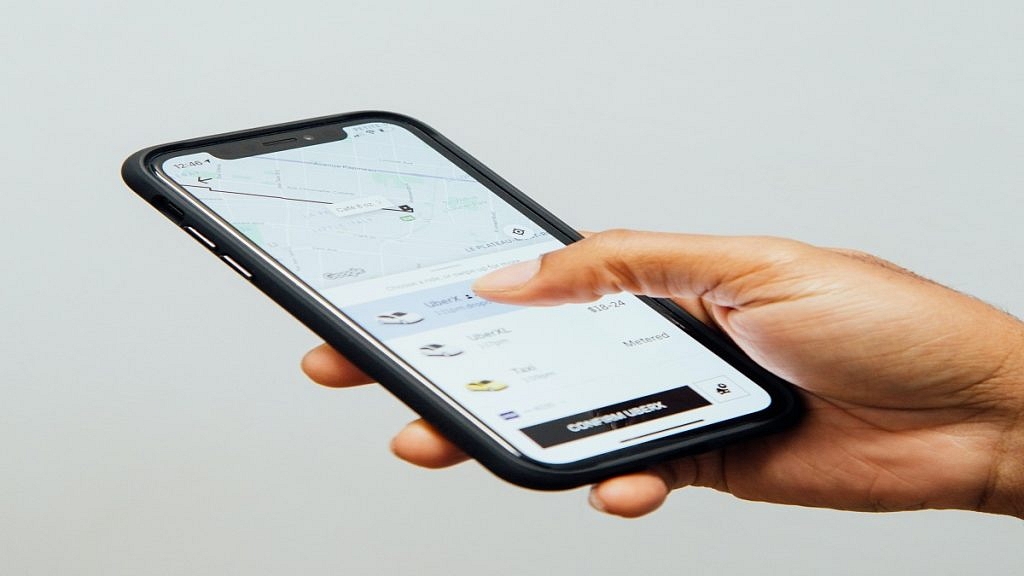
Uber has partnered with Canada-based travel agency Hopper to launch a new feature that allows UK users to book flights directly from the Uber app. This feature marks a significant milestone in Uber’s mission to provide a seamless door-to-door travel experience. In addition to booking flights, users can also access user-friendly maps and guides to Uber pickup points at major airports through the recently launched “Directions to pickup” feature. The ride-hailing platform also allows access to nationwide car rentals on the app, providing users with the opportunity to explore all that the UK has to offer. Also Read | Book An Uber Ride Using WhatsApp: Follow These Steps
How To Book A Flight Through The Uber App
To book a flight, users in the UK can enter their travel details, including the destination, dates, and number of passengers, in the Uber app. After selecting their preferred flights, users can choose their seats and pay through the app for major carriers. The tickets will then be sent to the users’ registered email address.
Benefits Of The New Uber Flight Booking Service
The new flight booking feature on the Uber app provides users with a stress-free and simple solution to manage their air travel needs, taking as little as one minute to complete. This feature offers choice, flexibility, and transparency to UK consumers who are looking for a hassle-free way to book travel. Furthermore, the ability to book flights through the same app where users already book other forms of transportation provides added convenience.
Expanding The Uber Flight Booking Service
The new feature is currently available only in the UK, and there is no official word on when it will expand to other countries. However, this new partnership with Hopper is expected to strengthen Uber’s position as a leader in the travel industry.
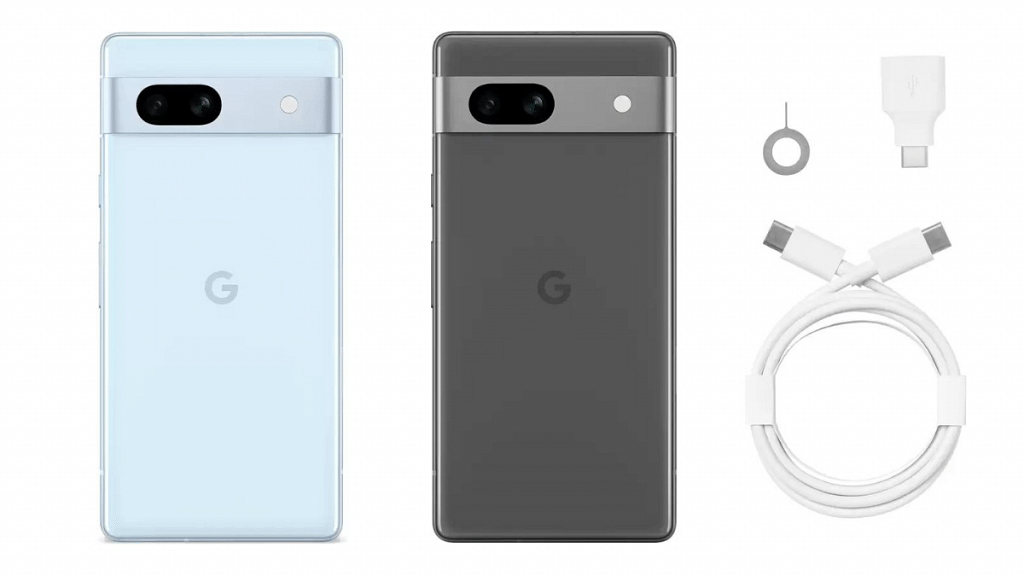
Google Pixel 7a is powered by Google’s advanced AI technology.
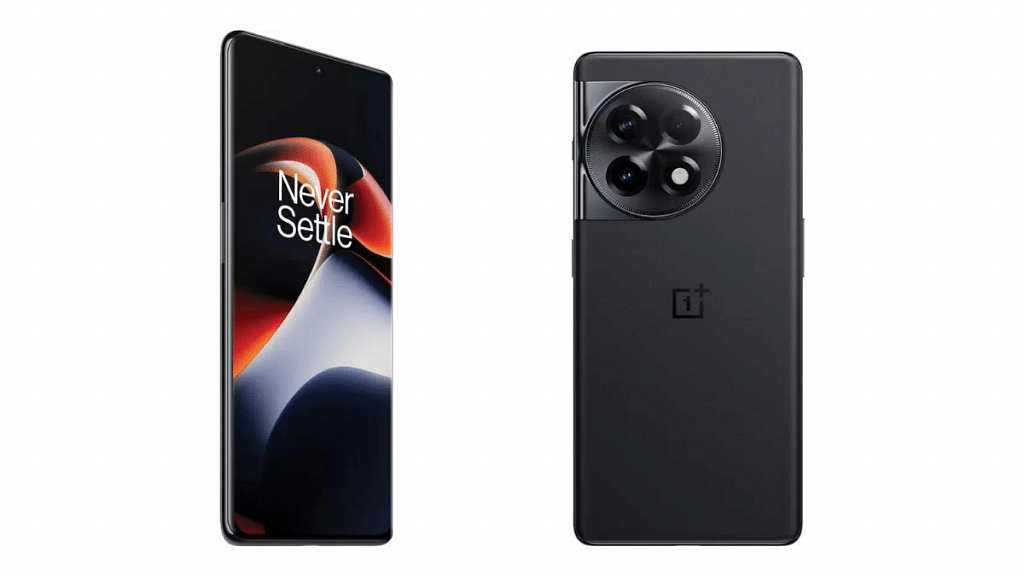
OnePlus 11R comes with 120Hz refresh rate display.
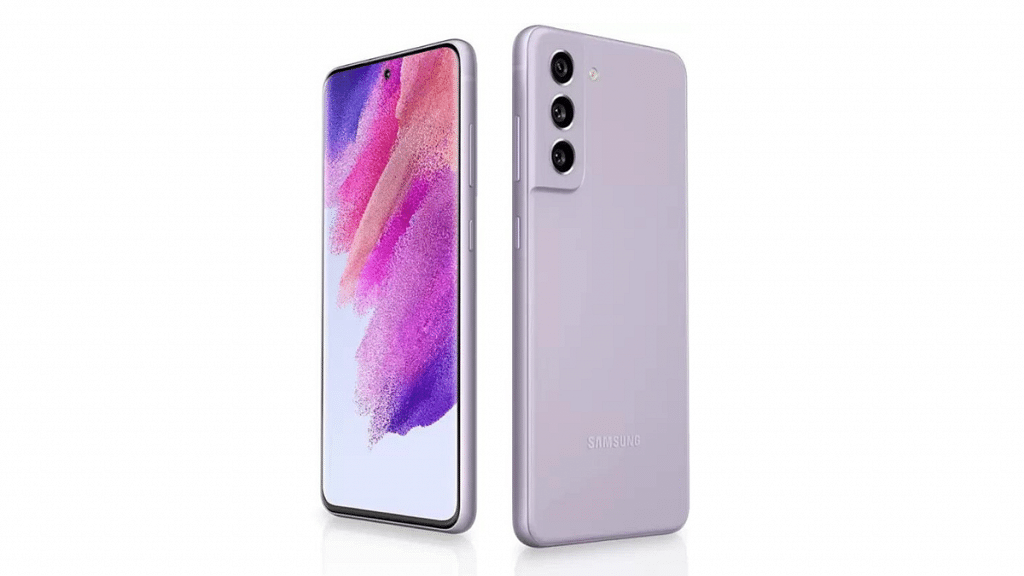
Samsung Galaxy S21 FE boasts a Super AMOLED display.
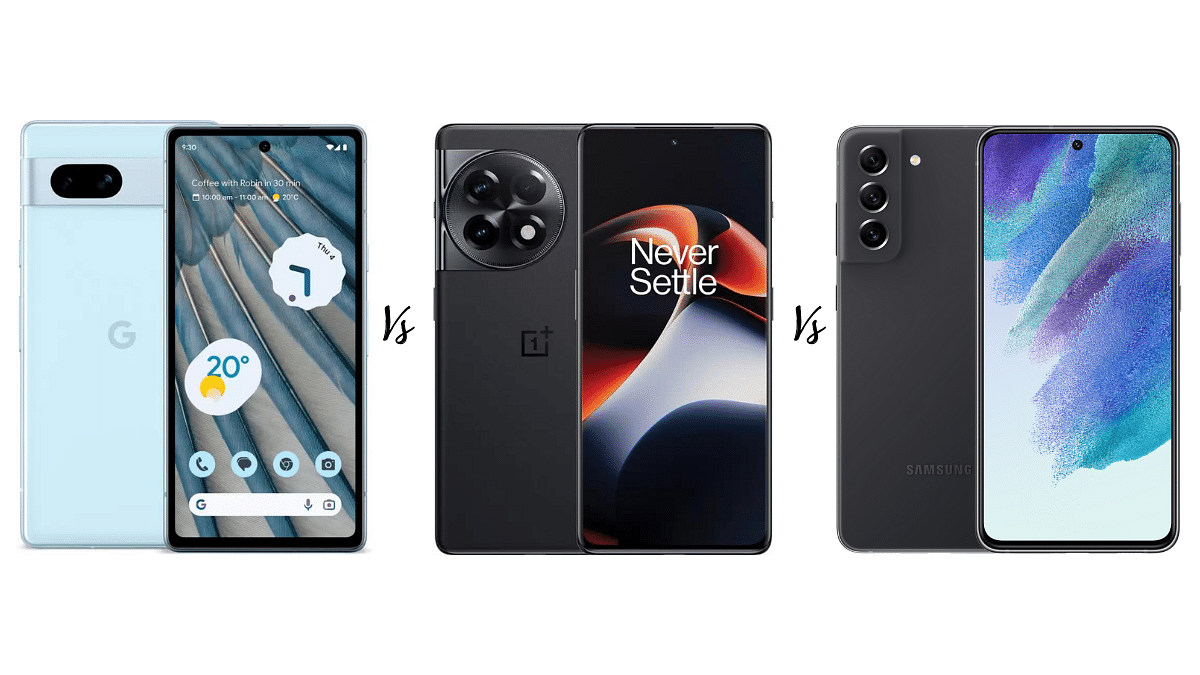
As the competition for the best premium smartphones under Rs.50,000 heats up, the Google Pixel 7a, OnePlus 11R, and Samsung Galaxy S21 FE are emerging as top contenders.
In this article, we compare and contrast the Google Pixel 7a, OnePlus 11R, and Samsung Galaxy S21 FE, highlighting their pros and cons to help you make an informed decision.
Google Pixel 7a Vs OnePlus 11R Vs Samsung Galaxy S21 FE: Display
Specification
Google Pixel 7a
OnePlus 11R
Samsung Galaxy S21 FE
Display Type
OLED, HDR, 90Hz
Fluid AMOLED, 1B colours, 120Hz, HDR10+
Dynamic AMOLED 2X, 120Hz, HDR10+
Display Size
6.1 inches, 90.7 cm2
6.74 inches, 109.2 cm2
6.4 inches, 100.5 cm2
Screen-to-body Ratio
~81.8%
~90.0%
~86.7%
Display Resolution
1080 x 2400 pixels, 20:9 ratio
1240 x 2772 pixels, 20:9 ratio
1080 x 2340 pixels, 19.5:9 ratio
Pixel Density
~429 ppi
~451 ppi
~403 ppi
Protection
Corning Gorilla Glass 3
N/A
Corning Gorilla Glass Victus
The Google Pixel 7a boasts a 6.1-inch OLED screen with HDR support and a fast 90Hz refresh rate, making it great for watching videos and playing games.
On the other hand, the OnePlus 11R has a larger 6.74-inch Fluid AMOLED display with an impressive 120Hz refresh rate and HDR10+ support, making it ideal for gaming and streaming high-quality content. The Samsung Galaxy S21 FE comes with a 6.4-inch Dynamic AMOLED 2X screen, which offers a smooth 120Hz refresh rate and HDR10+ support, delivering stunning visuals with rich colors and deep blacks.
All three phones also come with Corning Gorilla Glass protection. Additionally, the Google Pixel 7a and Samsung Galaxy S21 FE feature always-on displays that show the time, notifications, and other useful information at a glance.
The Google Pixel 7a features a dual-camera setup with a 64MP primary sensor and a 13MP ultrawide sensor, both with optical image stabilization. The phone also supports Pixel Shift technology that captures multiple images to produce a more detailed final result.
The OnePlus 11R has a triple-camera setup, with a 50MP primary sensor, an 8MP ultrawide sensor, and a 2MP macro sensor. The phone’s camera offers multi-directional PDAF, HDR, and gyro-electronic image stabilization.
The Samsung Galaxy S21 FE also has a triple-camera setup, including a 12MP primary sensor, an 8MP telephoto sensor with 3x optical zoom, and a 12MP ultrawide sensor. The phone’s camera comes with optical image stabilization, auto-HDR, and supports HDR10+ video recording.
In terms of selfie cameras, the Google Pixel 7a and Samsung Galaxy S21 FE both offer 4K video recording and HDR, while the OnePlus 11R’s selfie camera can shoot 1080p video with HDR.
Google Pixel 7a Vs OnePlus 11R Vs Samsung Galaxy S21 FE: Chipset, Memory & Battery
Specifications
Google Pixel 7a
OnePlus 11R
Samsung Galaxy S21 FE
Platform OS
Android 13
Android 13, OxygenOS 13
Android 12, upgradable to Android 13, One UI 5.1
Chipset
Google Tensor G2
Qualcomm SM8475 Snapdragon 8+ Gen 1
Qualcomm SM8350 Snapdragon 888 5G
CPU
Octa-core
Octa-core
Octa-core
GPU
Mali-G710 MP7
Adreno 730
Adreno 660 – Version 1, Mali-G78 MP14 – Version 2
Memory
128GB 8GB RAM,
128GB 8GB RAM, 256GB 16GB RAM,
128GB 6GB RAM, 128GB 8GB RAM, 256GB 8GB RAM
Battery
4385 mAh,
5000 mAh
4500 mAh,
Charging
Wired, PD3.0
100W wired
25W wired,15W wireless, Reverse wireless
The Google Pixel 7a runs on the Google Tensor G2 chipset and comes with 8GB of RAM and 128GB of internal storage, while the OnePlus 11R is powered by the Qualcomm Snapdragon 8+ Gen 1 chipset, with options for 8GB or 16GB of RAM and 128GB or 256GB of internal storage.
The Samsung Galaxy S21 FE comes in two chipset versions: the Qualcomm Snapdragon 888 5G and the Exynos 2100, both with options for 6GB or 8GB of RAM and 128GB or 256GB of internal storage. In terms of battery, the Google Pixel 7a comes with a 4385mAh battery with wired and wireless charging support. The OnePlus 11R features a 5000mAh battery with blazing-fast 100W wired charging, while the Samsung Galaxy S21 FE has a 4500mAh battery with 25W wired charging and 15W wireless charging, as well as reverse wireless charging.
Google Pixel 7a Vs OnePlus 11R Vs Samsung Galaxy S21 FE: Price & Availability
Phone Model
Price in India
Google Pixel 7a
Rs.43,999
OnePlus 11R
Rs.39,999
Samsung Galaxy S21 FE
Rs.49,999
The Google Pixel 7a, OnePlus 11R, and Samsung Galaxy S21 FE are all available in India through various online and offline retailers. The Google Pixel 7a is priced at Rs.43,999, while the OnePlus 11R is priced at Rs.39,999 for the 128GB variant and Rs.44,999 for the 256GB variant. The Samsung Galaxy S21 FE is priced at Rs.49,999. All three phones can be purchased from popular e-commerce websites such as Flipkart and Amazon, as well as offline stores such as Croma and Vijay Sales.
Allows viewing photos and videos saved in device storage
Photo and video editing is possible with Google Photos
Google Photos is one of the advanced gallery apps available for smartphone users. It is one of the default apps that you will find on most of the devices running on the Android ecosystem. As is the case with other major Google apps and services, there are endless possibilities that you get with Google Photos. Besides viewing the images in the gallery, Google Photos also allows viewing videos that one has captured using the phone camera or has received via instant messaging apps or downloaded online.
In addition to simply viewing, the Google Photos app also allows users to edit photos and videos in real-time. This is one advanced feature that makes Google Photos one of the most potent gallery apps available for smartphone users. Not just photo editing, Google Photos also lets users edit videos. One can easily trim, mute, and even stabilize videos using the editor in Google Photos. Cropping and rotating videos using the editor is also a possibility with Google Photos. But if you wish to use the Google Photos app as a full-fledged editor, you can also add filters and adjust effects with videos. How can you do that? Read the steps below:
Before you proceed with video editing on Google Photos make sure the device has at least 3GB RAM. Google One membership is also required for adjusting effects in videos using Google Photos.
Step 1: Launch the Google Photos app and go to the video that you wish to edit
Step 2: Click on the Edit option
Step 3: Tap on Adjust option
Step 4: You now need to select the appropriate effect that you wish to add to the video
Step 5: Move the dial if you wish to modify the effects
Step 6: Once all the changes are made and the effects are added, hit the Done button
Step 7: You can also undo any effect by simply tapping Cancel
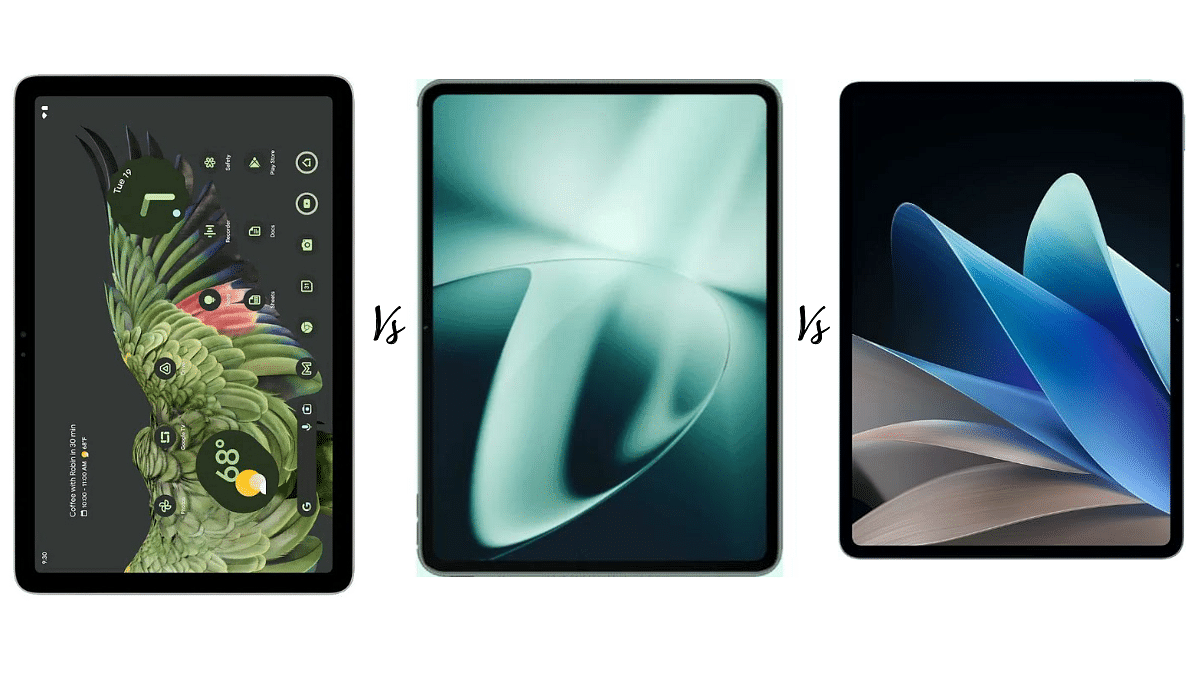
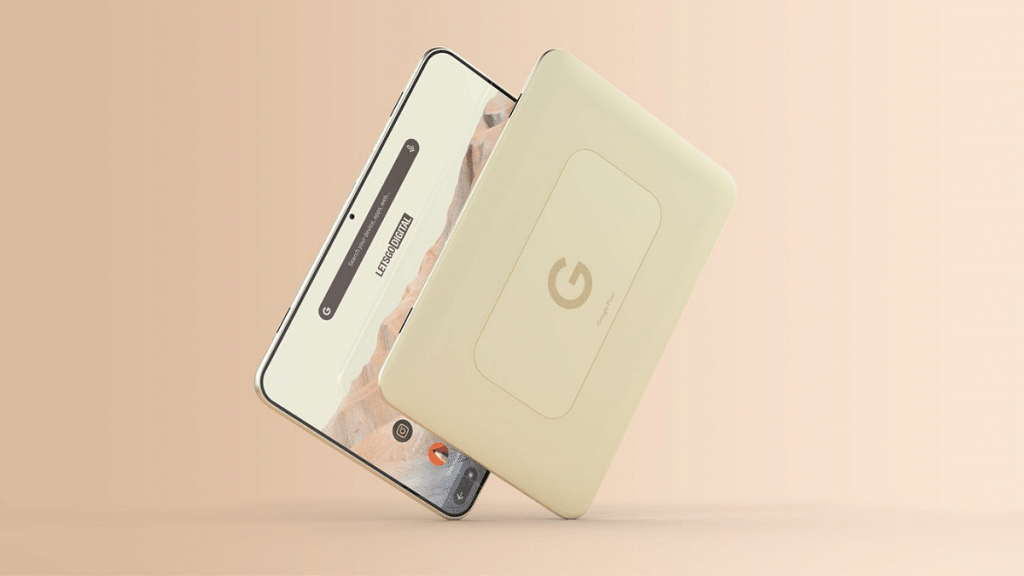
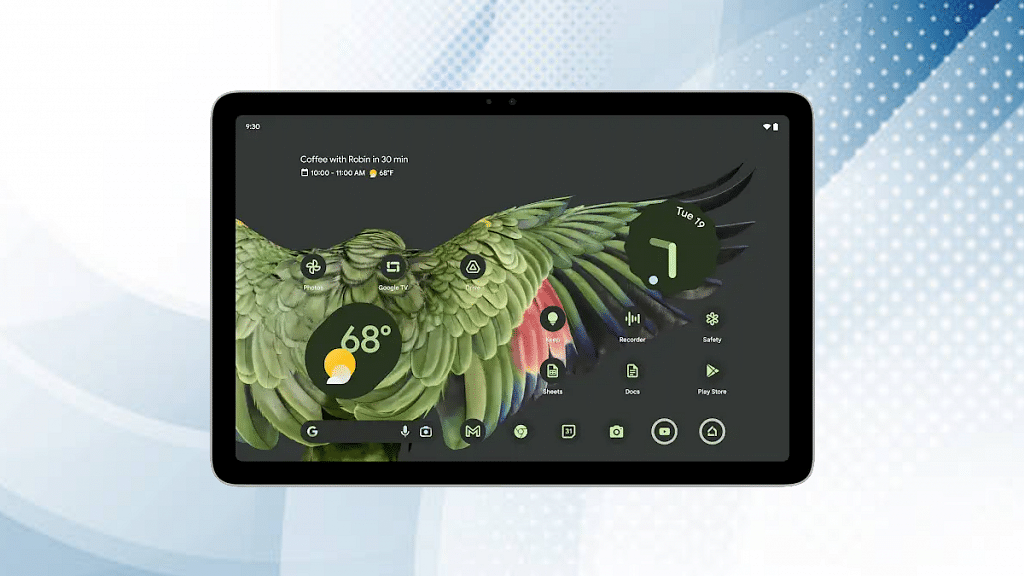
Google Pixel Tablet: IPS LCD display with vibrant colors.
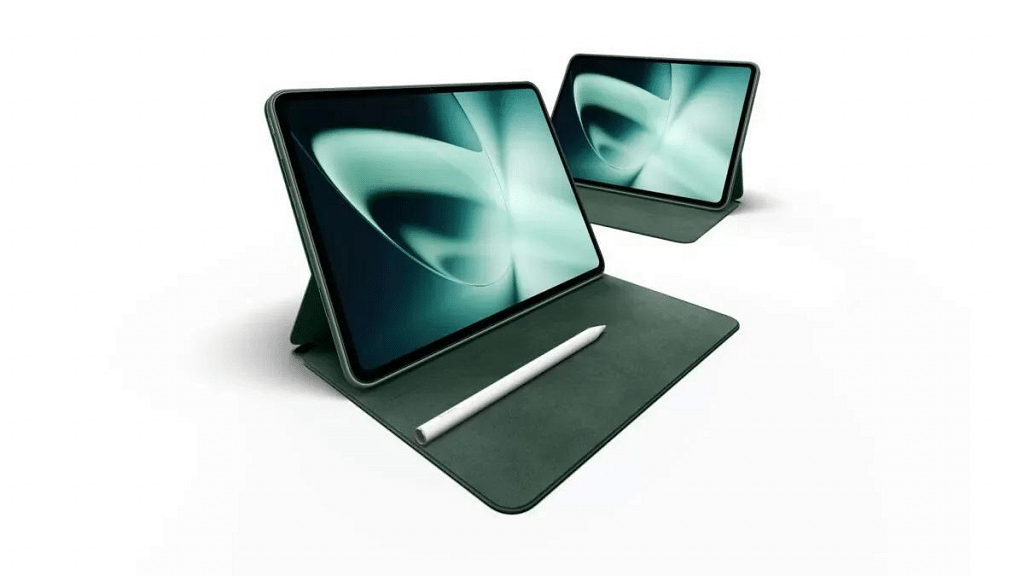
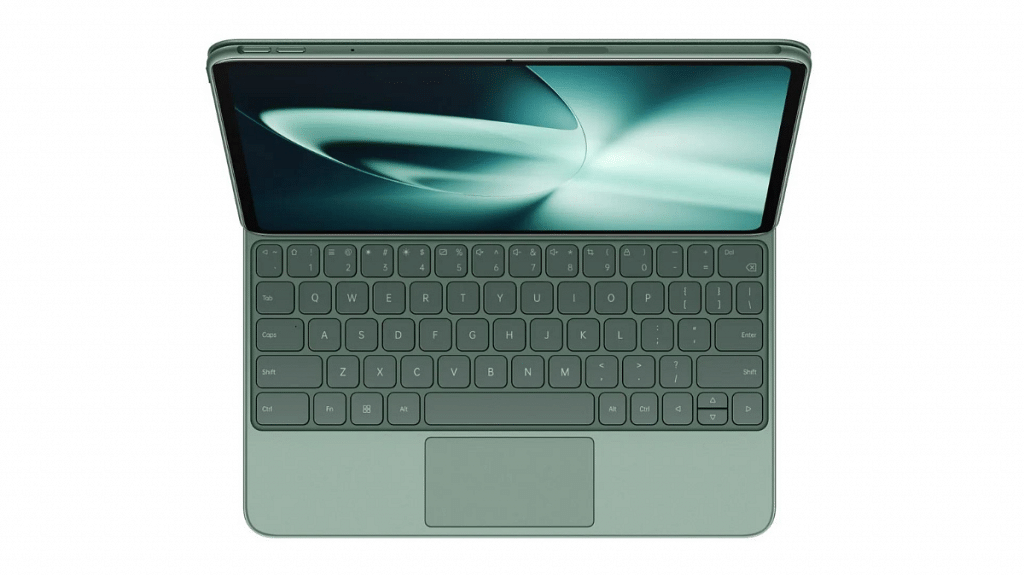
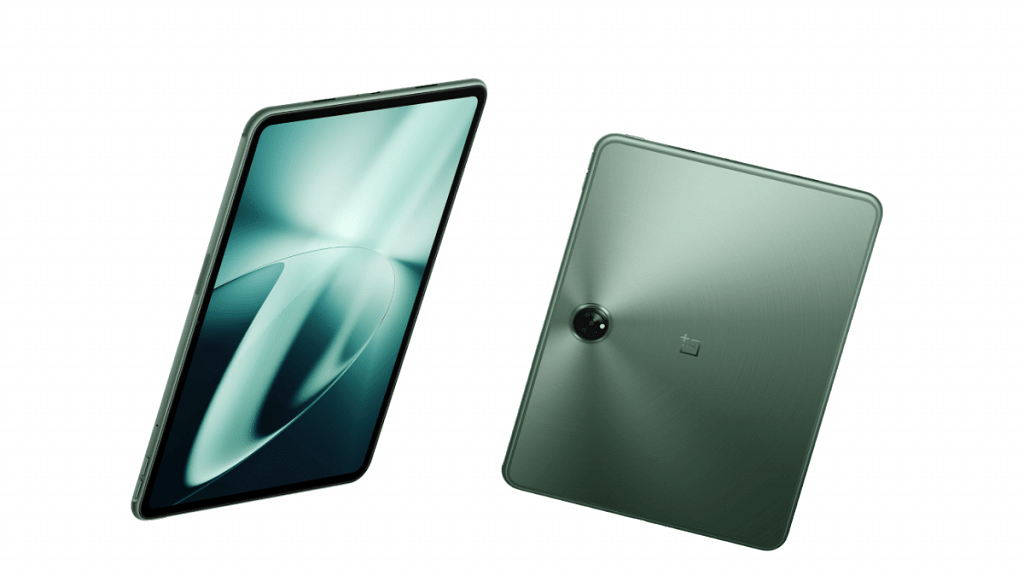
OnePlus Pad: IPS LCD display with Dolby Vision and HDR10+ support.
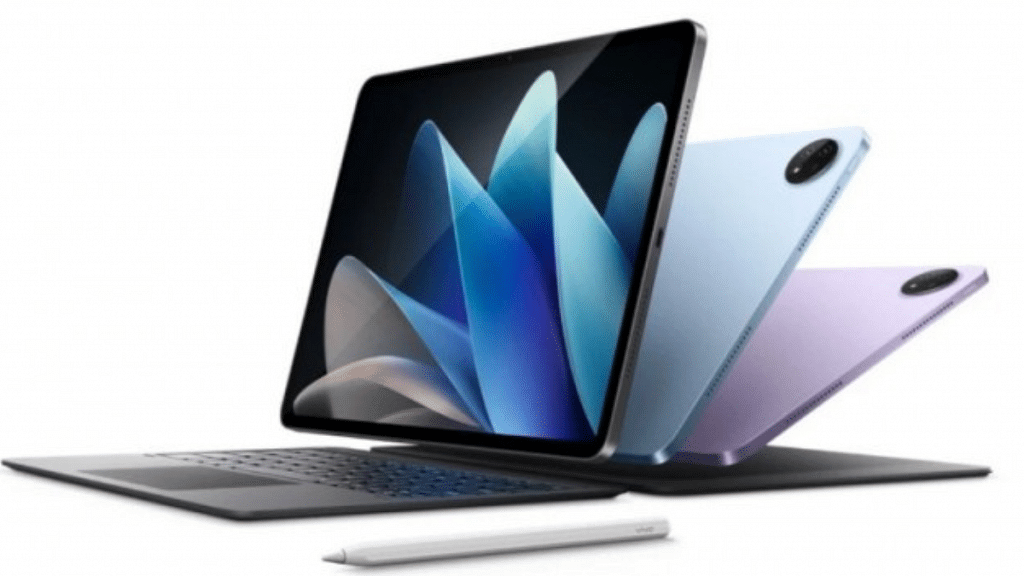
Vivo Pad 2: Large IPS LCD display with 144Hz refresh rate and HDR10 support.
All three tablets offer flagship-level performance and features at a competitive price point.
The Google Pixel Tablet, OnePlus Pad, and Vivo Pad 2 are some of the top value flagship tablets on the market today. These tablets come packed with the latest technology and powerful processors to deliver top-notch performance.
In this article, we will compare these three tablets across several key areas, including display, chipset, memory, battery, camera, price, and availability.
Google Pixel Tablet Vs OnePlus Pad Vs Vivo Pad 2: Display
Tablet
Display Size
Display Type
Resolution
Pixel Density
Refresh Rate
Additional Features
Google Pixel Tablet
11.0 inches
IPS LCD
1600 x 2560 pixels
~274 ppi
N/A
N/A
OnePlus Pad
11.61 inches
IPS LCD
2000 x 2800 pixels
~296 ppi
144Hz
Dolby Vision, HDR10+
Vivo Pad 2
12.1 inches
IPS LCD
1968 x 2800 pixels
~284 ppi
144Hz
HDR10, 600 nits
When it comes to the display, all three tablets – Google Pixel Tablet, OnePlus Pad, and Vivo Pad 2 – offer great viewing experiences, but there are some differences in their specifications. The Google Pixel Tablet comes with an 11.0-inch IPS LCD display with a resolution of 1600 x 2560 pixels and a pixel density of around 274 ppi.
The OnePlus Pad, on the other hand, boasts a slightly larger 11.61-inch IPS LCD display with a resolution of 2000 x 2800 pixels and a pixel density of around 296 ppi. The display of the OnePlus Pad also comes with additional features such as Dolby Vision, HDR10+, and a 144Hz refresh rate. The Vivo Pad 2, on the other hand, comes with a larger 12.1-inch IPS LCD display with a resolution of 1968 x 2800 pixels and a pixel density of around 284 ppi.
Additionally, it also offers HDR10 and a 144Hz refresh rate, and a higher brightness of 600 nits. Overall, the Vivo Pad 2 has the largest display and the highest brightness, while the OnePlus Pad has the highest refresh rate and additional display features like Dolby Vision and HDR10+.
The Google Pixel Tablet is powered by the Google Tensor chipset, built on a 5nm process, and has an octa-core CPU comprising 2×2.80 GHz Cortex-X1, 2×2.25 GHz Cortex-A76, and 4×1.80 GHz Cortex-A55, along with a Mali-G78 MP20 GPU. It comes with 6GB or 8GB of RAM and internal storage options of 128GB or 256GB.
In contrast, both the OnePlus Pad and Vivo Pad 2 are powered by the MediaTek MT6983 Dimensity 9000 chipset, built on a 4nm process, and have an octa-core CPU with a combination of Cortex-X2, Cortex-A710, and Cortex-A510 cores, along with a Mali-G710 MC10 GPU. The OnePlus Pad comes with 8GB or 12GB of RAM and internal storage options of 128GB or 256GB, while the Vivo Pad 2 offers internal storage options of 128GB, 256GB, or 512GB with 8GB or 12GB of RAM.
In terms of battery, the Google Pixel Tablet has a 7680mAh battery, while the OnePlus Pad has 9510 mAh battery with 67W fast charging capability whereas Vivo Pad 2 come with a larger 10,000mAh battery. Overall, the OnePlus Pad and Vivo Pad 2 offer similar specifications in terms of chipset and memory, with the Vivo Pad 2 offering higher internal storage options.
Google Pixel Tablet Vs OnePlus Pad Vs Vivo Pad 2: Camera
Features
Google Pixel Tablet
OnePlus Pad
Vivo Pad 2
Rear Camera
Dual 8 MP
Single 13 MP
Dual 13 MP + 2 MP
Rear Camera Specs
4K@30fps, 1080p@30fps
4K@30fps, 1080p@30fps
4K@30fps, 1080p@30fps
Front Camera
Single 8 MP
Single 8 MP
Single 8 MP
Front Camera Specs
1080p@30fps
1080p@30fps
1080p@30fps
The Google Pixel Tablet features a dual-camera setup with two 8 MP sensors and can record videos in 4K at 30fps or 1080p at 30fps. The selfie camera is a single 8 MP sensor that can record videos at 1080p at 30fps.
In comparison, the OnePlus Pad features a single 13 MP rear camera with an f/2.2 aperture and a wide-angle lens of 23mm. It also features LED flash and gyro-electronic image stabilization and can record videos in 4K at 30fps or 1080p at 30fps. The selfie camera is an 8 MP sensor with an f/2.3 aperture and can record videos at 1080p at 30fps.
On the other hand, the Vivo Pad 2 has a dual-camera setup with a 13 MP ultra-wide sensor and a 2 MP macro sensor. The ultra-wide sensor has an f/2.2 aperture and a wide-angle lens of 21mm, while the macro sensor has an f/2.4 aperture. It also features LED flash and panorama and can record videos in 4K at 30fps or 1080p at 30fps. The selfie camera is an 8 MP sensor with an f/2.0 aperture and can record videos at 1080p at 30fps.
Overall, the OnePlus Pad offers the highest resolution for its main camera compared to the Google Pixel Tablet and Vivo Pad 2. However, the Vivo Pad 2 provides more camera versatility with its dual-camera setup, featuring an ultra-wide and a macro sensor
Google Pixel Tablet Vs OnePlus Pad Vs Vivo Pad 2: Price & Availability
Tablet Model
Price in India
Google Pixel Tablet
Rs. 48,000
OnePlus Pad
Rs. 37,999
Vivo Pad 2
Rs. 28,600
The Google Pixel Tablet will reportedly cost Rs. 48,000 for the 128GB model in India, while the OnePlus Pad is expected to be priced at Rs. 37,999. The Vivo Pad 2 is the most budget-friendly option of the three, priced at Rs. 28,600.
As for availability, the Google Pixel Tablet and the OnePlus Pad are expected to be available in major retail stores in coming months and online marketplaces such as Amazon and Flipkart.
Explore our list of top tech gifts for your tech-savvy mom
Mother’s Day is the perfect time to tell your mom how much you appreciate and love her. While traditional gifts like flowers and chocolates are always appreciated, if your mom is tech-savvy, then you might want to consider getting her a tech gift this year. From smart home devices to fitness trackers, there are plenty of tech gadgets out there that can make your mom’s life easier and more enjoyable. In this article, we have compiled some of the best tech gifts you can consider giving your mom on this special day. So, read on to find out what tech gifts are perfect for your tech-savvy mom. Also Read | Best Smartwatches With Bluetooth Calling, Fitness Features Under Rs. 5,000
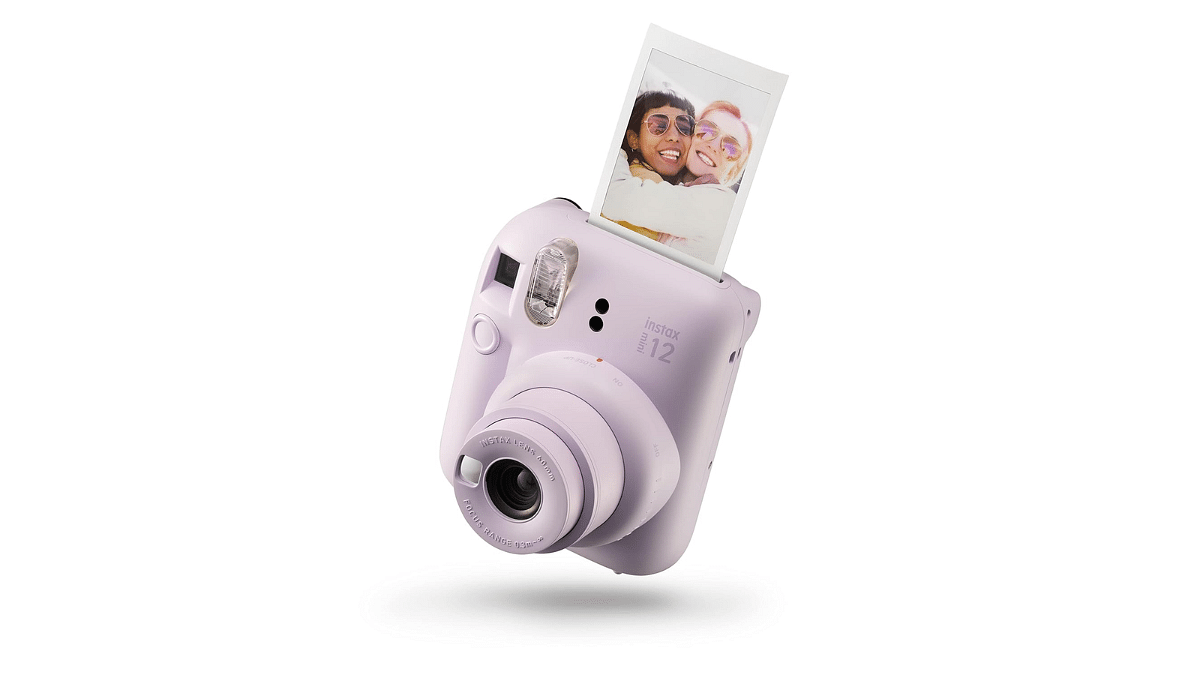
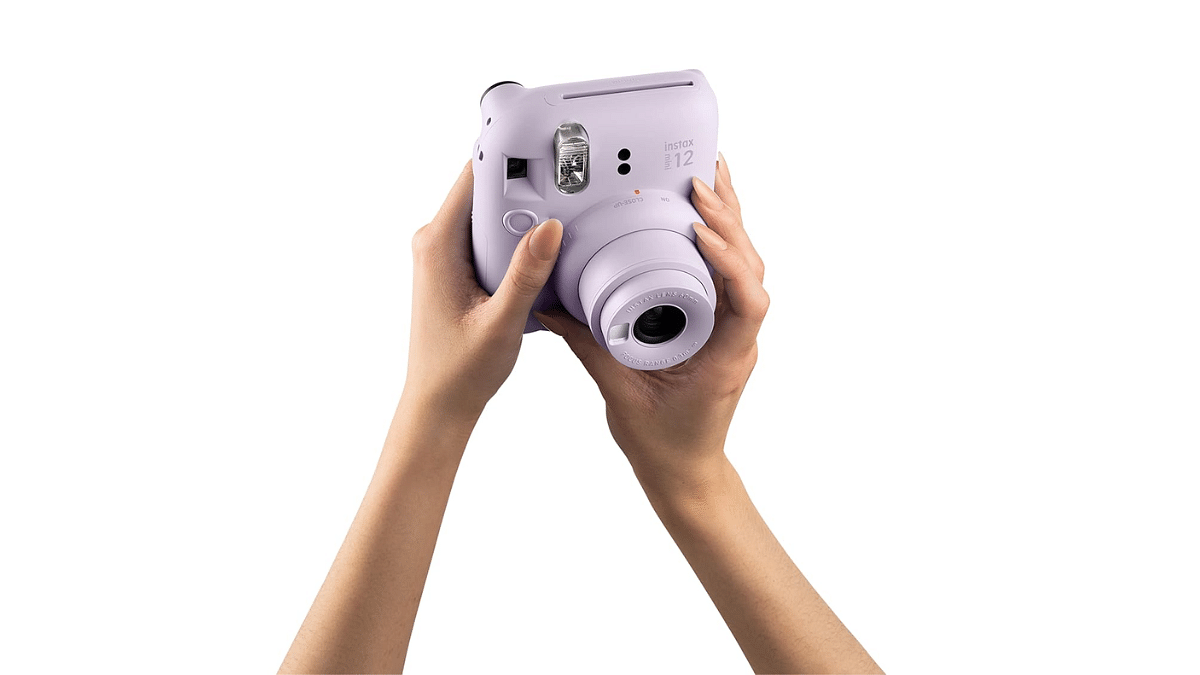
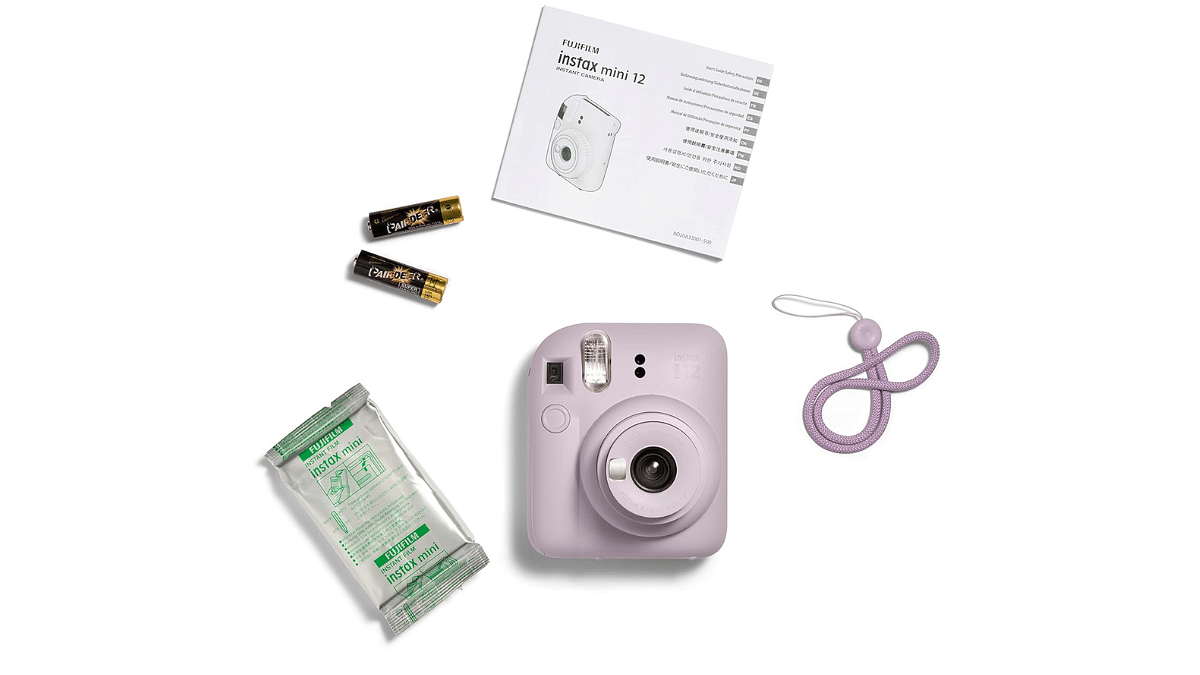
Fujifilm Instax Mini 12 Instant Camera – Purple
Let your mom cherish every moment with the Fujifilm Instax Mini 12 Instant Camera, featuring a vibrant purple hue. Its retro design and instant photo printing allow her to capture and preserve special memories with loved ones effortlessly.
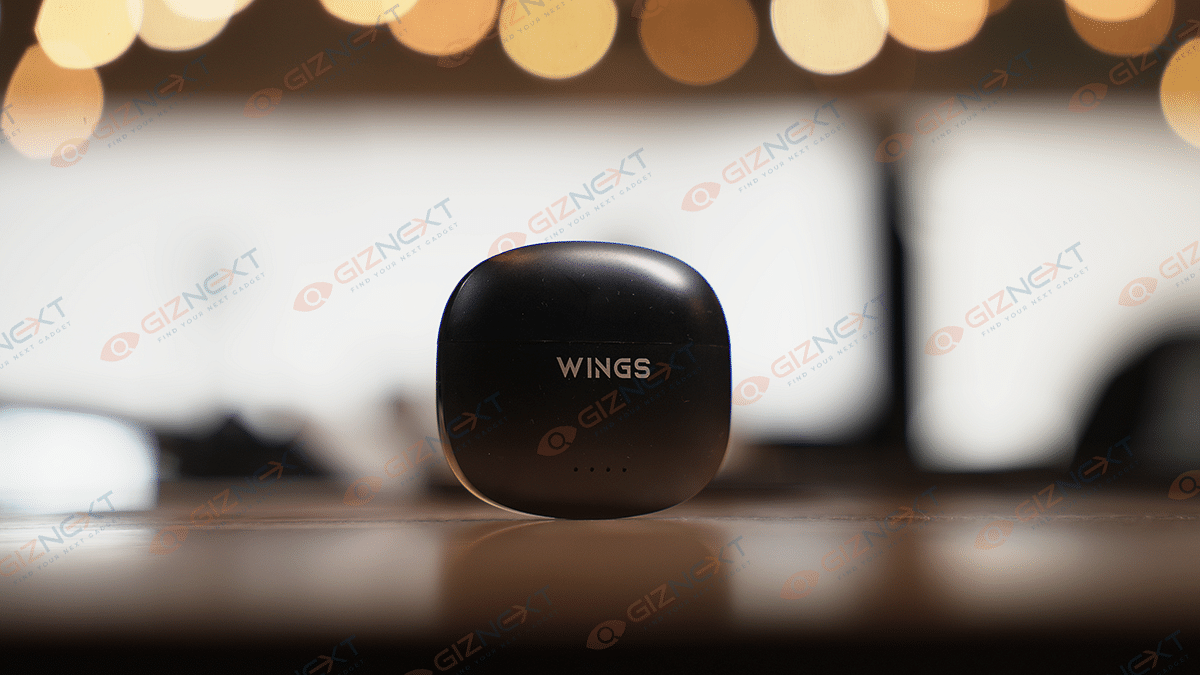
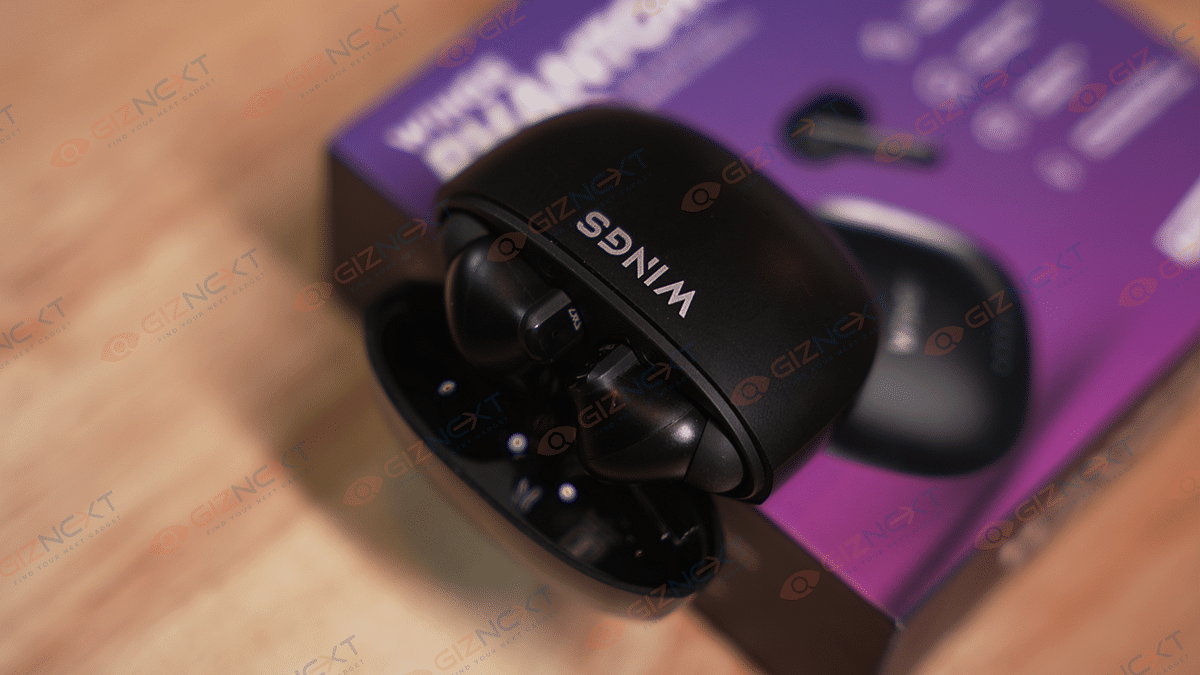
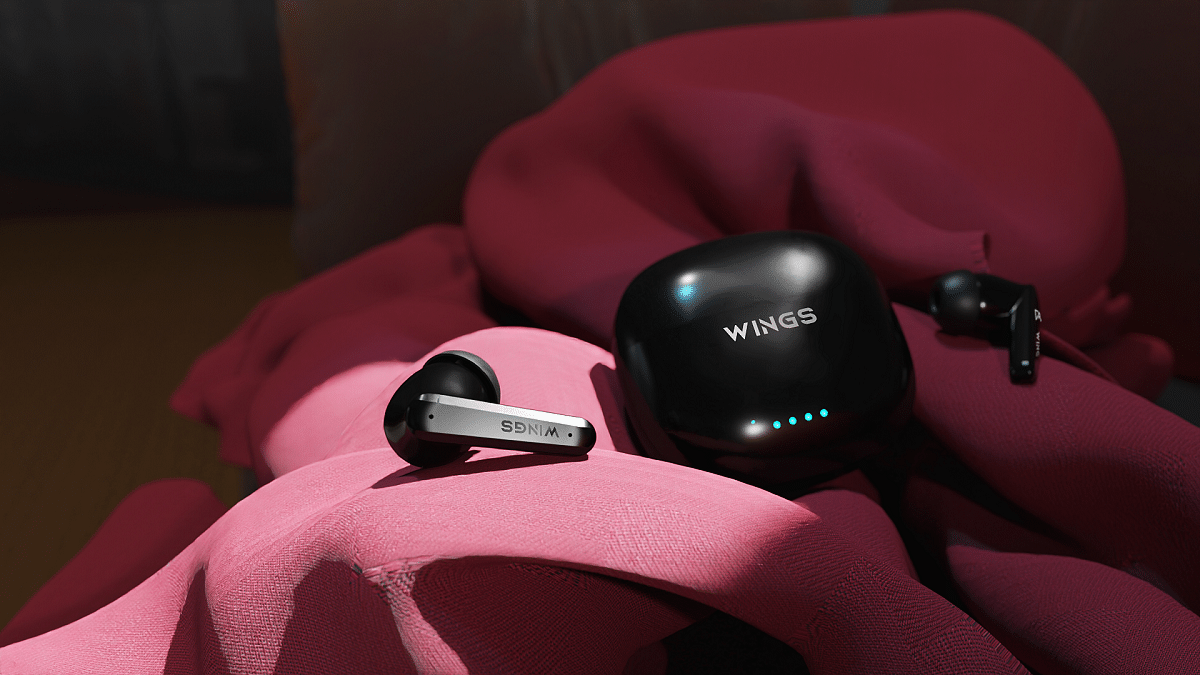
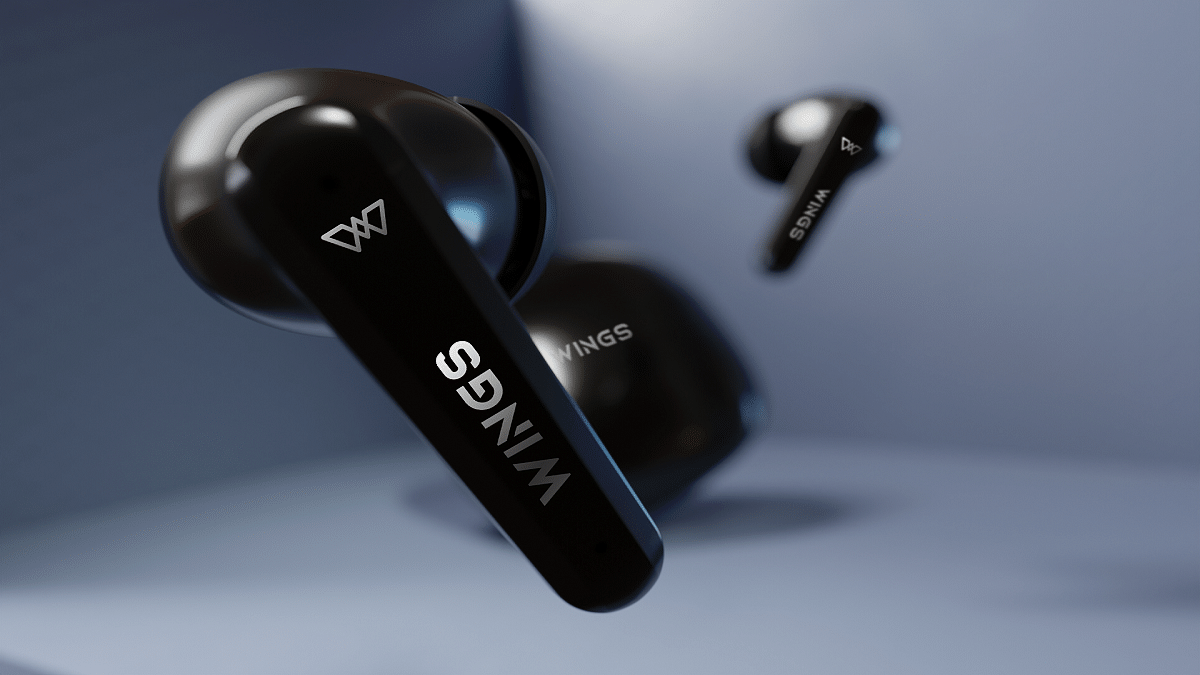
Wings have recently launched its first-ever Active Noise Cancellation (ANC) product, the Phantom 380, which can be an ideal tech gift for your mom. The product boasts advanced features such as Bluetooth 5.3 technology and long battery life, providing up to 50 hours of usage without ANC and 35 hours with ANC mode enabled. With its sleek design and advanced features, the Wings Phantom 380 is a great option for anyone looking for high-quality ANC earbuds. So, surprise your tech-savvy mom on this special day with the Wings Phantom 380 and let her enjoy her music, movies, and more with uninterrupted sound quality.
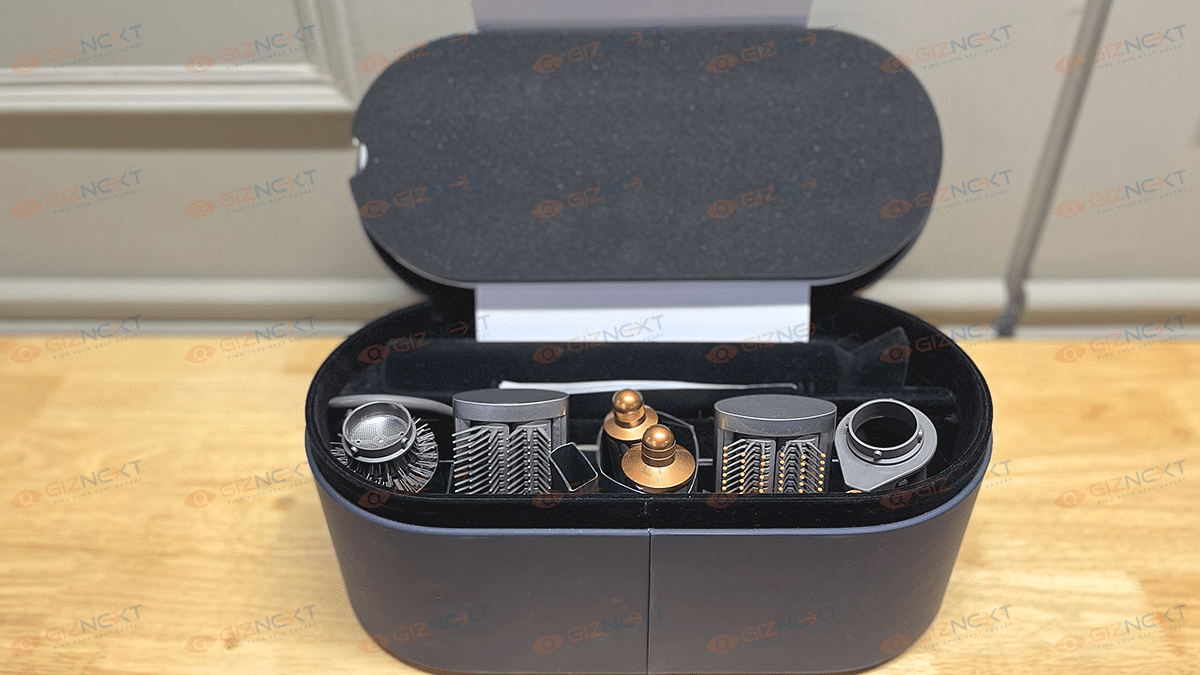
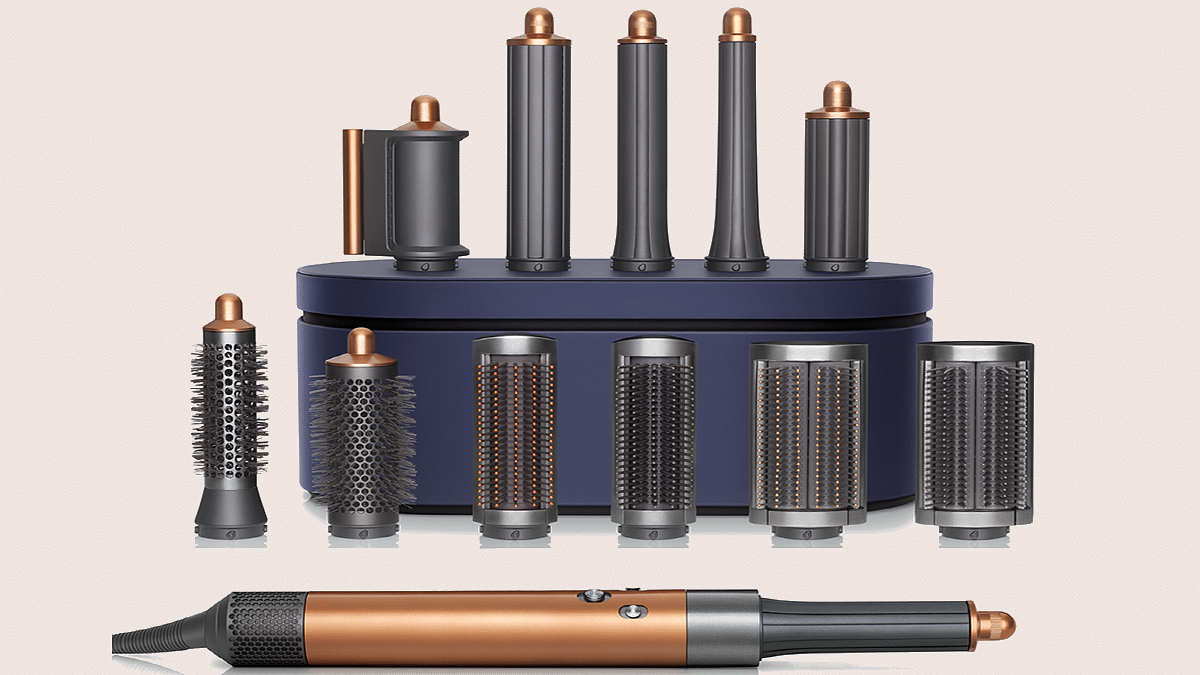
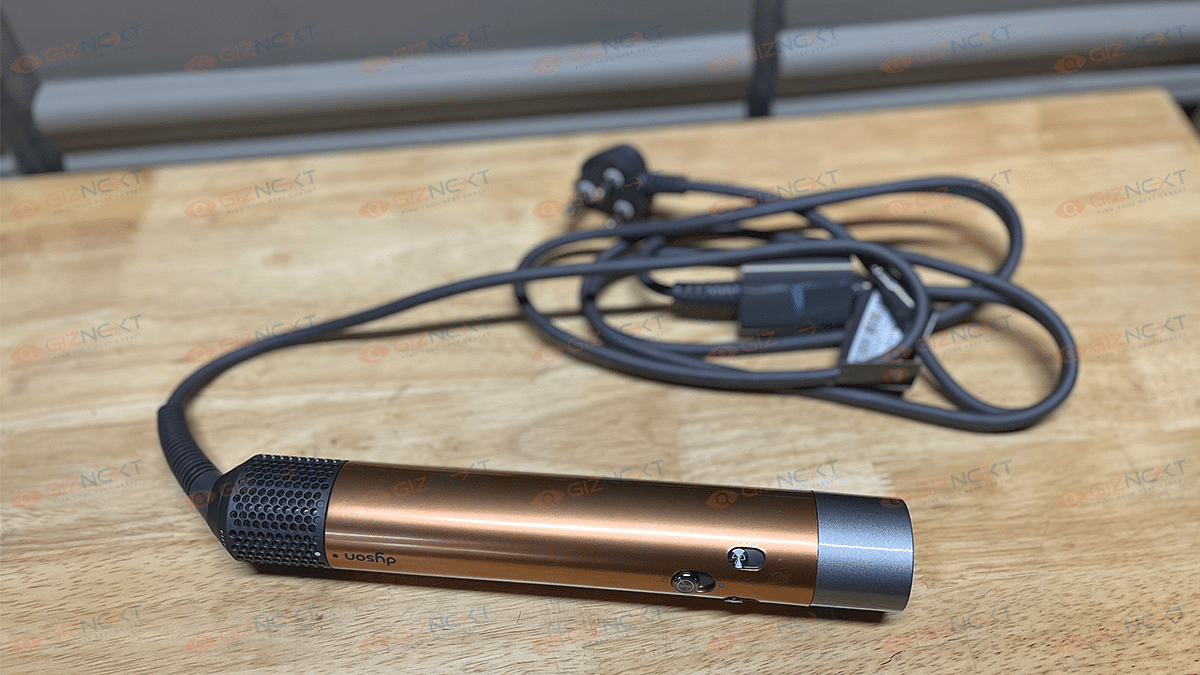
The Dyson Airwrap multi-styler comes with innovative attachments that use advanced Coanda airflow technology to create a range of hairstyles. The updated styling barrels have a rotating cool tip, which allows you to achieve curls and waves more quickly and effortlessly, without risking heat damage and maintaining the hair’s strength. It also simplifies the styling process by combining two barrels into a single attachment, allowing you to style your entire head, creating clockwise and anti-clockwise curls and waves without the hassle of changing attachments mid-styling. With its advanced features and simplified styling process, the Dyson Airwrap multi-styler can be an ideal addition to your mom’s hair care routine.
Overall, a tech gift is a great way to show your mom how much you care and appreciate her. The gifts we have suggested are just a few examples of the many tech gadgets available that can make your mom’s life easier and more fun. With these gifts, your mom will be able to stay connected, entertained, and organized, making her feel special and loved this Mother’s Day.