Categories
Featured Laptop

List Of Top Four Antivirus Software To Protect Your PC From Malware, Phishing Attacks

Key Highlights

  • The right antivirus software helps to protect your device including its data and privacy
  • Antivirus software offers all-around protection from every kind of online threat
  • They keep your system and information protected 24×7

Purchased a new laptop or PC? Before you start on a gaming and other software installation binge, you should install antivirus software beforehand. Antivirus software is revered by PC enthusiasts and for good reason. Although the Internet makes life appear easier, it also poses a serious threat to your gadgets, particularly PCs. Viruses can infect your system and pose a hazard from just about anywhere on the internet. Don’t worry; we have you covered if you’re unsure of the best antivirus software for your PC. You can use a variety of software to safeguard your computer today. Some of the best antivirus software is listed in this post. Also Read | Take Your Gaming To The Next Level: Four Must-Have SSDs And HDDs For Gamers

Norton 360 Deluxe
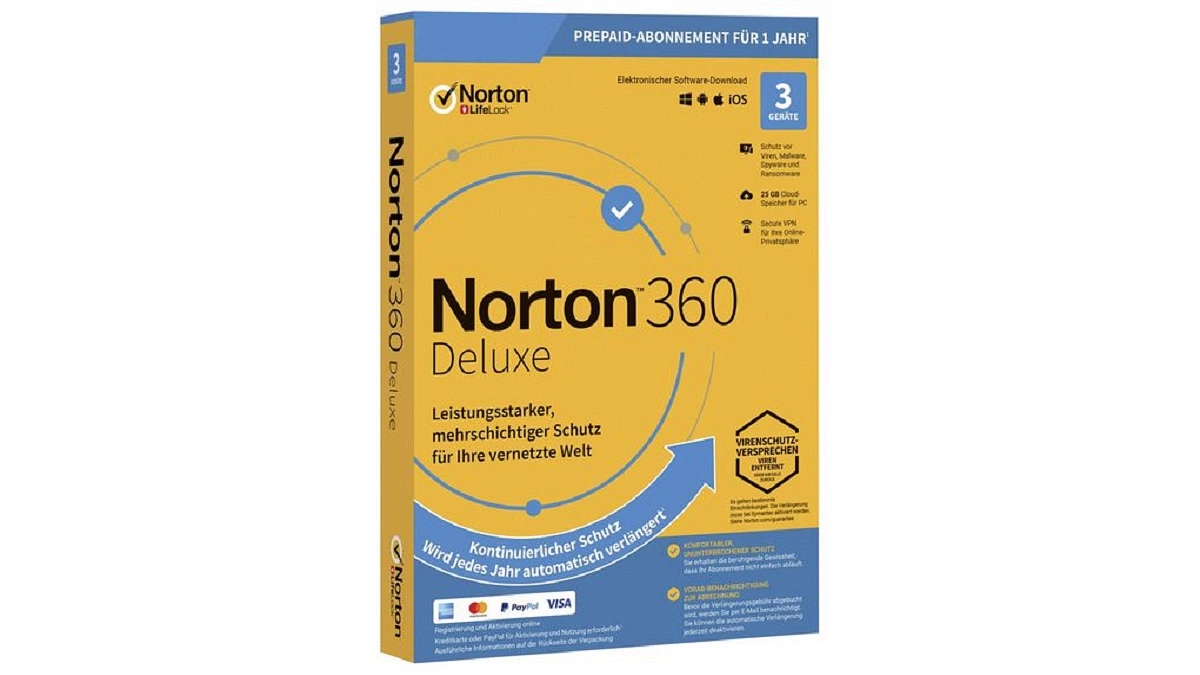
One of the best antivirus software in India is Norton 360 Deluxe. When you buy it, you can select between the number of years and the number of devices. This antivirus software offers features like real-time threat protection, secure VPN, password protection, smart firewall, parental controls, and more. It is worth your money for office or personal requirements because it even includes 50GB of cloud backup storage.

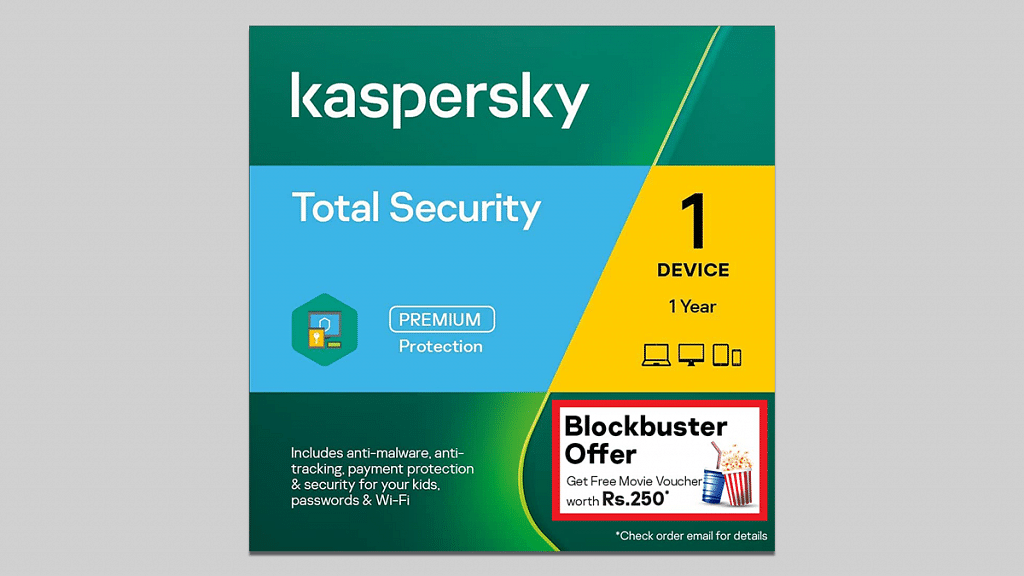
Kaspersky Total Security

Here is another affordable and one of the best antivirus in India. You can easily activate this antivirus on your laptop or desktop to protect the security of your computer at all times. It is compatible with nearly all Windows-based devices. This antivirus assures that you can save your basic data on secured cloud storage with 2GB of additional free storage on the drop box. You can get the Kaspersky Total Security for just Rs. 489 from Amazon.

Also Read | Best 500GB Hard Disks Under Rs. 5,000: From Toshiba, Samsung, And More

K7 Antivirus Premium
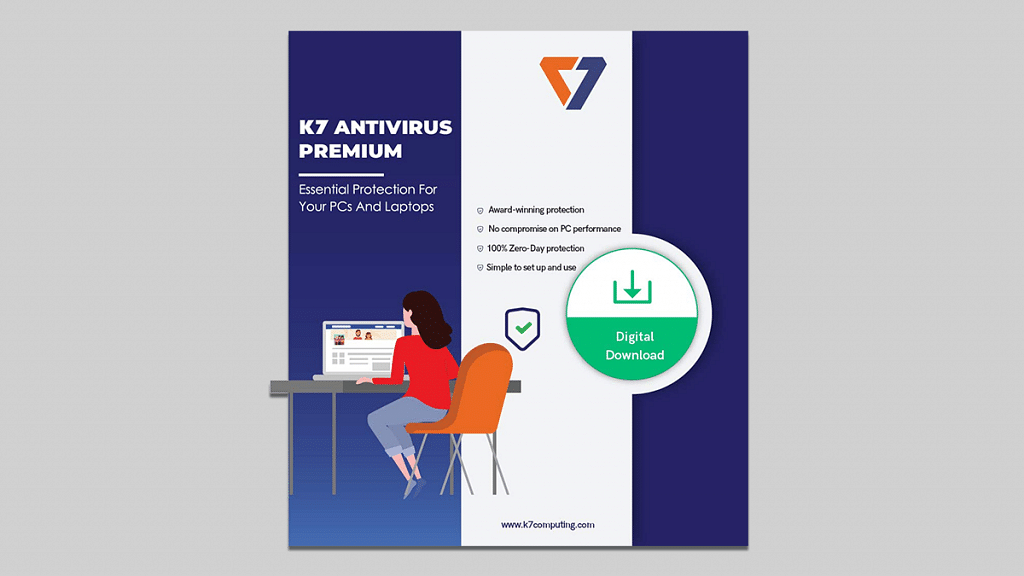
The K7 Antivirus Premium, which is designed for a single user for a year, makes sure that you can work online without worrying about your device being attacked online. Considering that it is updated with details on the 110 million viruses that have been discovered thus far. Your device will thus continue to receive protection from all potential threats. The vulnerability scanner is always running. You can buy K7 Antivirus Premium on Amazon for Rs. 215.

McAfee Antivirus

The McAfee Antivirus is meant for a single user for three years. You won’t have to worry about purchasing new antivirus software on a regular basis. The 1.8 billion viruses that have been discovered to date are updated and this antivirus detects 784 different threats per minute. The McAfee Antivirus can be purchased for Rs. 640 from Amazon.

Also Read | Need More Storage? Check Out The Best External Hard Drives You Can Buy

Categories
Featured Laptop

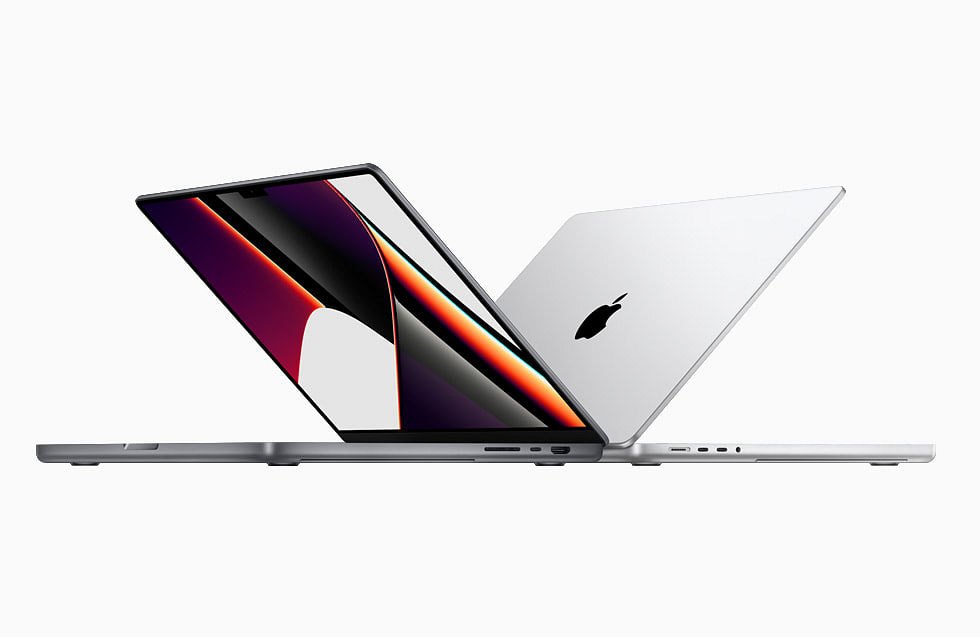
Effective Ways To Keep Dirt And Dust From Your MacBook Laptop At Bay

Key Highlights

  • Wipe your MacBook screen with recommended materials such as a clean, lint-free cloth and water
  • The screen can also be wiped with specific cleaning products designed for computer monitors
  • Be careful to keep water and other cleaning agents away from the monitor connectors

Over time, the accumulation of dust, filth, crumbs, and fingerprints causes your laptop to lose its luster and shine that it used to have. Therefore, it’s a good idea to clean your computer’s screen when the dirt and blurriness start to get too bad in order to preserve the best picture quality possible.

Before you begin, make sure you are not using any abrasive materials including the liquid or the cloth you are using. Anything containing “acetone, window cleaners, home cleaners, aerosol sprays, solvents, ammonia, or cleaners containing hydrogen peroxide,” according to Apple, should not be used. So, if you have a MacBook laptop and want to keep it organized and clean in a safer manner, here are some tips.

  • Turn off your Mac and make sure all of its attachments, including the power cord, are unplugged
  • Wipe your Mac’s screen after wetting a dry, lint-free, clean cloth. Do not use rough clothing, towels, paper towels, etc.
  • Spraying directly on the screen could damage it if the liquid seeps into the display
  • Avoid spraying cleaning agents directly onto the MacBook
  • Avoid wiping the device extensively because doing so could harm it
  • Use water or other liquids only when specifically instructed to do so during the process
  • Prevent moisture from getting around speaker grills, ports, and other openings
  • Allow any remaining moisture to dry completely before plugging in or turning on your MacBook

Even though your device is composed of a substance that is meant to repel grease, fingerprints nonetheless manage to get on them. Most fingerprints ought to be removed using merely a dry, lint-free cloth. Use a very small amount of water if you need more cleaning power, being cautious not to get moisture into the openings of the gadgets. Simply avoid using glass cleaners or other cleaning agents because they could harm the finish and touch screen.

Also Read | Backup Your Mac Using Time Machine Or iCloud: Check Out The Steps

Categories
Featured How To Laptop

Dell PC, Laptop Support: How To Fix Display Issues With Dell Monitors At Home

Dell has become a preferred brand for laptop and PC users in India and global markets. The PC brand has been bringing in good options for performance-oriented users and is proactively releasing new models in different lineups targeting all segments of users. For budget and mid-range consumers demanding high-end performance, the Dell Vostro and Inspiron series offer the best options. Whereas, for high-end consumers and gaming professionals, the Dell XPS and Alienware laptop lineups have suitable models.  

Dell PCs are also all potent and offer a premium-class user experience. What gives Dell an edge over other PC brands in India is the widely available support ecosystem and post-sale services to help users resolve any issue with their laptops and PCs.  Dell also offers remote support services to laptop and PC users to minimize the visits to a nearby service center in case of any issue with the hardware or firmware.

One of the common issues with Dell laptops and PCs that can be easily fixed at home without necessarily heading to an authorized service station is the display issue. This is a random issue where in the screen doesn’t turn on or you see a blank or black screen. In some cases, the images displayed on the Dell laptops and PCs could be distorted and blurry and in other cases, you might see horizontal or vertical lines on the screen.

Also Read: How To Fix Wi-Fi Issues With Windows 11 Laptops And PCs

If you aren’t aware of the quick fixes that can easily help fixing display issues with Dell PCs, you are at the right place. We have listed down the troubleshooting steps to resolve display issues with Dell PCs in this article.

Quick Troubleshooting Steps To Fix And Resolve Display Issues With Dell Monitors

Step 1: The first step would be to check if there is any physical damage on the laptop or PC’s screen. If there is any visible crack, you might have to get the panel replaced. If there is no display breakage, you can move to step 2.

Step 2: Try to plug in the Dell monitor (for PC) to any other wall outlet. Also, do not supply power using a power strip or surge protector to check if the display turns up.

Step 3: If the above step doesn’t work, try bypassing Dell docking station. Connect the Dell PC monitor to the computer using an HDMI, DisplayPort, or USB Type Cm and other supported video cables.

Step 4: Try changing the video source of the Dell monitor using the menu buttons on the monitor. Change the brightness and contrast levels. This should fix the temporary issues with the display configurations.

Step 5: If still you see a black/ black display or blurred images, check the monitor as a stand alone device and see if its working properly.

Step 6: Try downloading or updating the display drivers to the latest version,

Step 7: If the display issue persists, run the Support Assist hardware test for the video card. If there is some issue with the panel and it fails the test, you would need to contact Dell technical support for a permanent fix.

Categories
Featured How To Laptop

How To Fix Bluetooth Pairing Issues With Dell Laptops (All Models)?

Dell is one of the largest players in the laptop and PC market in India and other global markets. The PC manufacturer has designed several popular laptop lineups including Inspiron, Vostro, XPS, and Alienware. The former two have both affordable and premium mid-range laptop models, while the latter two are designed for premium end customers.

Dell laptops are multifunctional and equipped with best-in-class hardware. The vast and easily accessible service support ecosystem has been a primary factor for this brand’s popularity amongst the Indian audience. Dell has both Intel as well AMD-powered laptop models that feature the latest hardware innovations and are performance oriented.

All Dell laptops offer modern connectivity options including Wi-Fi and Bluetooth for wireless connectivity and pairing external accessories. Often there are general connectivity issues reported with both Wi-Fi and Bluetooth networks. We have previously covered the quick troubleshooting steps to fix issues with Wi-Fi internet connectivity while using Dell laptops. In this article, we are sharing the quick steps to resolve issues with Bluetooth in Dell laptops.

How To Quickly Fix Issues With Dell Laptop Bluetooth

Step 1: Check if the Bluetooth adapter of your Dell laptop is toggled on. If not, turn it on.

Step 2: Make sure the wireless device that needs to be paired with the Dell laptop is within range.

Step 3: You might need to change or replace the battery of the Bluetooth device for better connectivity.

Step 4: Restart the Dell laptop. Do save the important data or take a backup.

Step 5: From the control panel, go to the Bluetooth settings.

Step 6: Unpair the device with which you are experiencing connectivity issues.

Step 7: Re-pair the Bluetooth device and the connection should be successful.

Step 8: If the issue persists, open the SupportAssist application on your respective Dell laptops. Optimize the laptop using this application and the issue should be resolved.

Step 9: You will need to run the Bluetooth Adapter hardware test to check for errors.

Step 10: Download and install the latest Bluetooth drivers.

Step 11: The Bluetooth connectivity issue should be fixed. If for some reason, the Bluetooth adapter test fails while using the Support Assist feature, you would need to contact the Dell Technical Support center.

Categories
Featured Laptop Leaks

Xiaomi Book Air 13 Full Specifications Listed Revealed Via E-Commerce Portal; When Is India Launch?

Key Highlight

Xiaomi Book Air 13 is launching alongside Redmi Note 12 series

Will pack 13.3-inches display with 1800 x 2800 pixels screen resolution

Core-i5 1230U and Core-i7 1250U chipset variants upcoming

Xiaomi is revamping its product lineup soon with a new range of Android smartphones. The brand has scheduled the Redmi Note 12 series launch for today and we are expecting the standard model to debut alongside the Redmi Note 12 Pro and Redmi Note 12 Pro Plus. Rumors are rife Xiaomi could also launch a new laptop called the Xiaomi Book Air 13. The key details related to the Xiaomi Book Air 13 laptop’s specifications are right ahead of the launch. Following are the details:

Xiaomi Book Air 13 Leaked Specifications Surface Hours Before Launch

Xiaomi already has forayed in the laptop market and has introduced a couple of models for the masses. The Xiaomi Book Air 13 specification has been leaked by an online retailing website’s listing. The laptop has been listed on JD.com which is a Chinese retailer.

The entire specifications of the Xiaomi Book Air 13 has been revealed by the Chinese e-commerce platform. As per the website, the Xiaomi Book Air 13 will be launched with an OLED display. The screen size mentioned is 13.3-inches and the resolution tipped is 1800 x 2880 pixels.

The Xiaomi Book Air 13’s display will have an aspect ratio of 16:10 which is a standard figure. The notebook will come with 12mm thickness and will weigh around 1.2 kgs. Under the hood, the Xiaomi Book Air will be using an Intel Core U series chipset. This laptop like previous Xiaomi notebooks will be available in multiple variants.

The laptop will be available with a Core i5-1230U chipset that will deliver up to 4.7GHz maximum clock speed and a Core i7-1250U chipset with up to 4.4GHz models. These chipsets will have 12 threads and 10 cores cluster. The JD.com listing has also given insight into the laptop’s ports and connectivity options.

The Xiaomi Book Air will come integrated with thunderbolt ports, Wi-Fi 6E, and Bluetooth 5.2 UI. The device will be available with 58.3Wh and 65Wh battery capacity. Xiaomi has not yet confirmed the exact availability details of the Book Air 13 in India and also kept the pricing details under wraps. But we should get some details post its China launch.

Categories
Info Laptop

Microsoft Surface Pro 9, Surface Laptop 5 Launched; See Here For Specifications And More

Microsoft has announced the launch of the two new Surface laptops. The Microsoft Surface Pro 9 comes with audio features, longer battery life, Surface Pro Signature keyboards, and an enhanced camera. The Surface Laptop 5 features new Windows 11 interactive features and will be available few color options such as Sandstone, Platinum, and Matte Black.

Microsoft Surface Pro 9: Specifications

The Microsoft Surface Pro 9 comes with a 12th Gen Intel Core processor that is built on the Intel Evo platform along with Thunderbolt and is powered by Qualcomm Snapdragon with 5G connectivity. In addition, the Surface Pro 9 comes with an enhanced camera along with audio features, Surface Pro Signature Keyboards, and a longer battery. Besides, the company has joined hands with Liberty of London and a limited-edition design and matching keyboard are also available.

“To help us celebrate 10 years of Surface, we’ve partnered with London-based global design house “Liberty” to bring art and technology together to create a special-edition Surface Pro keyboard and laser-etched Surface Pro 9 with an exclusive pattern in a vibrant blue floral inspired by the Windows 11 Bloom – available in select markets, only at Liberty and Microsoft Stores while supplies last,” the company said.

In addition, the 12th Gen Intel Core processor is expected to offer incredible performance and power. Plus, the company said that Thunderbolt 4 enables rapid data transfer, eGPU set-up, 4K displays, and docking to multiple. The newly launched Microsoft Surface Pro 9 comes with a starting price of $999.

Microsoft Surface Laptop 5 Specifications

The Microsoft Surface Laptop 5 comes with two displays, including a 13.5-inch with 2256×1504 pixel resolution and a 15-inch screen with a 2496×1664 pixel resolution. In addition, the new laptop features Thunderbolt 4, a 12th Gen Intel Core processor, and Intel Evo. 

It also has Dolby Atmos-enabled speakers, and Bluetooth 5.1. Ports, 60W charging support, USB-C with Thunderbolt 4, a single USB-A, a 3.5mm audio jack, an HD camera, and Wi-Fi 6. The base variant of the newly launched model will cost you $999. 

Categories
Featured Info Laptop

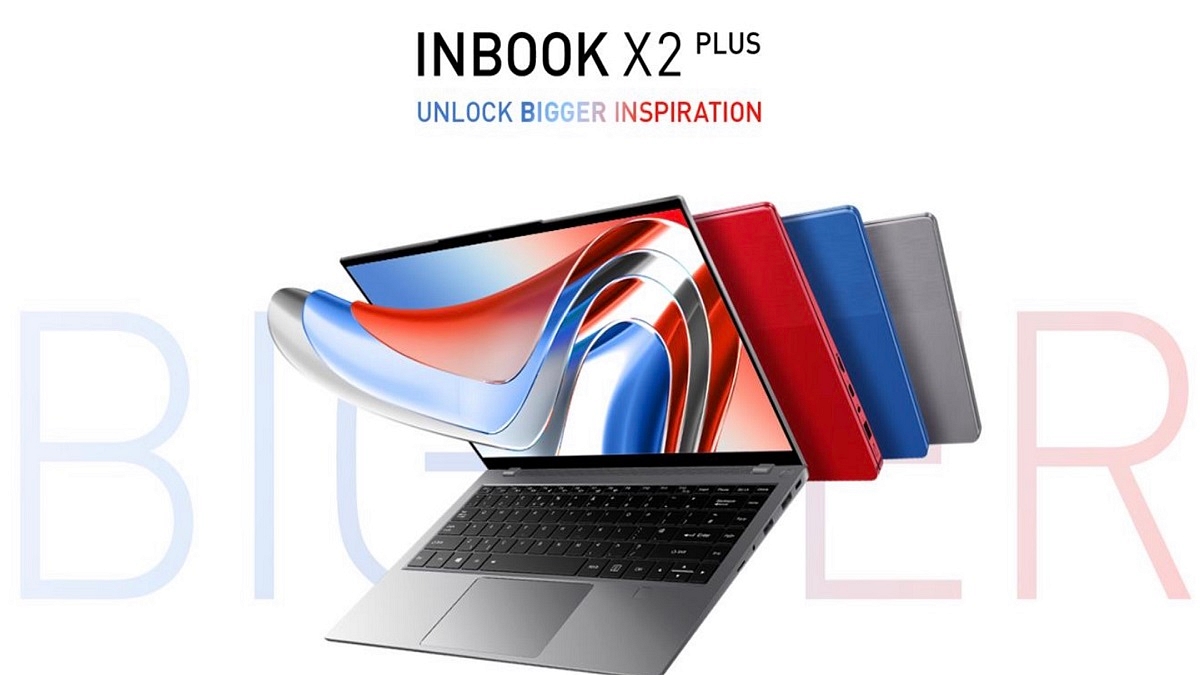
Infinix Launches 11th Gen INBook X2 Plus Laptop In India: Know Price And Specifications

Key Highlights

  • Infinix unveiled INBook X2 Plus in India
  • The laptop features a bigger 15.6-inch display
  • The price of Infinix INBook X2 Plus starts at Rs. 32,990

Infinix INBook X2 Plus launched in India. The laptop has been made official alongside the Infinix 43 Y1 TV in the nation. The INBook X2 Plus is an enhanced version of his INBook X2 with a 14-inch display. The X2 Plus comes with a larger 15.6-inch screen. Here’s all that you need to know about the newly launched laptop.

Infinix INBook X2 Plus Laptop Specifications

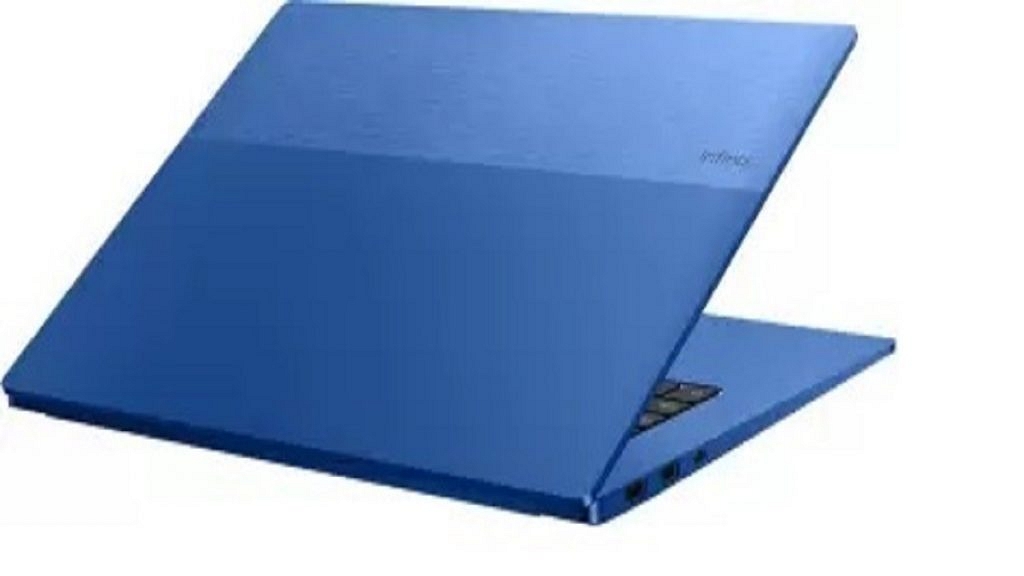
The 15.6-inch display of the Infinix INBook X2 Plus features a Full HD resolution of 1,920 x 1,080 pixels, a 100 percent sRGB color gamut, a 72 percent NTSC color gamut, and a brightness of 300 nits. The Infinix INBook X2 Plus has a metal body made of an aluminum alloy that is 1.58kg in weight and 14.9mm thick.

The laptop is powered by the 11th gen Intel Core i3-115G4, Core i5-1155G7, and Core i7-1195G7 GPU. The other CPU models offer Iris Xe graphics while the i3 chip has Intel UHD graphics. The laptop has 8GB or 16GB of LPDDR4x RAM installed. It has NVMe PCIe 3.0 SSD storage capacities of 256GB or 512GB.

The Infinix INBook X2 Plus has a 1080p webcam which is coupled with dual-LED fill lights as well as dual microphones. As for connectivity, it has one USB Type-C port for charging and data transfer, WiFi 6, one USB Type-C port for data transfer, one HDMI 1.4 port, one SD card slot, two USB 3.0 ports, and a 3.5mm headphone/microphone combination jack.

The Infinix INBook X2 Plus has a 50Wh battery and runs Windows 11 Home. It further supports Type-C rapid charging at 65W PD 3.0. The company claims that it can provide up to 10 hours of video playback on a full charge.

Infinix INBook X2 Plus Laptop Price

The Infinix INBook X2 Plus will be sold in India starting on October 18, 2022. It will only be offered for sale on Flipkart. The INBook X2 Plus’s Core i3 + 8GB RAM + 256GB storage model costs Rs. 32,990. The laptop’s Core i3 + 8GB RAM + 512GB storage edition is priced at Rs. 35,990.

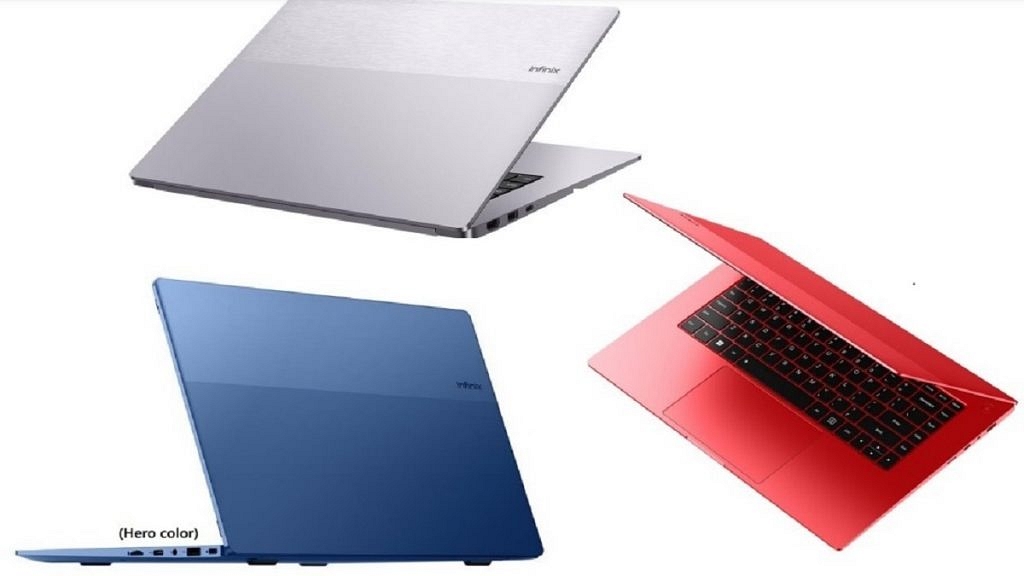
The Core i5 + 8GB RAM + 512GB storage model is priced at Rs. 42,990. On the other hand, the highest variant providing Core i7+ 16GB RAM + 512GB storage will cost you Rs. 52,990. The laptop will be available for purchase in Grey, Blue, and Red color variants.

Categories
Info Laptop

Google Launches 3 Chromebooks For Cloud Gaming: See Here For Specifictions, Availability, And More

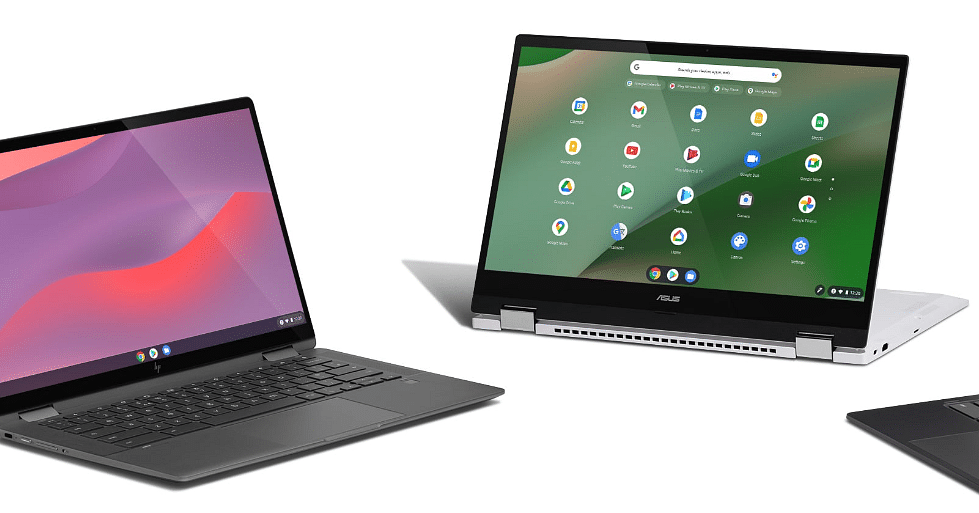
Google has announced the launch of the new Chromebook models, which are based on cloud computing. Notably, the tech giant has joined hands with Asus, Acer, and Lenovo for the upcoming models. According to Google these new Chromebooks “bring together gaming hardware features, access to the latest games with cutting edge graphics through the cloud, and software designed to make gaming fast and easy.”

The company states that it has joined hands with Nvidia to bring support for GeForce Now, which is the highest-performance RTX 3080 tier to the cloud gaming Chromebooks. In addition, the company has joined hands with Microsoft to bring Xbox Cloud Gaming into Beta mode.

“You can access and install this app by visiting xbox.com/play. Xbox brings a library of hundreds of games including Forza Horizon 5, Grounded, and Microsoft Flight Simulator, accessible through an Xbox Game Pass Ultimate subscription,” Google wrote in a blog post.

These partnerships will allow users to three cloud gaming platforms, which include Xbox Cloud Gaming in beta, Amazon Luna, and Nvidia GeForce Now. Besides, Nvidia GeForce Now and Amazon Luna.

Besides, buyers will also get a three-month trial to Amazon Luna+ and Nvidia’s GeForce “With these offers, you can play nearly 200 of the 1500+ titles available on Chromebook at no cost, including games like Control Ultimate Edition, Overcooked 2, Fortnite, and League of Legends,” the company further said.

Acer Chromebook 516 GE, Asus Chromebook Vibe CX55 Flip, And Lenovo Ideapad Gaming Chromebook: Specifications

The Acer Chromebook 516 GE comes with a 16-inch WQXGA display with a resolution of 2560 x 1500 pixels along with a screen refresh rate of 120Hz. In addition, the 12th Gen Intel Core i5+ processor and is paired with 8GB of RAM and 256GB of SSD storage.

It also has DTS audio, quad force vibration cancellation stereo for audio, 2×2 Intel, Wi-Fi 6E, Bluetooth 5.2, and a 65Wh battery. On the other hand, the Asus Chromebook Vibe CX55 Flip laptop comes with a 15.6-inch Full HD IPS touchscreen display along with a resolution of 1920x 1080 pixels and a 144Hz screen refresh rate.

The laptop is powered by the 11th Gen Intel Core processor and is available in 8GB, 16GB, 128GB, 256GB, and 512GB of storage variants. It is backed by a 57Wh battery along with a 2x Harman Kardon.

Meanwhile, the Lenovo Ideapad Gaming Chromebook features a 16-inch WQXGA display along with 2560 x 1500 resolution and 120Hz screen refresh rate. In addition, the laptop comes with a 12th Gen Intel Core processor, which is coupled with 8GB of RAM.

Acer Chromebook 516 GE, Asus Chromebook Vibe CX55 Flip, And Lenovo Ideapad Gaming Chromebook: Availability

The company said that interested buyers can purchase the newly launched Chromebook this month.

Categories
Featured Info Laptop

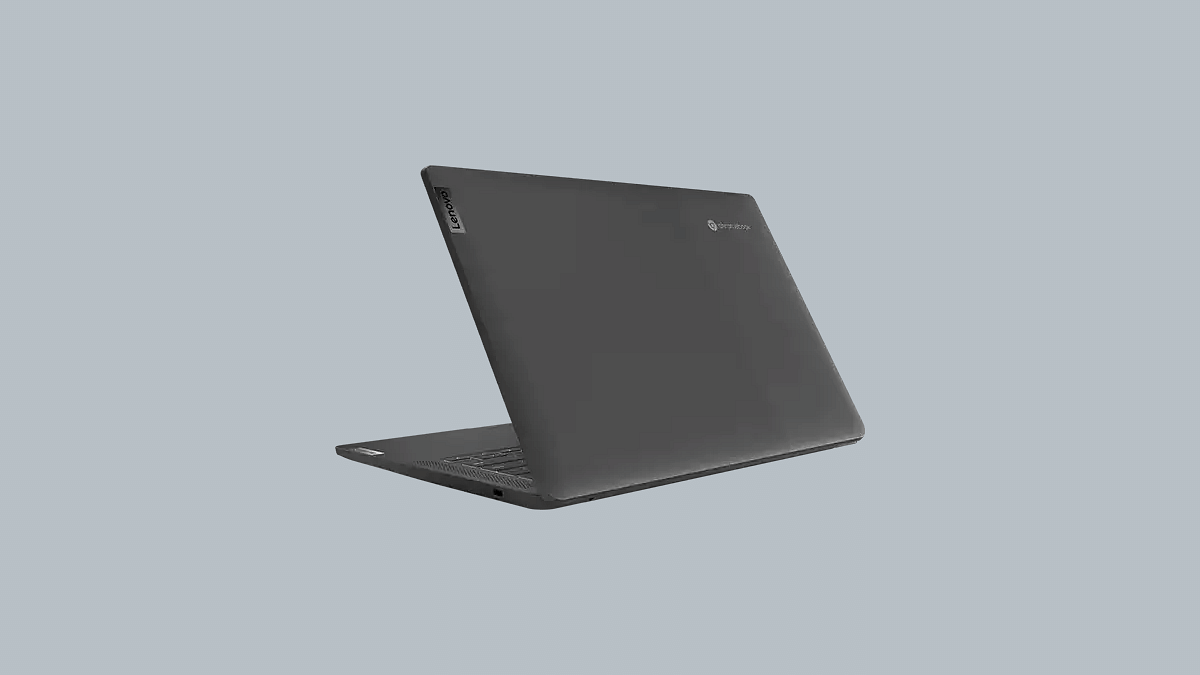
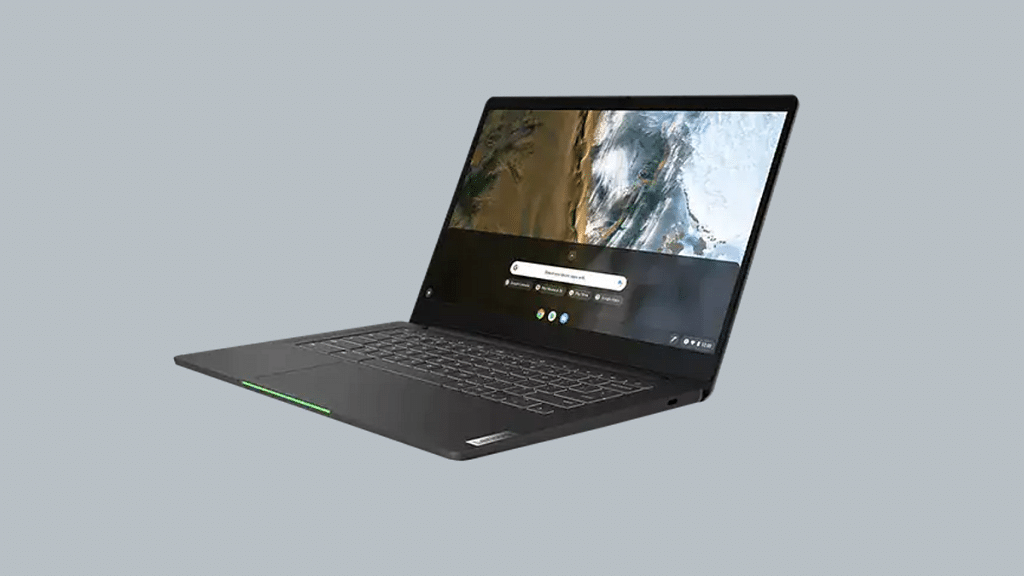
Lenovo IdeaPad 5 Gaming Chromebook With Intel Core i5, i3 Chipsets Announced; Price, India Launch Date

Key Features

Lenovo IdeaPad 5 gaming Chromebook announced officially

Powered by Core i3 1215U and Core i5-1235U chipsets

16-inch IPS LCD display with WQXGA resolution and 120Hz refresh rate

Up to 8GB LPDDR4X RAM and 512GB M.2 SSD

Lenovo has launched multiple new tablets and laptops in the last few years. The brand has populated all its product categories; specifically tablets and Ideapad laptops. Adding to Lenovo’s product list is the IdeaPad 5 which is a Gaming Chromebook with high-end features such as Intel chipsets, a full-size RGB keyboard, and more. How much does the latest gaming Chromebook cost and when will it be available for sale in India? Details are as below:

Lenovo Ideapad 5 Gaming Chromebook Full Specifications And Features

The Lenovo Ideapad 5 gaming Chromebook runs on Intel chipsets. You can select from Intel Core i3 1215U and Core i5-1235U chipsets models. The base Core i3 variant features four efficiency and performance cores, along with eight threads. The Core i5 variant comes with eight efficiency, two performance cores, and twelve threads.

The Lenovo Ideapad 5 gaming Chromebook is packed with a 16-inch display. It is an IPS LCD panel with 1600 x 2560 pixel WQXGA screen resolution. The display supports sRGB color gamut full coverage and 120Hz refresh rate. The display is also TÜV Rheinland certified for low blue light emission. The panel delivers around 350 nits of peak brightness which will offer decent visibility under direct sunlight.

This latest gaming Chromebook from Lenovo uses a quad 2W speaker setup. The Lenovo Ideapad 5 gaming Chromebook can be purchased with 8GB LPDDR4X RAM support.

The gaming Chromebook storage options include 128GB of eMMC flash storage, 256GB M.2 SSD storage, and 512GB M.2 SSD storage.  The laptop also ships with a full-sized keyboard with RGB backlighting. This is one of the crucial gaming-oriented features offered by this new-generation Lenovo laptop.

Another advantage offered by the IdeaPad 5 gaming Chromebook laptop is the access to dedicated streaming services. This laptop is compatible with Amazon Luna, Xbox Cloud gaming, and Nvidia GeForce Now.

The Lenovo Ideapad 5 gaming Chromebook’s connectivity options include Wi-Fi, Bluetooth 5, Wi-Fi 6E, a microSD card slot, a 3.5mm headphone jack, two USB 3.2 ports (Type-A), and two USB Type-C port. The notebook also integrates a 1080p webcam for video conferencing.

Lenovo IdeaPad 5 Gaming Laptop Price, India Launch Date

Lenovo has released the IdeaPad 5 gaming Chromebook at an asking price of $599. This is around Rs, 49,000 in Indian currency. Currently, Lenovo has launched the IdeaPad 5 in the US. Lenovo is yet to confirm the launch details for this tablet in India and other markets.

Categories
Info Laptop

Acer Predator Helios 300 SpatialLabs Edition Launched In India: See Here For Specifications, Price, And More

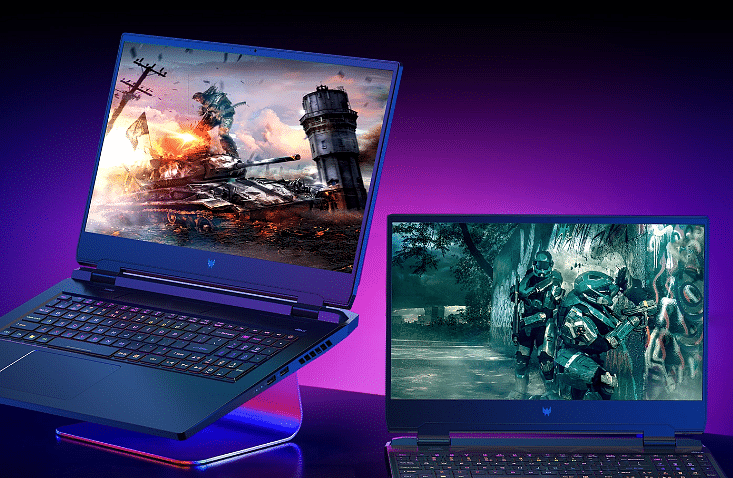
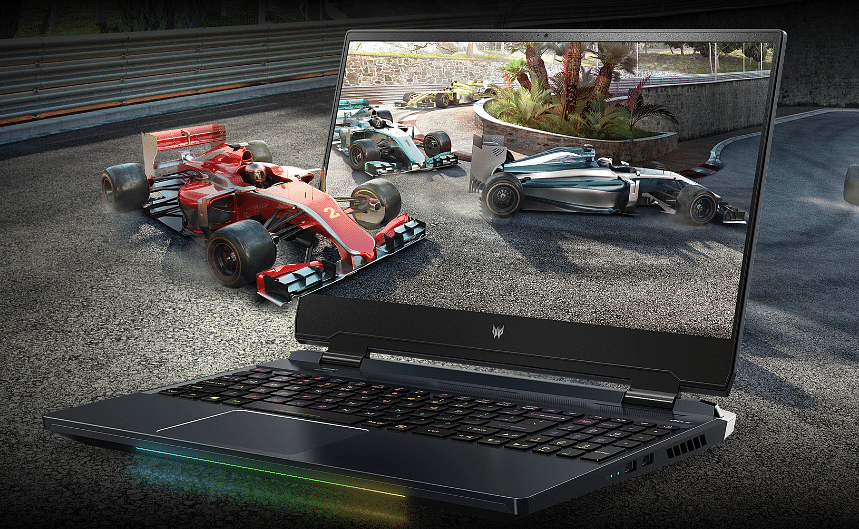
Acer has announced the launch of a new laptop in India. The Acer Predator Helios 300 SpatialLabs Edition laptop has joined the lineup of the Predator gaming laptop; however, the Acer Predator Helios 300 SpatialLabs Edition has 12th Gen Intel Core processor, stereoscopic 3D, and Nvidia GeForce RTX 3080 GPU.

Acer Predator Helios 300 SpatialLabs Edition laptop: Specifications

The Acer Predator Helios 300 SpatialLabs edition features 15.6-inch IPS LED-backlit TFT LCD display along with a resolution of 3840 x 2160 in 2D mode. The company said that the newly launched laptop allows users to alternate between 3D in 2K and 2D in 4K at a screen refresh rate of 60Hz.

The Acer Predator Helios 300 SpatialLabs Edition laptop comes with a PCIe Gen4 SSD storage in Raid 0 configuration, 32GB of DDR5 4800Mhz RAM, and Nvidia GeForce RTX 3080 GPU. Besides, the newly launched laptop comes with a 5th generation automated CoolBoost, Liquid Metal thermal grease ( Which keeps the laptop cool during extensive usage), and AeroBlade 3D Fan Technology.

In addition, the laptop comes with a per-key RGB backlit keyboard shine with Mini LED backlights. Meanwhile, the company said that the backlights do not require more power and are uniform in color. Besides, the laptop allows users to use or adjust the RGB through Pulsar lighting for different themes, max out fan speeds, and manage to overclock.

On the connectivity front, the company said the laptop has Intel Killer E2600 Ethernet, Wi-Fi 6E, and Controller, Wi-Fi 6E. In addition, the company said that the laptop also has USB 3.2 Gen1, HDMI 2.1, MiniDP, and USB 3.2 Gen2 ports. Besides, the company said that the laptop support Thunderbolt 4, Power Delivery, and DisplayPort. 

Acer Predator Helios 300 SpatialLabs Edition Laptop: Price And Availability

The newly launched Acer Predator Helios 300 SpatialLabs Edition laptop is priced at Rs. 3,19,999. It is available for sale on Amazon, Croma, Vijay Sales, store.acer.com, and Acer Exclusive Stores.