Categories
Featured TV

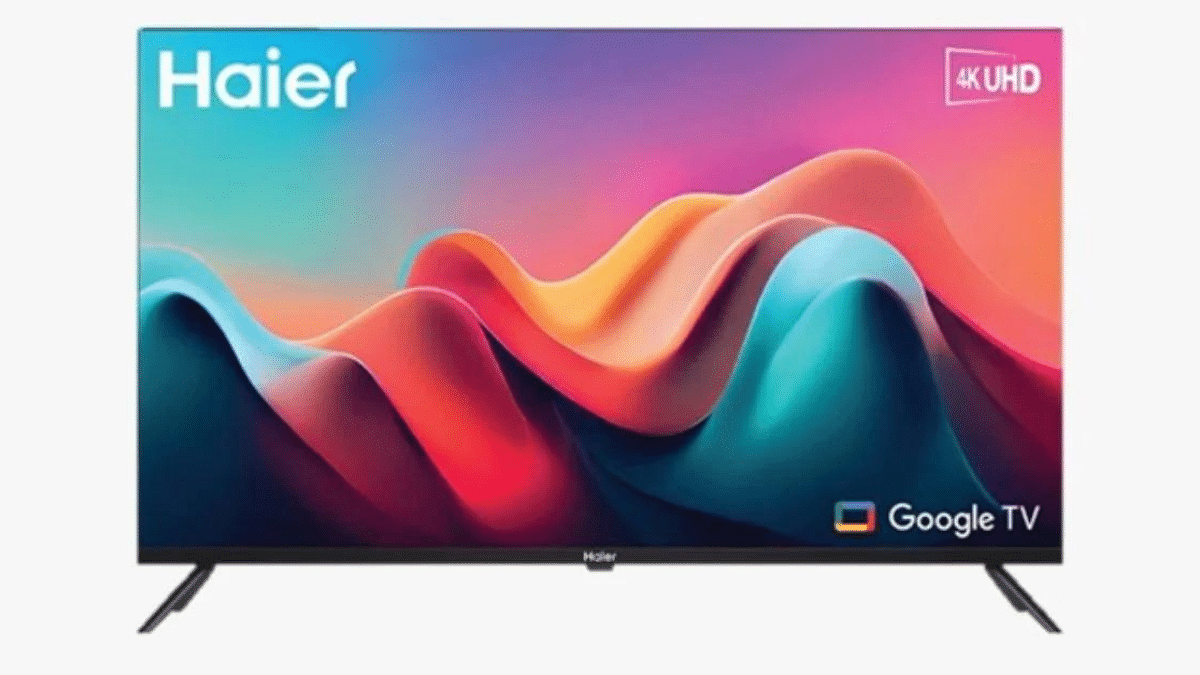
Haier K800GT TV With 4K UHD Resolution Launched In India: Features, Price

Key Highlights

  • Stunning 4K UHD Display
  • Dolby Audio for Immersive Sound
  • Affordable Price Point in India

Haier has recently introduced its latest television in the Indian market, the Haier K800GT TV. Packed with cutting-edge features, this TV aims to elevate your entertainment experience. Let’s take a closer look at its specifications and price.

Also Read: Redmi Smart Fire 4K TV Launched In India: Full Features, Price

Haier K800GT TV: Full Features

FeatureHaier K800GT TV
Display Sizes65″, 55″, 50″, 43″ (4K UHD) / 43″, 32″ (Full HD)
Resolution4K UHD (3840 x 2160 pixels)
HDR CertificationHDR10
Audio24W Stereo Speakers with Dolby Audio
ProcessorMulti-core Cortex-A55 CPU
GraphicsMali-G52 GPU
RAM2GB
Storage32GB
Operating SystemGoogle TV OS
Additional FeaturesChromecast, Bluetooth 5.1, Wi-Fi, USB 2.0, HDMI 2.1

Design and Display: The Haier K800GT TV boasts a sleek and modern design with a bezel-less all-screen display. It’s available in various screen sizes, including 65 inches, 55 inches, 50 inches, and 43 inches, all of which offer stunning 4K UHD resolution (3840 x 2160 pixels).

If you prefer a smaller screen, there are also Full HD options in 43 inches and 32 inches. The HDR10 certification ensures that these TVs can deliver high-quality dynamic range content. Additionally, the TV features Motion Compensation Technology (MEMC) to provide smooth and vibrant transitions, perfect for watching fast-paced content like sports and racing.

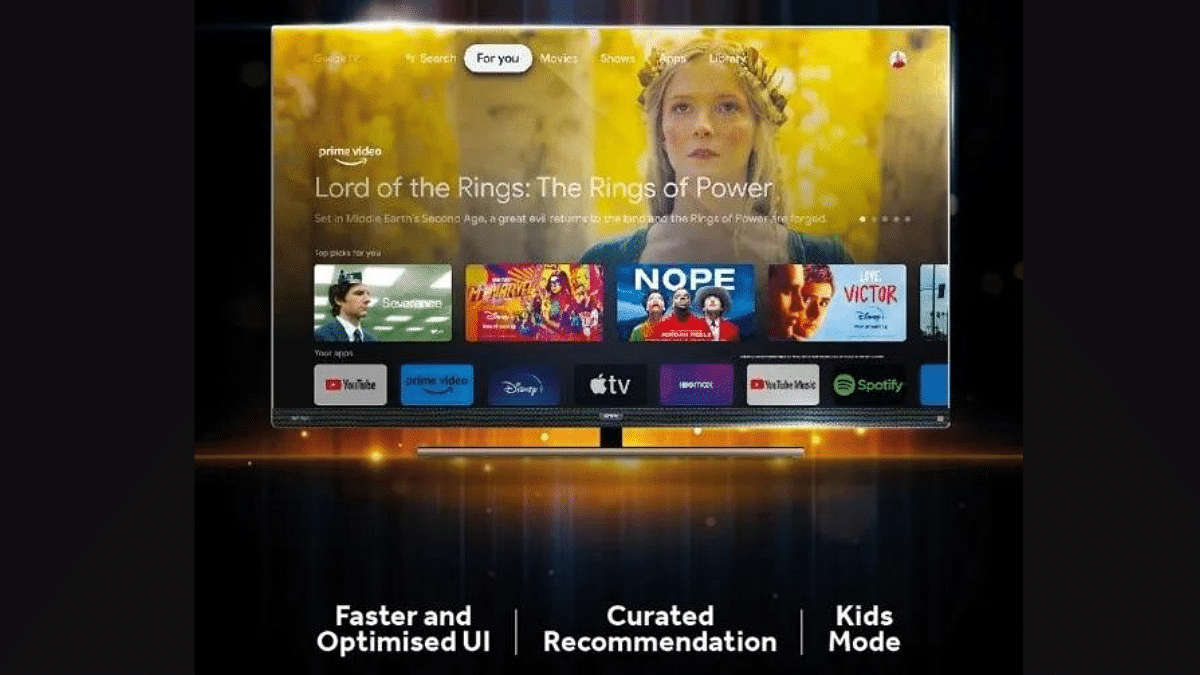
Performance & Audio: Under the hood, it’s powered by a robust multi-core Cortex-A55 CPU and Mali-G52 GPU, backed by 2GB of RAM and 32GB of storage. It runs on Google TV OS, granting access to a vast library of apps, including popular streaming platforms like Netflix, Amazon Prime Video, Disney+, and YouTube. The Haier K800GT TV comes equipped with 24W stereo speakers enhanced by Dolby Audio technology. With built-in Google Assistant, you can effortlessly control the TV using voice commands.

Additional Features: The Haier K800GT Google TV offers a range of additional features, including Chromecast support for effortless content streaming, Bluetooth 5.1 for seamless connectivity with other devices, and Wi-Fi connectivity. It also includes USB 2.0 ports and HDMI 2.1 for connecting gaming consoles and graphics cards, enabling you to enjoy gaming in dazzling 4K resolution at 144 frames per second.

Haier K800GT TV: Price, Availability

In terms of pricing, the Haier K800GT TV starts at INR 16,990 in India, making it an attractive choice for those seeking a feature-packed TV without breaking the bank. You can purchase it through Haier’s official e-commerce store or from various retail outlets across the country.
Also Read: Sony Bravia XR Master Series A95 SmartTV Featuring 55/65-inch 4K HDR OLED Display Launched In India: Price, Specifications

Categories
Featured Laptop

New Asus ROG Zephyrus M16 Gaming Laptop Powered By Intel Core i9 Chipset Launched In India: Price, Key Specifciations

Key Highlights

  • Asus ROG Zephyrus M16 updated version launched
  • Features Intel core i9 processor with 16GB RAM
  • Available starting at Rs. 2.9 lakh

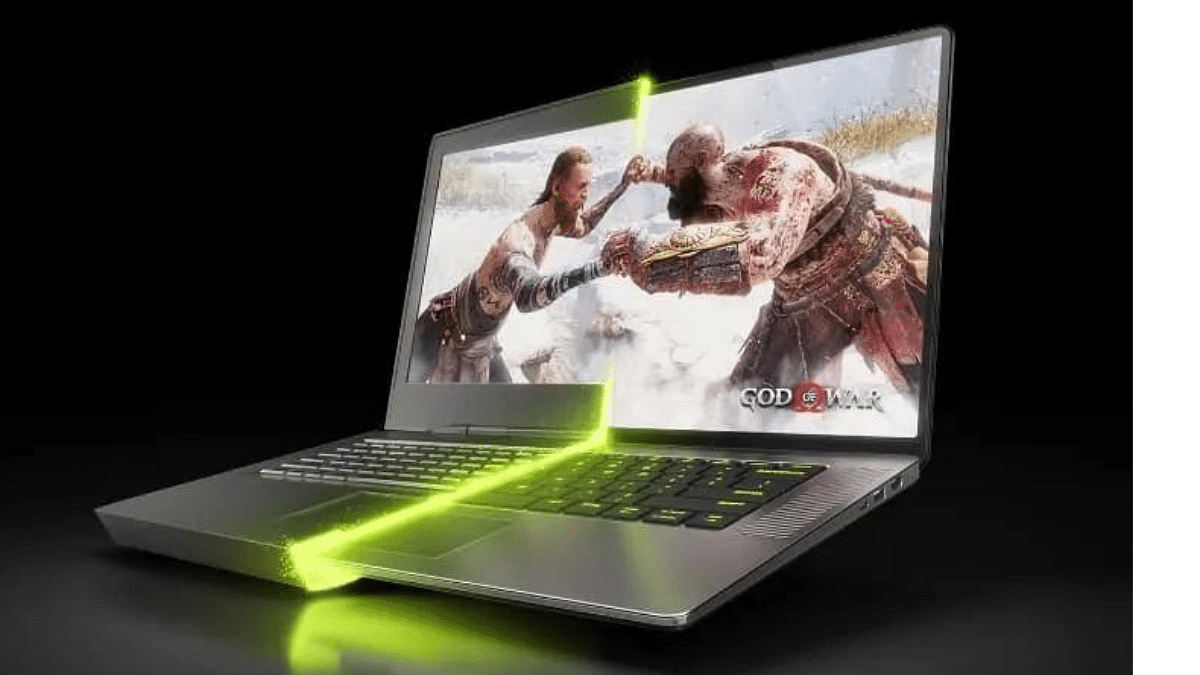
Asus has updated its laptop portfolio with the launch of a new premium gaming laptop in the ROG series. The brand has now introduced the updated version of the ROG Zepohyrus M16 gaming laptop with premium hardware features including a new-gen Intel core i9 series chipset, up to 2TB PCIe storage, and a starting price label above Rs. 2 lakh.

Asus ROG Zephyrus M16 (GU604) Gaming Laptop New Version Specifications

Asus ROG Zephyrus M16 (GU604)Full Specifications
Display size16-inch
PanelROG Nebula HDR Mini OLED
Refresh Rate240Hz
Processor13th Gen Intel Core i9-13900H
RAM16GB
StorageUp to 2TB PCIe 4.0 SSD

The Asus ROG Zephyrus M16 gaming laptop’s updated version has been launched with top-tier features including a bigh 16-inch display. The laptop is equipped with a ROG Nebula HDR mini LED panel that comes with an QHD+ resolution of 2560 x 1600 pixels and an aspect ratio of 16:10. The display supports a 240Hz refresh rate and has 100 percent DCI-P3 color gamut. The screen gets an anti-glare coating that will protect eyes from excessive straining during gameplay.

https://www.giznext.com/news/wp-content/uploads/2023/09/ROG_KV_animation_16x9_5s_m-transcode.mp4

The updated Asus ROG Zephyrus M16 (GU604) gaming laptop is packed with the latest 13th Gen Intel Core i9-13900H processor. Buyers will get the option to choose from the Nvidia GeForce RTX 4090 and the NVIDIA RTX 4080 graphics cards. The premium gaming laptop from Asus is equipped with 16GB RAM and offers a storage space option of 1TB/2TB M.2 NMe PCIe 4.0 SSD storage. It will boot on Windows 11 OS.

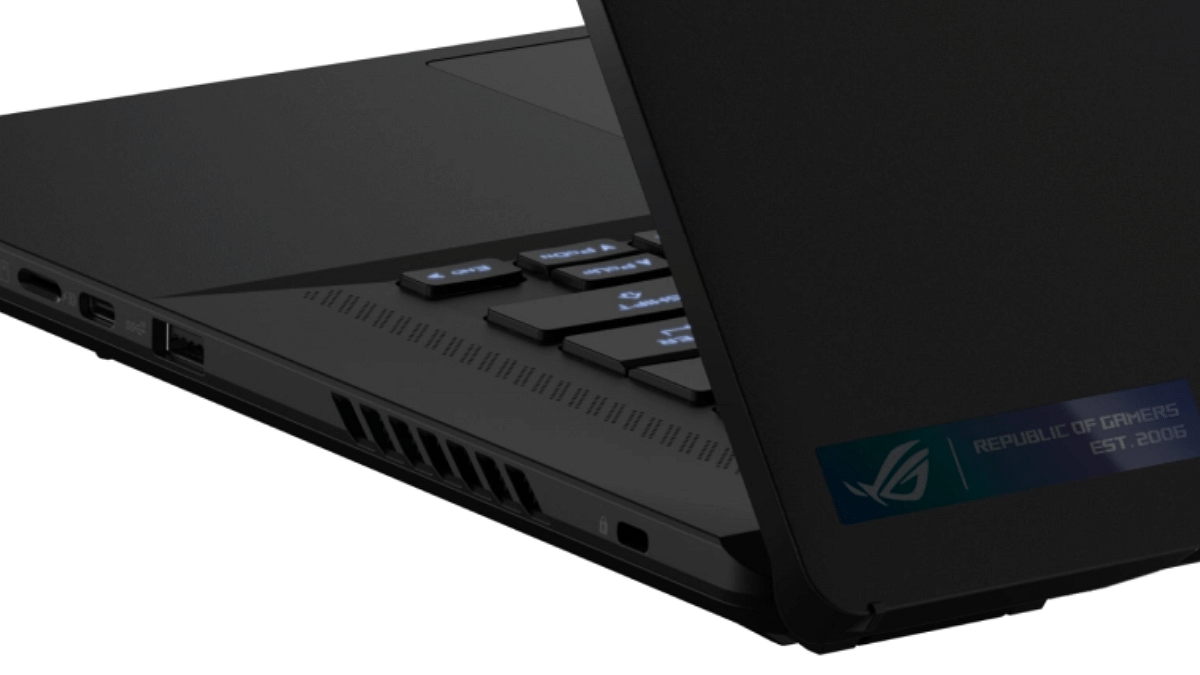
Additional features of the Asus ROG Zephyrus M16 (GU604) gaming laptop includes a backlit chiclet keyboard. The keyboard further features 1-zone RGB lighting for enhanced gaming experience. The connectivity ports offered by the updated Zephyrus M16 (GU604) gaming laptop includes one Thunderbolt 4 port, one USB 3.2 Gen 2 type-C port, two USB 3.2 Gen 2 type-A port, and one microSD card slot.

For audio, the Asus ROG Zephyrus M16 (GU604) gaming laptop features quad-speaker module including dual 2W force woofers and dual 2W tweeters. The laptop additionally has Hi-Res audio certification, Dolby Atmos, and AI Noise cancelling to improve the audio quality. Power delivery is handled by a 90WHr battery pack combined with 280W AC adapter.

Also Read: Best Laptops Under Rs. 25,000 In India: Check Out The Most Popular Models

Asus ROG Zephyrus (M16) Gaming Laptop Price

The Asus ROG Zephyrus (M16) gaming laptop’s cheaper model is GU604VZ-NM050WS which is priced at Rs. 2,99,990 in India. The second variant is GU604VY-NM058WS which is priced at Rs. 3,64,990 in India.

Also Read: Best Laptops To Buy For Programming In India

Categories
How To Mobile

How To Maximize iPhone Battery Health: Tips & Tricks

Key Highlights

  • iOS Battery Optimization Tips
  • Temperature’s Impact on iPhone Battery
  • Long-Term Battery Storage Guidelines

From staying connected with loved ones to managing our daily schedules, our iPhones are always at our side. But the one thing that often holds us back is the constant low battery warning.

Here are some tips and tricks to maximize iPhone battery health.

Also Read: How To Cut, Copy, and Paste Between iPhone And Other Devices: Step-By-Step Guide

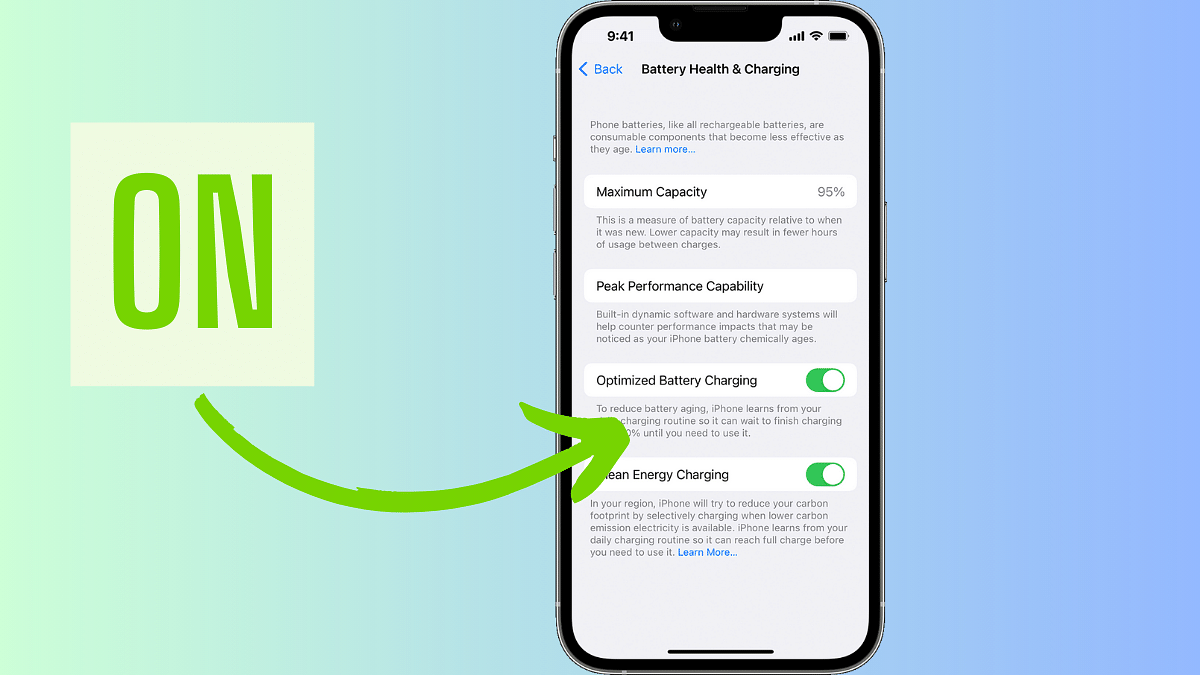
Turn On Battery Optimisation

To reduce battery ageing, your iPhone learns your charging patterns, charging to 80% initially, preserving battery for when you need it most.

Also Read: Apple Fixes Zero-Day Security Vulnerability Affecting iPhones, iPads With iOS 16.5.1 Update

Update to the Latest Software

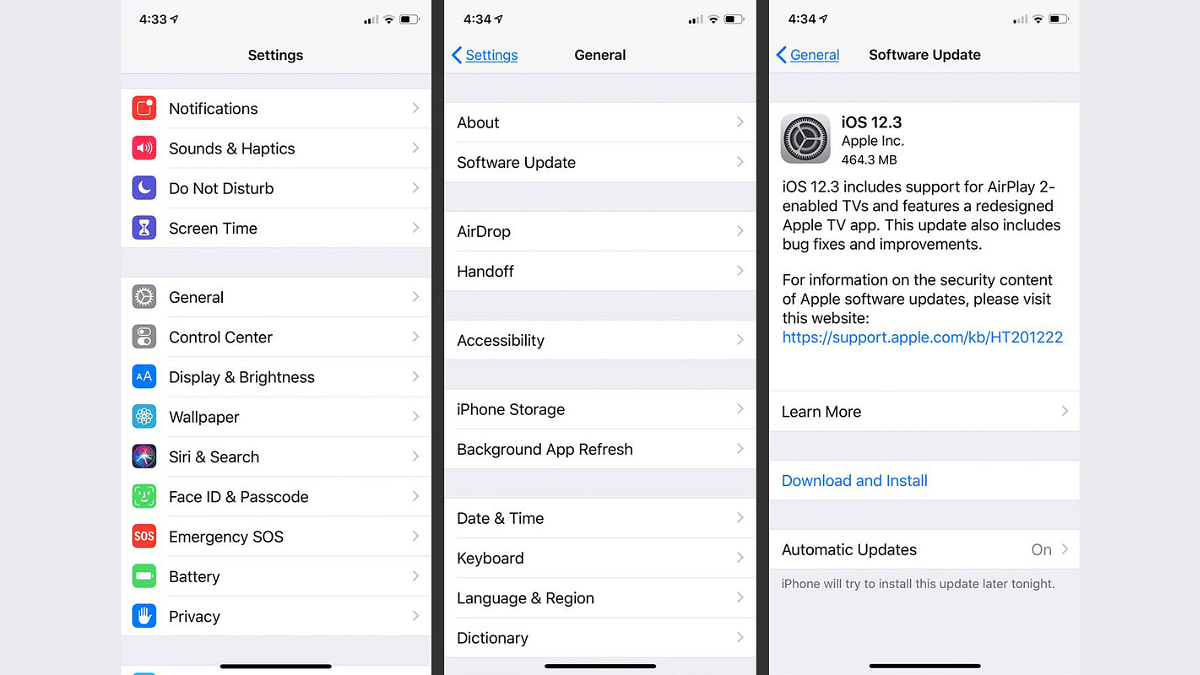
Apple regularly releases software updates that fix bugs and include energy-saving improvements. These updates can help optimize your device’s battery life. To ensure you’re benefiting from these improvements, Apple advises keeping your device up to date by installing the latest iOS, macOS, or watchOS updates.

To see if you need an update, open the Apple Watch app on your iPhone and go to My Watch > General > Software Update.

Also Read: Apple iPhone 15 USB-C Advantages: How It Benefits Users

Avoid Extreme Temperatures

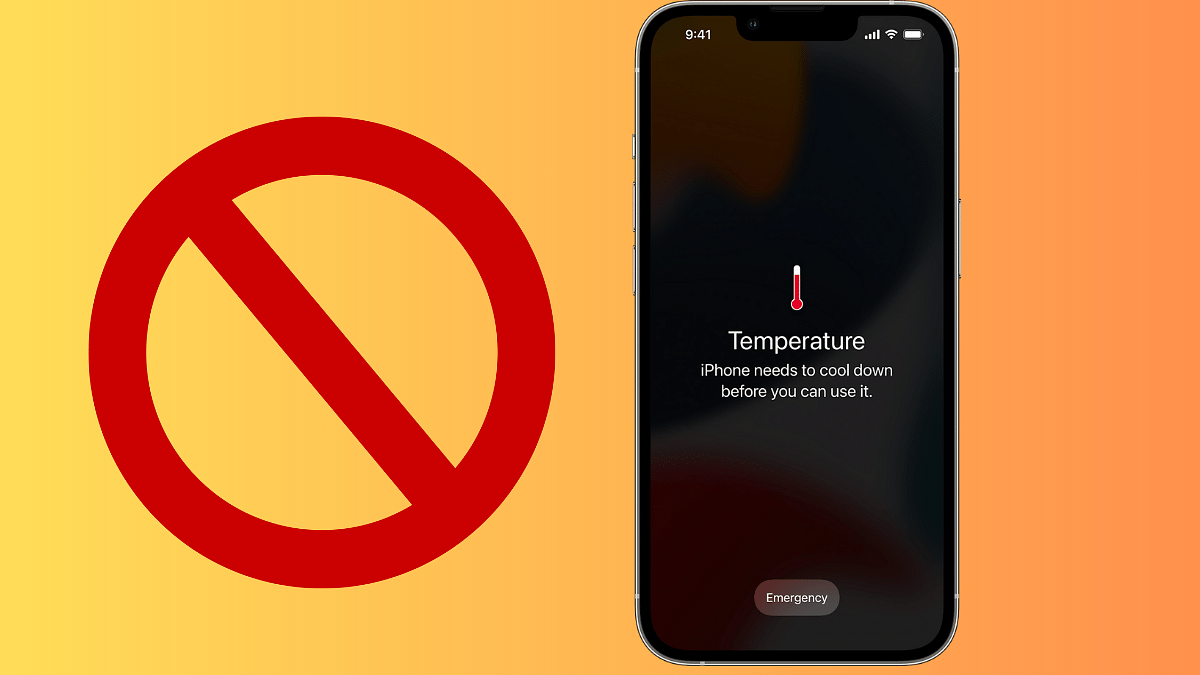
According to Apple, your Apple device operates optimally at temperatures between 16°C to 22°C (62°F to 72°F). Extremes, especially temperatures exceeding 35°C (95°F), can harm your battery’s capacity. Charging in high temperatures is also discouraged, as it can further damage your device.

Even storing your device in a hot environment, Apple warns, can lead to irreversible battery damage. Conversely, very cold temperatures may temporarily reduce battery life, but it’ll bounce back once it warms up.

Also Read: What’s Next For iPhone? Apple’s iOS 17 Unveils Some Features For Later Release

Avoid Using Cheap iPhone Cases

According to Apple, certain types of cases can trap heat during charging, impacting your battery’s capacity. If you notice your device getting hot during charging, Apple recommends removing it from the case before charging it up.

Also Read: Various Methods To Power Off iPhone 13 And iPhone 14 Models: Here’s How

Store It Half-Charged for Long-Term Storage

According to Apple, if you plan to store your device for an extended period, maintaining its battery health involves the following steps:

  • Don’t fully charge or discharge the battery before storing it. Aim for around 50% charge. Fully discharging can lead to a deep discharge state, rendering the battery unusable.
  • Power down the device to prevent unnecessary battery use.
  • Store it in a cool, moisture-free environment below 32°C (90°F).

Also Read: Need To Transfer iPhone Data To Your Laptop? A Step-by-Step Guide On How To Do It

Categories
Featured Smart Watch

NoiseFit Metallix With 1.41-inch Display, Bluetooth Calling Launched In India: Full Features, Price

Key Highlights

  • Stylish stainless steel design with IP68.
  • Health tracking and Bluetooth calling.
  • Impressive 7-day battery life.
  • Affordable pricing starting at Rs 2,499.

Noise, the popular homegrown brand, has introduced its latest smartwatch in kids segment – the NoiseFit Metallix. This stylish smartwatch combines premium design with smart and health-centric features to cater to fashion-forward individuals. Let’s explore its exciting features.

Also Read: Noise NoiseFit Crew Pro Bluetooth Calling Smartwatch Review: Ideal Feature-Packed Daily Wear

NoiseFit Metallix: Full Features

FeatureNoiseFit Metallix
DesignPremium stainless steel body and metal strap
Display1.41-inch LCD with 240×240 HD resolution
Health MonitoringHeart rate, SpO2, sleep, stress, and more
Bluetooth CallingBuilt-in speaker and mic with Bluetooth 5.3
Smart FunctionsNotifications, weather, camera control, etc.
Battery LifeUp to 7 days on a single charge

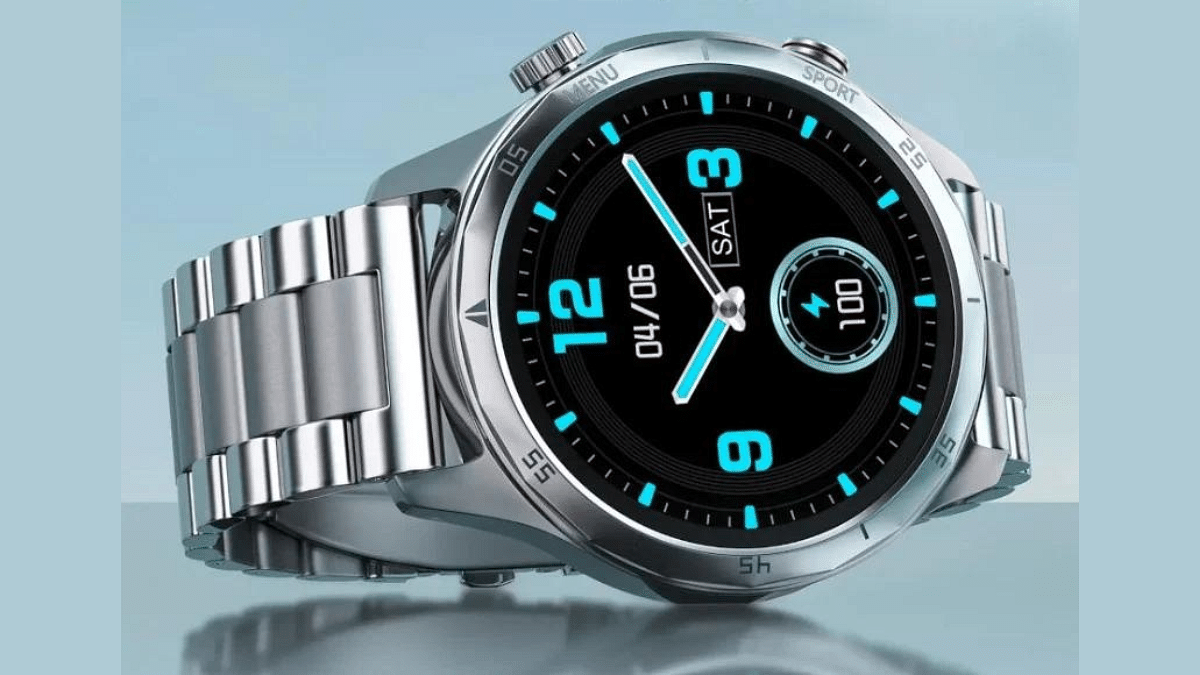
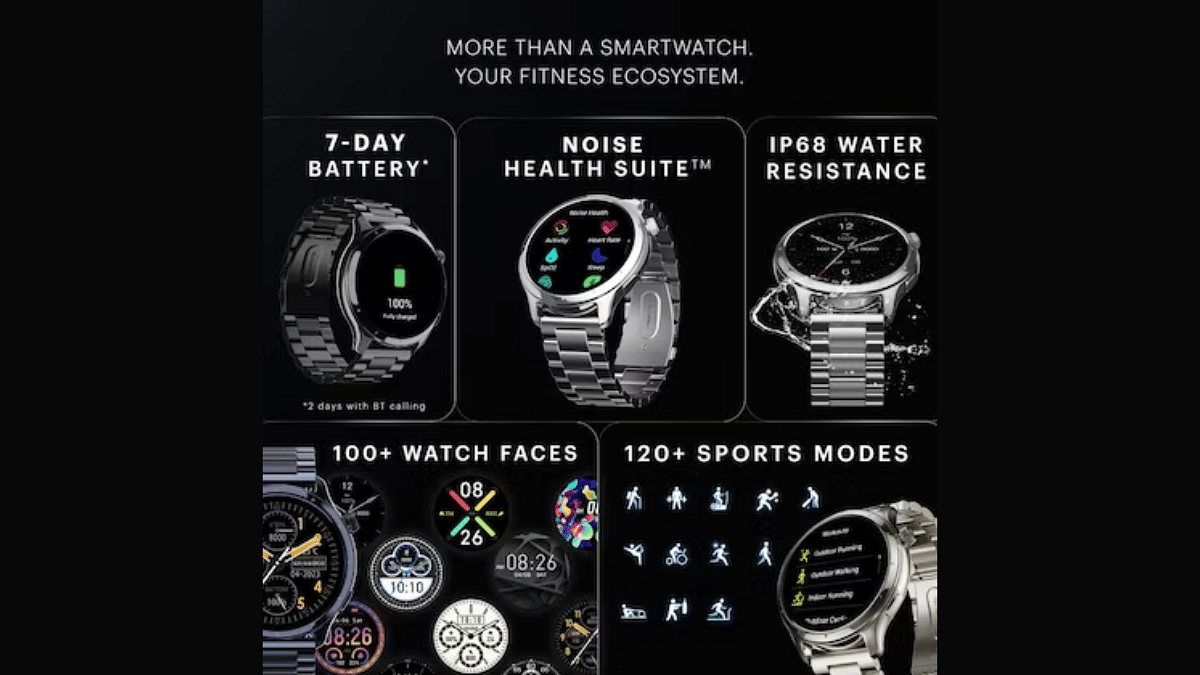
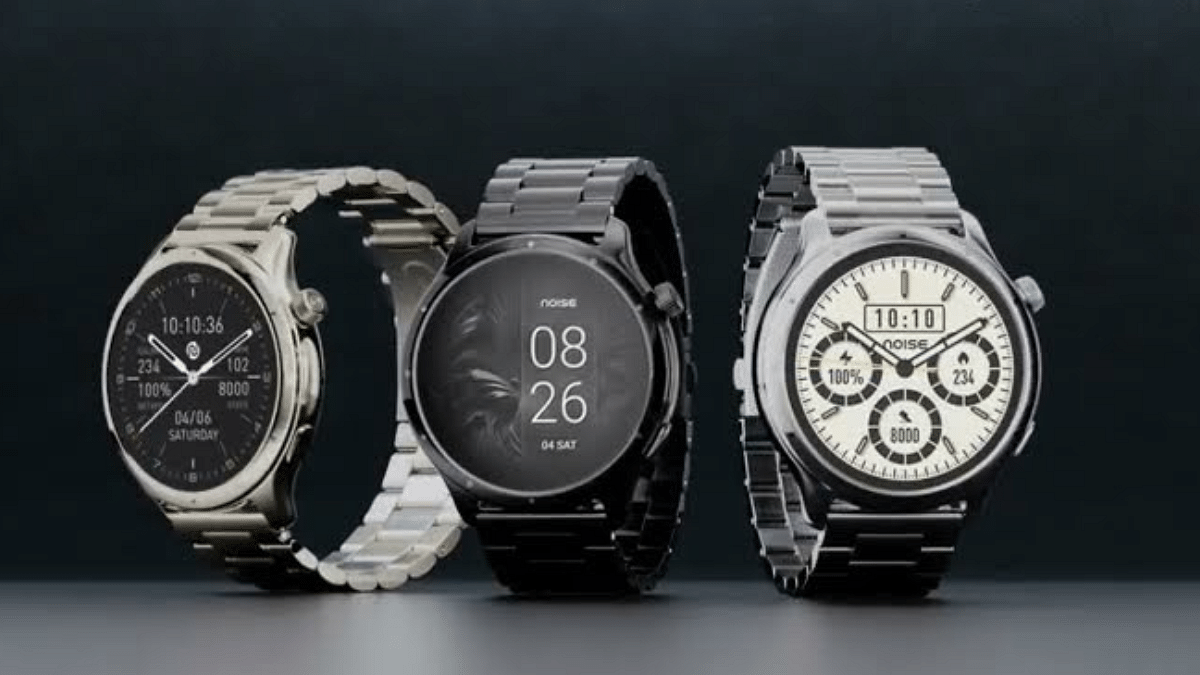
The NoiseFit Metallix boasts a sleek stainless steel body and a metal strap. Its circular dial features a rotating crown and a physical button on the right side. The smartwatch flaunts a 1.41-inch LCD display with a high-definition resolution of 240 x 240 pixels. It’s also built to withstand dust and water, thanks to its IP68 rating. It comes with a heart-rate monitor, SpO2 sensor for blood oxygen measurement, a sleep tracker, and a female cycle monitor.

The NoiseFit Metallix allows you to make calls via its built-in speaker and microphone. With single-chip technology and Bluetooth 5.3, you can enjoy stable connectivity, quick pairing, and energy efficiency. This smartwatch also provides calculator, notifications, weather updates, and control over your camera and music. This smartwatch boasts an battery life of up to 7 days on a single charge.

Also Read: Fire-boltt Solaris Stainless Steel Smartwatch With BT Calling, AMOLED Display Launched In India: Price, Full Features

NoiseFit Metallix: Price & Availability

The NoiseFit Metallix is reasonably priced at Rs 2,499, making it accessible to a wide range of users. It’s available in three elegant colors: Elite Silver, Elite Nickel, and Elite Black.

Starting from September 22, you can purchase this stylish and feature-packed smartwatch directly from Noise’s website and Amazon. As an added bonus, the first 500 customers will enjoy a flat Rs 200 discount on their purchase.

Also Read: Apple Watch Series 8 Vs Apple Watch Series 9 Comparison

Categories
Featured Mobile

Tecno Phanton V Flip Clamshell Foldable Phone Full Specifications Out: Official Launch Confirmed For September 22

Key Highlights

  • Tecno Phantom V Flip foldable phone launching on September 2023
  • Will flaunt clamshell foldable phone
  • Full specifications leaked

Tecno is adapting to the foldable Android smartphone league. After launching its first foldable phone, i.e., the Phantom V Fold, the brand is now ready to launch its first clamshell foldable phone called the Phantom V Flip. The phone has been subject to several leaks already and the latest one has revealed the entire spec-of the upcoming Tecno clamshell Android phone. Know all the details below:

Also Read: Upgrade To A Curved Display: Four Best Smartphones To Buy In 2023

Tecno Phantom V Flip Full Leaked Spec-Sheet

Tecno Phanton V FlipKey Specifications (Leaked)
Display (unfolded)6.9-inches
Outer screen 1.32-inch
Rear camera 64MP dual
Front camera 32MP
Android Android 13 OS
5G Yes
Battery4,000 mAh

Tipster Paras Guglani has leaked the entire specifications of the Tecno Phantom V Flip clamshell foldable smartphone. The new-generation Android foldable smartphone will bear AD11 model number and is said to come with 172.35 x 74 x 7.05 mm dimensions when unfolded. The next Tecno clamshell foldable phone will feature a 6.9-inch AMOLED display (when unfolded) that will support an FHD+ resolution and an aspect ratio of 20:5:9.

The outer display of the Tecno Phantom V Flip phone will measure 1.32-inch and will support 466 x 466 pixels screen resolution. The back panel of the Tecno Phantom V Flip will accommodate a 64MP main sensor and a 13MP secondary lens. The clamshell foldable Tecno Phone will flaunt a 32MP camera for selfies and video chats, as per the fresh leak.

Currently, the processor details of the Tecno Phantom V Flip phone is not revealed. It remains to be seen if Tecno will be using a MediaTek Dimensity or Qualcomm Snapdragon series chipset to power the latest clamshell foldable Android phone.

Nevertheless, the leaks does hint at 5G network support which hints a premium mid-range or flagship grade chipset. It will also feature Wi-Fi 802.11ax, Bluetooth 5.3, and GPS network. It will be pre-installed Android 13 OS topped with a custom HiOS user interface. The leak further hints at a 4,000 mAh battery pack that will take charge via a US Type-C port. Unfortunately, the fast charging details isn’t revealed.

Tecno Phantom V Flip Phone Expected Price, Availability

The Tecno Phantom V Flip foldable price details is also not revealed but the details could emerge ahead of September 23, 2023. However, the leak does reveal various color options such as Periwinkle Purple, Film White, and Minimal Black shades.

Also Read: Qualcomm Snapdragon 888 Vs Samsung Exynos 2100: Best Smartphone Processor?

Categories
Featured How To Laptop Mobile

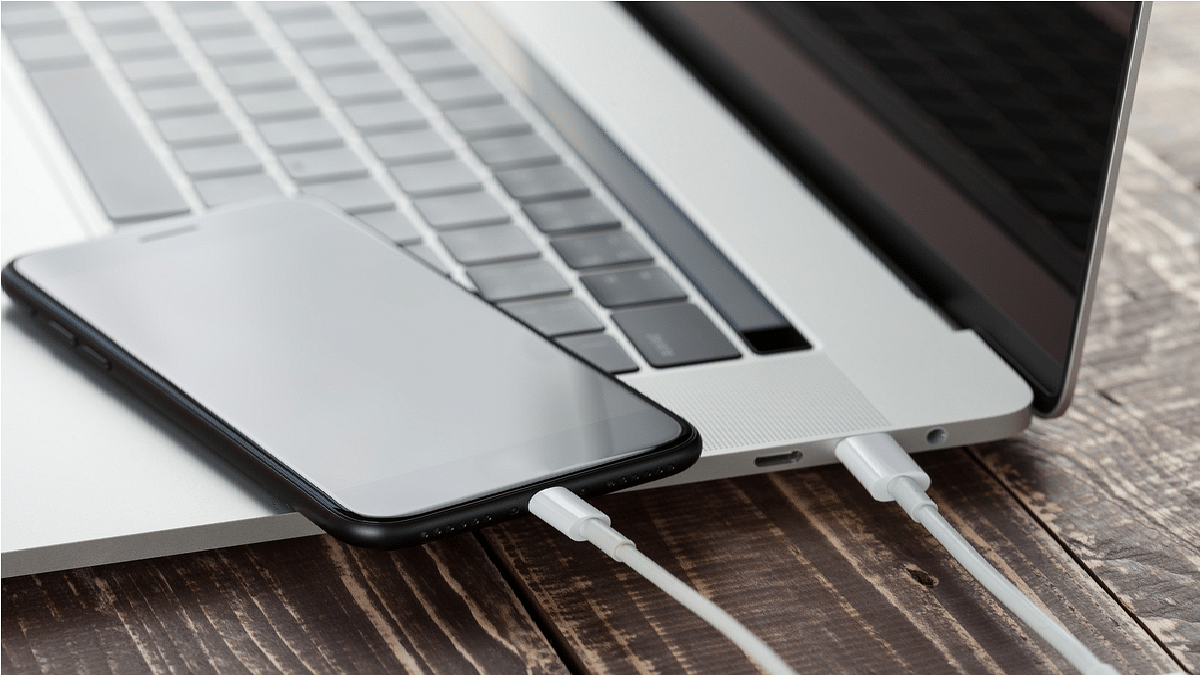
Need To Transfer iPhone Data To Your Laptop? A Step-by-Step Guide On How To Do It

Key Highlights

  • There are various methods for transferring photos from your iPhone to your laptop
  • Transferring files to your laptop can enhance your iPhone’s performance
  • iCloud serves as a versatile tool to synchronize data across all your Apple devices

If you own an iPhone and are thinking about how to transfer your cherished photos to your laptop, fret not. This article delves into the various methods available for both Windows PC and Mac users to facilitate the secure and simple transfer of your precious data. This process is not only convenient but can also free up valuable space on your iPhone, potentially enhancing its performance and expanding storage for apps or backup data.

Also Read | What’s That Tune? Your iPhone Knows: How To Identify Songs With Just A Tap

Method 1: Using iCloud

iCloud, Apple’s cloud service, serves as a versatile tool to synchronize data across all your Apple devices seamlessly. By harnessing iCloud, you can automatically transfer data from your iPhone to your Mac, provided you have sufficient iCloud storage and a stable internet connection. However, it’s worth noting that iCloud transfers, especially for extensive photo libraries, can consume significant time due to the upload and download processes.

How To Transfer iPhone Data To Your Laptop via iCloud

Step 1: Launch the Files app on your iPhone and locate the files you wish to transfer.

Step 2: For a single file, press and hold it and then tap “Copy.” To copy multiple files, tap the three-dot menu and select “Select.” Pick the desired files and tap “Copy X items.”

Step 3: Head over to iCloud Drive within the Files app and select an empty space or a specific folder where you intend to paste the files.

Step 4: Tap “Paste” to initiate the upload of the copied files to iCloud Drive. You can subsequently access these files from your PC using iCloud.com or the iCloud Drive for Windows application.

Also Read | iPhone Check-In Feature: Learn How To Use It To Notify Loved Ones Of Safe Arrival

Method 2: Traditional Cable Connection

For those who prefer a more traditional approach, using a Lightning to USB cable to transfer data from your iPhone to your computer remains an effective and easy solution. This method is compatible with both Windows PC and Mac, eliminating the need for an internet or wireless connection. Here’s how you can do this.

Transfer iPhone Data To Your Laptop via USB Cable

Step 1: Start by connecting your iPhone to your PC using a USB cable.

Step 2: Launch iTunes, which you can download from either the Microsoft Store or the Apple App Store. Then, click on the iPhone icon located near the top-left corner of the iTunes window.

Step 3: Navigate to the left sidebar and click on “File Sharing.” You’ll find a list of apps and their associated files on your device.

Also Read | Apple Hacks: Here’s How To Hide And Unhide Your Photos On iPhone

Step 4: To save a file from your iPhone to your PC, simply click on the file and then select “Save.” Choose a location on your PC to store the file, and confirm by clicking “OK.”

With these simple methods at your disposal, you can effortlessly transfer your iPhone photos to your computer, ensuring their safekeeping and freeing up valuable storage space on your device.

For the tech geeks, stay updated with the latest cutting-edge gadgets in the market, exclusive tech updates, gadget reviews, and more right on your phone’s screen. Join Giznext’s WhatsApp channel and receive the industry-first tech updates.

Categories
Info TV

Redmi Smart Fire 4K TV Launched In India: Full Features, Price

Key Highlights

  • Stunning 4K Display with HDR Support
  • Immersive 24W Dolby Audio Speakers
  • Affordable Pricing at Rs 24,999

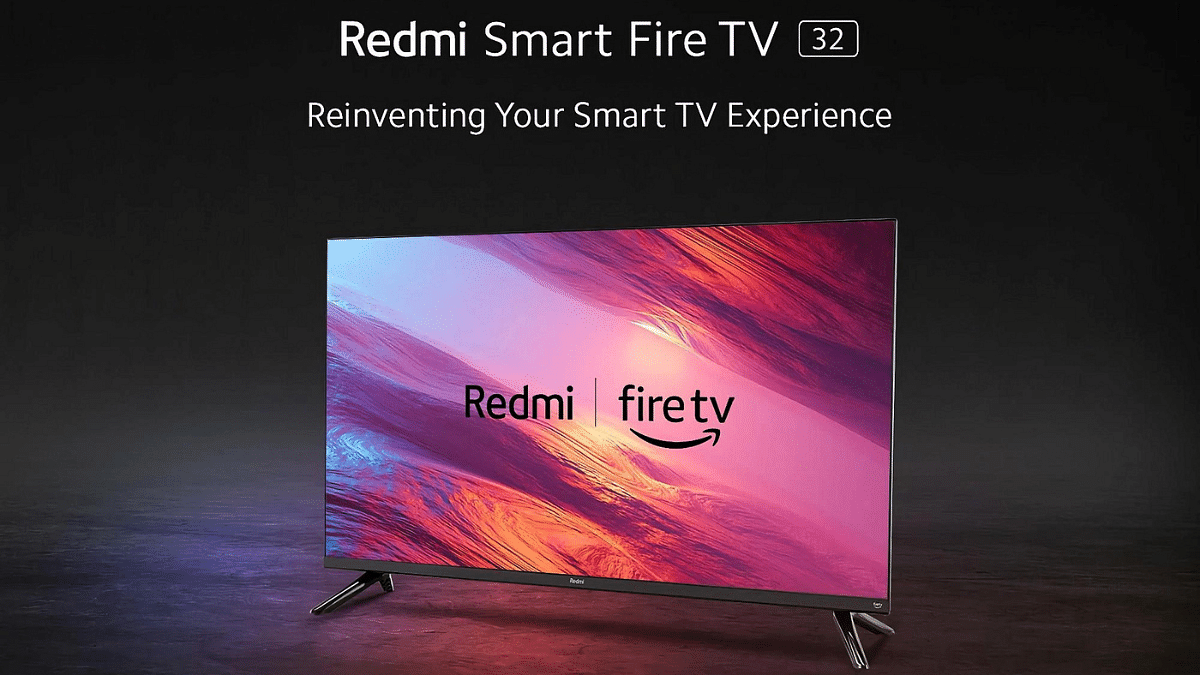
Redmi has unveiled its latest addition to the Indian television market, the Redmi Smart Fire TV 4K. With this new launch, Redmi is expanding its range of FireOS-powered TVs, offering more options to Indian consumers.

In this article, we’ll explore the specifications and features of this exciting new television, as well as its price and availability.

Also Read: Sony Bravia XR Master Series A95 SmartTV Featuring 55/65-inch 4K HDR OLED Display Launched In India: Price, Specifications

Redmi Smart Fire TV 4K: Full Features

FeatureRedmi Smart Fire TV 4K
Screen Size43 inches
Display Resolution4K (3,840 x 2,160 pixels)
Refresh Rate60Hz
Audio24W Dual Stereo Speakers
Audio TechnologiesDolby Audio, DTS Virtual:X, DTS:HD
Processor64-bit Quad-core (unspecified details)
RAM2GB
Internal Storage8GB
Operating SystemFireOS

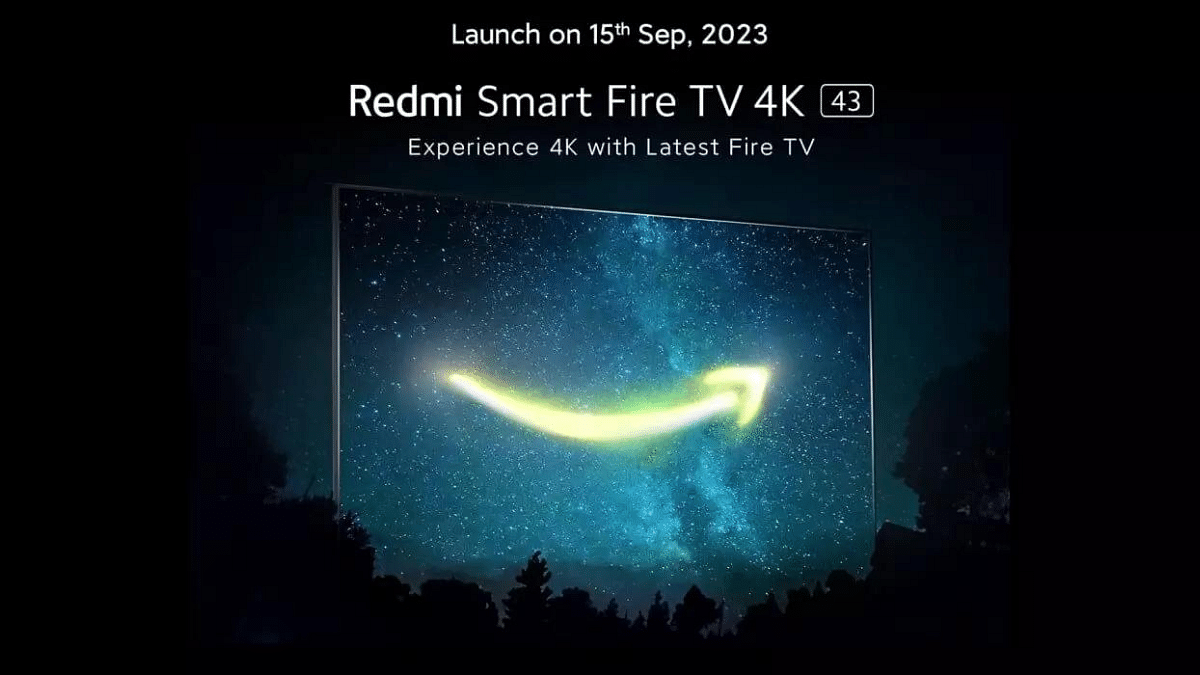
The Redmi Smart Fire TV 4K boasts a 43-inch screen with a 4K display resolution of 3,840 x 2,160 pixels. It ensures a smooth viewing experience with a 60Hz refresh rate and support for HDR content. The television also flaunts a sleek metal bezel-less design.

When it comes to audio, the Redmi Smart Fire TV 4K is equipped with powerful 24W dual stereo speakers that feature Dolby Audio, DTS Virtual:X, and DTS:HD technology.

Under the hood, the Redmi Smart Fire TV 4K is powered by a 64-bit quad-core processor, though the exact details remain unspecified. It comes with 2GB of RAM and 8GB of internal storage. The TV runs on FireOS and offers several user-friendly features, including six user profiles, access to over 12,000 apps through its app store, a built-in Alexa voice assistant, and parental controls.

It also supports picture-in-picture mode and allows you to control STB channels using Alexa voice commands. The included remote comes with dedicated hotkeys for popular streaming platforms like Prime Video, Amazon Music, and Netflix.

In terms of connectivity, the Redmi Smart Fire TV 4K offers a range of options, including Miracast and AirPlay 2 for screen mirroring, auto-low latency mode for gaming enthusiasts, dual-band WiFi, Bluetooth 5.0, three HDMI 2.1 ports, two USB ports, an Ethernet port, and a headphone jack.

Also Read: Xiaomi Redmi Smart Fire TV 4K Official India Debut Set For September 15: Features, Price

Redmi Smart Fire TV 4K Price and Availability

The Redmi Smart Fire TV 4K comes with a special launch price of Rs 24,999. Additionally, it includes a one-year warranty with an option for a one-year extended warranty. While the exact availability date hasn’t been disclosed, Redmi has promised that it will be available for purchase during the upcoming festive season on Amazon and Mi.com.

Also Read: TVS X Smart Electric Scooter Launched In IndiaRedmi Smart Fire TV With Apple AirPlay, Fire OS 7 Announced In India: Price, Full Specs

Categories
Featured Info Mobile

Apple iPhone 15 USB-C Advantages: How It Benefits Users

Key Highlights

  • iPhone 15 series launched with USB-C port
  • iPhone 15 series users can enjoy the advantages of USB 3.0
  • The shift to USB-C promotes sustainability by reducing electronic waste

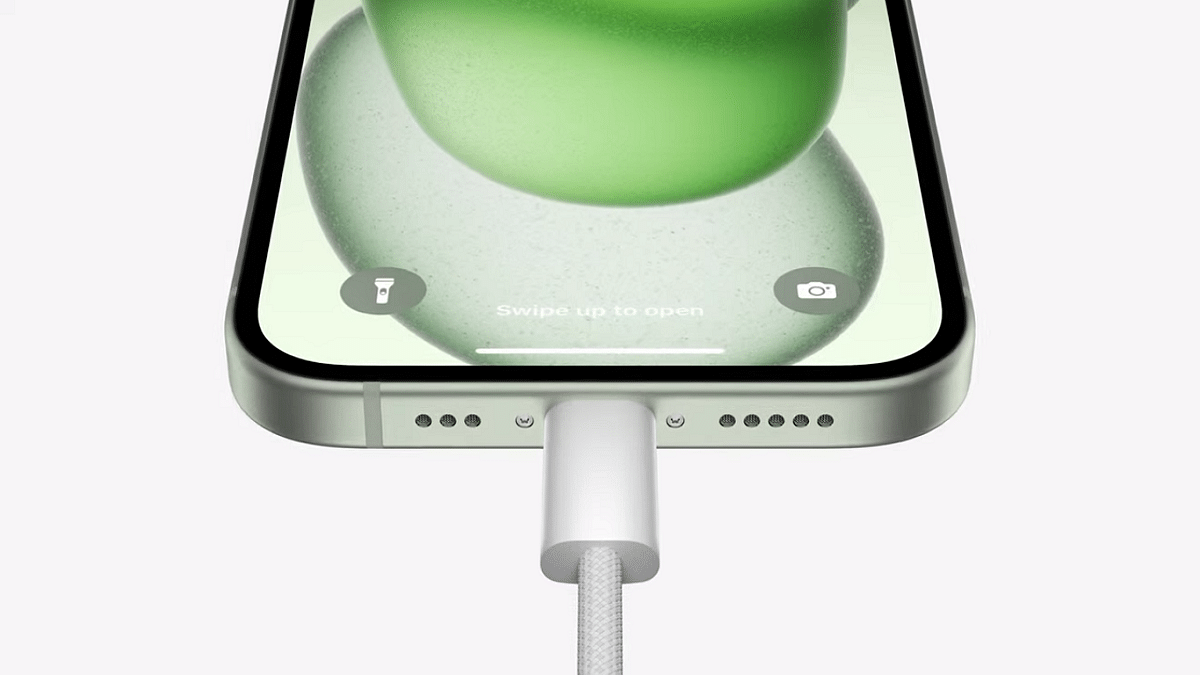
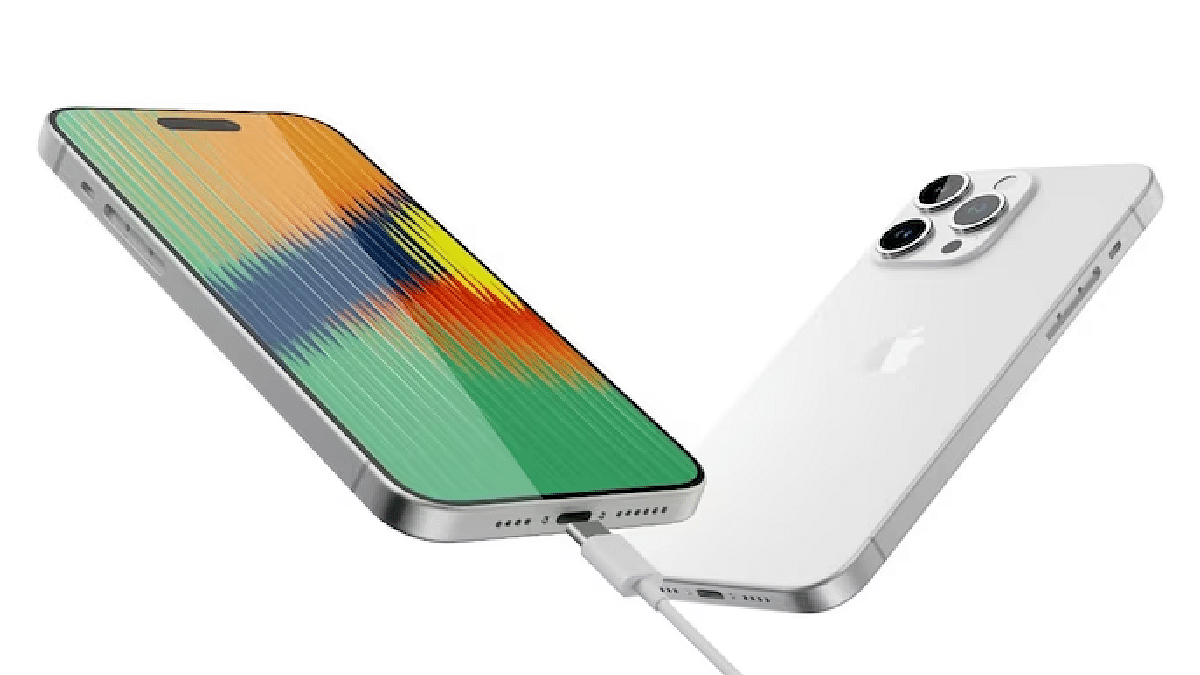
The introduction of a USB-C port in the new iPhone 15 series marks a noteworthy departure from the familiar Lightning port. For long-time iPhone users accustomed to Lightning cables, this change may raise questions about its rationale and advantages. Why the shift to USB-C, and what does it mean for you? Let’s delve into the relevance of USB-C on the iPhone 15 and its implications for future iPhones.

Also Read | Apple iPhone 14 Vs Apple iPhone 15 Comparison

Why USB-C?

Apple’s decision to incorporate USB-C into the iPhone 15 series is influenced by regulatory requirements. The EU has mandated that all smartphones must feature a universal charging port, USB-C, by autumn 2024. India has similarly mandated the adoption of USB-C for electronic devices by March 2025. Although Apple initially resisted this move, it ultimately had to comply with the regulatory mandate.

Benefits Of USB-C On iPhones

Compatibility With Non-Apple Devices

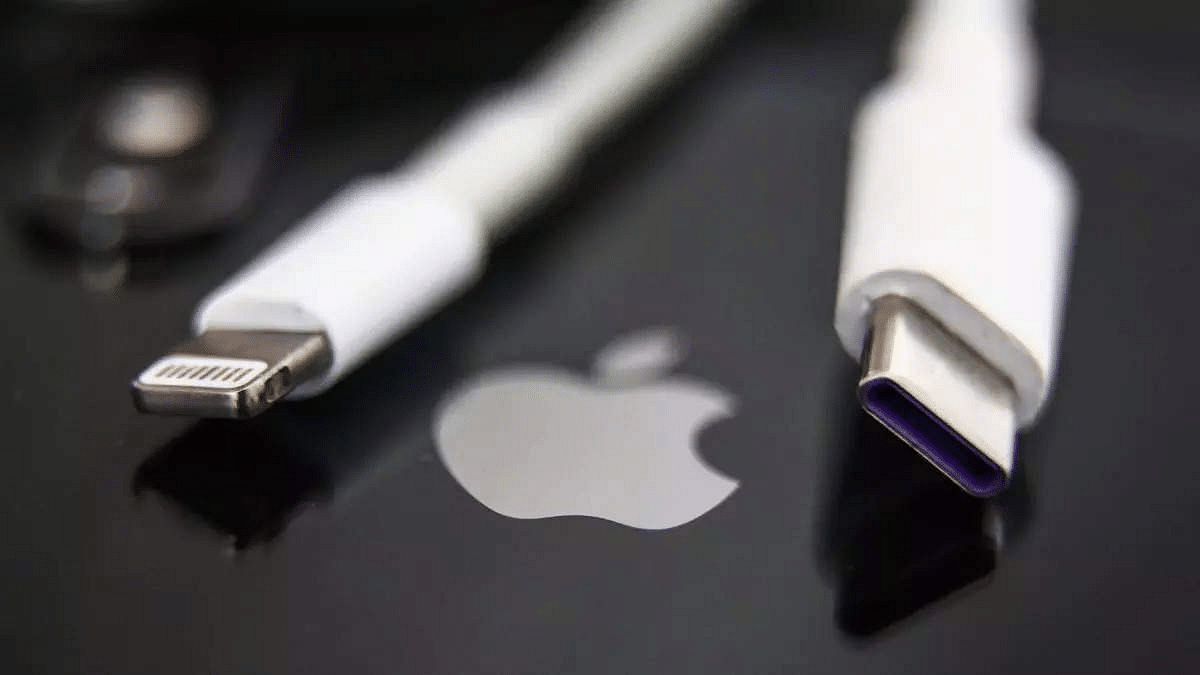
iPhone 15 and future models with USB-C can be charged using USB-C cables from non-Apple devices. Given that the Android world embraced USB-C in 2015, this means greater cable interchangeability, reducing the need for Lightning cables.

Universal Cable For Apple Devices

USB-C becomes the unified cable for charging and data transfer across various Apple products, including iPhone 15 series, Macs, AirPods Pro 2nd gen, iPads, and more. Apple’s early adoption of USB-C in its 2015 MacBook paved the way for this compatibility.

Cost Savings On Cables

With USB-C serving as the one-cable-fits-all solution, users can avoid purchasing separate cables for various Apple and non-Apple products. EU commissioner Thierry Breton estimates that this transition could save Apple consumers around 250 million euros annually.

Faster Charging And Data Transfer

While the vanilla iPhone 15 and iPhone 15 Plus support USB-C at the USB 2.0 standard (equivalent to Lightning’s 480 Mbps data transfer speed), the iPhone 15 Pro and Pro Max offer USB 3.0 support. USB 3.0 delivers approximately 10x faster data transfer speeds (10 Gbps) and can charge at 0.9A compared to USB 2.0’s 0.5A.

Also Read | iPhone 15 Series Price Comparison In India, US, UK, Dubai, Vietnam: Where It’s The Cheapest?

External Display Support

The iPhone 15 series allows connection to external displays via a USB-C cable, supporting 4K HDR resolution and a 60Hz refresh rate. This capability opens doors to watching and editing videos on larger screens, providing both cable and display support DisplayPort.

Reduced Electronic Waste

From an environmental perspective, reducing the number of cables you need translates to less electronic waste. This contributes to a smaller carbon footprint and a positive impact on the environment.

Transitioning From Lightning To USB-C

For those wondering about the fate of their Lightning cables, they can be repurposed by connecting them to a USB Type-C port with a USB-C to Lightning Adapter, available from Apple and third-party alternatives. Recycling is another eco-friendly option to consider.

Also Read | What’s Next For iPhone? Apple’s iOS 17 Unveils Some Features For Later Release

In conclusion, the shift to USB-C in the iPhone 15 series represents a forward-looking approach driven by regulatory mandates and sustainability goals. While it may require some adjustment for long-time iPhone users, the benefits of USB-C compatibility with a wide range of devices and reduced e-waste make it a step towards a more interconnected and eco-conscious future.

For the tech geeks, stay updated with the latest cutting-edge gadgets in the market, exclusive tech updates, gadget reviews, and more right on your phone’s screen. Join Giznext’s WhatsApp channel and receive the industry-first tech updates.

Categories
Featured Info Mobile

What’s Next For iPhone? Apple’s iOS 17 Unveils Some Features For Later Release

Key Highlights

  • A stable version of iOS 17 is set to release on September 18
  • iOS 17 will launch with a few new features later this year
  • Apple Music and Fitness+ are some of its features

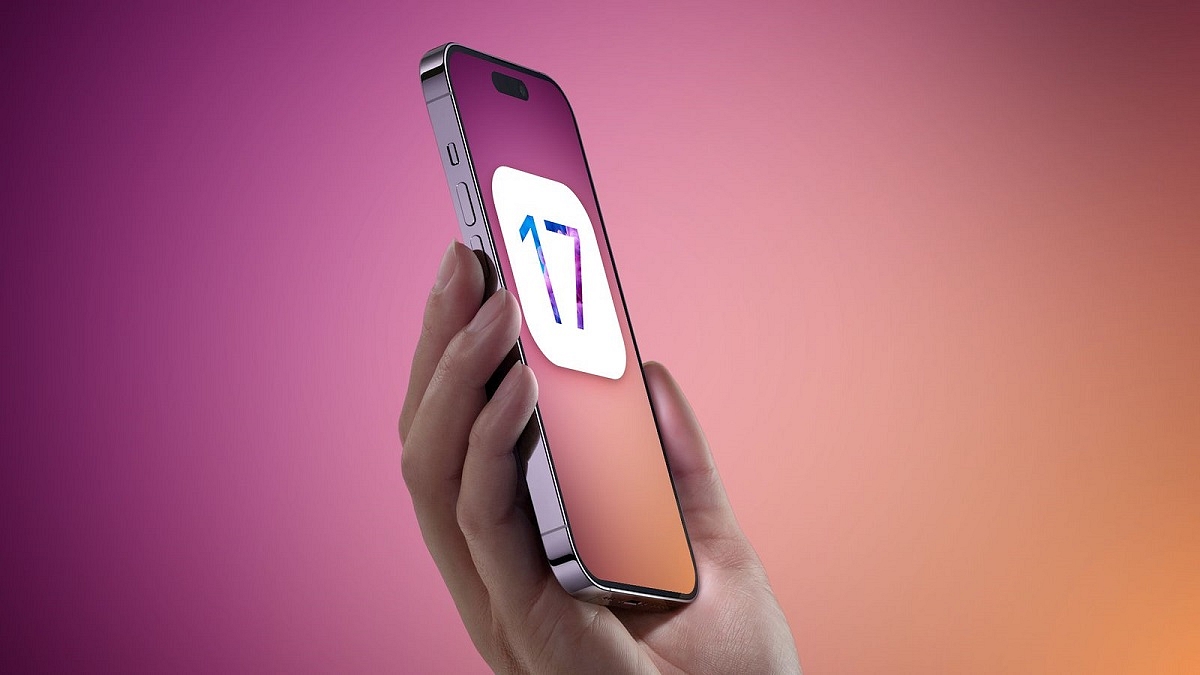
Apple is gearing up to release the stable version of iOS 17 to iPhone users worldwide on September 18, 2023. However, not all the iOS 17 features showcased at WWDC will be available right at the launch. Instead, Apple plans to introduce these features gradually through iOS updates later this year. Also Read | iPhone 15 Series Pre-Ordering Starts In India: Here’s How To Book Yours

Upcoming iOS 17 Features: What To Expect

On its iOS 17 webpage, Apple has shared a PDF document titled ‘New features available with iOS 17.’ In this document, Apple outlines several iOS 17 features that will be rolled out in upcoming updates later this year.

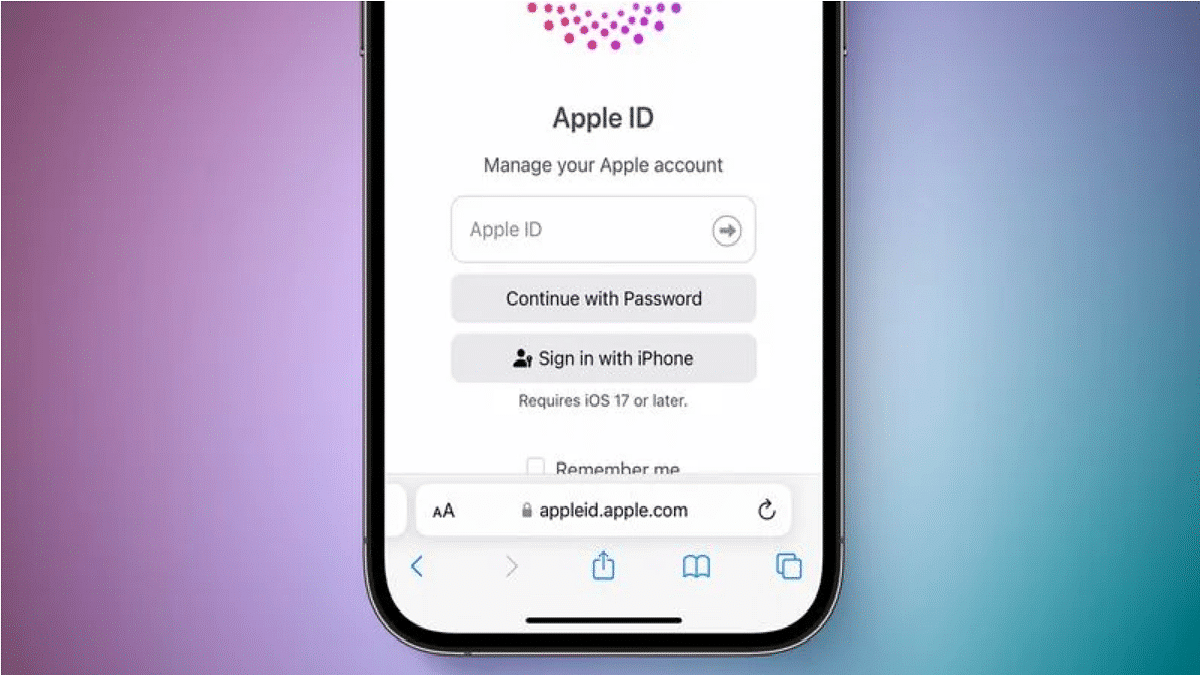
Apple ID Proximity Sign-in

With this feature, you can effortlessly pair a new Apple device with an existing, trusted iPhone or iPad. By simply bringing the devices close together and scanning the particle cloud, the new device will automatically sign in using the same Apple ID.

iCloud Message Settings Sync

iCloud Message Settings Sync will ensure that your Message settings, such as SMS filters, send and receive accounts, and Text Message Forwarding, stay consistent and synchronized across all your devices.

Sticker Reactions To Messages

iOS 17 will streamline stickers, including Animoji, Memoji, Emoji, Live Stickers, and third-party stickers, into one convenient location. You’ll also have the ability to react to messages using these stickers, accessible through the plus icon or Tapback.

Catch-up Arrow In Messages

A handy feature in iOS Messages, the catch-up arrow positioned in the top-right corner allows you to swiftly jump to the first unread message in a thread.

Enhanced Library Favorites And Recommendations

Enhance your Apple Music experience by selecting your favorite albums and artists, not only adding them to your library but also improving Apple Music’s recommendations tailored to your preferences.

Favorite Songs Playlist On Apple Music

Apple Music enthusiasts will rejoice with the addition of a ‘Favourite Songs Playlist,’ easily accessible from the library or via Siri commands.

Also Read | Apple iPhone 15 Pro And Pro Max Arrive With A17 Pro Processor: Details Inside

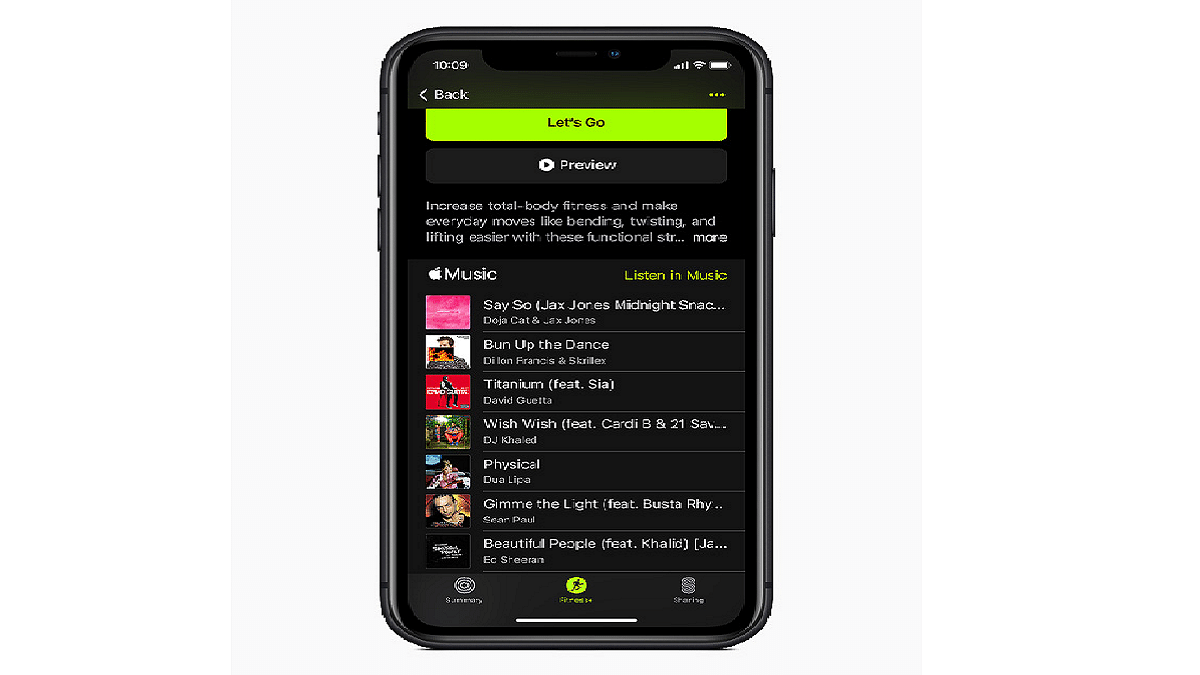
Audio Focus In The Fitness+ App

The new ‘Audio Focus’ feature in the Fitness+ app grants you the choice between listening to the fitness trainer’s audio or your own music while working out.

Intelligent Form Detection

iOS 17 will smartly recognize fillable forms, whether they’re scanned documents, PDFs in the Files app, or email attachments.

Intelligent Autofill For Forms

In addition to detecting forms, the system will offer Autofill for fillable fields, eliminating the need for manual data entry.

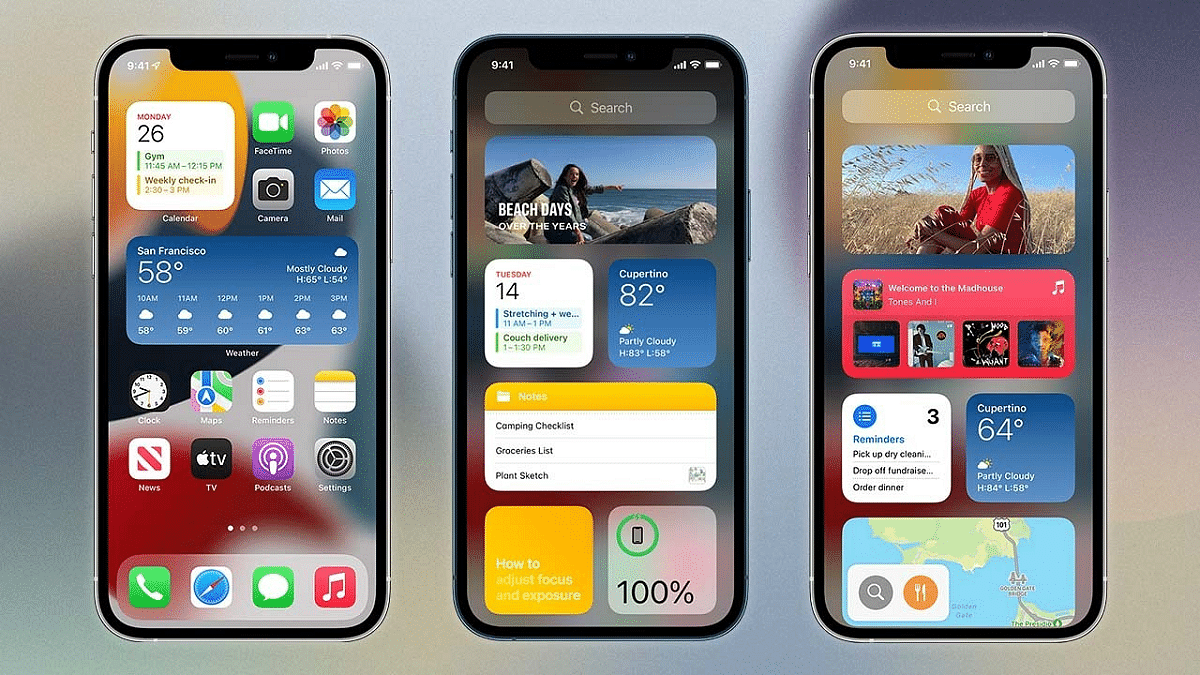
Apple News Widget Upgrade

The Apple News Widget is set to receive a play/pause button for podcasts and News+ audio, enhancing your news and audio consumption experience.

More To Come

Aside from these features, Apple previously announced three more upcoming iOS 17 features, including the Journal app, AirDrop over the Internet, and Collaborative Apple Music playlists. While some may find it disappointing that these features won’t be available in the initial iOS 17 release on September 18, it’s reassuring to know that Apple has exciting updates in store for the future.

Also Read | Apple iPhone 14 Vs Apple iPhone 15 Comparison

Categories
Featured Smart Watch

Fire-boltt Solaris Stainless Steel Smartwatch With BT Calling, AMOLED Display Launched In India: Price, Full Features

key Highlights

  • New Fire-Boltt Solaris smartwatch launched
  • Is an Bluetooth calling smartwatch
  • Comes with stainless steel body
  • Is priced under Rs. 2,500

Fire-Boltt is establishing its forte in the affordable smart wearables category. The digital accessories brand has launched multiple new smartwatch models across different price segment with the emphasis being on the affordable models. Adding on to the list is the latest Fire-Boltt Solaris smartwatch which brings along a stainless steel body design and advanced features such as Bluetooth calling, an AMOLED display, and several health monitoring features.

Fire-Boltt Solaris Smartwatch Key Features And Specifications

Fire-Boltt SolarisSpecifications
Display1.78-inch AMOLED
Body Material Stainless steel
SpO2Yes
Heart Rate monitorYes
Battery backup up to 9 days

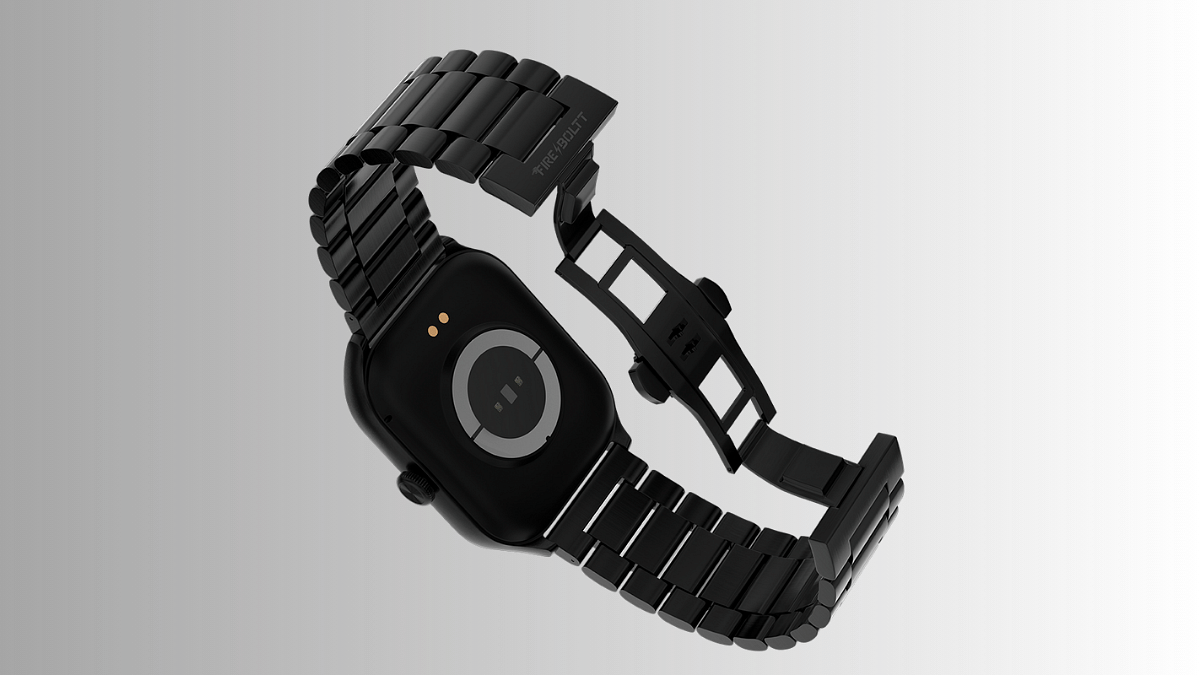
The Fire-Boltt Solaris smartwatch isn’t a standard looking smartwatch; rather, it’s a premium looking flaunting a rugged stainless steel body and rectangular dial shape along with the digital crown. The rotating crown can be used to scroll through the watch menu and toggle between different watch settings and features. It uses a 1.78-inch AMOLED display. The watch has an always-on display feature which will allow users to read important notifications without picking up the watch or toggling on the screen.

The Fire-Boltt Solaris has multiple fitness tracking and health monitoring features which will allow users to maintain a healthy lifestyle. The smartwatch is equipped with over 123 different sports mode that will help with tracking physical fitness on a daily basis. Furthermore, the Fire-Boltt Solaris offers smart notifications, camera control, and weather updates amongst other crucial features.

It also has digital voice assistant support that will allow hands-free operations. For health montoring, it keeps a track of hear rate, sleep, and also blood oxygen levels (SpO2). Users will get to access and read the relevant health statics via the compatible Fore-Boltt Health Suite app that can be downloaded on Android and iOS devices.

The Fire-Boltt Solaris smartwatch further becomes an advanced smart wearable by offering Bluetooth calling option. It has an integerated mic that will allow taking calls directly using this smartwatch. This smartwatch is capable of delivering around 9 days of backup with each charge cycle.

Also Read: Best Fitness Apps To Download For Your Smartwatch To Stay Fit

Fire-Boltt Solaris Smartwatch Price In India

The FireBoltt Solaris smartwatch is launched at Rs. 2,499 in India and can be purchased starting September 16, 2023. The new Fire-Boltt smartwatch will be up for grabs via official Fire-Boltt India website and online retailing giant Amazon.

Also Read: AmazeFit GTS 4 Mini Vs AmazeFit GTS 2 Mini Smartwatch: Which Is The Best Smartwatch In India?