
Key Highlights
- Cash withdrawal possible without physical cards at ATM
- Smartphones comes to the rescue here
- UPI and bank apps used for card-less withdrawals at ATM
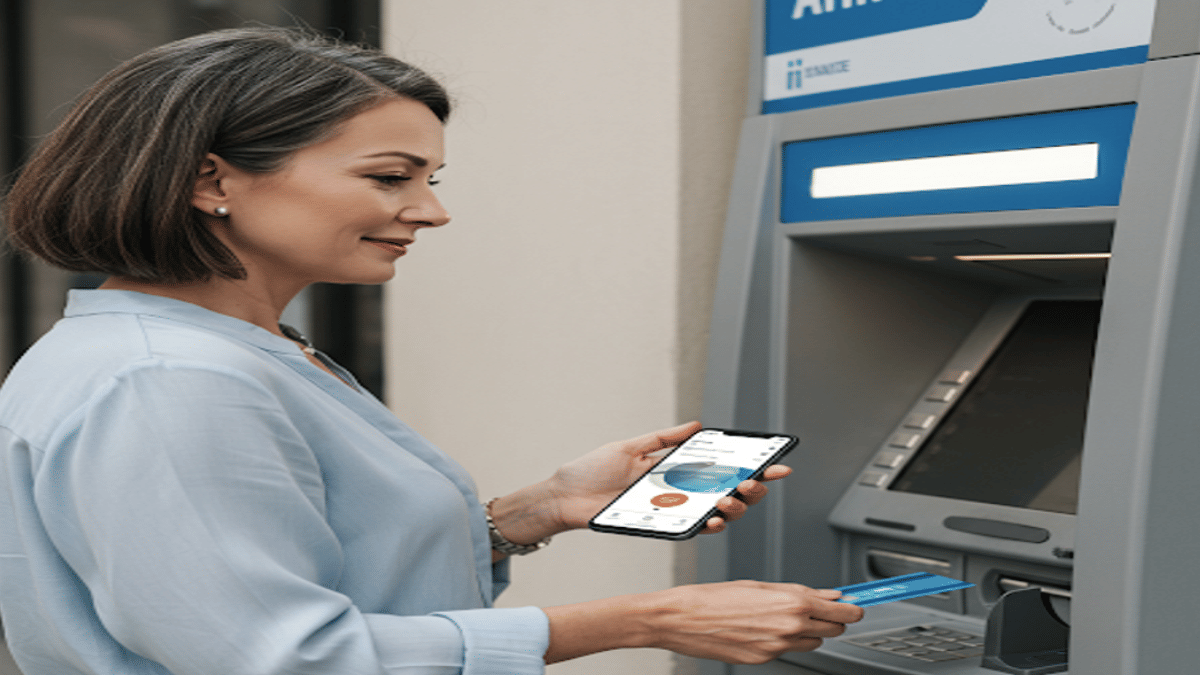
Ever been in a situation where you need to withdraw cash for emergencies and don’t have the ATM card? It’s definitely one of those scary situations that you would wish to avoid. Not any more? Modern day banking have made it easy for account holders to withdraw money from ATM machines without any physical ATM card. All you need now is a smartphone with working internet connection. Here in this guide, we’ll take you through the process of withdrawing money from ATMs with just your smartphones.
Cardless Cash Withdrawal At ATM? Is It Possible?
The answer is yes. You can now easily withdraw cash from any ATM even if you aren’t carrying a physical debit or credit card. All thanks to the digital banking which now is more secure and making lives easier for the masses. By downloading the bank’s mobile app or via UPI apps, cardless cash withdrawals can be done at the ATMs.
Also Read: Want To Transfer Ola Money Cash To Bank Account? Here’s How To Do It
How To Withdraw Money Without ATM Card Using Smartphone
Method 1: Via Dedicated Bank’s Mobile App
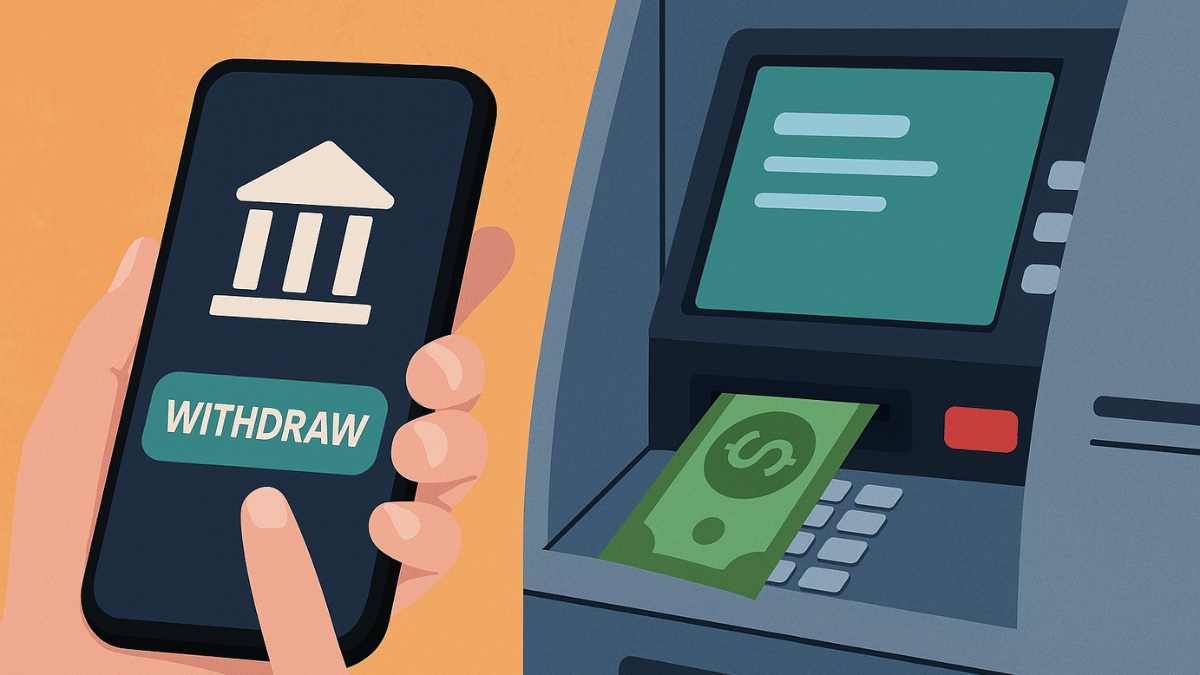
Step 1: Download And Install Your Bank’s Mobile App
- Open PlayStore or App Store on Android and iOS devices respectively
- Download and install the bank’s mobile app (HDFC, SBI Yono, Axis, ICICI, etc)
- Log in to your banking account
Step 2: Select ‘Cardless Withdrawal’ Option
- Go to the menu section
- Scroll to the cardless cash withdrawal option and tap on it.
Step 3: Enter the Amount That You Need To Withdaw
- Enter the amount that you want to withdraw as cash from the ATM.
Step 4: Generate OTP/ Transaction Code
- Wait for the app to generate an OTP which you need at the ATM.
Step 5: Visit an ATM
- Go to the nearest ATM
- Ensure the ATM machine supports cardless transaction option
Step 6: Enter the OTP Withdraw Cash Without ATM Card
- Go to the ‘Cardless Cash Withdrawal’ on the ATM machine’s screen.
- You need to enter your registered mobile number
- Enter the OTP/Transaction code generated earlier
- After confirming the transaction, you can collect the cash
Method 2: Via UPI (Google Pay, PhonePe, Paytm, etc.)
Step 1: Go to a UPI-Enabled ATM
- Visit a nearby ATM that supports UPI-withdrawal option
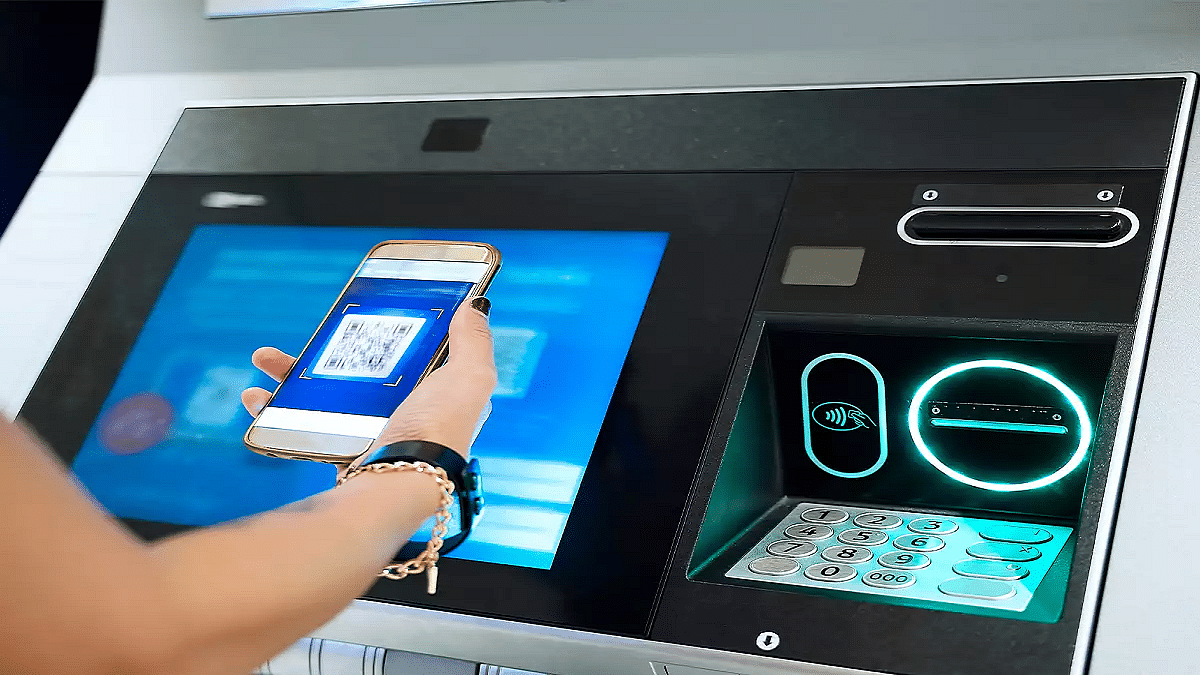
- These ATM machines will display a QR code scanner on the screen
Step 2: Select ‘UPI Cash Withdrawal’ Option
- On the screen, locate and select the UPI Cash Withdrawal option.
Step 3: Scan the QR Code
- A new QR code will be displayed on the ATM screen after performing the above step.
- Unlock your smartphones and launch the desired UPI app (PhonePe, GPay, Paytm)
- Navigate to the Scan QR code option
- Scan the QR code using your smartphone shown on the ATM screen
Step 4: Enter & UPI PIN
- Enter the amount that you need to withdraw from the ATM
- Now, enter your UPI PIN to process the transaction.
Step 5: Collect Cash
- Collect the cash dispensed from the ATM machine.
Also Read: Make WhatsApp Video Calls More Fun: How To Add Filters, Change Backgrounds
What Makes Cardless Cash Withdrawal Practical?
- Safety From Scams and Card Thefts – Helps with enhanced safety while money withdrawal by ruling out possibilities of card skimming or thefts at the ATM.
- Hassle Free Cash Withdrawal– Cuts down on hassle of carrying physical ATM cards everywhere and helps with withdrawal even if there is no card.
