
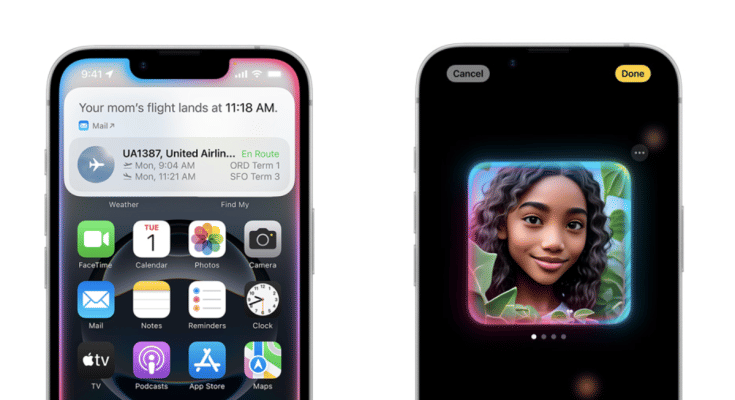
Key Highlights
- Appl 16 series leverages AI features for enhanced experience
- CharGPT and Apple Intelligence can be integrated together
- Features can be accessed via Siri
Apple’s iPhone 16 series has been groundbreaking in terms of tech advancements. And the new premium Apple smartphone lineup is in-line with the latest trends, i.e., AI integration. Apple is redefining its enitre ecosystem by leveraging artificial intelligence. Surely, the Cupertino giant doesn’t want to left behind in this race and have integrating OpenAI’s ChatGPT with its Apple Intelligence platform.
Apple is promising a whole new user experience with AI-backed Siri. Now, users can get better personalised experience with AI-enabled productivity tools such as Notes and Mail, while receiving contextual responses across compatible iOS devices such as iPhones, iPads, and MacBooks. What are the steps that you need to follow to integrate ChatGPT with Apple Intelligence to make Siri more smarter? We have made it easier for you by listing the step-by-step guide here: Take a look:
For the tech geeks, stay updated with the latest cutting-edge gadgets in the market, exclusive tech updates, gadget reviews, and more right on your phone’s screen. Join Giznext’s WhatsApp channel and receive the industry-first tech updates.
Also Read: Maruti eVitara Crash Test Images Gets Viral: Secures 5 Star Ratings?
Steps To Enable ChatGPT Extension In Siri
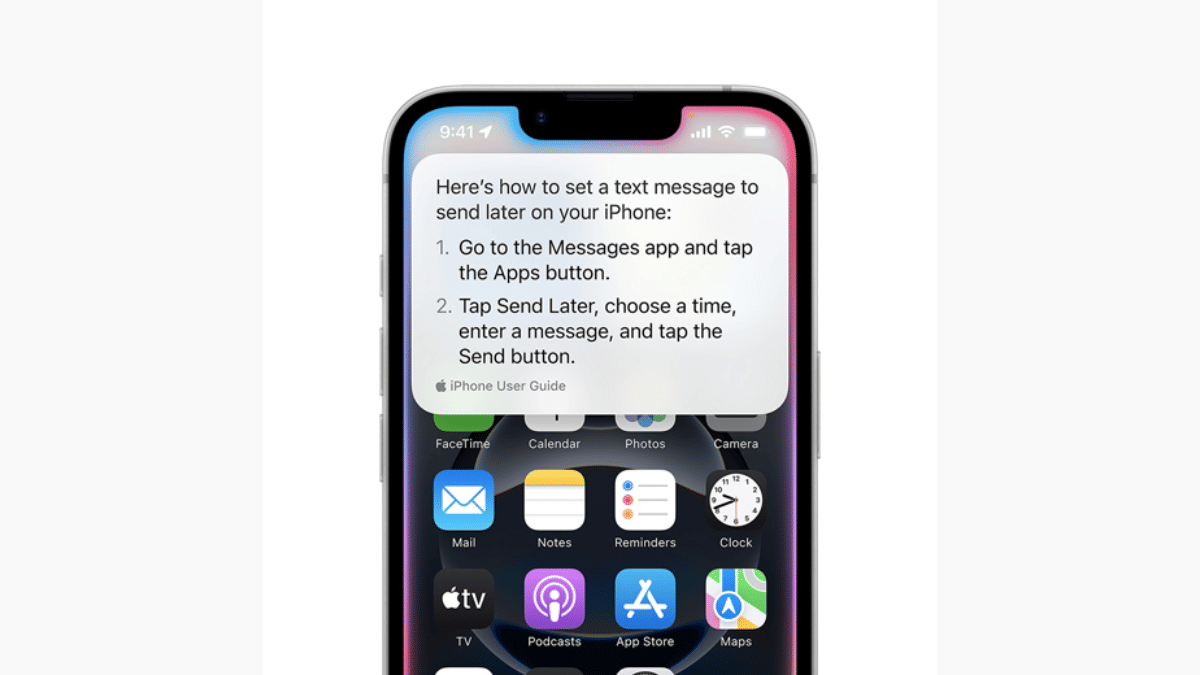
Step 1: Unlock your iPhone 16 handset and head to the Settings menu.
Step 2: Scroll down to the Apple Intelligence section and tap on it.
Step 3: Now, clock on the Siri icon.
Step 4: Select the ChatGPT option
Step 5: Tap on the Set up icon
Step 5: Select the desired usage option. If you have an existing ChatGPT account then select “Use ChatGPT with an existing account”. If you are using ChatGPT for the first time or don’t wish to use it with any account, select, use “ChatGPT without an account option”.
Also Read: Google Photos Image Flip Feature: How To Use?
How To Disable ChatGPT And Sir Integration In iPhone 16 Series?

Step 1: Re-launch the Settings app on your respective iPhone 16 units
Step 2: Go to the Apple Intelligence option
Step 3: Clock on Siri
Step 4: Select ChatGPT and toggle off the ChatGPT extension.
