Categories
Featured Info Mobile

Amazon Christmas Sale: Upto 40% Discount On 50MP Camera Smartphones

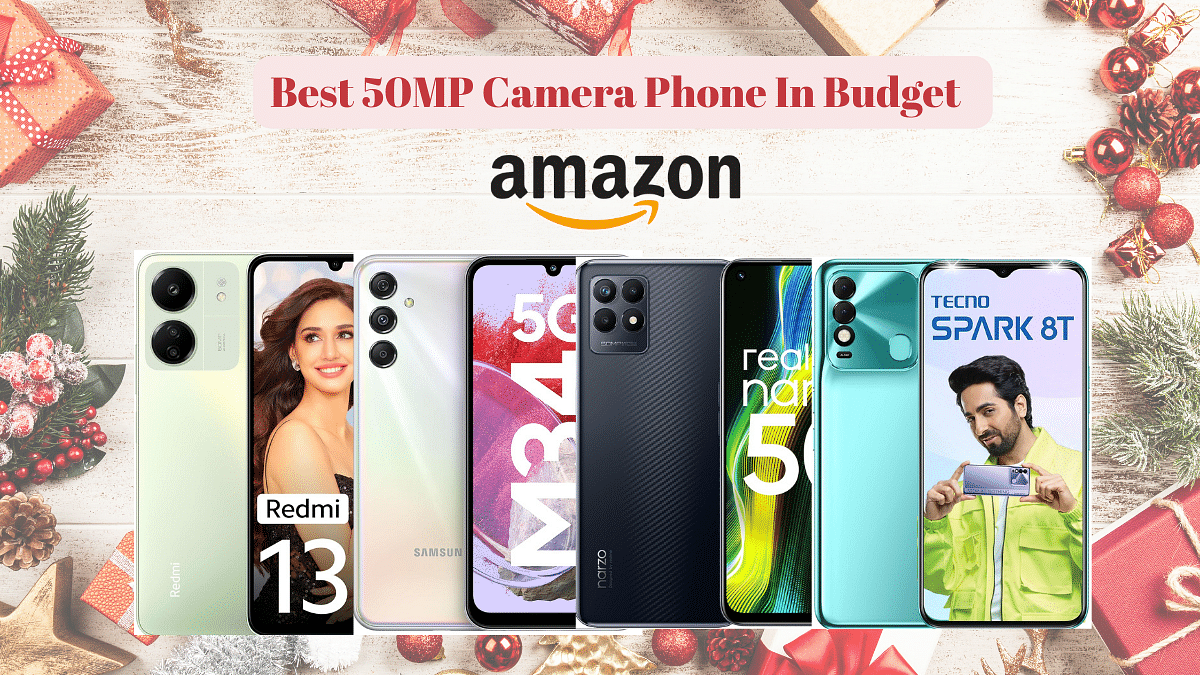
Discover incredible savings this holiday season with Amazon’s Christmas Sale, offering up to a 45% discount on 50MP camera smartphones, all under Rs.15,000. I’ve personally selected 5 budget-friendly smartphones for you – let’s dive in and discover the perfect device

Also Read: Top Smartphones Below Rs. 25,000 To Gift This Diwali

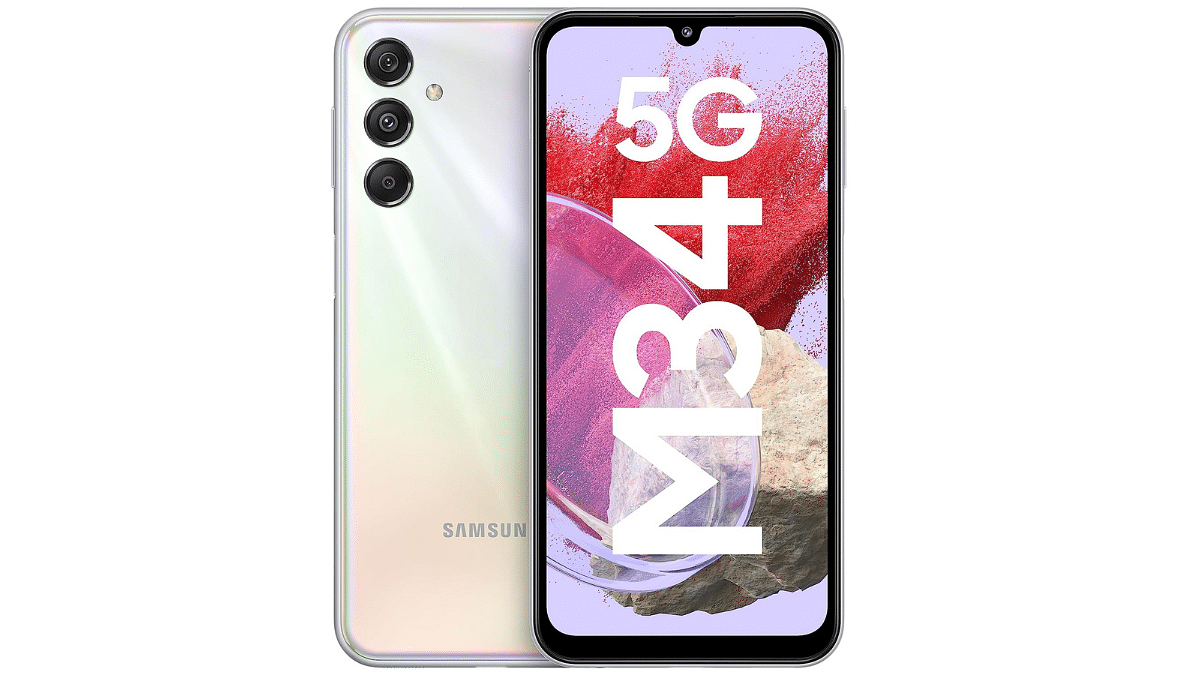
1. Samsung Galaxy M34 5G
  • Vivid Display: 6.5-inch Super AMOLED, FHD+ (1080×2340) Gorilla Glass 5.
  • Powerful Cameras: 50MP Main + 8MP + 2MP Rear, 13MP Front.
  • Long-lasting Battery: 6000mAh, ensuring extended usage.
  • Warranty: 1 year for device, 6 months for accessories.
  • Software Assurance: 4 OS upgrades, 5 years security updates.
  • 5G Performance: Exynos Octa Core 2.4GHz, 12 Band Support.
  • Great Deal: Discounted at Rs.16,499 (33% off) + Rs.1500 coupon.
  • Final Price: Rs.14,999.

Buying Link: Amazon

2. TECNO Spark 8T
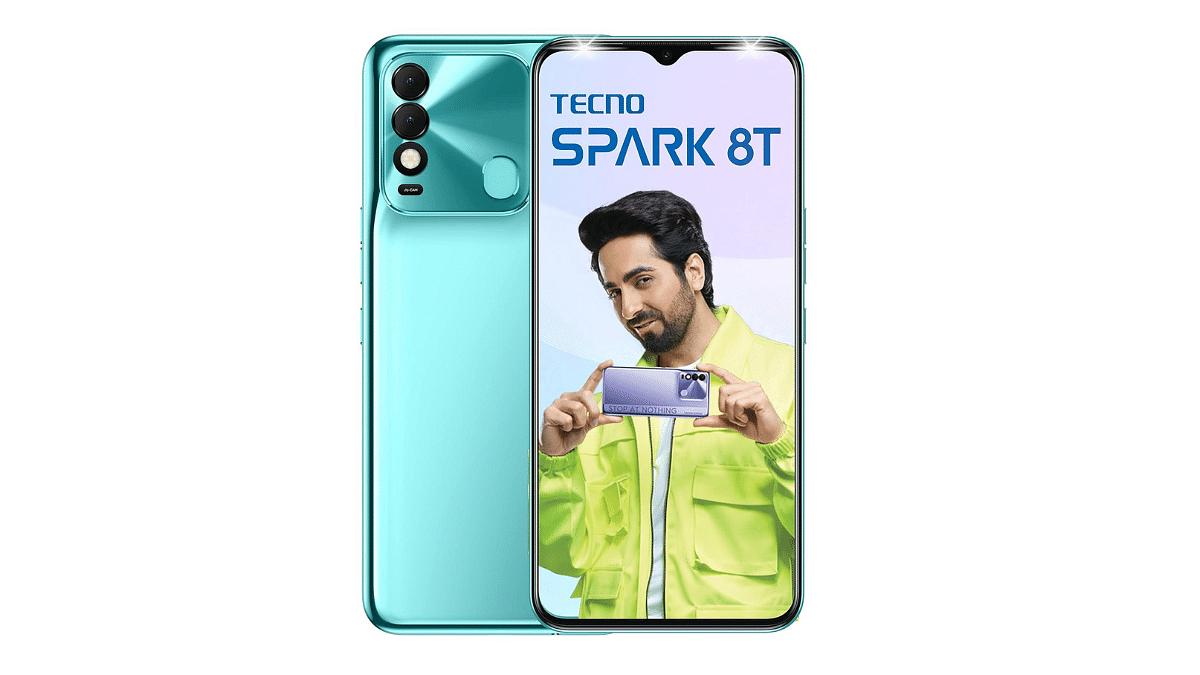
  • High-Res Main Camera: 50MP for clarity, F1.6 large aperture.
  • Selfie Camera: 8MP Front Cam with Dual Front Flash.
  • Display : 6.6″ FHD+ with 91.3% screen-to-body ratio.
  • Design: Bold metal coding, youth-centric appeal.
  • Battery: 5000mAh with ultra power saving mode.
  • Gaming Prowess: Helio G35 Processor for robust performance.
  • Amazing Deal: Discounted to Rs.8,299 (36% off), original: Rs.12,999.

Buying Link: Amazon

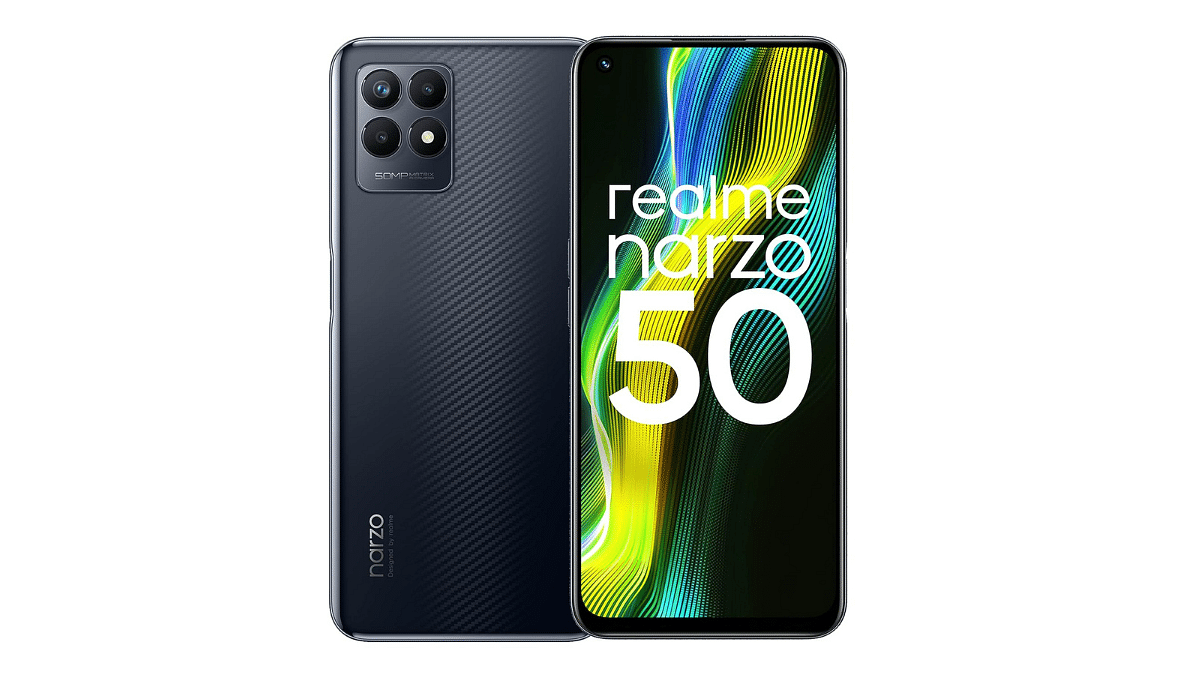
3. Realme narzo 50
  • Gaming Powerhouse: Octa-core MediaTek Helio G96 at 2.05GHz, Mali-G57 MC2 GPU.
  • Display: 6.6″ FHD+ with 120Hz refresh rate, 90.8% screen-to-body.
  • Camera : 50MP AI triple rear, 16MP Crystal Clear Selfie.
  • Battery: 5000mAh, 33W Dart charging included.
  • Performance: 4GB RAM LPDDR4X, 64GB ROM UFS 2.1.
  • Great Deal: Grab it now for Rs.10,999 (31% off), original: Rs.15,999.

Buying Link: Amazon

4. Nokia C32
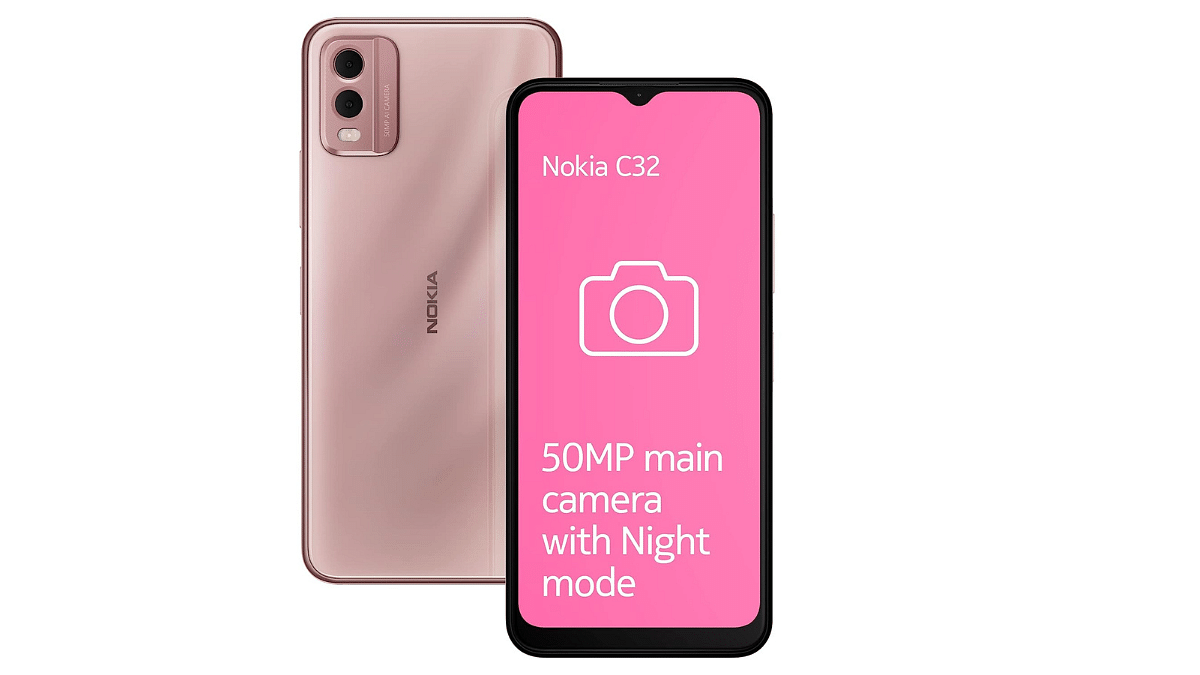
  • Camera: 50MP dual rear sensor, 8MP selfie, Night-mode.
  • Power: 3-day battery life, AI-powered saving features, 5000mAh.
  • Durable : Toughened glass back, metallic-finish frame, IP52 protection.
  • Smart Memory: Android 13 with memory extension for multitasking.
  • Quick Access: Fingerprint sensor in power button, face unlock.
  • Budget-friendly: Grab it now for Rs.7,999 (24% off), original: Rs.10,499.

Buying Link: Amazon

5. Redmi 13C
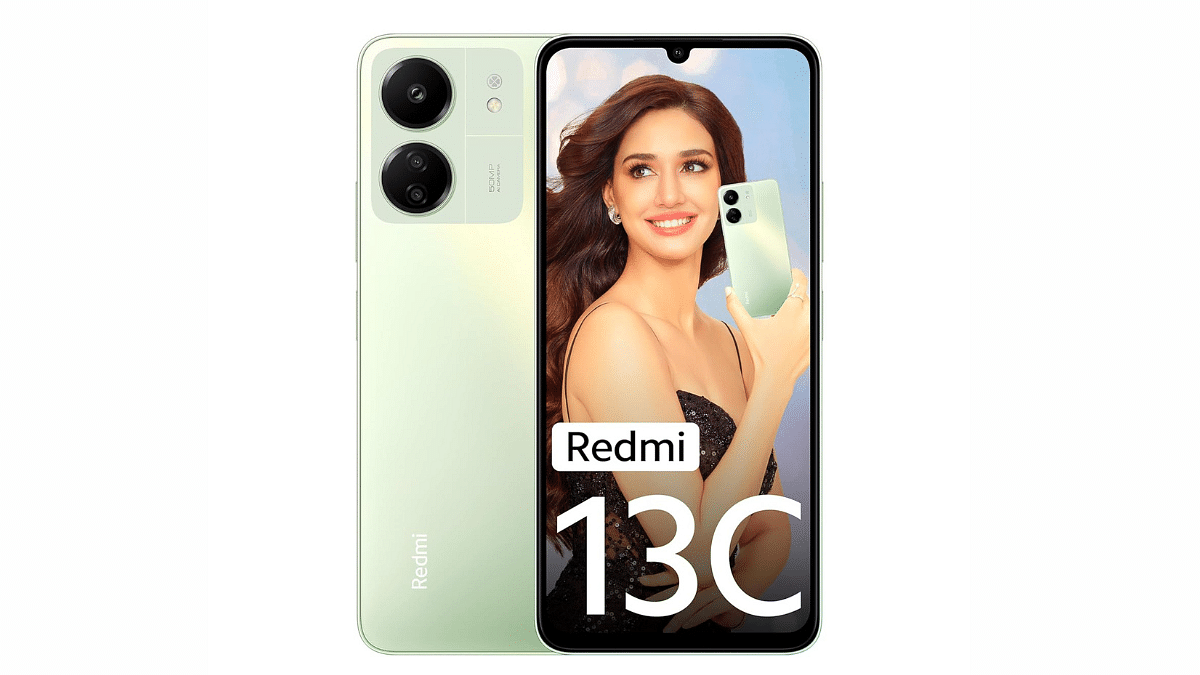
  • Gaming : MediaTek G85, 1GHz GPU for enhanced gaming.
  • RAM: 8GB (4GB virtual), smooth multitasking.
  • Display: 6.74″ HD+ 90Hz, Corning Gorilla Glass 3.
  • Camera: 50MP AI Triple camera with versatile modes.
  • Quick Access: Fast Side fingerprint for security.
  • Long-lasting: 5000mAh Battery for extended usage.
  • Budget-friendly: Grab it now for Rs.8,999 (25% off), original: Rs.11,999.

Buying Link: Amazon

Also Read: List Of Upcoming Flagship Android Smartphones Powered By Qualcomm Snapdragon 8 Gen 3 Chipset

Categories
Apps Featured How To Info

How To Use Instagram’s New 2-Second Video Notes

Key Highlights

  • Now Instagram will let you record 2-Second Video to put on notes.
  • Emojis, Photos, and Audio Enhance Engagement!
  • Simple Steps: Open Inbox, Record, Add Text, and Share!

Instagram has recently introduced an update to its platform, unveiling a new video status feature that lets users create snappy 2-second video notes. Unlike the familiar Stories feature, these video notes are super short, captured exclusively through the front camera within the app, and cannot be imported from your device’s storage. Once shared, these bite-sized videos are visible to your close friends and mutual followers for a brief 24-hour window.

Also Read: 100+ Best Instagram Usernames For Car Lovers

How to Use the Video Feature

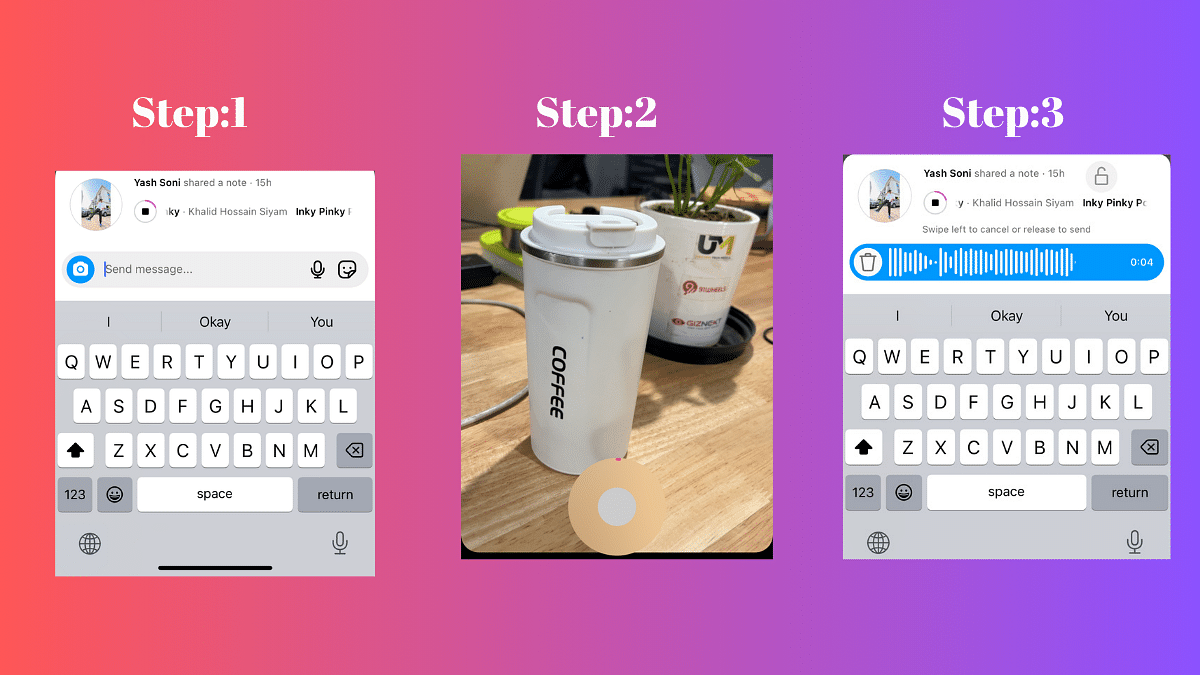
Step 1: Open Instagram and Navigate to Your Inbox

To start using the new Video Status feature, open your Instagram app and head straight to your inbox. Look for the tray containing your notes, where you’ll see a camera icon at the left .

Step 2: Tap on Your Photo in the Notes Tray and Click the Camera Icon

Once you’ve located the camera icon, tap on your photo in the Notes tray. This action will open up the camera, ready for you to capture your brief moment.

Step 3: Record a 2-Second Video Using the Front-Facing Camera

Record a quick 2-second video using the front-facing camera. Express yourself, share a funny moment, or capture a snippet of your day – the possibilities are endless in this short time frame.

Step 4: Add Text for Context, Then Post

You can now enhance your video by adding text for context. Whether it’s a quick caption, an emoji, or a brief explanation, this step allows you to provide a bit more detail to your audience. Once done, hit the post button, and your 2-second video will be shared with your selected audience.

Also Read: How To Instantly Download Publicly Posted Reels On Instagram: A Step-By-Step Guide

Interactive Replies: More Than Just Texts

Engagement is key on Instagram, and with the new Video Status feature, interactive replies take it to a whole new level. Users can respond to your notes with more than just text – audio, photo, video, and stickers are now part of the conversation. Whether it’s a heartfelt message, a funny photo, or a creative video response, the options for interaction are now more diverse than ever. Enjoy the enhanced communication and connection with your Instagram community!

Also Read: Instagram Close Friends Feature Takes Center Stage In Main Feed: How To Use

Categories
Apps Featured Info

How To Pin A Message In WhatsApp Chat: A Step-by-Step Guide

Key Highlights

  • Pin and access crucial messages with minimal effort and precision.
  • Choose durations of 24 hours, 7 days, or 30 days for pinned messages.
  • Admins decide who can pin messages in group chats.

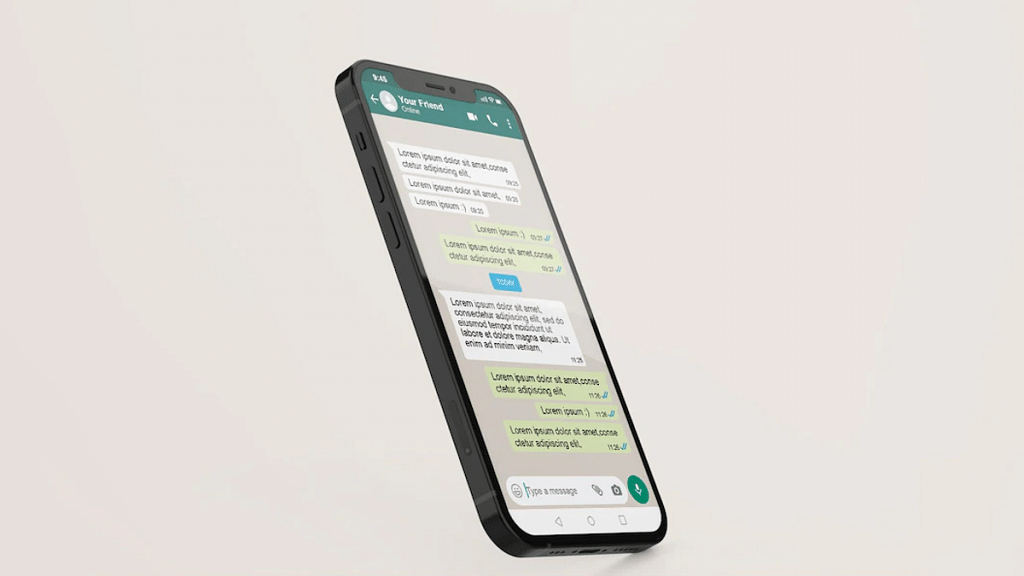
In a recent update, Meta introduced a new and convenient feature—pinning messages in WhatsApp chats. This is available for Android, iOS, and PC users, allowing them to pin a specific message at the top of individual and group chats. This feature serves as a valuable tool for users who want to emphasize and easily locate important messages within their conversations.

Also Read:How To Use WhatsApp’s Disappearing Voice Notes Feature: Guide

How to Pin a Message in WhatsApp Chat

The process of pinning a message in WhatsApp is straightforward and user-friendly. Here’s a step-by-step guide to help you make the most of this new feature:

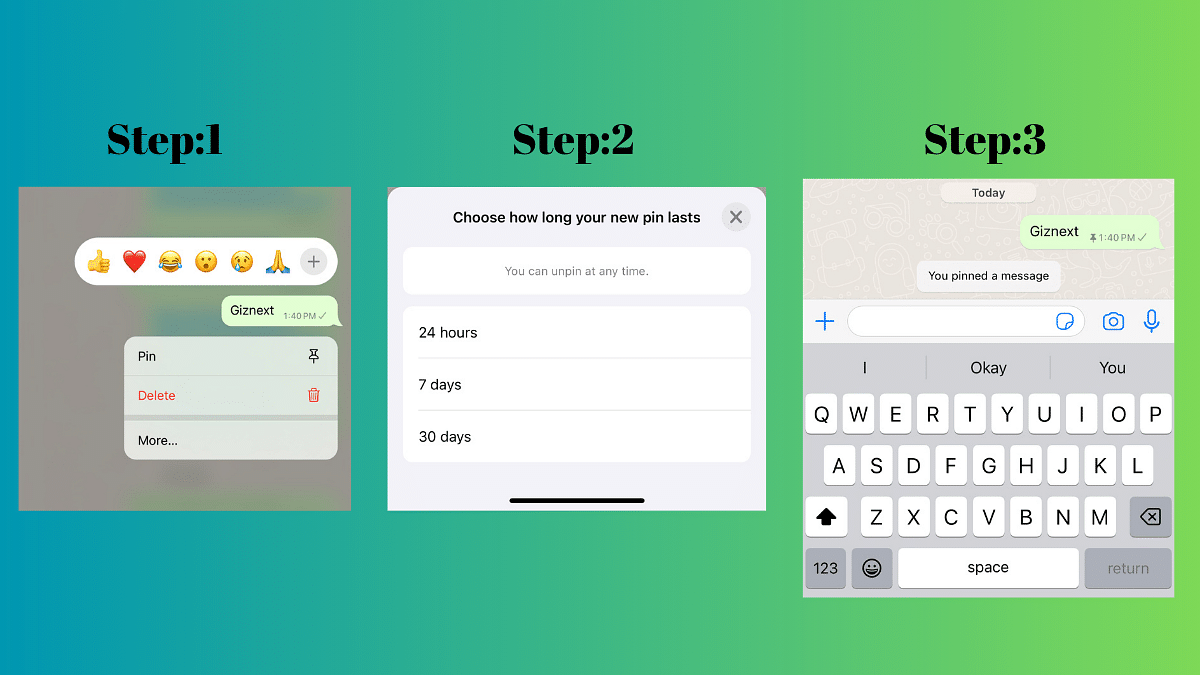
  • Access the Chat: Open the individual or group chat where you want to pin a message.
  • Select the Message: Long-press on the message you want to pin. This can be any type of message, including text, polls, images, emojis, and more.
  • Tap on the Pin Icon: Look for the pin icon in the menu that appears at the top of the screen. Tap on it to pin the selected message.
  • Choose Duration: A banner will pop up, allowing you to choose the duration for which you want to pin the message—options include 24 hours, 7 days (default), or 30 days. Group chat admins can also control who has the ability to pin messages.
  • Confirm Pinning: Confirm your selection, and the message will be pinned at the top of the chat.

Also Read: WhatsApp Unveils Self-Destructing Voice Messages: Details

How Pin Message Feature Works

The pin message feature is designed to enhance efficiency by allowing users to spotlight essential messages, encompassing various content types such as text, polls, images, and emojis. Importantly, all pinned messages retain end-to-end encryption, ensuring the security and privacy of your conversations.

Pinned messages can be configured to last for different durations, offering flexibility to users. The options include 24 hours, 7 days (default), or 30 days. During the pinning process, a banner will prompt you to choose the desired duration. In group chats, administrators have control over who can pin messages – either everyone or only fellow admins.

Also Read: WhatsApp Introduces New Reply Bar For Status Updates And More..

Categories
Auto Tech Featured Info

Kinetic Zulu Vs Ola S1X: Electric Scooter Comparison

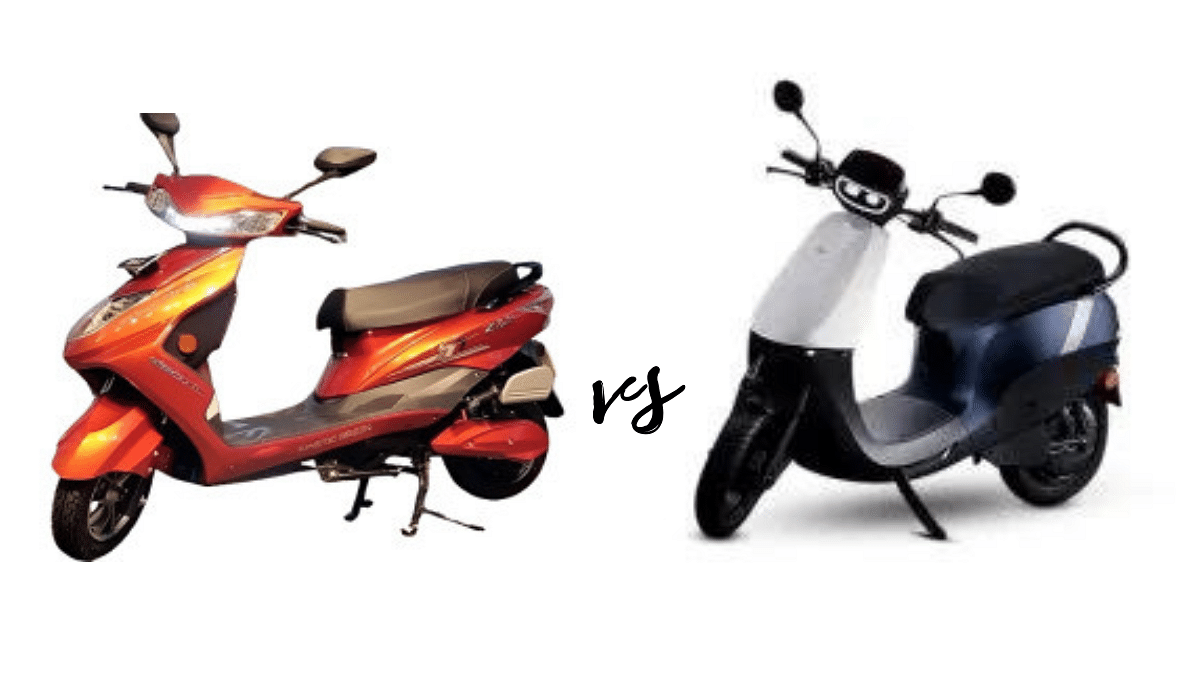
Kinetic Green and Ola Electric are two electric scooter in the market, each offering distinct models with unique features. In this comparison, we’ll explore the Kinetic Zulu and Ola S1X to help potential buyers make an informed decision.

Also Read: Top 4 Gadgets Every Modern Biker Needs On Road

Kinetic Zulu Vs Ola S1X: Design and Aesthetics

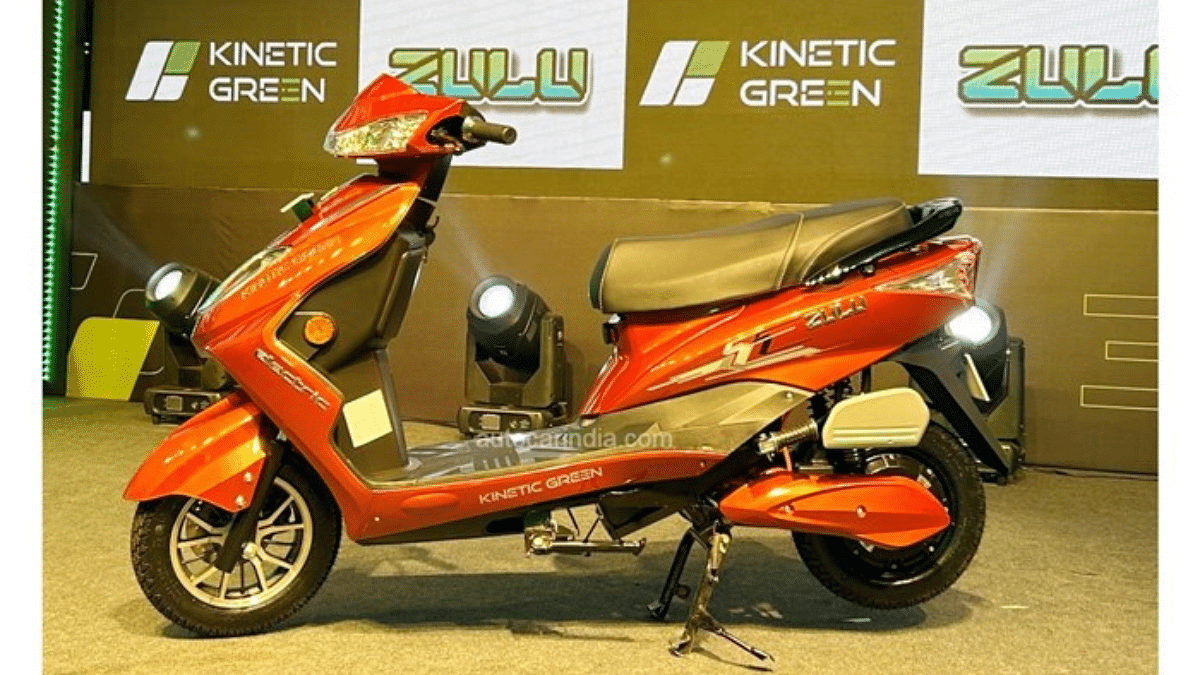
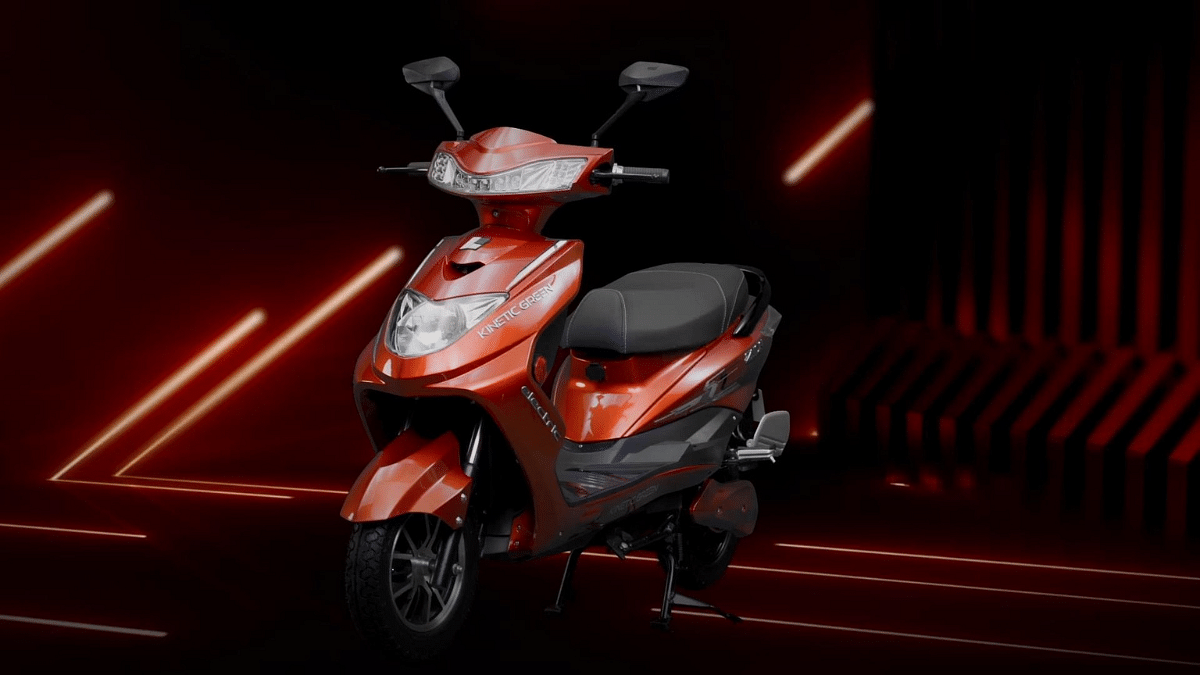
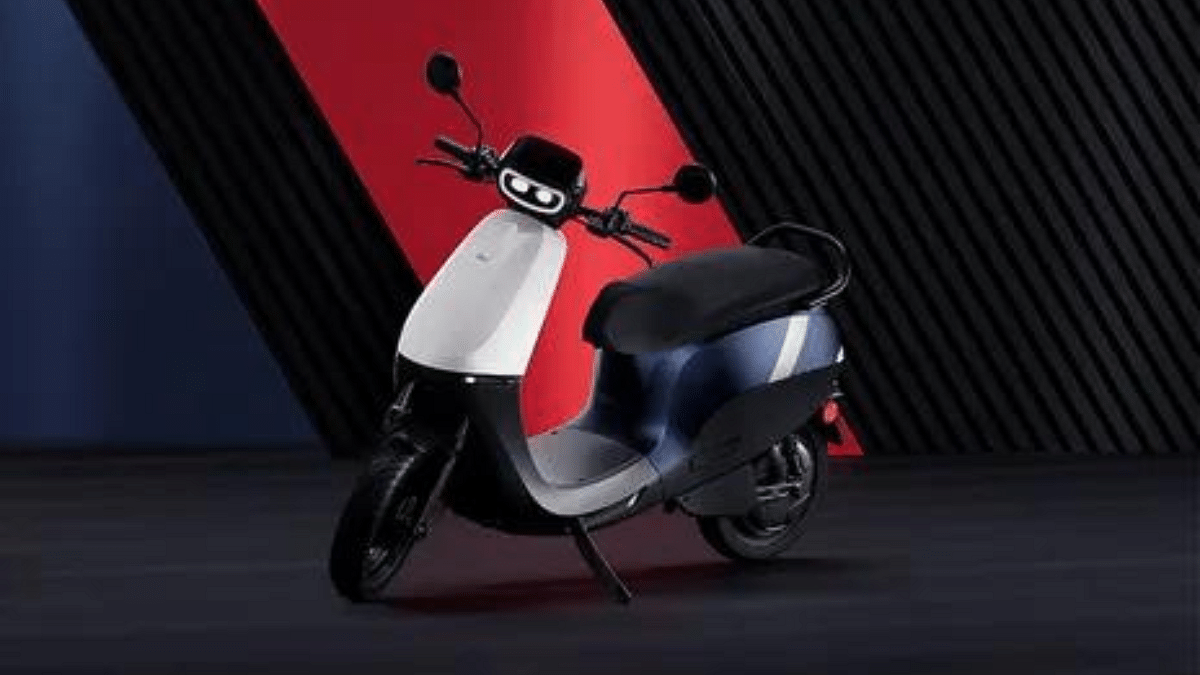
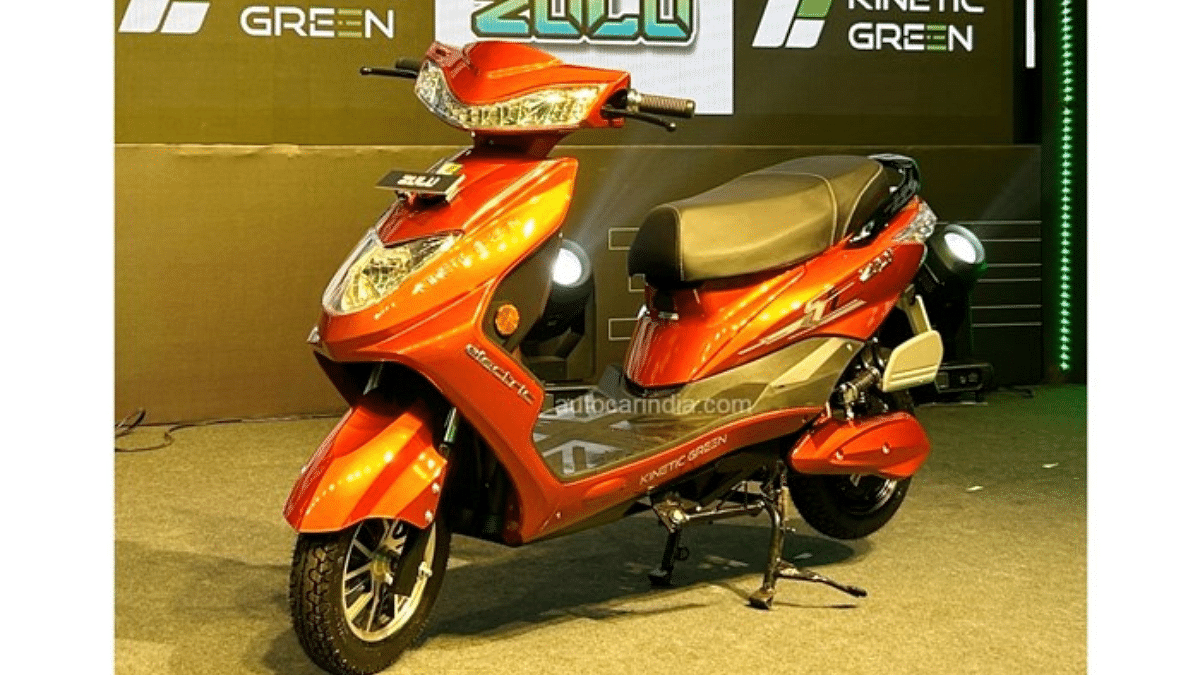
The Kinetic Zulu boasts a modern design with an apron-mounted headlight, reminiscent of the Honda Dio. LED DRLs, front storage space, and vibrant color options enhance its visual appeal. The scooter features an inverted fork, twin rear shocks, and a single-piece seat.

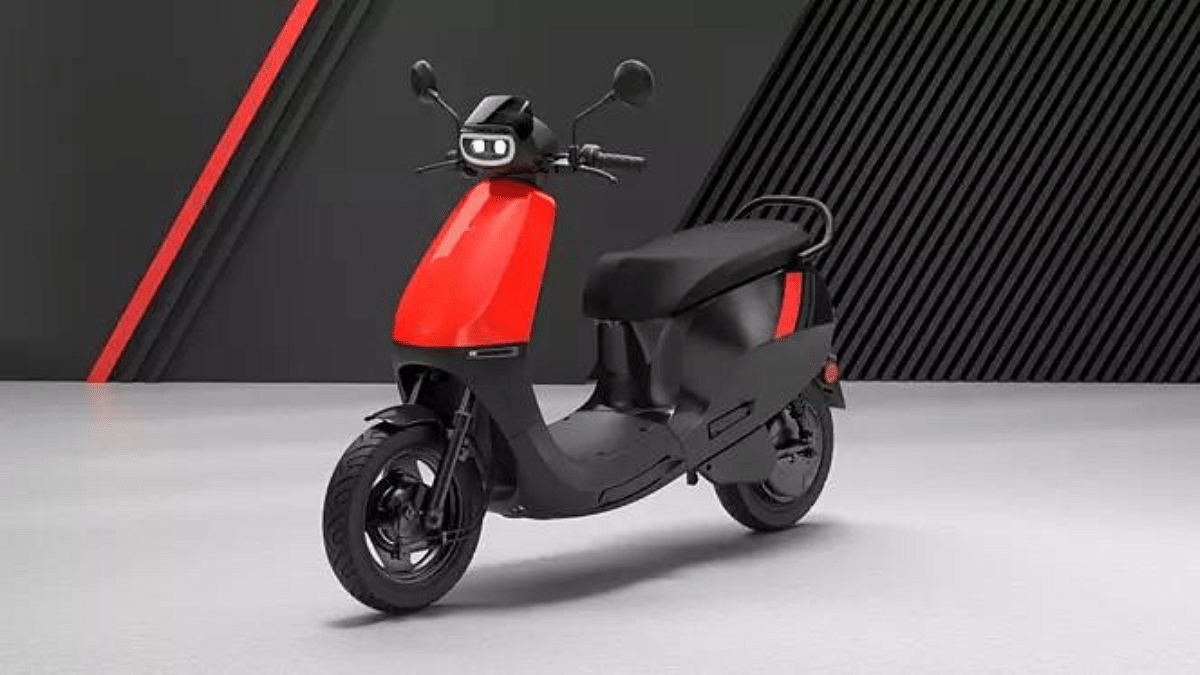
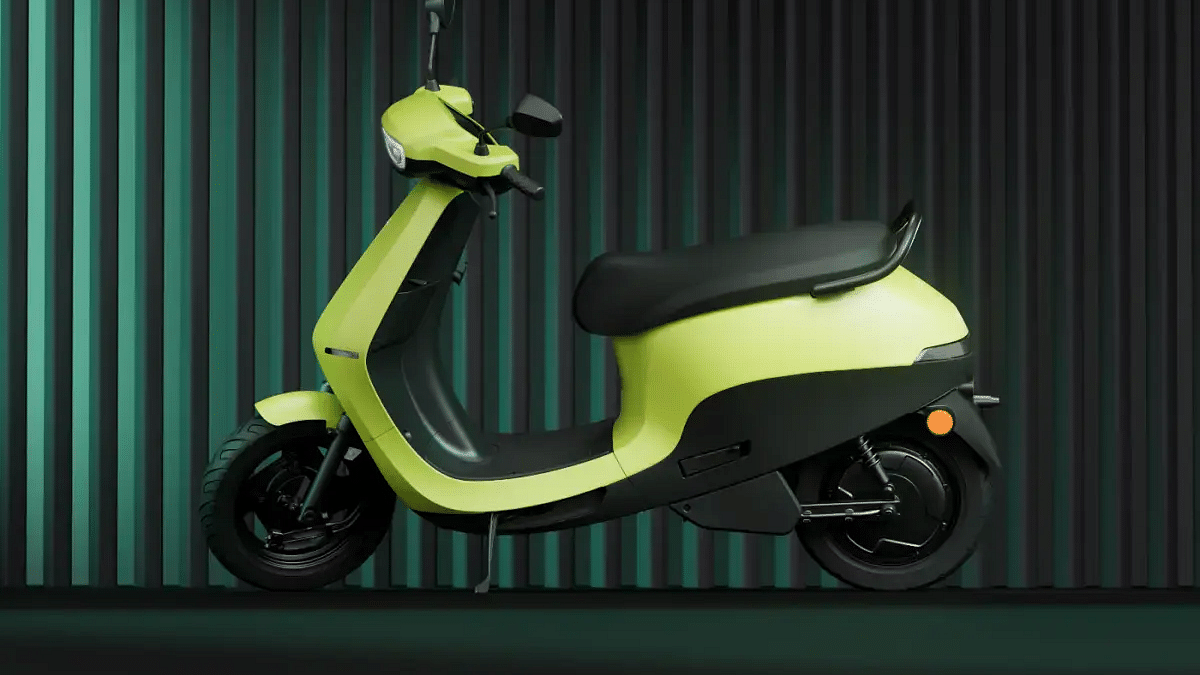
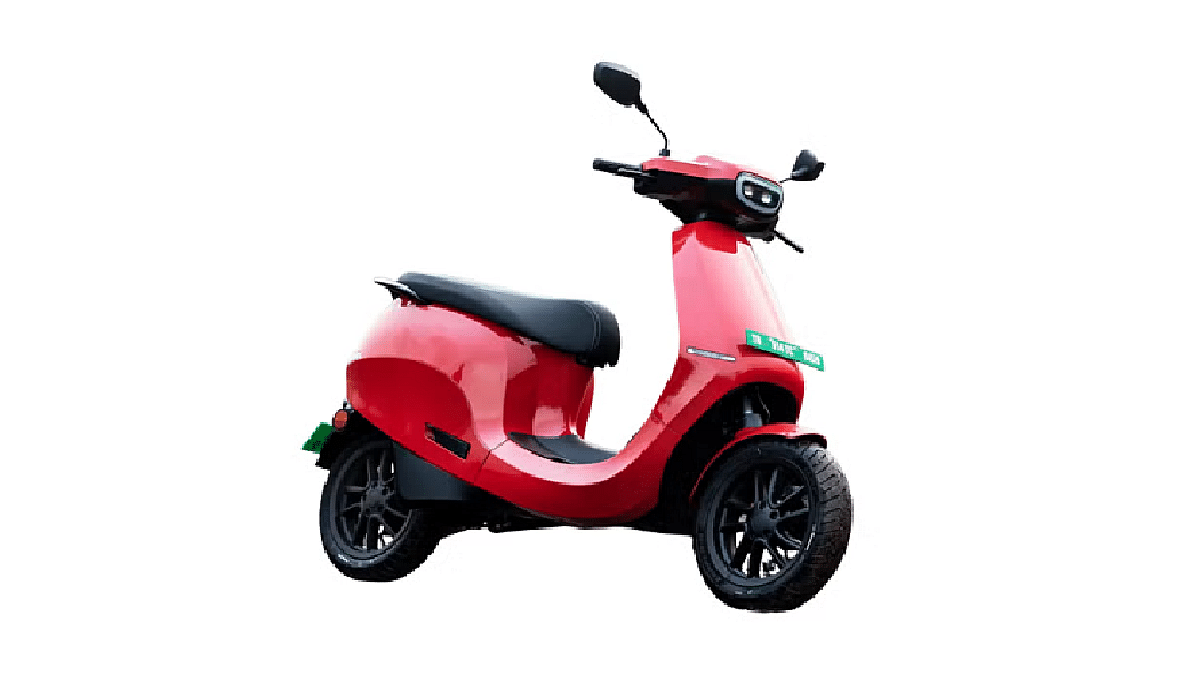
Ola’s S1X exhibits a sleek and minimalistic design, with a smaller headlight cowl compared to the S1 range. The telescopic fork and blacked-out steel wheels contribute to its contemporary look. The design is cohesive with Ola’s signature curves and simplicity.

Verdict: Design preferences may vary, but both scooters offer distinct aesthetics catering to different tastes.

Also Read: Revolt RV 400 Electric Motorcycle Refreshed With Latest Lightening Yellow Shade:

Kinetic Zulu Vs Ola S1X: Pricing and Offers

The Kinetic Zulu comes with an introductory price of Rs 94,990 (ex-showroom Mumbai). Additionally, a ‘Battery as a subscription’ plan provides potential buyers with the option to reduce the upfront cost by up to 35%.

Ola Electric has recently discounted the S1X+ by Rs 20,000, bringing its price down to Rs 89,999 (ex-showroom, including FAME 2 subsidy). Various discounts and offers are also available, making the Ola S1X an attractive proposition.

Verdict: The Ola S1X, with its discounted price, offers a more budget-friendly option.

Also Read: Ola S1X+ E-Scooter Deliveries Starts In India: Top Features That Makes It Worth A Buy

Kinetic Zulu Vs Ola S1X: Performance and Range

The Zulu is equipped with an oil-cooled motor coupled with a 2.27kWh Li-ion battery. Kinetic Green claims a range of 104km at 60kmph, and the battery can be fast-charged from 0-80% in just 30 minutes.

Powered by a hub motor with 2.7kW continuous power output, the Ola S1X offers three riding modes – Eco, Normal, and Sports. It has an ARAI-certified range of 151km for S1X and S1X+, and 91km for the 2kWh variant. Charging takes 7.4 hours using a home charger.

Verdict: The Ola S1X provides a higher ARAI-certified range and faster charging capabilities.

Also Read: Ather Starts 450 Apex E-Scooter Pre-Bookings In India: Token Amount, Expected Powertrain, And More

Kinetic Zulu Vs Ola S1X: Features and Technology

The Zulu features a digital instrument cluster, USB charging port, boot light, and LED DRLs. It also includes practical elements such as a front storage space with bag hooks.

Ola S1X is loaded with features, including riding modes, reverse mode, side stand alert, Bluetooth connectivity with navigation, and cruise control. The S1X+ variant offers a larger 5-inch segmented LCD console and keyless operation.

Verdict: Ola S1X takes the lead with a more extensive feature set, especially in the higher variant.

Also Read: Planning A Long Drive With Your EV? Here Are Five Questions Every EV Owner Should Consider

Kinetic Zulu Vs Ola S1X: Charging Infrastructure

The Zulu offers fast-charging capabilities, allowing users to charge the battery from 0-80% in just 30 minutes using a 15A socket.

Charging the Ola S1X takes 7.4 hours for a full 0-100% charge using a home charger. The S1X and S1X+ use a 500W portable charger, while the 2kWh variant uses a 350W unit.

Verdict: While the Zulu offers faster charging, the S1X provides flexibility with portable chargers.

Also Read: Simple Dot One E-Scooter India Launch On December 15: New Ola S1 Air Rival?

Kinetic Zulu Vs Ola S1X: Variants

The Kinetic Zulu comes in a single variant with various color options.

Ola offers the S1X range in three variants: standard, S1X+, and S1X 2kWh version, each catering to different preferences and budgets.

Verdict: Ola S1X provides more options to cater to diverse customer needs.

Also Read: Ola S1 Air Vs River Indie Electric Scooter: Top Contender In Budget Segment

Kinetic Zulu Vs Ola S1X: Final Verdict

The Kinetic Zulu offers a modern design, fast-charging, and a ‘Battery as a subscription’ option. On the other hand, the Ola S1X, with its discounted price, sleek design, extensive features, and impressive range, stands out. If budget is a primary concern, the Kinetic Zulu is a solid choice. However, for those seeking a feature-rich scooter with an emphasis on range and design, the Ola S1X emerges as the winner in this electrifying comparison.

Also Read: 6 Must-Have Electric Bike Accessories Every Owner Should Have

Categories
Apps Featured Info

iOS 17.2 Update: Now Available With Spatial Video, Journal app And More

Key Highlights

  • iOS 17.2 update is available from today.
  • The new update comes with enhanced camera functionalities.
  • Customizable notification sounds, sticker reactions in Messages, and other user-friendly updates

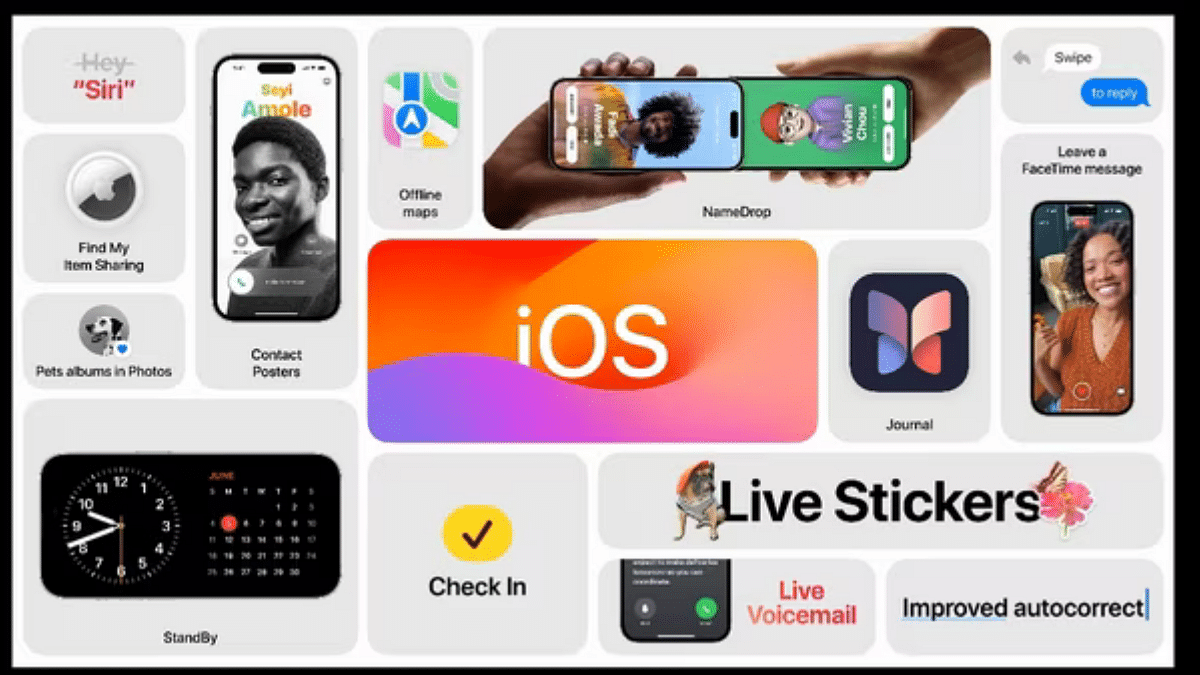
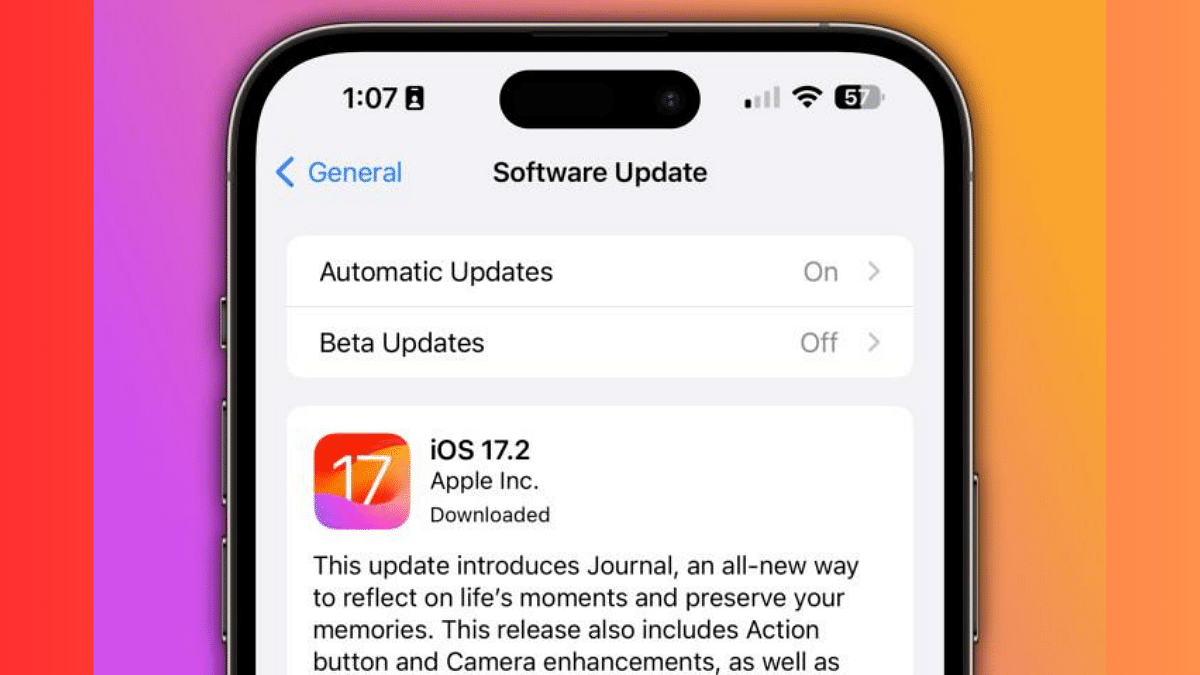
The highly anticipated iOS 17.2 update has finally arrived, bringing a lot of exciting features to your iPhone. From the introspective Journal app, Enhanced AirDrop Functionality to advanced camera functionalities, let’s explore the key enhancements that await you with this latest update.

Also Read: Apple iOS 17.1 Update Is Here: Here’s What You Need To Know

1. Journal App: Reflecting on Memories

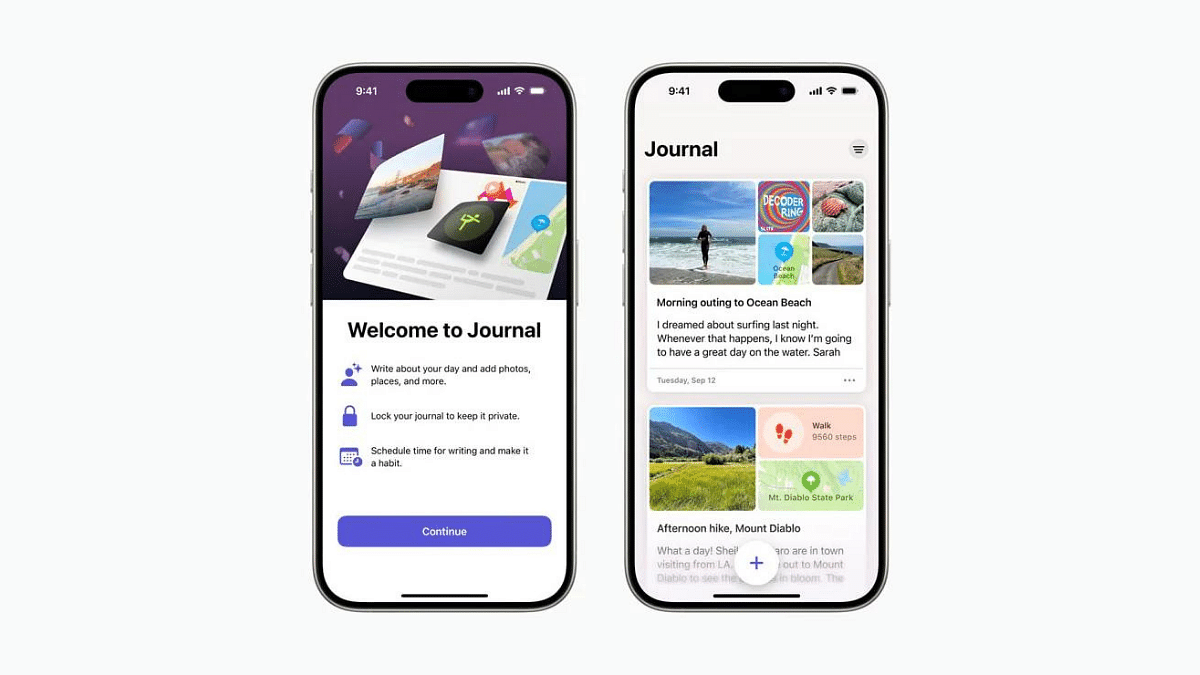
The star of the show is undoubtedly the Journal app, designed to help you reflect on photos, videos, and other content using inspirational prompts. It’s a thoughtful addition that encourages users to engage in introspection through multimedia.

2. Spatial Video Capture on iPhone 15 Pro Models

Exclusive to iPhone 15 Pro and iPhone 15 Pro Max users, iOS 17.2 introduces spatial video capture. Leveraging advanced camera systems, this feature allows you to record immersive videos with depth. The Apple Vision Pro enhances the experience, and a new “AirPlay Receiver” option facilitates content sharing.

3. Zippier Telephoto on iPhone 15 Pro Models

For photography enthusiasts, the iPhone 15 Pro and iPhone 15 Pro Max now boast a faster focus speed when capturing zoomed-in photos. This enhancement ensures a smoother and quicker photography experience.

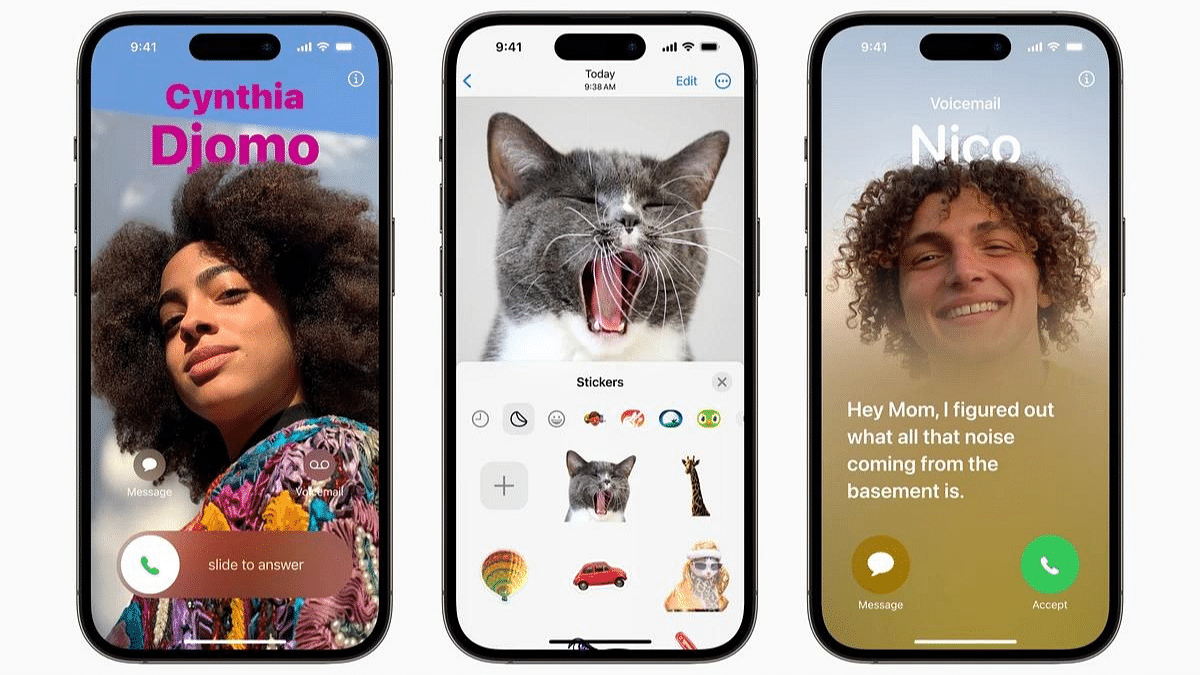
Also Read: iOS Tips & Tricks: Learn How To Set Up Your Contact Poster On iPhone

4. Customizable Notification Sounds

With iOS 17.2, users can customize notification sounds under “Sounds & Haptics.” While this doesn’t apply to text, calendar, and mail alerts, it allows for a more personalized notification experience.

5. Sticker Reactions in Messages

Expressing yourself in Messages gets an upgrade with the ability to reply with stickers by pressing and holding any text. Apple has also introduced a “Sensitive Content Warning” for stickers, promoting responsible sharing.

6. iMessage Contact Key Verification

Designed for high-profile individuals facing security threats, iMessage Contact Key Verification ensures that texts reach the intended recipient securely. This feature adds an extra layer of protection for those in sensitive positions.

7. ‘Favorited’ Songs in Apple Music

Building on the “favorite” feature from iOS 17.1, iOS 17.2 allows users to add favorited songs to their Music Library. Additionally, a new Focus Filter in Apple Music ensures that shared listening activities don’t impact personalized recommendations.

Also Read: Apple’s Upcoming HomePod With Touchscreen: Design Revealed In Leaked Images

8. Action Button Translate Preset

The Action Button now includes a ‘Translate’ preset, making it easy to have conversations in different languages. This addition enhances the utility of the Action Button for users who frequently communicate across language barriers.

9. Consolidated Movies and TV Shows in Apple TV App

In the Apple TV app, movies and TV shows are now consolidated into one tab, simplifying navigation. The iTunes app will redirect users to the Apple TV app for film and TV show purchases.

10. Blocked User Warning in FaceTime

iOS 17.2 introduces a warning for blocked FaceTime calls, ensuring users are informed when someone attempts to contact them with a blocked identity.

Also Read: Good News Alert! Apple Extends Free Satellite Service For iPhone 14 Users

11. Interactive Moon Calendar and Weather Updates

The update brings an interactive moon calendar, offering insights into lunar behavior. The Weather app introduces new widgets, including Details, Sunrise/Sunset, and Daily Forecast, providing comprehensive weather information.

12. Memoji Customization Expansion

Memojis become more customizable in iOS 17.2, allowing users to personalize their character’s arms, shoulders, bust, and waist.

13. Siri’s Health Insights

Siri now taps into data from the Health app, enabling users to inquire about their heart rate and step count. Additionally, Siri in the Maps app provides ETA and altitude information.

Also Read: Apple Music Tips And Tricks: Here’s How To Create Collaborative Playlists

14. Contact Sharing Gesture

A new “Contact Sharing” gesture allows users to share boarding passes and other supported Wallet app items by bringing two iPhones together.

15. AppleCare & Warranty Update

Under “General” in the Settings app, Apple renamed “Coverage” to “AppleCare & Warranty,” providing clarity on device protection.

16. Qi2 Charging Standard Support

iPhone 13 and iPhone 14 models now support the Qi2 charging standard, enhancing the charging experience for users of these devices.

17. Additional Features and Bug Fixes

iOS 17.2 includes various other features such as the ability to disable inline predictions, a “Local Awareness” option for emergency alerts, and crucial bug fixes, including the resolution of a wireless car charging issue.

Also Read: How To Use WhatsApp’s Music Sharing Feature On iPhone During Video Calls: A Step-by-Step Guide

Categories
Comparison Featured Info Mobile

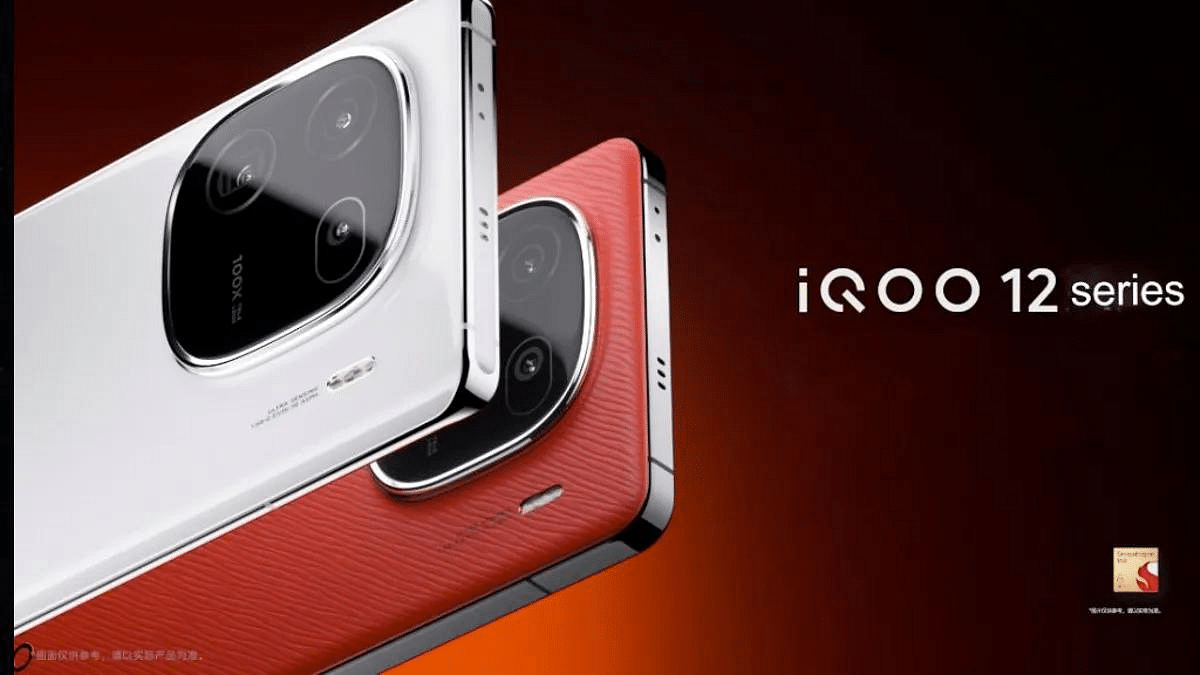
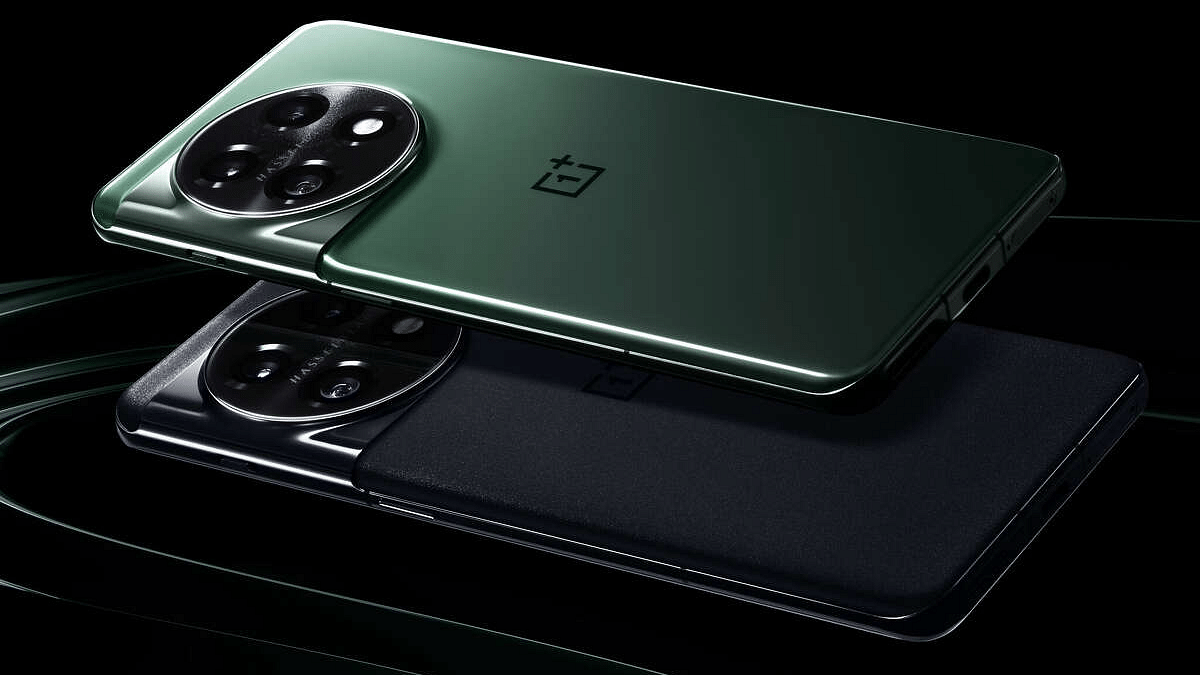
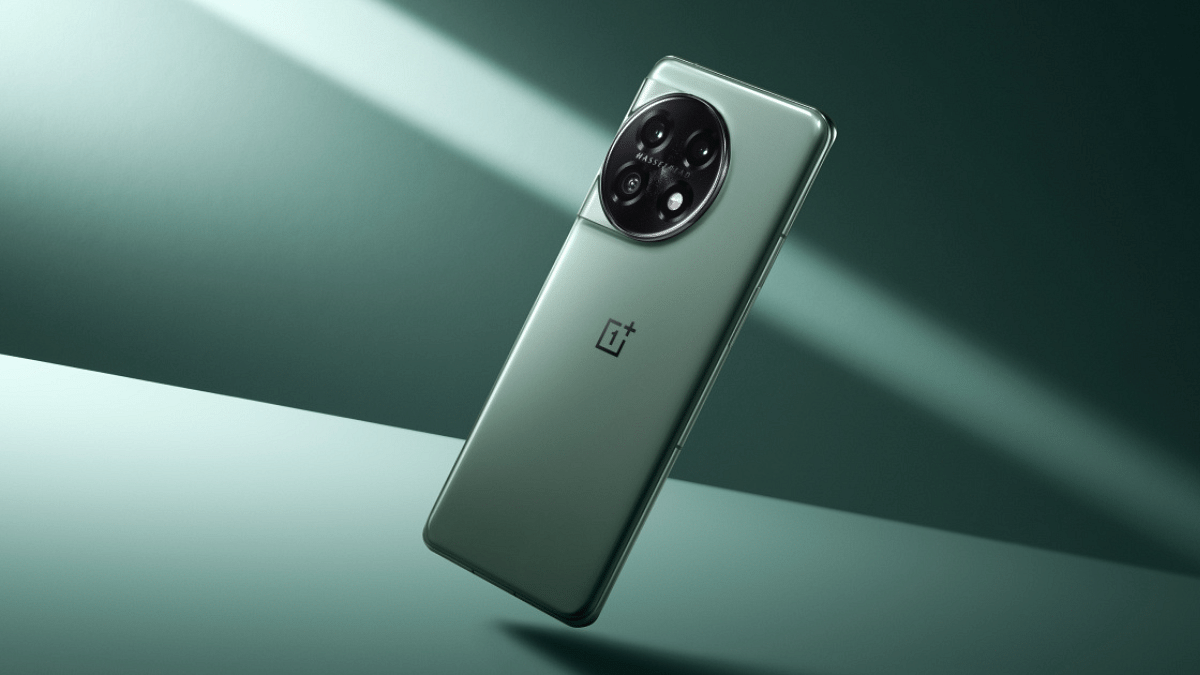
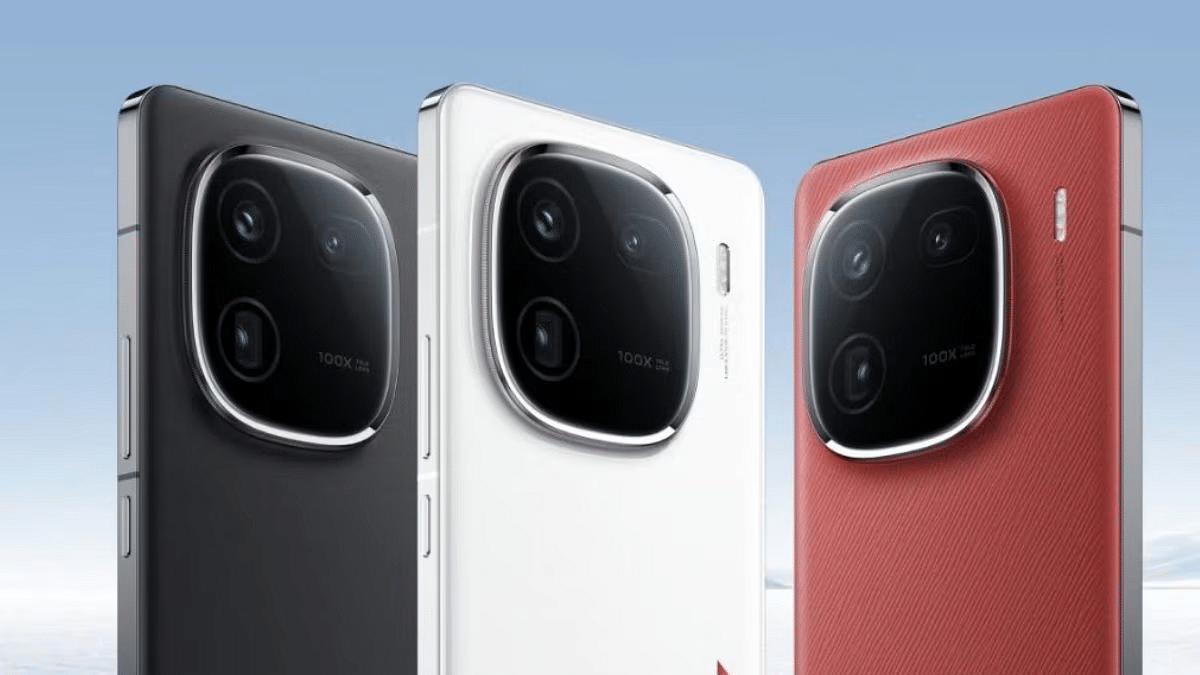
iQOO 12 Vs OnePlus 11: Top Flagship Android Phone Comparison

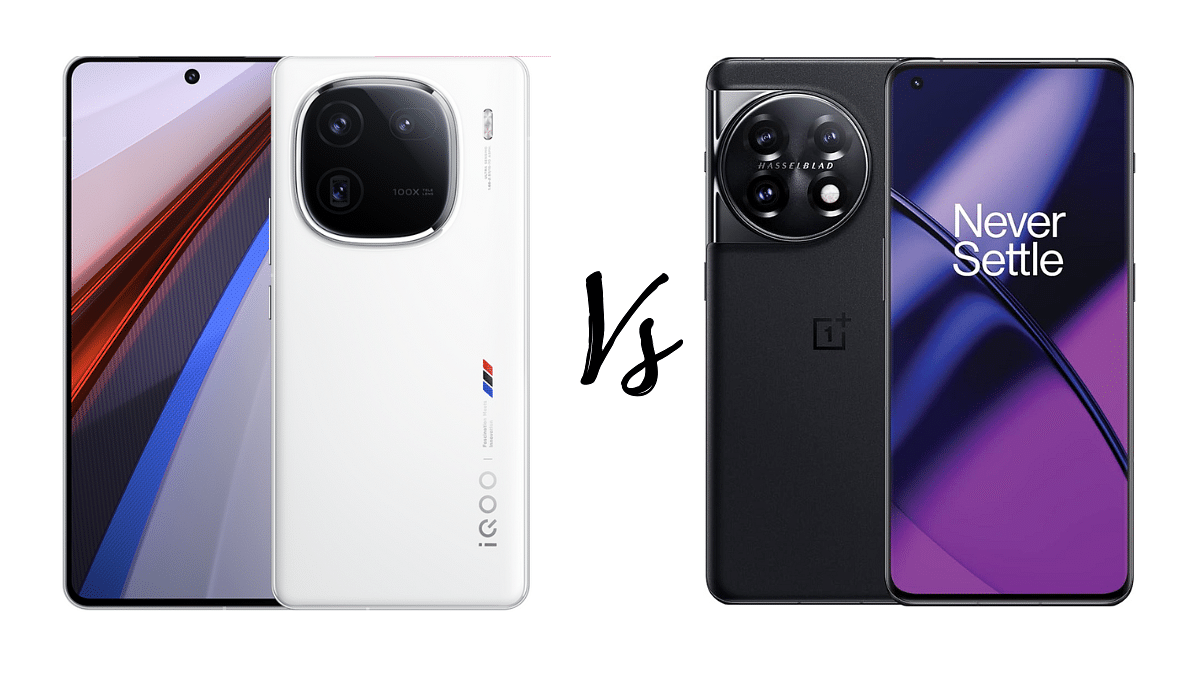
In this comparison, we take a close look at two flagship Android smartphones – the newly launched iQOO 12 and the OnePlus 11. Let’s dive into the details to see how these devices stack up against each other.

Also Read: Mediatek Dimesnity 8300 Vs Snapdragon 7 Gen 3: Chipset Comparison
iQOO 12 Vs OnePlus 11: Design and Build Quality

SpecificationiQOO 12OnePlus 11
Dimensions163.2 x 75.9 x 8.1 mm or 8.4 mm163.1 x 74.1 x 8.5 mm
Weight198.5 g or 203.7 g (7.02 oz)205 g (7.23 oz)
BuildGlass front, metal frame, glass backGlass front (Gorilla Glass Victus), glass back (Gorilla Glass 5), aluminum frame
IP RatingIP64 dustproof and water splashproofIP64

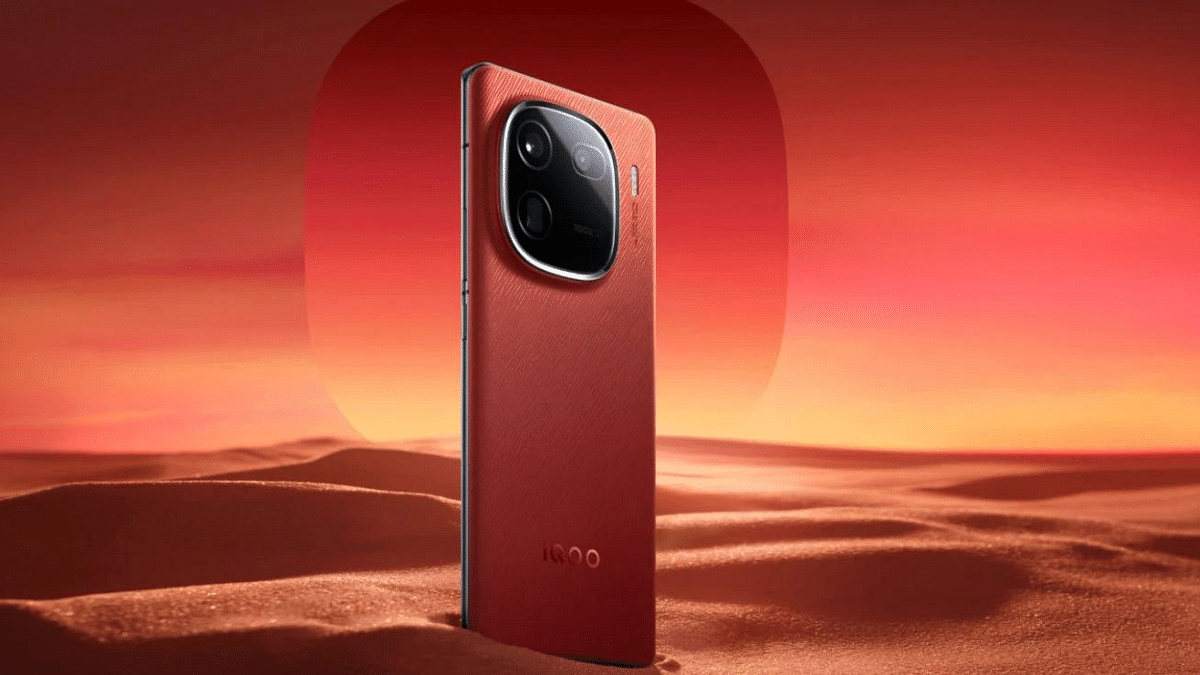
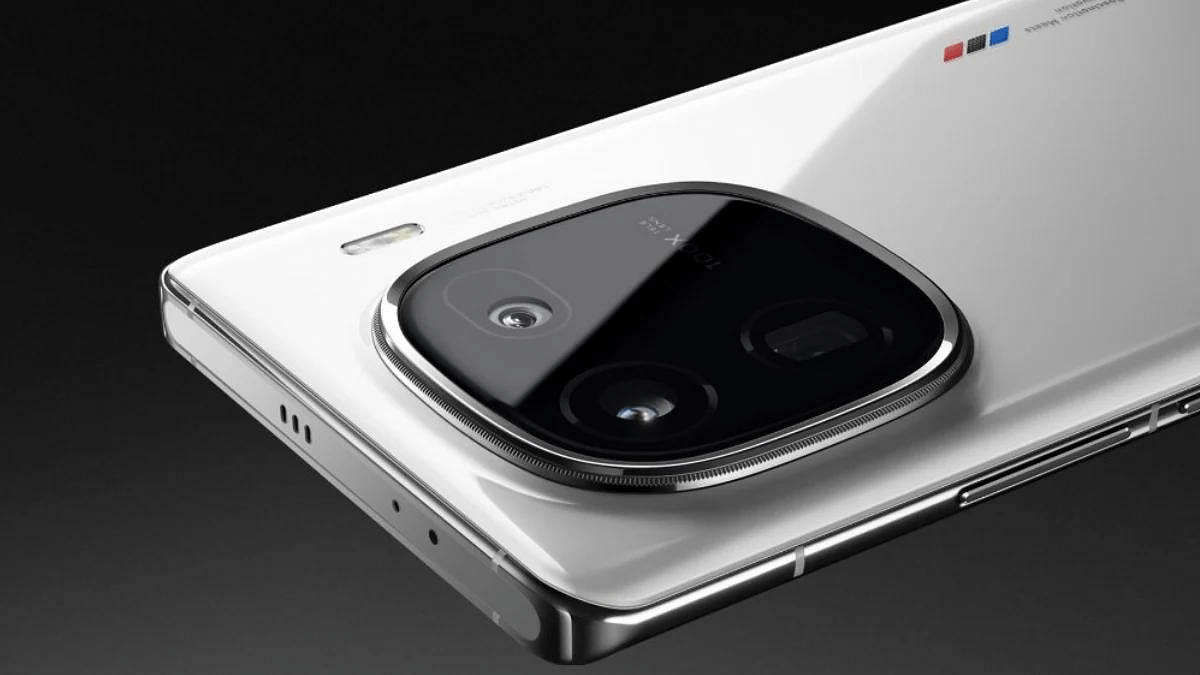
The iQOO 12 boasts a sleek design with dimensions of 163.2 x 75.9 x 8.1 mm or 8.4 mm and a weight of 198.5 g or 203.7 g, depending on the variant. It features a glass front and back with a metal frame, exuding a premium feel. Additionally, it is IP64 dustproof and water splashproof, adding durability to the mix.

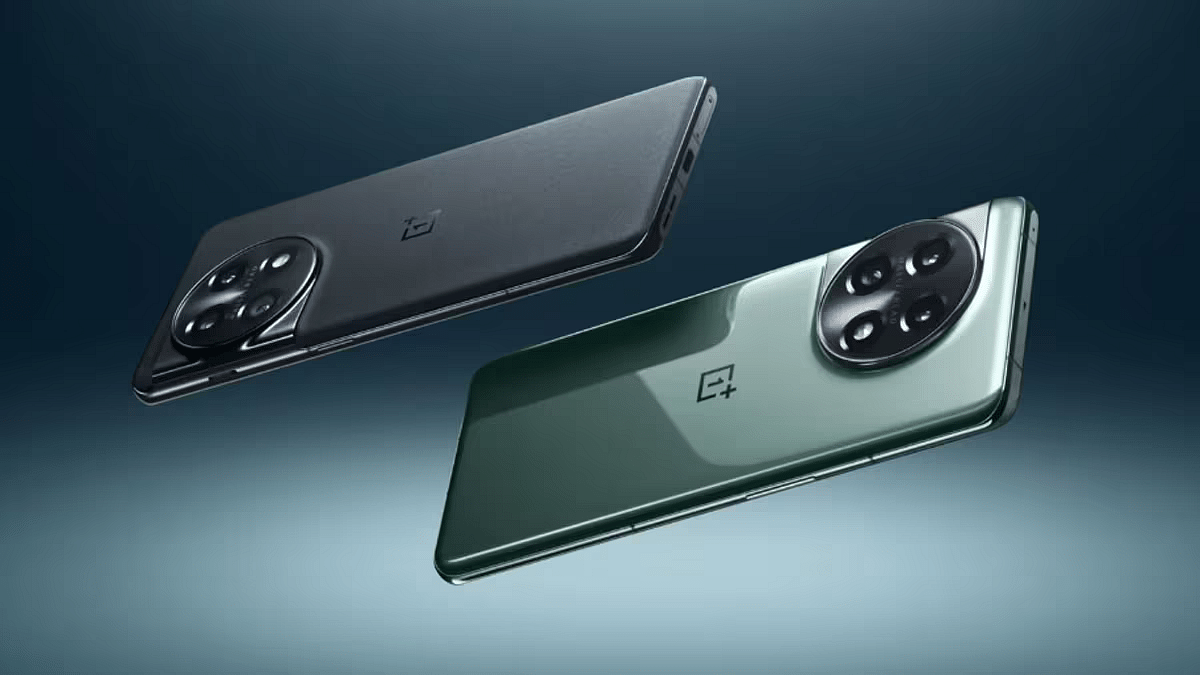
On the other hand, the OnePlus 11 follows a similar design with dimensions of 163.1 x 74.1 x 8.5 mm and a weight of 205 g. The device sports a glass front and back, along with an aluminum frame for structural integrity. It also comes with an IP64 rating for added protection.

Verdict: Both smartphones offer a premium build, but the choice between them may depend on personal aesthetic preferences.

Also Read: Four Must-Have Mobile Phone Accessories For Better Photography

iQOO 12 Vs OnePlus 11: Display

SpecificationiQOO 12OnePlus 11
TypeLTPO AMOLED, 144Hz, HDR10+, 1400 nits (HBM)LTPO3 Fluid AMOLED, 120Hz, Dolby Vision, HDR10+, 1300 nits (peak)
Size6.78 inches6.7 inches
Resolution1260 x 2800 pixels1440 x 3216 pixels
Screen-to-body ratio~89.6%~89.7%

The iQOO 12 features a 6.78-inch LTPO AMOLED display with a 144Hz refresh rate, HDR10+, and a peak brightness of 3000 nits. The 1400 nits high brightness mode (HBM) enhances outdoor visibility, providing an immersive visual experience.

Meanwhile, the OnePlus 11 sports a slightly smaller 6.7-inch LTPO3 Fluid AMOLED display with a 120Hz refresh rate, Dolby Vision, and HDR10+. The device achieves a peak brightness of 1300 nits, ensuring vibrant and detailed visuals.

Verdict: The iQOO 12 edges ahead with a larger display and a higher refresh rate, offering a potentially superior viewing experience.

Also Read: Snapdragon 7 Gen 3

iQOO 12 Vs OnePlus 11: Performance and Hardware

SpecificationiQOO 12OnePlus 11
OSAndroid 14, Funtouch 14 (International), OriginOS 4 (China)Android 13, upgradable to Android 14, OxygenOS 14 (International), ColorOS 14 (China)
ChipsetQualcomm SM8650-AB Snapdragon 8 Gen 3Qualcomm SM8550-AB Snapdragon 8 Gen 2
CPUOcta-coreOcta-core
GPUAdreno 750Adreno 740
Memory256GB 12GB RAM, 512GB 16GB RAM, 1TB 16GB RAM128GB 8GB RAM, 256GB 12GB RAM, 256GB 16GB RAM, 512GB 16GB RAM (UFS 3.1 – 128GB only, UFS 4.0)

Under the hood, the iQOO 12 is powered by the Qualcomm Snapdragon 8 Gen 3 chipset, featuring an octa-core CPU configuration. The device comes with storage options ranging from 256GB 12GB RAM to 1TB 16GB RAM, utilizing UFS 4.0 technology.

The OnePlus 11, on the other hand, houses the Snapdragon 8 Gen 2 chipset with an octa-core CPU. Storage configurations include 128GB 8GB RAM up to 512GB 16GB RAM, supporting both UFS 3.1 and UFS 4.0.
Verdict: Both smartphones offer powerful performance, with the iQOO 12 potentially having an edge with its Snapdragon 8 Gen 3 chipset.

Also Read: OnePlus Open Top Vs Samsung Galaxy Z Fold 5: Foldable Phone Comparison

iQOO 12 Vs OnePlus 11: Camera Capabilities

SpecificationiQOO 12OnePlus 11
Main Camera50 MP wide, 64 MP periscope telephoto, 50 MP ultrawide50 MP wide, 32 MP telephoto, 48 MP ultrawide
Video8K@30fps, 4K@24/30/60fps8K@24fps, 4K@30/60fps
Selfie Camera16 MP16 MP

The iQOO 12 boasts a versatile triple-camera setup, including a 50 MP wide lens, 64 MP periscope telephoto lens, and a 50 MP ultrawide lens. The device supports impressive video recording capabilities, including 8K at 30fps and 4K at 60fps.

The OnePlus 11 features a triple-camera arrangement, comprising a 50 MP wide lens, 32 MP telephoto lens with 2x optical zoom, and a 48 MP ultrawide lens. It also supports 8K video recording at 24fps and 4K at 60fps.

Verdict: The choice between the two cameras may come down to personal preferences, as both smartphones offer competitive camera setups.

Also Read: Xiaomi 14 Vs Google Pixel 8: Android Phone Comparison

iQOO 12 Vs OnePlus 11: Battery and Charging

SpecificationiQOO 12OnePlus 11
Battery5000 mAh5000 mAh
Charging120W wired100W wired (International), 80W wired (USA)

The iQOO 12 houses a 5000 mAh non-removable battery, supporting blazing-fast 120W wired charging.

The OnePlus 11 features a similar 5000 mAh non-removable battery but with 100W wired charging for international models and 80W for the USA.

Verdict: Both devices offer impressive battery capacities and fast charging capabilities, making them reliable choices for users on the go.

Also Read: itel A05s Vs Realme C30 Vs Xiaomi Redmi 12C: Android Phone Comparison Under Rs.7000

iQOO 12 Vs OnePlus 11: Final Verdict

The newly launched iQOO 12 excels with a lighter build, a slightly superior display with a higher refresh rate, and the latest Qualcomm Snapdragon 8 Gen 3 chipset. On the other hand, the OnePlus 11 impresses with a durable build, outstanding camera specifications, and fast wired charging.

Categories
Apps Featured Info

How To Activate Spam Protection In Google Messages: Guide

Key Highlights

  • Easily enable Spam Protection with just a few taps.
  • Google Messages puts users in charge of their privacy settings.
  • Machine learning identifies spam offline, ensuring user data privacy.

Google Messages includes a built-in Spam Protection feature which actively scans messages in real-time to spot and block spam messages. The best part? It’s up to you whether to use it or not, giving you full control over your privacy settings. Now, let’s explore how to activate this handy feature on your phone.

Also Read: Google Unveils OpenAI Competitor Gemini 1.0

Activating Spam Protection In Google Messages

  • Open the Google Messages app: Launch the app on your smartphone to access its features.
  • Navigate to Settings: Tap on your profile icon situated at the top right corner, and from there, find the Settings option.
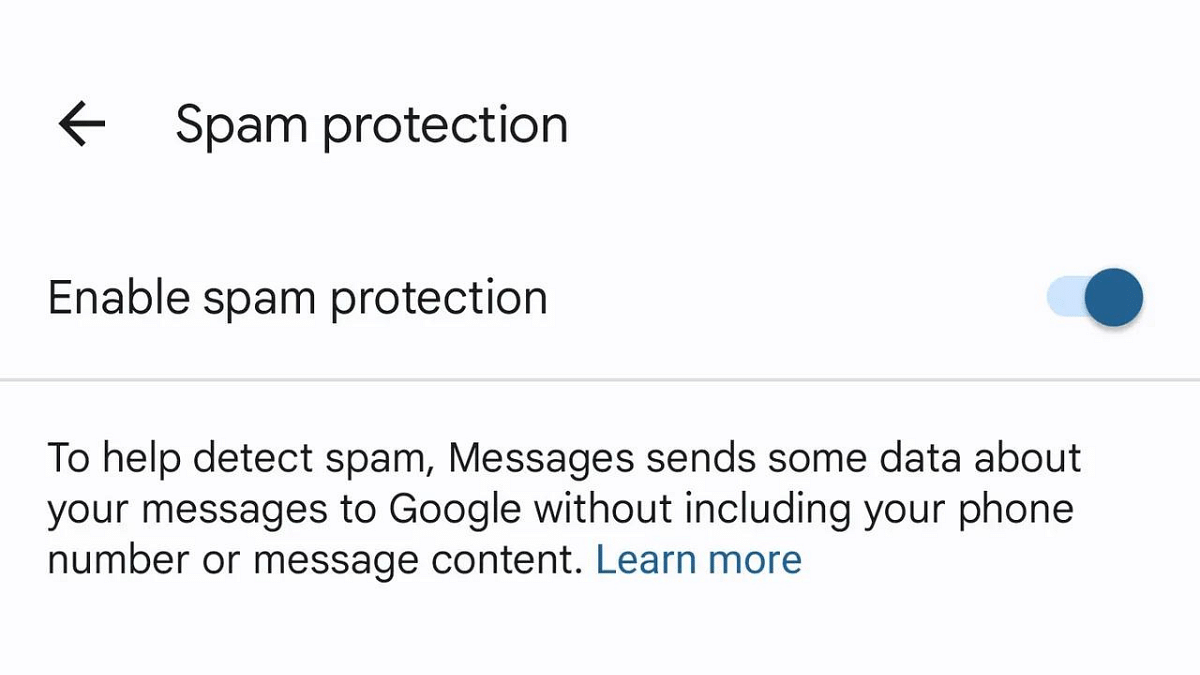
  • Locate “Spam Protection”: Within the Settings menu, you’ll find the “Spam Protection” option.
  • Enable the toggle: Activate the toggle switch, and you’re all set! With Spam Protection turned on, Google Messages will automatically filter potential spam messages, providing an additional layer of defense against scams. Additionally, users can manually report any message as spam.

Also Read: Top 5 Most Searched Diwali Queries On Google: CEO Sundar Pichai Reveals

How Does Spam Protection Keep You Safe?

Google Messages’ Spam Protection keeps you safe in a few smart ways. First, it uses clever technology (machine learning) on your phone to find possible spam messages. These iffy messages then get sorted into a special folder, so your main inbox stays clean and tidy.

What’s cool is that you get to be a part of the safety team. If you spot a message that’s spam, you can tell Google by marking it as “Report spam.” And if it’s not spam, you can mark it as “Report not spam.” Your input helps make the system even smarter.

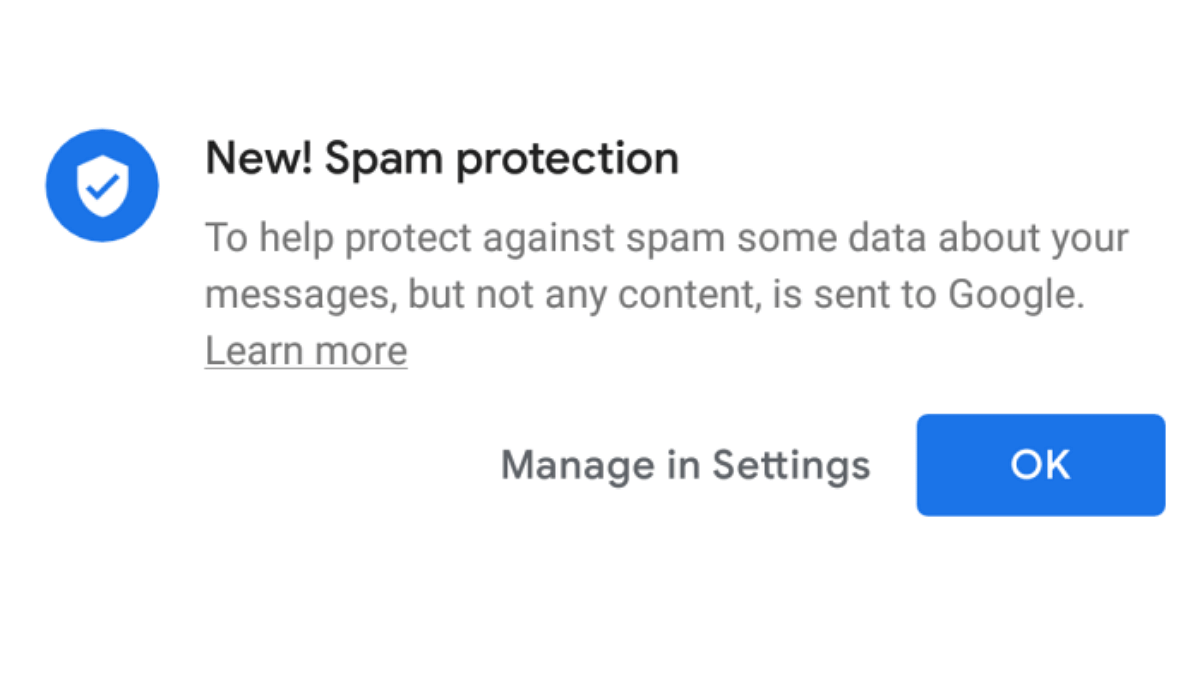
And guess what? All of this happens without needing the internet, so your privacy is a top priority. Google might collect some data to make Spam Protection better, but don’t worry—it’s all anonymous and doesn’t include personal stuff like your name or phone number. Your privacy is safe and sound while Spam Protection keeps your inbox secure.

Also Read: Google Pixel Buds Hacks: How To Pair Pixel Buds With Windows Laptops And PCs

Categories
Apps Featured Info

WhatsApp Introduces New Reply Bar For Status Updates And More..

Key Highlights

  • WhatsApp’s reply bar simplifies status update responses effortlessly.
  • WhatsApp Adopts Instagram-Style Reply Bar.
  • Android and iOS users can experience the feature’s beta version.

WhatsApp, the widely-used instant messaging app under the Meta umbrella, is on the brink of revolutionizing user interaction with its latest feature – the reply bar for status updates. Currently in beta testing, this innovative addition simplifies the process of responding to status updates, drawing parallels with Instagram’s approach to story replies.

Also Read: WhatsApp Unveils Self-Destructing Voice Messages: Details

Accessing The Beta Version

Reports from WABetaInfo reveal that the reply bar for status updates will be available for both Android and iOS users. Beta enthusiasts can get a firsthand experience by installing the latest beta version from the Google Play Store (for Android) or the TestFlight app (for iOS).

Beta testers of WhatsApp version 2.2.26.3 on Android and v23.15.10.72 on iOS are witnessing the persistent display of the new Reply bar at the bottom of the screen when viewing status updates. This replaces the previous swipe-up gesture for initiating a reply, aligning WhatsApp’s interface more closely with Instagram Stories.

While currently in the beta phase, the feature is expected to roll out to all users soon. Once it successfully completes the testing phase and any necessary adjustments are made, all users can look forward to a more streamlined and user-friendly interaction with status updates.

Also Read: WhatsApp Beta Update: AI Chatbot Access Button Rolled Out To Selected Users

Additional WhatsApp Updates

In tandem with the reply bar feature, WhatsApp is introducing another layer of privacy with the “view once” feature for audio messages. Similar to its counterparts for photos and videos, this feature ensures that audio messages disappear after being played, enhancing user privacy.

For iOS users, WhatsApp is rolling out two new features: message pinning and a connection health check during video calls. This aligns with Meta’s strategy of harmonizing features across its platforms, with WhatsApp, Messenger, Instagram, and Facebook sharing common elements.

Also Read: How To Use WhatsApp’s Disappearing Voice Notes Feature: Guide

Categories
Auto Tech Featured Info

ElectricPe Partners With Ola Electric, Hero Electric, And Ather: Scooters Available At New Mobility Centers

Key Highlights

  • ElectricPe joins with industry giants for EV accessibility.
  • New centers showcase Ola, Hero, Ather scooters, simplifying ownership.
  • ElectricPe’s hubs offer tests, charging solutions, and many more services.

ElectricPe has recently revealed plans to enhance its services by introducing virtual and physical mobility centers. This strategic move is aimed at streamlining the ownership experience for electric vehicles, addressing the challenges faced by consumers in this rapidly growing market.

Through these newly established outlets and the user-friendly ElectricPe App, customers can now explore and test drive a variety of E-2Wheelers from renowned Original Equipment Manufacturer (OEM) brands such as Ola Electric, Hero Electric, Ather, and more. This initiative not only allows potential buyers to experience different models firsthand but also facilitates informed decision-making.

Also Read: 6 Must-Have Electric Bike Accessories Every Owner Should Have

ElectricPe’s mobility centers go beyond mere test drives. Customers visiting these centers gain access to subscriptions, flexible financing options, and support services covering vehicle exchange, insurance, and registration. Additionally, the outlets offer convenient solutions for home or workplace charging, ensuring a seamless and hassle-free ownership journey.

Currently, ElectricPe’s mobility centers are situated in Bangalore, marking the beginning of a transformative journey. However, the company has ambitious plans for expansion, with more outlets slated to open in 2024. This geographical growth aligns with ElectricPe’s commitment to making electric mobility accessible to a wider audience.

Acknowledging the challenges faced by the EV industry, ElectricPe aims to tackle range anxiety and consumer confusion head-on. The extensive charging network addresses range anxiety, while the mobility centers and the ElectricPe App act as educational hubs, guiding consumers through the diverse landscape of over 200 EV two-wheeler brands.

Also Read: Electric Vehicles Reduce Oil Usage By 1.8 Million Barrels: Key Impact Of EV On Environment

Categories
Featured Info Mobile

OnePlus 12 Series 5G Global Launch Date Confirmed: Check Details Here

Key Highlights

  • OnePlus 12 series to launch globally on January 23, 2024.
  • Impressive features include 2K display, 120Hz refresh, Snapdragon 8 Gen 3.
  • OnePlus introduces OnePlus 12R 5G, broadening its global offerings.

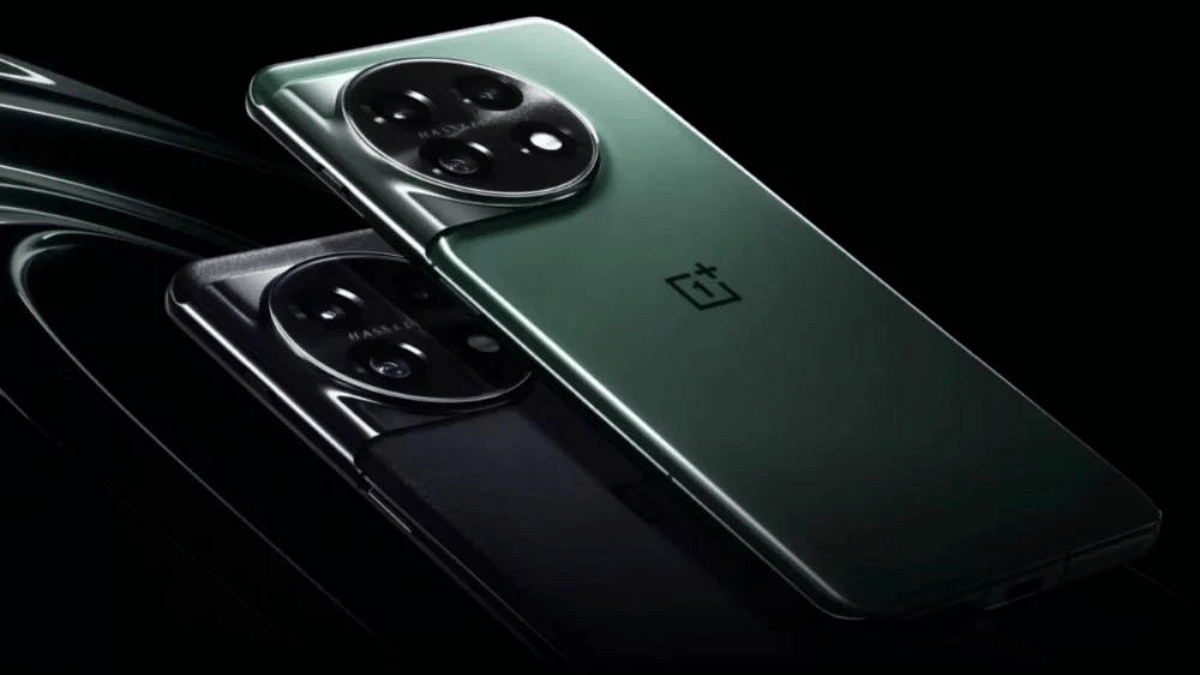
OnePlus officially confirmed the global launch date of its highly anticipated OnePlus 12 series. Following its debut in the Chinese market on December 5, the company is set to introduce the OnePlus 12R 5G and the flagship OnePlus 12 to the global audience on January 23, 2024.
Also Read: OPPO Pad Air 2 To Debut As Rebadged OnePlus Pad 2: November 2023 Launch Tipped

OnePlus 12 Series 5G: Launch Date

The global launch date was disclosed during the Never Settle community event by Alexander Vanderhaeghe, OnePlus Country Manager for the region. This confirmation aligns with earlier teasers on X and predictions from reliable tipsters like Max Jambor, who pointed to a January 23 launch. The Netherlands-based Hardware Info publication further substantiates this, reporting that the OnePlus 12 series will indeed make its international debut on the aforementioned date.

Also Read: OnePlus 12 Camera Samples Officially Teased: Launch Timeline, Key Specs Out

OnePlus 12 Series 5G: Specifications

OnePlus 12 5G

  • Display: 6.82-inch AMOLED panel, 2K resolution, 120Hz refresh rate, 4,500 nits peak brightness, DisplayMate A+ certification.
  • Processor: Qualcomm Snapdragon 8 Gen 3 chipset, Adreno 750 GPU.
  • RAM and Memory: 12GB / 16GB / 24GB LPDDR5X RAM, 256GB / 512GB / 1TB UFS 4.0 storage.
  • Software: Color OS 14 based on Android 14.
  • Cameras: 50MP primary sensor, 48MP ultra-wide-angle lens, 64MP periscope telephoto sensor, 32MP front camera.
  • Battery: 5,400mAh, 100W wired charging, 50W wireless charging, 10W reverse wireless charging.
  • Connectivity: 5G, Wi-Fi 7, Bluetooth V5.3, NFC, infrared sensor, GPS.
  • Other features: In-display fingerprint scanner, Hi-Res audio, Stereo speakers, Dolby Atmos support, IP65 rating.

OnePlus 12R 5G

  • OnePlus is expected to rebrand the OnePlus Ace 3 as the OnePlus 12R 5G in global markets.
  • Display: Similar to the OnePlus 12.
  • Processor: Qualcomm Snapdragon 8 Gen 2.
  • Battery: 5000mAh with 100W wired fast charging.

Also Read: Is OnePlus 12 Launch Sooner Than Expected? OnePlus Ace 3 Coming Along?