Aditi Verma is a skilled tech content writer with a talent for making complex ideas easy to understand. She crafts engaging articles, breaking down intricate tech topics into simple words that anyone can grasp. Aditi is your go-to writer for all things tech.
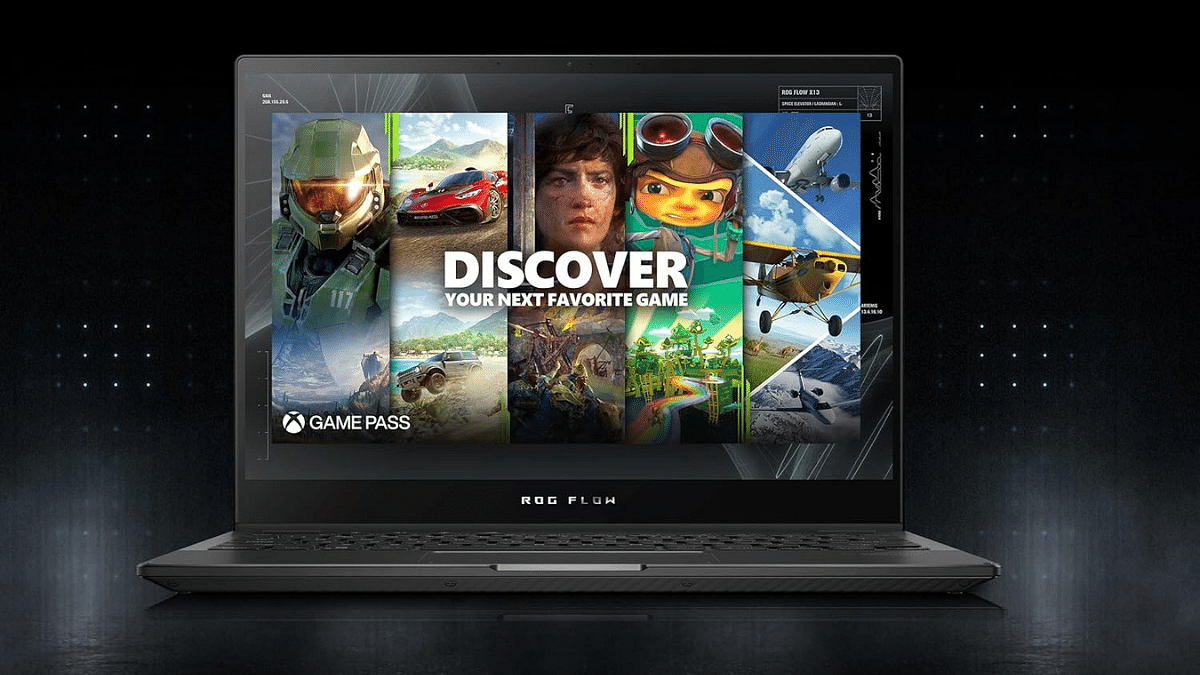
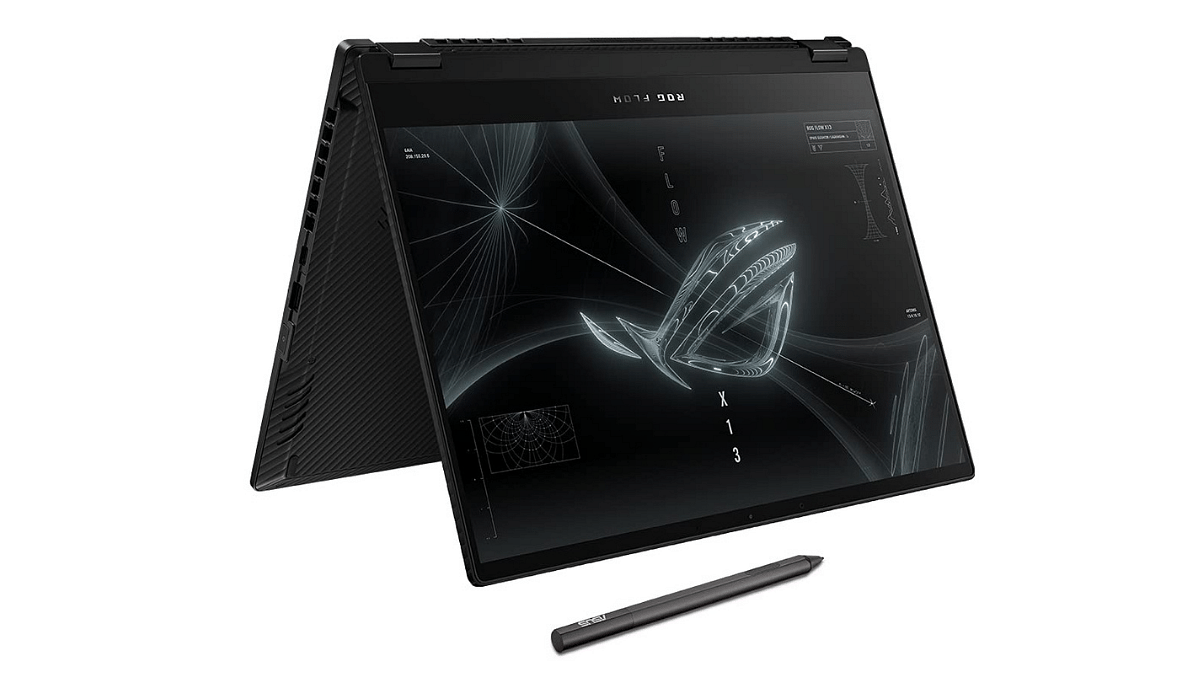
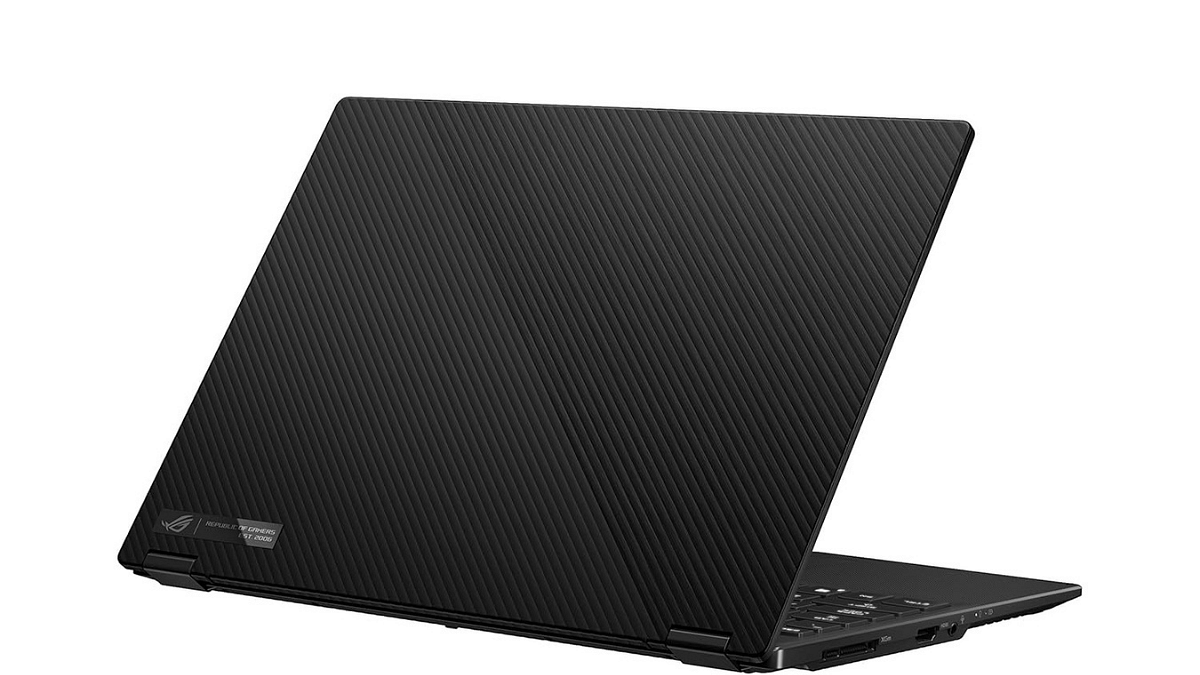
ASUS has recently introduced its ROG Flow X13 2-in-1 gaming laptop, the GV302XV-MU016WS. This laptop has a 13.4-inch QHD+ display, AMD Ryzen 7000 series processor. Let’s take a closer look at its specifications and pricing.
The ASUS ROG Flow X13 laptop is a sleek and compact 2-in-1 device. It has a 13.4-inch Touch Screen QHD+ (2560 x 1600) ROG Nebula Display with a 16:10 screen aspect ratio, 165Hz refresh rate, quick 3ms response time, and 500 nits of brightness.
Under the hood, this laptop is packed with AMD Ryzen 9 7940HS Mobile Processor, featuring 8 cores and 16 threads. With a massive 16MB L3 cache and a speedy 5.2 GHz Max Boost, this laptop is advertised to handle demanding tasks with ease.
For people who are into gaming, it comes with AMD Radeon 780M GPU, NVIDIA’s GeForce RTX 4060 Laptop GPU, which offers 8GB GDDR6 Graphic Memory and features like the MUX Switch and NVIDIA Advanced Optimus Mode.
The ROG Flow X13 has 16GB LPDDR5 RAM and 1TB PCIe 4.0 NVMe M.2 SSD with a PCIe slot for expansion. In terms of connectivity options, it comes with a USB 3.2 Gen 2 Type-C port that supports Display Port and power delivery, HDMI 2.1, various USB ports, and Wi-Fi 6E (802.11ax).
This laptop comes with a 75WHrs, 4-cell Li-ion battery. It also features a backlit chiclet keyboard with a single light for typing in the dark and advanced audio technology including Dolby Atmos and AI noise-cancelling for a better multimedia experience.
ASUS ROG Flow X13 2-In-1 Laptop: Price, Availability
The ASUS ROG Flow X13 GV302XV-MU016WS is priced at Rs. 1,84,990. It’s available on the official ASUS India website and can be purchased from Amazon India.
Upcoming features: Collaborative posts and verified accounts.
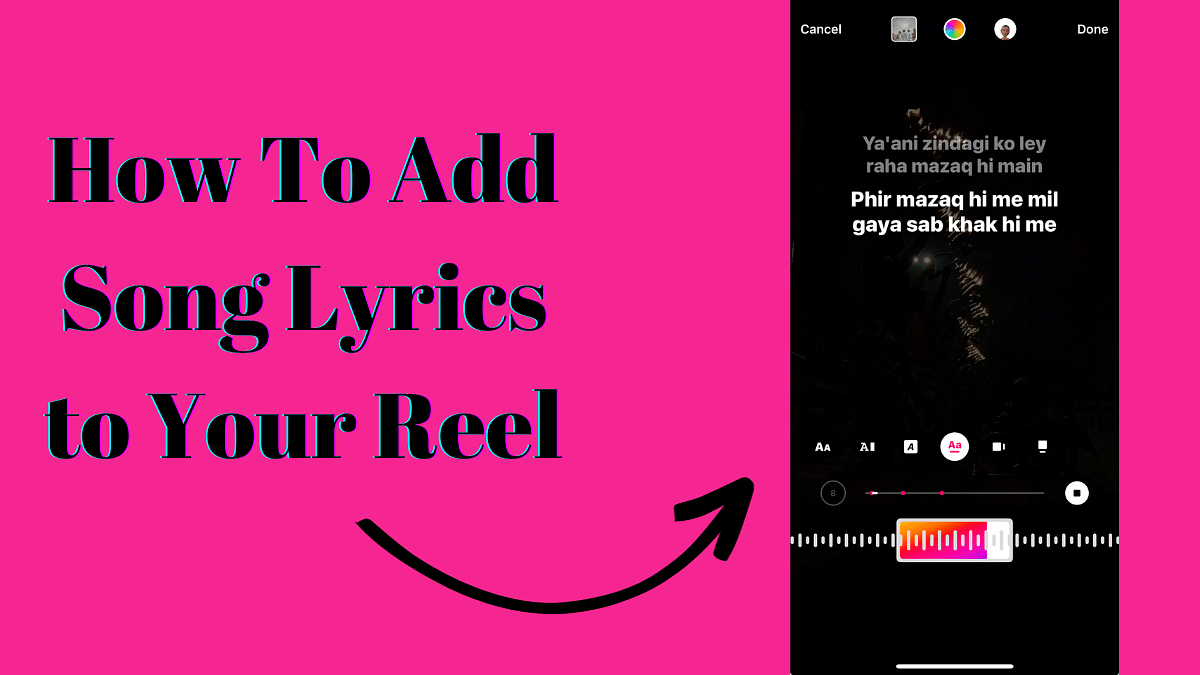
Instagram has released an exciting new feature that lets users add song lyrics to their Reels, similar to what you can do on Instagram Stories. This is part of Instagram’s ongoing efforts to enhance user experience with innovative features. In this article, we’ll walk you through the steps to use this feature effectively.
Instagram’s head, Adam Mosseri, recently made the big announcement on his Broadcast Channel. He revealed that Instagram had noticed users manually adding song lyrics to their videos. To make things easier and more fun for users, they decided to introduce this new song lyrics feature. Mosseri also hinted that more exciting features are in the works for Reels.
To add song lyrics to your Instagram Reel, follow these simple steps:
First, open the Reel you want to edit.
Look for the music icon, usually located at the top.
Tap on the music icon, and a selection of songs will appear.
Choose the song that you want to use for your Reel.
After selecting the song, you can swipe left to add the lyrics.
This process is quite similar to the Music feature on Instagram Stories, which has allowed users to include song lyrics in their Stories for some time now.
Adam Mosseri also mentioned that Instagram is testing a feature that allows users to invite friends to collaborate on their feed posts, creating collaborative carousel posts. This means that your friends can add more images to your post, making it a shared experience.
Additionally, Instagram is testing a feature that might allow users to view posts exclusively from verified accounts. This move could help businesses and creators gain more visibility.
In recent news, Instagram and Facebook have announced ad-free subscription plans in Europe. Users in the European Union (EU), European Economic Area (EEA), and Switzerland can opt for these plans to enjoy a seamless browsing experience. For EUR 9.99 per month, users get ad-free access on the web, and for EUR 12.99 per month, they can enjoy ad-free access on iOS and Android platforms.
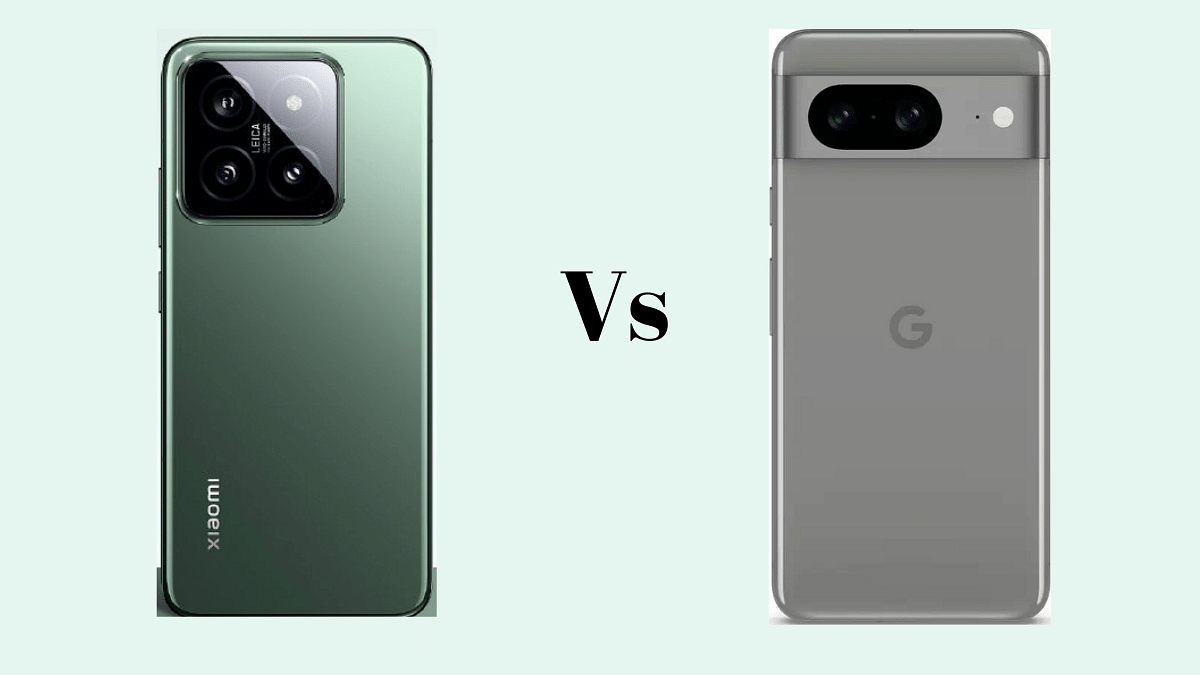
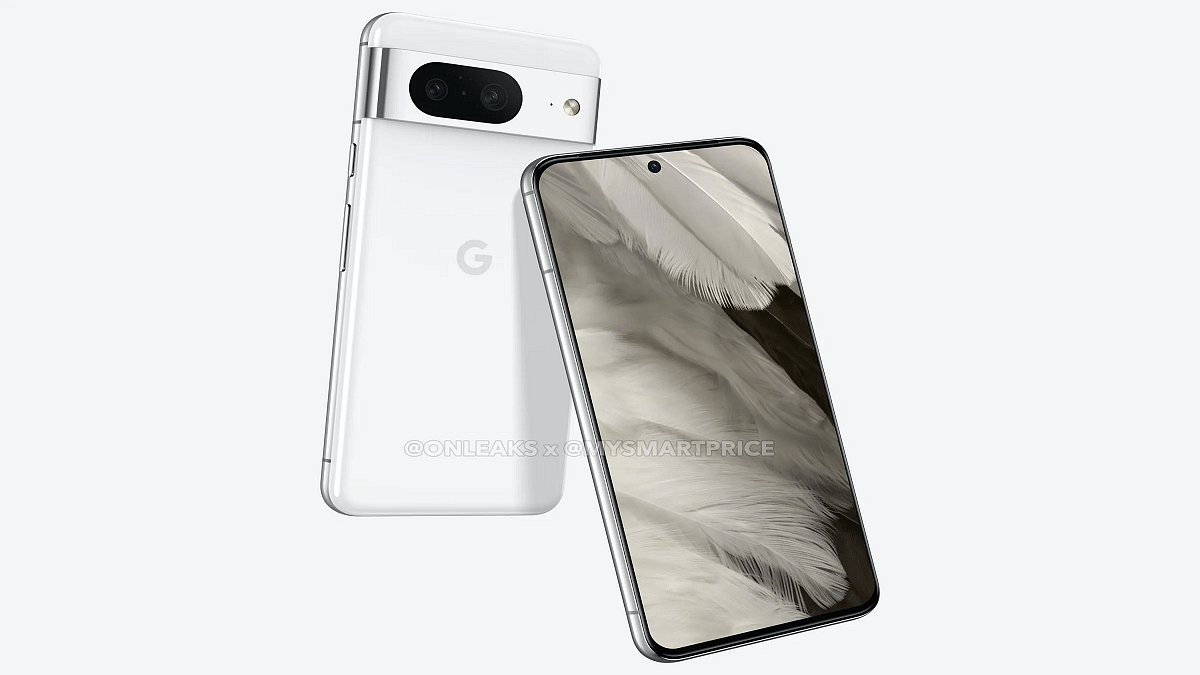
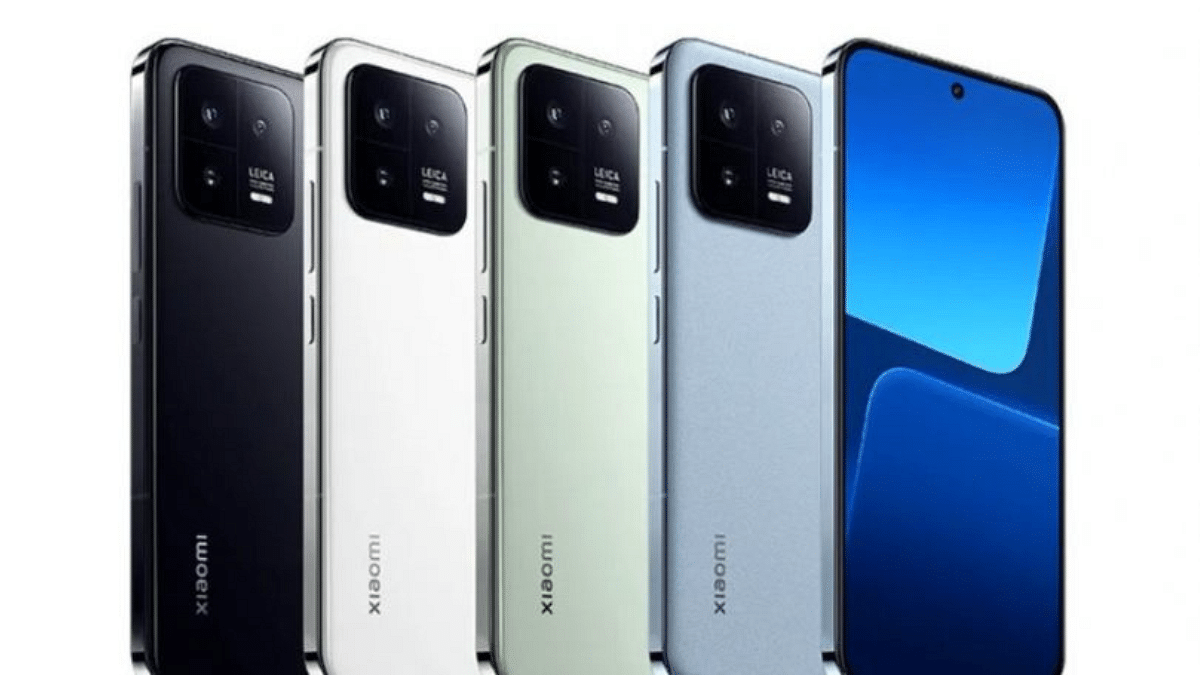
Xiaomi 14 and Google Pixel 8 are two Android smartphones that offer different features and specifications. In this comparison article, we’ll take a closer look at these two devices, examining their body, display, platform, camera, battery, and other essential aspects.
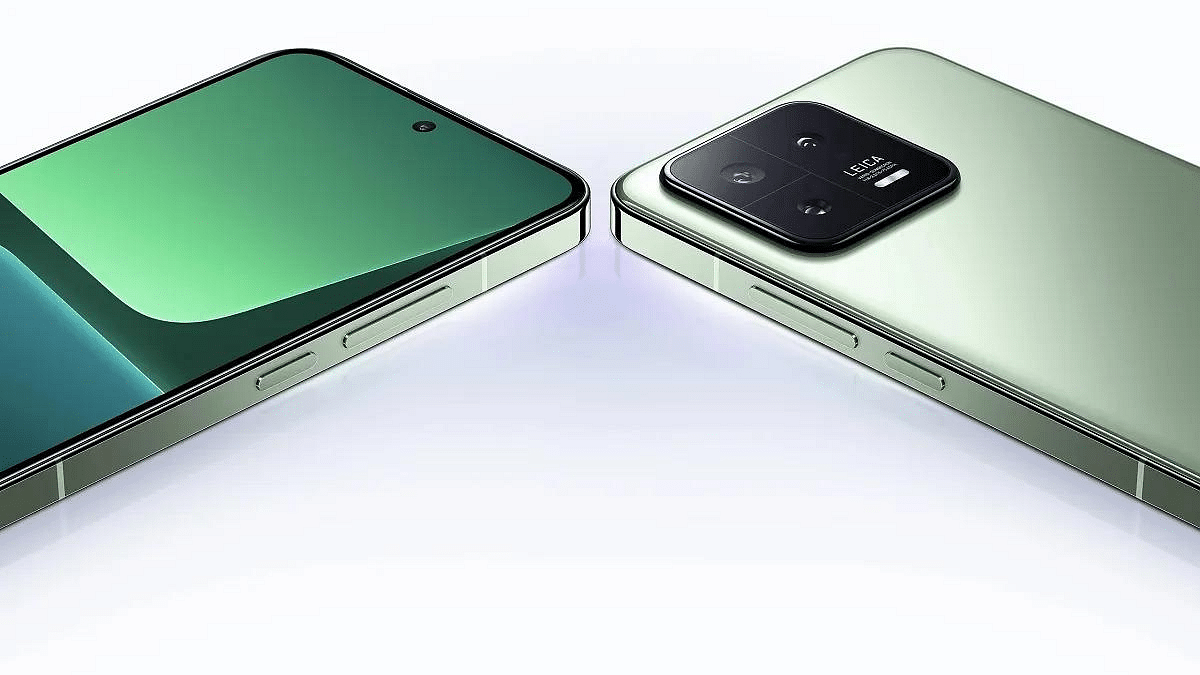
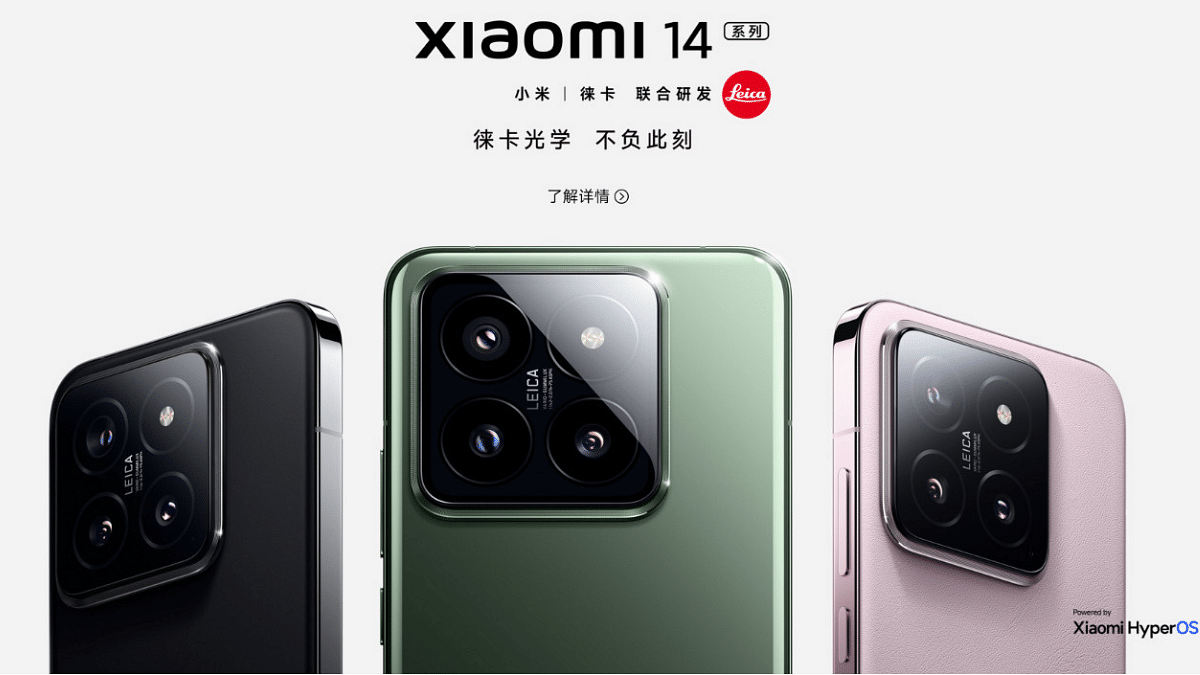
Xiaomi 14 comes with a sleek design with dimensions of 152.8 x 71.5 x 8.2 mm or 8.3 mm and a weight of 188 g or 193 g. It features a glass front and back with an aluminium frame, providing a premium and sturdy build. It is also IP68 dust and water-resistant, allowing it to withstand submersion up to 1.5 meters for 30 minutes. Users can choose between a glass back or a silicone polymer back.
In contrast, the Google Pixel 8 has a slightly smaller and lighter build, measuring 150.5 x 70.8 x 8.9 mm and weighing 187 g. It features a glass front and back with an aluminium frame and IP68-rated for dust and water resistance.
Xiaomi 14 comes with a 6.36-inch LTPO OLED display with impressive features like 120Hz refresh rate, Dolby Vision, HDR10+, and a peak brightness of 3000 nits. This display ensures vibrant colours and smooth visuals. Google Pixel 8, on the other hand, offers a 6.2-inch OLED display with a 120Hz refresh rate and HDR10+ support. While it may not match Xiaomi 14’s peak brightness, it still provides an excellent viewing experience.
Xiaomi 14 runs on Android 14 with the HyperOS overlay. It is powered by the Qualcomm Snapdragon 8 Gen 3 chipset, featuring an octa-core CPU with Cortex-X4, Cortex-A720, and Cortex-A520 cores, along with an Adreno 750 GPU. On the other hand, the Google Pixel 8 runs on Android 14 with Google’s custom Tensor G3 chipset, equipped with a nona-core CPU and the Immortalis-G715s MC10 GPU.
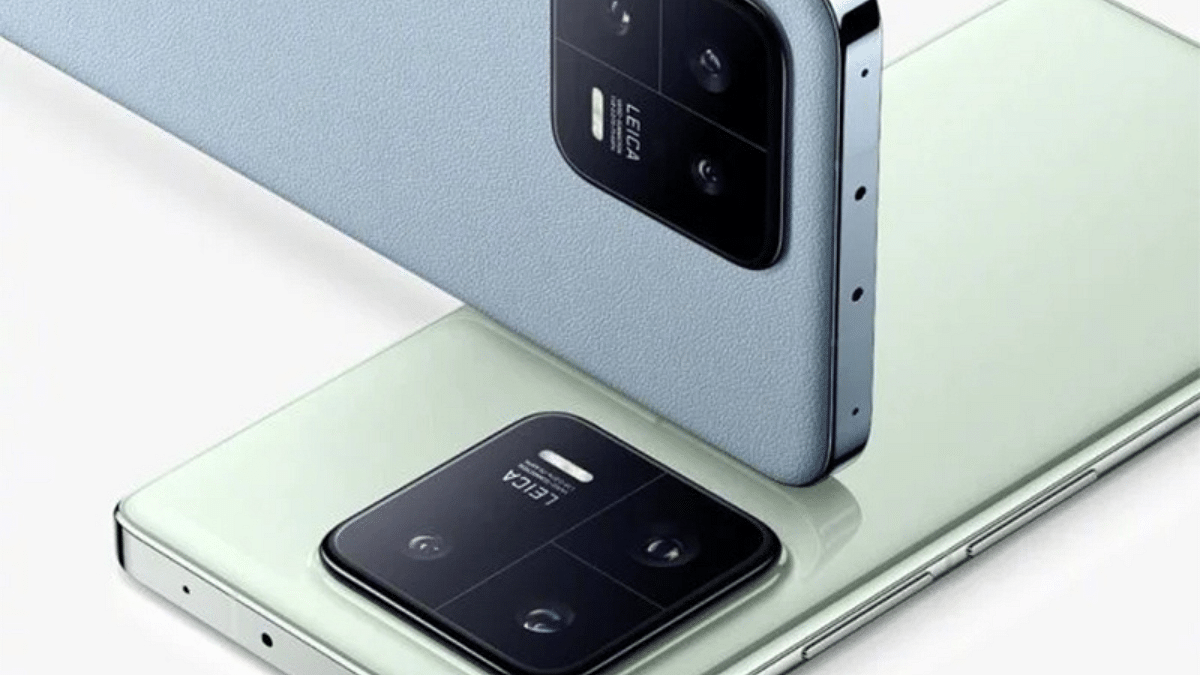
Xiaomi 14 offers a triple-camera setup with three 50 MP lenses for wide, telephoto, and ultrawide shots. The camera setup includes features like Leica lenses, dual-LED dual-tone flash, and impressive video recording capabilities, including 8K at 24fps and 4K at up to 60fps.
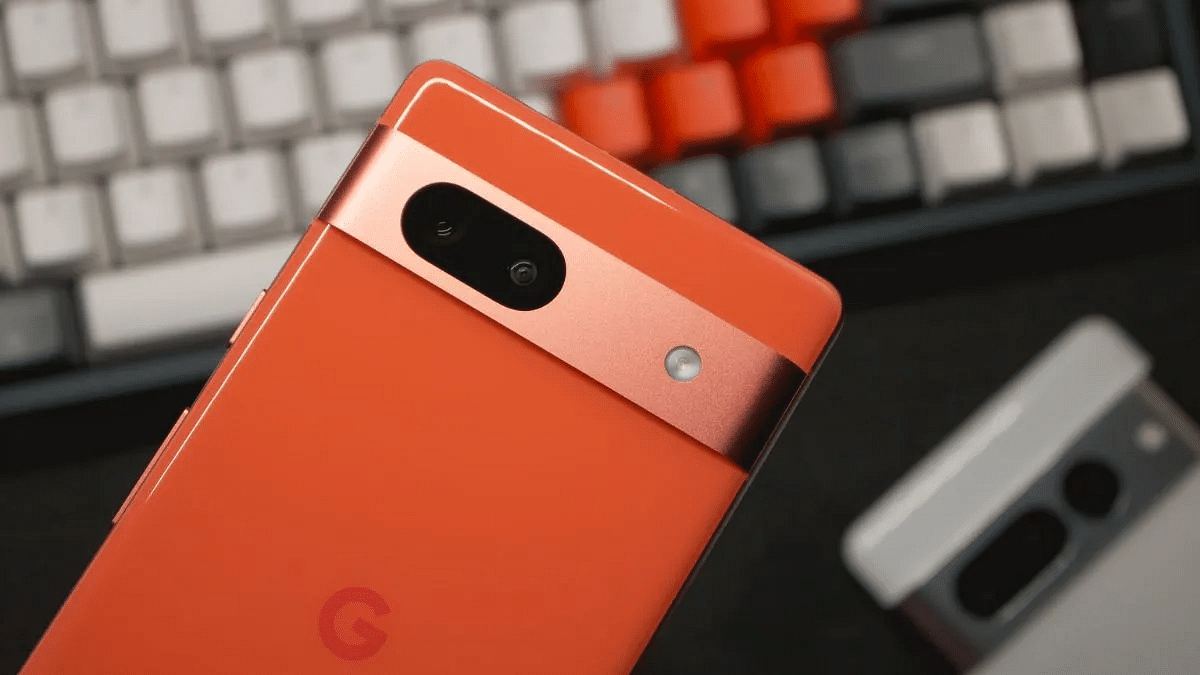
Google Pixel 8, on the other hand, features a dual-camera setup with a 50 MP wide lens and a 12 MP ultrawide lens. While the Pixel 8’s camera system may seem simpler, it excels in computational photography, providing good image quality, and supports 4K video recording.
Xiaomi 14 is equipped with a 4610 mAh non-removable battery and supports fast charging with a 90W wired charger, claiming a full charge in just 31 minutes. It also supports 50W wireless charging and 10W reverse wireless charging.
Google Pixel 8 has a 4575 mAh non-removable battery and supports 27W wired charging, claiming 50% charge in 30 minutes, as well as 18W wireless charging and reverse wireless charging. Both phones offer fast charging options, with Xiaomi 14 taking the lead in wired charging speed.
Xiaomi 14 offers a larger, more versatile camera setup, a stunning display, and faster-wired charging, making it an attractive option for multimedia enthusiasts. Google Pixel 8, with its computational photography prowess, stock Android experience, and solid build quality, is a good choice for those who prioritize photography and simplicity. The decision between these two phones will ultimately depend on your priorities in a smartphone.
Apple A16 Bionic Chip: Efficient multimedia focus.
Speed and Display: Snapdragon excels, Apple captivates.
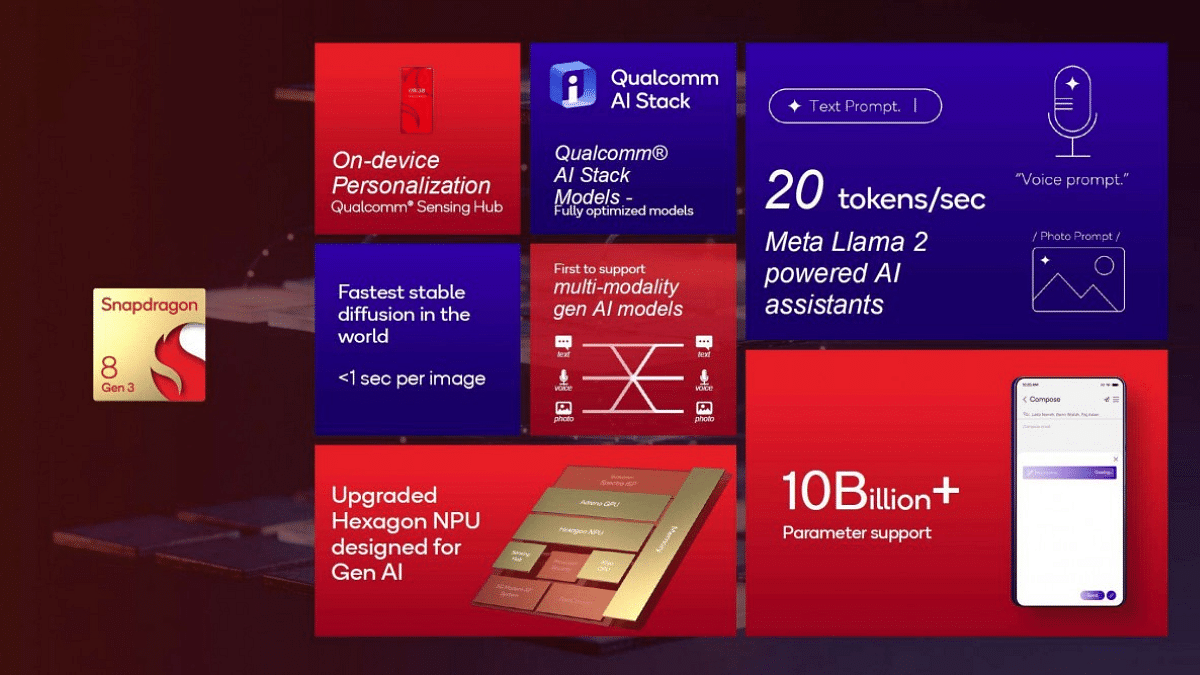
Qualcomm’s Snapdragon 8 Gen 3 and Apple’s A16 Bionic Chip are two powerful contenders in the market, each with its unique set of features and capabilities. In this chipset comparison, we’ll delve into the specifics of both to help you understand how they stack up against each other.
Snapdragon 8 Gen 3 Vs Apple A16 Bionic Chip: CPU Architecture
Specification
Snapdragon 8 Gen 3
Apple A16 Bionic Chip
Cores
8
6
CPU Cores and Frequencies
1x 3.3 GHz – Cortex-X4
2x 3.46 GHz – Everest
3x 3.15 GHz – Cortex-A720
4x 2.02 GHz – Sawtooth
2x 2.96 GHz – Cortex-A720
2x 2.26 GHz – Cortex-A520
Process
4 nanometers
4 nanometers
Manufacturing
TSMC
TSMC
In terms of CPU architecture, both chips are designed to deliver high performance. Snapdragon 8 Gen 3 boasts eight cores with a mix of Cortex-X4, Cortex-A720, and Cortex-A520 cores. Apple’s A16 Bionic Chip, on the other hand, relies on a hexa-core setup with high-performing Everest and Sawtooth cores.
Snapdragon 8 Gen 3 Vs Apple A16 Bionic Chip: Graphics and Memory
Specification
Snapdragon 8 Gen 3
Apple A16 Bionic Chip
GPU
Adreno 750
Apple A16 GPU
GPU Frequency
770 MHz
1398 MHz
Memory Type
LPDDR5X
LPDDR5
Memory Frequency
4800 MHz
3200 MHz
Max Bandwidth
77 Gbit/s
51.2 Gbit/s
Max Size
24 GB
6 GB
Snapdragon 8 Gen 3 is equipped with the Adreno 750 GPU, offering higher memory bandwidth and a larger maximum memory size compared to Apple’s A16 GPU. However, Apple’s GPU boasts impressive performance and efficiency.
Snapdragon 8 Gen 3 Vs Apple A16 Bionic Chip: Multimedia and Connectivity
Specification
Snapdragon 8 Gen 3
Apple A16 Bionic Chip
Max Display Resolution
3840 x 2160
2796 x 1290
Max Camera Resolution
1x 200MP
1x 48MP
Video Capture/Playback
8K at 30FPS, 4K at 120FPS
4K at 60FPS
5G Support
Yes
Yes
Download Speed
Up to 10000 Mbps
Up to 7500 Mbps
Wi-Fi
7
6
Bluetooth
5.4
5.3
Both chips offer impressive multimedia capabilities and 5G support. Snapdragon 8 Gen 3 stands out with its higher display and camera resolution, as well as faster download speeds. However, Apple’s chipset offers robust 4K video capture and efficient connectivity options.\
Snapdragon 8 Gen 3 Vs Apple A16 Bionic Chip: Final Verdict
The choice between the Snapdragon 8 Gen 3 and Apple A16 Bionic Chip comes down to priorities. If you value processing power and versatility, the Snapdragon 8 Gen 3’s octa-core CPU and superior memory options may be the way to go. On the other hand, the Apple A16 Bionic Chip offers efficiency, a powerful GPU, and a strong focus on video capture.
It ultimately depends on your platform preference and usage scenarios, with both chips promising top-tier performance within their respective ecosystems.
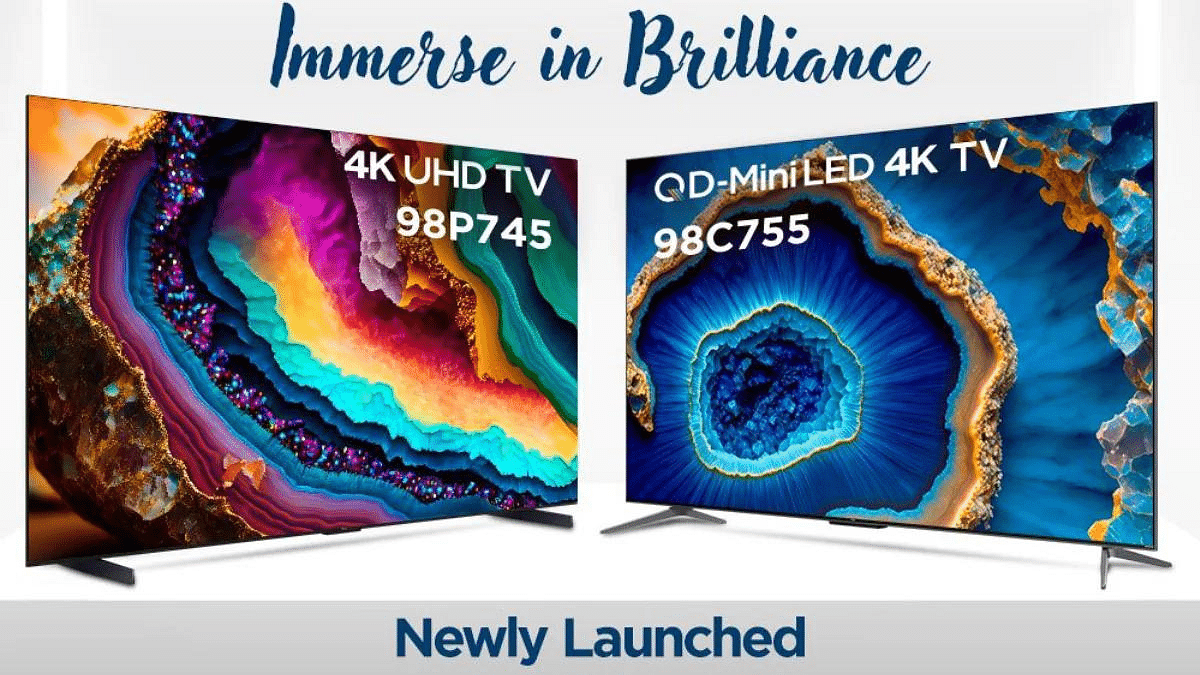
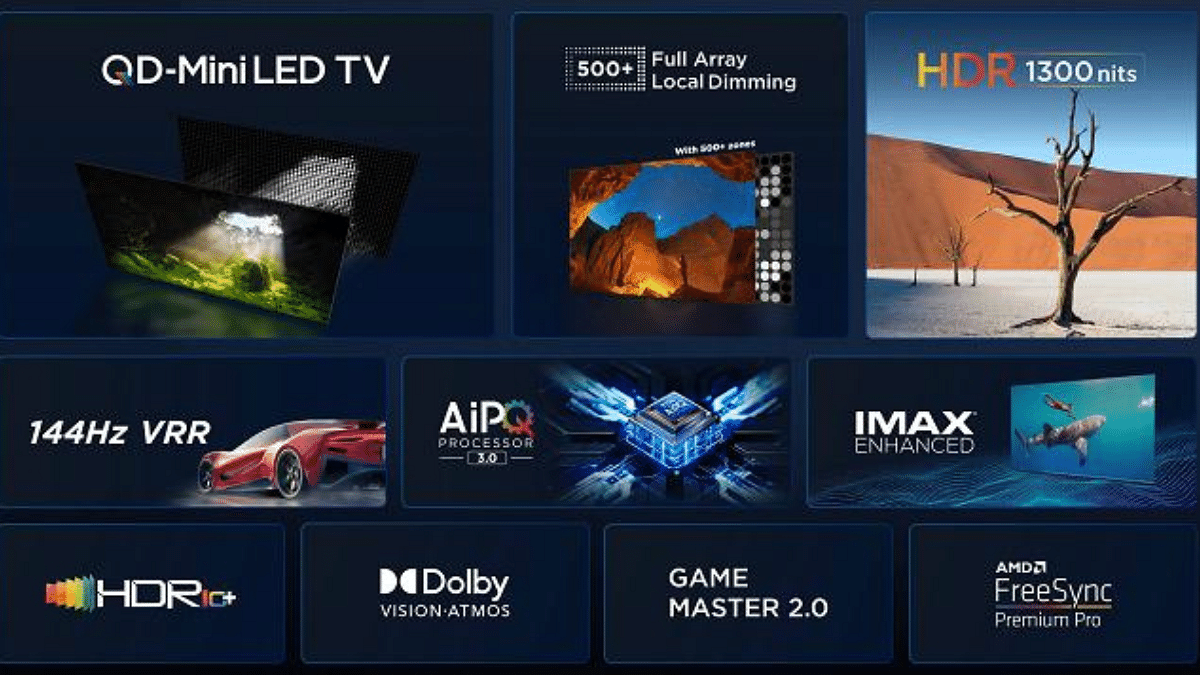
TCL has recently unveiled its latest range of smart TVs in India, including the P745 4K UHD TVs and the C755 QD Mini LED TVs. The C755 QD Mini LED series stands out with features like Dolby Vision, Dolby Atmos, and an impressive refresh rate of up to 144Hz, delivering an immersive IMAX-enhanced viewing experience. On the other hand, the P745 model boasts a sleek metallic bezel-less design, Game Accelerator feature, and HDR 10 support.
The TCL P745 series features a 4K UHD display with a resolution of 3,840 x 2,160 pixels. Its design showcases a metallic bezel-less frame and a flat LCD screen with a VA panel, offering an aspect ratio of 16:9. With a refresh rate of up to 144Hz, a contrast ratio of 6000:1, and a peak brightness level of 550 nits, this TV ensures vibrant and sharp visuals. The P745 models support HDR10+, Dolby Vision IQ, and HLG high dynamic range formats, delivering an enhanced viewing experience.
Powered by an AiPQ processor and running on Google TV with built-in Google Assistant, these smart TVs support Bluetooth 5.0, Wi-Fi 5, and HDMI connectivity. Additional features include Game Master 2.0, Miracast, Video chat & Quick settings, AMD FreeSync Premium Pro, and VESA Wall-mounting.
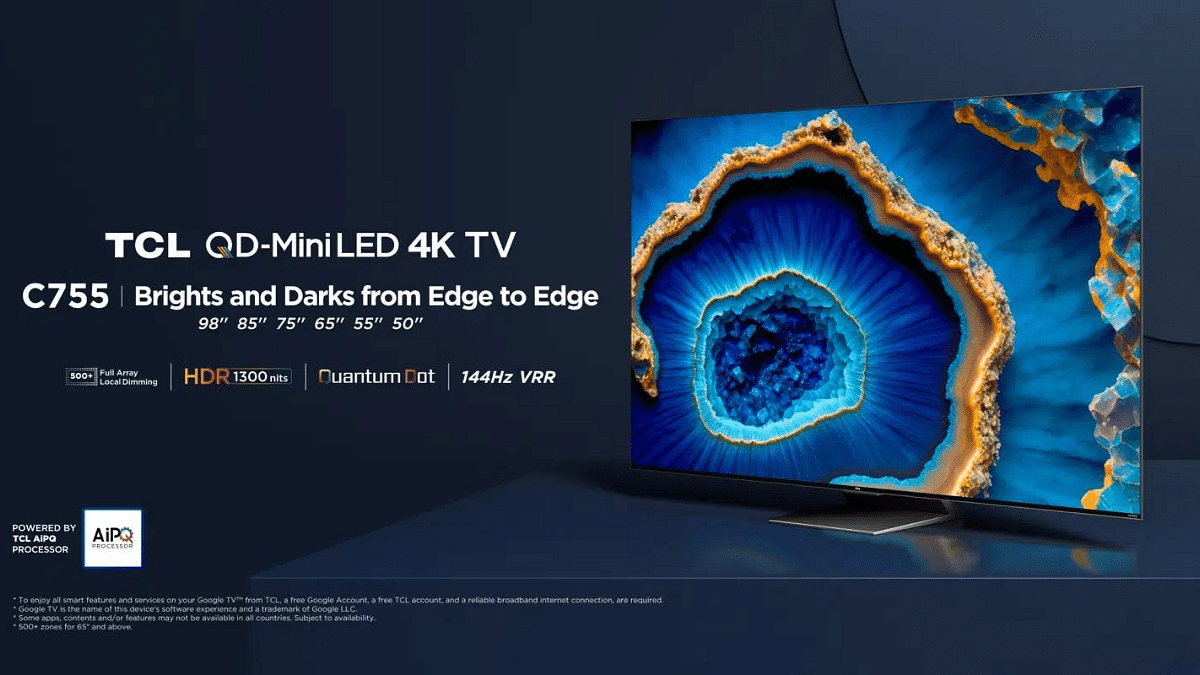
The C755 series, based on mini-LED technology, is available in sizes ranging from 50 inches to 98 inches. Alongside the varying display sizes, these models offer similar specifications to the P745 series. Notably, the C755 models feature advanced connectivity options such as Bluetooth 5.2 and Wi-Fi 6.
TCL P745 4K, TCL C755 QD-Mini LED: Pricing and Availability
TCL has announced that the 98-inch P745 model is priced at approximately Rs. 3,09,990, introducing a larger variant to the Indian market. The C755 QD-Mini LED series starts from Rs. 89,990 and goes up to Rs. 4,99,990, varying based on the display size. This series is available in sizes of 50, 55, 65, 75, 85, and 98 inches.
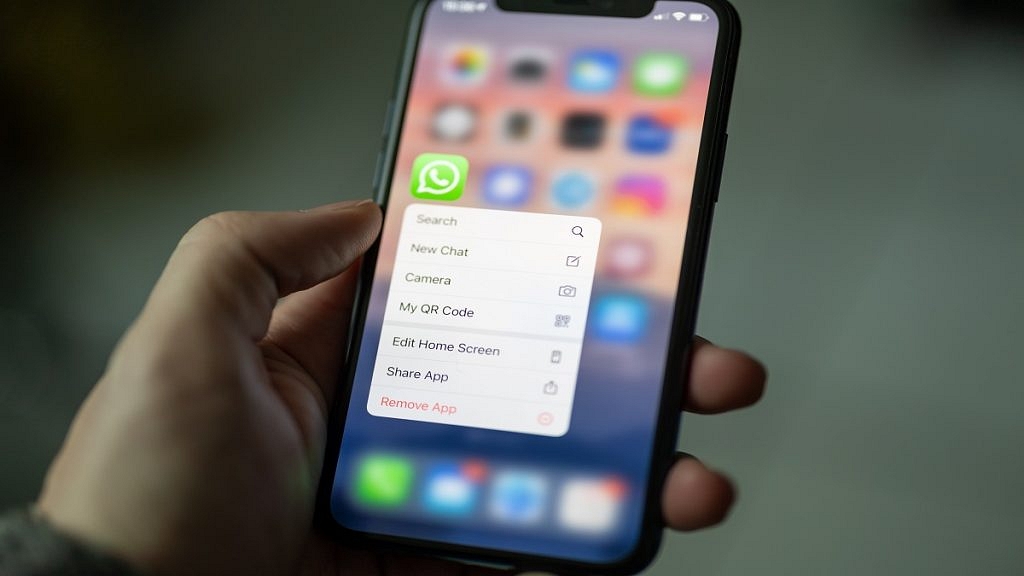
WhatsApp has introduced an update for iOS users, elevating the group calling experience to a new level. The latest update, WhatsApp for iOS 23.22.72, brings a significant change by allowing users to initiate group conversations with up to 31 participants, as reported by the feature tracker, WABetaInfo.
This update builds upon the previous limit of 15 participants, making it easier for users to connect with a larger group seamlessly.
Before this update, WhatsApp users were limited to inviting up to 15 group members to join a call. However, with the rollout of WhatsApp for iOS version 23.22.72, the calling dynamics have undergone a change. According to reports from feature tracker WABetaInfo, this version permits users to initiate a group conversation with up to 31 participants, effectively doubling the previous limit.
Although the official changelog for the app does not explicitly mention the increased participant limit, it is a significant improvement rolled out in the latest update. WhatsApp has been continuously adding new features to its platform.
Recent updates have included options for logging in with multiple accounts on a single smartphone and introducing support for passkeys on Android, providing added security for user authentication.
This update streamlines the process of initiating group calls. In the past, WhatsApp restricted users to starting a group call with up to 15 participants, and additional members could only join the call manually. This upgrade allows users to create larger gatherings for voice and video calls, enabling more straightforward and efficient communication with a broader audience.
In addition to expanding the participant limit, WhatsApp has also taken steps to bolster security measures. The introduction of passkeys and fingerprint authentication on Android devices ensures a secure login process, eliminating the need for traditional passwords. This feature not only enhances user privacy but also integrates seamlessly with Google’s password manager, further strengthening the protection of user information.
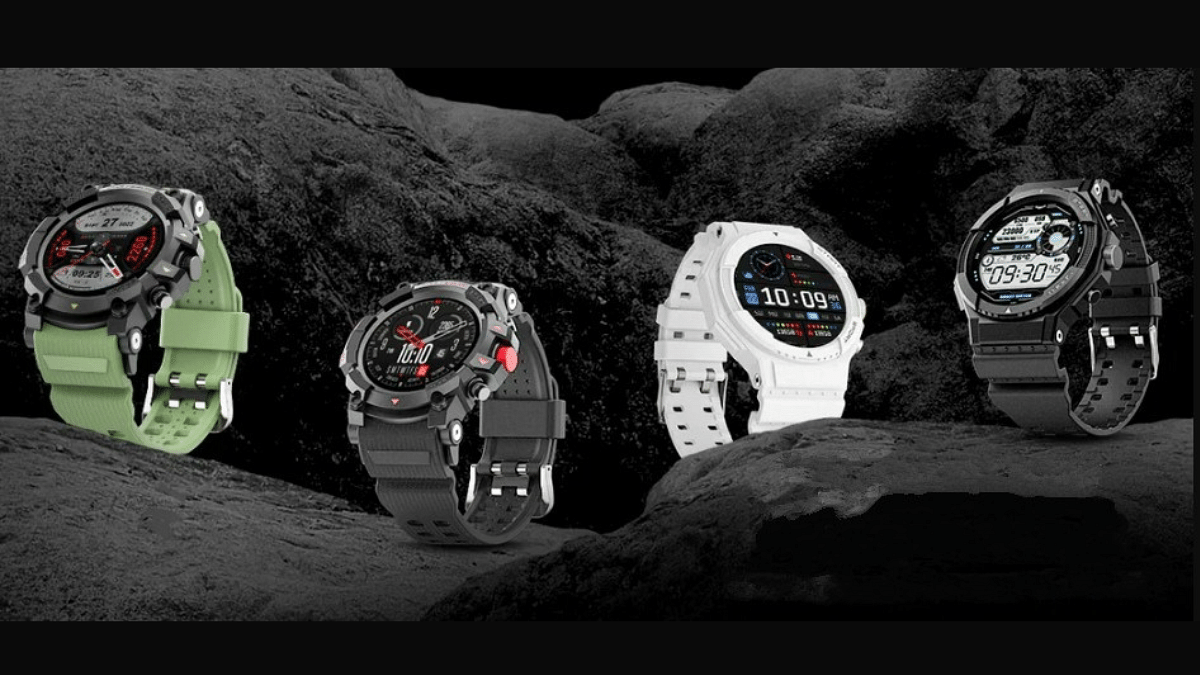
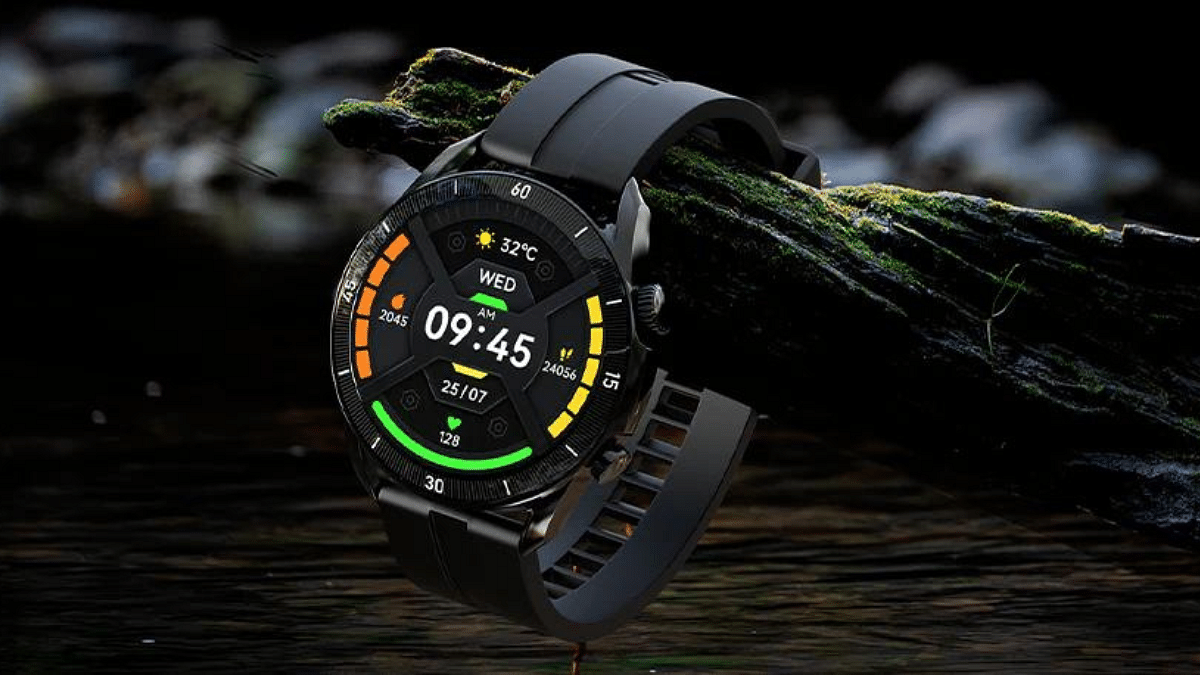
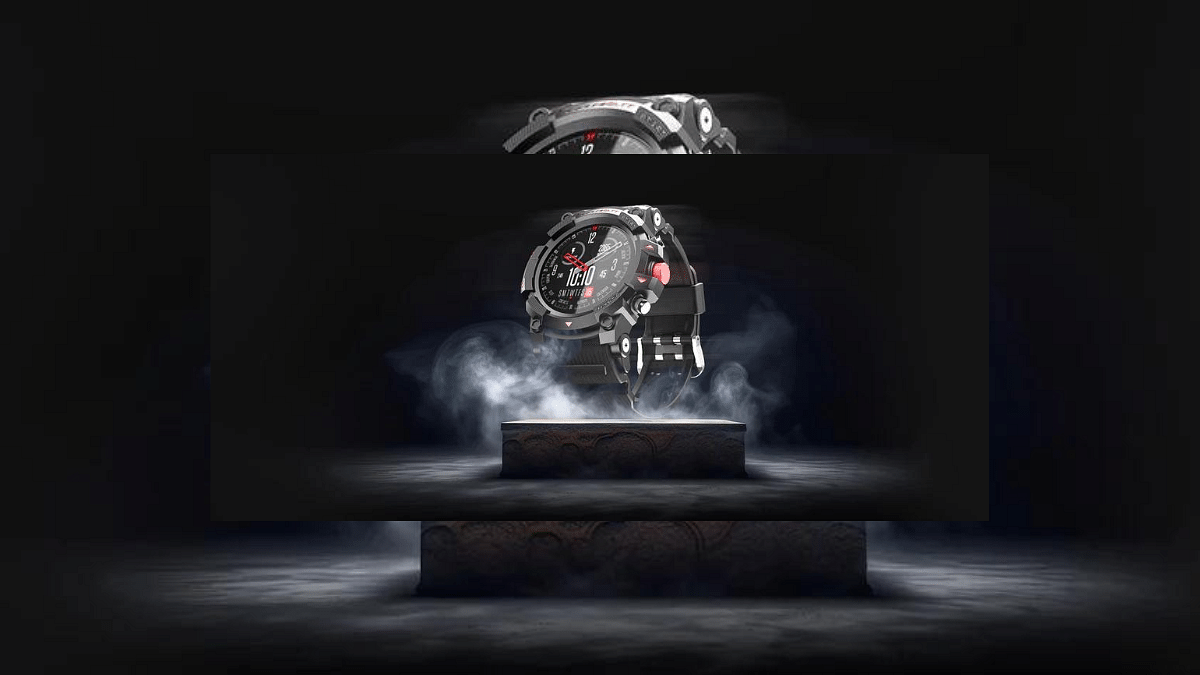
Fire-Boltt, has introduced its latest offerings – the Fire-Boltt Expedition and Quest smartwatches. These timepieces are designed with a rugged spirit, catering to individuals with an active lifestyle. Let’s delve into the specifications and features of these smartwatches.
Both the Fire-Boltt Expedition and Quest models are equipped with a 1.39-inch HD TFT IPS screen, ensuring clear and crisp visuals. A unique feature is the two buttons and a rotating crown, making navigating through the user interface a breeze.
The Fire-Boltt Expedition offers a sports modes – 120+ to be precise. On the other hand, the Quest model offers 100 sports modes. These smartwatches also come with an AI voice assistant for added convenience. One standout feature is the ability to make Bluetooth calls, thanks to the built-in microphone and speaker.
For outdoor people, the built-in GPS is a valuable addition. It aids in navigation and keeps track of your activities. Health monitoring is a key focus, with features including sleep tracking, SpO2 monitoring, heart rate tracking, women’s health tracking, and even breathing exercises.
The smartwatches also come loaded with various handy features, including in-built games, smart notifications, a calculator, weather updates, camera and music control, timer, alarm, stopwatch, and a water consumption reminder. The IP67 rating ensures they are resistant to water and dust, making them durable in various conditions. Customization is possible with multiple watch faces. With a 300mAh battery, these smartwatches offer a battery life of up to 7 days on a single charge.
The Fire-Boltt Expedition and Quest are priced at Rs. 1,999 each. These smartwatches are available in a range of color options, with the Expedition coming in Black, Creamy White, Green, and Orange, and the Quest available in White, Green, Black, and Red. In addition to these rugged smartwatches, Fire-Boltt has also introduced its Xelor, Jewel, and Diamond models earlier this month in India.
Starting from October 31st at 12 noon, you can purchase these smartwatches directly from the company’s website or Flipkart.
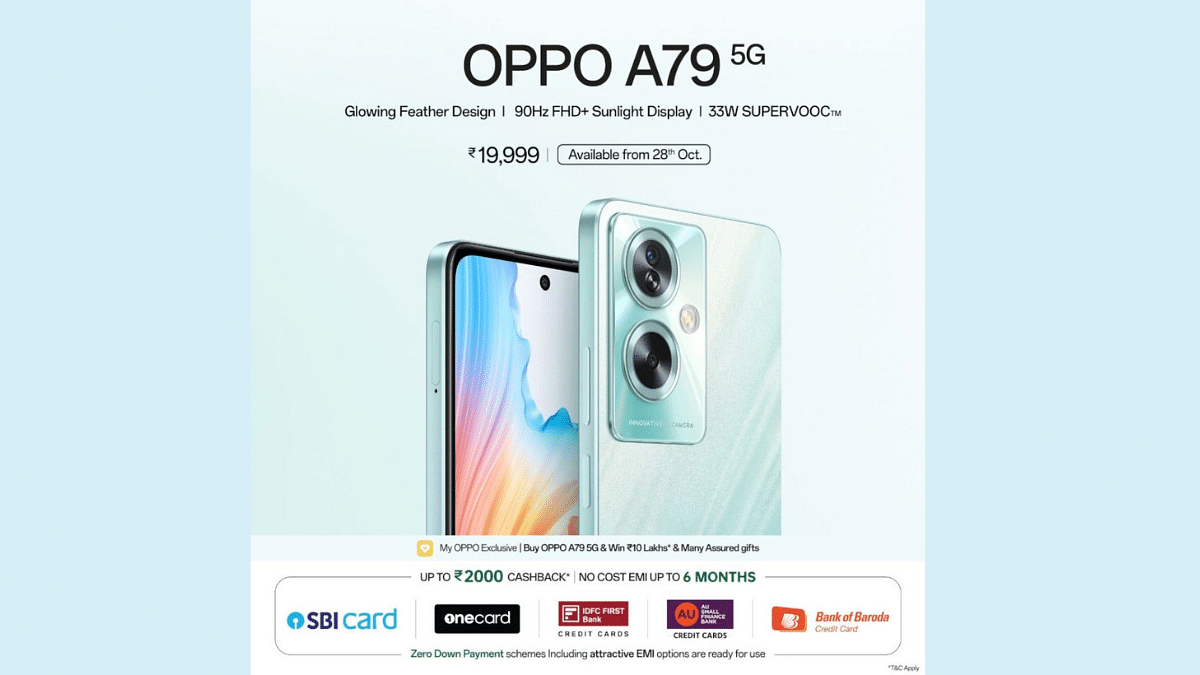
Oppo has launched its latest mid-range smartphone, the Oppo A79 5G. Despite being an affordable device, it comes with a 7.99mm design, MediaTek Dimensity 6020 chipset, a 50MP Samsung camera, and an impressive 6.72-inch FHD+ display.
In this article, we’ll dive into the specifications, design, and pricing of the Oppo A79 5G, and explore what makes it stand out in the crowded smartphone landscape.
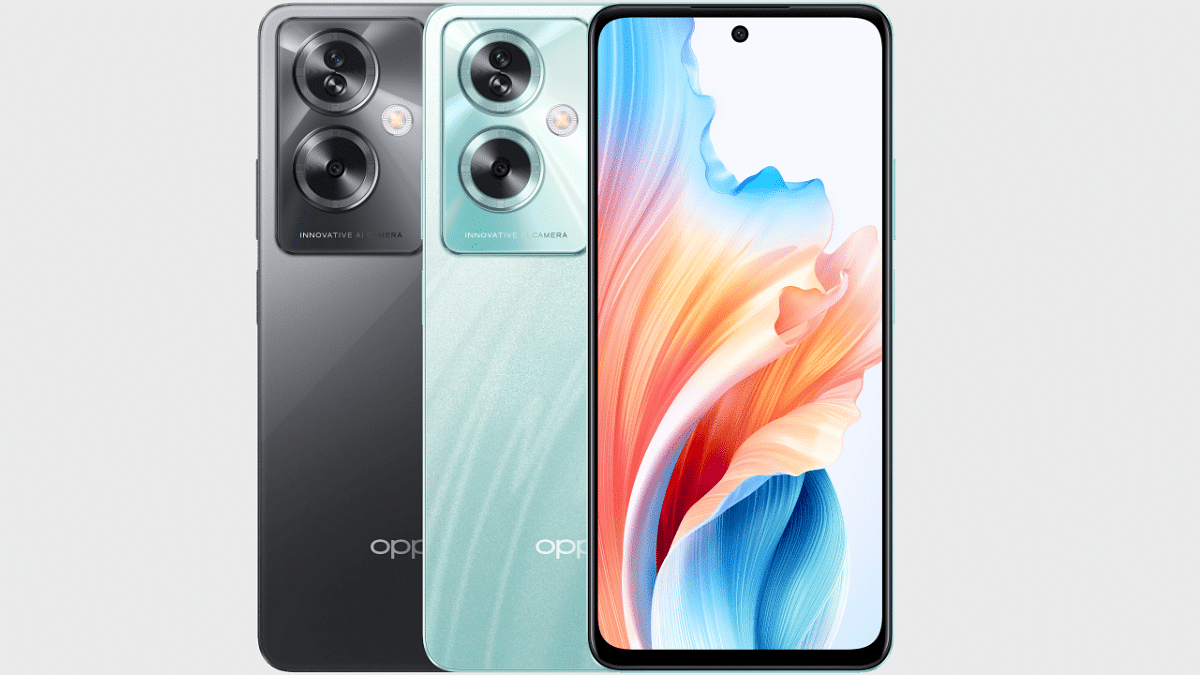
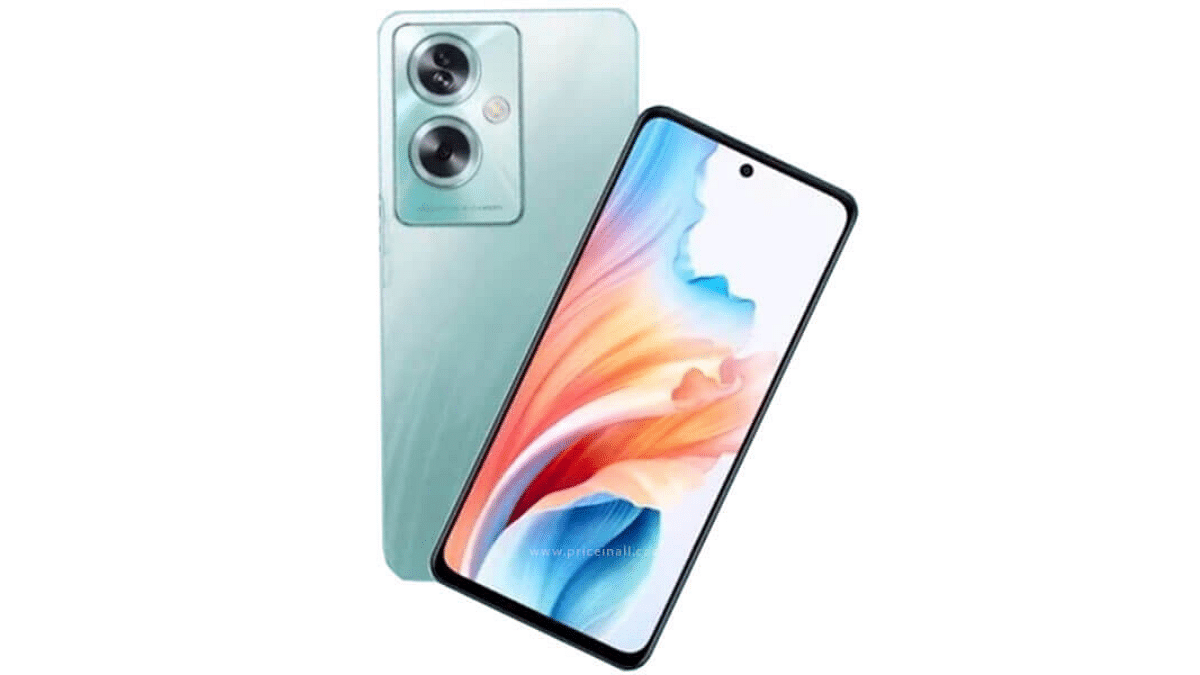
Oppo measures just 7.99mm in thickness and weighs a mere 193 grams. It comes with a polycarbonate frame with a metallic texture, a result of a unique treatment process. The back panel houses a dual-camera setup, with both sensors enclosed in a striking ring housing. On the front, the A79 5G flaunts a 6.72-inch display with FHD+ resolution and a 90Hz refresh rate. To ensure a safe viewing experience, Oppo has incorporated its All Day AI eye protection technology. With Widevine L1 certification, users can also enjoy HD content from streaming services like Amazon Prime and Netflix.
Under the hood, the Oppo A79 5G is powered by the MediaTek Dimensity 6020 SoC, coupled with 8GB of RAM and 128GB of internal storage.
The A79 5G sports a 50-megapixel Samsung ISOCELL JN1 primary sensor, accompanied by a 2-megapixel portrait shooter on the rear. For selfies, there’s an 8-megapixel front camera.
Powering this device is a substantial 5,000mAh battery, which supports 33W fast charging for added convenience. Other notable features include the Android 13 OS with ColorOS 13 out of the box, virtual RAM expansion up to 8GB, a dual-speaker setup with stereo support, and dual SIM functionality.
The Oppo A79 5G is available in two colour options: Glowing Green and Mystery Black. It has been priced at 19,999 INR, making it an attractive choice for budget-conscious consumers. To sweeten the deal, Oppo is offering cashback of up to 4,000 INR, along with no-cost EMI options. Additionally, there is a device exchange option that can further reduce the price by 4,000 INR, making the Oppo A79 5G even more accessible to a wide range of users.
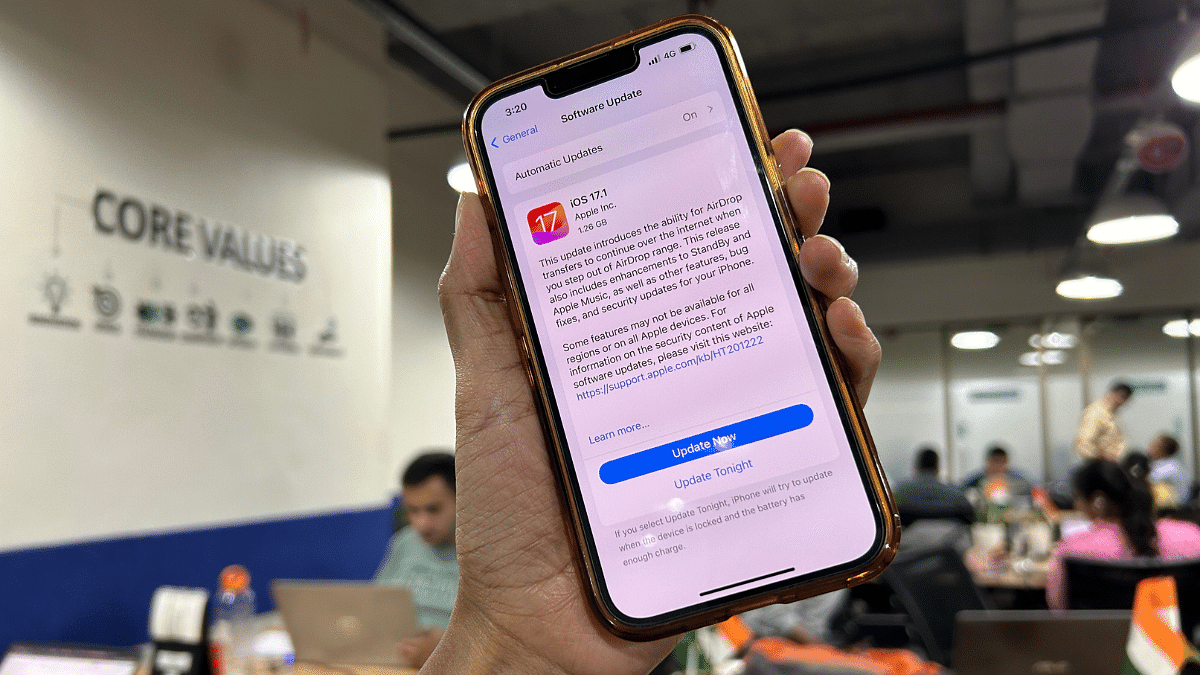
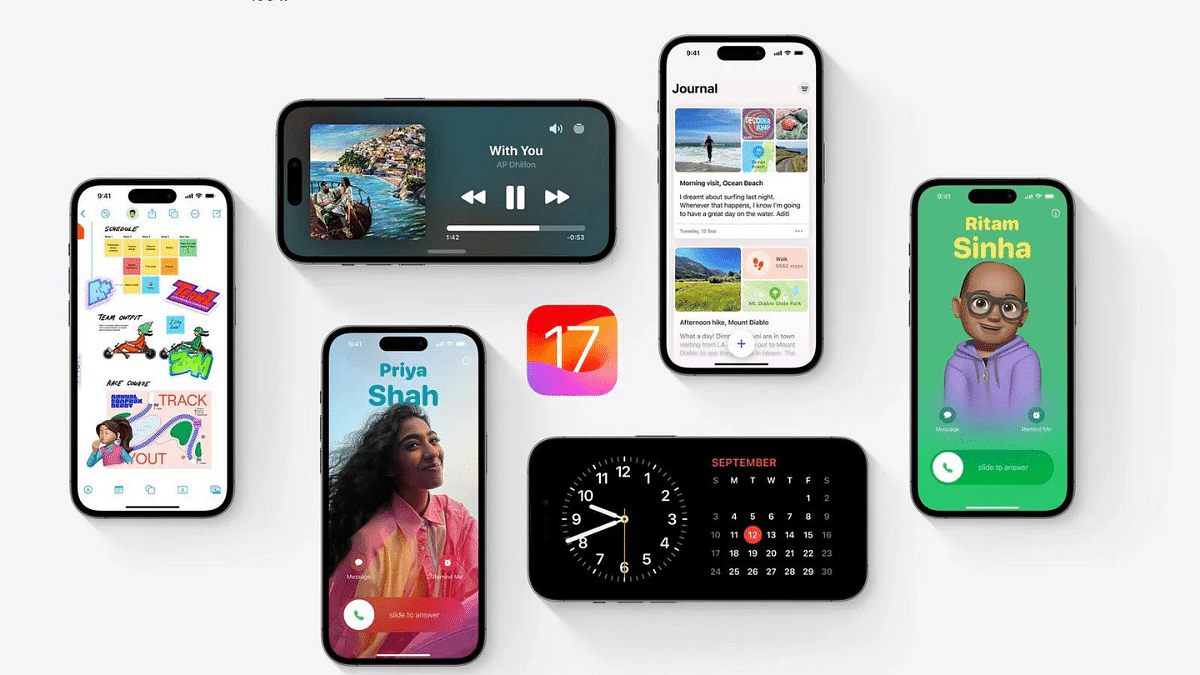
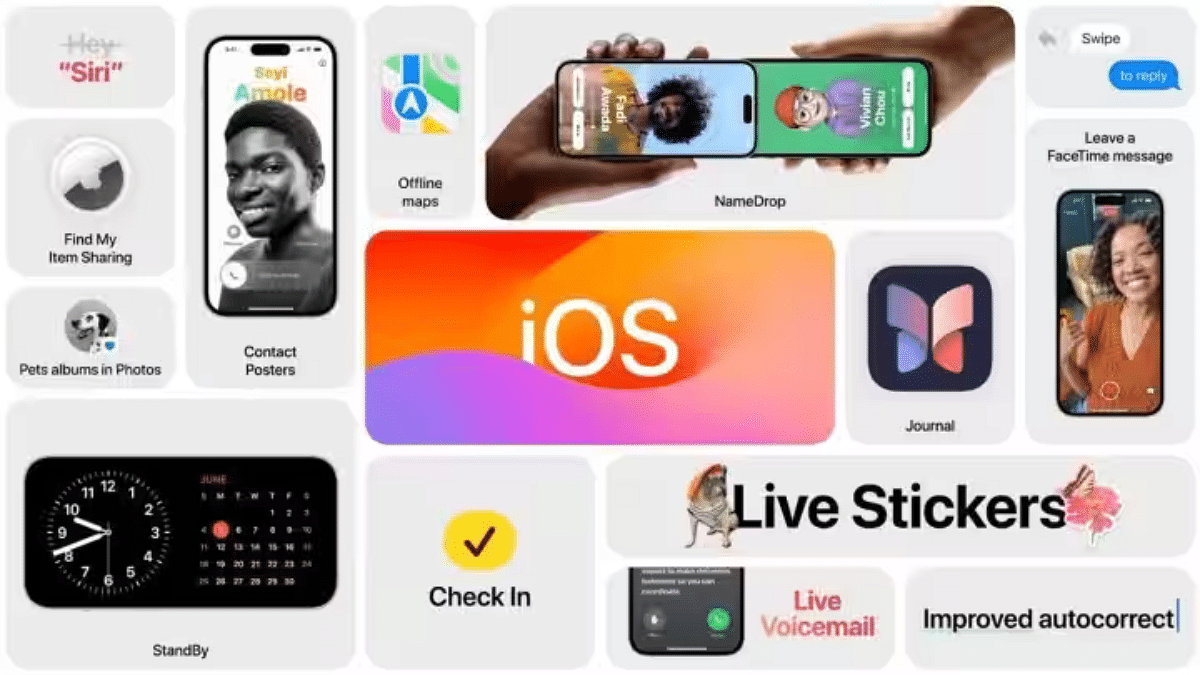
Apple released iOS 17.1 update which focuses on enhancing the user experience and addressing key issues that many users stated in last few months. Notably, it brings improvements to AirDrop, the StandBy feature, and Apple Music. Additionally, iOS 17.1 is supported on all iPhones capable of running iOS 17, including the iPhone XR and later models.
In this update, the company has also focused on adding functionality to some of its key features.
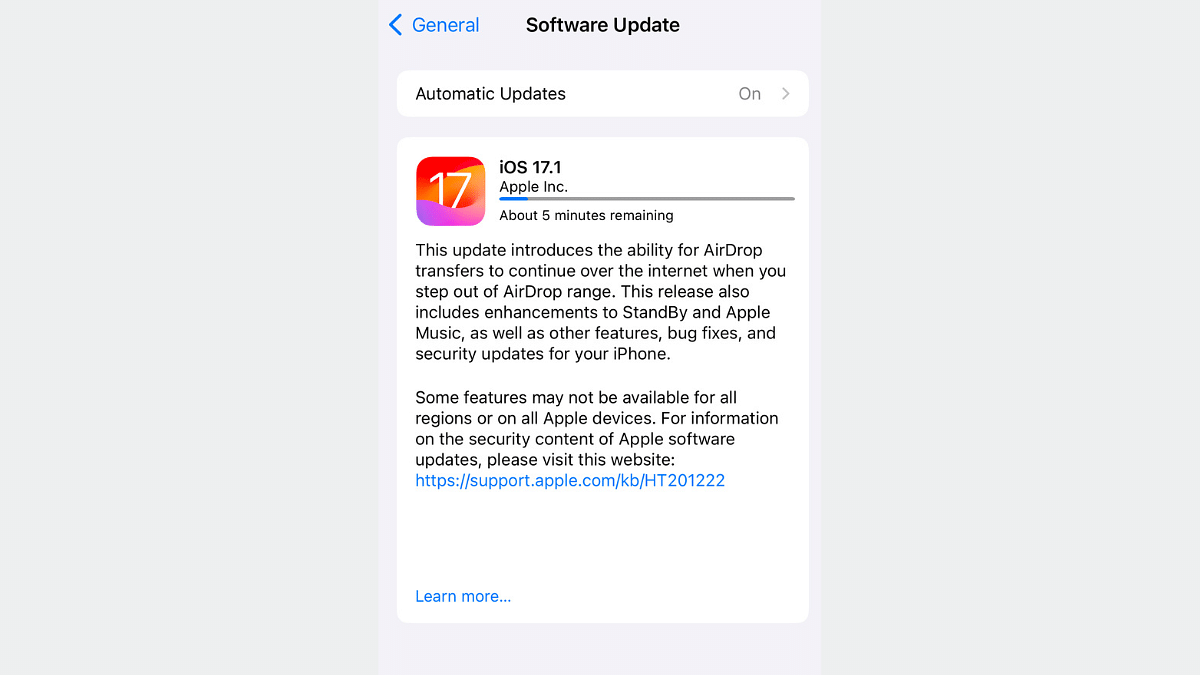
With iOS 17.1, with AirDrop users can now continue transferring large files over the internet, even when their devices are out of the traditional AirDrop range. This means seamless sharing of files between devices which makes it easier to send photos, videos, and documents to friends and family.
2. Upgrade In StandBy Feature
The StandBy feature, available on the iPhone 14 Pro, iPhone 14 Pro Max, iPhone 15 Pro, and iPhone 15 Pro Max, now offers new options when the display goes off. This feature, especially useful for devices with Always-on-Display (AOD) functionality, provides users with more control over how their devices behave when not in active use. It allows for more personalization options and convenience in managing your device’s standby mode.
3. Apple Music Gets a Facelift
iOS 17.1 brings exciting changes to the Favorites section. Now, you can include songs, albums, and playlists in your Favorites, allowing for a more comprehensive music collection. The ability to filter these favorites makes it easier to find and enjoy your preferred tunes. Playlists now feature song suggestions, making music discovery more engaging. Additionally, the cover art collection gets a fresh design with customizable colors, enhancing the visual appeal of your music library.
4. Various Fixes And Improvements
iOS 17.1 optimizes Crash Detection for the iPhone 14 and iPhone 15 series, improving the stability and performance of these devices. Users now have the option to select a specific album for the Photo Shuffle feature on the Lock screen, adding a personal touch to your device’s appearance. Furthermore, iOS 17.1 brings Home key support for Matter locks, enhancing your smart home security. The reliability of Screen Time settings is also enhanced, giving users better control over their digital habits.
Additionally, iOS 17.1 stops the reset of Significant Location privacy settings when transferring an Apple Watch or pairing a new one. Problems like callers’ names disappearing during calls and keyboard unresponsiveness are fixed. Custom and paid ringtones now appear correctly as text tones, eliminating confusion, and the display image persistence issue is resolved.
Updating your device to iOS 17.1 is a simple process. Here are the step-by-step instructions:
Access Your Settings: Open your device and locate the “Settings” app. It’s typically represented by a gearwheel icon.
Select General: Within the Settings menu, scroll down and find the “General” option. Tap on it to proceed.
Choose Software Update: Under the “General” settings, you will see an option labeled “Software Update.” Tap on this to initiate the update process.
Check for Updates: Your device will now check for available updates. If iOS 17.1 is available for your device, you will receive a notification.
Download and Install: Once you receive the prompt to download and install iOS 17.1, follow the on-screen instructions. This will initiate the download and installation process.
Connect to Wi-Fi: To ensure a smooth and uninterrupted download, it’s recommended to connect your device to a Wi-Fi network. This prevents data overage charges and speeds up the process.
Ensure Sufficient Battery: Before proceeding with the update, make sure your device has sufficient battery life to complete the installation. It’s advisable to have your device connected to a charger during this process to prevent any interruptions due to low battery.
Wait for Installation: The installation process may take some time, depending on your device’s performance and the size of the update. Be patient and let the update run its course.
Complete the Update: Once the update is downloaded and installed, your device will restart to apply the changes. After the restart, you’ll be running the latest iOS 17.1 version.
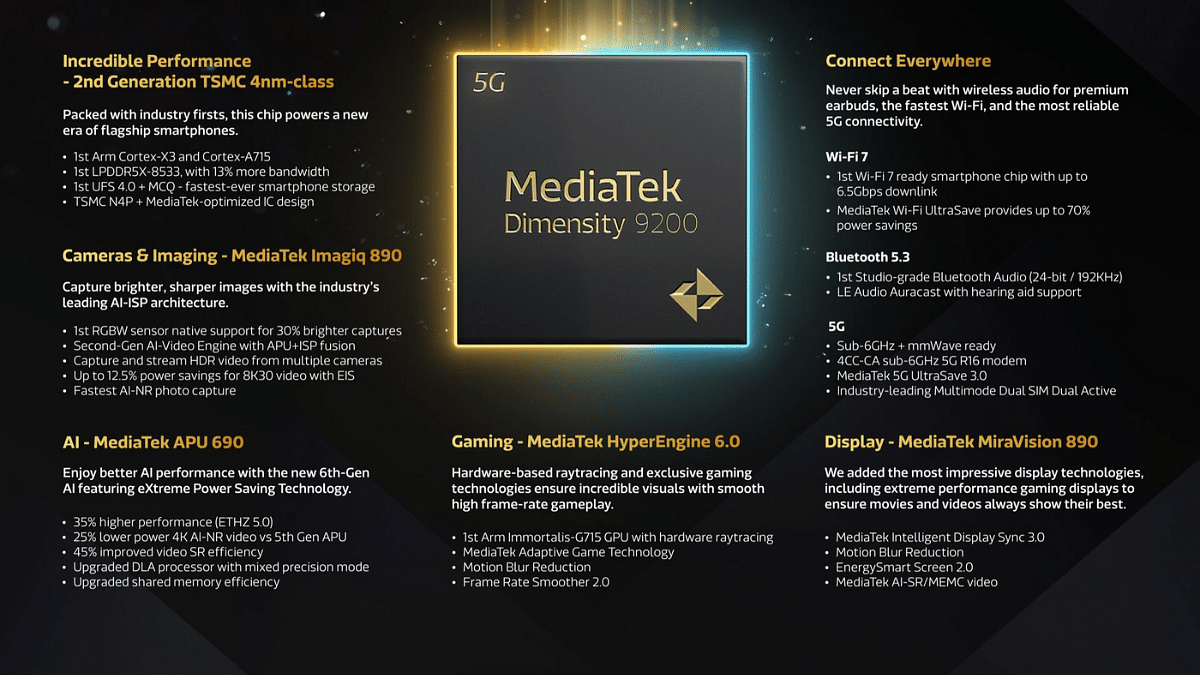
Two of the most powerful contenders in the arena are the Snapdragon 8 Gen 3 and the Dimensity 9200. Both of these chipsets promise cutting-edge performance, advanced features, and seamless user experiences.
In this article, we’ll dive deep into the specifications of these two flagship processors and compare their strengths and weaknesses.
Snapdragon 8 Gen 3 Vs Dimensity 9200: CPU Architecture And Performance
Aspect
Snapdragon 8 Gen 3
Dimensity 9200
CPU Cores
1x Cortex-X4, 5x Cortex-A720, 2x Cortex-A520
1x Cortex-X3, 3x Cortex-A715, 4x Cortex-A510
Max CPU Frequency
3.3 GHz
3.05 GHz
Process
4nm
4nm
L3 Cache
12 MB
8 MB
Instruction Set
ARMv9-A
ARMv9-A
The Snapdragon 8 Gen 3 boasts a formidable CPU setup. It features a tri-cluster architecture, comprising 1x Cortex-X4 core running at 3.3 GHz for high-performance tasks, 5x Cortex-A720 cores at 3.2 GHz for a balance between performance and power efficiency, and 2x Cortex-A520 cores at 2.3 GHz for power-saving purposes. This 8-core CPU is built on a 4nm process, allowing for improved efficiency and performance. The Snapdragon 8 Gen 3 also supports ARMv9-A instructions and offers a substantial 12 MB L3 cache, ensuring speedy data access.
The Dimensity 9200 comes with an octa-core CPU setup, featuring 1x Cortex-X3 core running at 3.05 GHz for high-performance tasks, 3x Cortex-A715 cores at 2.85 GHz for a balance between performance and power efficiency, and 4x Cortex-A510 cores at 1.8 GHz for power efficiency. The 4nm manufacturing process ensures energy efficiency, and this chipset has a significant 8 MB L3 cache. With an ARMv9-A instruction set, it is no slouch when it comes to performance.
In terms of raw CPU performance, the Snapdragon 8 Gen 3 seems to have an edge with its faster Cortex-X4 core. However, real-world performance will depend on various factors, including software optimization and thermal management.
Snapdragon 8 Gen 3 Vs Dimensity 9200: GPU Performance
Aspect
Snapdragon 8 Gen 3
Dimensity 9200
GPU Name
Adreno 750
Mali-G715 Immortalis MP11
GPU Frequency
770 MHz
850 MHz
The Snapdragon 8 Gen 3 is equipped with the Adreno 750 GPU, based on the Adreno 700 architecture. It operates at 770 MHz, delivering impressive graphics capabilities for gaming and multimedia.
On the other hand, the Dimensity 9200 features the Mali-G715 Immortalis MP11 GPU, based on the Valhall 4th gen architecture, running at 850 MHz. With 11 execution units and 192 shading units, it offers remarkable graphics performance, promising a visually immersive experience.
When it comes to GPU performance, the Dimensity 9200 with its Mali-G715 GPU appears to have the upper hand. It has more execution units and a higher clock speed, potentially providing better gaming and graphics performance.
Snapdragon 8 Gen 3 Vs Dimensity 9200: Memory and Multimedia Capabilities
Aspect
Snapdragon 8 Gen 3
Dimensity 9200
Memory Type
LPDDR5X
LPDDR5X
Memory Frequency
4800 MHz
4266 MHz
Max Memory Size
24 GB
24 GB
Max Memory Bandwidth
N/A
68.3 Gbit/s
Max Camera Resolution
1x 200MP
1x 320MP
Both chipsets support LPDDR5X memory with similar frequencies, making them well-equipped for multitasking and fast app loading. The Dimensity 9200, however, boasts a slightly higher maximum memory bandwidth.
In terms of multimedia capabilities, both chipsets support 8K video capture and playback, as well as popular video codecs like H.264, H.265, AV1, and VP9. They also support high-resolution cameras, with the Dimensity 9200 offering a higher maximum camera resolution. Audio codec support is comprehensive on both chipsets.
Snapdragon 8 Gen 3 Vs Dimensity 9200: Connectivity
Aspect
Snapdragon 8 Gen 3
Dimensity 9200
Modem
Snapdragon X75
MediaTek T800
4G Support
LTE Cat. 24
LTE Cat. 24
5G Support
Yes
Yes
Download Speed
Up to 10000 Mbps
Up to 7900 Mbps
Upload Speed
Up to 3500 Mbps
Up to 4200 Mbps
Wi-Fi
7
7
Bluetooth
5.4
5.3
Navigation
GPS, GLONASS, Beidou, Galileo, QZSS, NAVIC
GPS, GLONASS, Beidou, Galileo, QZSS, SBAS, NAVIC
Both chipsets offer advanced connectivity options, including 5G support, fast download and upload speeds, and modern Wi-Fi and Bluetooth standards. The Snapdragon 8 Gen 3, however, offers slightly faster download and upload speeds, making it a better choice for users who require lightning-fast internet connections.
Snapdragon 8 Gen 3 Vs Dimensity 9200: Final Verdict
If you need a phone for power-hungry tasks and faster internet, the Snapdragon 8 Gen 3 is the way to go. It has a stronger CPU and faster internet speeds. On the other hand, if you’re into gaming and graphics, the Dimensity 9200’s GPU is a better choice. It’s also good for photography with its high-resolution camera support. Both chipsets offer solid performance, so your decision should match your priorities, whether it’s power or gaming and visuals.