You can now draft messages hands-free with your voice and AI.
Users can now save time, multitask.
AI will handle punctuation, edits, and even formatting.
Gmail is getting a super cool new feature: you’ll be able to write emails using your voice! No more tapping away at your keyboard, just speak your message and let Google’s AI do the typing for you.
Look for a button called “Draft email with voice.” It might pop up automatically or you might need to trigger it with a special flag (we’re not sure yet how this will work exactly).
Tap the microphone button and start speaking your email.
Tap the “Create” button when you’re done. Google’s AI will turn your spoken words into text and draft the email for you.
Read through the draft and make any changes you want. Then send it off!
CEO Adam Mosseri introduces ‘Notes Prompts’ for more interactive note-sharing on Instagram
Users can prompt responses by tapping ‘Your Response’
‘Notes Prompts’ will be available widely once any issues are resolved
Instagram’s CEO, Adam Mosseri, has revealed the upcoming addition of a new feature called ‘Notes Prompts’ to the popular photo and video-sharing app. The announcement was made through a post on Mosseri’s official channel, signaling that Instagram has started testing this innovative feature. Also Read | Instagram Tips And Tricks: How To Reply To Any Reel Comment With Another Reel Video On Android, iOS
What Is Instagram Notes?
Initially introduced in December 2022, Instagram’s Notes feature allowed users to share brief thoughts with specific friends and followers. These notes were limited to 60 characters, incorporating only text and emojis. Now, Instagram is evolving this concept with the introduction of Notes Prompts, aiming to make the sharing experience more interactive and engaging.
Exploring Notes Prompts
In a recent Instagram channel post, Mosseri explained the concept behind Notes Prompts: “This week, we started testing Notes prompts, a new way for people to create a note that prompts others to respond.” The objective is to encourage more active participation, promoting a comfortable environment for users to express themselves and connect with friends through notes.
How To Use Notes Prompts
The accompanying image in Mosseri’s post shows that Instagram will highlight responses received on shared notes and present a ‘Current Mood?’ button on the same note, prompting users to share their responses. To participate, users can tap the ‘Your Response’ button, input their thoughts, and then share them by pressing the ‘Share’ button.
Although Mosseri hasn’t specified the release date or the countries where Notes Prompts testing has commenced, it is expected that the feature will be available to all Instagram users once any bugs or issues are resolved during the testing phase.
Sharing A Note On Instagram
To share a note, users can navigate to the top of their inbox, select followers or people on their Close Friends list, and the note will prominently appear at the top of their inbox for 24 hours.
Verdict
Instagram’s Notes Prompts signify a step toward enhancing user engagement and fostering more dynamic interactions within the platform.
UP Police collaborated with the Mappls app to offer real-time traffic information in Ayodhya
Get real-time traffic updates for Ayodhya’s Ram Mandir ceremony
Follow simple steps on Mappls to plan your routes
Ayodhya is getting ready for the Ram Mandir Pran Pratishtha ceremony, set to welcome over 7,000 visitors. The ceremony begins at 12:20 pm and is expected to conclude by 1 pm. Following this, Prime Minister Narendra Modi will address the gathering, including spiritual leaders and prominent figures. Also Read | Uber EV Auto Rickshaw Services Begins In Ayodhya: Full Details
Traffic Restrictions and Collaborative Efforts
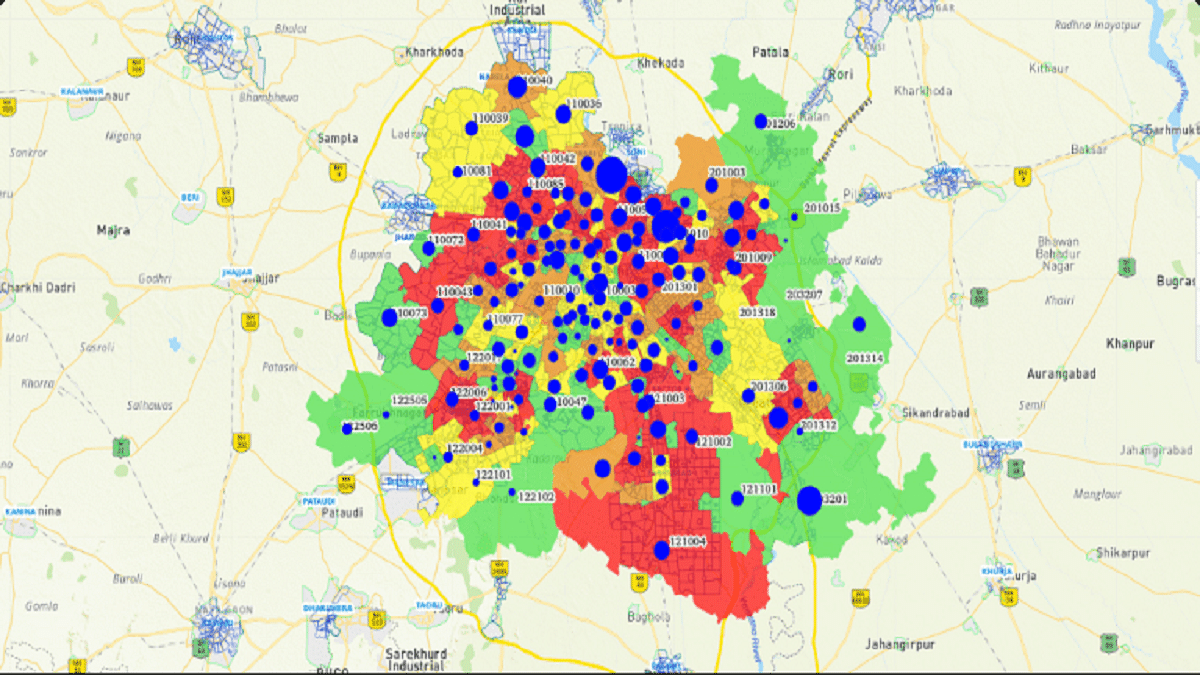
Due to the significant event, the public will face restrictions, especially in specific areas of the city. To assist, the UP Police has partnered with Mappls, India’s own maps app, offering real-time traffic updates and notifying citizens about blocked routes.
Mappls: Your Guide For Real-Time Traffic Information
Developed by MapmyIndia, a renowned technology company, Mappls is the go-to navigation app for Ayodhya. It provides users with the latest traffic updates, real-time information on route closures, and traffic reroutes, all sourced from the Uttar Pradesh Traffic Police.
Step 5: Check restricted routes and any traffic diversions.
Important Traffic Information
Note that barricades and restrictions will be in place within a five-kilometer radius of the Ram Mandir Complex, even after the Pran Pratishtha. Only vehicles on the guest list, local residents with U-registration plates, and authorized vehicles with valid passes will be allowed in Ayodhya on January 21 and 22, 2024. For those planning to visit nearby cities, it is advisable to check routes in advance using the Mappls app.
Patriotic usernames on social media are a unique way to express national pride
Choosing a patriotic Instagram username is a digital proclamation of Indian identity
These usernames symbolize love for India and remind users of their rich cultural heritage
In the digital era, expressing patriotism finds a unique outlet through social media, and your Instagram username can be a powerful statement. Choosing a patriotic username is not just a mere combination of characters; it’s a digital proclamation of pride in one’s Indian identity. Each suggestion listed here encapsulates the spirit of nationalism. These usernames not only represent your love for the country but also serve as a constant reminder of the rich cultural heritage that defines being Indian.
In a world where digital presence matters, a patriotic Instagram username becomes a symbol of allegiance to one’s roots. These suggestions encapsulate the essence of Indian pride, creating an online identity that resonates with the values of unity, diversity, and patriotism. Choose a username that not only reflects your connection to India but also stands as a beacon of pride in the vast digital landscape.
For the tech geeks, stay updated with the latest cutting-edge gadgets in the market, exclusive tech updates, gadget reviews, and more right on your phone’s screen. Join Giznext’s WhatsApp channel and receive the industry-first tech updates.
Google’s latest Search updates bring two exciting features to Android users: Circle to Search and a multisearch experience powered by AI. Let’s dive into how to use these features and how you can find information on your Android device.
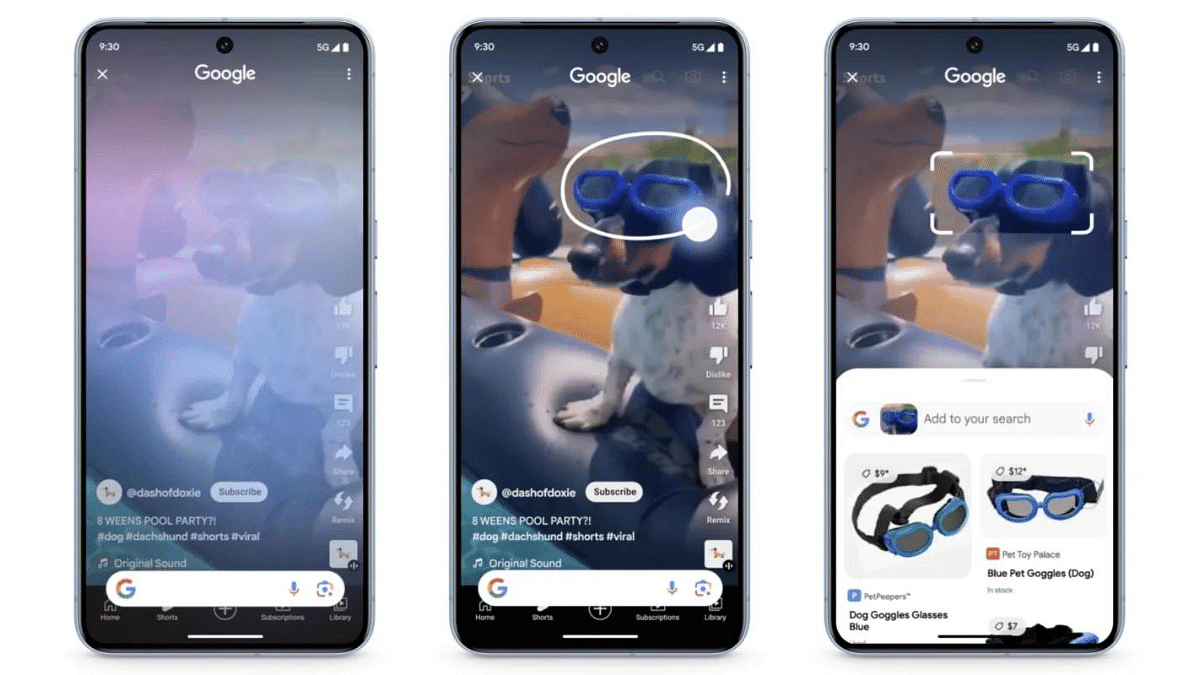
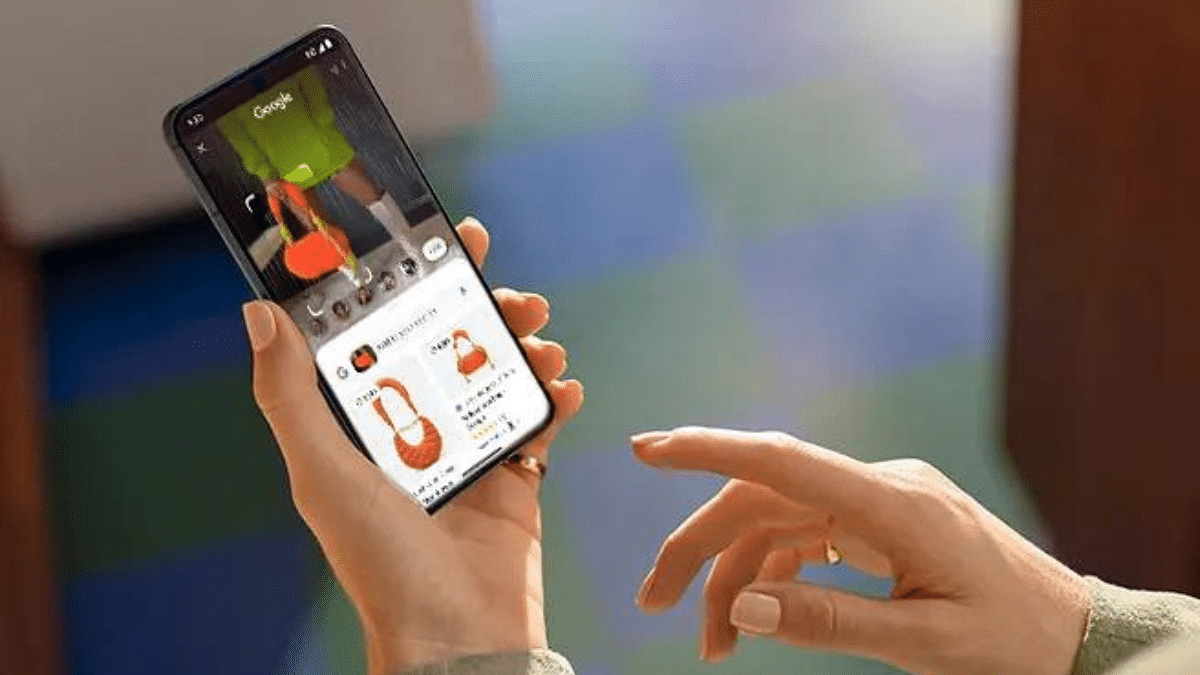
Imagine this: you’re watching a YouTube video and spot a stunning pair of shoes. Just draw a circle around them, and Circle to Search instantly displays similar styles from online retailers, all without leaving the video! This magical tool works on images and text alike, so whether it’s a curious object in a photo or an enticing restaurant menu, simply scribble, highlight, or tap to unveil relevant details and options.
But Google’s innovation doesn’t stop there. Multisearch transcends text queries, allowing you to explore the world through images and screenshots. Encounter an unfamiliar object? Take a picture and ask “What’s this?” Google’s AI will then provide a detailed overview by gathering information from the web.
Launch Lens through the Google app on Android or iOS (currently available in the US).
Take a picture of the object or use an existing image.
Ask your question, like “What’s this?”
Experience the AI-powered overview filled with relevant information.
The new multisearch experience is rolling out this week in English in the US for everyone. Users outside the US can opt for the Search Generative Experience (SGE) preview in Search Labs.
Circle to Search arrives on January 31, 2024, for selected premium Android smartphones like the Pixel 8, Pixel 8 Pro, and Galaxy S24 series. It will be available in all languages and locations where these phones are sold.
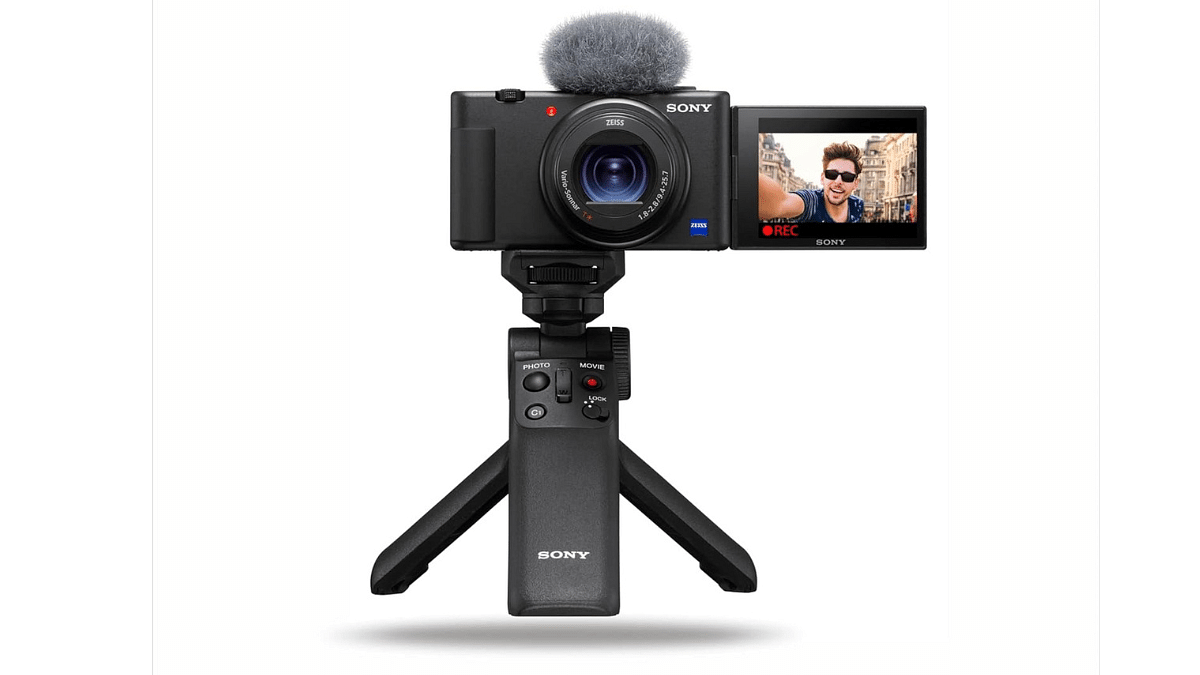
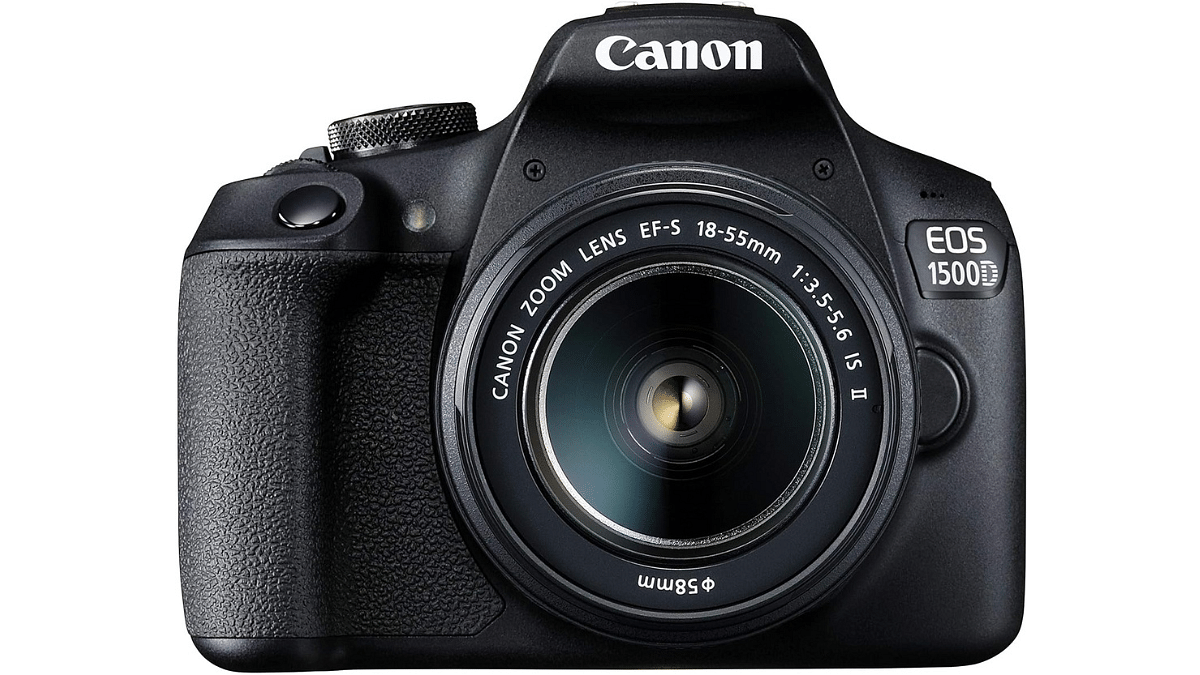
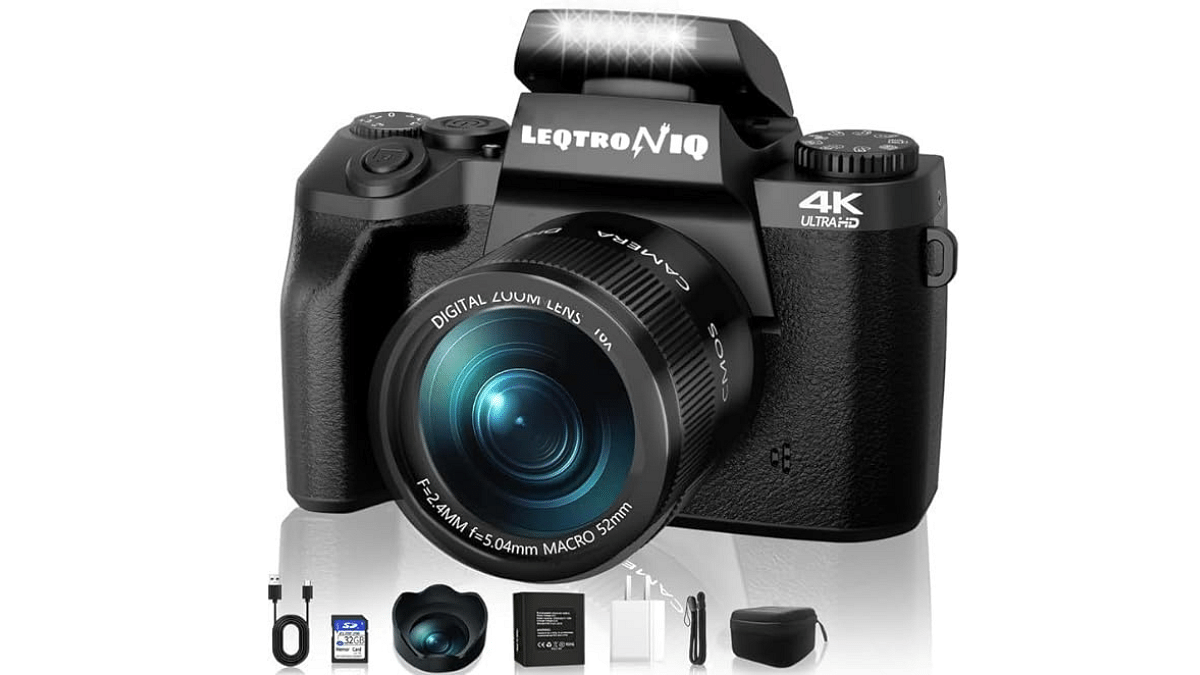
You can get amazing deals on top-tier vlogging cameras during Amazon’s Republic Day Sale. Save up to 50% on renowned brands like Sony, Canon, and more. This limited-time offer ends tomorrow. Check out the incredible discounts on four vlogging cameras below.
WhatsApp will let users get feedback and boost engagement with interactive polls.
Users can add upto 16 admins now.
WhatsApp Channels got a big upgrade!
Creators can now use voice messages, polls, and status sharing to connect with their followers in new ways. They can also add more admins to manage their communities better. This makes it easier to build thriving online spaces on WhatsApp where everyone can interact and share. Let’s check out these new features and see how to use them to make your Channel even better.
Building upon the popularity of voice messages, WhatsApp Channels now allows creators to share updates directly in their own voices. This human touch adds a layer of intimacy and engagement, making information more relatable and impactful for followers.
To utilize this feature:
Access your WhatsApp Channel.
Navigate to the desired chat or thread.
Tap the microphone icon to begin recording your update.
Hold the icon while speaking and release it to complete the recording.
Send your voice update and connect with your audience on a deeper level.
Want to gauge your audience’s opinion or gather valuable feedback? WhatsApp Channels now lets you create interactive polls. This feature fosters dynamic engagement, encouraging followers to participate and express their thoughts.
To activate polls:
Start a new message within your Channel.
Locate the poll icon, typically represented by a graph or voting symbol.
Craft your poll question and add multiple options for users to choose from.
Send the poll to your Channel and watch your followers’ voices be heard.
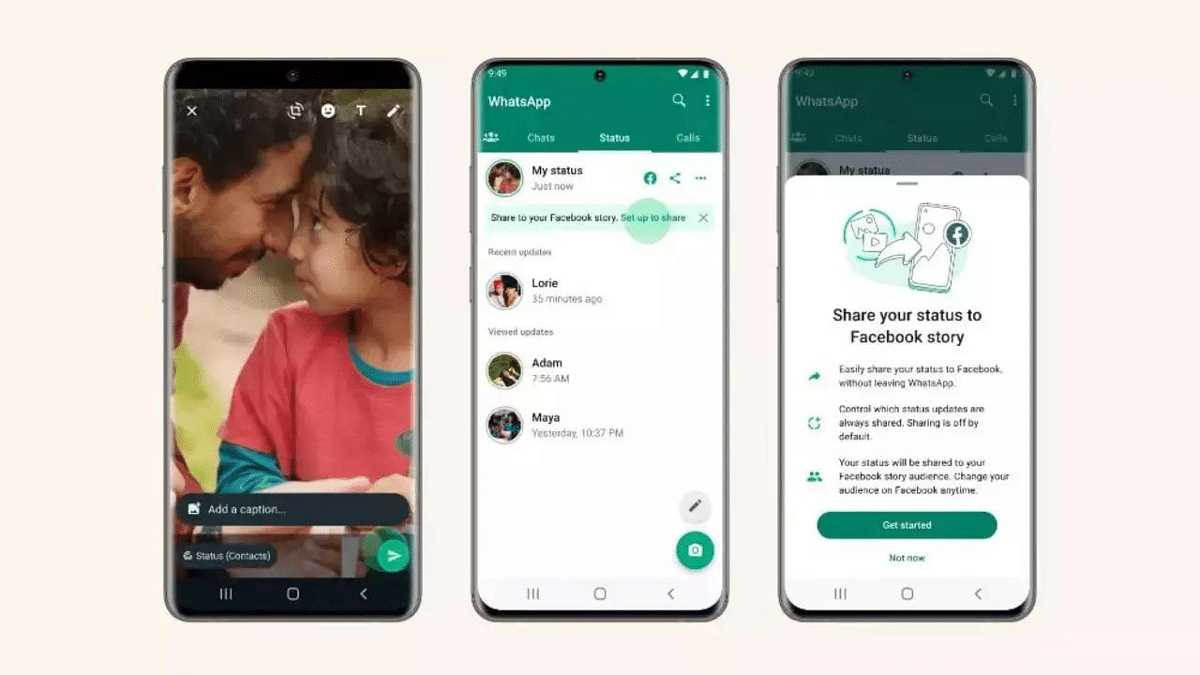
3. Share Updates on Personal Status
You now increase your Channel’s visibility by seamlessly sharing updates to your personal WhatsApp status. This organic marketing strategy allows you to tap into your existing network and attract new followers. To utilize this feature:
Simply tap the “Share to Status” option on any engaging Channel update.
Managing large and active Channels just got easier with the addition of up to 16 admins. This feature promotes efficient community and content management, ensuring a more organized and collaborative approach.
Assigning admin roles allows for:
Content moderation and quality control.
Timely responses to follower inquiries and feedback.
Users can now capture clear photos with AI-powered enhancements.
Check more features below.
Samsung Electronics has officially unveiled the highly anticipated Galaxy S24 series, comprising the Galaxy S24 Ultra, Galaxy S24+, and Galaxy S24. Samsung’s new Galaxy S24 series uses Galaxy AI to enhance mobile innovation, especially in communication, improving daily life. Let’s delve into the top highlights of Galaxy AI.
Live Translate enables real-time two-way audio translation for seamless conversations in different languages. It ensures that language is no longer a barrier to effective communication, making the world a smaller and more connected place.
2. Interpreter: Transcription Without Internet
Linked closely with Live Translate, Interpreter takes live conversations and transforms them into a language of your choice. The magic? It works without an internet connection, operating smoothly on Samsung devices without relying on cloud processing. Interpreter not only translates but also provides a text transcription of the conversation.
Chat Assist helps you fix your texts on the go to better fit the tone you’re targeting, be it formal and professional messages or a short and catchy phrase for your TikTok upload. This feature works hand-in-hand with the translation capabilities of Samsung Galaxy AI to translate messages received in another language.
4. Android Auto
Android Auto is one of, if not the most interesting features introduced with Samsung Galaxy AI. It can summarize any new messages for you to get up to speed quickly. It can also suggest relevant replies to help you quickly respond to messages.
Samsung claims the AI can intelligently calculate the estimated time of arrival (ETA) via GPS software and suggest a reply to someone asking for the same. This feature automates a lot of things and helps you stay focused on driving.
Note Assist can you help take better notes on Galaxy S24 devices. This feature can generate summaries or even build templates specific to your notes to make it easier to maintain them in an organized manner.
6. Transcript Assist: AI-Powered Transcription
Transcript Assist does exactly as the name suggests. It utilizes AI to convert speech to text, summarize, and translate. Samsung claims this feature also works for multiple voice sources in a recording, making it one of the most useful features for enjoying multilingual content.
In collaboration with Google, Samsung introduces Circle to Search, a gesture-based system. By drawing a circle after a long press on the Home button, users can prompt Google Search to deliver results related to on-screen content, enhancing the search experience across various apps.
8. ProVisual Engine, Edit Suggestion, Generative Edit: For Photography
ProVisual engine enables users to fix any shot or video after it’s been taken. You can bring out pixel-perfect results by removing blurriness, lack of clarity, and others using this feature. It has already been seen on the Google Pixel phones before making their way into Galaxy AI.
The Edit Suggestion feature in action (Image via Samsung) Edit Suggestion will work hand-in-hand with Galaxy AI’s editing tools to recommend smart fixes for any images taken with S24 smartphones. This helps fine-tune the process of ensuring pictures look better and yield better results with a single tap.
Generative Edit can add extra information to parts of an image to make it more visually interesting. It relies on GenAI and works much similarly to models previously employed by Adobe Photoshop and Nvidia Picasso.
Samsung’s Galaxy S24 series smartphones come packed with cool Galaxy AI features that make them work really well. These features make the phones stand out and show that Samsung is ahead in using smart AI technology. Compared to other brands, Samsung has set a higher standard with these new features.
Securely transfer Amazon Pay Balance to bank account.
Simple steps for smooth Amazon Pay withdrawal process.
Verify, confirm, and wait – hassle-free fund transfer.
Amazon Pay has become a popular digital wallet, allowing users to make quick and secure payments for their purchases on the e-commerce platform. However, many users often wonder how to withdraw their Amazon Pay balance to their bank accounts.
In this step-by-step guide, we’ll walk you through the process of converting your Amazon Pay balance into real money in your bank account.
Before initiating the withdrawal process, ensure that you have a sufficient balance in your Amazon Pay account. You can check your balance by logging into your Amazon account and navigating to the “Amazon Pay” section.
Step 2: Verify Your Bank Account
To withdraw funds, you must have a verified bank account linked to your Amazon account. If you haven’t done this yet, go to the “Amazon Pay” section and click on “Add Money” or “Withdraw Funds.” Follow the prompts to link your bank account and complete the verification process, which may involve providing some additional information.
Once your bank account is successfully linked and verified, go back to the “Amazon Pay” section. Look for the option that says “Withdraw Funds” or something similar. Click on it to proceed.
Step 4: Choose the Withdrawal Amount
Select the amount you want to withdraw from your Amazon Pay balance. Keep in mind that there might be certain limits on withdrawal amounts, and you cannot withdraw more than your available balance.
After choosing the withdrawal amount, review the details to ensure accuracy. Confirm that you are withdrawing the correct amount to the correct bank account. Click on the “Withdraw” or “Confirm” button to initiate the withdrawal process.
Step 6: Wait for Processing
The withdrawal process may take some time, typically a few business days. Amazon will process your request and transfer the funds to your linked bank account.
Once the withdrawal is complete, check your bank account to verify that the funds have been successfully transferred. You should see a corresponding entry in your bank statement reflecting the withdrawal from Amazon Pay.
Withdrawing your Amazon Pay balance to your bank account is a straightforward process, provided you have a verified bank account linked to your Amazon account. Follow these simple steps, and you’ll be able to convert your digital wallet balance into real money in no time. Remember to be cautious and double-check all details during the withdrawal process to ensure a smooth and secure transaction.
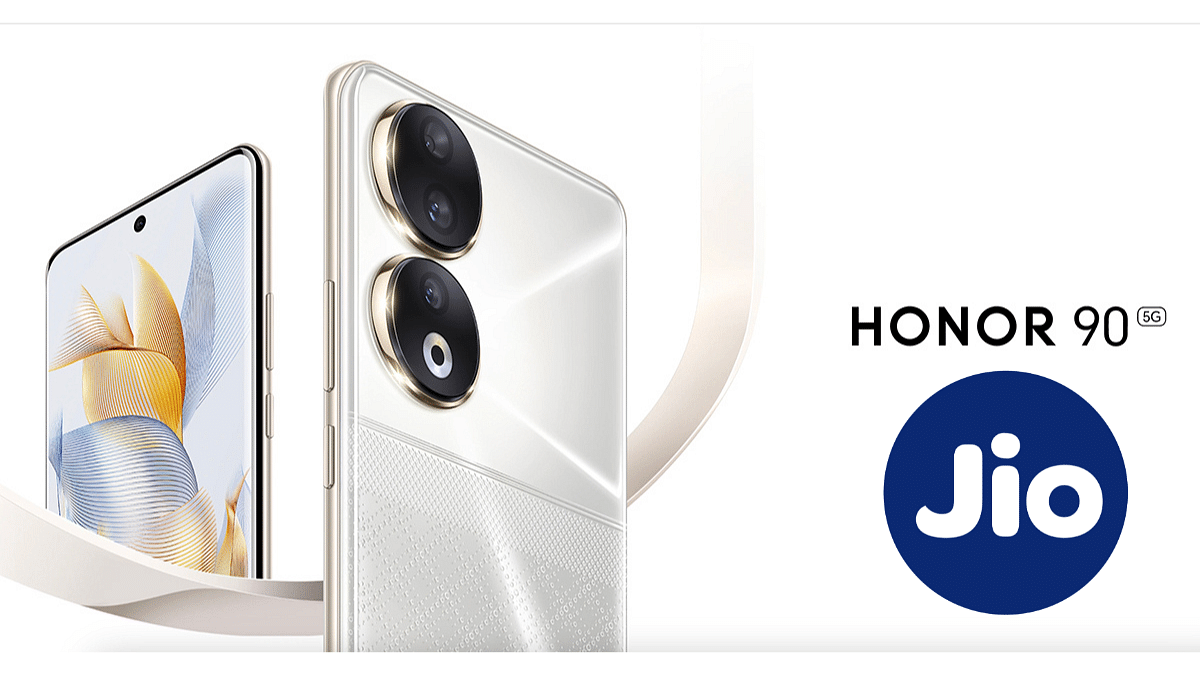
CEO of HTECH confirms HONOR 90 5G to come with Jio eSIM compatibility on X.
HONOR is yet to introduce Wi-Fi calling on the Jio mobile network.
HONOR 90 launched at Rs 37,999, 8GB RAM, 256GB storage.
In a recent announcement, Madhav Sheth, CEO of HTECH, took to X (formerly Twitter) to reveal a significant update for HONOR 90 users in India. The smartphone will now support Jio eSIM connectivity, bringing a new level of convenience and flexibility to users.
Madhav Sheth disclosed on X that HONOR is set to roll out eSIM connectivity for HONOR 90 in India, with the initial focus on Jio. This marks a noteworthy enhancement as the smartphone lacked this feature previously. While Sheth showcased the functionality through images, there’s no word yet on potential collaborations with other Indian network providers.
Sheth shared two images to showcase a functioning HONOR 90 smartphone with Jio’s eSIM connectivity. The second image reveals that the eSIM can be used in tandem with a physical SIM card. The phone runs on 5G network and will get eSIM support going forward. Additionally, HONOR is yet to introduce Wi-Fi calling on the Jio mobile network for the HONOR 90 smartphone.
In related news, Sheth has started teasing the launch of the HONOR X9b smartphone through a post on X (formerly Twitter). The recent drop test video hints at the device’s durability, and the brand is expected to announce the smartphone’s launch date in the upcoming weeks.
Connectivity: Dual-SIM, 5G SA/NSA, dual 4G VoLTE, Wi-Fi 802.11 ax, Bluetooth v5.2, GPS, USB Type-C.
Dimensions and Weight: 161.9×74.1×7.8mm; 183 grams.
Battery: 5,000mAh, 31W fast charging.
HONOR launched the HONOR 90 at an initial price of Rs 37,999 for the base variant, featuring 8GB of RAM and 256GB of storage. The smartphone has received notable discounts during recent Amazon sales, reaching as low as Rs 19,999 after discounts and coupons. The top variant, equipped with 12GB of RAM and 256GB of storage, is priced at Rs 39,999 in the country.