Categories
Apps Featured How To

Want To Change Your Instagram Username? Here’s How To Do It

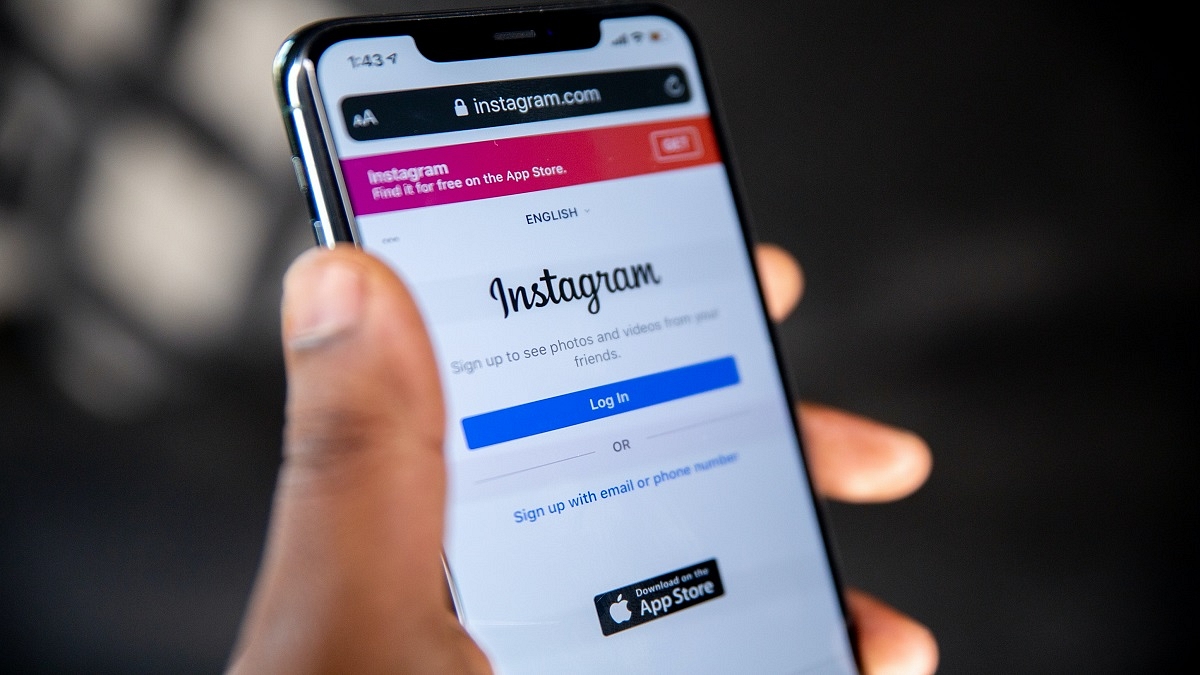
A crucial part of your Instagram profile is your username. It not only can provide a flavor of what you want your feed to convey but it can also be the quickest way to direct someone toward your account. What if you want to change it, though? Whether it’s because you’ve outgrown your current handle or you simply want a new label? Well, read on to find everything on how you can change your Instagram username.

Since the username serves as the account’s primary means of identification, many social media platforms won’t let you change it once you’ve created the account. Though, Instagram does allow you to modify it at any time. You can change your display name and username using the iPhone or Android phone on the mobile app or your computer in a web browser.

How To Change Your Instagram Username?

Your display name can be anything you like, but it must be unique. Your Instagram username can’t already be in use by someone else. If your preferred username is not available, Instagram will let you know. Until you select an original username, you cannot save your modifications. Here’s the step-by-step guide on how you can change your username on both app and web:

Steps To Change Username In Instagram App

Step 1: On your mobile phone, open the Instagram app and sign in to your account.

Step 2: In the bottom right corner of the screen, click on your profile icon.

Step 3: Then, click on the option ‘Edit Profile’ beneath your bio.

Step 4: In the username field, type your new username.

Step 5: In the top right corner of the app, tap ‘Done’. Then tap the Done option again.

Steps To Change Instagram Username On The Web

Step 1: Log into your account by opening Instagram.com in a web browser.

Step 2: In the top right corner of the window, tap your profile icon.

Step 3: Click the Settings button.

Step 4: Then, tap the Edit Profile option.

Step 5: In the Username section, type your new username.

Step 6: At the bottom of the page, click Submit and you are done.

In our earlier coverage, we have provided a list of some of the most unique Instagram usernames names for girls. You can check it out here.
Categories
Featured Gaming Info

Best Gaming Consoles In India That Every Gamer Should Have

It’s challenging to meet your need for gaming. If you genuinely need a new gaming console in 2022, it is not surprising. However, there are so many choices available that it becomes a task to filter and choose one. There are Sony with the PlayStation 5, Microsoft with the Xbox Series X, and Nintendo with the Switch among others. In this post, we’ve compiled a list of the top gaming consoles available in India right now.

Sony PlayStation 5

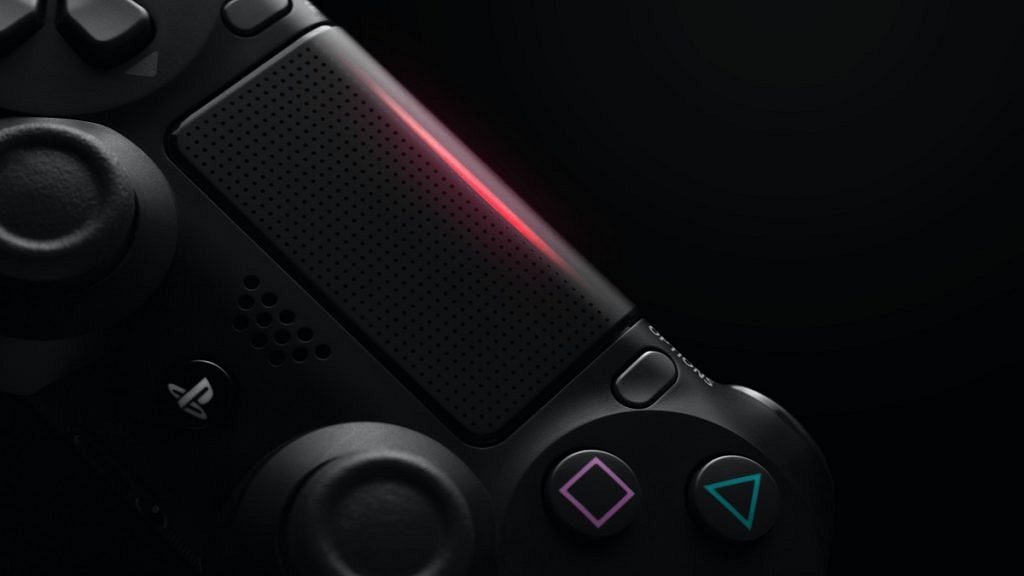
The Sony PS5 is one of the most popular home video gaming consoles in the world. It has the AMD Zen 2 microarchitecture-based custom 8-Core / 16-Thread processor. A 10 teraFLOP GPU based on the AMD RDNA 2 ‘Navi’ architecture is paired with the PS5. Games can run on this at 4K@120Hz and HDR. Additionally, it offers 8K@60Hz thanks to HDMI 2.1 support. There are two variants of the Sony PlayStation 5: the standard and digital editions. Both versions are available for Rs. 49,990 and Rs. 39,990, respectively.

Microsoft Xbox Series X

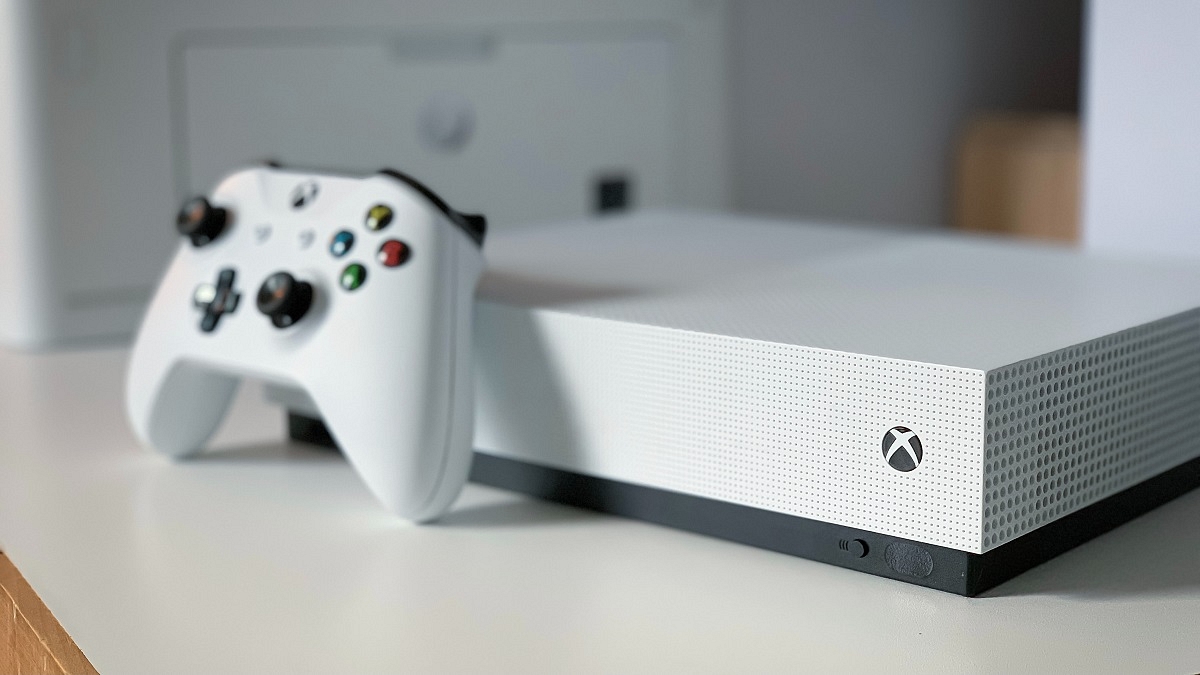
The Microsoft Xbox Series X is the next gaming console on our list. It has a custom 8-Core / 16-Thread AMD Zen 2 processor. With its blazing-fast 12 teraFLOP GPU, the Series X can effortlessly handle most games at 4K 60 FPS. The Xbox Game Pass is the main reason for purchasing an Xbox. Xbox Game Pass is a monthly subscription service that allows you access to over 300 games that you can freely download and play. The Microsoft Xbox Series X is available in India at Rs. 49,990.

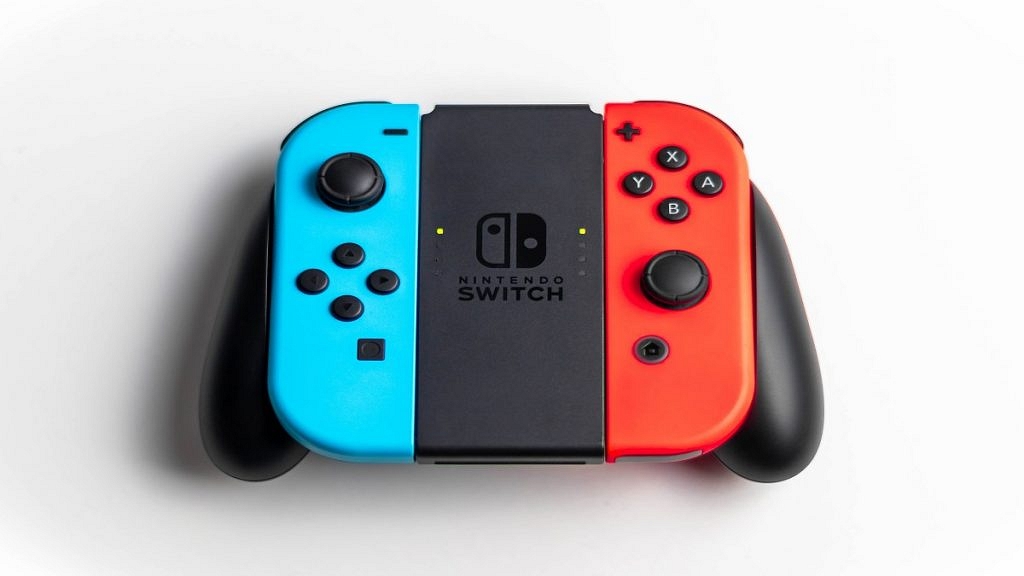
Nintendo – Version 2 Switch with Joy-Con

The Nintendo – Version 2 Switch with Joy-Con is a great pick if you want something for gaming on the go. It allows you to enjoy games at home or traveling. Players can also connect this Nintendo Switch gaming console to enjoy HD gaming on their television. The battery life lies in the range of 4.5 to 9 hours. The Nintendo Switch Joy‑Con – Version 2 can be purchased at Rs. 25,990 in India.

NXTPOWER NXT_SP05 4GB PSP Games

The NXTPOWER NXT_SP05 4GB PSP is a decent option to go with if you’re seeking an affordable gaming console. It is made of top-notch ABS plastic and is available in white color. The gaming console is available with an adapted AV cable and can be connected to your television. It has an AV external interface and supports the video input. This console is available with an in-built 10000 classical games and has a memory of 4GB.

Categories
Featured Info Laptop Tablet

Asus ROG Flow Z13 And TUF Dash F15 Gaming Laptop Unveiled In India: All Details

Key Highlights

  • Asus launched its new ROG Flow 13 2-in-1 gaming tablet
  • The company also unveiled the Asus TUF Dash F15 gaming laptop
  • The TUF Dash F15 price starts at Rs. 90,990 in India

Asus has unveiled its new ROG Flow 13 2-in-1 gaming tablet in India along with the Asus TUF Dash F15 gaming laptop. The new line of gaming devices features NVidia RTX GPUs coupled with Intel’s 12th generation Core processors.

Asus ROG Flow Z13: Specifications

There are two display options available for the Asus ROG Flow Z13 gaming tablet. A 13.4-inch full-HD (1,920×1,200 pixels) panel with 120Hz is the first choice. It has a 16:10 aspect ratio, and 500 nits peak brightness.

The second display option is a 13.4-inch Ultra-HD (3,840×2,400 pixels) display. It has a lower 60Hz refresh rate. Both the displays offer Adaptive-Sync support, Dolby Vision HDR, and touch and stylus support.

The Asus ROG Flow Z13 is powered with up to a 14-core Intel Core i9-12900H CPU. You can choose from the option 512GB or 1TB M.2 NVMe PCIe 4.0 SSD.

The Asus tablet is equipped with up to Nvidia GeForce RTX 3050 Ti GPU for graphics. It has a 4GB DDR6 VRAM and MUX switch which is said to lower in-game lag times and increase performance by up to 10%.

The Asus ROG Flow Z13 has Bluetooth v5.2 and Wi-Fi 6 as connectivity options. The tablet has a Thunderbolt 4 DisplayPort, a ROG XG Mobile Interface, one each of USB Type-A (2.0) and USB Type-C (3.2 Gen 2) port, and a card reader.

Asus ROG TUF F15: Specifications

The Asus ROG TUF F15 has a new revamped design. It comes with a mecha-inspired aluminium lid. It has two display options: a 15.6-inch full-HD IPS-level display with a refresh rate of 144 Hz and a 15.6-inch WQHD IPS-level display with a refresh rate of 165 Hz.

Under the hood, the laptop can be packed with up to a 12th generation Intel Core i7-12650H processor. It has up to 16GB DDR5 SDRAM. Additionally, there are SO-DIMM slots that can support up to 32GB of RAM.

The Asus ROG TUF F15 has 512GB/1TB M.2 NVME PCIe 3.0 SSD. It comes with (up to) Nvidia GeForce RTX 3070 GPU with 8GB GDDR6 VRAM.

The laptop has a Dolby Atmos two-speaker system, a backlit chiclet keyboard, an HD camera with an array microphone, and AI noise cancellation technology.

As for connectivity options, it has Wi-Fi 6 and Bluetooth v5.2. Ports. The Asus ROG TUF F15 includes a Thunderbolt 4 DisplayPort, two each of USB Type-A (3.2), USB Type-C ports as well as an HDMI 2.0b, 3.5mm audio jack combo, and an RJ45 LAN port.

Asus ROG Flow Z13 And Asus ROG TUF F15: Price

The Asus ROG Flow Z13 has been priced in India at Rs. 1,36,990. It will be available for purchase on the Asus online store, Amazon, Flipkart, Croma, ROG Stores, Vijay Sales, and Reliance Digital.

On the other hand, the Asus TUF Dash F15 will cost you Rs. 90,990. It will be accessible through the same channels.

Categories
Apps Featured How To

Hide Subscriber Count Of Your YouTube Channel: Here’s How

YouTube has a wide user base all around the world. Each day that goes by, the user base of this Google-owned video-streaming platform grows rapidly. There are many content creators who use YouTube as a medium to reach their viewers and gain popularity. A YouTube channel’s popularity is based on the number of subscribers it has. However, some people might not want to disclose their subscriber numbers for various reasons.

YouTube does include a feature that lets you hide your subscription count. If you choose to hide it, your subscriber count on YouTube won’t be visible to the general public. However, on YouTube Studio, you can still see your subscriber count.

How To Hide YouTube Subscribers?

If you want to hide your YouTube channel’s subscriptions from others, we help you learn how to do it.

Steps To Hide YouTube Subscribers

Step 1: You have to log in to your Google Account on your device.

Step 2: Go to YouTube Studio.

Step 3: Click Settings and then Channel and then Advanced settings.

Step 4: Uncheck ‘Display the number of people subscribed to my channel’ under ‘Subscriber count.’

Step 5: Click Save.

Additionally, users have the option of making their subscribed channels private or public. However, the fact that every setting is set to private is noteworthy. The difference between the private and public settings is as follows:

Private Settings

If your subscriptions are set to private, nobody else can see what channels you subscribe to. Your account does not show up in the ‘Subscribers List’ even if you are subscribed to a channel.

Public Settings

If your subscriptions are set to public, other people can see the channels you subscribe to. On the homepage of your channel, your subscribers are highlighted. Your account appears on the ‘Subscribers List’ for every channel you subscribe to.

How To Make Your YouTube Channel Subscriptions Public Or Private?

Step 1: Sign in to YouTube.

Step 2: At the top right of the screen, click your profile picture.

Step 3: Click Settings.

Step 4: Select Privacy in the ‘Menu’ option.

Step 5: You can turn on or off ‘Keep all my subscriptions private’ and you are all done.

Categories
Apps Featured How To

How To Create A UPI ID On Google Pay? Here’s A Step-By-Step Guide

Nowadays, most people prefer making their payments online rather than carrying around a lot of cash. To make payments online, you can use a number of UPI-based services like Paytm, PhonePe, and Google Pay, among others. However, you need to be aware that in order to make payments online, you will have to create a UPI ID. Additionally, all that is needed to make payments via UPI is the user’s unique UPI ID, mobile number, or QR code.

In this post, we will take a look at how to create and get your UPI ID as a first-time user. Also, we will help you learn how you can change the UPI ID on Google Pay. Let’s get started:

How To Create UPI ID On Google Pay  

Step 1: Download the Google Pay app and register/sign in.

Step 2: On the top right of your screen, click on your profile photo.

Step 3: Select ‘Bank Accounts’ under ‘Payment methods’.

Step 4: Select any bank account to which you want to set a new UPI ID.

Step 5: Choose ‘Manage UPI IDs’.

Step 6: Next to the UPI ID you want to create, tap the ‘+’ icon.

Step 7: Click ‘Continue’ to verify your mobile number.

Step 8: Once the mobile is verified, a new UPI ID will be created.

When a new UPI ID is created, the user can select the desired UPI ID under ‘Choose account to pay with’. You can follow the same steps if you want to delete an existing UPI ID. Just tap the bin/ delete icon instead of the ‘+’ icon.

How To Change UPI ID On Google Pay

You can also change your UPI ID on Google Pay. Here’s how:

Step 1: Open Google Pay on your mobile phone.

Step 2: In the top right corner of your screen, tap your photo.

Step 3: Go to Payment methods.

Step 4: Click the bank account whose UPI ID you want to see.

Step 5: Tap the UPI ID associated with the bank account you will be using.

Step 6: Next to the UPI ID you want, click the ‘+’.

Step 7: You will see your UPI ID before hitting the button to ‘proceed to pay’ when you make payment.

Categories
Featured How To Mobile

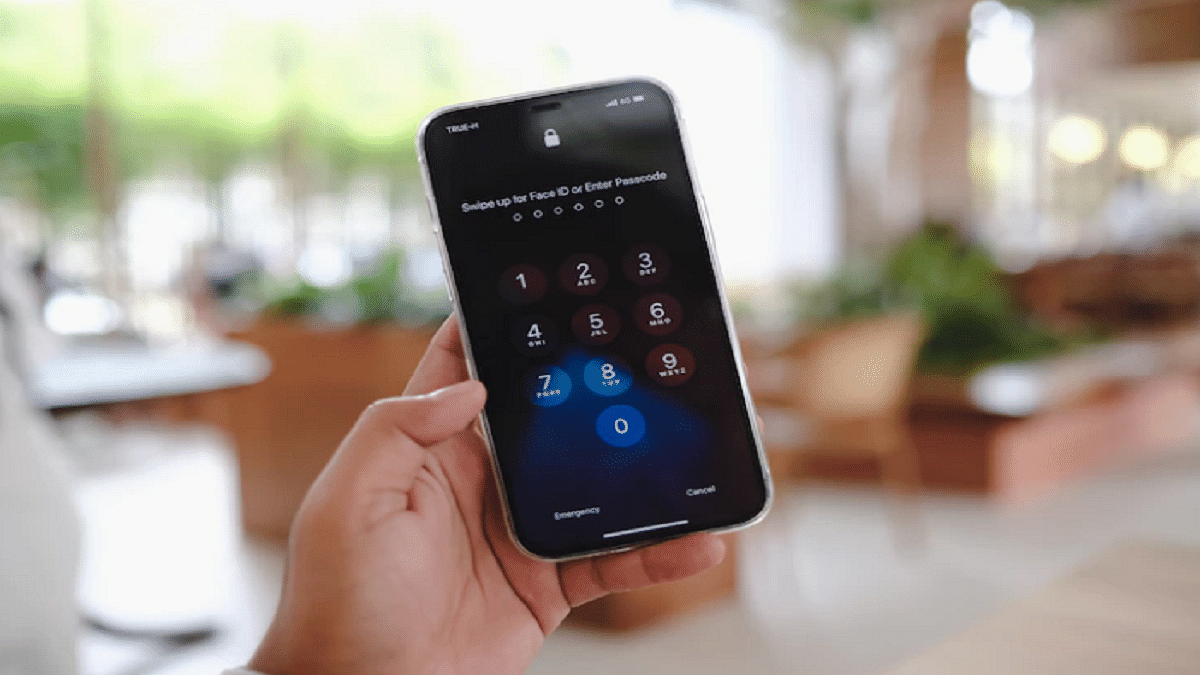
Forgot Your Apple ID Password? Check Steps To Reset It

There’s nothing more annoying than forgetting a password, especially when it is the password to an account like your Apple ID. Our privacy is protected by passwords, but getting locked out can be a major pain.

You require an authenticated Apple ID and Password for every operation you perform on your Apple products such as the iPhone, iPad, Mac, iTunes, and iCloud. You cannot use your smartphone without these. In order to download anything from iTunes or the App Store as well as to log into iCloud on a new device, you require an Apple ID and password.

If you have signed off or accidentally logged out from your Apple account and you cannot recollect the password, then this article has got you covered.

Steps To Reset Your Apple ID Password On iPhone, iPad Via Settings App

You can reset your password from the Settings app on your device. Here are the steps for that:

Step 1: On your iPhone or iPad, go to the ‘Settings’ app.

Step 2: Next, select ‘Password and Security’ by tapping your name at the top of the screen.

Step 3: Next, go to the option ‘Change Password’.

Step 4: Type in the passcode you unlock your device with.

Step 5: Add a new password on the next screen and click ‘Change’.

Step 5: You’ll have to enter that new password on your other Apple devices.

Steps To Reset Your Apple ID Password On iPhone, iPad Via Friend’s Device

For devices running iOS 12 or later, you can reset your Apple ID password on your other’s phone using the Apple Support app. Follow these instructions once your friend has the Apple Support app installed on their phone:

Step 1: Open the app and under Topics, select ‘Passwords & Security’.

Step 2: Choose ‘Reset Apple ID password’.

Step 3: Choose ‘Get Started’ and then ‘A different Apple ID’.

Step 4: Enter the Apple ID, and set up the new password.

Step 5: Follow the prompts until you receive confirmation that your password has been changed.

How To Reset Your Apple ID Password On Mac

Here’s how to reset your Apple ID password if you own a Mac computer or a MacBook laptop.

Step 1: First choose the Apple menu located in the top-left corner of the screen.

Step 2: Next, go to ‘System Preferences’ and then choose Apple ID.

Step 3: Next, select ‘Password & Security’ option.

Step 4: If you’re asked to enter your Apple ID password, click the ‘Forgot Apple ID or password’ option and then follow the onscreen instructions.

Step 5: Tap on the ‘Change Password’ option.

Step 6: To unlock your Mac, enter the password you use and you are done.

Categories
Accessories Featured Info

Noise Launches Its First Smart Glasses ‘i1’ In India: Check Features and Price

Key Highlights

  • Noise released its first-ever smart glasses in India
  • Noise smart eyewear i1 comes with host of features
  • Noise smart eyewear i1 has been launched at Rs. 5,999

After TWS and smartwatches, Noise debuted its first smart eyewear in India. The eyewear dubbed ‘i1’ is developed under Noise labs. The Made in India smart eyewear i1 comes with a host of features including a motion compensation (MEMS) mic for calls, motion estimation, magnetic charging, hands-free voice control, and other functions. Noise wants to make smart glasses more accessible with its new eyewear.

Noise Smart Eyewear i1: Specifications

The Noise i1 gets a guided audio design that ensures proper music flow. The company says that it blocks out the surrounding noise. Therefore, the user will be able to have an immersive acoustic experience. It claims to be able to work smoothly up to 10 meters away from the smartphone.

Noise claims that the i1 smart glass can deliver up to nine hours of battery backup on a single charge. It’s also Bluetooth 5.1 compatible. As soon as the temples are opened, the smart eyewear will be able to connect to your phone. It can provide 120 minutes of playtime on a 15-minute charge, according to the company

The Noise i1 smart glass has in-built voice assistants such as Google Assistant and Siri. Users can also use the smart eyewear’s multi-functional touch controls to accept and reject calls, regulate music, and activate the voice assistant. The smart eyewear comes with an IPX4 rating that makes it resistant to water splashes.

In addition, the smart glasses lenses provide 99 percent UVA/B protection against sun rays in the lenses. When not in the sun, there is also an option to replace the glasses with blue light filtering transparent lenses to reduce eye strain while working on phones, laptops, and desktops.

Noise Smart Eyewear i1: Price

The Noise Smart Eyewear i1 costs Rs. 5,999 in India. The company claims that this new product has been made in limited numbers, so it may sell out quickly. The Noise i1 will be available for sale via gonoise.com.

Categories
Featured Info

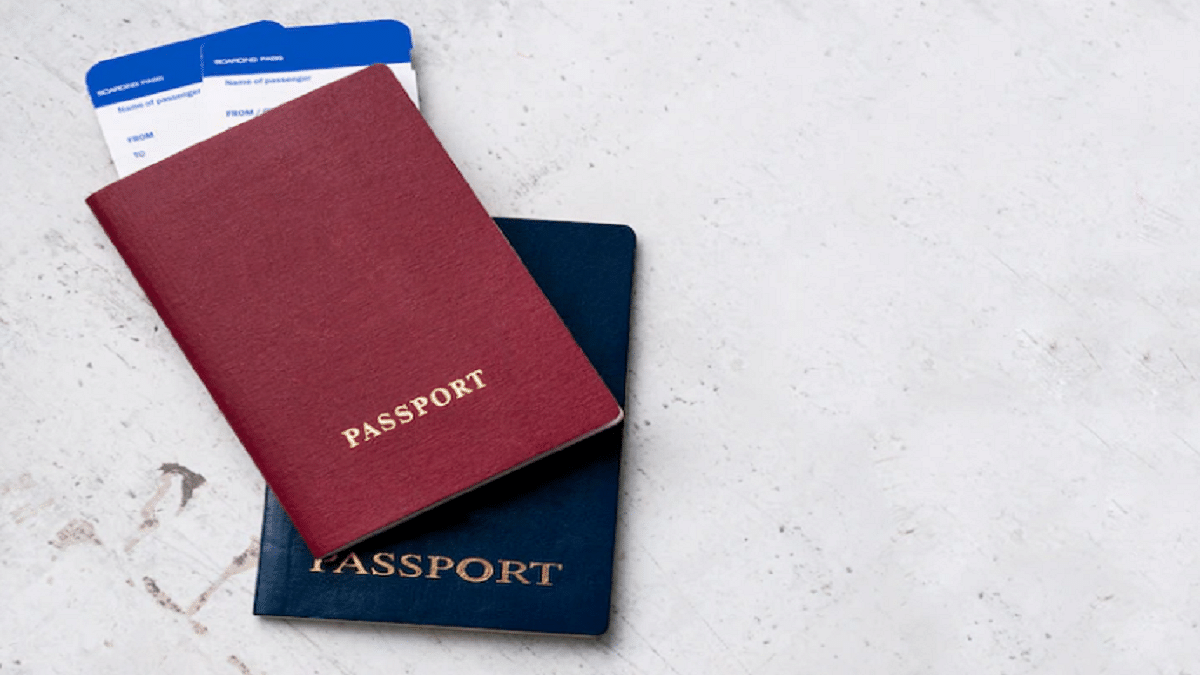
E-Passport Rollout Is Likely To Begin In India By The End Of 2022: All Details

Key Highlights

  • E-passport in India is likely to roll out by 2022 end
  • TCS is working with the MEA to set up a new control center
  • This is part of the passport project’s second phase

Tata Consultancy Services is expected to start rolling out chip-based e-passports in India by the end of this year. This is the second major upgrade Tata’s tech giant will undertake for the PSK (Passports Seva Kendra). The company is working with the MEA (Ministry of External Affairs) to set up a new control center.

According to ET’s report, the company will set up a new Passport Seva Kendra and refurbish existing PSKs with renewed infrastructure in the second phase of the passport implementation phase to ensure a more convenient and faster turn-around time. As a passport application is processed, it will also improve citizens’ experiences using technologies such as chatbots, biometrics, and auto-responses. In addition, PSKs around the country will be upgraded in terms of infrastructure in the second phase of the project.

For citizens, the new Indian e-passport will be a biometric passport. A small electronic chip in the passport maintains all of the information including the holder’s name, nationality, and date of birth.

In January, the ministry renewed a 10-year PSK deal with TCS worth over Rs 6,000 crore. The government announced in the budget that chip-based e-passports would be implemented. Until now, this is the country’s largest mission-critical e-governance initiative.

In terms of availability, when the second phase of the project is implemented, new passports issued will come with the chip, while the passports already in circulation will be updated at the time of renewal.

Interestingly, the government issued India’s first e-passport with biometric details to former President Pratibha Patil in 2008. The government has already issued roughly 20,000 e-passports to diplomats and other officials as part of a pilot project.

E-passports are already used in over 100 countries around the world. Before the ICAO approved a global plan for integrating biometrics into passports and other machine-readable travel papers, Malaysia was the first country to deploy an e-passport in 1998. Belgium issued the world’s first ICAO-compliant passport in 2004, while Bangladesh was the first South Asian country to introduce e-passports in 2020.

Categories
Apps Featured Info Smart Watch

Best Fitness Apps To Download For Your Smartwatch To Stay Fit

Key Highlights

  • Smartwatches provide health and fitness information in addition to notifications
  • Fitness apps designed for smartwatches help users stay in shape by tracking vital signs, workouts, sleep, and food consumption
  • The article reviews five fitness apps and discusses their features and benefits for gym enthusiasts

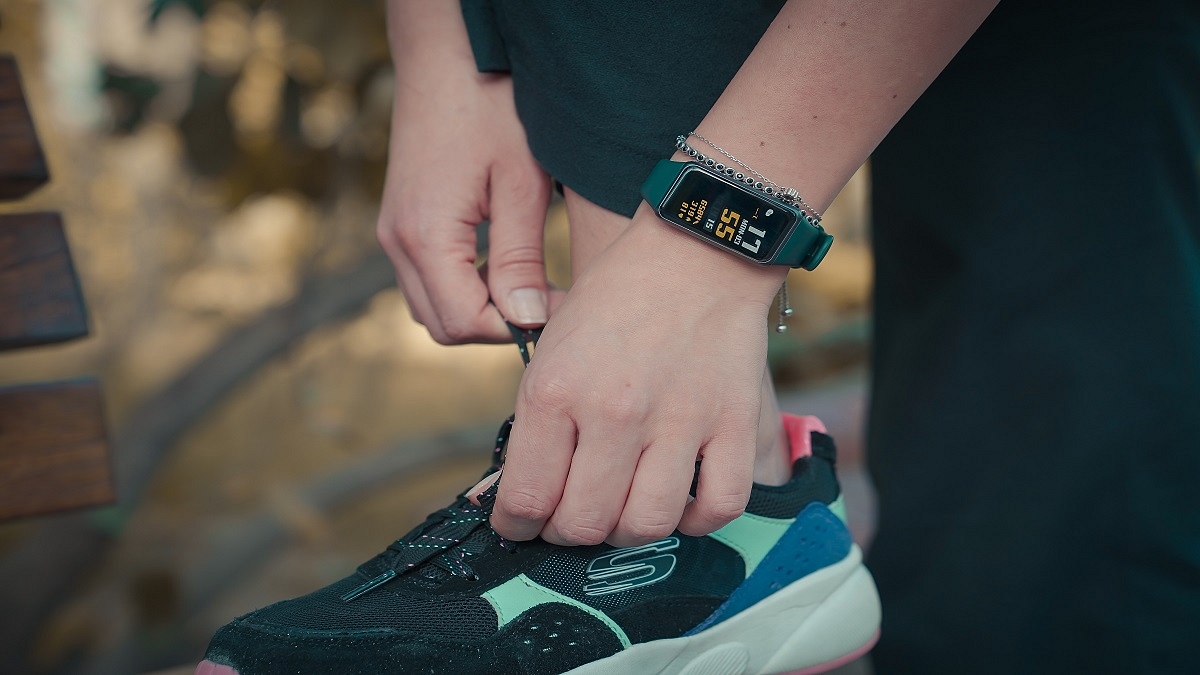
Smartwatches not only bring notifications to your wrist but they also have another great use, i.e., health and fitness information. One of the many advantages of wearing a smartwatch is that it can help you stay in shape. There are numerous fitness apps available to assist smartwatch users in staying in shape.

The apps allow you to keep track of your body’s vital signs, workouts, sleep, food consumption, and more. But which fitness apps are best for your personal use? In this article, we’ll look at five fitness apps and see what they have to offer the gym enthusiast in you. Also Read | Unlock Exclusive Deals: Five Best Coupon Apps For Online Shopping In India

Google Fit

Google Fit tracks your workouts, runs, walks, and bike rides in real time. This app records your speed, route, race, elevation, sleep time, weight, and calorie intake. It generates reports based on the data collected and even allows for data synchronization with a variety of supported apps. Google Fit uses your smartwatch to track your fitness data on a regular basis.

Strava

Strava is often regarded as the best cycling app available. You can use your smartwatch to start, stop, pause, and continue ride tracking. Users may even use their wearable to start a run or a bike trip using voice instructions. The fitness app will show stats including average time, speed, run splits, distance, heart rate, and real-time segments.

Also Read | Mastering A New Tongue? Here Are The Best Mobile Apps For Learning A New Language

Map My Run

Map My Run is another fitness app on our list. It is compatible with Apple Watch as well as WearOS smartwatches. This health and fitness app can keep track of your heart rate in real-time, workout duration, and more. It also offers GPS support and adaptable training regimens making it suitable for marathon training.

Adidas Runtastic

Runtastic is best for audio training and enhanced fitness tracking using GPS. It tracks your walks and runs along with distance, duration, elevation, cycling, walking, and jogging. The fitness app also calculates the calories you burned through workouts and assists in creating and reaching exercise targets.

Progression – Workout Tracker

Progression is a simple fitness app that tracks lifted weights instantly after an exercise session. After you complete your workout, you’ve navigated to the history page which displays your previous reports as well as the latest one. The app also has a rest timer that ensures you get enough rest after regular time intervals. It comes with 300+ fun exercise modules that help you exercise better.

Also Read | Never Get Lost Again: Four Best Navigation Apps For Travelers

Categories
Accessories Featured Info

Best Audio Products To Buy For Less Than Rs. 1,500 In India

Advanced audio technology has changed the overall experience of how we listen to music. Earbuds/earphones provide freedom and versatility. There are no annoying entanglements or wire breakage. Users can also use one earbud at a time. They are great options that fit your budget and provide the best sound experience. Here, we have compiled a list of the best devices under Rs. 1,500 in India.

Boat Airdopes 141

The Boat Airdopes 141 offer a decent Playback time of as long as 9 hours in a go. This Bluetooth earphone is ergonomically designed and is comfortable to wear. The IPX4 grade for water and sweat resistance protects the earbuds’ body. It has ASAP Charge capability as well as a Type C interface. You can get the Boat Airdopes 141 at Rs. 1,499 in India.

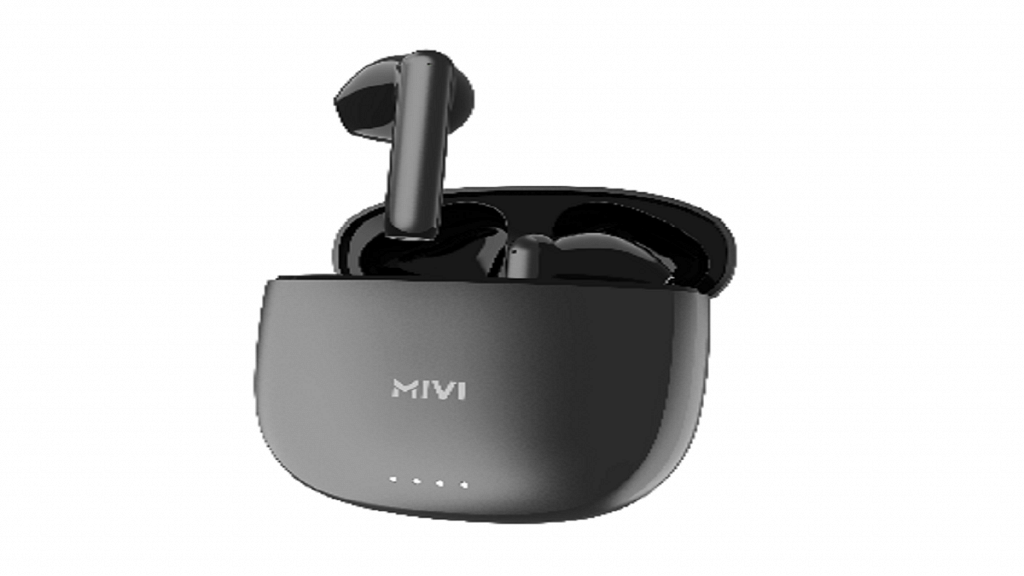
Mivi F40

The Mivi Duopods F40 features 13mm electro-dynamic drivers and offers a studio-like experience. Furthermore, it’s lightweight and has an ergonomic design to make it comfortable to use. The duopods feature Siri and Google Assistant as well as one-tap touch buttons for adjusting audio tracks. The device offers a 50-hour battery life. The Mivi Duopods F40 is available at a price of Rs. 1,199. You can get it from Flipkart and Mivi’s official website.

Truke F1

The Truke F1 is another device on our list. It is compatible with Google Voice Assistants and Siri. This audio device offers 48 hours of long-lasting power with fast charging and 10 hours of playtime on a single charge. Moreover, it has instant pairing technology, as well as higher reliability and faster connectivity via Bluetooth 5.3. The Truke Buds F1 can be purchased at Rs. 1,299 on Flipkart.

Boult Audio AirBass Z1

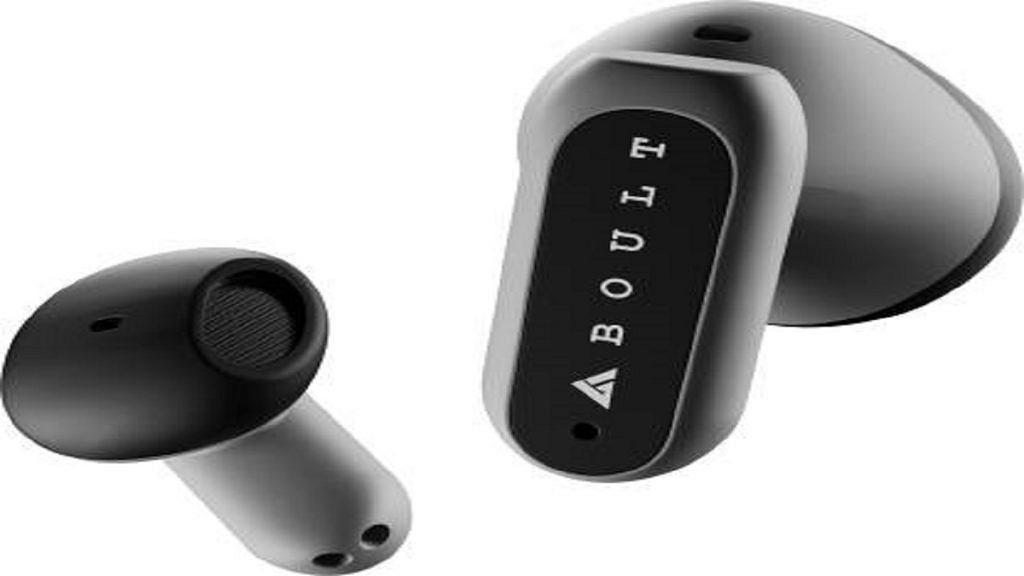
The design of Boult Audio AirBass Z1 helps with passive noise cancellation that blocks ambient noise. Dual mics promise clear call quality. The user may play/pause, skip to the previous/next track, and answer/hang up calls with one multifunction button. The device has voice assistant functions like Siri and Google Assistant. Moreover, it promises a playback time of 24 hours. The price of the Boult Audio AirBass Z1 in India is set at Rs. Rs. 1,379.

NoiseBuds VS202

The Noise Buds VS202 features Bluetooth v5.3 connectivity with a maximum operating distance of 10 meters. It supports SBC and AAC audio codecs. This device can be paired with both Android and iOS devices. They have an oval charging case. With the support of the company’s Instacharge feature, the Noise Buds VS202 claims to offer 120 minutes of playtime with just 10 minutes of charging. The Noise Buds VS202 was launched in India at an introductory price of Rs. 1,199.