Categories
Featured How To Mobile

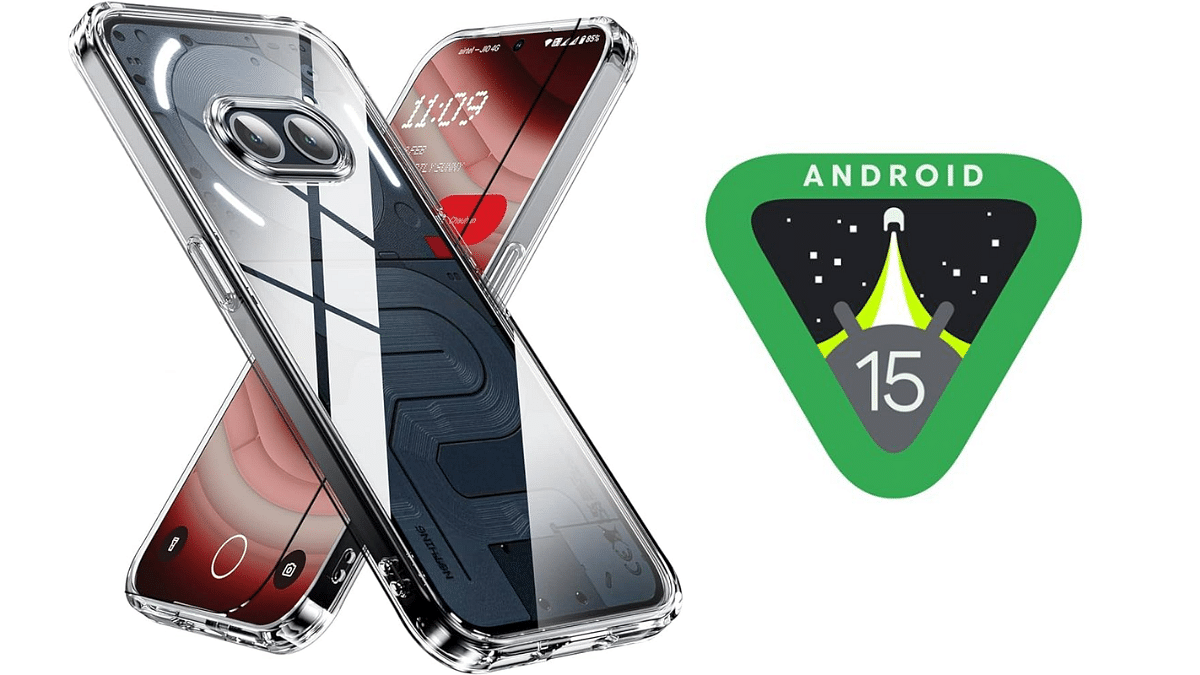
Android 15 Beta 1 Lands On Nothing Phone 2a: Here’s How To Install

Key Highlights

  • Nothing Phone 2a is the first device from Nothing to receive the Android 15 Beta 1 update
  • Nothing Phone 2 will also receive the Android 15 Beta 1 update soon
  • Instructions on how to install the Android 15 Beta 1 on the Phone 2a are provided here

The Nothing Phone 2a has become the first smartphone from Nothing to receive the Android 15 Beta 1 update. This beta build provides users with an early glimpse of what the next version of Android has to offer. After the Phone 2a, the Nothing Phone 2 is also expected to receive the beta update. If you own a Phone 2a and are excited to try out Android 15, here’s how you can install the update and what new features to expect. Also Read | Realme 12+ 5G vs Nothing Phone 2a: Which Mid-Range Marvel Should You Pick?

Nothing Phone 2a: How To Install Android 15 Beta 1
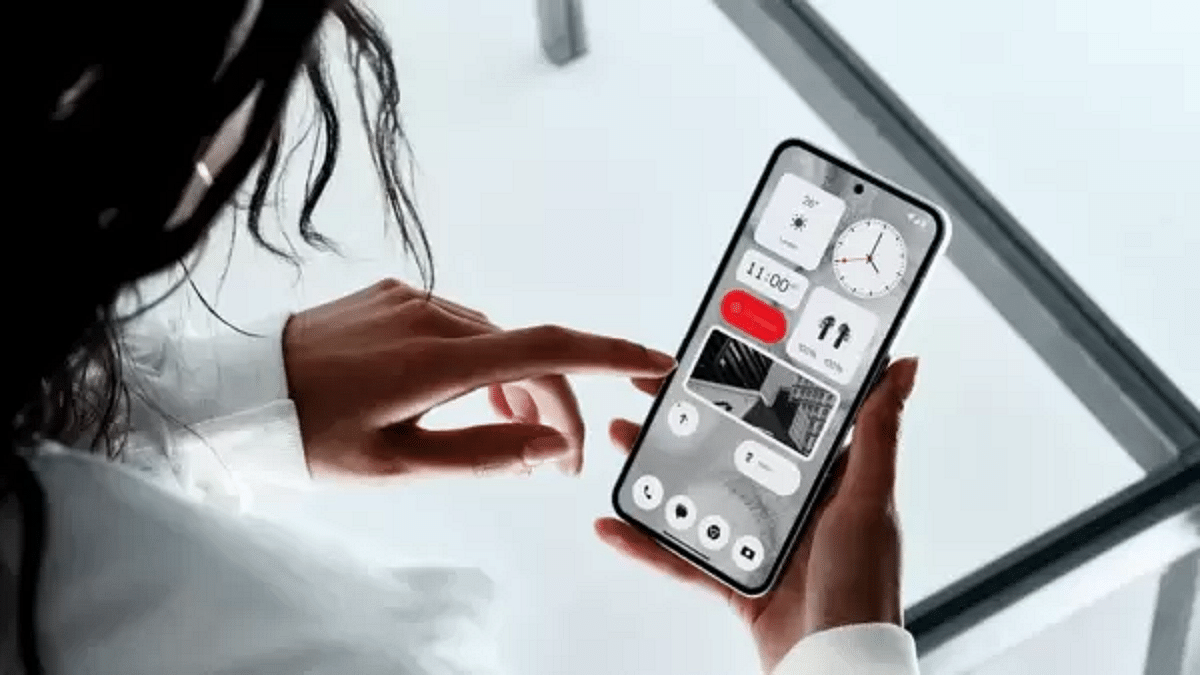
Before proceeding with the installation, it’s important to note that beta versions can have bugs and may not be stable. If you still wish to proceed, follow these steps:

Step 1: First, go to your Phone 2a’s settings and navigate to the About phone section. Tap on Software info and check if your device is running Nothing OS 2.5.5. If not, update your phone to this version.

Step 2: Next, download the latest software update package for Android 15 Beta 1.

Step 3: After downloading, create a folder named “ota” in your Phone 2a’s internal storage directory.

Step 4: Copy the downloaded update package to the “ota” folder you just created.

Step 5: Open your phone dialer and enter the code ##682##. This will open the local update tool.

Step 6: In the update tool, select the downloaded package from the drop-down list. The package should appear in the “ota” folder.

Step 7: Tap on “Directly apply OTA from the selection” to begin the installation. Let the process complete.

Step 8: Once the update is finished, reboot your device. Your Phone 2a should now be running Android 15 Beta 1.

How To Rollback To The Previous Version

If you encounter issues with the beta update or simply want to return to a stable version, you can rollback by following these steps:

Step 1: First, download the rollback package for your device.

Step 2: Open your phone dialer and enter the code ##682## again to open the local update tool.

Step 3: In the update tool, select the rollback package and tap on “Directly apply OTA from the selection.”

Also Read | Nothing Phone (2): Top Features

New Features In Android 15 Beta 1

The Android 15 Beta 1 update brings several new features to the Nothing Phone 2a, including:
  • New Boot Animation: Enjoy a fresh and updated Nothing boot animation.
  • New Wallpapers: Access a collection of new wallpapers to personalize your device.
  • Glyph SDK Support: The update includes support for Glyph SDK, enhancing the visual experience.

By following the steps outlined above, you can easily install the Android 15 Beta 1 on your Nothing Phone 2a and explore the new features. Remember, since it’s a beta version, there might be some bugs, so proceed with caution and enjoy the new Android experience.
Categories
Featured Info

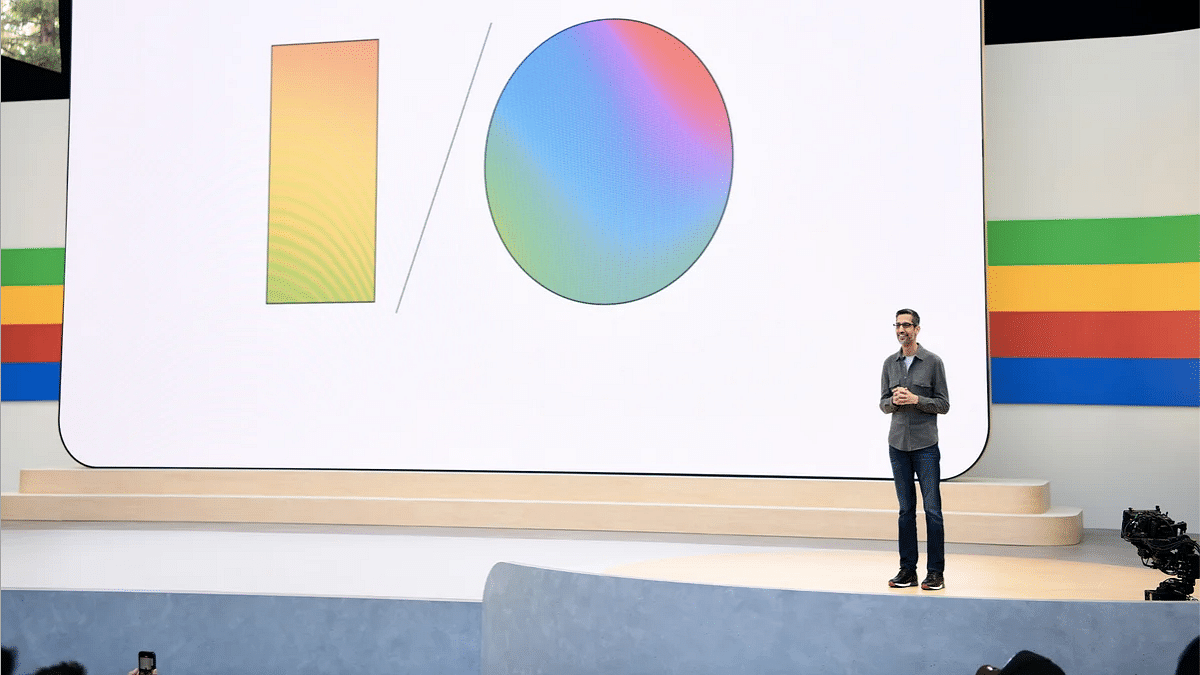
Google I/O 2024 Top Announcements: Gemini 1.5, AI in Android, And More

Key Highlights

  • Google launched the efficient Gemini 1.5 Flash model
  • Android 15 will feature advanced AI tools, including scam alerts and homework help
  • Google’s search now offers AI-generated summaries

Google’s annual developers conference, Google I/O 2024, unveiled numerous groundbreaking innovations, emphasizing the integration of AI across its platforms. Here’s a rundown of the top announcements. Also Read | Google I/O 2024: Trillium Takes Center Stage As Pichai Announces Sixth-Gen TPUs

Gemini 1.5 and Gemma Models

Google introduced the Gemini 1.5 Flash language model, which is designed to be lightweight, fast, and efficient. With a context window of one million tokens, it excels in handling high-frequency tasks that require quick responses.

Additionally, Google unveiled enhancements to the Gemma AI model, now boasting 27 billion parameters, optimized by TPUs and GPUs for better performance and efficiency. A new vision-language model, PaLI-3, will also be added to the Gemma family, set to launch in June.

AI-Powered Google Photos and Search

The new “Ask Photos” feature in Google Photos leverages Gemini’s multimodal capabilities, allowing users to locate specific images with simple prompts. For example, asking for pictures from a particular event will instantly bring up relevant photos from the user’s gallery.

Google is also enhancing its search engine with AI-generated summaries and overviews for search topics. This new feature, initially tested in the Google Search Generative Experience (SGE), will now be available for dining and recipe searches, with plans to expand to other categories.

AI Features in Android

AI is deeply integrated into the upcoming Android 15 update. Features include Circle to Search, which helps students solve math and physics problems step-by-step. Gemini Nano, a lightweight on-device AI model, will now understand multimodal inputs like sights and sounds, in addition to text. It will also provide real-time scam alerts during calls by detecting suspicious conversation patterns.

Furthermore, Gemini will overlay on top of different apps, allowing users to interact with the AI assistant while using other applications. For instance, users can ask questions about a YouTube video or drag AI-generated images directly into Gmail.

Firebase Genkit

The new Firebase Genkit aims to simplify the development of AI-powered applications in JavaScript/TypeScript, with support for Go. This open-source framework will assist in content generation, summarization, text translation, and image creation.

LearnLM

Google introduced LearnLM, a generative AI model family fine-tuned for educational purposes. Developed in collaboration with DeepMind, LearnLM will provide conversational tutoring across various subjects.

Project Astra

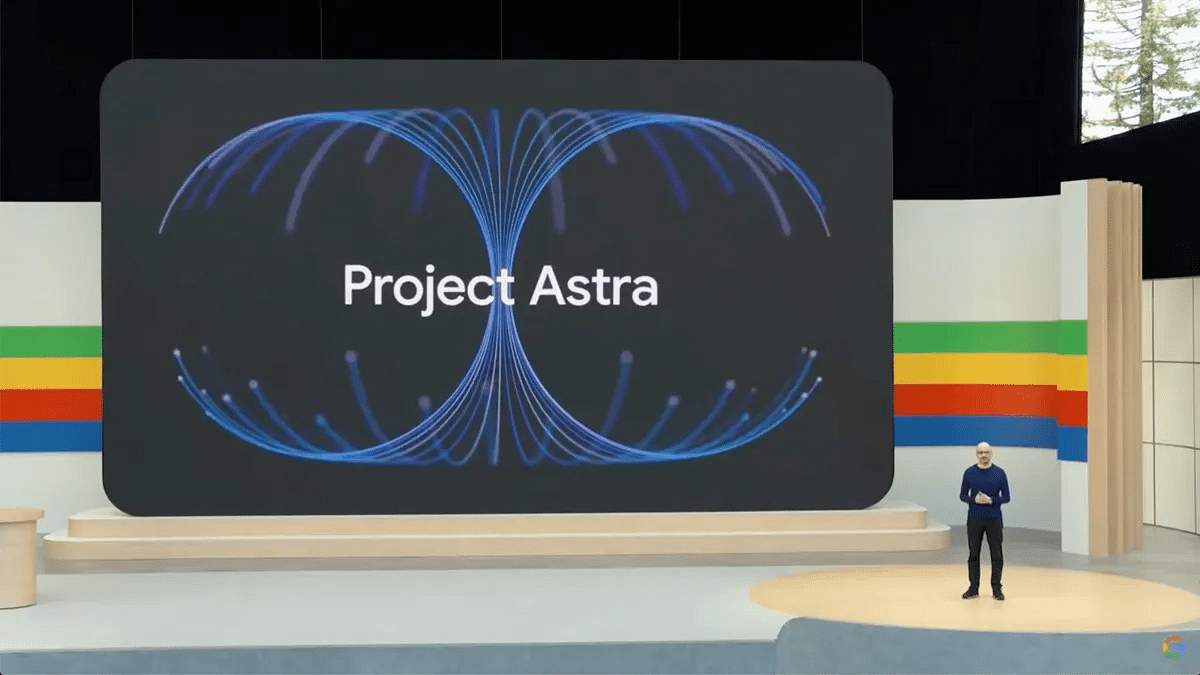
Project Astra, Google’s new AI agent, is poised to compete with OpenAI’s GPT-4. Demonstrated capabilities include identifying objects, explaining code, and even locating personal items like glasses. Project Astra hints at future enhancements to Google Lens, potentially integrating with smart devices like smartphones and smart glasses.

Also Read | Project Astra Announced At Google I/O 2024: Key Highlights

VEO

Google also revealed VEO, a text-to-video generation model capable of creating 1080p resolution videos with diverse cinematic styles. Users will have enhanced control over video creation, utilizing terms like “timelapse” or “aerial shots.”

Changes to Google Play

Google Play will see new discovery features, updated ways to acquire users, and enhancements to the Play Points program. Updates to the Play SDK Console and Play Integrity API are also on the horizon, improving the overall app ecosystem.

With these innovations, Google continues to push the boundaries of AI, making technology more helpful and accessible to everyone.

Categories
Featured Info

Project Astra Announced At Google I/O 2024: Key Highlights

Key Highlights

  • Google introduced Project Astra at I/O 2024, an AI innovation
  • Project Astra’s AI, Gemini, can identify objects, respond creatively, and recall information
  • It offers real-time data processing and problem-solving

At the Google I/O 2024 conference, the tech giant unveiled its latest innovation in AI, Project Astra. Led by DeepMind CEO Demis Hassabis, the project aims to develop universal AI agents to assist in everyday life. Utilizing a phone’s camera as its main interface, Project Astra introduces a new era of AI assistance by helping users identify objects in their surroundings. Also Read | Google I/O 2024 Keynote: Gemini AI Major Announcements

Advanced Features

The AI at the core of Project Astra, named Gemini, showcased its advanced abilities in a video released by Google. In one demonstration, a user asked Gemini to identify items that produce sound. When the camera focused on a speaker, Gemini accurately responded with “I see a speaker, which makes sound.” Even more impressively, when asked about specific parts of the speaker, Gemini correctly named them.

Innovative Response and Memory Recall

Gemini isn’t just about identifying objects; it also has a knack for creative responses and memory recall. Presented with a cup of crayons and asked for a creative alliteration, Gemini responded with flair: “Creative crayons color cheerfully. They certainly craft colorful creations.” Additionally, it showcased remarkable memory recall by accurately remembering the location of an item not in view, like a pair of glasses on a desk near a red apple.

Instant Data Processing and Problem-Solving

Project Astra demonstrated its potential for real-time data processing and problem-solving. When viewing a diagram on a whiteboard through wearable glasses, Gemini suggested ways to improve system speed, showing its ability to make practical recommendations. It also impressed by identifying a doodle of two cats on a whiteboard as “Schrodinger’s cat,” highlighting its capacity for making connections and associations.

Future Prospects

Hassabis revealed that Project Astra’s capabilities are made possible by agents designed to process information faster, continuously encoding video frames, combining video and speech inputs, and efficiently caching information for recall. Google is further enhancing its AI’s vocal expression range to provide a wider variety of intonations. While no confirmed launch plans for Project Astra have been announced, Hassabis stated that these assistants could be available through phones or glasses in the future.

Also Read | Google I/O 2024: Trillium Takes Center Stage As Pichai Announces Sixth-Gen TPUs

Conclusion

Project Astra represents a significant step forward in AI technology, offering impressive capabilities in object recognition, creativity, memory recall, real-time data processing, and problem-solving. With continuous enhancements, it holds the promise of becoming an indispensable assistant in our everyday lives.

Categories
Chipset Featured Info

Google I/O 2024: Trillium Takes Center Stage As Pichai Announces Sixth-Gen TPUs

Key Highlights

  • Google announces sixth-gen TPUs, promising major performance upgrades
  • Trillium TPUs are Google’s most energy-efficient yet, meeting the rising demand for AI
  • Trillium chips will be launched later this year, bringing powerful AI capabilities to users

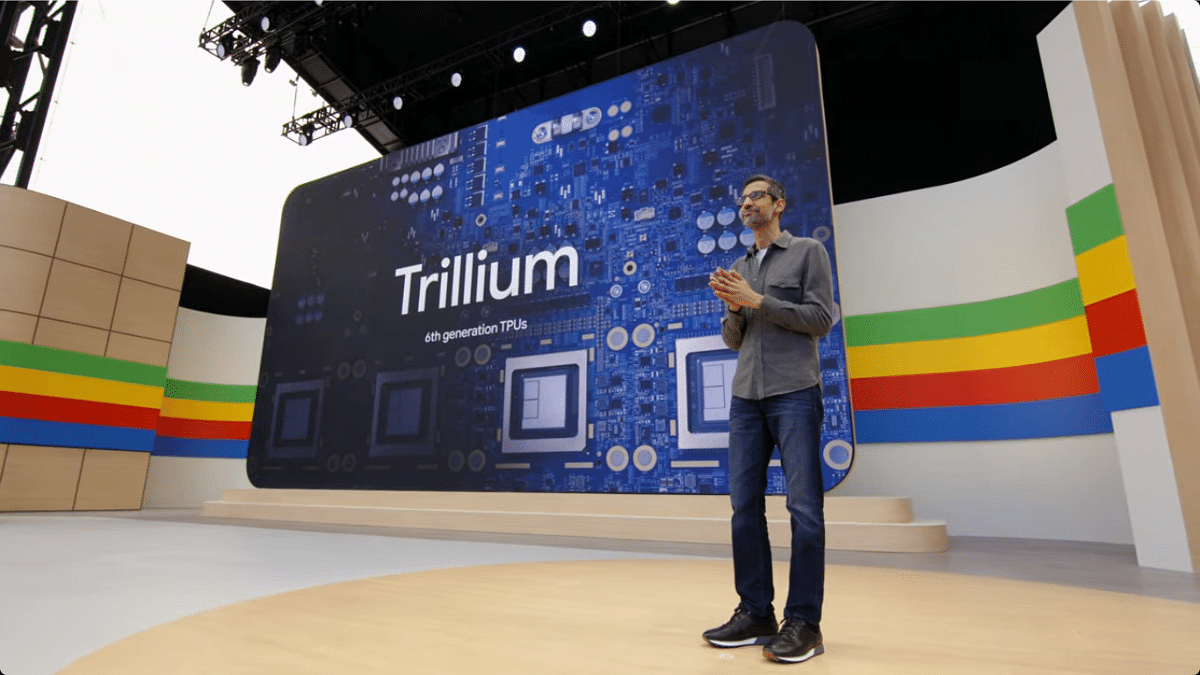
At its Google I/O developer conference, Google made waves by announcing the sixth generation of its Tensor Processing Units (TPU) AI chips, named Trillium. These chips, set to launch later this year, mark a significant leap forward in AI computing. Also Read | Apple M4 Chipset: Highlights Worth Checking Out

A Tradition Of Innovation

Announcing the next generation of TPUs at I/O has become a tradition for Google. Though the chips won’t be available until later in the year, Google CEO Sundar Pichai highlighted the remarkable advancements. He mentioned, “Google was built for this moment. We’ve been pioneering GPUs for more than a decade.”

Unprecedented Performance Boost

Trillium chips promise a whopping 4.7x performance boost in compute performance per chip compared to the previous generation. This enhancement is achieved by expanding the chip’s matrix multiply units (MXUs), increasing the overall clock speed, and doubling the memory bandwidth.

Advancements In SparseCore

The Trillium chips feature the third generation of SparseCore, a specialized accelerator designed for processing ultra-large embeddings common in advanced ranking and recommendation workloads. This innovation will enable faster model training and lower latency in serving these models.

Energy Efficiency

Google emphasizes that Trillium is its “most energy-efficient” TPU yet. This is crucial as demand for AI chips continues to skyrocket. Pichai stated that industry demand for ML compute has grown exponentially in recent years. The new TPUs promise to be 67 percent more energy-efficient than their predecessors.

Variants and Cloud Accessibility

While Google has not provided specific details about Trillium variants or pricing in the Google Cloud, the announcement signals Google’s commitment to advancing AI infrastructure. Additionally, Google recently announced its partnership with Nvidia to offer access to Nvidia’s next-gen Blackwell processors, set to be available in early 2025.

Also Read | Snapdragon 8 Gen 3 vs Apple A17 Pro: Flagship Chipset Comparison

Looking Ahead

Pichai emphasized Google’s ongoing commitment to AI advancement, stating, “We’ll continue to invest in the infrastructure to power our AI advances and we’ll continue to break new ground.”

Conclusion

Google’s Trillium TPUs represent a significant step forward in AI computing, promising unparalleled performance, energy efficiency, and capabilities to meet the growing demands of AI workloads.

Categories
Apps Featured How To

Create Your DigiLocker Account In Minutes: Here’s How

Key Highlights

  • DigiLocker is a free digital document storage platform by the Government of India
  • Users can store Aadhaar, driving license, PAN card, and educational certificates
  • DigiLocker promotes digital empowerment by offering secure document management

Digitalization has simplified many aspects of our lives, and managing important documents is no exception. DigiLocker, a government initiative, offers a secure and convenient platform for storing and accessing various documents digitally. Here’s a step-by-step guide on how to sign up for DigiLocker and create your account. Also Read | Lok Sabha Elections 2024: Here’s How To Download Your Voter ID Card Online In Minutes

What Is DigiLocker?

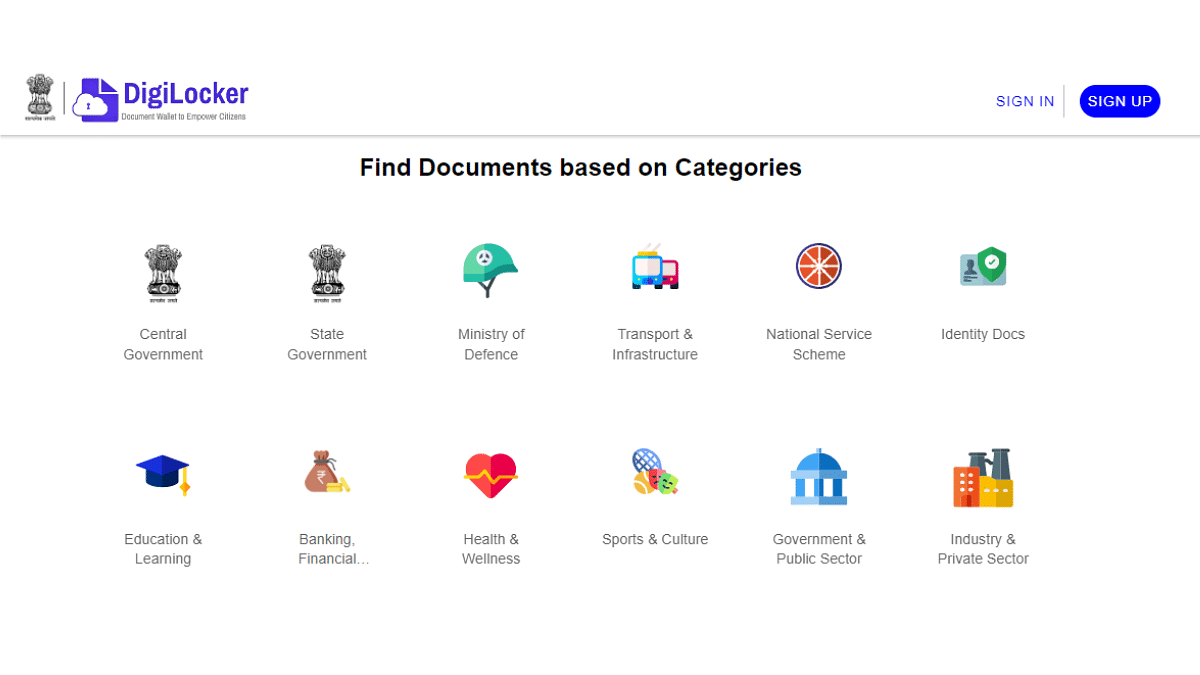
DigiLocker is like your virtual document locker, where you can store important documents such as Aadhaar card, driving license, PAN card, and educational certificates. It’s a free service provided by the Government of India to promote digital empowerment.

How To Create Account On DigiLocker

Step 1: To get started, visit the official DigiLocker website using your web browser.

Step 2: On the homepage, you’ll find the “Sign Up” option. Click on it to start the registration process.

Step 3: You will be asked to provide your mobile number. Enter your mobile number and then click on “Continue”.

Step 4: You will receive an OTP on the mobile number you provided. Enter the OTP in the designated space and click on “Verify OTP”.

Step 5: After OTP verification, you need to choose a username and password for your DigiLocker account. Make sure to choose a strong password that includes a mix of letters, numbers, and special characters for security.

Step 6: Next, you’ll need to fill in your personal details such as name, date of birth, and email address. Make sure all the information provided is accurate.

Step 7: Set up security questions and answers. These will help you recover your account if you forget your password.

Step 8: Read through the terms and conditions of using DigiLocker carefully. Tick the box to accept them if you agree.

Step 9: Once you have filled in all the necessary information, click on the “Sign Up” button to complete the registration process.

Step 10: You may receive an email asking you to verify your email address. Click on the verification link in the email to confirm your email address.

Your Account Is Ready

Congratulations! You have successfully signed up for DigiLocker. Now you can start uploading your documents and accessing various government services online.

Also Read | Online Safety: Eight Essential Cybersecurity Tips For Kids

Conclusion

Signing up for DigiLocker is a simple process that allows you to access your important documents anytime, anywhere, digitally. By following these easy steps, you can create your account and take advantage of the benefits of digital document storage and access.

Categories
Featured Info

Google And HP Team Up To Redefine Video Conferencing With Project Starline

Key Highlights

  • Google and HP are teaming up to commercialize Project Starline
  • Project Starline enhances virtual interactions with improved memory recall
  • It will integrate with popular video conferencing services

Google has announced a major step forward in its Project Starline initiative by partnering with HP to bring its immersive video conferencing technology to the commercial market. This collaboration marks a significant move toward making virtual communication more lifelike and engaging. Also Read | Find And Locate Your Parked Car/Vehicle With This Google Maps Hack

What Is Project Starline?

Project Starline, unveiled by Google at I/O 2021, introduces a new way of video conferencing that goes beyond traditional screens. It uses 3D display technology and artificial intelligence to create a “magic window” effect, making it appear as though the person you’re speaking to is right in front of you. This technology aims to enhance attentiveness, memory recall, and overall presence during virtual interactions.

Key Benefits Of Project Starline

Google highlights several key benefits of Project Starline over traditional video calling:

  • Improved Memory Recall: Users experience a significant boost of approximately 30 percent in memory recall compared to standard video calls
  • Increased Visual Attentiveness: There’s an estimated 15 percent increase in visual attentiveness, allowing participants to stay more focused during conversations
  • Enhanced Nonverbal Communication: Project Starline captures up to 50 percent more nonverbal cues, such as subtle gestures, nods, and facial expressions, enriching the communication experience.

Evolution Of Project Starline

Since its initial reveal, Google has been working on refining and miniaturizing the technology. The latest version of Project Starline is now the size of a digital whiteboard with a depth guard and a fixed table. It features a few “standard” cameras around the screen, which leverage AI to create a depth map, providing a more immersive experience.

Commercialization With HP

Google’s partnership with HP aims to kickstart the commercialization of Project Starline in 2025. HP’s expertise in computing, combined with its investment in Poly’s collaboration solutions, positions the company uniquely to deliver these innovative experiences worldwide.

Also Read | Zoom Video Conferencing Apps Tips And Tricks: How Can You Record and Save Zoom Meetings

Target Audience and Integration

The focus of Project Starline’s commercialization is on distributed teams and individuals in the workplace. It will seamlessly integrate with popular video conferencing services like Google Meet, Zoom, and others, ensuring compatibility with the tools people already use for virtual meetings.

Google plans to share more details about Project Starline’s commercial rollout later this year, signaling a new era of lifelike virtual communication that could revolutionize how we connect with others across distances.

Categories
Featured Info Mobile

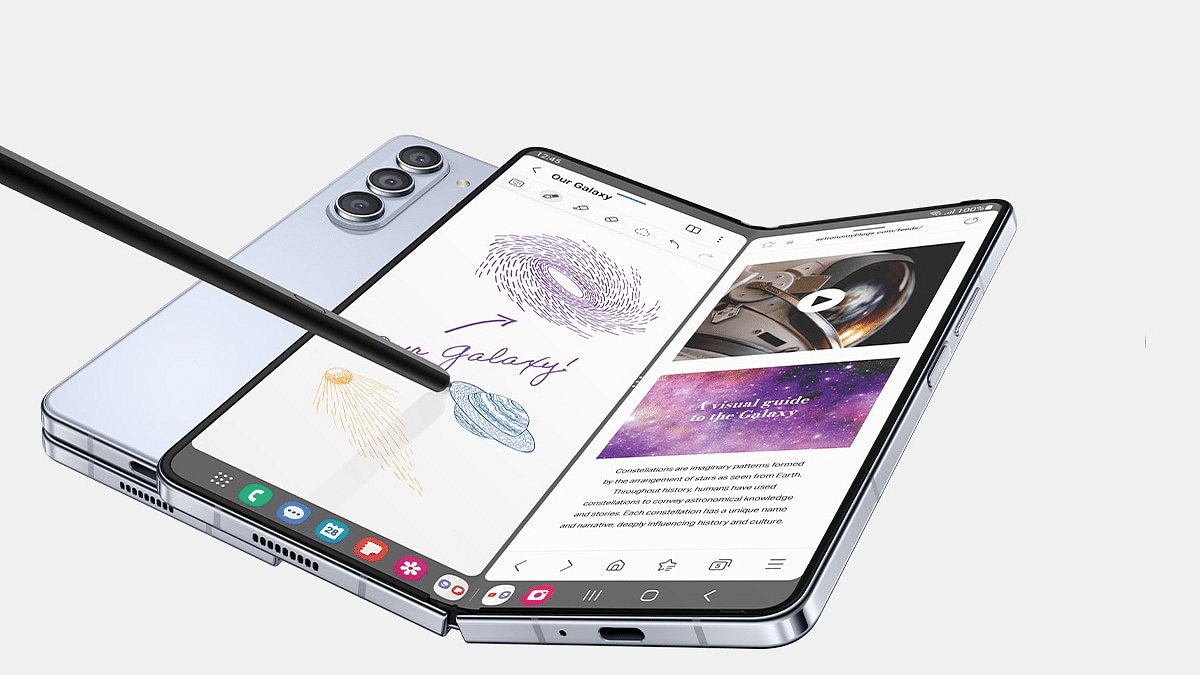
Samsung Reconsiders Launch Of Affordable Galaxy Z Fold 6 Variant: Details

Key Highlights

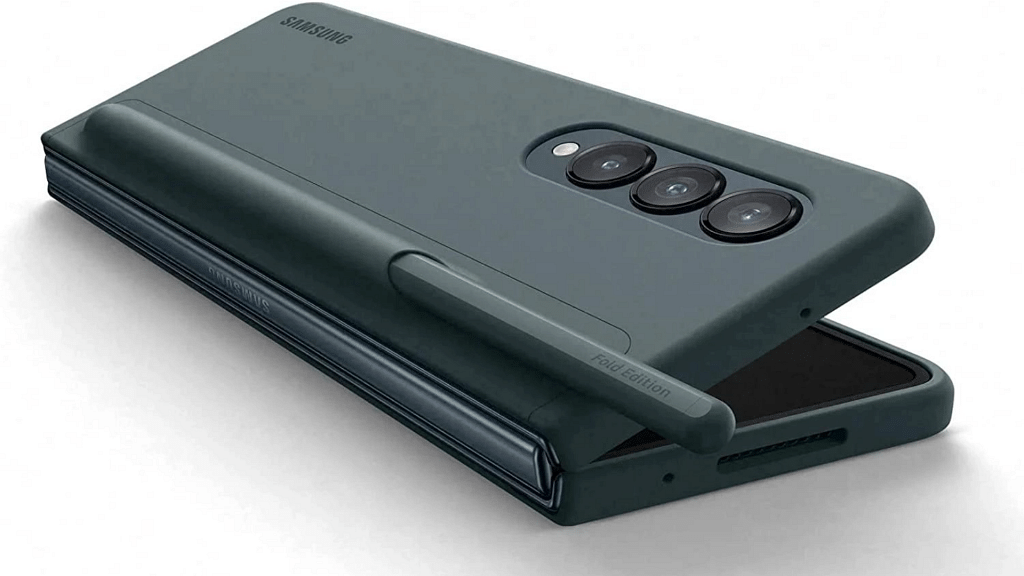
  • Samsung scraps cheaper Galaxy Z Fold 6 due to S Pen issues and lack of market distinction
  • Galaxy Z Fold 6 upgraded for better cameras, slimmer build, and durability
  • Samsung to introduce cheaper Galaxy Z Flip 7 in 2025

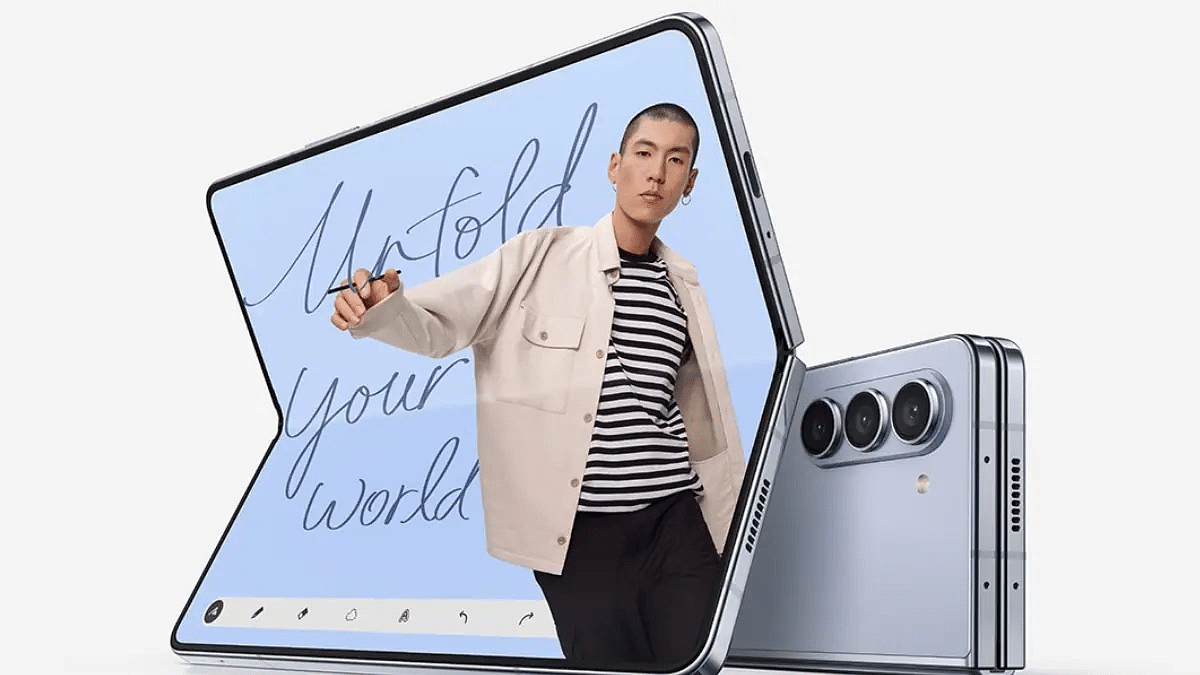
Samsung is gearing up for the launch of its next-generation foldable smartphones, the Galaxy Z Flip 6 and the Galaxy Z Fold 6, slated for the second half of this year. However, recent reports have created confusion regarding the Galaxy Z Fold 6 lineup, with speculation about a cheaper variant or a possible Galaxy Z Fold 6 Ultra. Also Read | Samsung Debuts Flagship Experience Store In Kolkata’s Iconic Park Street: Details

Conflicting Reports Surrounding Galaxy Z Fold 6 Variants

Initial reports suggested that Samsung might introduce a cheaper version of the Galaxy Z Fold 6, possibly a Fan Edition (FE) model. However, a new report from TheElec indicates that Samsung is reconsidering this plan. The proposed cheaper variant lacked the digitizer necessary for S Pen functionality, rendering it incompatible with the stylus. Despite completing testing with features like an IPX8 rating for water resistance and a 200,000 fold durability rating, it failed to stand out in terms of thinness compared to rival Chinese foldable phones.

Cancellation Of Cheaper Galaxy Z Fold 6

Due to insufficient product differentiation and market uncertainties, Samsung is reportedly scrapping the launch of the cheaper Galaxy Z Fold 6 variant. The focus will now be solely on the standard Galaxy Z Flip 6 and Galaxy Z Fold 6 models.

Focus On Innovation And Competitiveness

Samsung is under pressure to stay competitive in the foldable smartphone market, especially against Chinese competitors who offer devices with larger screens, superior cameras, bigger batteries, and faster charging capabilities. To address this, Samsung aims to enhance the Galaxy Z Fold 6 with improved cameras, a thinner body, and enhanced durability.

Future Plans: Cheaper Galaxy Z Flip 7 In 2025

Despite the setback with the cheaper Galaxy Z Fold 6, Samsung is not backing down from its foldable phone strategy. The company plans to introduce a cheaper version of the Galaxy Z Flip 7 in 2025. With its foldable smartphones already enjoying double-digit market share in China, Samsung sees an opportunity to expand its presence by offering more affordable options.

Also Read | iPhone 15 Pro Max Vs Samsung Galaxy S23 Ultra: Comparison

Samsung’s Ambitious Goals

TM Roh, CEO of Samsung MX, expressed optimism about the future of foldable phones, predicting that over 100 million units could be shipped annually within the next five years. However, Samsung acknowledges that it has fallen behind in certain aspects compared to its Chinese rivals. The upcoming Galaxy Z Fold 6 aims to address these shortcomings, promising better cameras, a thinner profile, and enhanced durability to stay ahead in the foldable smartphone race.

Conclusion

While the cheaper Galaxy Z Fold 6 variant may have been canceled, Samsung remains committed to innovation and competitiveness in the foldable smartphone market.

Categories
Featured Info Mobile

Do You Have ‘iPhone Finger’? Here’s All You Need To Know

Key Highlights

  • “iPhone finger” has been making rounds
  • Not a serious issue, but excessive use can worsen existing conditions
  • Overuse can lead to “smartphone elbow” and “texting thumb”

Recently, the term “iPhone finger” has been making rounds, particularly among tech enthusiasts and smartphone users. It was first brought up on a podcast called ‘The TJ Show’. This term refers to a visible mark or indentation on the little finger, often caused by extensive use of smartphones, particularly Apple iPhones. Users have noticed a distinct piece on the pinky finger they use to support their phones, which appears different from the pinky on their opposite hand. According to the podcast hosts, holding the phone with the weight resting on the pinky finger can create an indentation, altering the appearance of the finger. Also Read | Rice Isn’t Nice: Here’s Apple’s Preferred Method For Wet iPhone Recovery

Identifying iPhone Finger

To check if someone has an “iPhone finger,” they can compare both little fingers. If one finger shows a large indent on the dominant hand, likely from holding the phone, it might be a case of smartphone pinky.

Is iPhone Finger A Health Concern?

While there has been concern among tech enthusiasts about this phenomenon, health experts have dismissed it as a genuine medical condition. Dr. Peter Evans, an orthopaedic surgeon with Cleveland Clinic, mentioned that such indents or gaps on little fingers are not indicative of a problem; they simply show typical pinky anatomy, which can vary widely.

Occupational therapist April Hibbeler and hand surgeon Dr. Michael Geary from Ortho Carolina also agreed, stating that there’s no official diagnosis for “iPhone finger.”

Underlying Conditions

Dr. Evans warned that while “iPhone finger” may not be a medical concern, constant cellphone use can lead to various joint problems. Some individuals may have underlying conditions aggravated by extensive smartphone use. Conditions like clinodactyly, a genetic finger malformation, and Dupuytren’s contracture, which causes fingers to bend towards the palm, can be worsened by smartphone usage.

Also Read | How To Maximize iPhone Battery Health: Tips & Tricks

Phone-Related Medical Conditions

Although “iPhone finger” might not be a direct issue, there are other phone-related medical conditions to be aware of. For instance, “smartphone elbow” or cubital tunnel syndrome is a real concern. This condition occurs when people bend their elbows beyond 90 degrees for prolonged periods, often during texting, leading to nerve damage and tingling or numbness in the pinky finger.

Additionally, smartphone users should be cautious of “texting thumb” or neck problems. Overuse of thumb joints for texting and swiping can aggravate arthritis or cause issues in thumb tendons. Similarly, looking down at a smartphone can strain neck muscles, leading to muscle pain and spasms due to increased pressure on the neck.

Conclusion

While “iPhone finger” may not be a severe health concern, it’s essential to be mindful of the potential impacts of excessive smartphone usage on overall hand and body health.

Categories
Featured Info Mobile

Google I/O 2024 Tomorrow: From Android 15 To Pixel 9, What To Expect?

Key Highlights

  • Google I/O 2024 starts tomorrow, featuring CEO Sundar Pichai’s keynote and livestreamed sessions
  • Expected announcements: Android 15, Pixel 8a, and Gemini AI integration
  • Highlights include new features in Android 15 and the debut of Pixie virtual assistant

Google’s highly anticipated annual I/O 2024 developer conference is just around the corner. It is scheduled to take place at the Shoreline Amphitheatre in Mountain View, California from May 14 to May 20. The event promises a flurry of exciting announcements and insights into Google’s latest developments, with Alphabet CEO Sundar Pichai set to deliver the keynote address. Also Read | Gmail Tips And Tricks: How To Secure Your Google Account With Two-Factor Authentication

Where To Watch Livestream?

For those unable to attend in person, Google will livestream the keynote and key sessions on its official YouTube channel. Sundar Pichai’s keynote will start at 10 am Pacific Time (10:30 pm India time), providing viewers worldwide access to the event.

Expected Announcements

Google has been tight-lipped about its plans for I/O 2024, but with the company’s strong focus on AI, Gemini-powered features across its suite of apps are expected.

Hardware Announcements

Although Google typically emphasizes software at I/O, hardware announcements have made appearances in the past. This year, however, Google has already unveiled the Pixel 8a, set to go on sale on the same day as the event. Reports suggest that the Pixel Fold 2 may not debut at this year’s event, but there could be teasers for the upcoming foldable device, potentially rebranded as the Pixel 9 Pro Fold, set to launch with the Pixel 9 series in September.

Google is expected to showcase the Pixel 8a and highlight its AI capabilities, thanks to Gemini integration.

Android 15

Android enthusiasts can look forward to the unveiling of Android 15 at I/O 2024. The latest version, currently in beta and available for testing on Pixel devices, is expected to bring enhancements in user privacy, productivity, and security. New features such as satellite connectivity, audio sharing, notification cooldown, app archiving, and partial screen sharing are expected.

Also Read | Google Maps Tips & Tricks: How To Use Fuel-Efficient Routing In India

Gemini AI Everywhere

Gemini AI is expected to be integrated into various Google applications, including Maps, Chrome, Workspace, and Gmail. This AI may overshadow Google Assistant, with a rumored Pixel-exclusive virtual assistant named ‘Pixie’ making its debut. Pixie could offer multimodal capabilities, accepting not only text and voice input but also image sharing from users.

Wear OS 5 and Android TV

Google is set to unveil Wear OS 5, its revamped operating system for wearables. Details on new features remain scarce, but advancements in the Watch Face format and designing for a broader range of devices are expected to be highlighted during the sessions.

Categories
Featured Info Mobile

iOS 18 To Bring AI Features: What’s In Store For Your iPhone This Fall?

Key Highlights

  • iOS 18 to bring AI directly to your iPhone
  • Siri, Photos, and Apple Music get smarter with AI upgrades
  • iPhone Pro models may have exclusive AI features

Apple fans, get ready for a major upgrade. With the upcoming iOS 18 update, Apple is set to revolutionize the iPhone experience with a wave of AI features. Here’s everything you need to know about the AI enhancements coming to your iPhone this fall. Also Read | iPhone Tips & Tricks: Here’s How You Can Measure Height Using An iPhone Camera

On-Device AI Power

Unlike some Android smartphones that rely on cloud infrastructure for AI, Apple is doubling down on on-device AI capabilities. Thanks to the advanced neural processors in the latest iPhones, iPads, and Macs, AI tasks can now be handled directly on your device. This means lower latency and increased privacy for users.

In-House AI Strategy

According to Bloomberg’s Mark Gurman, Apple is embracing in-house AI technologies with its own cloud infrastructure. While Apple isn’t developing its own AI chatbot like ChatGPT or Gemini, it may partner with Google/OpenAI to meet user demands. Expect AI chatbot experiences on iPhones to be similar to existing third-party solutions.

AI Overhaul Of First-Party Apps

Get ready to see AI enhancements across your favorite iPhone apps. Apple is integrating generative AI into first-party apps like Siri, Photos, Apple Music, and Notes. These enhancements promise to make your iPhone smarter and more efficient than ever before.

Notes App: Generative Suggestions and Edits

The Notes app is getting a boost with generative suggest and edit capabilities. Now, your iPhone can correct spelling and grammar errors and even suggest improvements to your writing. Powered by an on-device large language model, the Notes app will help you write with confidence.

Photos App: Galaxy AI-Like Capabilities

Say goodbye to dull backgrounds and hello to artistic edits with the Photos app. iOS 18 will bring Galaxy AI-like capabilities, allowing you to remove or add backgrounds effortlessly. Plus, get ready for AI-backed video editing features that will take your creativity to the next level.

Siri: Even Smarter Than Before

Siri is getting an AI makeover, making it even more capable of assisting you with everyday tasks. Whether you’re asking for the weather or setting reminders, Siri will be faster and more accurate than ever.

Apple Music: AI-Driven Playlists

Get ready for auto-generated playlists and more with Apple Music’s new AI capabilities. Discover new music tailored to your taste, thanks to advanced AI algorithms.

Exclusive Features For iPhone Pro

Some AI features may be exclusive to the iPhone Pro series, which boast more powerful chips capable of handling AI workloads more efficiently. If you’re using an iPhone Pro, get ready for an even more enhanced experience.

Also Read | iPhone Tips And Tricks: How To Answer Call Without Touching Your Phone

AI For Productivity On iPad, Mac

iPad and Mac users, rejoice! Apple is bringing AI capabilities to its productivity suite, including Pages, Numbers, and Keynote. Get ready to work smarter and more efficiently than ever before.

Conclusion

The iOS 18 update is set to be the biggest software upgrade since the inception of iOS, packed with game-changing AI features. Apple will unveil these enhancements at WWDC 2024 on June 10, with availability on new iPhones in September. Get ready to experience the future of AI on your iPhone this fall.