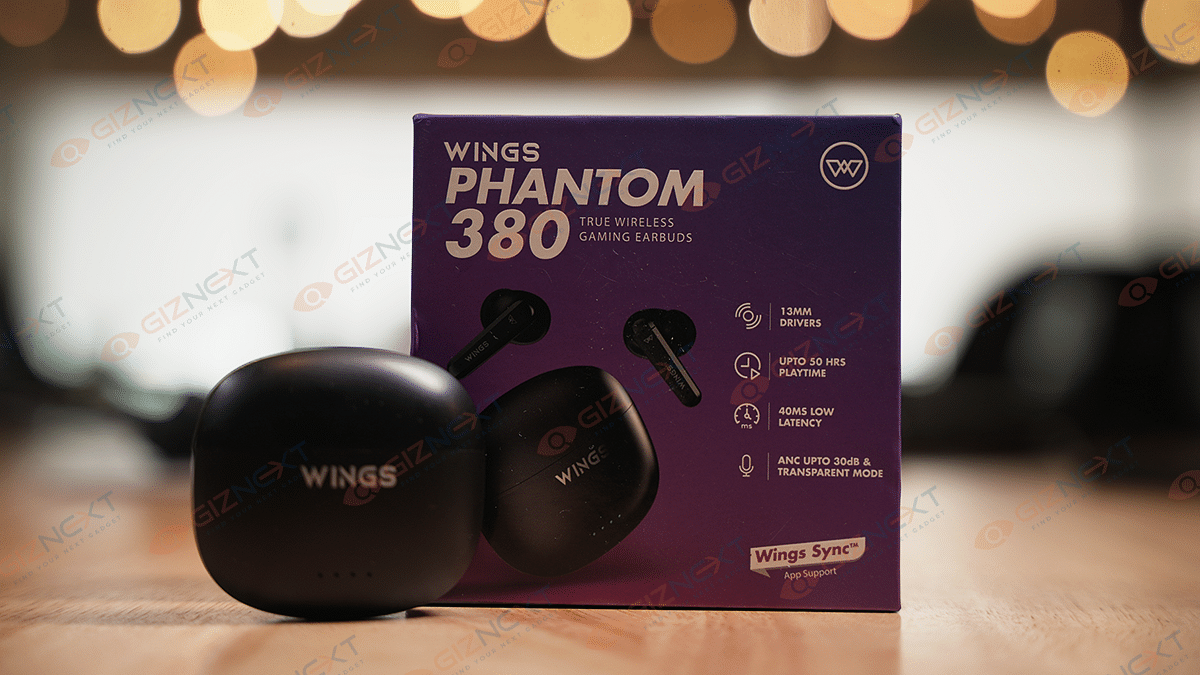
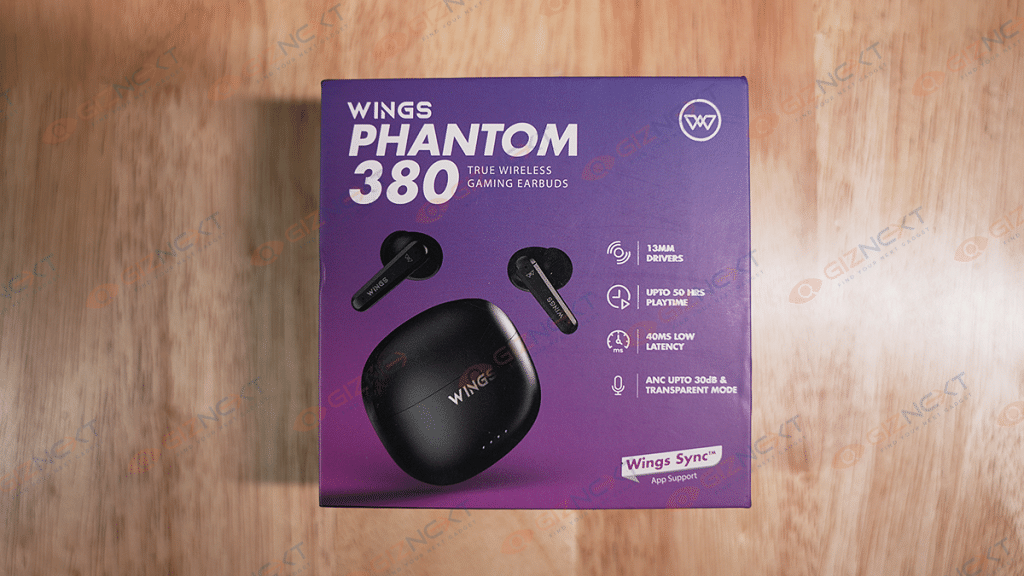
If you’re in the market for wireless earbuds that offer high-quality audio and a gaming mode at an affordable price point of under Rs. 2,000, the Wings Phantom 380 TWS earbuds are definitely worth considering. While there are many options available, it’s important to find one that fits within your budget. If you’re an avid gamer but don’t want to break the bank on earbuds, the Wings Phantom 380 TWS earbuds may be the perfect fit.
At a price of Rs. 1,799, these earbuds provide a range of features and impressive sound quality. However, the question remains: are they the best wireless earbuds under Rs. 2,000? In this review, we’ll take a closer look at the earbuds’ features, performance, and overall value. Let’s check them out.
What’s Inside The Box?
Wings Phantom 380 earbuds
Charging case
Two pairs of extra ear tips
Charging cable
Warranty card
User manual
Design
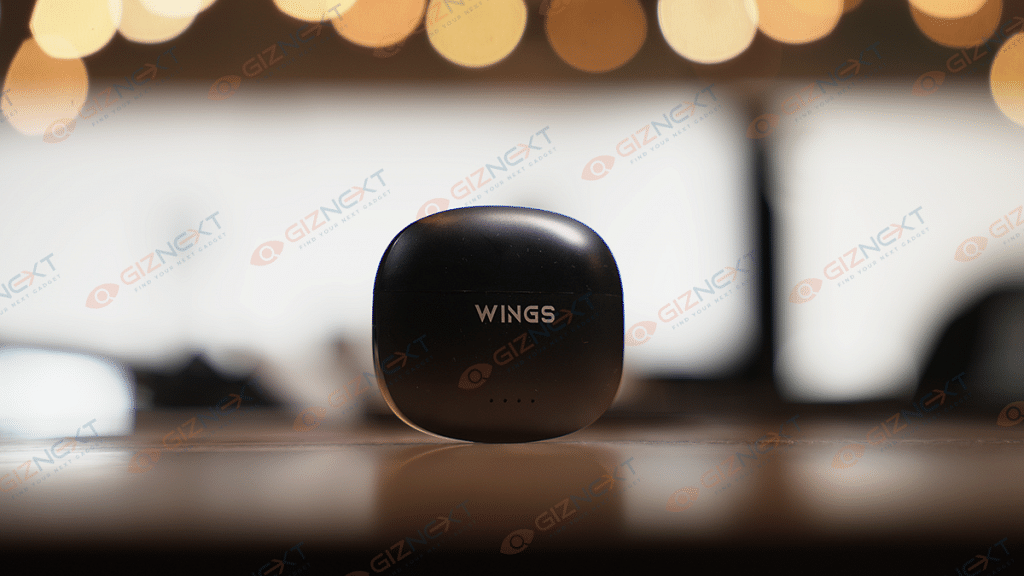
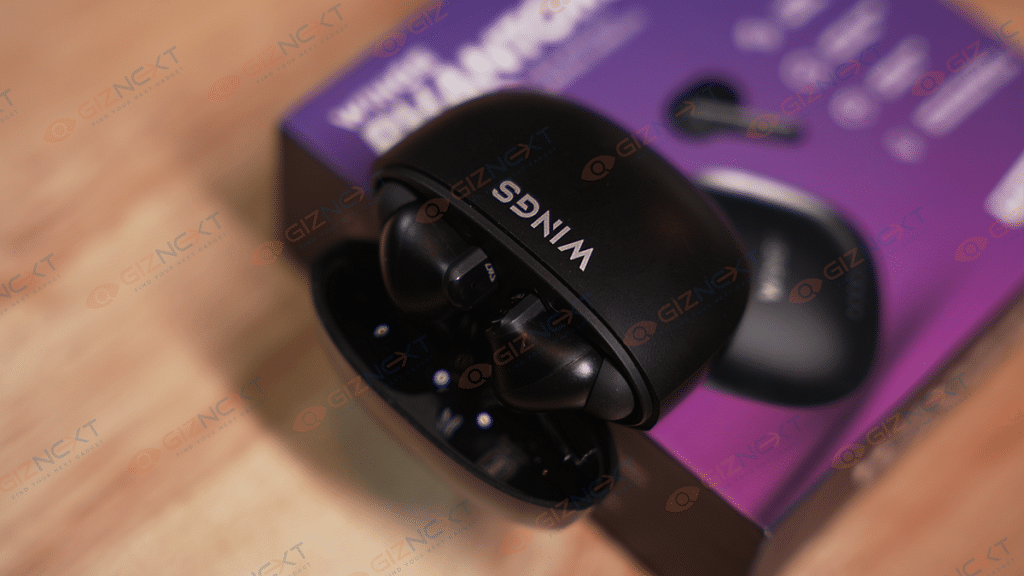
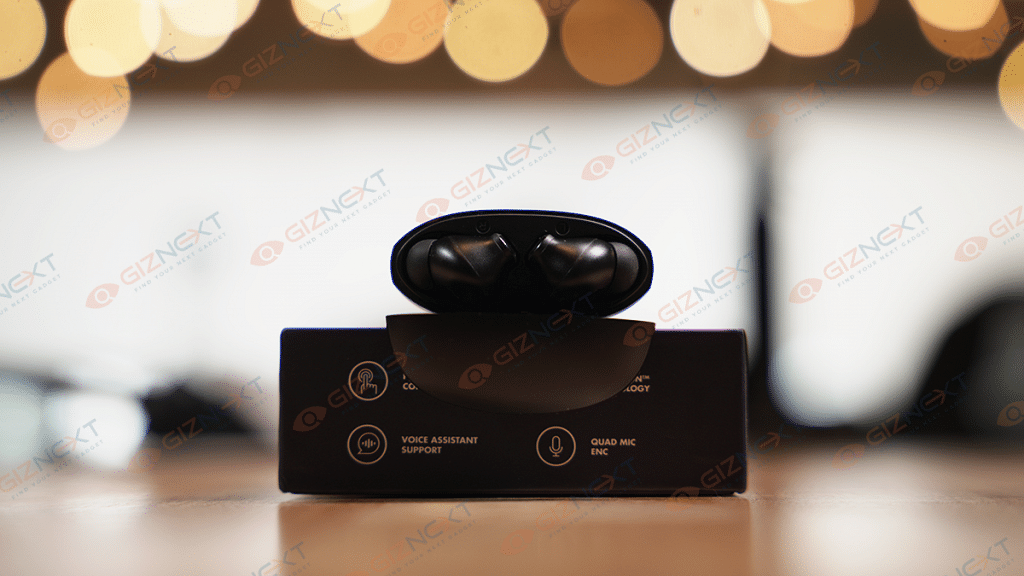
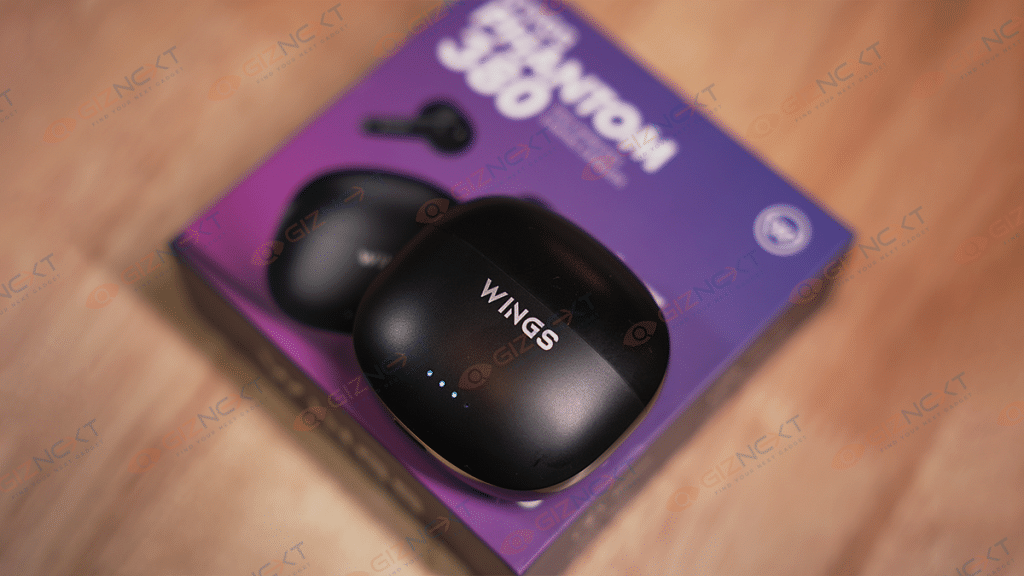
The Wings Phantom 380 TWS earbuds are designed with a square-shaped case that boasts curved edges and front-facing LED indicators. The TWS earbuds have a decent plastic build and feature an in-ear design that comes with silicone tips for added comfort. Weighing just 39 grams, including the charging case, the Wings Phantom 380 TWS earbuds are incredibly lightweight. This lightness contributes to their comfort level, and the ergonomic shape ensures a comfy fit in the ear.
Each earbud features touchpads on the side that face outward, as well as short stems that protrude below the touchpads and have LED lights on them to show the state of the connection. They are available in black and white color options to match your personal style. We got the black variant as a review unit. The earbuds feature an IPX5 rating for water and sweat resistance, making them suitable for use during workouts. The earbuds also support the USB Type-C port for charging.
The Wings Phantom 380 TWS earbuds have a comfortable design, and even after using them for several hours, I didn’t feel uncomfortable, nor do I have to adjust the earbuds frequently. Overall, the Wings Phantom 380 TWS earbuds have a durable build and a comfortable design.
Features
With only a few touches on the earbuds, you can use the full touch control function of these earbuds to manage your music, calls, and other features. As a result, there is no need for physical buttons, making the earbuds easier to use. The open-and-on technology automatically turns on and connects to your device as soon as you take the buds out of the charging case. Further, the voice assistance feature allows you to access Siri or Google Assistant with a simple voice command, making it easy to perform tasks without manually using your device.
The Wings Phantom 380 TWS earbuds deliver clear and powerful sound, thanks to their 13mm drivers and wide frequency range. The audio quality is clear and satisfying whether you’re listening to music or podcasts. The quad mic ENC (Environmental Noise Cancellation) technology enables the earbuds to pick up your voice clearly and reduce background noise during phone calls, making it easier to communicate in noisy environments. However, the call quality could have been a little bit better. Even on unintentional touches, the highly responsive touch sensor frequently disappoints by disconnecting calls.
The earbuds offer a low latency of 40ms, ensuring a seamless audio experience without any delays or disruptions. They are therefore perfect for timing-sensitive activities like watching videos or playing games. The active noise cancellation (ANC) feature provides up to 30db of noise reduction, making them ideal for use in noisy environments such as airports, public transport, or busy offices. The transparent mode feature enables you to hear your surroundings without having to remove your earbuds entirely.
Pairing Process
The Wings Phantom 380 TWS earbuds connect as soon as they are taken out of their case, making pairing them very simple. The left earbud LED will flash in alternate colors quickly.
Tap ‘Phantom 380’ from the smartphone’s Bluetooth menu. There’s a ring prompt after a successful connection. This indicates earbuds are successfully connected to your device.
Battery Life
The Wings Phantom 380 TWS earbuds are touted to deliver a long-lasting battery life of up to 50 hours of playtime on a single charge. If you frequently travel or don’t have access to a power source, this is extremely helpful. Besides, it can be fully charged in around two hours.
Final Thoughts
After using it for weeks, I would say that the Wings Phantom 380 is certainly the best option under Rs. 2,000 at the moment. For their pricing range, they offer decent value. Impressive sound quality, battery longevity, low latency, ANC, and comfort are all features of the TWS earbuds. These earbuds are unquestionably something to take into consideration whether you enjoy music, play video games, or travel frequently.
Vivo is targeting budget-conscious people in the country with its T Series smartphones. In 2022, Vivo introduced the T1 Series which received a positive response. Now, after a year, the brand has introduced the T2 Series, and we will be reviewing the T2 5G model today. Despite using the same chipset as its predecessor, the Vivo T2 5G features significant design changes and several upgraded specifications. So, we will be reviewing whether the Vivo T2 5G is a valuable upgrade over the T1 Series or not. Let’s find out in this review. Also Read | Vivo T1X Review: Good Design, Decent Cameras
What’s Inside The Box?
Vivo T2 5G handset
44W fast charging adapter
USB Cable
SIM eject tool
Protective case
Quick start guide
Warranty card
Design
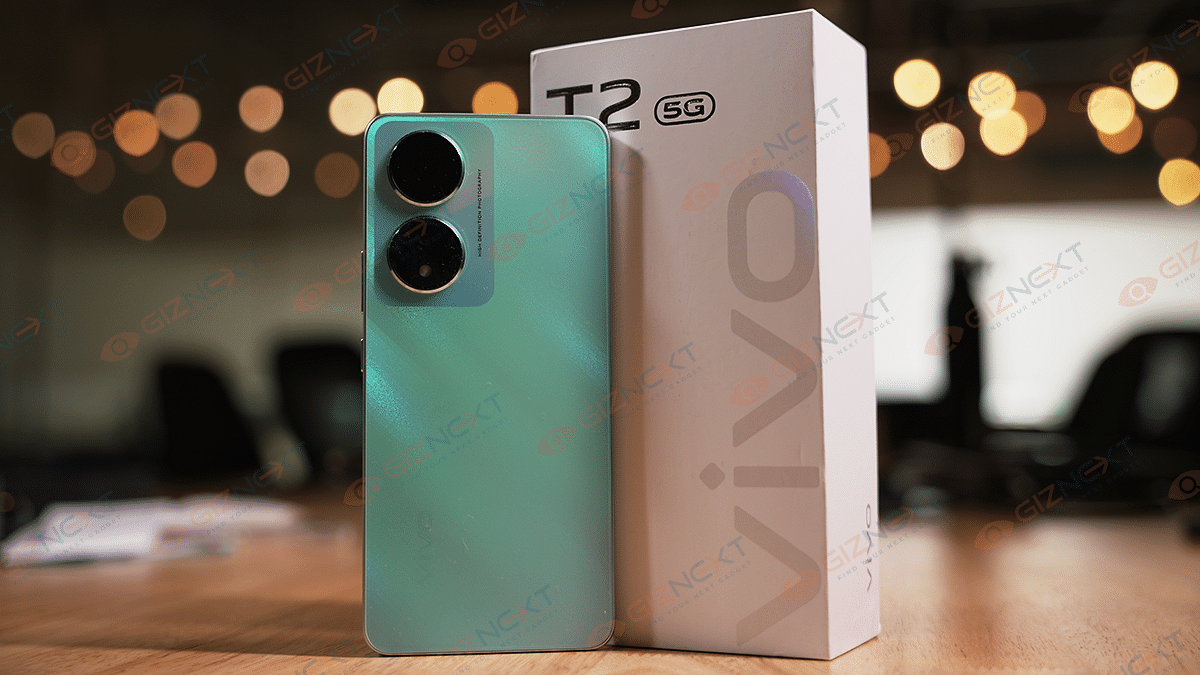
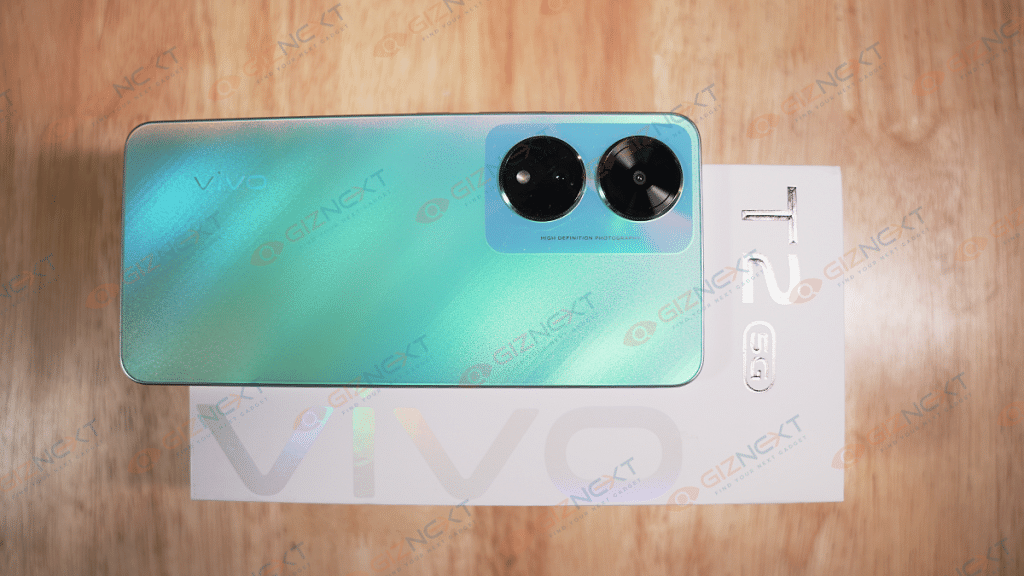
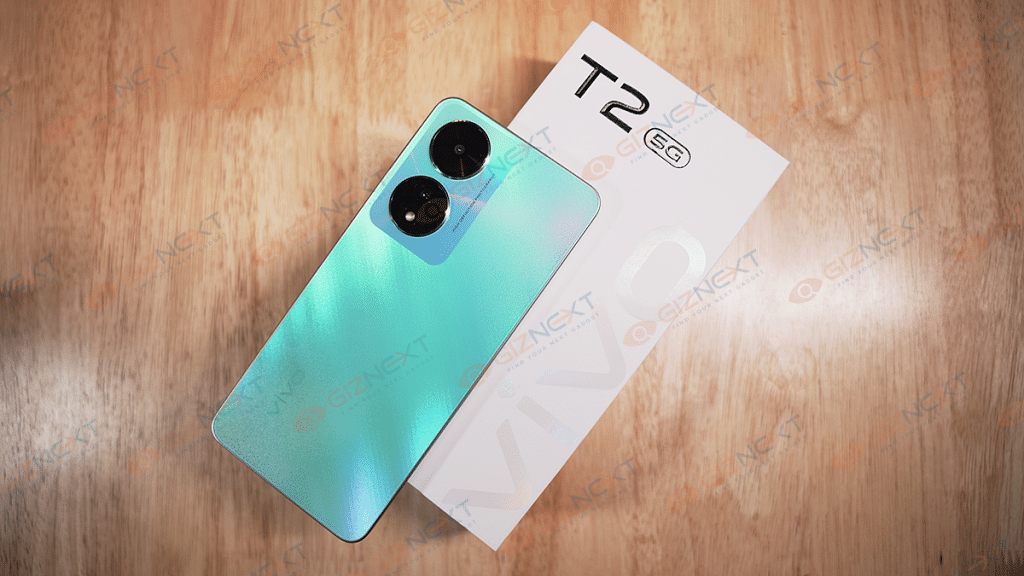
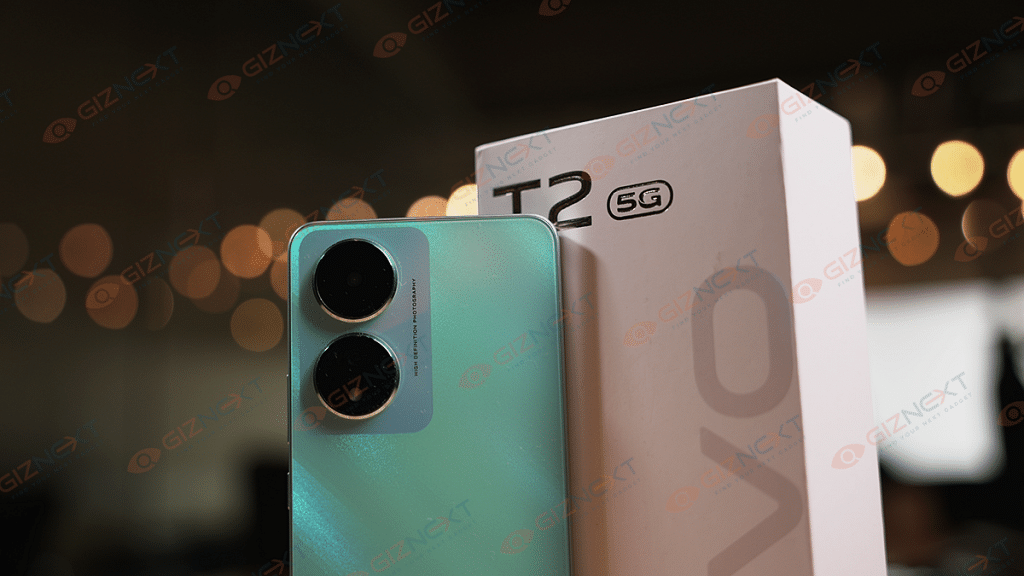
Vivo has a reputation for creating smartphones that immediately capture the attention of potential buyers. This holds true for the Vivo T2 5G which has an eye-catching appearance. It is available in two color options: Nitro Blaze and Velocity Wave. We received the Nitro Blaze variant, which has a glossy finish and a matte texture that looks premium. Diagonal lines run across the back panel, providing a lovely touch.
The Vivo T2 5G has a polycarbonate body that makes it lightweight, and the sides are made of plastic, which is reasonable given the phone’s price range. The flat frame design and curved corners offer a comfortable in-hand experience. The rear panel features a gradient finish with shades of sunset colors, which is visible when light hits it at certain angles. However, some users may find it too flashy.
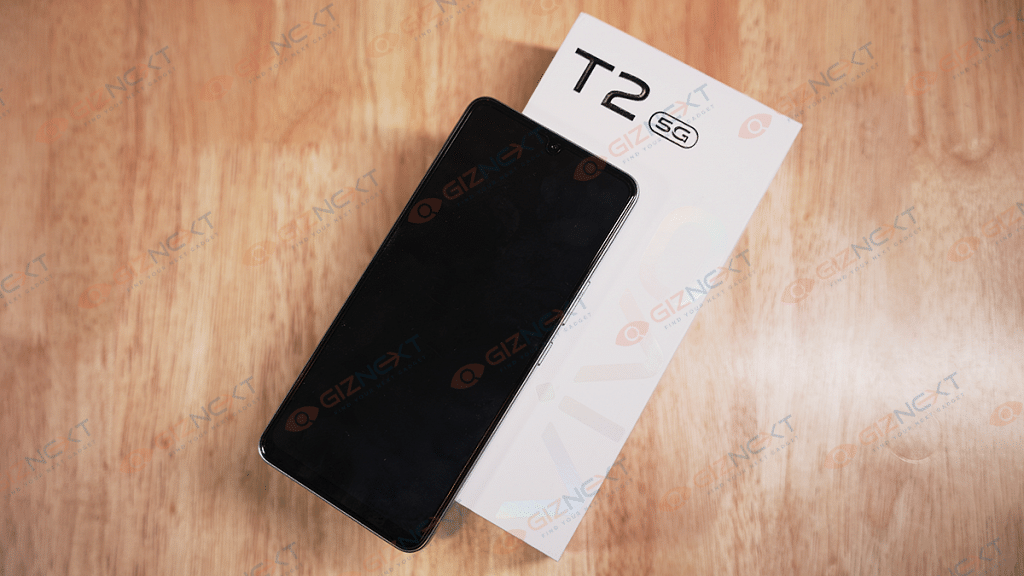
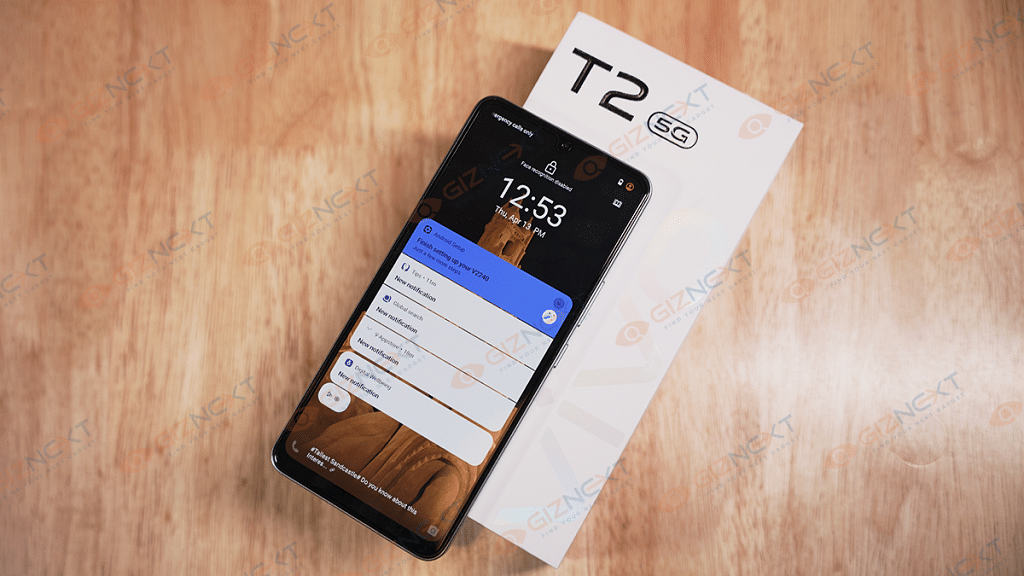
A rectangular camera module with two huge camera cutouts is located on the back. The primary lens is in one cut-out, and the secondary lens, LED flash, is in the other. There is Vivo branding at the bottom. At the top is a waterdrop notch design for the selfie camera, which looks outdated and could have been avoided. There is an in-display fingerprint scanner and face recognition support.
At the bottom of the phone, you’ll find a 3.5mm headphone jack that works perfectly. The buttons on the right side have a satisfying tactile feel, and on the top, there is a hybrid SIM slot that can accommodate dual SIM cards or a single SIM with a microSD card. Unfortunately, the single speaker at the bottom is disappointing as it sounds tinny and distorts at high volumes. On the plus side, there’s a USB Type-C port at the bottom.
Display
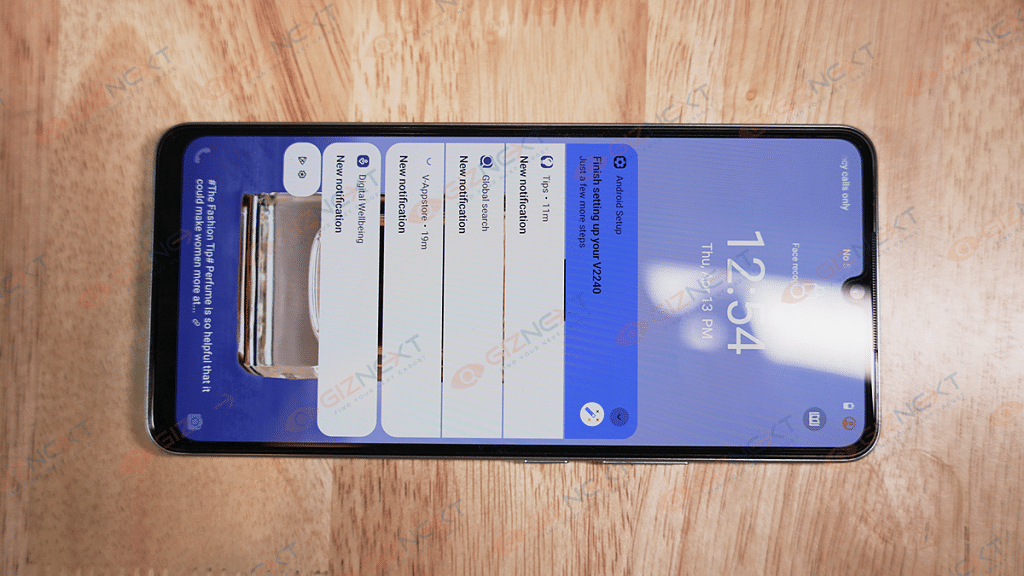
The Vivo T2 5G features a 6.38-inch AMOLED full-HD+ display with a resolution of 2408 x 1080 pixels, providing good quality visuals that are sharp and rich. While the viewing angles are acceptable, the 90Hz refresh rate may feel less smooth compared to a 120Hz panel.
The display’s responsiveness is aided by its 360Hz touch sampling rate, and the 1300 nits peak brightness ensures that the screen remains clearly visible even under direct sunlight. Although the display is decent overall, it falls short of being the best that Vivo has used.
Performance
The Vivo T2 5G smartphone operates smoothly and quickly thanks to its Qualcomm Snapdragon 695 chipset. It boasts up to 8GB of RAM which allows for the quick loading of apps and seamless background operation of multiple apps. The review unit we got had 6GB RAM and it seemed to have worked fine. The device also has 128GB of onboard storage for ample storage space. With the chipset and RAM working together, the device experiences no crashes or lags.
For casual gamers, the Vivo T2 5G is suitable and can even handle heavy games on medium graphic settings. The device may heat up during long gaming sessions, but there are no issues with the animation or loading of the gaming session. The device’s overall performance also seemed to be on par with my expectations. It was smooth in daily usage.
The device runs FunTouch OS 13, which is based on Android 13 OS. It has a simple, colorful appearance and is convenient for users. However, the only issue is tons of bloatware that comes with the device. Applications like Snapchat, PhonePe, Moj, Amazon, Spotify, Share Chat, Linked In, and more come pre-installed. These applications need to be removed based on the user’s preference.
An optical fingerprint sensor is provided for biometric purposes, and it functions as it should. It is accurate but a bit slow, though. Connectivity options include 5G, WiFi, Bluetooth, and more. The calling experience is good, and the single speaker works moderately well.
Camera
A 64MP primary camera with OIS capability and a 2MP depth sensor make up the dual camera configuration on the rear of the Vivo T2 5G. On the front, there is a 16MP lens for selfies and video calls.
Under bright daylight, the 64MP primary camera captures detailed and sharp shots with good dynamic range and natural colors. However, photos taken under artificial light have noise, and the details are not prominent. Low-light shots also produce the same results with a hit on dynamic range despite the fine colors.
The device performs well for portraits, with good colors, details, and overall tone. However, the 2MP depth sensor, which is expected to provide an accurate bokeh effect, sometimes fails to detect edges properly, which takes away from the fun of the portrait photo.
The front-facing 16MP sensor captures impressive selfies with high detail and close-to-accurate skin tones. However, night shots are below average with no significant details, and turning on the night mode doesn’t improve the situation.
Battery
The Vivo T2 5G packs a 4500mAh battery under the hood. During my review period of the Vivo T2 5G, the device easily lasted me a day and sometimes more if I wasn’t doing any resource-heavy tasks for extended periods.
The smartphone comes with a 44W fast charging adapter inside the box. It took about 27 minutes to charge from 0 to 50 percent and about an hour to get to 100 percent, which is decent considering the under 20k price point of the device.
Final Verdict
The Vivo T2 5G is priced fairly at under 20k and serves as the successor to the Vivo T1. However, it doesn’t upgrade the chipset and maintains the same one. Despite this, it has several features that make it appealing, such as an AMOLED display, 64MP camera, 44W fast charging, and Android 13 OS, which make for a good combination of specs in this segment.
Although there are some drawbacks, such as an abundance of bloatware, a 2MP lens that is of no use, and an underwhelming speaker, these can be overlooked if you are looking for a budget device for everyday use.
Buying an affordable smartwatch can be a challenging task in the current market. There is an abundance of affordable devices that offer a plethora of features, including activity tracking, health and sleep monitoring, notification checking, and more. Many smartwatches that are priced under Rs. 5,000 are primarily fitness trackers with only a few extra features. However, the Fire-Boltt Legacy stands out by offering features commonly found on expensive models from companies like Apple and Samsung, enabling users to receive calls directly from their wrist.
With its long list of features, affordable price point, and stylish design, this device has been making waves in the smartwatch market. But is it really worth the investment? In this review, we’ll take a closer look at the Fire-Boltt Legacy Smartwatch and determine whether it’s a smart buy for anyone looking to stay connected and on top of their health and fitness goals. So, let’s dive in and find out if the Fire-Boltt Legacy is worth a buy! Also Read | Inbase Urban Fit S Smartwatch Review: An Overall Decent Package
What’s Inside The Box?
Fire-Boltt Legacy Smartwatch
Charging cable
1 Strap
User manual
Warranty card
Boltt Play App membership card
Design & Display
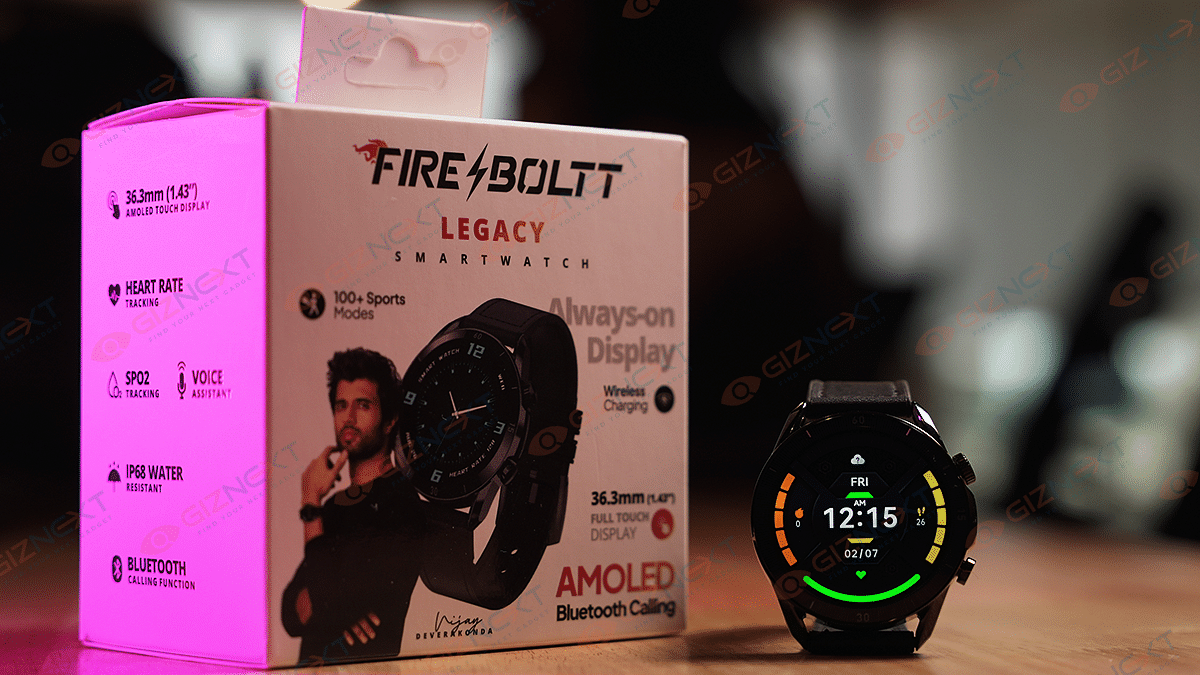
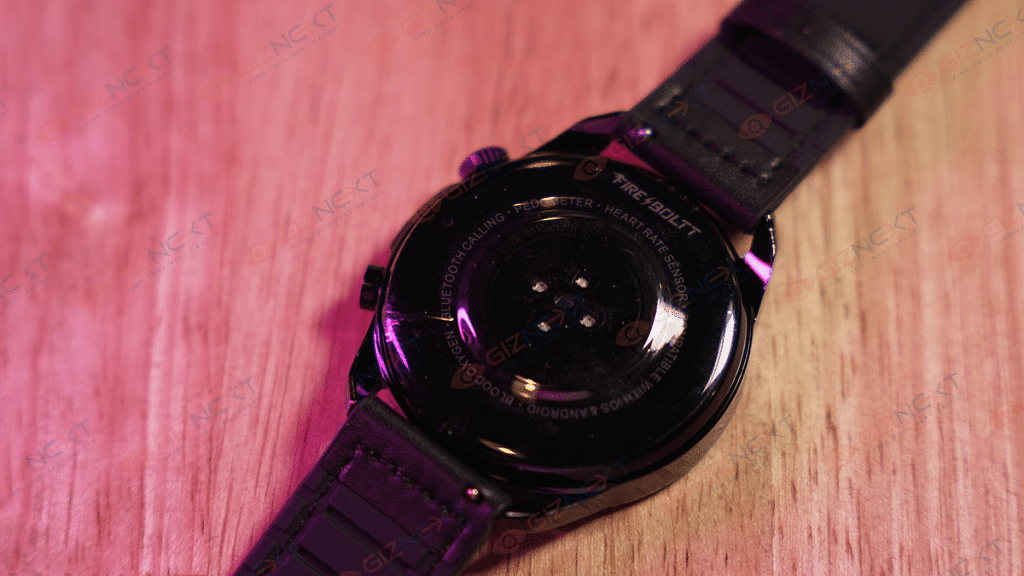
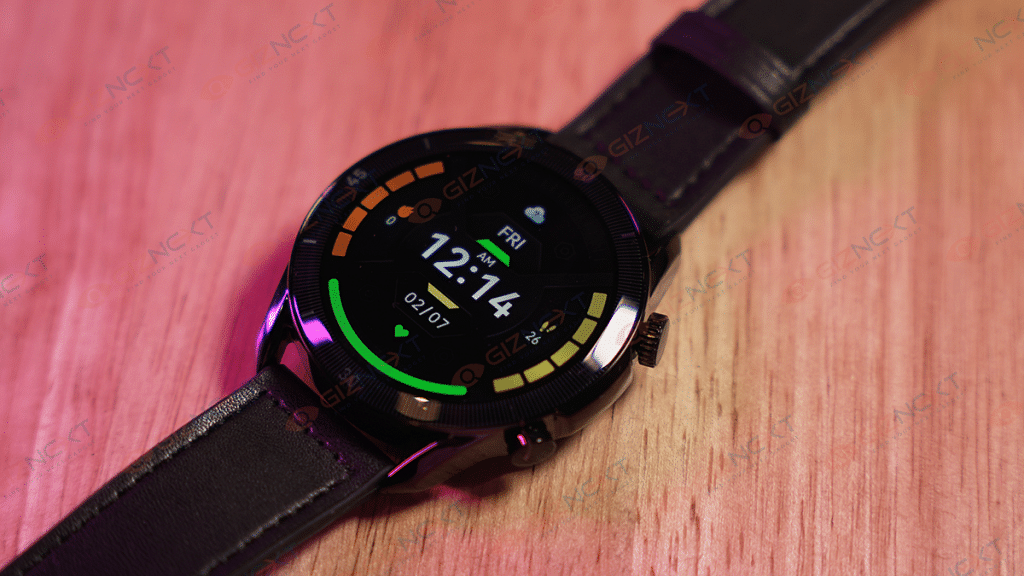
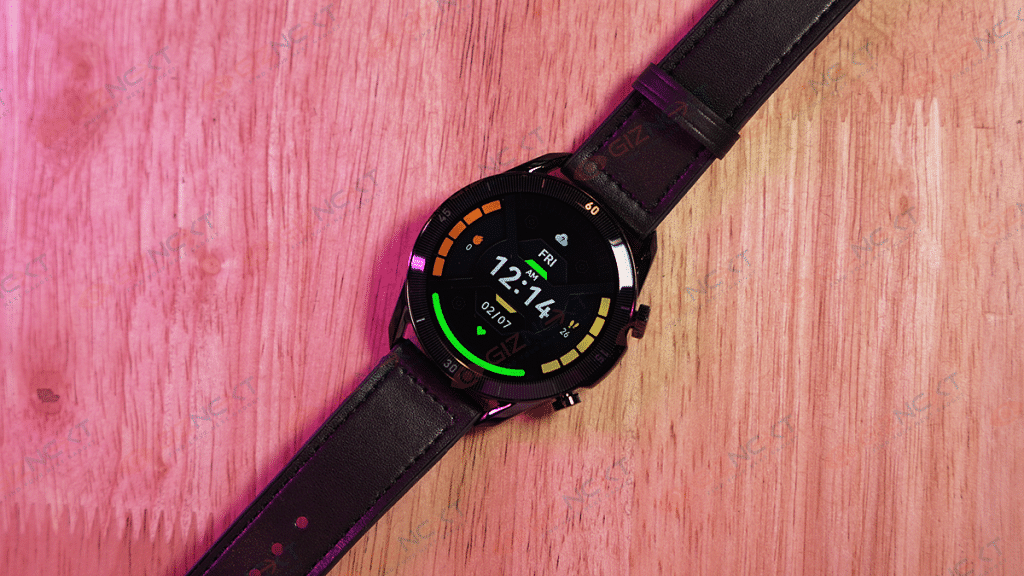
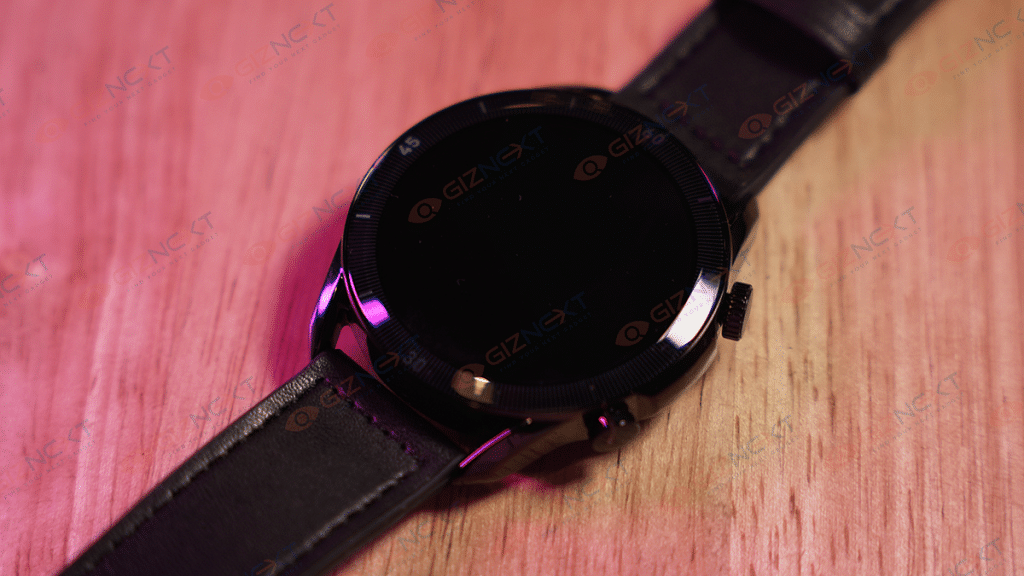
The Fire-Boltt Legacy watch has a steel body that looks premium and rugged, although the back panel is made up of plastic. Its round shape is complemented by two functional side buttons on the right side of the dial, which is decently tactile. The side buttons have a decent finish. The sensors for measuring heart rate, SpO2, and charging pins are located underneath the display, accompanied by a Fire-Boltt branding at the back.
A single press of the upper button, which functions as a rotating crown, activates the display and opens the functions menu. Meanwhile, the touchscreen interface allows you to navigate through menus and settings with a swipe. With a long press, the upper button can be used as a shortcut to access the music interface, voice assistant, and on/off options. On the other hand, the lower button grants access to the Sport Modes interface.
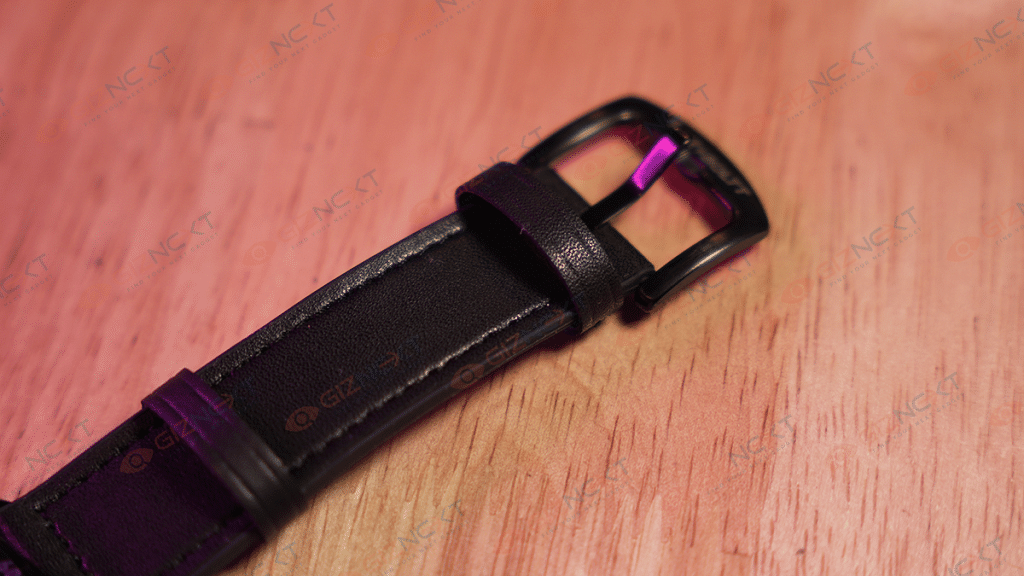
The Fire-Boltt Legacy smartwatch comes with removable rubber straps that are not only soft and comfortable but also adjustable to fit any wrist size. Moreover, it is easy to switch to another metal or silicone strap of your preference. We got our hands on the Black variant and it looks pretty good.
Furthermore, after using the watch for a few days, I can confirm that there are no visible scratches on the body. It is comfortable to wear for long hours and I even slept with it on without feeling any discomfort. However, it may feel a bit bulky to some users.
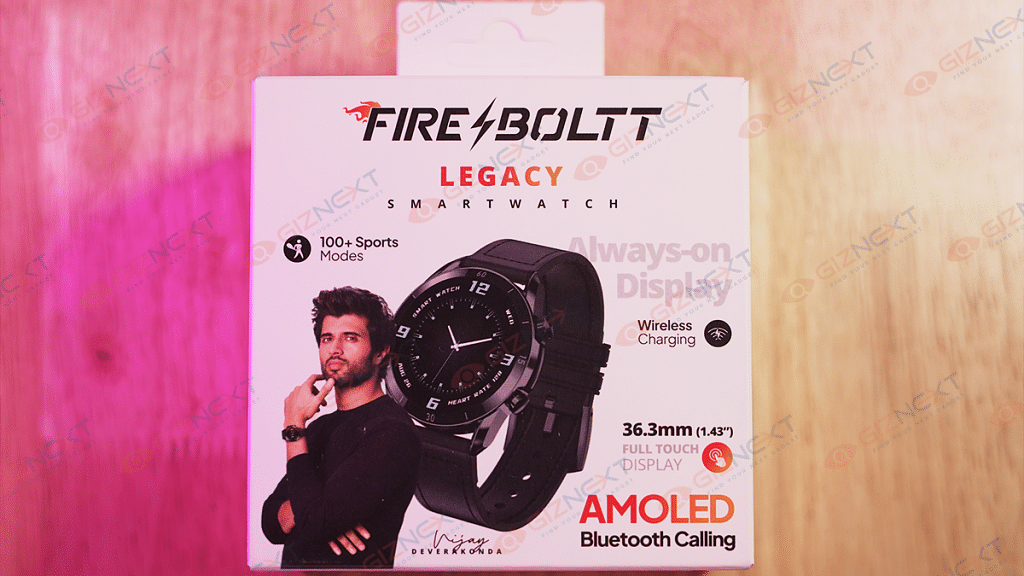
Now coming to the display, the Fire-Boltt Legacy Smartwatch boasts a 1.43-inch always-on AMOLED display with a resolution of 466 X 466 pixels and a refresh rate of 60Hz. During my usage, I observed that it was highly responsive. The display’s peak brightness of 600 nits ensures that it can be used even in direct sunlight without straining your eyes. The font size is also pretty decent, so even if you are planning to buy it for elderly people at home, you wouldn’t regret buying it.
Before using the Fire-Boltt Legacy, you must download the Smart-time Pro app which is available on both Google Play Store and Apple Store. With the app quickly connecting to the watch and displaying your data, setting up the watch is pretty smooth. The app also enables you to download watch faces and receive notifications for calls, messages, and other alerts.
The Fire-Boltt Legacy is designed to monitor a broad range of activity, sleep, and health metrics. It features more than 100 sports modes, including cycling, skipping, badminton, running, football, walking, and numerous others. When walking and verbally counting steps while tracking them on the smartwatch, I found it accurately tracked steps when walking, jogging, or running. Furthermore, the watch provides reasonably precise blood oxygen level measurements that matched those of a BPL SpO2 reader I purchased during the pandemic.
The smartwatch has a continuous heart rate monitoring feature that delivered satisfactory results. It also includes a blood pressure measuring system, but taking readings in succession showed varied results, indicating that it may not be the most reliable method for checking one’s blood pressure. The smartwatch’s sleep monitoring feature accurately tracks the number of hours slept, as well as the duration of deep sleep and light sleep. The breathing feature is another notable aspect of this smartwatch that I enjoyed. Additionally, the watch includes features for clicking pictures and changing songs, which worked quite well.
One of the key features of the Fire-Boltt Legacy is the ability to use the smartwatch as a receiver during calls, which I found to be effective. Moreover, the smartwatch provides real-time stock market updates that can be viewed on the wrist. Users can add their preferred stocks to the app, and the watch will automatically display real-time updates.
What’s interesting about the smartwatch is that we didn’t have to pick up our phone to quickly check our heart rate or to see who was calling. It also displayed a list of recent callers, which could be synced with the phone’s contacts, and a dial pad. However, we noticed that the watch was slightly sluggish in responding to our inputs on the primary home screen.
Battery & Charging
The smartwatch boasts a battery capacity of 330mAh, providing a reliable two-day runtime for typical usage and Bluetooth calling. To extend the battery life, switching off Bluetooth when not in use is recommended. The company claims a battery life of up to seven days on a single charge, and I managed to use it for just over six days, indicating that the watch largely lives up to its claims.
It comes with a magnetic charger and supports wireless charging as well which makes the entire charging process easy breezy. With a four-pin magnetic charger, the watch can reach from 10 to 100 percent in approximately an hour, which is a decent speed.
If you’re in search of a budget-friendly fitness tracker priced under Rs. 5,000, there are several options available. These trackers typically offer similar features such as message and notification alerts and so on. However, the Fire-Boltt Legacy stands out as it offers an additional feature – the ability to receive and make calls on your wrist, which is usually found in more expensive watches. It’s impressive to see such a feature in an affordable device like this.
The Fire-Boltt Legacy has everything that you need in a smartwatch. It does the basics well such as SpO2, sleep, activity, and heart rate monitoring. However, I advise against relying on the blood pressure monitor. The smartwatch is priced at Rs. 3,999, making it an easy recommendation for those looking for a budget-friendly smartwatch.
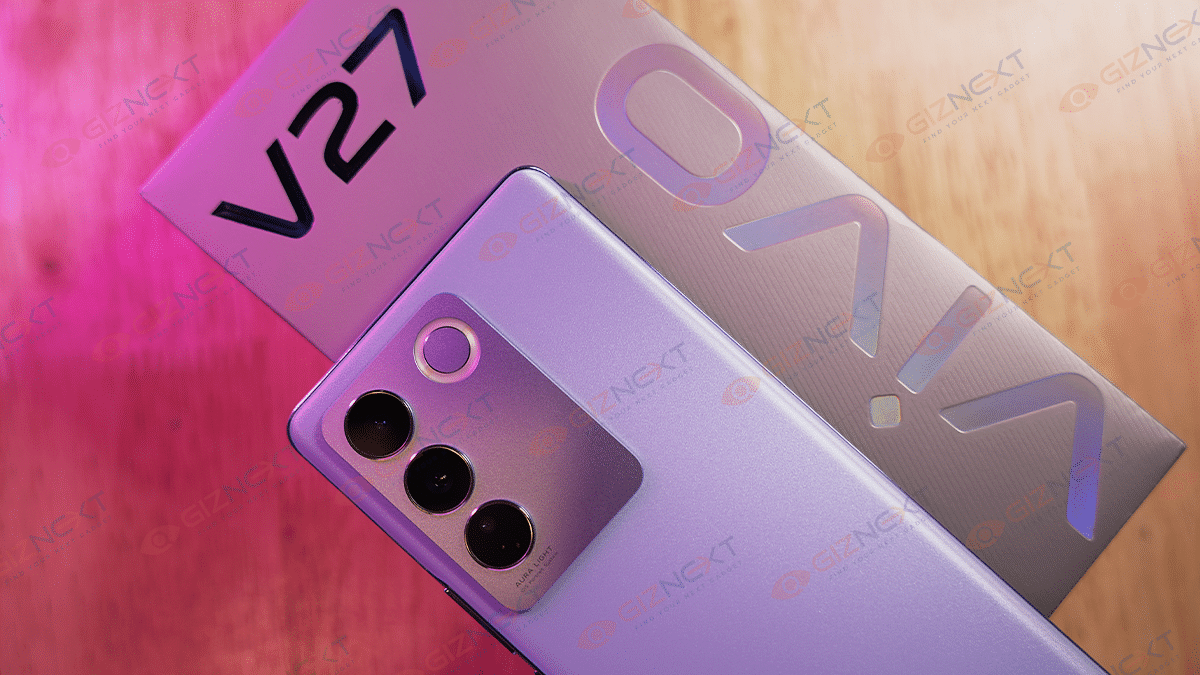
If you’re looking for a smartphone that combines an elegant design with a powerful camera, you might want to check out the Vivo V27. The latest addition in Vivo’s V series, the Vivo V27 boasts a striking camera, an Aura Portrait Algorithm Feature, a visually appealing Photochromic 2.0 design, and a thin grip. Amidst all the buzz surrounding the device, it can be simple to become overwhelmed by all the noise. Nevertheless, in this review, we will assess if the device truly lives up to the hype. Let’s proceed.
50MP Main 8MP Ultra-wide 2MP Macro Aura Light Flash
Front Camera
50MP
OS
Funtouch OS 13, Android 13
Battery
4,600mAh Battery, 66W Fast Charging
Price
Rs. 32,999
What’s Inside The Box?
Handset
USB Power Adapter
Type-C to USB Cable
Eject Tool
Phone Case
Protective Film (Applied)
Documentation
Design
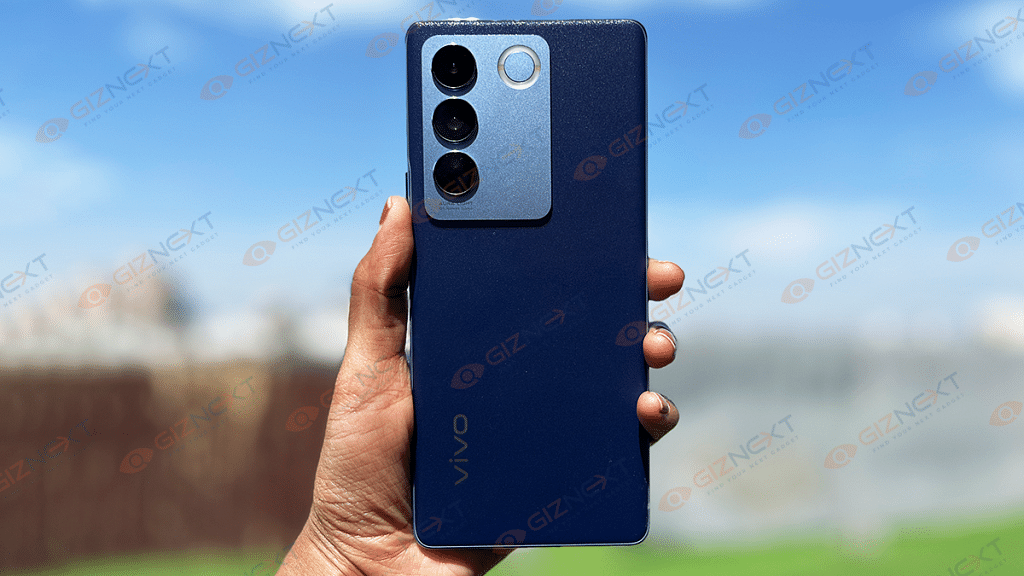
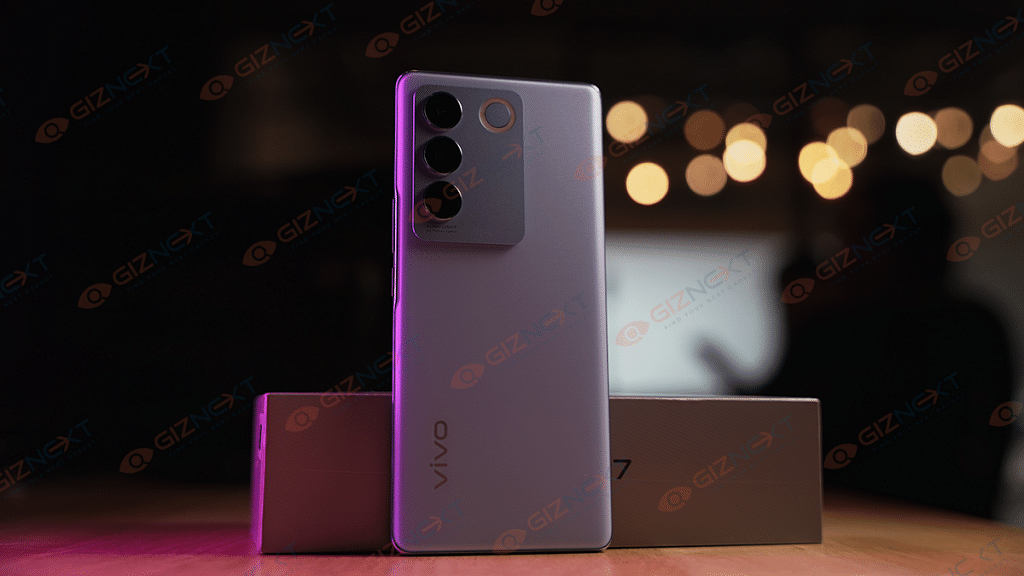
The Vivo V27 has a glass back with a matte finish, providing it with a premium appearance. Its thickness is just 7.33mm, and it features a 60-degree curved screen and a 3D back panel that smoothly integrates into the 2.3mm thin frame. These factors make the phone extremely ergonomic and provide it with a pleasant hand feel. Our review model comes in Magic Blue color, an enchanting color that resembles the natural sky.
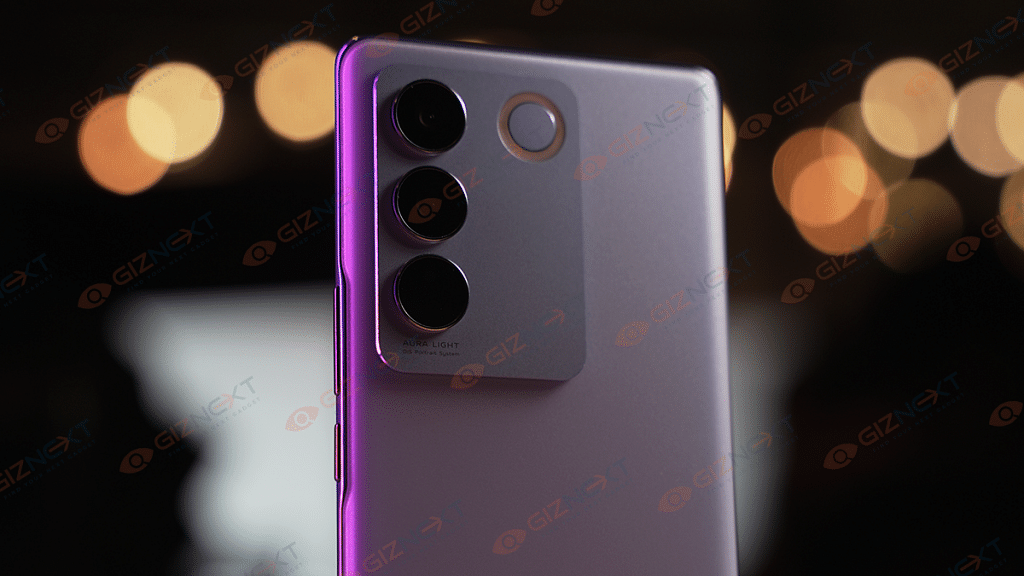
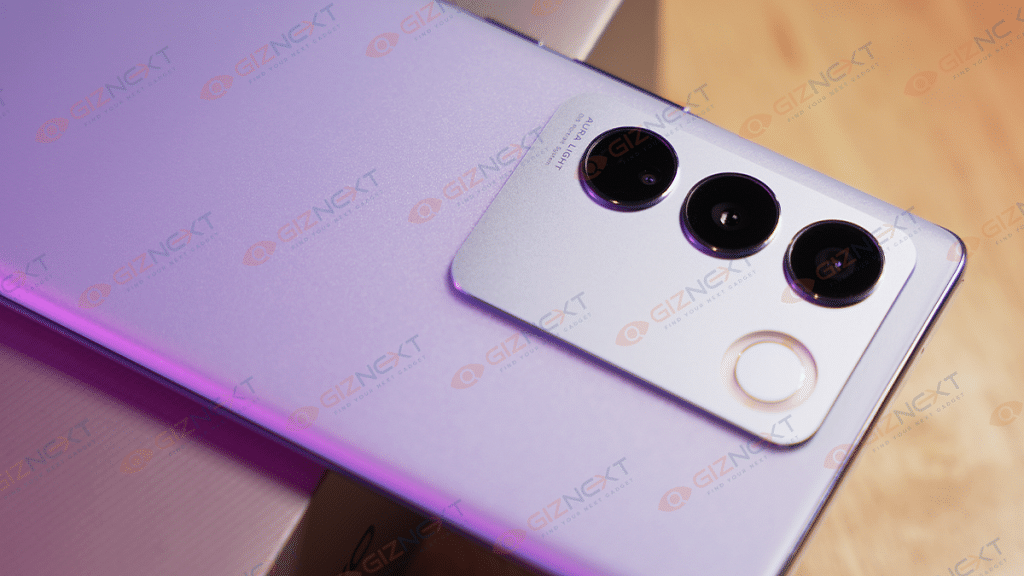
On the back, there is a big camera island that accommodates three lenses and a ring LED light known as the Aura Light Feature flash. The module has a matte metal finish which creates an attractive contrast with the shiny rear panel. The phone’s appearance is further enhanced by all of these features. However, what is particularly impressive is the color-changing back. It retains its predecessor’s color-changing capability, now in its second iteration known as the Photochromic 2.0 technology, which changes to a darker blue color when exposed to sunlight. It still amazes me as much as it did before.
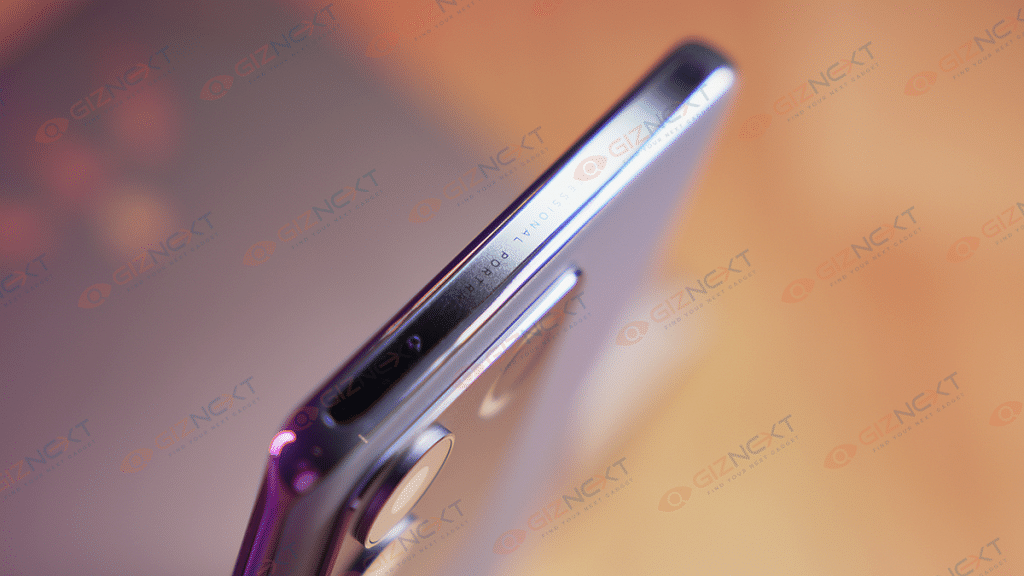
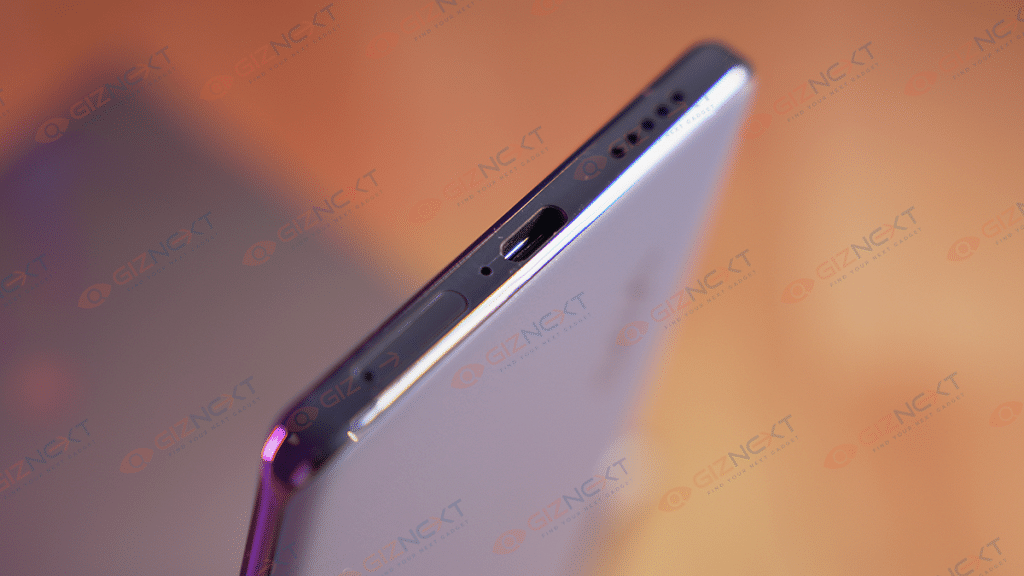
The power button and volume rockers are located on the right side, and the SIM card slot, type-C port, and loudspeaker are located on the bottom. Overall, the Vivo V27 excels in design and looks like an expensive phone rather than a mid-range one.
Display
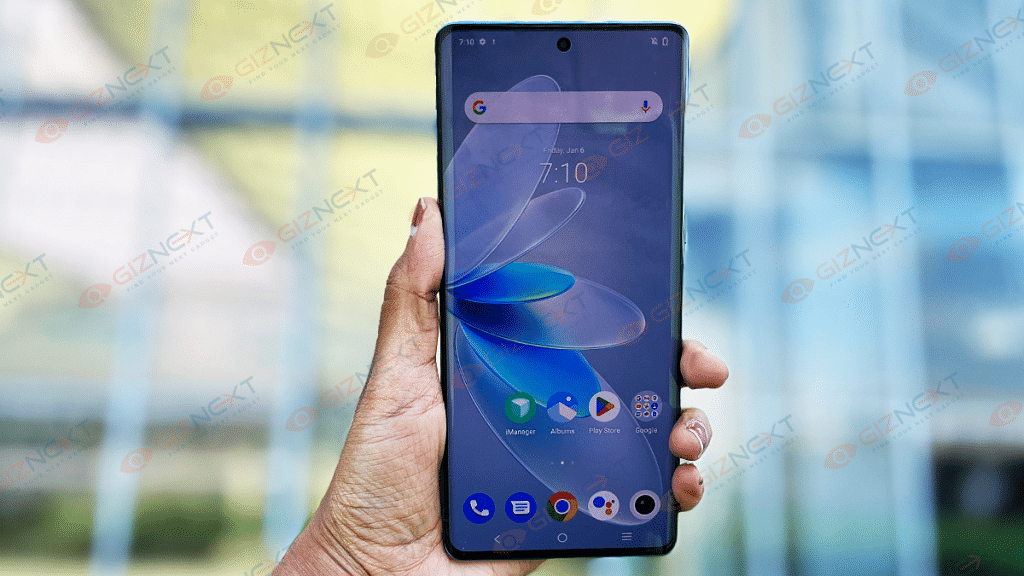
The Vivo V27 features an FHD+ curved 6.78 inches AMOLED display. With a 120Hz refresh rate and a peak brightness of 1300 nits, this display is pretty bright and offers decent visibility even in outdoor settings. The colors are vivid and lively, and the content on the screen appears crisp and clear. When watching videos on YouTube, I had a delightful viewing experience thanks to the immersive nature of the curved display and slim bezels. The display offers deep blacks and accurate color reproduction, without overdoing the colors.
With support for HDR playback and Widevine L1, users can enjoy high-quality content on OTT platforms. The top and side bezels are exceptionally narrow, contributing to the expansive viewing experience. The bottom bezel has nearly the same thickness as the other bezels, providing a uniform and premium appearance.
The Vivo V27 is equipped with the MediaTek Dimensity 7200 chipset, which is coupled with up to 12GB of RAM and 256GB of internal storage. The phone performs smoothly in everyday usage, with scrolling, swiping through Instagram stories, and reels being particularly buttery smooth.
The 120Hz refresh rate enhances the overall user experience, making everything feel seamless. It can effortlessly handle standard apps like WhatsApp, as well as more demanding ones like Instagram and Snapchat without any noticeable lags or stutters.
Furthermore, the Vivo V27 can be used for intensive gaming, as demonstrated by its ability to run Asphalt 9 and Apex Legends Mobile seamlessly. Asphalt 9 was able to run at High settings, while Apex Legends ran at Original graphics settings. Despite playing Apex Legends for approximately half an hour, the phone only felt warm, and there was no significant heating issue.
FunTouch OS 13, which is based on Android 13, powers the Vivo V27. It’s good to see that it works on the latest Android version out-of-the-box. The UI feels simple and user-friendly.
As you swipe down from the homescreen, a notification panel appears, and when you scroll up, an app drawer appears. RAM expansion, Ultra Game Mode, Dynamic Effects, shake to activate flash, smart split, and many other features are also available.
At the same time, there are a bunch of pre-installed apps including Spotify, LinkedIn, Netflix, PhonePe, and a few others. Though, you can always remove them from the settings.
Camera
The Vivo V27 stands out with powerful cameras, which are further enhanced by the Aura Light feature. The camera system works together to produce flawless portraits in various lighting conditions. The smartphone has four cameras in total: a 50MP OIS Ultra-Sensing primary camera, an 8MP ultrawide camera, a 2MP macro camera on the back, and a 50MP Eye AF selfie camera on the front.
The primary camera captures stunning photos in almost all lighting scenarios. Daytime shots are detailed and vivid, with a wide dynamic range that adds a punchy feel to the images. Low-light shots are also impressive, with a dedicated night mode that maintains the colors and enhances the details. While the ultra-wide shots are decent, the details are not as sharp as those captured by the primary camera. Additionally, there is a noticeable color shift, with the ultra-wide shots appearing cooler compared to the warmer tones produced by the primary camera.
On the other hand, the 50MP selfie camera takes fantastic selfies. I shot a few selfies, and they were detailed, clear, and sharp. The skin tones appeared natural as well.
The Vivo V27 is equipped with a 4,600mAh battery and supports 66W fast charging. Although the battery backup is satisfactory, heavy users may need to recharge the phone by evening. However, I found that the battery lasted a full day with some juice left for the following day. With a screen on time of approximately six hours, the battery performance is good considering its size. Although a 5,000mAh battery would have been preferable, the Vivo V27 performs well in the battery department. Besides, the 66W fast charger takes around 45 minutes to fully charge the phone from 0 to 100 percent, and a 15-minute quick charge can power up the battery to about 50 percent.
Verdict
To be frank, there are very few things to criticize about this phone. It boasts impressive cameras, decent performance, and good build quality. The Vivo V27 lives up to its claim of being the “Aura Portrait Master” with one of the best non-flagship phone cameras I have seen in a while. Additionally, it has an attractive look that distinguishes it from other smartphones in its price range. Furthermore, the 3D curved screen, slim body, and color-changing Photochromic 2.0 element make it seem like a high-end device. Therefore, I highly recommend the Vivo V27 to anyone seeking a stylish and powerful smartphone.
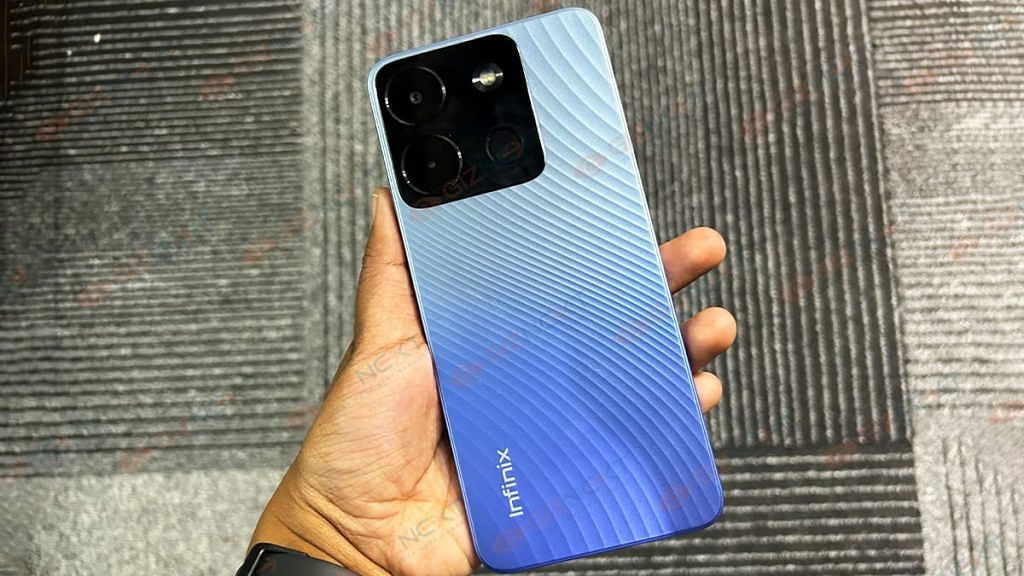
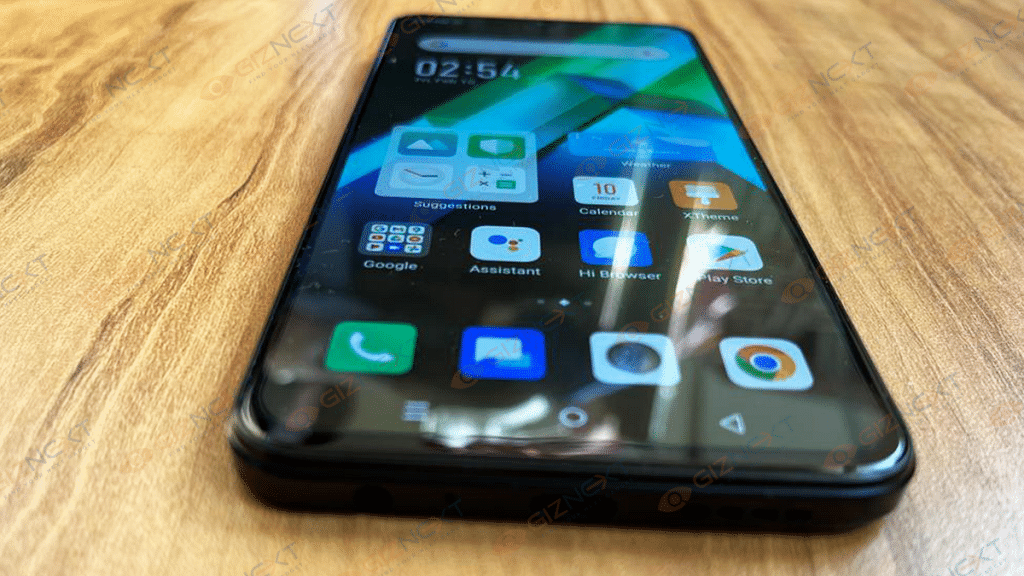
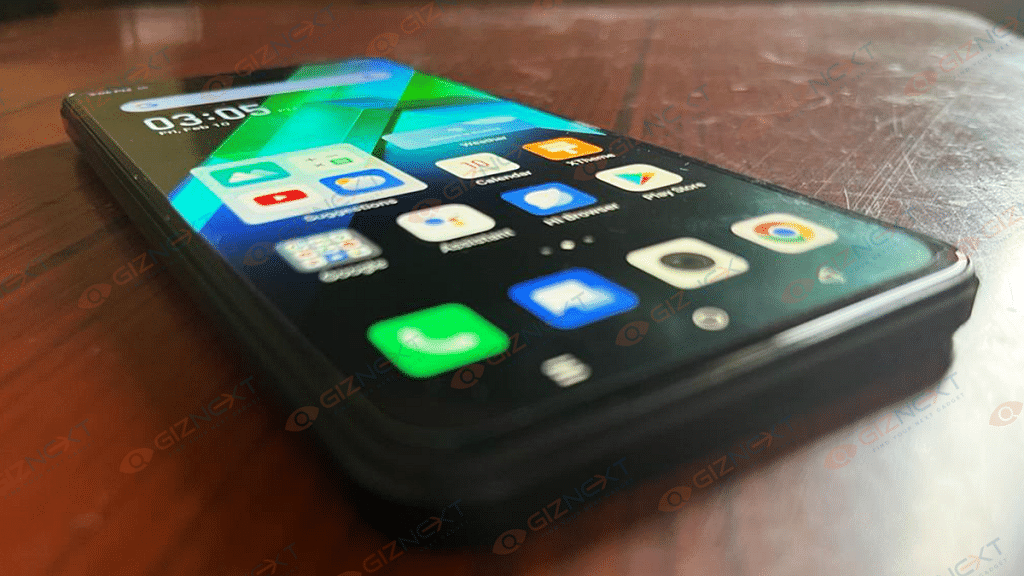
With its most recent budget-friendly smartphone Smart 7, Infinix has played shrewdly. It establishes the standard for the cost of acquiring many features. The Infinix Smart 7 has a big HD+ display of 6.6 inches, a massive 6,000 mAh battery, 7GB of RAM (including 3GB virtual Memory), a Unisoc octa-core processor, and a 13MP dual AI rear camera for a competitive price of Rs. 7,299. The Infinix Smart 7 is a champion in entertainment and endurance thanks to its enormous battery, large display, and expandable storage. I have recently used the phone, read on to know if the phone is worth the money.
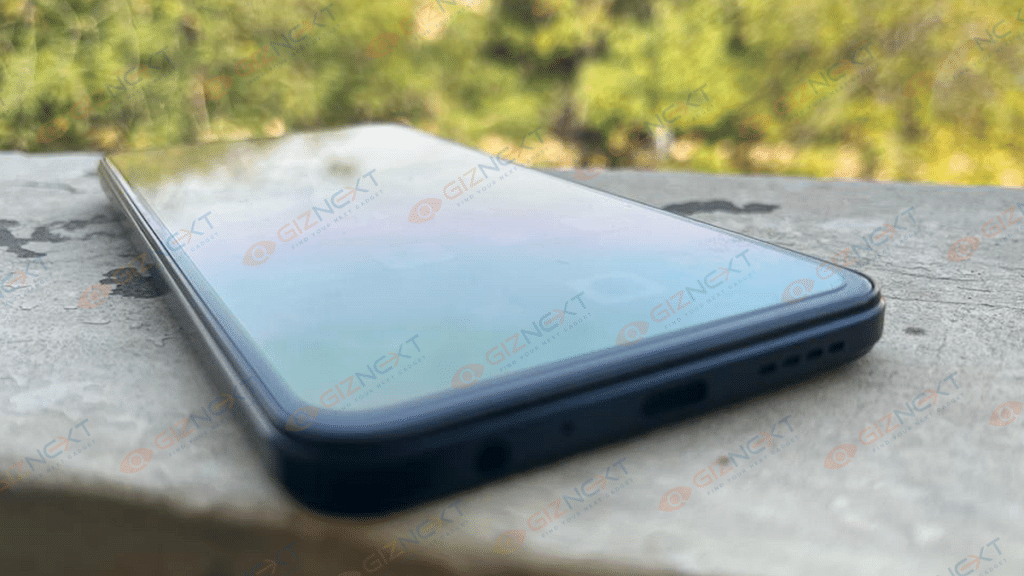
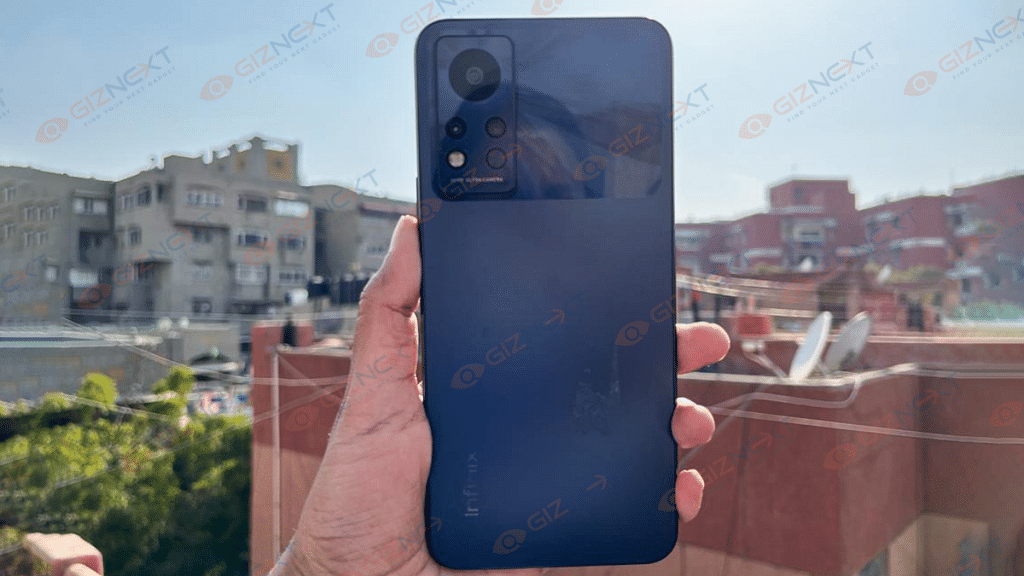
The wave pattern design on the rear of the phone makes it all trendy. The Infinix Smart 7 offers a sleek, contemporary appearance. The back also possesses antibacterial properties with the positive silver-ion-charged coating on the panel. There is a physical fingerprint sensor for security. A standard 3.5mm headphone jack is at the bottom. The Smart 7 is slightly bulky. The added weight comes from the chunky 6,000mAh battery.
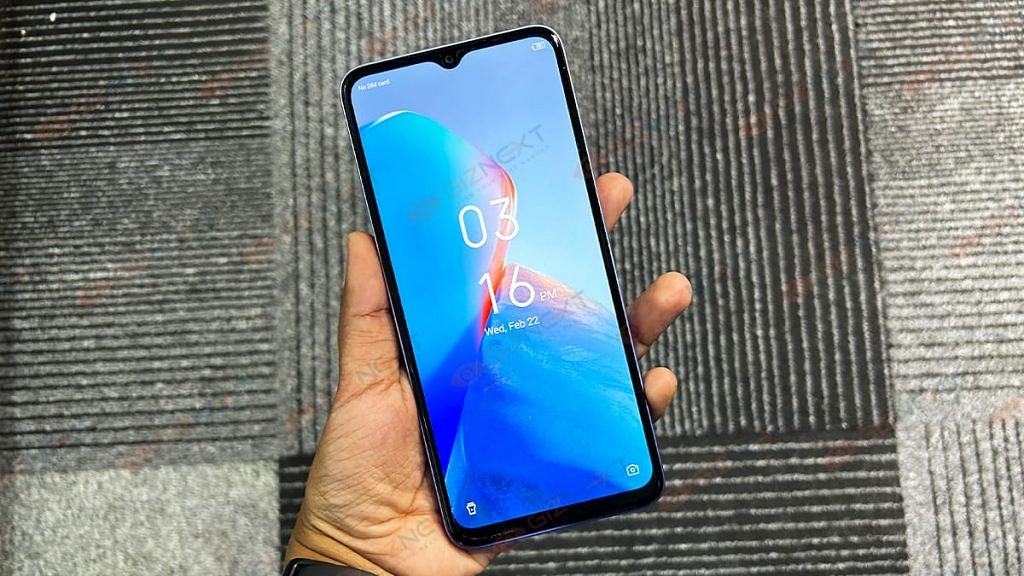
A waterdrop notch on top of the large 6.6-inch HD+ display accommodates the selfie camera. The display has a resolution of 1600 x 720 pixels and a brightness of 500 nits, making it bright enough to be viewed outside. The panel performs decently and you will be able to stream videos at 720p.
The Infinix Smart 7 is powered by an octa-core Unisoc processor, 4GB of memory (physical RAM), and 64GB of internal storage. Although the RAM might seem a little meager, Infinix has used cunning tactics here. Upgrading the RAM to 7GB is an option with the Smart 7. The handset can supplement an additional 3GB of virtual memory from internal storage. With this extended RAM capacity of up to 7GB, the smart 7 offers a lag-free multitasking. There is a dedicated microSD card slot that allows the 64GB internal storage to be increased to 2TB. The phone includes a 3-way SIM slot which supports dual SIM and one microSD card. Running on top of Android 12 is XOS 12, which powers the Infinix Smart 7.
Infinix has made some customizations with the UI and you get a few apps and games preinstalled on the smartphone. Palm Store, an alternative to the Play Store, is one of the pre-installed apps. It pushes notifications for different apps and games which can be annoying at times. I couldn’t find a way to uninstall the app but could disable it. I downloaded a few games, and the phone was able to run them decently at low graphics quality with the frame rate set to medium. I did notice stutters while playing the games, and the smartphone did slow down occasionally. If you are a gamer hoping to play titles like Call of Duty Mobile, the Smart 7 isn’t going to be satisfactory. But light gaming is a fair experience.
In terms of cameras, the 13MP dual AI setup with dual LED flash serves as the main camera on the back of the Infinix Smart 7. On the side of the dual cameras at the back is where the fingerprint scanner is located. An LED flash is provided by the front 5MP camera to take selfies in dimly lit areas.
The smart 7 has a decent camera for daylight shots. However, low-light shots lacked sharpness and the color accuracy was off. This phone doesn’t have a Night mode to improve low-light photography either. There are a bunch of shooting modes, however, you get limited options here. There is no dedicated Night mode, but you can capture low-light shots with dual LED flash. The selfie snapper is decent too. You get fair clicks that can be uploaded on social media platforms.
Battery, Connectivity
With moderate call, streaming, and browsing usage, the large 6000mAh battery ensures that the phone lasts an entire day. The Smart 7 would still have enough fuel at the end of the day for binge-watching shows and movies on OTT apps. It takes over an hour for the battery to get a full charge.
The Infinix Smart 7 supports both 3G and 4G. This smartphone has a GPS receiver built-in. There is also an FM radio in this Infinix smartphone.
The Infinix Smart 7 has been launched in India for Rs. 7,299. The phone has 4GB of RAM and 64GB of internal storage. There are three color options for the phone: Azure Blue, Emerald Green, and Night Black.
Verdict
With these specifications, specifically up to 7GB RAM, the Infinix Smart 7 excels in this price-sensitive market. Its large screen makes watching movies enjoyable and interesting. The videos are jitter-free and without missing frames, and they can be captured in high HD. With a price of INR 7,299, Infinix Smart 7 is a fantastic low-cost smartphone that undoubtedly packs a punch thanks to its feature set and stylish design. Infinix Smart 7 is a wise purchase for someone looking for a phone for daily tasks, a good display, and media consumption that won’t let them down in terms of performance and battery life while still being budget-friendly.
Fast and reliable performance with Snapdragon 8 Gen 2 SoC
Good camera performance
Good battery backup
Cons
Slightly slippery design
Low light camera performance could have been better
OnePlus has been evolving its smartphone game and has introduced some of the best-in-class value flagships until now. This year the brand has released the OnePlus 11 series comprising the vanilla OnePlus 11 5G and the OnePlus 11R. Both models are catering to premium users, however, the latter is a more affordable option for the masses.
With the OnePlus 11 5G, the company has brought in some new innovations and also revived what was missing from the previous-gen model; the iconic OnePlus alert slider. This year too OnePlus is all aggressive with the pricing and is set to grab a major chunk of the premium user segment.
Features like the Snapdragon 8 Gen 2 chipset with ray tracing, a QHD+ AMOLED display, and 100W fast charging starting at Rs. 56,999 makes the game strong for the OnePlus 11 5G. But does this mean it wins the competition and stands out of the league? We got to use the latest OnePlus flagship and here’s what we think:
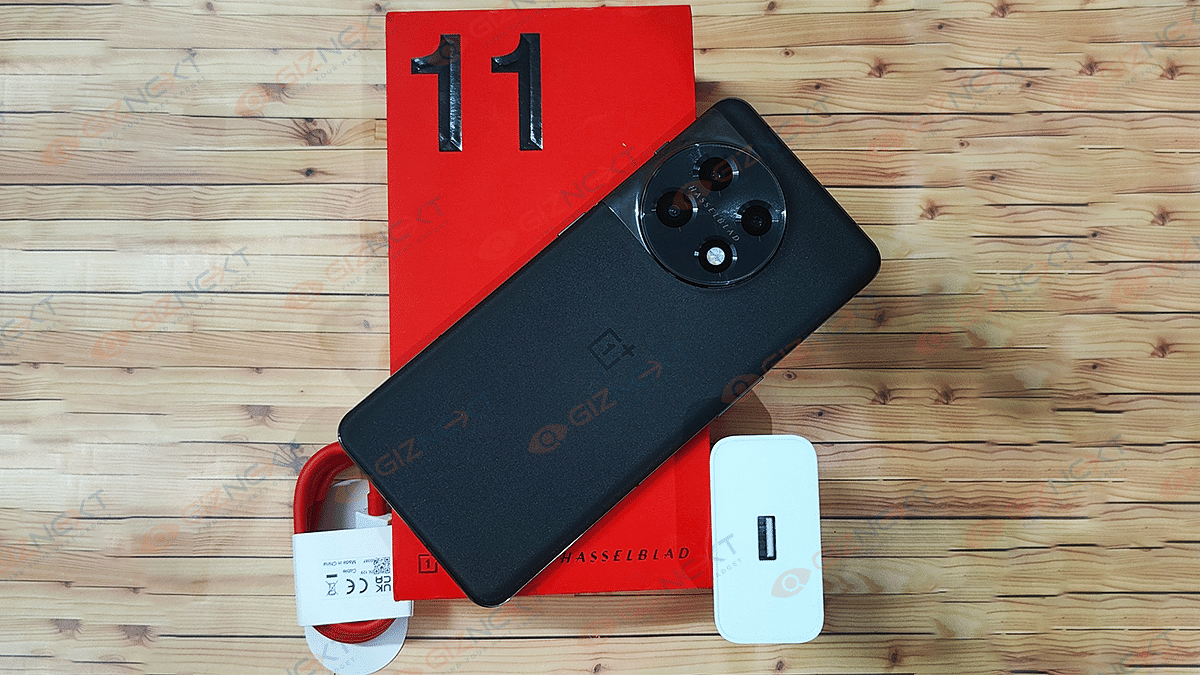
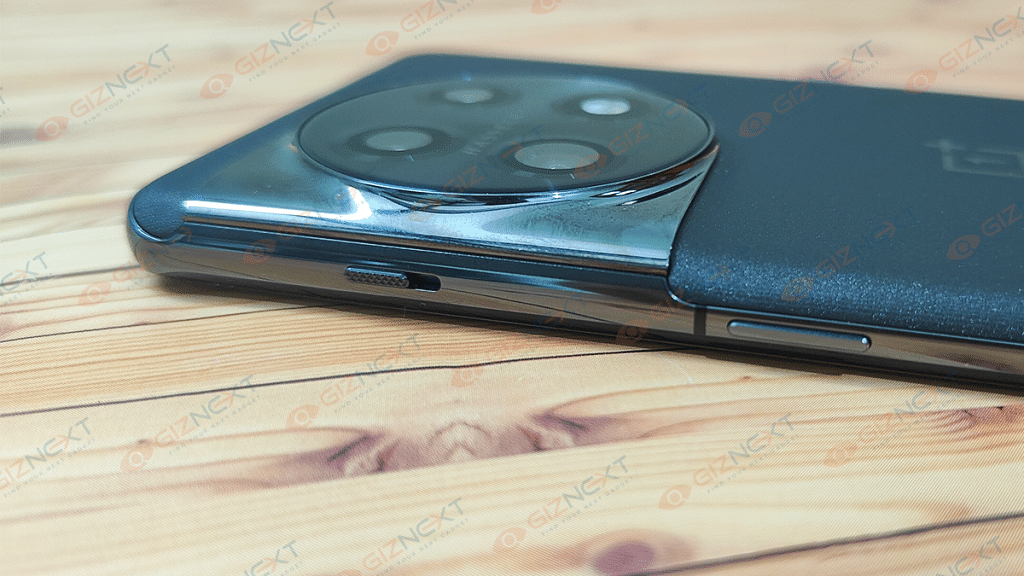
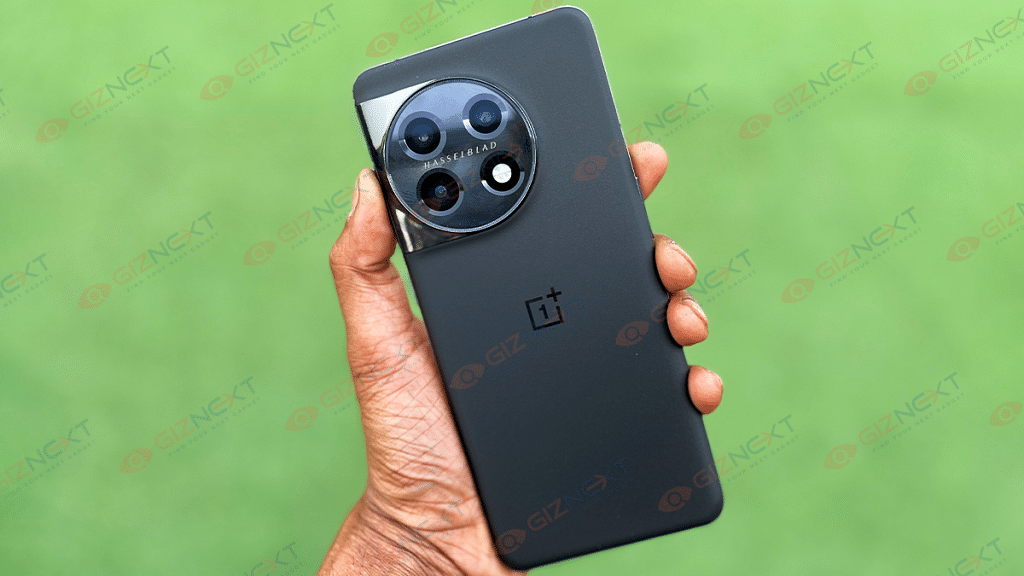
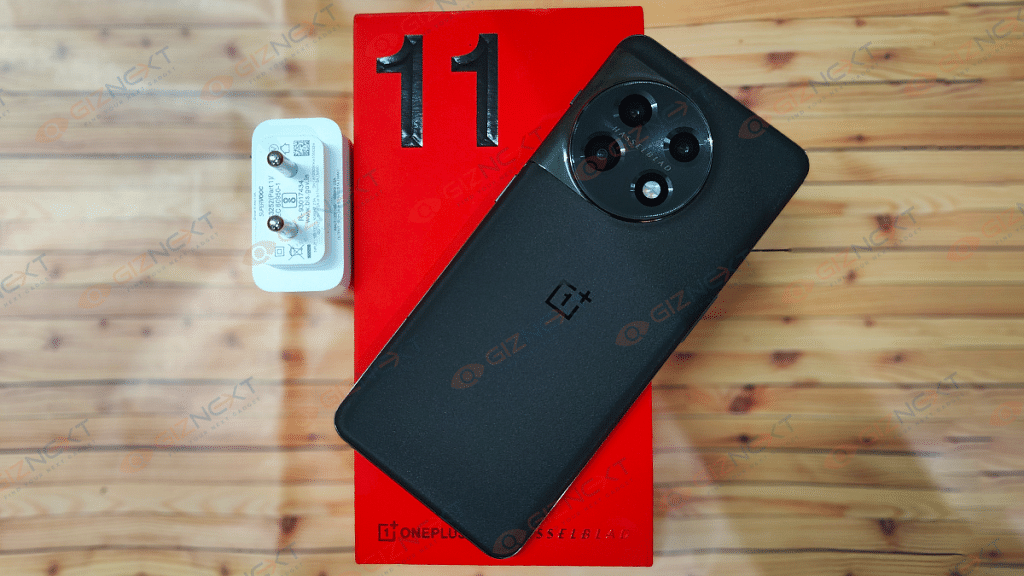
The OnePlus 11 5G bears resemblance to the last year’s OnePlus 10T, but the design overhaul is evident with the camera module and the curved panel. The camera island this time is circular instead of the squarish module that the previous-gen model featured. The camera module on the OnePlus 11 5G also has the same steel material blending into the aluminum frame.
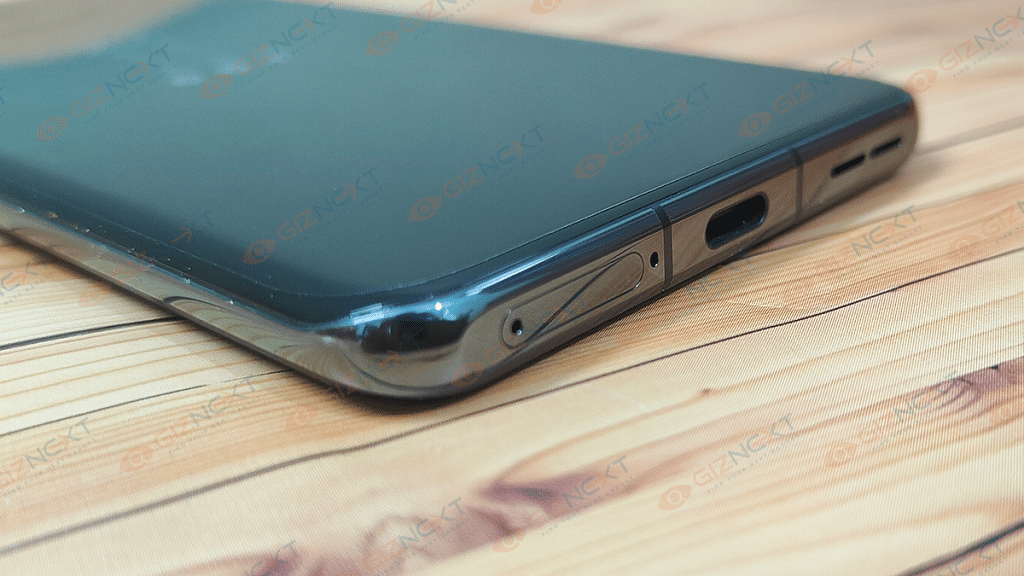
The return of the iconic OnePlus alert slider is a relief for all OnePlus fans. Only the power key is positioned on the right spine alongside the alert slider. The volume rockers are on the left panel, while the USB Type-C port is sandwiched between the SIM tray and the speaker grille at the bottom. The top and the bottom frames are flat, while the side panels are slightly rounded complementing the curved display design.
The overall look and feel of the OnePlus 11 5G is all premium and there is no compromise with the usage comfort. The curved edges and slim form factor improves the grip with single-hand usage. Even with the case, the device doesn’t feel bulky which is impressive.
You would find it easy to operate this phone with a single hand with different tasks. Of course, for extensive gaming, you will need both hands on deck. The Corning Gorilla Glass protection both upfront and the rear adds to the durability. a But overall, the OnePlus offers a fair usage experience.
OnePlus 11 5G Display Performance: Bright And Vivid
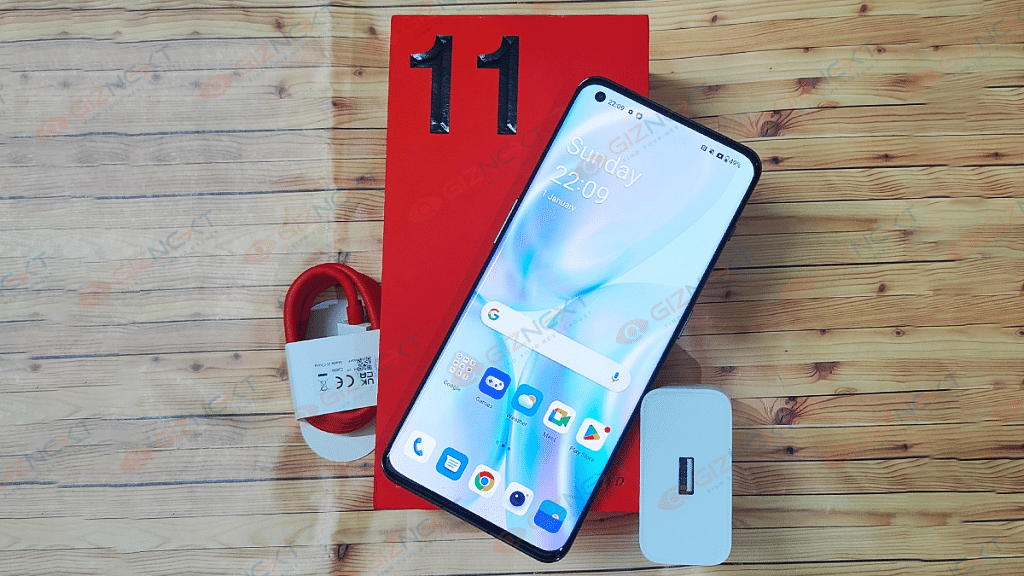
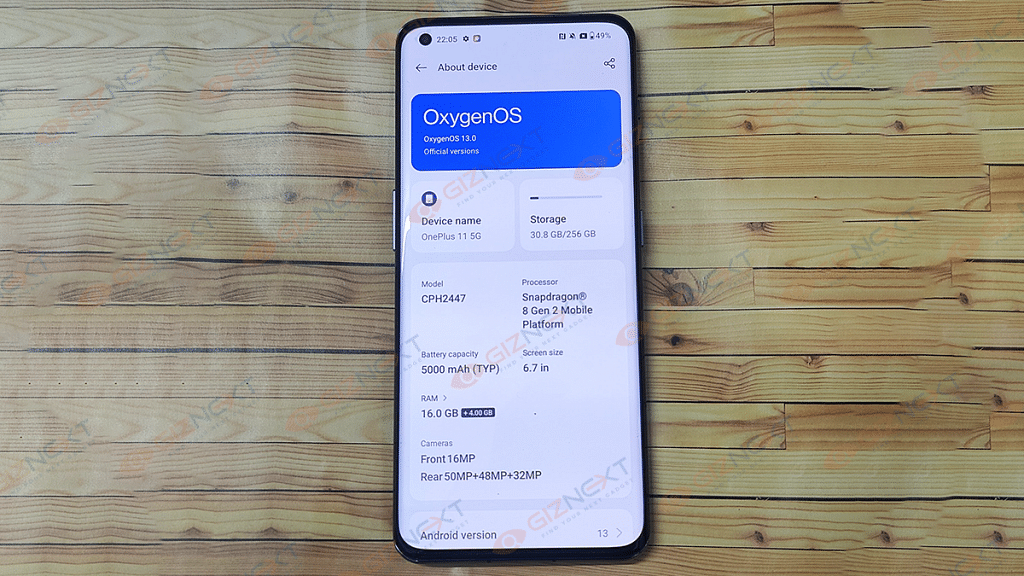
The OnePlus 11 5G bestows a massive 6.7-inch screen which offers impressive specifications. The visual experience is all enhanced with this new OnePlus phone. The panel type used Fluid AMOLED with LTPO technology. The display on the OnePlus 11 5G supports 1440 x 3216 pixels QHD+ resolution and the pixel density is 525 ppi.
This phone is capable of auto-switching between FHD+ and QHD+ resolution. There is a dedicated setting for this which when enabled changes the resolution type depending on the app. There is a dynamic refresh rate of 1- 120Hz, sRGB, Dolby Vision HDR, and 10-bit color depth. Let’s now move to the display performance.
The color production and panel clarity is super refined and we have had the best experience with video playback and gaming. With 1300 nits peak brightness level, the OnePlus 11 5G’s visibility is least hampered outdoors under direct/harsh sunlight. The high QHD+ resolution and the 120Hz refresh rate makes the game strong for OnePlus 11 5G in the display segment.
As mentioned earlier, the panel brings out vivid output which is suitable for both video consumption and gaming. You can expect no frame drops or lags while gaming with the settings tuned to the highest. Color production is crisp and the visual clarity is also top-notch. The blacks are deeper and the screen does justice to the dark scenes in any movie or TV show. The display on the OnePlus 11 5G also has an in-display fingerprint scanner integrated that enhances security. The scanner is quick and efficient with device unlocking.
Personally, I find the panel apt for binge-watching shows and movies via OTT apps including Netflix, Amazon Prime, Videos, and others. Also, the touch response is fluid, hence the feedback with scrolling and gaming is also unbeatable with this phone. It wouldn’t be wrong to say that the display game is improved with the OnePlus 11 5G.
Camera hardware on the OnePlus 11 5G is also evolved. There is a 50MP Sony IMX890 6P main lens with an f/1.8 aperture, OIS, and EIS support. It is combined with a 48MP secondary Sony IMX581 ultra-wide lens with an f/2.2 aperture and 115-degree FoV and a 32MP Sony IMX709 telephoto lens with 2X optical zoom.
Speaking of the camera modes, the OnePlus 11 5G is loaded with Night, Portrait, Movie, Panorama, Slow-motion, Time-Lapse, Xpan, Auto macro, Long-Exposure, AI scene enhancement, and more. The camera also comes with 10but Color and High-Efficiency image support.
If we talk of video recording capabilities, the OnePlus 11 5G’s rear camera can record 8K@34 fps, 4K@30/60 fps, 1080p@30/60 fps, and 720p@30/60 fps videos. The slow-motion video recording support is up to 1080p@240fps, while the time-lapse video recording supported is 4K@30fps.
This model’s camera features the Hasselblad branding as the previous-gen model. OnePlus touted the imaging prowess of the OnePlus 11 5G during the launch and we were eager to test its capabilities with different scenarios and backgrounds.
That said, the quality of the shots captured by the OnePlus 11 5G is good. Image clarity is not compromised when the background is well-lit. No noise or grains are noticeable with the daylight shots. Color saturation is balanced, nothing is overtly saturated. Enabling the AI scene enhancement does the trick to improve the quality with each click. Details are enhanced with general and close up shots. The Auto
You can also toggle on the Hi-res and Auto HDR modes to capture images with the highest clarity levels. However, you will only be able to capture images in 1x and 0.6 ultra-wide frames with the Hi-res mode on. With this, you can easily crop out unwanted scenes or objects in the background without deteriorating the image quality.
Portrait shots are good and they live up to the expectation. We are sharing some camera samples where you can check the photography quality. As for night photography, the built-in Night mode captures all the details with low-lit backgrounds. However, a bluish tint is visible if the background is completely dark. Use the apt settings and you will hardly see any noise or grains in the background. Below are the night camera sample of the OnePlus 11 5G.
For selfie fans, OnePlus has added a 16MP front camera with an f/2.45 aperture and EIS (Electronic Image Stabilization) support. The selfie snapper does a decent job of capturing self-portraits. The output is optimum for social media uploads.
OnePlus has established itself as a flagship killer ever since its debut in the smartphone industry. With the OnePlus 11 5G, the company has definitely set new standards. The Snapdragon 8 Gen 2 mobile chipset under the hood makes it a performance beast. The latest flagship Qualcomm chipset has Adreno 740 GPU support for graphics. Onboard storage capacity options include 128GB UFS 3.1 and 256GB UFS 4.0 paired with 8GB and 16GB LPDDR5X RAM respectively.
We have received the 16GB+ 256GB variant and have experienced a lag-free performance no matter how extensive a task is thrown at it. OnePlus is one of those few Android flagships that supports hardware-accelerated Ray Tracing. However, there is no mobile game available at this point that supports or is compatible with this feature. But this doesn’t count for any limitations.
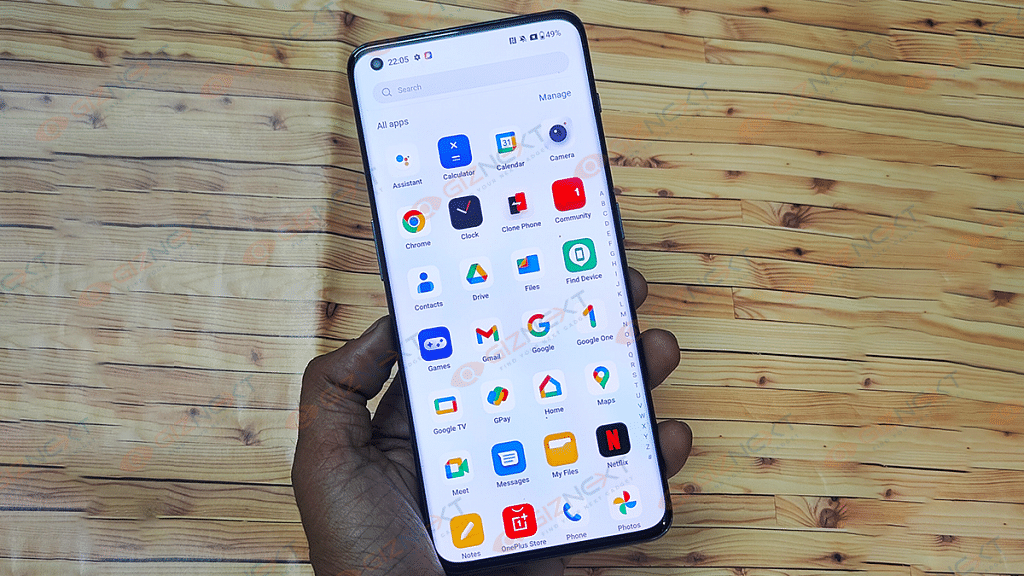
Rather, the handset is future-ready with this advanced technology. Besides, OnePlus is already providing up to four year of promised firmware updates to all of its newly launched phones and the OnePlus 11 5G isn’t different. It has the Android 12-based OxygenOS 13.0 UI pre-installed and with the added support, it will be a perfect flagship for at least the next five years. OnePlus has made several improvements to the UI and tried to add a stock Android UI appeal. Less bloatware and pre-installed third-party apps are a respite this time.
The performance delivery is stable and reliable with the top-of-the-line SD 8 Gen 2 chipset. Faster speeds and efficiency are further achieved with the high RAM and storage capacity. The multitasking experience is super smooth with the top-end variant. The same can be expected with the base model too. App loading is instant even if there are several of them are already running in the background. It’s definitely the fastest OnePlus handset released till date. We also performed a couple of benchmark tests including Geekbench 6 where the scorecard is good.
Gaming feedback is also top-notch. The improved haptic feedback complements the lag-free gameplay sessions. You will be able to play demanding games like Asphalt 9 Legend, COD, and others at the highest settings without any frame drops. There is no warm-up of temperature instability issues when you use the OnePlus 11 5G extensively or during gaming. This further improves the overall user experience. To summarize, the OnePlus 11 5G is a no compromise in terms of speed and reliability.
The OnePlus 11 5G has been packed with a 5,000 mAh battery unit. This is a 2,500 mAh dual-cell setup that supports 100W SuperVOOC flash charging. Now, this is a downgrade compared to the OnePlus 10T which offers 160W fast charging.
However, the 100W charging support doesn’t disappoint either. The handset can still get a complete refuel (zero to 100 percent) within 30 minutes. The battery drainage rate is not high unless you are using this handset extensively. Otherwise, expect over eight hours of backup with a single charge.
OnePlus has upgraded its game with the launch of the OnePlus 11 5G and is also returning to the roots of bringing in the best-in-class value flagships. This new-generation OnePlus phone is future-ready and has some of the most advanced features that any phone in this segment offers.
To recap, the OnePlus 11 5G with 8GB RAM is priced at Rs. 56,999, while the top-end model with 16GB RAM is priced at Rs. 60,999. If you are looking for phone that is no compromise in terms of speeds and performance, the OnePlus 11 5G is definitely worth considering. For photography and gaming enthusiasts too, the OnePlus 11 5G is a complete package. This handset is definitely a hit in our opinion.
The OnePlus Buds Pro 2 is among the many gadgets OnePlus recently unveiled at its Cloud 11 event. These second-generation wireless earphones support adaptive noise cancellation, dual audio drivers co-created by OnePlus and Dynaudio, lossless Hi-Res audio, head-tracking features, and wireless charging.
The OnePlus Buds Pro 2, a successor to the OnePlus Buds Pro, seems to be a step in the right direction. While I’ve had a lot of fun with the audio quality itself, the inclusion of spatial audio truly takes the cake. I’ve been plugging it in for a while, so let’s see whether it made me dance to its tunes or not. Let’s find out in this review:
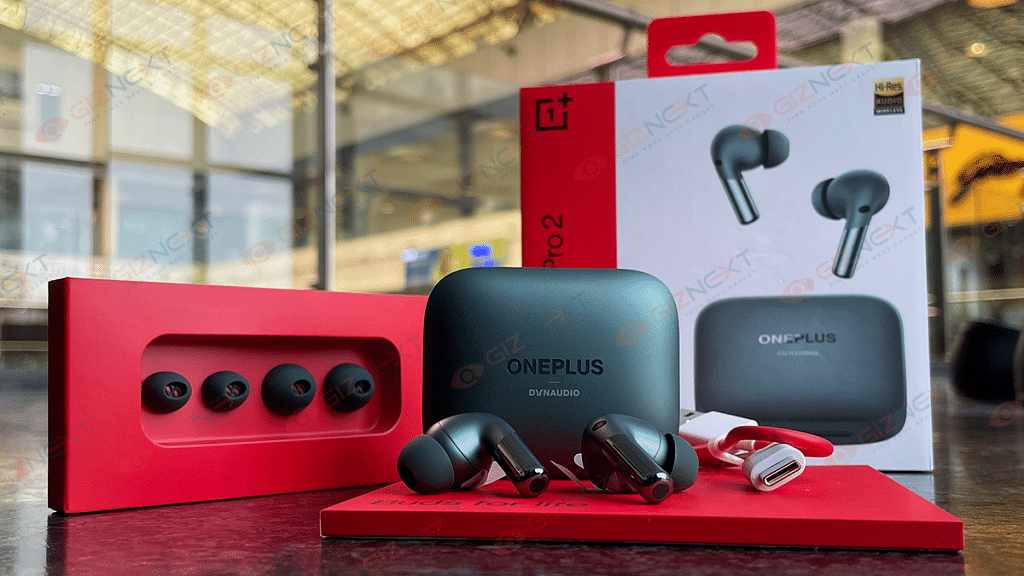
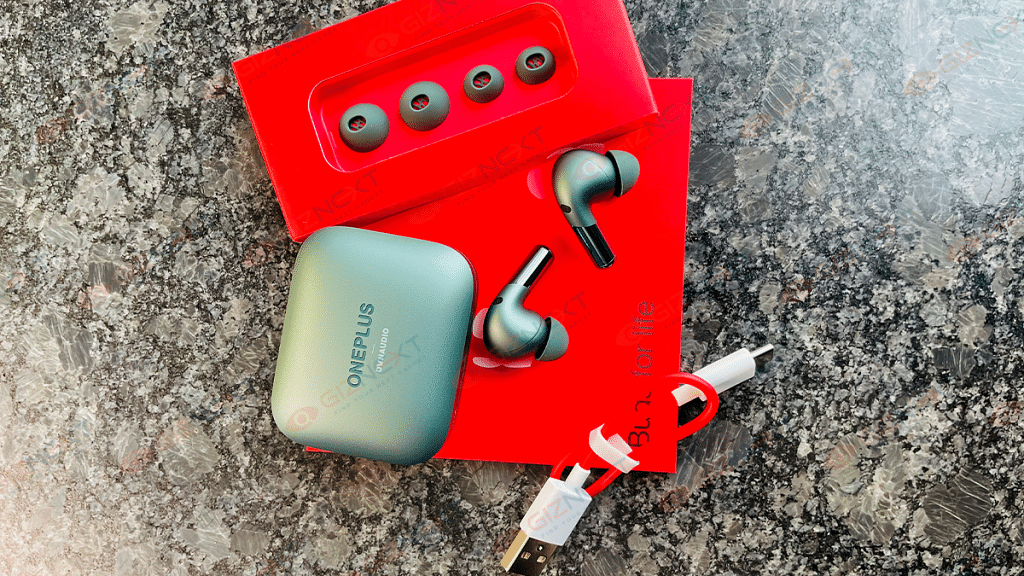
Ear tips in small and large sizes (Medium sized tips pre-installed)
USB Type-C charging cable
User guide
Safety and warranty card
Red Cable Club Welcome Card
Design
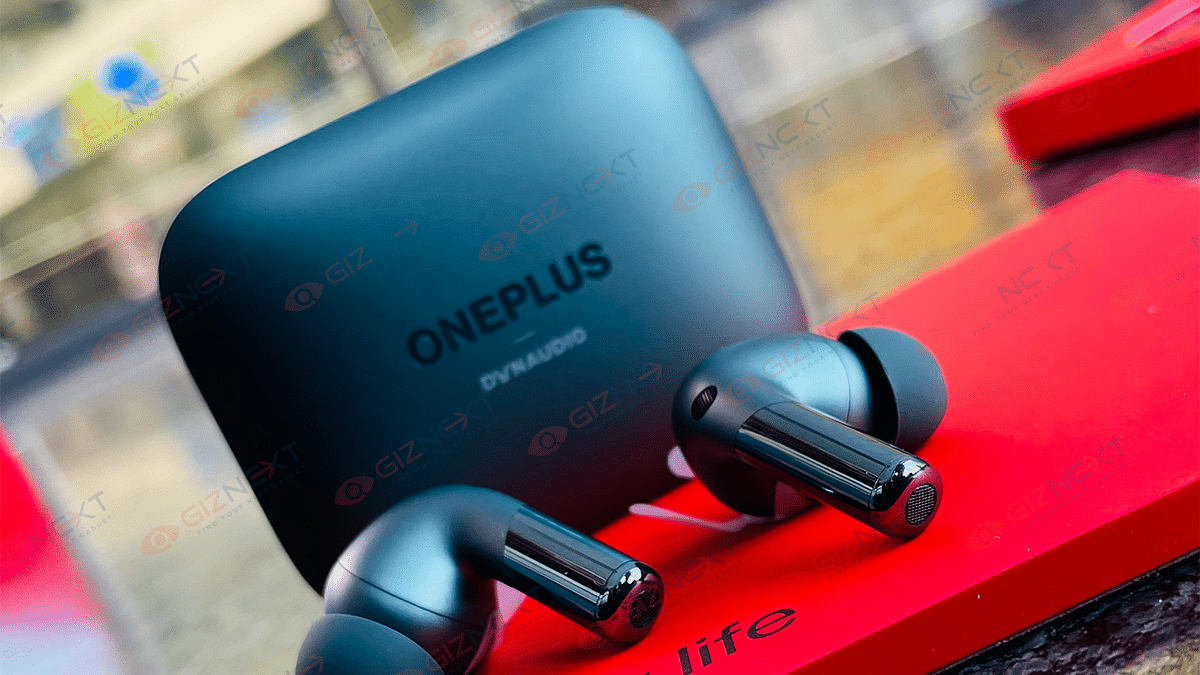
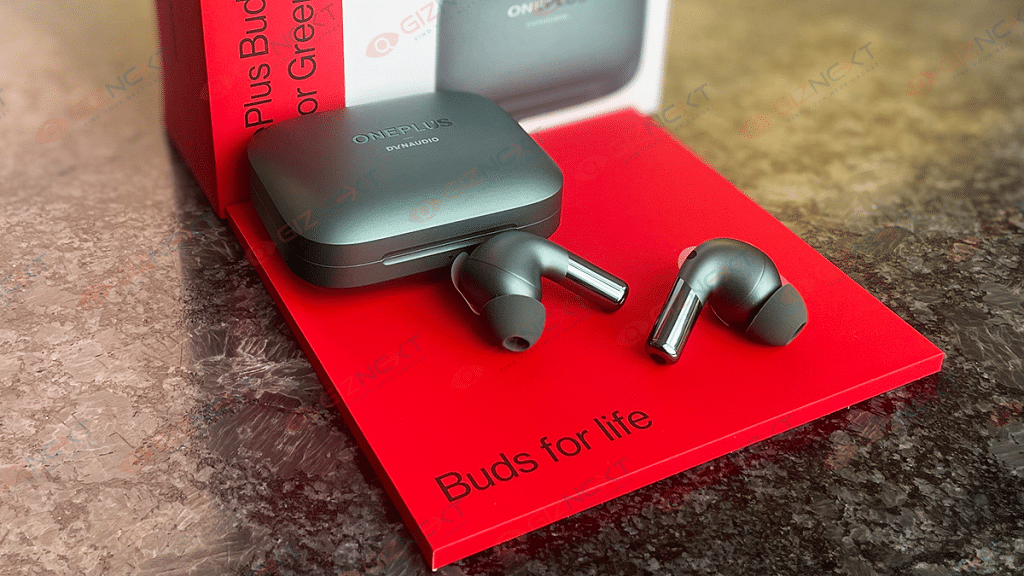
The OnePlus Buds Pro 2 come in a familiar rectangular charging case with rounded corners. The case is light and compact that can easily fit in your pocket. It has a matte finish which makes it less likely to scratch and attract fingerprints or smudges. The Dynaudio logo is inscribed beneath the OnePlus logo on the top of the case and on the case’s underside as well as. A tiny LED indication that glows in the red and green color on the front serves as a guide for pairing and charging. At the back, there is a USB Type-C charging port.
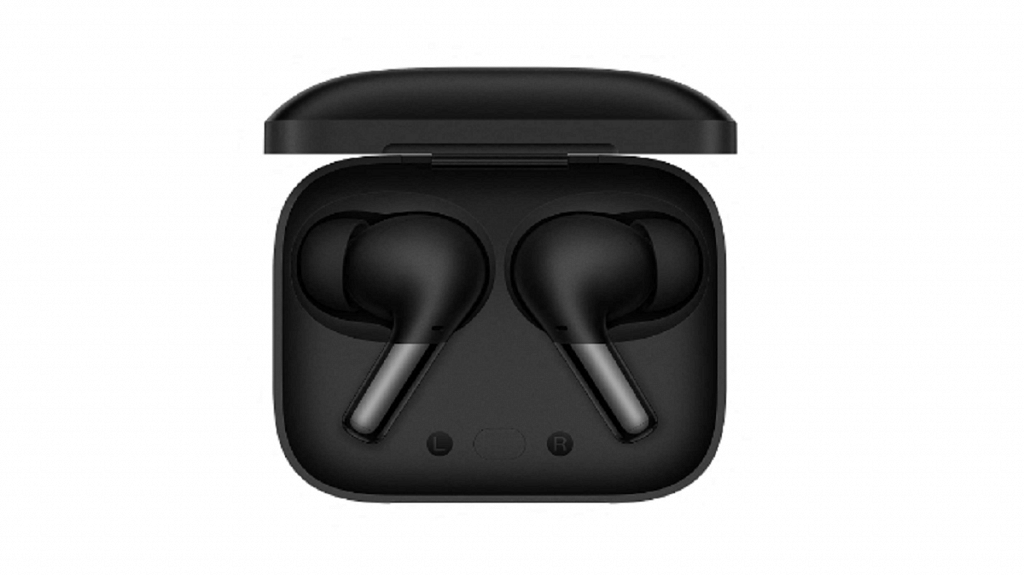
When you open the case, you can see the marked slots for the Left and Right earbuds. At the center, there is a function button. Strong magnets are used to hold the buds in place.
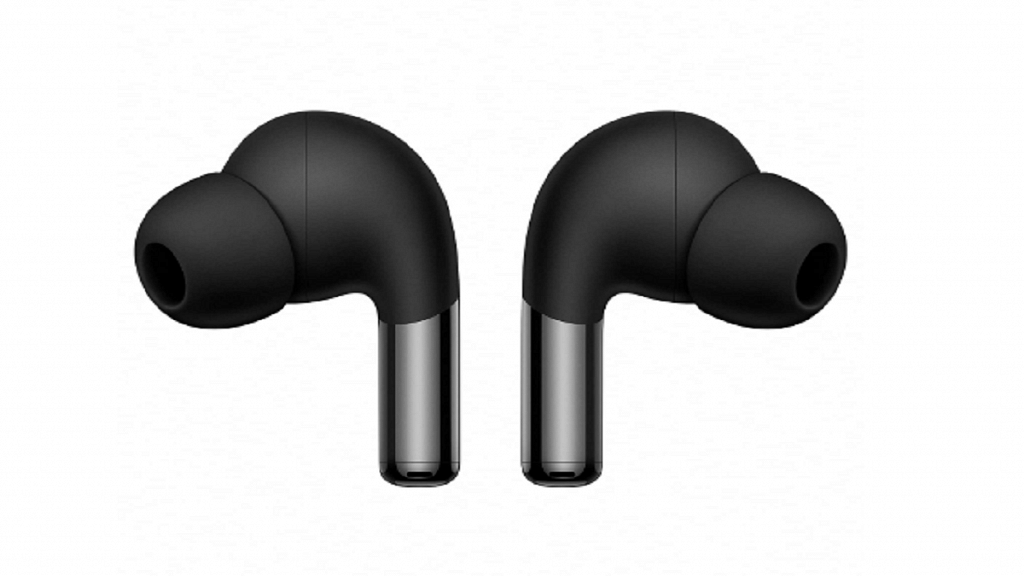
Just like the case, the earbuds’ design is similar to that of the earlier model. These are in-ear buds with a small stem sticking out of the earbud. The headset is made of plastic; however, it has two types of finishes. It has a matte finish on the top half and a glossy surface on the bottom half that is easily fingerprinted. The matte finish makes the earbuds easy to use and handle.
On the stems of the earpieces are pressure-sensitive controls. Compared to basic touch controls, this is far more accurate. You can access the playback controls and noise cancellation settings by quickly squeezing the stem. As you take the earbuds out of your ears, they automatically pause and resume playing thanks to an optical sensor for wear detection. The earpieces have a comfortable in-canal fit that ensures proper passive noise isolation. They’re also lightweight and, in my opinion, definitely one of the most comfortable in-ear buds I’ve used in the last year.
The icing on the cake is the Arbor Green color that we received as a review unit. It looks really great on both the earbuds themselves and the case. The OnePlus Buds Pro 2 also comes in a matte black finish but the green really stands out.
Overall, the earbuds offer great build quality and fit perfectly in ears, so they won’t fall out easily during outdoor activities like running, cycling, or while boarding a crowded metro. Besides, the earbuds have IP55 ratings for dust and water resistance. Therefore, it can withstand splashes and light rain. The case is also IPX4 rated for water resistance.
Audio Performance
The OnePlus Buds Pro 2 is powered by Dolby Atmos. This delivers a wide soundstage experience enabled by the Spatial audio feature which can be configured for either a fixed position or head-tracking. With audio streaming services like Amazon Music, Spotify, and YouTube Music, the spatial audio feature is compatible. The finest audio streaming platform, however, is Apple Music because it is the only one that natively supports Dolby Atmos and lossless audio for a Hi-Fi spatial sound experience.
The OnePlus Buds Pro 2 nonetheless dazzles with a rich sound signature. With crystal-clear vocals and a good amount of powerful bass, the audio quality is crisp. Highs are good, but the mid-range is average.
With a strong bass, fine trebles, and clear vocals, it has a balanced output. OnePlus and Dynaudio collaborated to develop dual audio drivers for the earphones. In addition to the default graphic equalizer, Dynaudio also tunes three more custom graphic equalizers. The outcome is a top-notch experience.
In terms of noise cancellation, the ANC muffles background noise which generally helps in most cases. The change is noticeable when you are listening outside. It performs admirably given the price. Also, this features a Transparency mode that enables you to hear background noise so that you can identify the environment and any potential dangers. When you take out a single earbud, it can turn on the transparency mode automatically.
Coming to the call noise cancellation, it combines three ENC microphones and an AI-powered noise reduction algorithm to reduce outside noise. This does a good job in reducing wind and road/traffic noise.
Connectivity And Fast Pairing
For HD sound quality on supported devices, the OnePlus Buds Pro 2 supports Bluetooth 5.3 with LHDC 4.0 Hi-Res audio codec and AAC codec. For OnePlus phones (6 and later), pairing is quite simple. Just open the charging case for the earbuds, put it close to the OnePlus phone, turn on Bluetooth, and then follow the onscreen instructions. Besides, non-OnePlus users can download the OnePlus HeyMelody app for pairing.
There is also a fast pair option that works on the latest Android phones. If you have multiple devices connected to the same account, the OnePlus Buds Pro 2 can connect to them with little to no effort. Additionally, the Buds Pro 2 features multipoint pairing that allows you to connect to two devices simultaneously. All in all, this has worked out pretty well.
The battery life of the OnePlus Buds Pro 2 is decent, offering up to 10 hours of playback time on a single charge. The overall battery life is increased to 38 hours when combined with the charging case. Since I don’t use ANC frequently, I can get away with nine hours on a single charge. You’re estimated to be approximately six with it on, which is still good. Despite not being plugged in consistently every few days or so, they haven’t actually died on me in the days that I’ve been using them.
Final Verdict
The OnePlus Buds Pro 2 are some of the first Bluetooth earbuds on the market to support Google’s new spatial audio surround sound technology for Android. Support for simultaneous connections to two devices is a rare but welcome feature. The comfortable fit, decent battery life, and nice, compact body make it easy to carry around. The lack of onboard volume control is a bit of a disappointment though. Overall, the OnePlus Buds Pro 2 is one of the best TWS buds for Android device users in this price range (Rs. 11,999).
Slightly cluttered UI with pre-installed bloatware
Average night photograpyhy
Battery capacity could have been increased
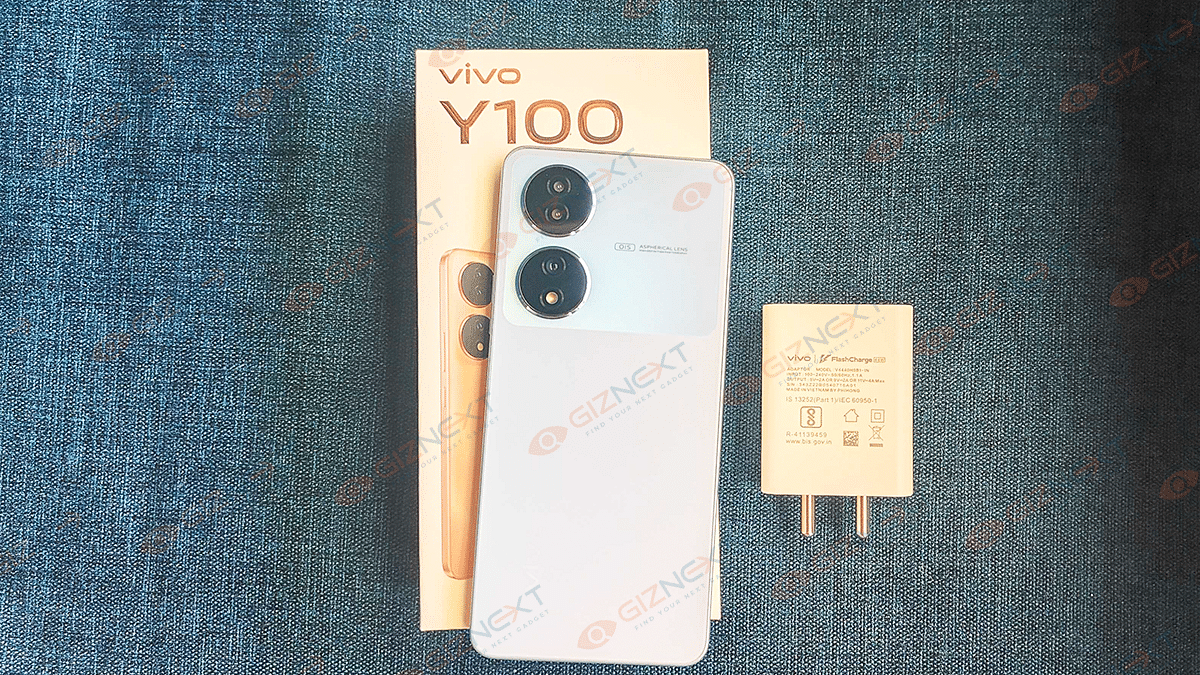
Chinese OEMs have been dominating the smartphone industry in India since the last few years. Specifically, their hold has been strongest in the affordable and mid-range segments. Vivo is one of those companies which have created a large user base in the country via offline and online retail channels. The Vivo Y series is well-known for bringing in performance-oriented budget Android phones for the masses. Keeping the legacy alive, Vivo has now introduced the Y100 which is a new pocket-friendly smartphone with 5G connectivity, a powerful chipset, and a unique color changing design.
Vivo has launched the Y100 5G at Rs. 24,999 in India and is selling it via major online retail chains including Amazon and Flipkart. The sub Rs. 25,000 price category has been crucial for all smartphone giants and innovations across this segment has been massive. Vivo bids to stand out in this league with the latest Y100 5G. But does it makes the cut? Here’s what we think:
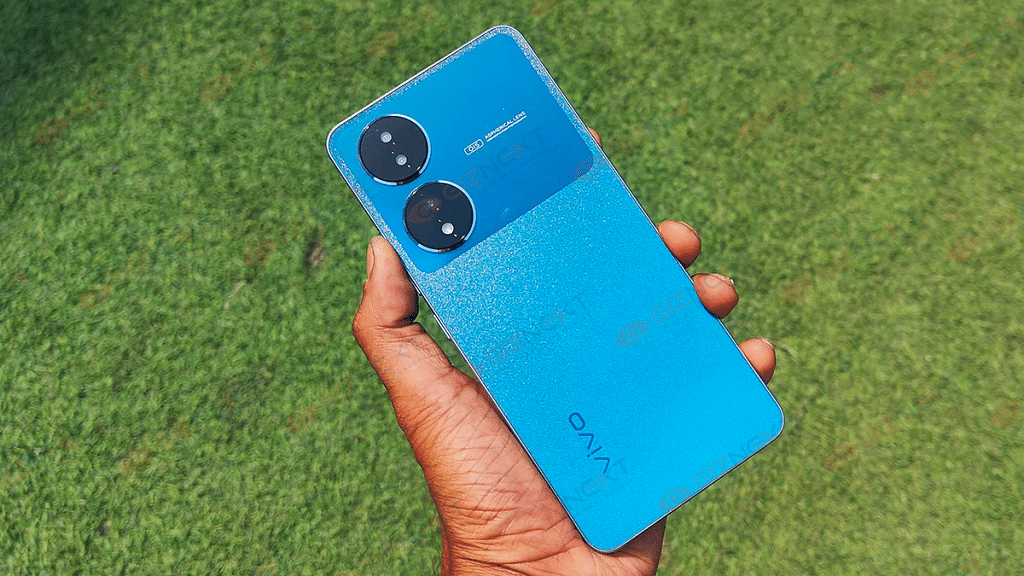
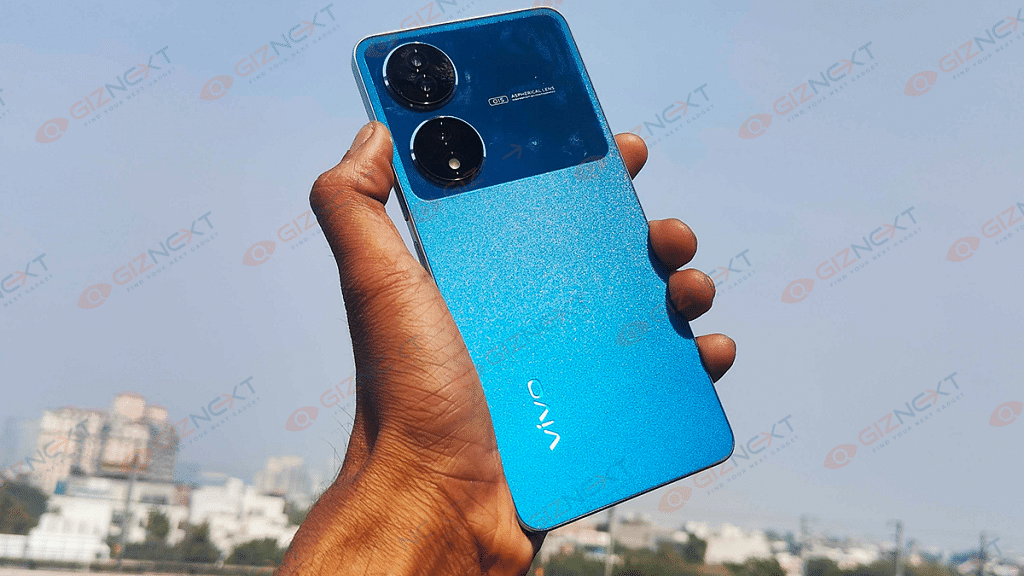
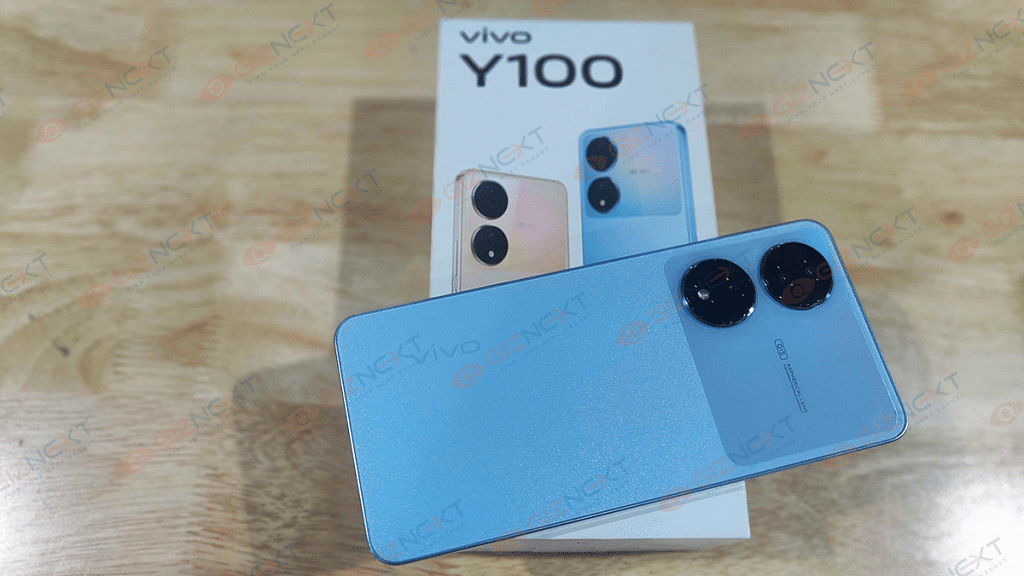
Vivo has always paid a strong emphasis on smartphone design and has introduced some futuristic phones in the last few years. The Vivo Y100 hits the sweet spot with its color-changing back panel and flat-frame thin profile. At first glance, it might look like any standard smartphone. It’s when the light rays hit the back panel that you see the magic. The color-changing pattern is what we are speaking of here. Vivo has shipped the Pacific Blue color variant to us for review which changes its skin to a different shade of aqua blue when exposed to sun rays or light.
The back panel has a shimmering surface but offers a matte finish when touched. During our usage, the back panel did pick up fingerprints and smudges frequently. Using a case or back cover is the only way to keep fingerprint impressions and dust at bay. Talking of the grip and overall hold factor, the flat-frame thin design makes it easy to hold and also slip it into the pockets. It’s worth highlighting the device is slippery. Therefore, using a case becomes a necessity.
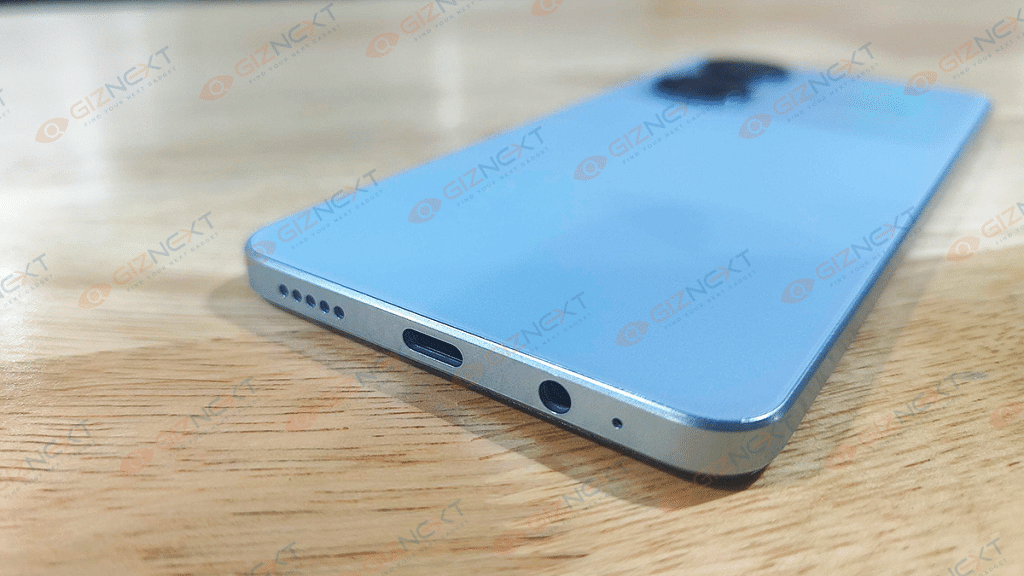
The remaining design aspects are standard as other popular Vivo Y series phones. You get the volume and the power key on the right spine, a USB Type-C port, a 3.5mm headphone jack, and the speaker grilles at the bottom. The left panel on the Y100 5G is blank, while the hybrid SIM slot is placed on the top frame.
We had no trouble using the Vivo Y100 with a single hand. Specifically, when the tasks were basic such as internet browsing or texting. If we talk about the front profile, it’s the only design aspect that seems slightly dated. While the bezels have been trimmed on all corners, the chin is still considerably thick and the notch style is waterdrop instead of the modern day’s punch-hole camera cutout. The handset is sturdy overall. No complaints about the build quality. Summing it up, the Vivo Y100 flaunts an eye-catchy appeal and is practical for daily usage.
Vivo Y100 Display Performance: Apt For High-Resolution Video Playback And Gaming
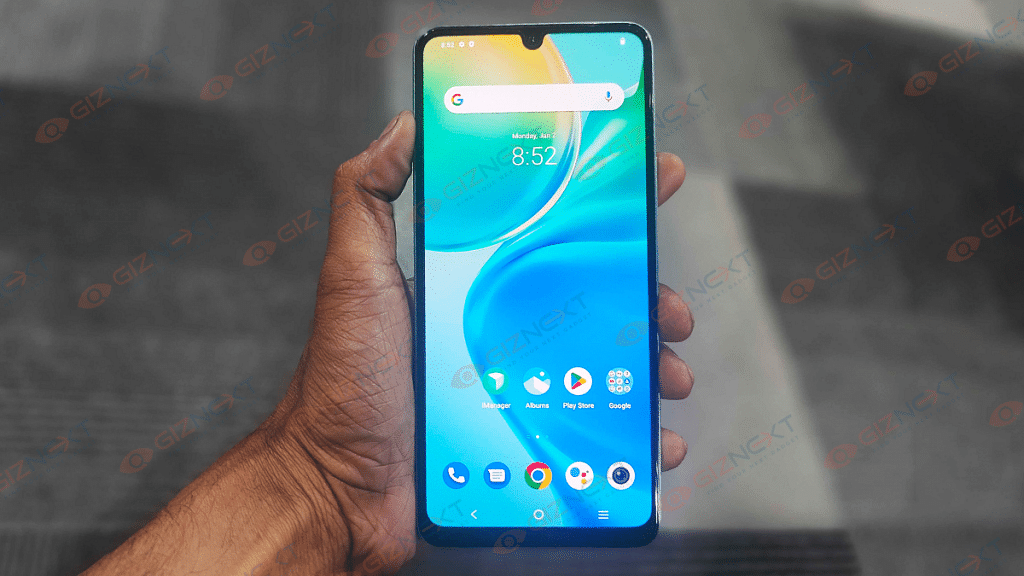
The Vivo Y100 packs an impressive AMOLED screen which is vivid and bright in functionality. The screen size offered by the Vivo Y100 is 6.38 inches. Now, this might be smaller than most of the available budget phones in the country, but it still is suitable for video playback and gaming. The AMOLED screen on the Y100 has a 1080p FHD+ screen resolution and supports a 90Hz refresh rate. The touch feedback while scrolling is smooth and the visual clarity is high. The panel is able to bring out vibrant colors with deeper levels of black.
We have had a good experience with watching shows and movies. And if you are one of those users who prefer a mobile screen for entertainment, the Y100 will be a good fit. That’s also due to the fact the panel here is HDR10+ certified and has 1300 nits peak brightness, the viewing experience gets all enhanced. This caters to the demands of audiences who are always on the move and find it a hassle to use laptops or big-screen tablets for watching videos.
You won’t experience any major issues with content viewing under direct sunlight. The panel doesn’t go all black or appear dim outdoors as is the case with phones offering a lower peak brightness level. Our experience with streaming apps including Netflix, Discovery Plus, and Amazon Prime Videos has been decent throughout. While a 90Hz refresh rate is good, we have options available with up to 120Hz refresh rate. That’s one of the shortcomings of Vivo Y100’s display in our opinion.
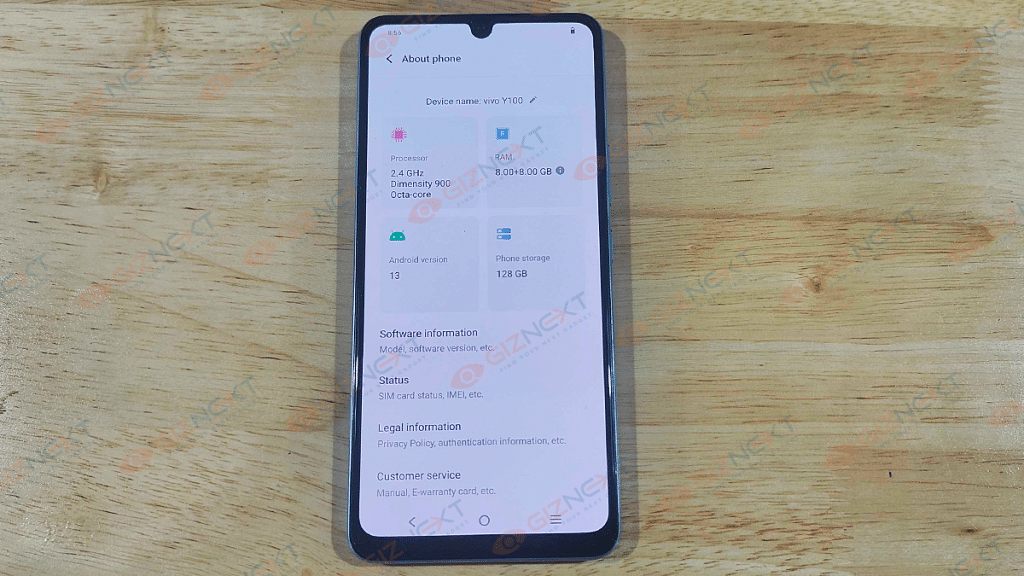
The Vivo Y100 features the octa-core Dimensity 900 mobile chipset. This is a premium mid-range mobile chipset used by a couple of other popular mid-range handsets such as the Infinix Zero 5G, OnePlus Nord CE 2 5G, and others. The performance delivery is good specifically if the tasks are basic or moderate.
With extensive tasks too, the Vivo Y100 didn’t flinch much with the power delivery and was able to perform smoothly. With the integrated Mali-G68 MC4 GPU, the Y100 further offers fluid graphics rendering speeds. That helps with lag-free gaming when the graphics settings are highest. There are slight warm-up issues with consistent gameplay sessions, but that can be avoided.
The temperature fluctuation has been random and not frequent. Vivo has packed the Y100 5G with 8GB RAM. This is the single RAM option that is available with Y100. However, this phone also can supplement an additional 8GB RAM using the virtual RAM feature. Thanks to the high RAM capacity (both physical ad virtual), we had a good experience with multitasking.
The handset is capable of firing up apps instantly. That’s the case even when there are several of applications running in the background. You won’t notice any lags with app launches. Furthermore, the onboard storage capacity of 128GB is sufficient for general file and data storage. You may expand the memory by using an external microSD card, but if you do so, you’ll only be able to use one single SIM. That’s because Vivo has added a hybrid SIM slot on the Y100 instead of a dedicated 3-way SIM slot.
The firmware pre-installed inside the Vivo Y100 5G is Android 13-based FunTouch OS 13. While Vivo has made several improvements to its in-house user interface, it still isn’t entirely free of bloatware. Therefore, the UI isn’t as neat as you get on stock Android phones. Keeping this factor aside, you’ll have access to all the Android 13 goodies for an overall improved user experience.
Battery capacity packed inside the Vivo Y100 5G is a 4,500 mAh unit. The battery size might have been significantly reduced compared to other budget Vivo handsets buy the performance aspects are least hampered.
The average backup that you get with the Vivo Y100’s battery is almost an entire day. But that’s when you use the handset moderately throughout the day. Expect a faster battery drain when gaming sessions are extensive and long. This handset ships with a 44W fast charger which refuels the unit from zero to 100 percent in less than an hour.
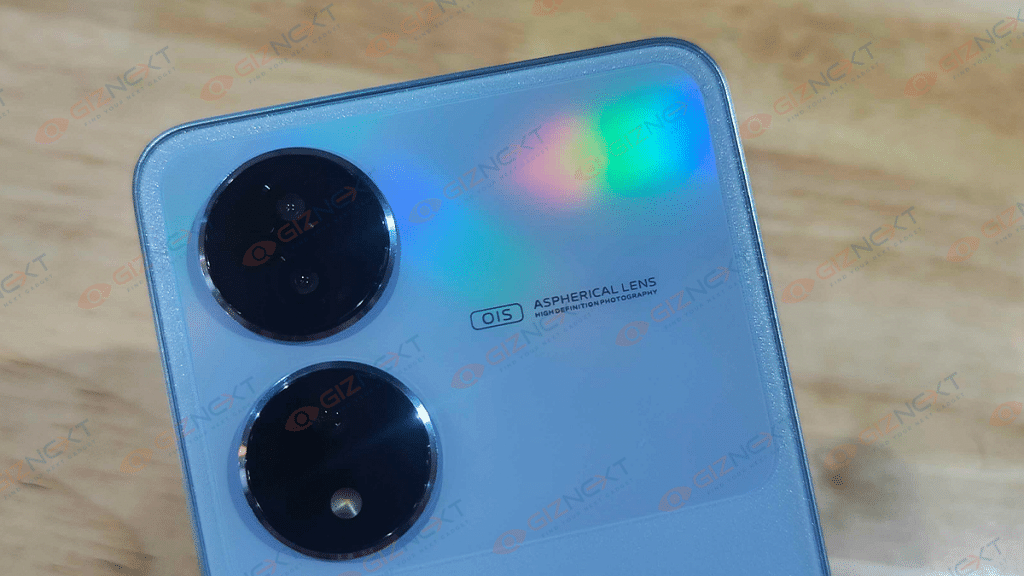
Vivo is known for offering the best-in-class mobile camera experience with its handsets. The Vivo Y100 certainly has established this fact with its capable 64MP triple rear cameras and a 16MP selfie snapper. The primary photography hardware at the rear comprises a 64MP main sensor with an f/1.8 aperture, PDAF (Phase Detection Autofocus), and OIS (Optical Image Stabilization).
Vivo is currently marketing this setup as an Anti-shake camera as the phone has a caliber of capturing clear shots despite any moving background. It’s one of the biggest advantages that the Y100’s cameras gets over the rivals. The primary 64MP snapper is paired up with a set of 2MP lenses for depth and macro photography. These dedicated sensors do an average job overall.
The background blurs and macro shots are not super refined but decent enough considering the mid-range price point. The rear cameras on the Vivo Y100 5G produce clean and vivid pictures when the background has good lighting conditions. The daylight performance of the cameras is definitely better compared to the low-light shots. The noise levels and grains are evident in night photography.
The dedicated Night mode inside the camera app doesn’t have any major impact on improving low-light image quality. Video recording support is up to 4K@60fps. However, you can also record videos at 720 and 1080p@ 30/60 fps. You will get better results with videography once you enable the stabilization feature.
For selfie fans, the 16MP snapper upfront will be a delight. The Vivo Y100’s front camera can capture self-portraits with high clarity levels.
The Vivo Y100 is a complete package for users with a budget below Rs. 25,000. It not only caters to multimedia requirements but offers a great deal for mobile gaming and photography enthusiast in the country. You can place your bet on the Vivo Y100 5G if you wish for a fully-loaded premium mid-range Android phone with a unique color changing design.
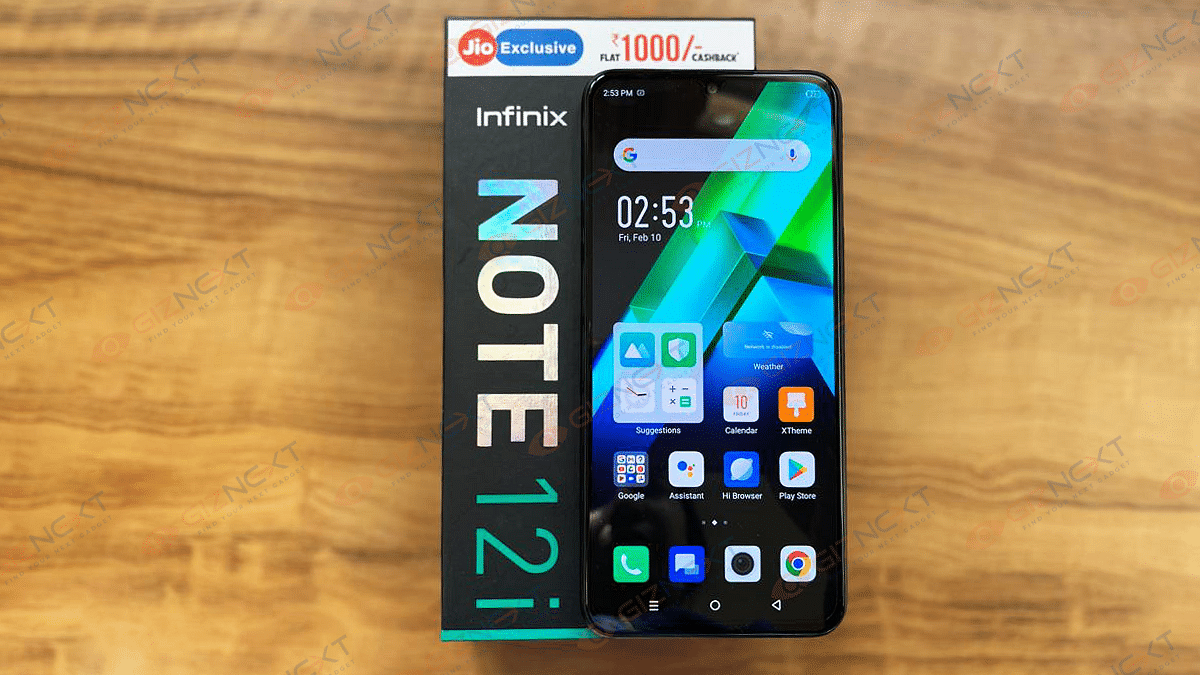
Budget smartphones have advanced significantly, and they now include features that were previously only seen on mid-range and flagship models. The Infinix Note 12i, which has a great spec-to-price value and is laden with green flags, is the ideal example. The standard for smartphones under 10K in the nation is set by this device.
The Infinix Note 12i is the entry-level device in the Note 12 series. The smartphone displays its worth in the Note 12 series despite being the smallest of the siblings. Is this the ideal smartphone for daily use? How about gaming? Can you play games on the Note 12i on a shoestring budget? Let’s find out in this review.
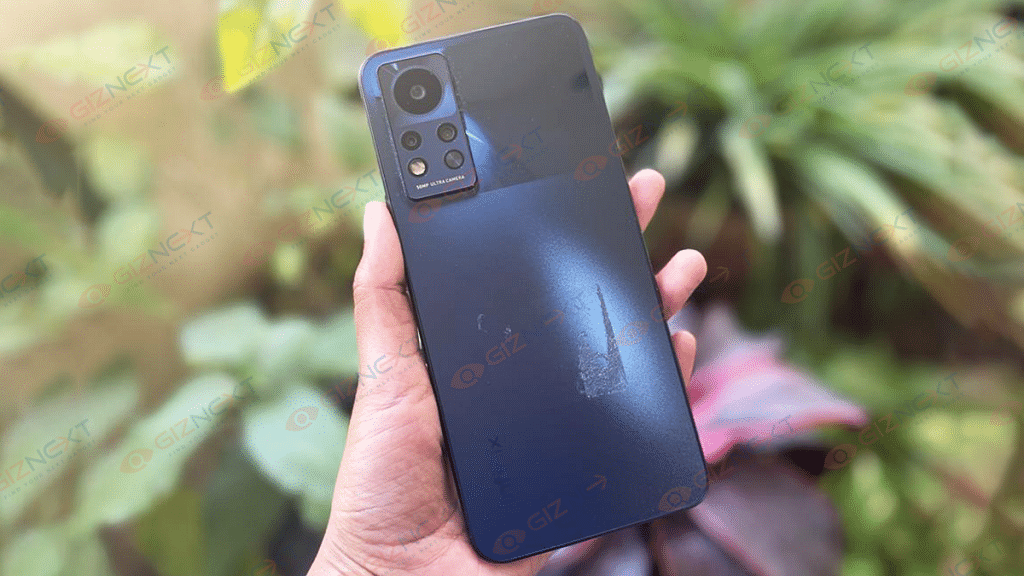
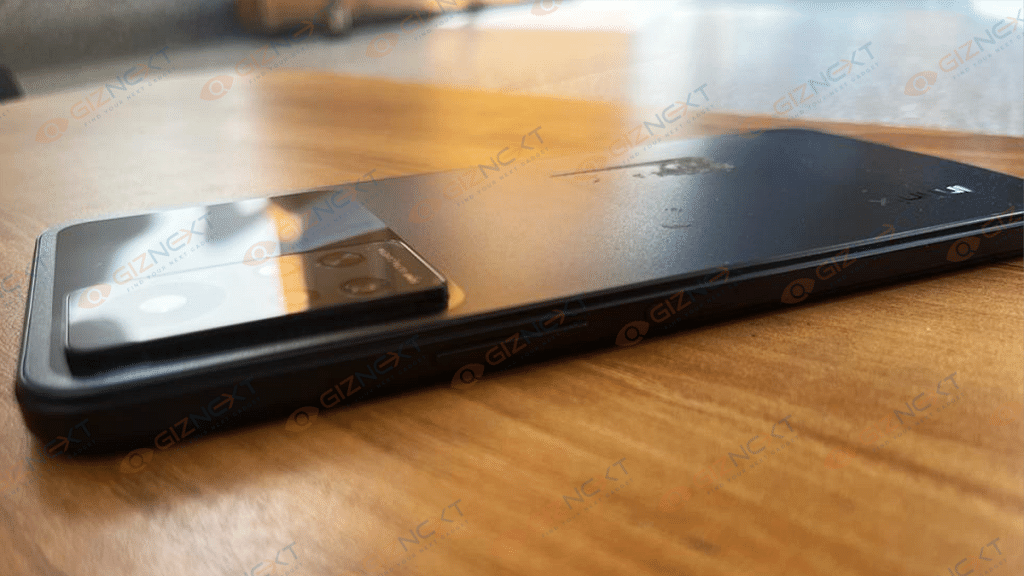
The Infinix Note 12i is an attractive-looking slim and lightweight device. Our unit is painted in the stunning Force Black shade which is sure to catch people’s eyes. It has a matte-like finish at the bottom which makes it less slippery and more comfortable to use with one hand. The glossy top half has a camera island on the left. The camera module looks like this is a premium smartphone. The front sports a selfie punch-hole cutout.
A type-C charging port, a microphone, and a headphone jack are all located at the bottom. The volume rocker and side-mounted fingerprint scanner are located on the right side of the phone, making it easier to unlock.
The dual nano-sim card slot and extendable storage are located on the left side. Plenty of sound is produced by the earpiece and the speaker on the bottom. The speakers are more than adequate for watching movies as well as listening to music on the side. This phone has a nice chassis and represents a huge improvement in the overall quality and feel of the phone.
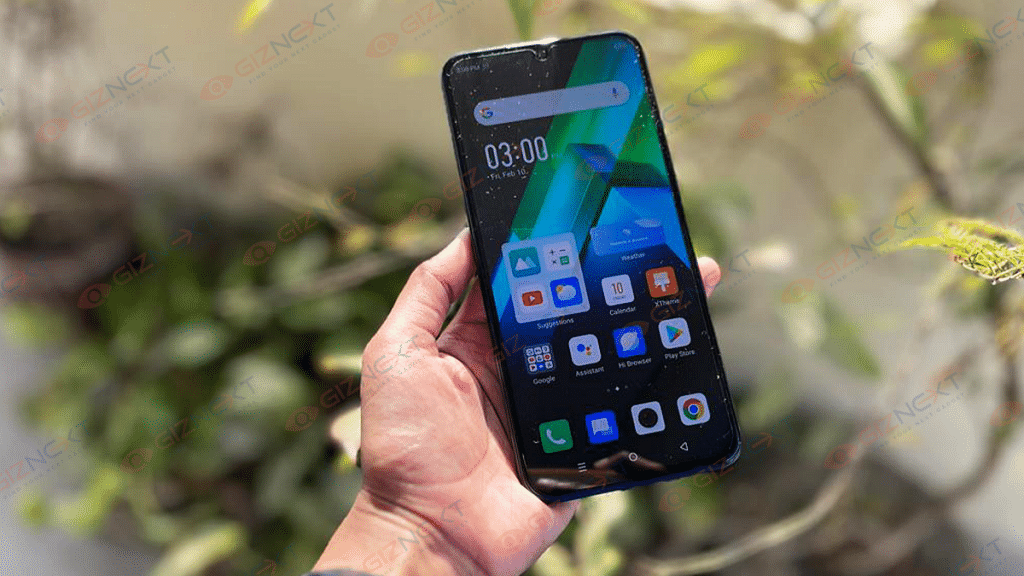
This is a 6.7-inch AMOLED display with FHD+ resolution with 1000 nits peak brightness. The display is easily visible under the sunlight. It gets bright enough outdoors and delivers smooth performance when scrolling within apps or moving around the user interface.
Watching videos on this smartphone will get you a good viewing experience. The reason is that this is an AMOLED display. This has a dynamic refresh rate of 90Hz making this phone a budget gaming device I would consider. You get a clear display for some serious gaming to happen.
The Infinix Note 12i is powered by the MediaTek Helio G85 octa-core processor. This is an entry-level gaming processor. If you want to play games on this handset, you can. I tried Call of Duty in low and medium quality and the gameplay was pretty smooth. So, if you are a gaming user and your budget is low, you can go for it.
The handset I am using is packed with 4GB RAM and 128GB of onboard storage. Both can be expanded: there is a slot for expandable storage using a microSD card, and you can add 3GB of virtual RAM.
As far as the UI is concerned, some might say that the UI needs improvement. This is a phone that is targeting specific category users (looking for under 10k phones), these users are really not interested in the UI, they usually adapt the UI. The Hi Ui is good. The Infinix Note 12i runs on Android 12 out of the box. It offers features such as revamped new widgets, direct share, scrolling screenshots, improved privacy indicators, smarter auto-rotate, redesigned power menu, redesigned lock screen, and more. It also has the ability to exchange Wi-Fi credentials with nearby friends.
The smartphone absolutely flew through every app I threw at it. This is one of the faster phones in its pricing category. The device felt fluid and fast with no lag. The performance was smooth across the board including running demanding games like Ninja Arashi 3, Asphalt 9: Legends, and Call of Duty Mobile. Overall, the performance is great for the device and it won’t struggle with daily usage.
The Infinix Note 12i has a 50MP main camera with an additional 2MP depth sensor and QVGA camera. We have an 8MP selfie camera in the cutout.
In the photography department, the phone shoots solid photos and videos. It will hand in good-to-great-looking results most of the time even in low light. You should not expect white colors in completely dark environments.
It handles selfies reasonably well too. Selfie looks great and night shorts are also pretty good for the price. Also, you can shoot videos in 2K max resolution and can use various film effects. You will be impressed by the results. The camera is good for making short videos. Overall, the camera setup is quite good for a phone in this price range.
The 5,000mAh battery in the Infinix Note 12i supports 33W fast charging. You’ll have enough juice left over to use for the entire day. The battery can last for up to two days, and the charger that comes with the device charges it completely in 90 minutes. You’ll have enough juice left over to use for email, web surfing, and content consumption all day long. Even with minimal use, I was able to push two full days. Not much more can be expected from a smartphone for under 10K price range.
Final Verdict
So, the Infinix Note 12i is one of the best smartphones you can go for under the 10K price segment. You can get the device for Rs. 8,999 with offers. The offers are for a limited period, after that the price will be Rs. 9,999, which is still really good.
The smartphone would make for a fine purchase. The unique thing you are getting for the price is dual speakers. Also, it has a big screen with a high refresh rate, up to 7GB of RAM, and an incredible camera setup, making it one of the best-performance smartphones under 10K in the country.
When it comes to high-end Windows laptops, Lenovo is one of the reputed brands. The company is consistently focusing on high-end ultraportable notebooks in the market with powerful battery backup. The Yoga series laptops are the brand’s bet in this segment. We at Giznext got to review the Lenovo Yoga Slim 7i Carbon. Does this laptop have a chance in a market that is being steadily dominated by MacBooks? Let’s find out in this review.
What’s Inside The Box?
Lenovo Yoga Slim 7i Carbon Notebook
65W USB Type-C charger
USB Type-C to Audio jack adapter
Some paperwork
Design
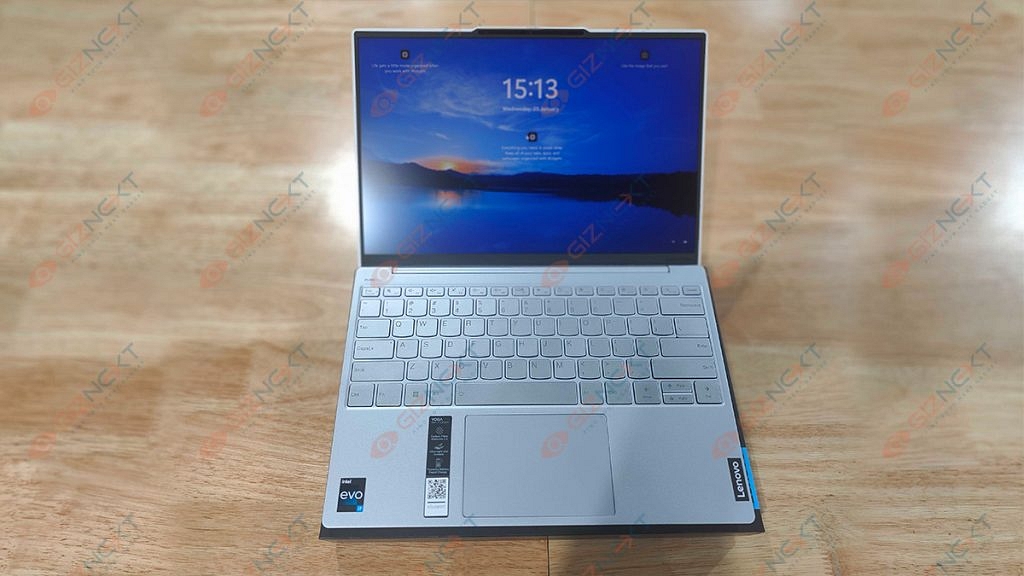
The Lenovo Yoga Slim 7i Carbon is an attractive laptop. As the name suggests, it’s a portable laptop made for those who work on the go and need to swiftly tuck it into a bag or case as they sprint from one meeting to the next.
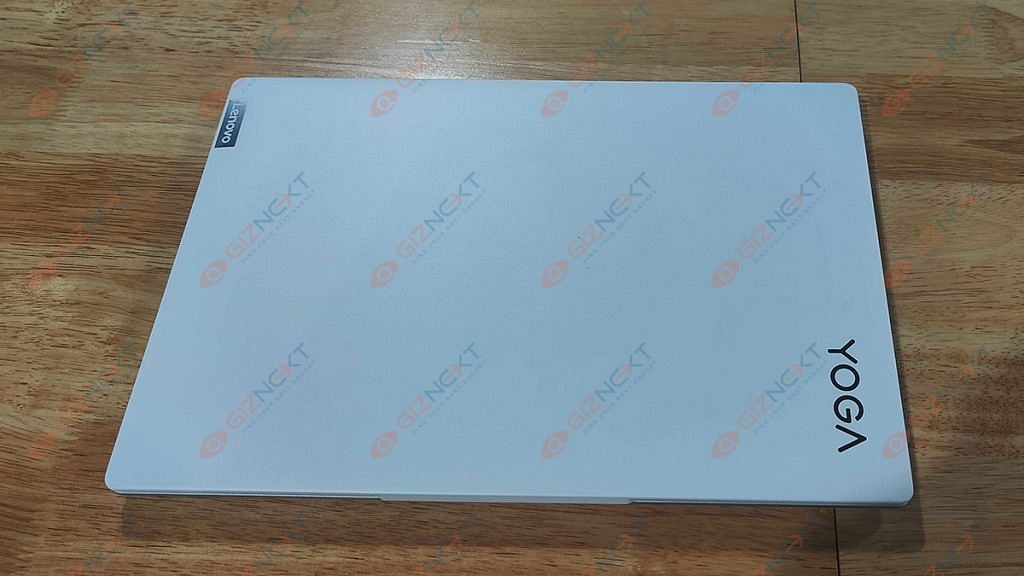
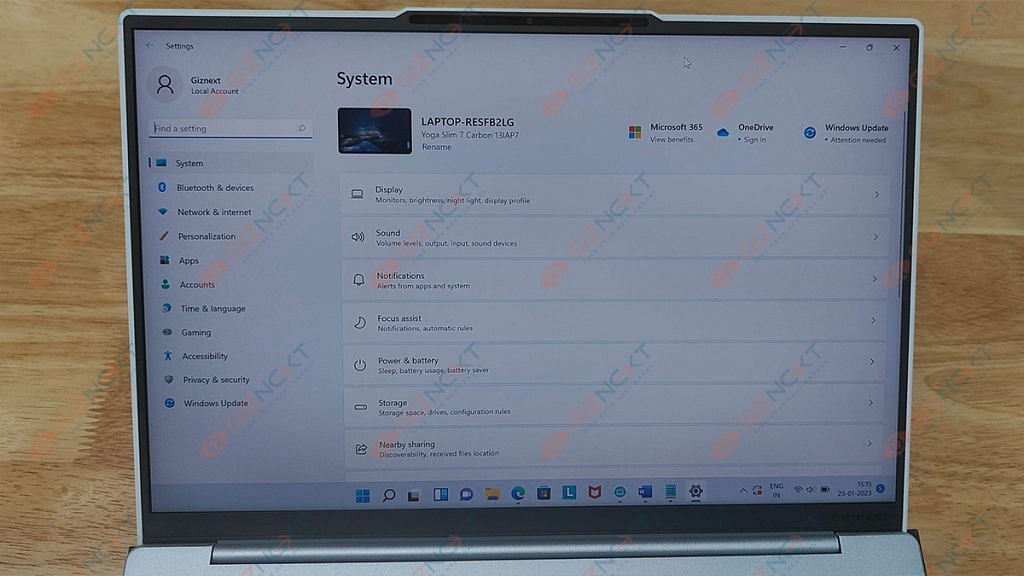
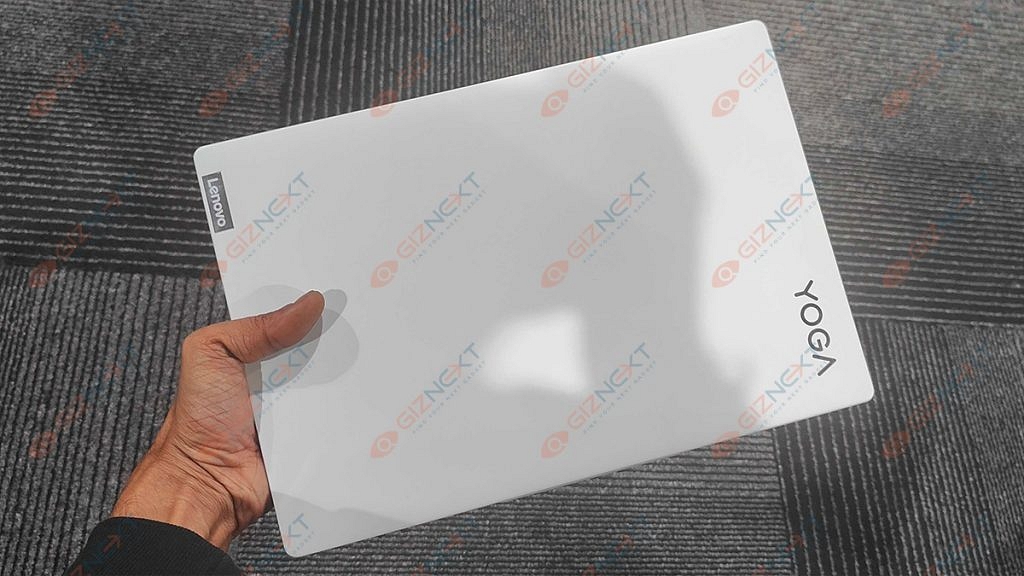
Lenovo claims that the base is an alloy of magnesium and aluminum while the lid is composed of carbon fiber. Opening this device’s lid is a super satisfying experience. Thanks to the notch, it folding up or closing the lid is a fluid experience. The hinges are smooth and support a 180-degree fold. The top bezel of its matte display which has very thin bezels houses the HD Web camera, IR face scanner, and ToF sensor.
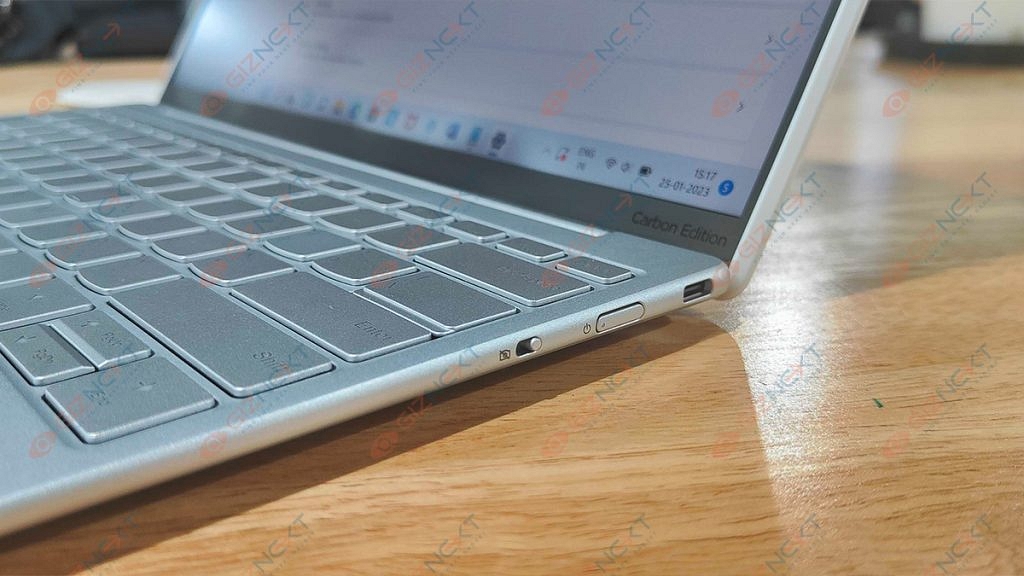
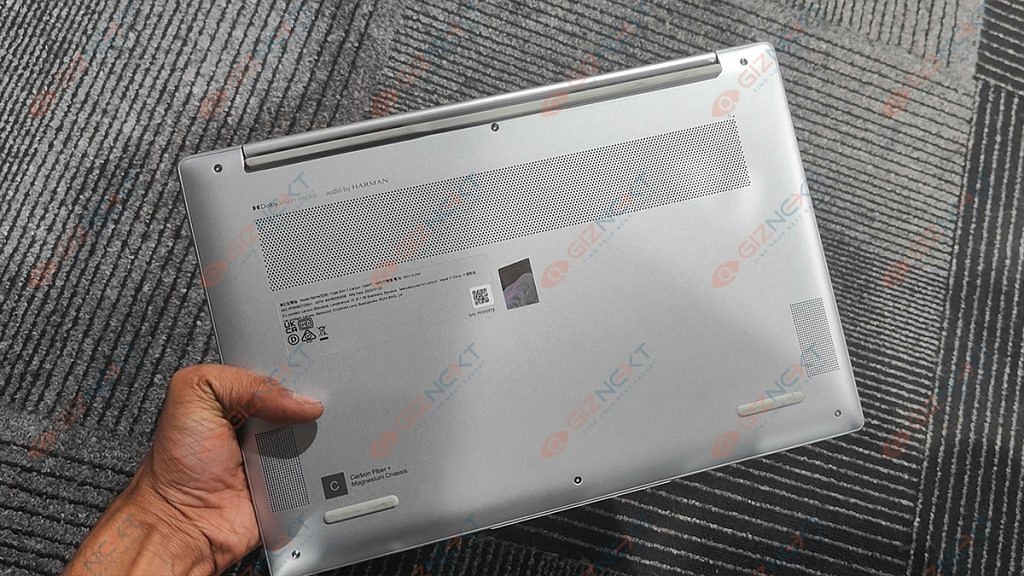
On the left side, you get a Thunderbolt 4 connector; on the right, there is a USB Type-C 3.2 (Gen. 2) port and a Camera E-shutter. Flip the laptop over to reveal two speaker cutouts and ventilation grilles. Hot air is exhausted through a vent between the base and the lid.
Display
Coming to the display, the Lenovo Yoga Slim 7i Carbon has a QHD IPS 90Hz panel which helps the screen stand out and contributes to the device’s overall minimalist and slim design. The screen size of this Lenovo yoga laptop measures 13.3 inches and comes with a resolution of 2560 x 1600 pixels. The screen ratio is 16:10 and the pixel density is 227 PPI. The laptop’s dimensions are 0.11 x 0.11 mm.
The viewing angles are comfortable. The wide hinge makes it easy to adjust the screen on the Yoga Slim 7i Carbon, although you might notice a fair bit of wobble here. Rubberized feet on the bottom raise the deck slightly away from the desk, allowing the twin fans to push heated air out of the vent.
Although this is a Yoga device, it should be noted that the Slim 7i Carbon lacks a 360-degree hinge that would let the screen to completely spin around to enable various usage modes. However, the display does fold entirely flat to a desk.
Hardware Performance
This Lenovo Yoga Slim 7i Carbon has a Core i5-1240P or a Core i7-1260P, which are both powerful alternatives for such a tiny package. We got the Intel Core i7-1260P version for review. In terms of graphics, you get integrated Iris Xe graphics. The most advanced option features 16GB of 4800MHz LPDDR5 RAM. There is just one M.2 PCIe x4 slot available for Gen 4 SSDs. It fits both 42 and 80-mm drives.
This combination offers great performance for the intended use and we experienced no lags or stutters. For intended uses like MS Office, web browsing, or light photo editing, this CPU is too powerful. However, it lacks the power to handle intensive operations like 3D modeling or video editing. It would have been nice if Lenovo had an i5-powered model of this laptop available in India that could have handled all intended duties quite well.
We can conclude that the Yoga Slim 7i Carbon easily completed routine office duties for day-to-day professional needs. Chrome, with ten open tabs, including one for a YouTube playlist, didn’t really notice the laptop freeze up until roughly five hours of work.
Keyboard & Sound
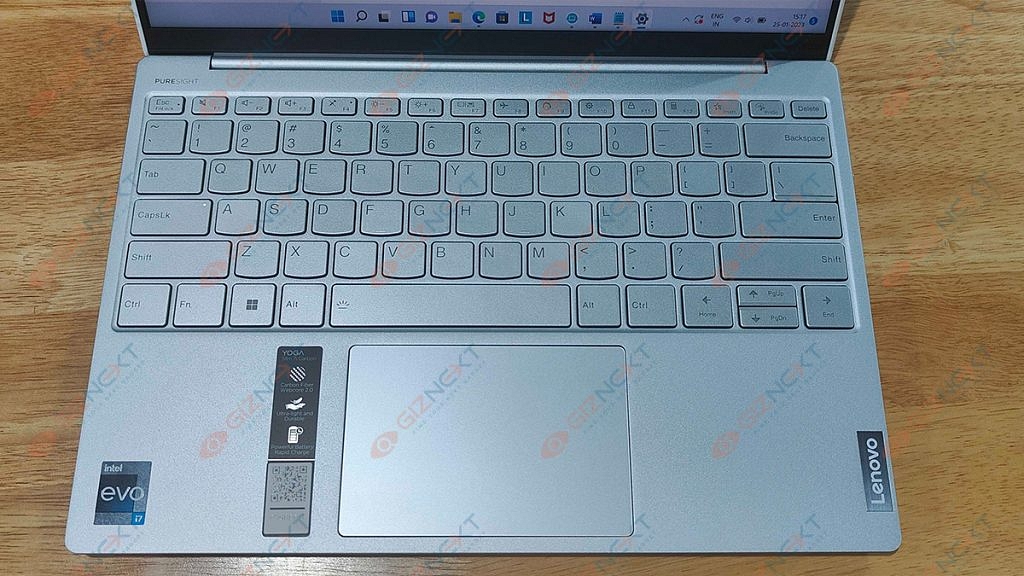
We find a surprisingly good unit. The keys fire back quickly, and the keycaps are nice and wide. It doesn’t matter if you have giant Jack Reacher-style super-sized hands, getting acquainted is no problem. The keycaps do feel a little thin which makes us wonder how they may withstand a year or two of typing.
Naturally, it has a slightly shorter key travel. But you can get the most out of it thanks to the clicky feedback of individual keys. Also, it’s bright enough to cut through glare on a sunny day, and if you’re working late or somewhere dark, you can dip things down, and turn on the keyboard backlight.
The trackpad is good and is layered with a glass surface which offers a smooth gliding experience. In addition, the 70 by 105 mm size is respectable for this form factor.
Speaking of experience with audio delivery, the Lenovo Yoga Slim 7i Carbon’s speakers are quite good. The notebook’s Harman speakers produce a sound of very good quality and a pretty loud volume. Its low, mid, and high tones are clear of deviations. Thanks to the loud and clear audio, you wouldn’t always need to pair any external speaker while watching movies or shows.
Battery
This laptop has great battery life. There is a 50Wh battery pack. It can be used for approximately eight hours of video playback or more than nine hours of web browsing. It doesn’t use much battery when in sleep mode which generally plagues most Windows laptops. The battery lasts for roughly six to seven hours even when the brightness is adjusted to above 80 percent. You can effortlessly reach 10 hours when the brightness is decreased.
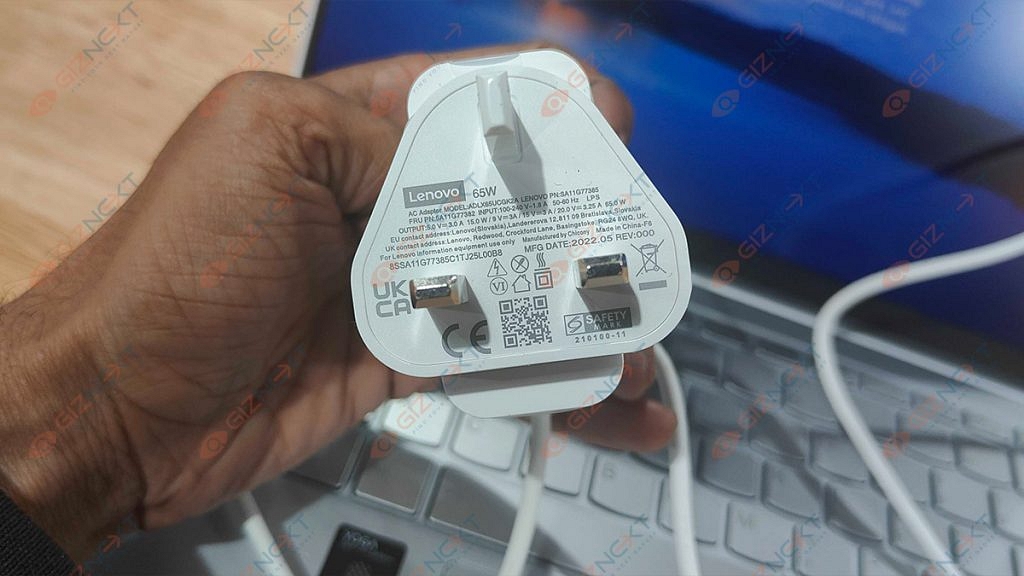
The laptop comes bundled with a 65W Type-C PD charger and it can be charged through either port. But it does take well over two hours to fully recharge.
Final Verdict
I really enjoyed my time with the Lenovo Yoga Slim 7i Carbon 13IAP7. Priced at Rs. 1,19,990, this laptop relies heavily on its weight and form factor. However, the Yoga Slim 7i Carbon is one of the most stunning lightest laptops I have ever used. It offers solid performance for the size and has a decent screen that would not disappoint anybody who looked at it. Lastly, you hardly ever need to charge the laptop because the battery just lasts forever. I can suggest the Lenovo Slim 7i Carbon to anyone searching for a sleek and reliable ultrabook because it accomplishes what it is designed to do quite well.