Categories
Featured Info TV

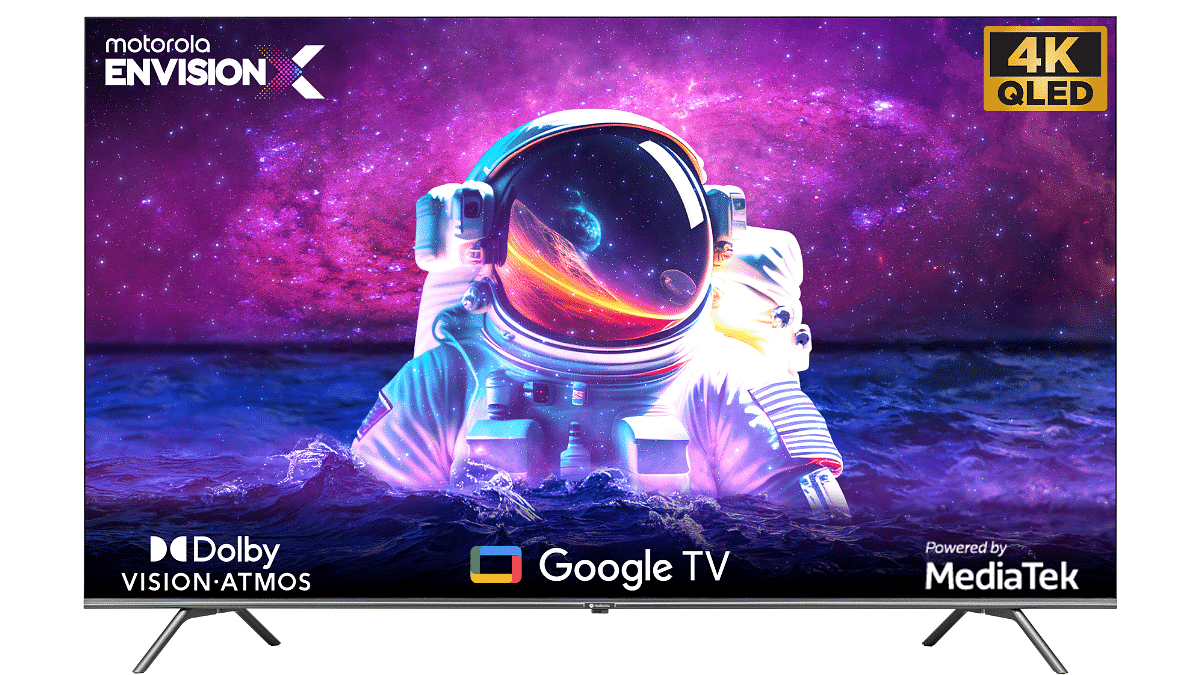
Motorola EnvisionX 4K QLED TV With 55-inch, 65-inch Screen Size, MediaTek Quad Core Processor Launched In India: Price, Specifications

Key Highlights

  • 4K resolution for stunning visual experience.
  • Quantum Dot technology enhances color reproduction.
  • Powerful MediaTek Quad Core processor ensures smooth performance.
  • Pricing starts at Rs. 35,999.

Motorola introduces Motorola EnvisionX QLED TV in India after the success of the Envision series, the company has expanded its lineup to include larger screen sizes. Last month, Motorola unveiled a range of Envision TVs in screen sizes of 32, 43, and 55 inches, all offering impressive 4K resolution.

Now, the company has launched EnvisionX QLED TV with 55 and 65 inches screen size catering to those seeking larger screen sizes and exceptional picture quality. Let’s take a closer look into it.

Also Read: Sony Bravia X82L Premium Smart TV Series With 4K HDR Picture Engine, Dolby Vision Launched In India: Price, Specifications

Motorola EnvisionX 4K 55″ and 65” QLED TV: Specifications

SpecificationsMotorola EnvisionX QLED TV
Screen Size55 inches, 65 Inches
Display Type4K QLED
Picture Modes6
Color Gamut1.07 billion colors
ProcessorMediaTek Quad Core
RAM2 GB
Integrated GraphicsYes
Speaker Output20W
Dolby Atmos SupportYes
Operating SystemGoogle TV OS
Connectivity3 HDMI, 2 USB, Ethernet, RF
Wireless ConnectivityWi-Fi 802.11 ac, Bluetooth

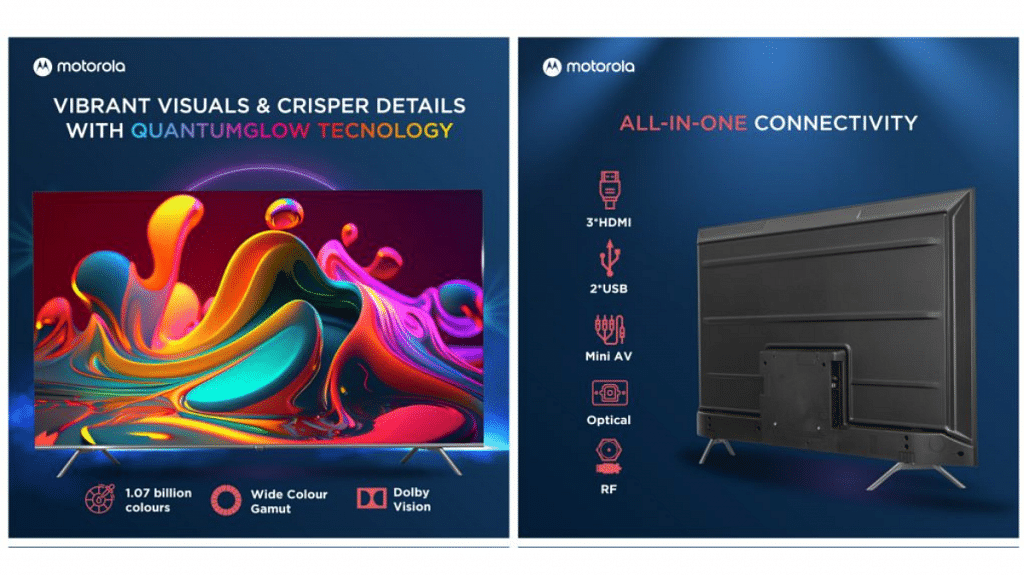
The newly launched Motorola EnvisionX QLED TV offers an impressive set of specifications. With a sleek design featuring a bezel-less display and a stylish stand, the TV is available in 55-inch and 65-inch screen sizes. The Quantum-Glow technology enhances the picture quality and supports Dolby Vision, offering a wide color gamut of 1.07 billion colors. Users can select from six picture modes based on their viewing preferences.

Powered by a MediaTek Quad Core processor and equipped with 2 GB of RAM, the TV ensures smooth performance. It also features an integrated graphics unit and 20W speakers that support Dolby Atmos. Running on Google TV OS, the smart TV provides access to various streaming platforms and supports Google’s Voice Assistant. It offers connectivity options such as 3 HDMI ports, 2 USB ports, Ethernet, RF port, Wi-Fi 802.11 ac (at 2.4GHz/5GHz), and Bluetooth.

Also Read: Samsung First QD-OLED TV Lineup With Quantum Processor Launched In India: Price, Specs Details

Motorola EnvisionX 4K 55″ and 65” QLED TV: Price

The Motorola EnvisionX QLED TVs are now available for purchase in India. The 55-inch model is priced at Rs. 35,999, while the 65-inch model comes with a price tag of Rs. 49,999. These TVs can be exclusively bought from Flipkart, offering customers a range of options to choose from based on their preferred screen size and budget.

Also Read: List Of Best Motorola Phones That You Can Buy In India Under Rs. 25,000
Categories
Featured How To Smart Watch

iOS Hacks: How To Activate And Use Mobile/Cellular Services On Apple Watch For Calling And Messaging

Key Highlights

  • Cellular and mobile services can be used on Apple Watch
  • One can make calls, reply to messages using Apple Watch
  • Both Apple Watch and iPhone should have the latest firmware version

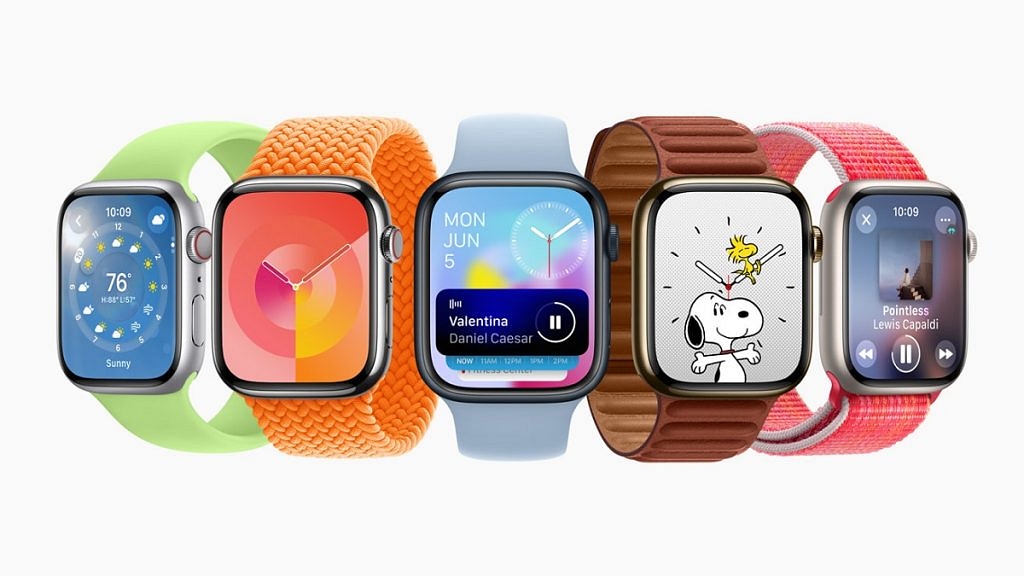
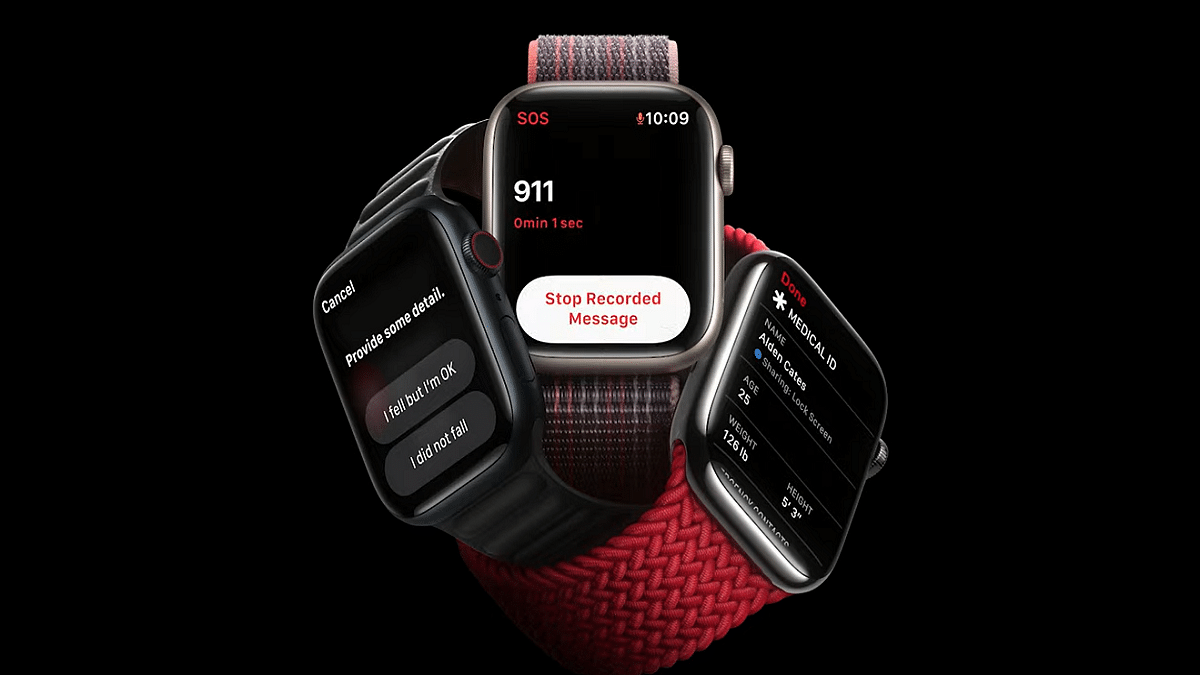
Apple has been improving the user experience with all its products including iPhones, iPads, Apple Watch, and others. With the Apple Watch series, the company has introduced a myriad of health-centric features which allow users to keep track of their health and also get access to medical services. Using the integrated features with all Apple Watch models is an easy process. One can also access cellular services on Apple Watch smartwatches.

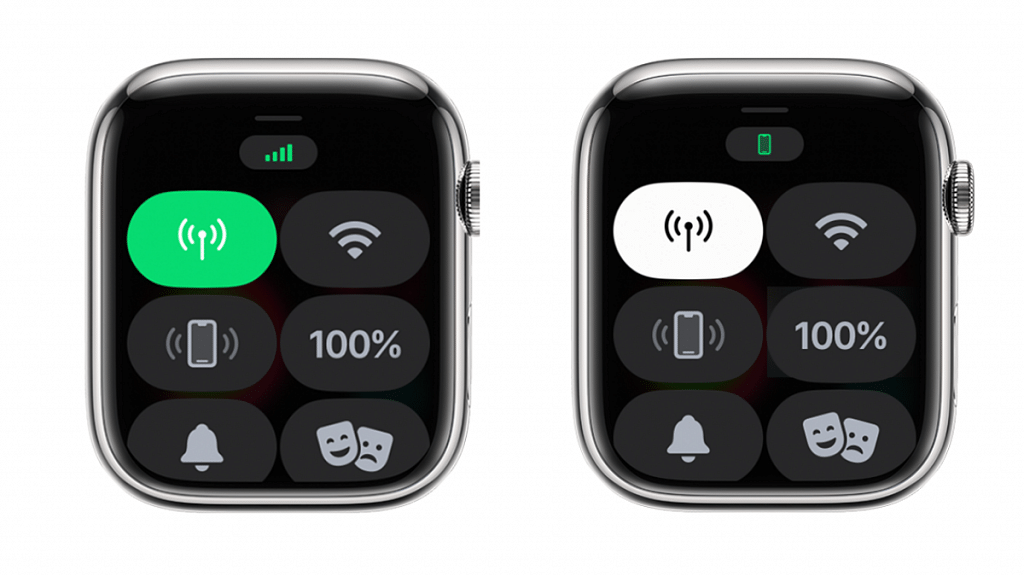
Once the mobile or cellular services are activated on Apple Watch, it becomes easy to make calls, reply to messages, and receive incoming calls/messages notifications. It doesn’t require the users to have the iPhone handy to use these services if the mobile networks have been activated on the smartwatch. If you have purchased a new Apple Watch model and are planning to set up cellular services then this article will guide you with the steps.

Also Read: Use ChatGPT On Apple Watch? Here’s The Step-By-Step Guide

Steps To Activate Mobile/ Cellular Services On Apple Watch (Compatible Models)

Step 1: Unlock your iPhones and go to the app drawer

Step 2: Launch the Apple Watch application on your respective iPhones

Step 3: Click on the My Watch option

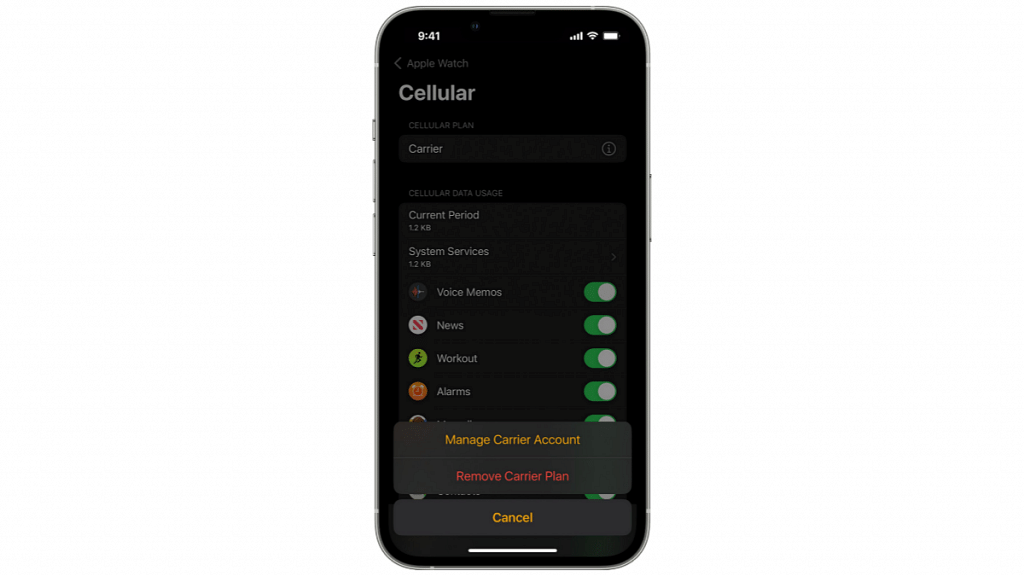
Step 4: Select the Cellular option

Step 5: You will now need to tap on the Set Up Cellular tab

Step 6: Now, follow the on screen instructions. In some cases, users might need to get in touch with the carrier providers for additional help

Notably, there are a bunch of pointers that you need to keep in mind before proceeding with the mobile network/ cellular services activation on the Apple Watch.

The most important factor that one needs to check before cellular services activation on the Apple Watch is the firmware version. Both Apple Watch and iPhone being paired need to run on the latest iOS version for a seamless experience with mobile services.

Users also need to check if they have an eligible cellular service plan with any supported carrier. Notably, the iPhone and Apple Watch being paired should have the same carrier network during the setup process. Also, carrier services for Apple Watch might not be accessible in all regions so crosschecking this information is important.

Also Read: Google Maps On Apple Watch: How To Setup And Use Google Maps For Navigation On Apple Watch

Categories
Info Leaks Mobile

OnePlus Fold Smartphone Massive Leak: Launch Date, Event Details, Expected Markets Revealed

Key Highlights

  • OnePlus Fold is expected to launch in August 2023.
  • New York to host OnePlus Fold launch event.
  • Impressive specs: 8-inch foldable display, Snapdragon 8 Gen2.
  • Expected markets: United States, India, and more.

OnePlus Fold is set to make its mark in the premium foldable segment. While the company had previously confirmed the existence of the OnePlus Fold, the launch details have now surfaced, thanks to Pricebaba in association with Yogesh Brar.

Additionally, the leak also reveals information about the launch event and the availability of the phone.

Also Read: Google Pixel Fold Vs Tecno Phantom V Fold Vs Galaxy Z Fold 4: Premium Foldable Smartphone to Buy in 2023

OnePlus Fold: Launch Timeline

According to the report, the OnePlus Fold is scheduled to be launched in the first half of August. The unveiling event will take place in New York. The leak also suggests that the OnePlus Fold will be available in multiple markets, including the United States and India.

Also Read: OnePlus Nord N30 5G Listed on Geekbench With Snapdragon 695 SoC Chipset: Details Here

OnePlus Fold: Expected Specs

SpecificationsDetails
Display8-inch foldable QHD+ OLED, 6.5-inch cover OLED FHD+
Refresh Rate120Hz
ProcessorQualcomm Snapdragon 8 Gen2 SoC
GPUAdreno
RAM16GB LPDDR5
Storage512GB UFS 4.0
Operating SystemAndroid 13-based OxygenOS 13.1
Battery4,800mAh with 80W fast charging
Rear Camera50MP (Primary) + 48MP (Ultra-wide-angle) + 32MP (Periscope)
Front Camera32MP

The OnePlus Fold is expected to boast impressive specifications, offering a stunning visual experience. The device is rumoured to feature an 8-inch foldable QHD+ OLED display, accompanied by a 6.5-inch cover OLED panel with FHD+ resolution. Both screens are expected to support a smooth 120Hz refresh rate.

Under the hood, the OnePlus Fold will be powered by the Qualcomm Snapdragon 8 Gen2 SoC, complemented by the Adreno GPU for enhanced graphics performance. The smartphone is speculated to offer a generous 16GB LPDDR5 RAM and ample 512GB UFS 4.0 storage.

Running on the Android 13-based OxygenOS 13.1 custom skin, the OnePlus Fold aims to deliver a seamless and user-friendly interface. It is likely to be fueled by a 4,800mAh battery, with support for 80W fast charging, ensuring that users can enjoy extended usage without interruption.

In terms of cameras, the OnePlus Fold is rumoured to sport a 50MP primary camera with OIS (Optical Image Stabilization), a 48MP ultra-wide-angle lens, and a 32MP periscope lens for capturing detailed and vibrant images. For selfies and video chats, there is expected to be a high-resolution 32MP front-facing camera.

Also Read: OnePlus 12 5G Specifications Are Out Already: Official Launch Later This Year?

Categories
Featured How To Mobile

Want To Share Your iPhone Screen On FaceTime? Here’s How You Can Do It

Key Highlights

  • FaceTime’s screen-sharing feature provides users with the ability to share important content with others during video calls on Apple devices
  • Knowing how to share your screen and manage screen sharing on FaceTime is crucial
  • Users can also take over someone else’s screen sharing

FaceTime, the default video calling app on Apple devices such as iPhones, iPads, and Macs, continues to evolve and enhance its features to compete with popular platforms like Zoom and Teams. One of its recent updates includes the addition of screen-sharing capabilities, allowing users to share presentations, sheets, or documents during work or personal calls. This article provides a detailed guide on how to share your screen on FaceTime using an iPhone. Additionally, it explains how to stop screen sharing and take over someone else’s screen sharing. Also Read | Magnify Anything, Anywhere: Learn How To Use Your iPhone As A Magnifying Tool

How To Share Your Screen On FaceTime On iPhone

To share your screen during a FaceTime call on your iPhone, follow these simple steps:

Step 1: Initiate a FaceTime call with the person you wish to share your screen with.

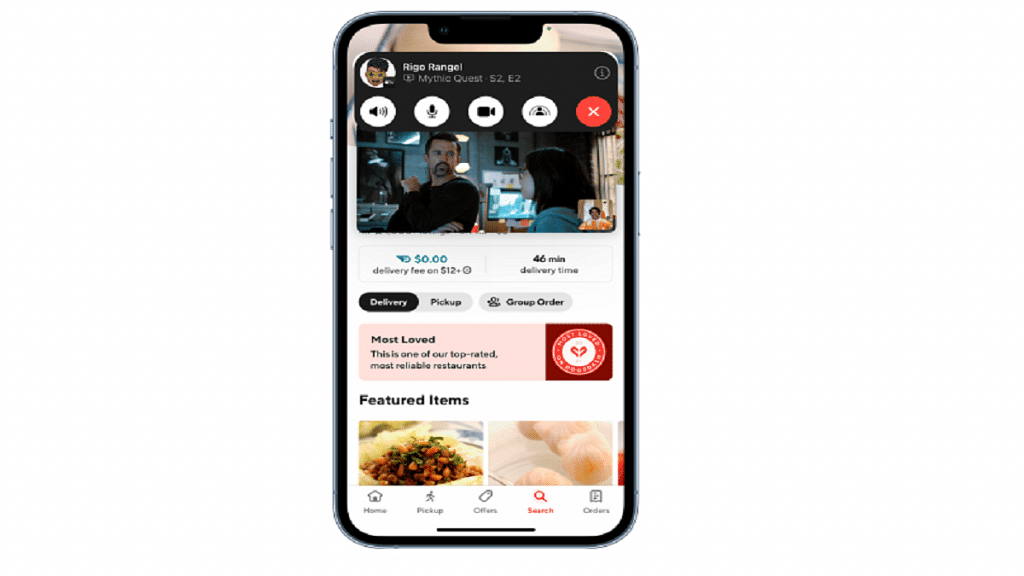
Step 2: While on the call, locate the Share Content icon next to the Video option on the FaceTime screen, and tap on it.

Step 3: Select the “Share My Screen” option.

Step 4: A 3-second timer will appear to notify you that the screen sharing will begin shortly.

Step 5: Carry out your desired actions on the device. The recipient will be able to see your screen.

How To Take Over Screen Sharing From Someone Else

If someone else is sharing their screen during a FaceTime call and you wish to take over, follow these steps:

Step 1: Join the call in progress that you want to take control of.

Step 2: Locate and tap on the Share Content button within the FaceTime call interface.

Also Read | Incoming Call Not Showing On iPhone? How To Fix Caller ID Incoming Call Issue On iPhone?

Step 3: Choose the “Share My Screen” option.

Step 4: Select the “Replace Existing” option.

Step 5: You will now have control over the screen sharing.

Steps To Stop Sharing Screen On FaceTime

To stop sharing your screen on an iPhone or iPad during a FaceTime call, follow these steps:

Step 1: While on the call, locate and click on the Share Content button at the top of the screen.

Step 2: By doing so, the other participants in the call will no longer be able to see your screen. That’s all!

Also Read | Apple New ‘NameDrop’ Feature for iPhones: What Is It? Steps To Use

Categories
Featured Info Mobile

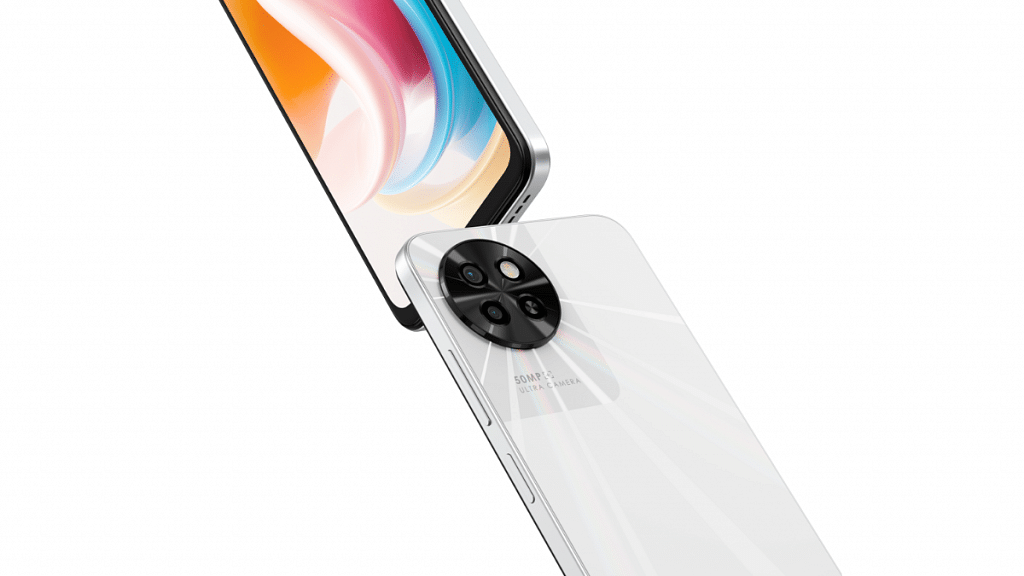
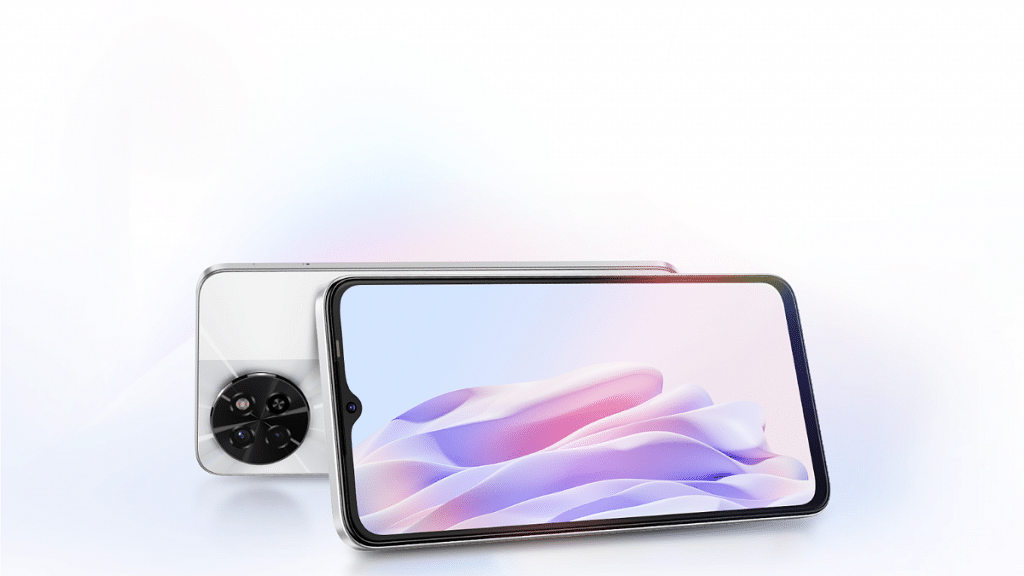
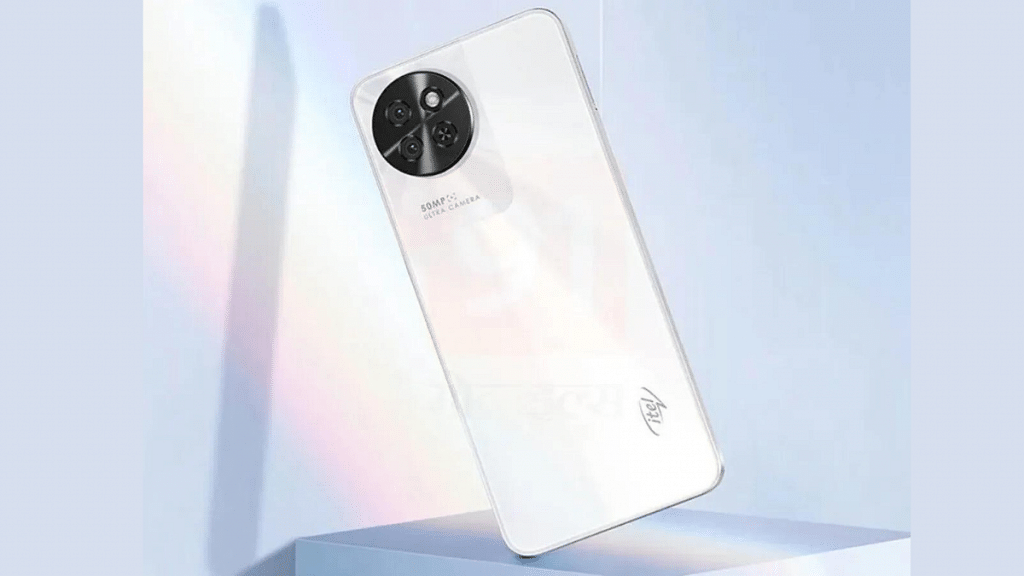
itel S23 Official Launch Timeline, Full Specs,Price : What To Expect?

Key Highlights

  • itel S23 expected to launch soon.
  • Massive 16GB RAM at an affordable price.
  • 6.67-inch Color IPS LCD display for immersive viewing.

itel is gearing up to launch its latest phone the itel S23, in India. With the official launch date set around mid-June details regarding the phone’s specifications and price have been exclusively revealed. The itel S23 is expected to make waves as the phone is offering 16GB RAM at just Rs 10,000.

Let’s take a closer look at the phone specs & price.

Also Read: Itel P40 Vs Tecno Spark Go 2023 Vs Nokia C12: Budget Phones Under Rs. 8,000 In 2023

itel S23: Launch Timeline

itel, a renowned brand known for its budget and mid-range smartphones, is all set to unveil its latest offering, the itel S23, in India. While the official launch date is yet to be announced, industry insiders suggest that the smartphone will hit the Indian market in mid-June. Tech enthusiasts and smartphone users can expect the itel S23 to make its appearance very soon.

Also Read: iTel P40 With 6,000 mAh Battery, 18W Fast Charging Launched Under Rs. 8,000 In India: Full Specs, Price

itel S23: Specification

Specificationsitel S23
Display6.67-inch Color IPS LCD, 1600 x 720 pixels, 90 Hz
RAM8 GB
Expandable RAMUp to 8 GB Extra Virtual RAM
Storage128 GB
Card SlotYes, up to 512 GB
Rear Camera50 MP (Main), 0.08 MP (Depth Sensor) with autofocus
Front Camera8 MP (Main)
Operating SystemAndroid v13
CPU1.6 GHz, Octa Core Processor
GPUPowerVR GE8322
Battery5000 mAh, Li-ion, Non-Removable
Fast ChargingYes, 18W

The itel S23 will feature a 6.67-inch Color IPS LCD screen with a waterdrop notch, offering a resolution of 1600 x 720 pixels and a 90 Hz refresh rate. With an 89% screen-to-body ratio and a 20:9 aspect ratio, users can enjoy an immersive viewing experience.

The phone comes with 8 GB of RAM, expandable by 8 GB through virtual RAM, and 128 GB of internal storage, expandable up to 512 GB. The phone support GPRS, EDGE, 3G, 4G, and VoLTE, with connectivity options including Wi-Fi, Bluetooth 5.0, and a microUSB v2.0 port. It has fingerprint sensor, face unlock, accelerometer, and proximity sensor.

The itel S23 boast a 50 MP primary rear camera, a 0.08 MP depth sensor, and an 8 MP front camera. Running on Android v13, it is powered by a 1.6 GHz octa-core processor and equipped with a 5000 mAh non-removable battery with 18W fast charging support.

Also Read: Four Smartphones That Are Great Alternatives To The Google Pixel 7a

itel S23: Price

When it comes to pricing, the itel S23 is expected to offer excellent value for money. The phone is rumored to be priced between Rs 8,000 and Rs 10,000 in India, making it an affordable option for budget-conscious buyers.

Also Read: New iTel Budget Android Smartphone With 6,000 mAh Battery, 18W Charging India Launch Soon: To Be Priced Under Rs. 8,000

Categories
Featured Info Tech News

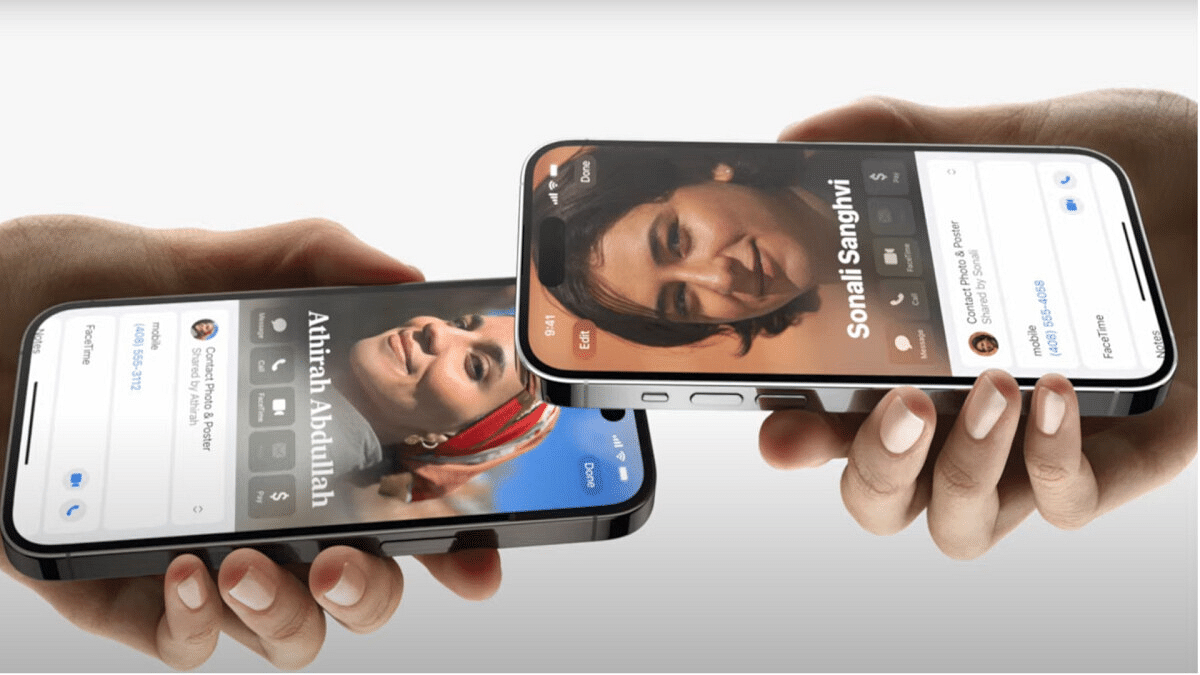
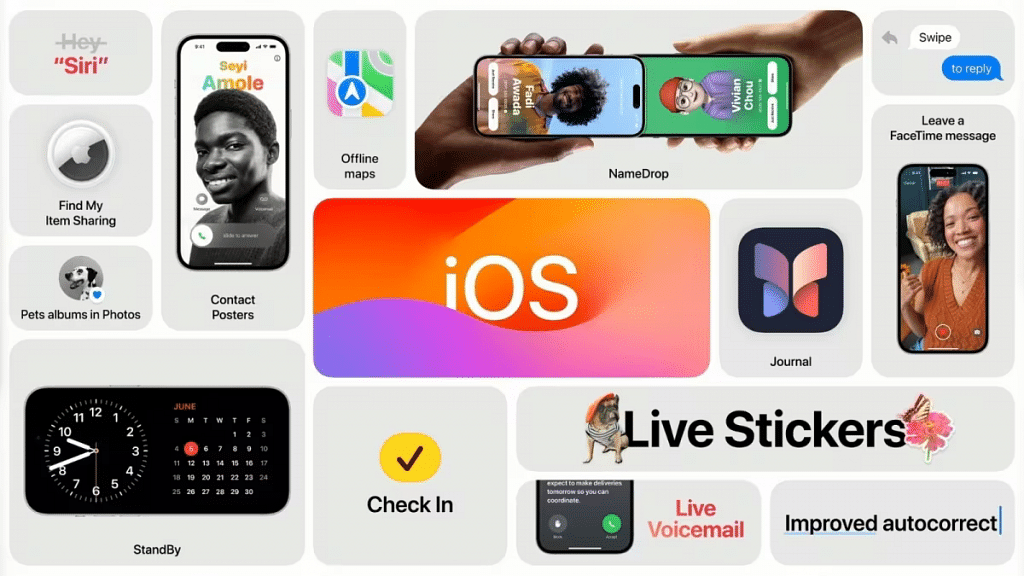
Apple New ‘NameDrop’ Feature for iPhones: What Is It? Steps To Use

Key Highlights

  • Apple introduces the ‘NameDrop’ feature for iPhones.
  • Seamless sharing of contact details and photos.
  • Bring devices close together to initiate sharing.

Apple has recently introduced a new feature called “NameDrop” for iPhone users at their annual Worldwide Developers Conference (WWDC) on June 5. This addition to Apple’s Airdrop functionality allows users to share their phone numbers or mail with others by simply bringing their devices close together.

Also Read: From New York To Tokyo: Five Best Apple Stores Around The World

NameDrop Feature: What It is?

The ‘NameDrop’ feature is a new addition to Apple’s Airdrop functionality for iPhones. It allows users to seamlessly share their contact information, such as phone numbers and email addresses, with others. This feature is not limited to iPhones alone it is also extended to Apple Watches.

Also Read: Best Apple Stores Around The World

NameDrop Feature: Steps to Use

Here are the steps to use the ‘NameDrop’ feature:

  1. Ensure Compatibility: Make sure you have an iPhone or an Apple Watch that supports the ‘NameDrop’ feature. It is available on compatible devices with the latest iOS version.
  2. Open NameDrop: On your iPhone or Apple Watch, open the NameDrop feature. You can typically find it in the Control Center or the Settings menu.
  3. Bring Devices Close Together: Bring the two devices close together, ensuring that they are within reasonable proximity of each other.
  4. Choose Contact or Photo: Decide whether you want to share a contact or a photo. If sharing a contact, select the desired contact from your address book. If sharing a photo, locate the photo in your gallery.
  5. Initiate Sharing: Once you have chosen the contact or photo, tap on the ‘Share’ or ‘Send’ option. This will trigger the NameDrop feature to initiate the sharing process.
  6. Confirm Sharing: On the receiving device, a prompt will appear asking for confirmation to accept the shared contact or photo. Confirm the sharing request to proceed.
  7. Completion and Notification: After the sharing process is complete, you will receive a notification indicating the successful transfer of the contact or photo.

Also Read: iOS 17 Arrives: Seven Exciting Features For iPhone Users

iOS17: Enhanced Features and Optimizations

Alongside the introduction of NameDrop, Apple unveiled a range of enhanced features and optimizations in iOS 17. The keyboard input method received a significant upgrade, with improvements made to the automatic correction function. Apple implemented a new language model, simplifying existing shortcuts and enhancing the dictation experience for users.

iOS 17 also introduces the SharePlay feature, which allows users to share experiences with their contacts. By bringing two iPhones together, users can enjoy synchronized live streaming or listen to the same playlist simultaneously.

Also Read: These iPhones Will Receive iOS 17 Update

Categories
Featured Tablet

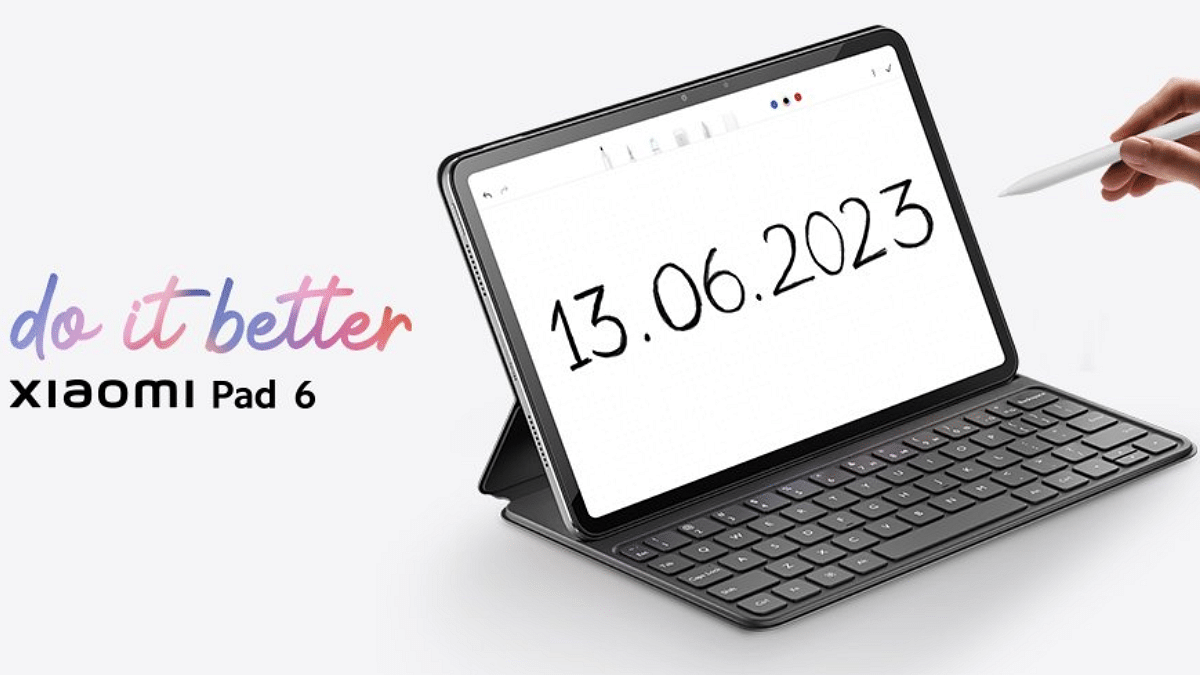
Xiaomi Pad 6 India Launch Confirmed For June 13: Expected Price, Specifications

Key Highlights

  • Xiaomi Pad 6 tablet India launch on June 13
  • Could be priced under Rs. 35,000
  • Xiaomi Pad 6 Pro launch not revealed

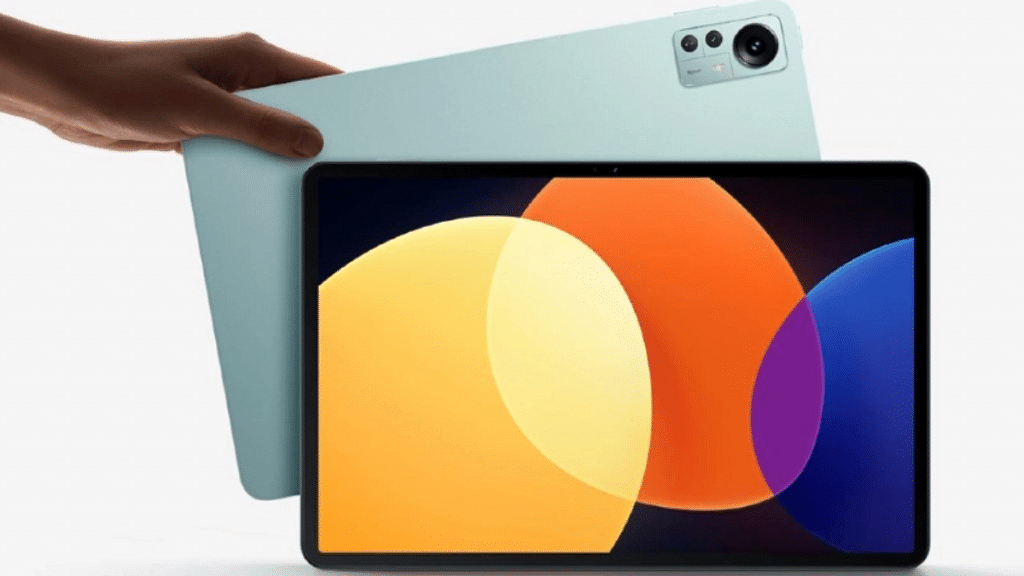
Xiaomi introduced its most powerful tablet lineup in the market called the Pad 6 series. The brand announced the vanilla Pad 6 and the Pad 6 Pro tablets in its home country China and is now ready to bring it global markets including India soon. The brand has now itself confirmed the official launch of the Pad 6 tablet in the country via its official Twitter account. Below are the details:

Xiaomi Pad 6 India Launch Details, Expected Price In India

The Xiaomi Pad 6 is set to launch on next week in India. The company has shared a tweet that reveals the Pad 6 tablet on June 13 in India. The Chinese tech giant has currently confirmed the arrival of the vanilla Xiaomi Pad 6 only.

There is no word related to the Xiaomi Pad 6 Pro tablet’s India launch. The availability of the top end Pad 6 Pro variant is uncertain. Also, we can’t say for sure if the Pro model is making it to the Indian market or not. The pricing is not revealed just yet, but the speculated pricing is under Rs. 35,000.

Also Read: Vivo Pad 2: Top Rivals That Compete Against Vivo’s Second-Gen Premium Android Tablet

Xiaomi Pad 6 Key Features And Specifications

Xiaomi Pad 6Specifications
Display 11-inch, 2.8K resolution, 144Hz refresh rate
Camera13MP rear, 8MP front
ChipsetSndpargon 870
Battery8,840 mAh

The Xiaomi Pad 6 key specifications include a large LCD screen measuring 11 inches that supports a 2.8K screen resolution. The display panel on the Xiaomi Pad 6 offers a 144Hz refresh rate which allows a smooth viewing experience.

The successor to the Xiaomi Pad 5 tablet gets its power from the octa-core Snapdragon 870 processor. The premium Qualcomm chipset will be combined with 6GB and 8GB RAM options. The Xiaomi Pad 6 will be available in dual storage options including 128GB and 256GB. This tablet will ship with Android 13 OS and will feature MIUI 14 custom skin on top.

For optics, the vanilla Xiaomi Pad 6 tablet features a 13MP main rear camera which is similar to the previous-gen model. For selfies and video calling, the Xiaomi Pad 6 tablet will sport an 8MP camera. In terms of connectivity, the Xiaomi Pad 6 will support Wi-Fi 6, Bluetooth 5.2, USB 3.2 Gen 1 port, and a USB Type-C port. The battery capacity packed inside the Xiaomi Pad 6 in India will be an 8,840 mAh battery unit which will support 33W fast charging technology.

Also Read: Google Pixel Tablet Vs OnePlus Pad Vs Vivo Pad 2: Top Value Flagship Android Tablet In 2023

Categories
Featured Info Mobile

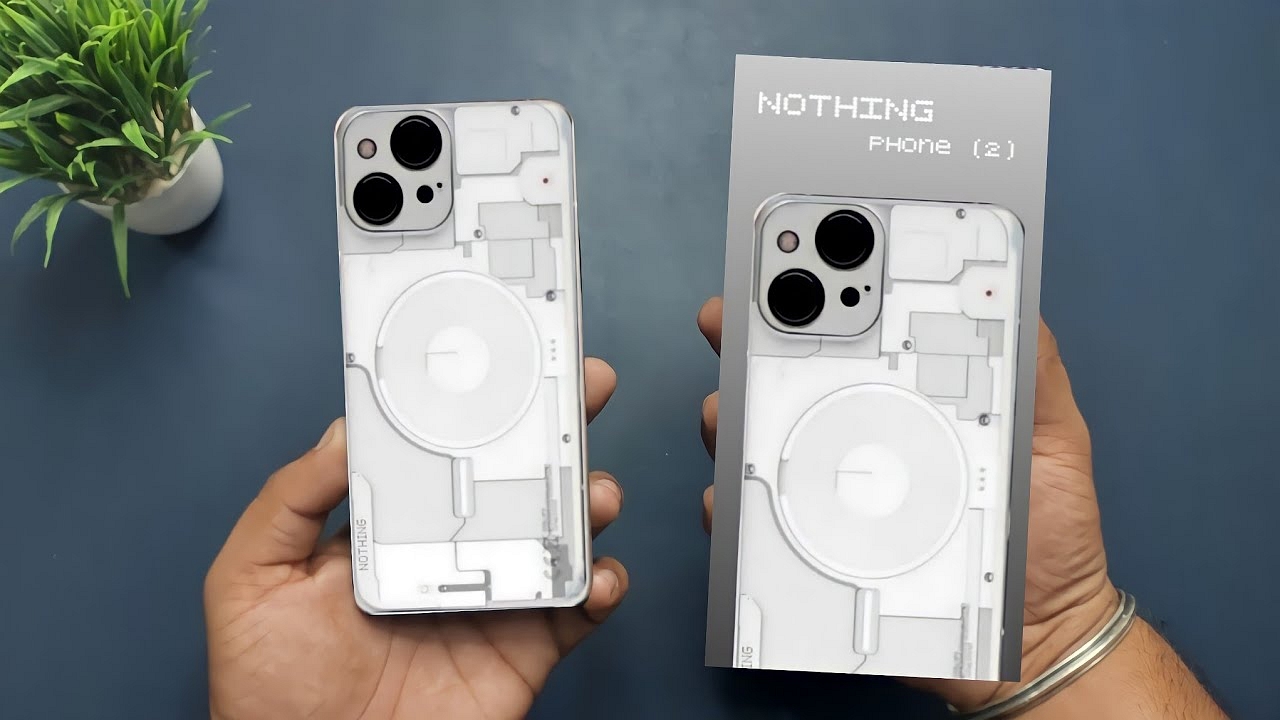
Nothing Phone 2 Manufacturing To Begin In India: Global Launch Set For Next Month

Key Highlights

  • Nothing Phone 2 production starts in India.
  • Global launch of Nothing Phone 2 next month.
  • Confirms to be equipped with Qualcomm Snapdragon 8+ Gen 1

The Nothing Phone 2 expected to release in July has revealed key details such as the chipset, battery, and offered hints about the camera and other components. In an exciting announcement, Nothing has now disclosed that the smartphone will be manufactured in India.

Also Read: Nothing Phone 2 With 4700mAh Battery Set To Launch In July; Details

Nothing Phone 2: To Be Made in India

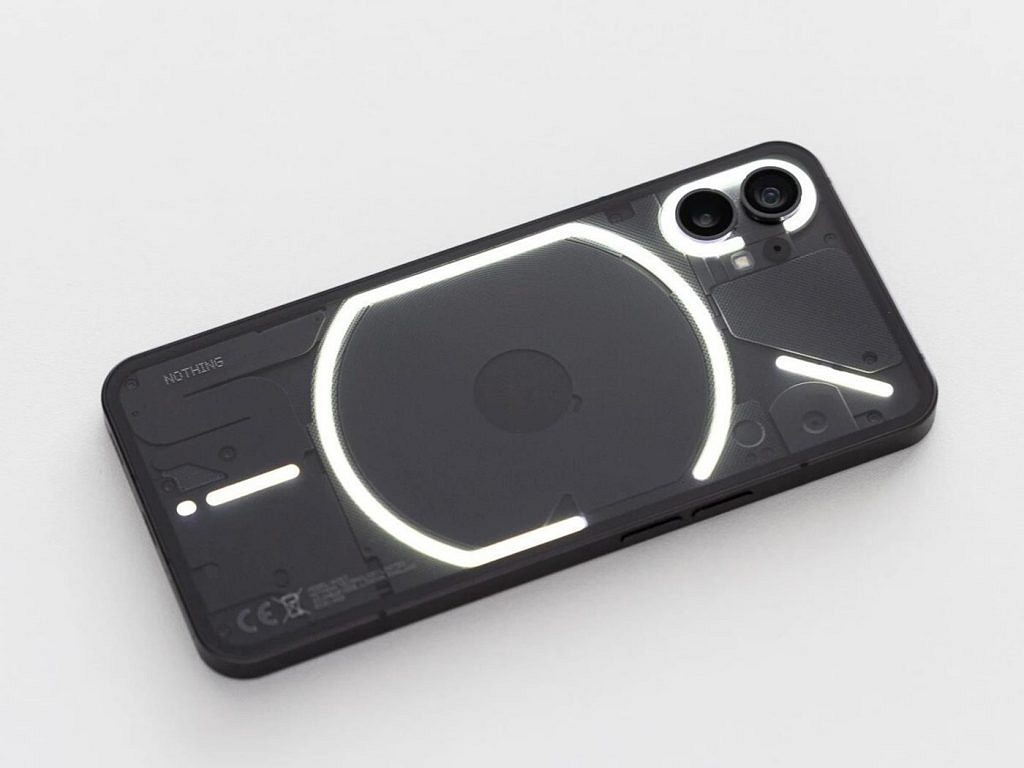
According to a report by the Indian Express, Nothing Phone 2 will be manufactured in Tamil Nadu by BYD Electronic, a prominent Shenzhen-based manufacturer. Interestingly, this is not the first time Nothing has chosen India as its manufacturing hub, as the previous model, Nothing Phone 1, was also manufactured there.

In line with its commitment to sustainability, Nothing Phone 2 is expected to be the company’s most environmentally friendly product. The report mentions that the phone’s parts and components will be crafted from recycled materials and sustainable plastic. Furthermore, the upcoming phone is projected to have a carbon footprint of 53.45kg, a significant reduction of 5kg compared to its predecessor, the Phone 1.

Also Read: Nothing Phone 2 With Snapdragon 8+ Gen 1, 4,700mAh Battery Confirmed To Launch In July: See Details Here

Nothing Phone 2: Expected Specs

Confirmed specifications for the Nothing Phone 2 include the powerful Qualcomm Snapdragon 8+ Gen 1 chipset, ensuring robust performance. The device will also feature a 4,700mAh battery, delivering extended usage time for users.

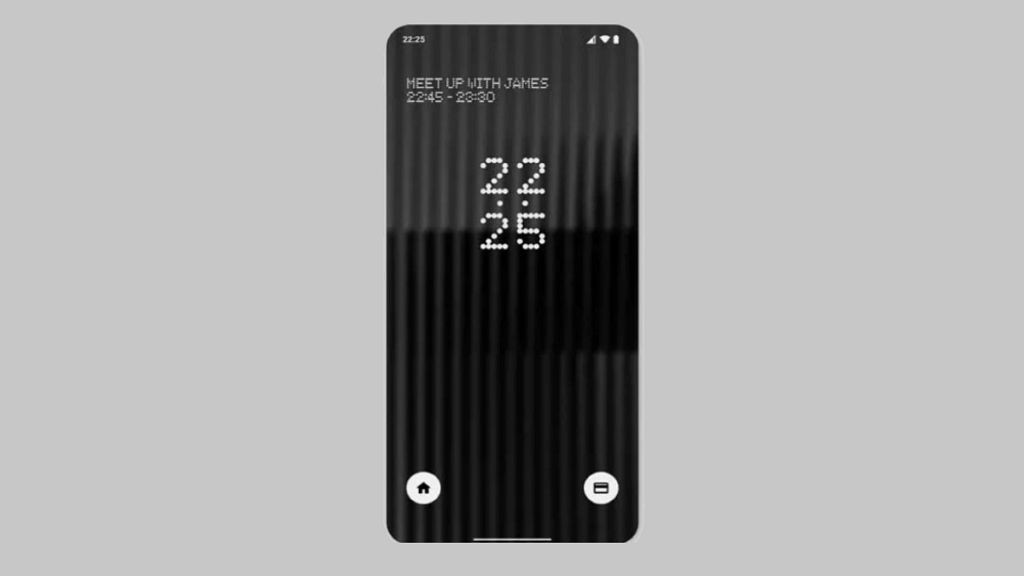
In terms of display, the Nothing Phone 2 will boast a 0.15-inch increase compared to its predecessor. This results in a larger 6.7-inch screen, providing users with an immersive viewing experience. Teaser images of the smartphone reveal a distinctive pill-shaped video indicator, adding a touch of elegance to its design.

Additionally, the Nothing Phone 2 has been confirmed to receive three years of Android updates, guaranteeing users access to the latest software advancements. Furthermore, users can enjoy enhanced security as the phone will receive four years of security updates.

Also Read: Nothing Phone (2) India Launch Via Flipkart: Leaked Specs And Availability

Categories
Featured Info Laptop

Fujitsu LifeBook U9 Convertible Laptop Series With 13th-Gen Intel Processor Launched: Price, Full Specs

Key Highlights

  • Fujitsu LifeBook U9: Lightweight and versatile
  • Equipped with 13th-Gen Intel Processor
  • Convertible Design: Seamless notebook to tablet transition
  • Competitive Pricing: Starting at Rs.1,89,000.

Fujitsu has introduced two new additions to its renowned LifeBook U9 series, catering specifically to the needs of business professionals. The new models, LifeBook U94/A and U9313X harness the power of 13th-generation Intel processors while offering various innovative features and functionality.

Let’s take a closer look at each laptop’s specifications.

Also Read: Acer Predator Helios Neo 16 Laptop Featuring 13th Gen Intel Processor, 16-inch WQXGA Display Launched In India: Specifications, Price & Availability

LifeBook U94/A: Specs

LifeBook U94/ASpecifications
Display14-inch, 16:10 aspect ratio
Resolution1920×1200
Weight898 grams
DesignSlim and sleek with narrow bezels
ConnectivityFull-size ethernet port, 2 USB A ports, Thunderbolt 4 port, HDMI 2.0
Wireless TechnologySupport for 5G 2 and Wi-Fi 6E
Security FeaturesRedesigned wide-angle front camera with Windows Hello verification

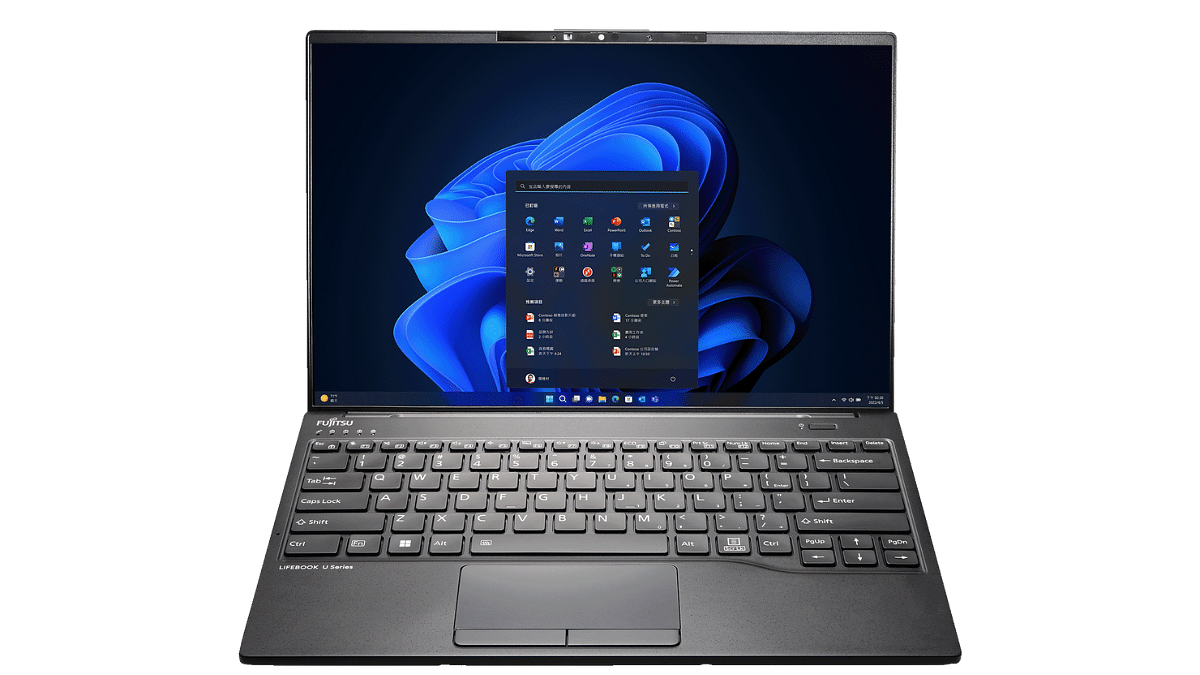
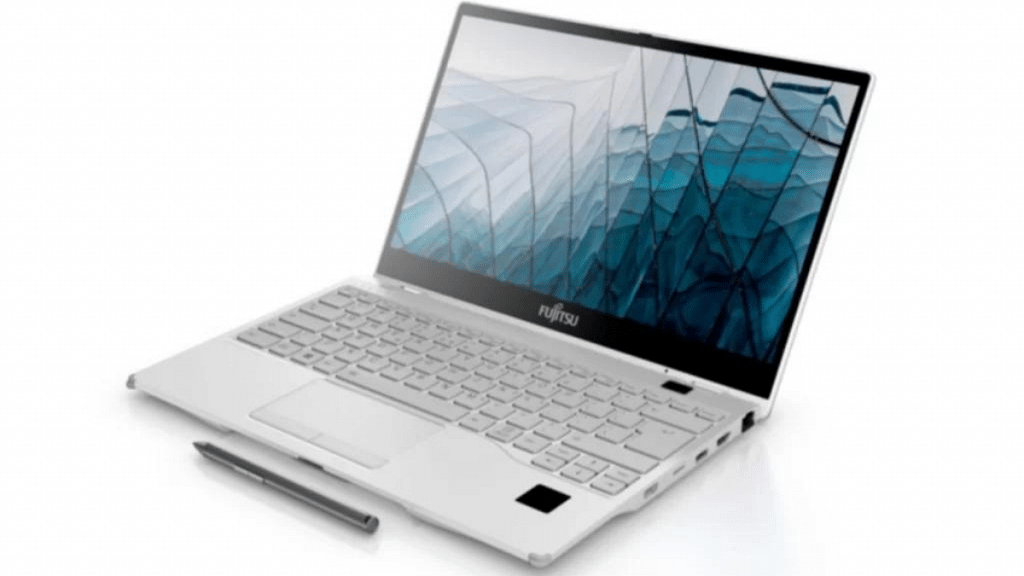
The LifeBook U94/A is an ultra-lightweight 14-inch laptop weighing only 898 grams. With its slim, sleek design, narrow bezel, and a 16:10 aspect ratio display boasting a resolution of 1920×1200, it offers an immersive visual experience.

The U94/A is equipped with a full-size ethernet port, two USB A ports, a Thunderbolt 4 port, and HDMI 2.0, ensuring seamless integration with various devices.

Additionally, it supports high-speed internet access through 5G 2 and Wi-Fi 6E technology. The laptop features a redesigned wide-angle front camera that includes Windows Hello verification, enhancing security measures.

Also Read: Acer Predator Helios Neo 16 Laptop Featuring 13th Gen Intel Processor, 16-inch WQXGA Display Launched In India: Specifications, Price & Availability

LifeBook U9313X: Specs

LifeBook U9313XSpecifications
Display13.3-inch, 16:9 aspect ratio
Resolution1920×1080
Convertible Design360-degree rotation for versatile usage
Security FeaturesPalmSecure and Windows Hello authentication
USB Ports2 USB A ports
Thunderbolt Ports2 Thunderbolt 4 ports
Ethernet PortFull-size ethernet port
Stylus IncludedEnhances touchscreen capabilities

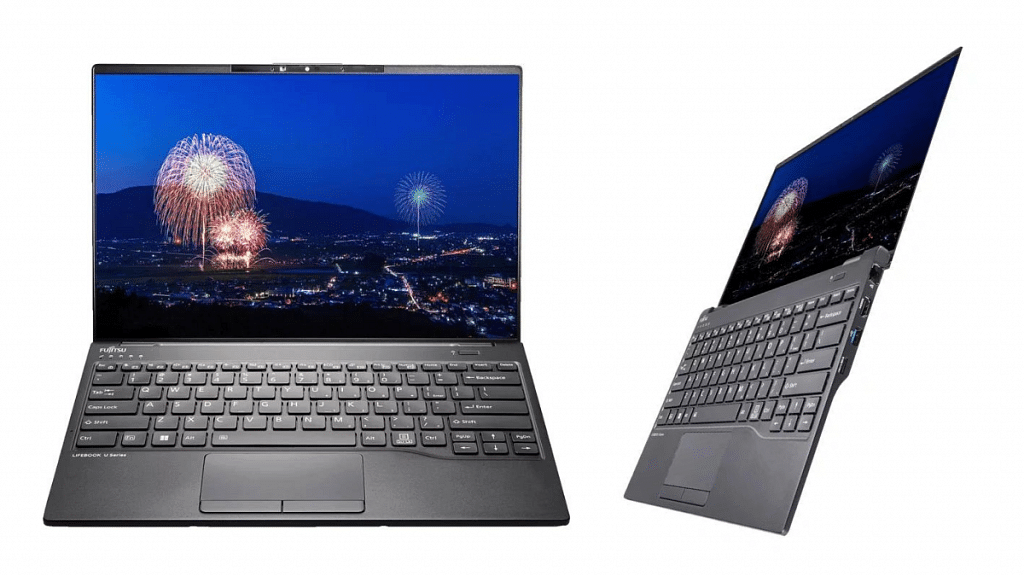
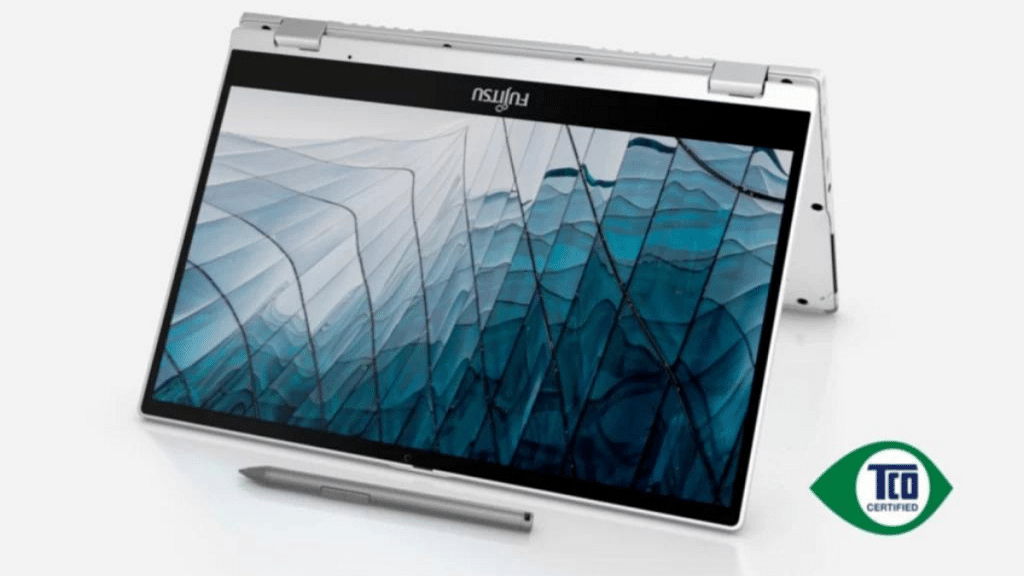
The LifeBook U9313X is a versatile convertible laptop featuring a 13.3-inch screen with a 16:9 aspect ratio and a resolution of 1920×1080. Its innovative design allows for a 360-degree rotation, enabling users to seamlessly switch between “notebook mode” and “tablet mode” based on their preferences and requirements.

The U9313X also offers PalmSecure and Windows Hello authentication for advanced security features. It provides two USB A ports, two Thunderbolt 4 ports, and a full-size ethernet port, ensuring versatile connectivity options. The laptop also includes a stylus, allowing users to maximize the touchscreen capabilities of the device.

Also Read: Infinix InBook Y1 Plus Neo Laptop To Launch In India Soon: Check Date And Details

LifeBook U9 Series: Price & Availability

ModelPrice (INR)Price (USD)
LifeBook U94/ARs.1,89,000$2,290
LifeBook U9313XRs.1,90,000$2,300

Both the LifeBook U94/A and U9313X models are now available for purchase through Fujitsu’s official website and authorized retailers. The LifeBook U94/A starts at Rs.1,89,000 ($2,290), offering a budget-friendly option for business professionals seeking a reliable and feature-rich laptop. The LifeBook U9313X starts at Rs.1,90,000 ($2,300) providing users with a convertible laptop that combines flexibility and exceptional performance.

Also Read: Best Gaming Laptops Under Rs. 50,000

Categories
Featured How To Mobile

Lost Your Samsung Smartphone? Learn How To Track It Using Find My Mobile And Find My Device

Key Highlights

  • With the help of Find My Mobile and Find My Device, you have the tools to track and recover your lost Samsung phone
  • Find My Mobile is specifically designed to locate and track lost or misplaced Samsung smartphones
  • Enable these features in advance to be prepared in case of any unfortunate incidents

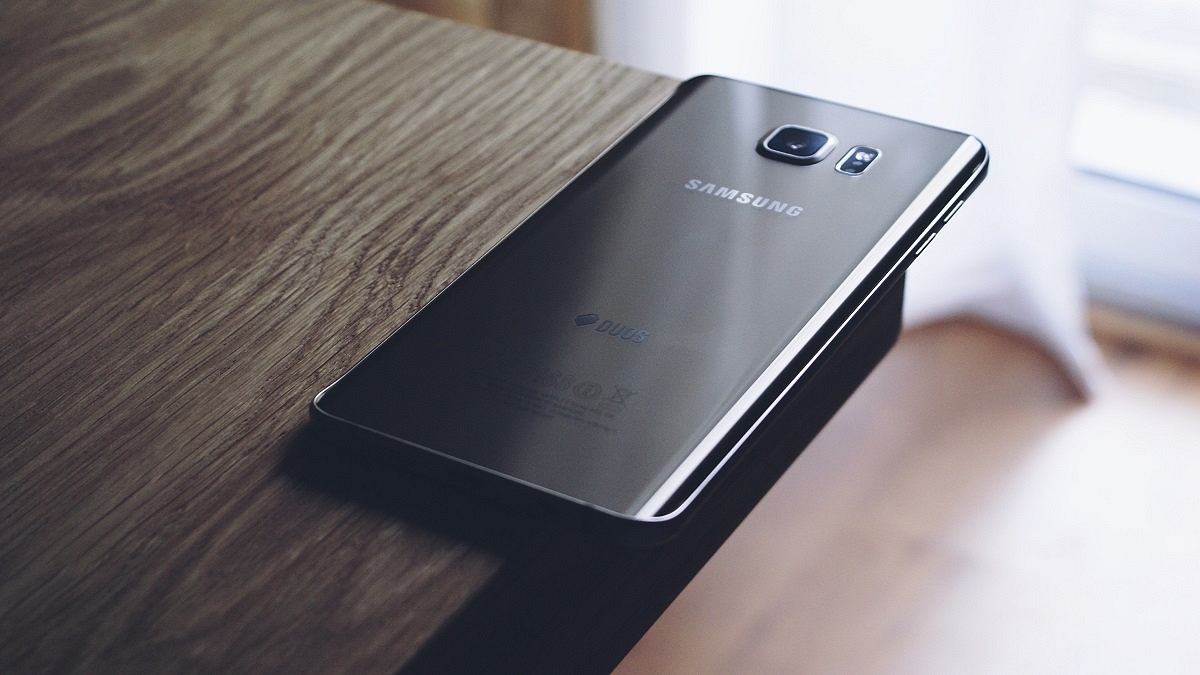
Losing or misplacing your Samsung smartphone can be a worrisome experience, but don’t worry, we’ve got you covered. In this article, we will explore different methods to help you locate your lost Samsung phone. By following the steps outlined below, you can trace its last location using Google Maps, activate ringing even if the phone is on silent mode, and remotely lock it. Let’s dive in and find out how you can retrieve your lost Samsung smartphone. Also Read | Here’s How You Can Recover Lost Or Deleted Data In Windows 11 Laptops, PCs

How To Find Your Lost Samsung Smartphone Through Find My Mobile

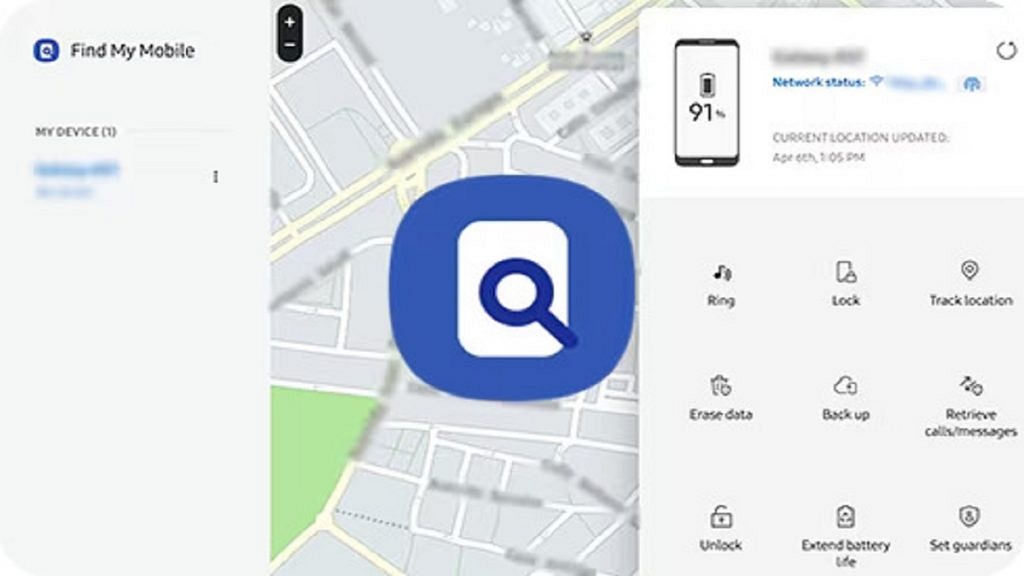
Samsung’s proprietary tool, Find My Mobile, is specifically designed to locate and track lost or misplaced Samsung smartphones. This tool can track your device, even if it is not connected to the internet, by using your Samsung account. Here’s how you can use it:

Step 1: Visit Samsung’s official SmartThings website on a phone or laptop.

Step 2: Sign in to the website using the same Samsung account associated with your lost phone.

Step 3: From the left menu, select your lost device.

Step 4: Wait for the website to display your Samsung phone’s last known location.

Step 5: If the device is online, you can track it in real-time; otherwise, you’ll only see its last location.

Step 6: When the battery reaches 20 percent and the “Send last location” feature is enabled, the device will automatically send its location to the Find My Mobile server to alert you.

Step 7: The “Track location” feature, when enabled, provides location alerts every 15 minutes, and the tracking history is stored for seven days.

Step 8: Even if the lost or stolen Samsung phone is offline and lacks internet access, Find My Mobile can still show its location if the Offline finding feature is enabled. This feature uses other Samsung devices via Bluetooth to create a chain and notify you of the phone’s location.

Also Read | How To Find Or Track Lost Apple AirPods Easily: Step By Step Guide

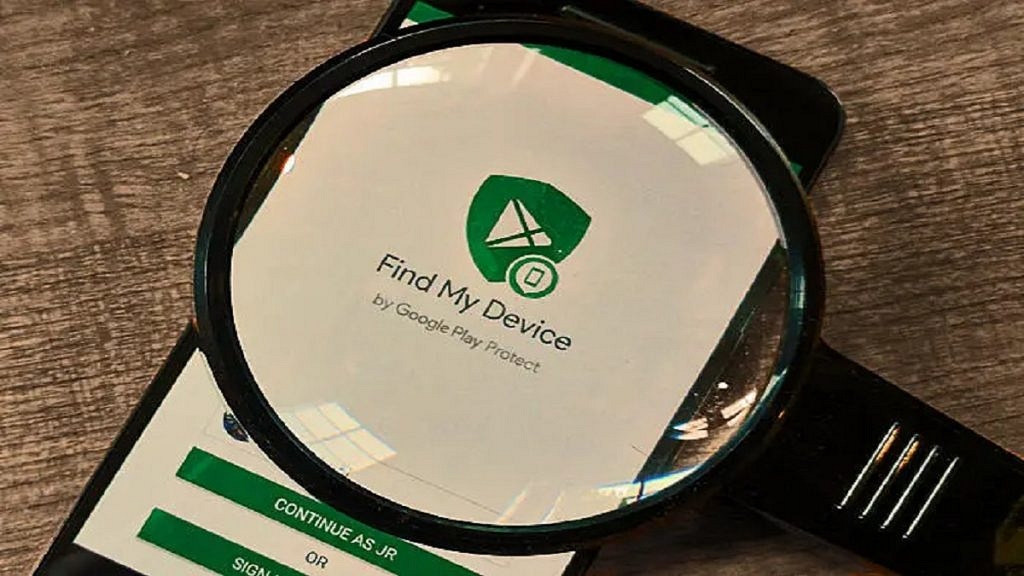
How To Find Your Lost Samsung Smartphone Using Find My Device

If you didn’t enable the Find My Mobile feature on your Samsung phone, you can use Google’s Find My Device service. Follow these steps to begin the search for your lost Samsung smartphone:

Step 1: Visit Google’s official Find My Device website or download the app on another Android phone.

Step 2: Sign in using the same Google account associated with your lost phone.

Step 3: Once signed in, you will be able to view its location as the tool automatically activates location access and mobile data.

Note that Find My Device does not offer an offline tracking feature at present. However, it provides several options to safeguard your data. These include resetting the data, signing out of the Google account, and playing a loud sound to help locate the phone when it is nearby.

Also Read | Tecno Phantom V Fold Vs Samsung Galaxy Z Fold 4: Price, Full Specs Comparison