Categories
Tech Gadgets

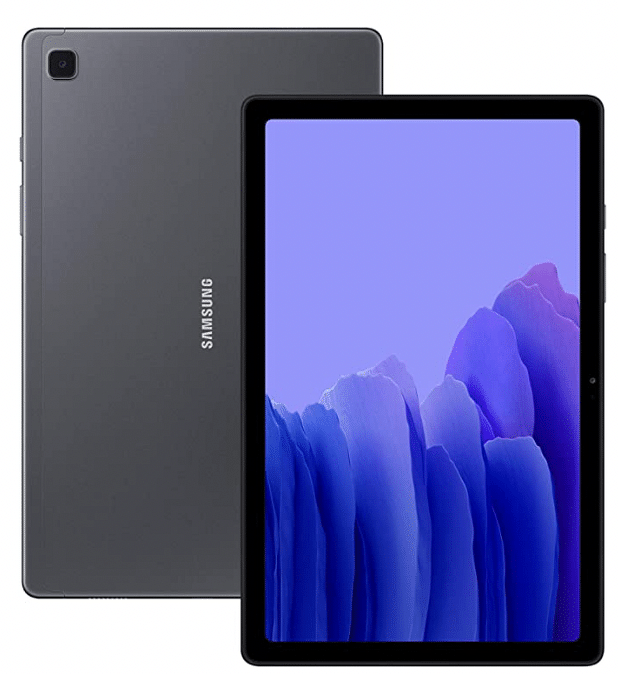
Samsung Galaxy A24 Spec Sheet Leaked; Older Exynos 7904 Chipset Tipped

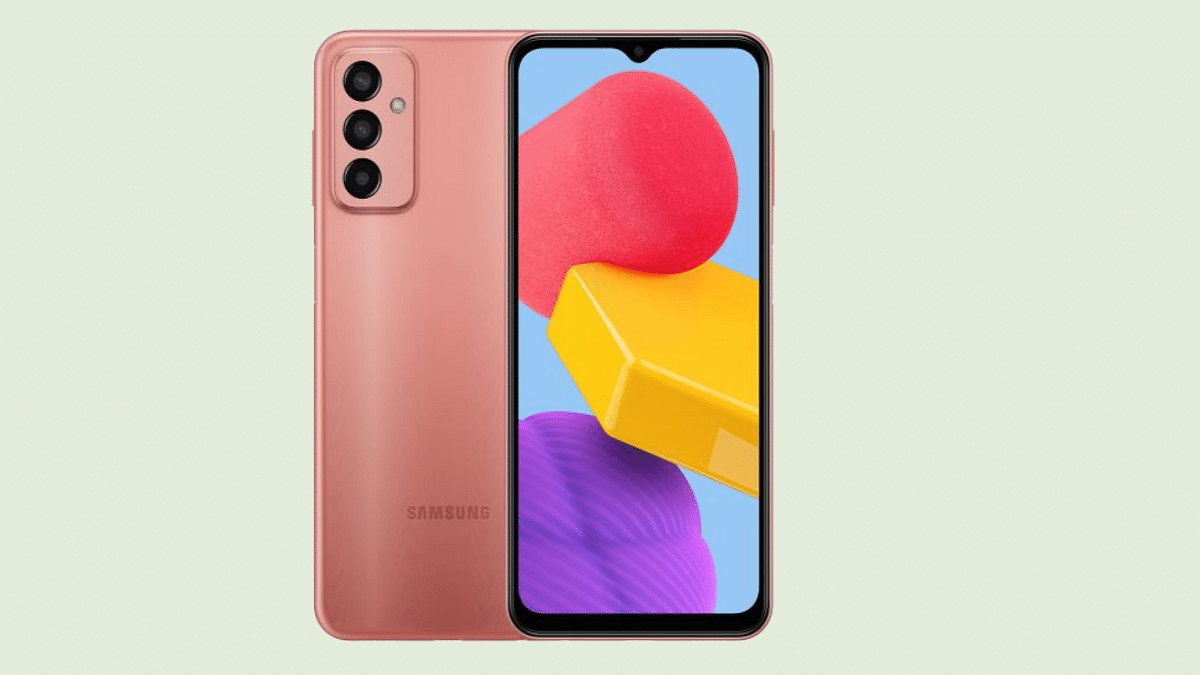
Samsung has started working on the next lot of Galaxy A series phones. We recently leaked the Galaxy A14’s 5K renders which later also got certified inkling closer to the launch. Another variant that has went to the production bay is the Galaxy A24 which will be also a mid-range handset powered by an in-house Exynos series chipset. A new leak has surfaced detailing some of the specifications of the upcoming mid-range Galaxy A series handset.

Samsung Galaxy A24 Leaked Spec-Sheet Surfaces Online

The Samsung Galaxy A24 new leak comes from a Vietnamese Publication called The Pixel. The handset will be arriving as a successor to the Galaxy A23 and will be powered by the Exynos 7904 chipset. It is worth mentioning that Samsung released this Exynos series chipset almost four years back.

Now, it is not clear why Samsung would be using an older chipset to power a next-generation phone. An upgrade only makes sense when we are considering a new smartphone launch. We are not sure of the sourced information is completely authentic and if there could be some variations with the actual spec sheet.

The publication has also tipped the Galaxy A24 will flaunt a 6.4-inch Super AMOLED display. A 90Hz refresh rate will complement the large high-resolution screen. We would possibly see a punch-hole camera cutout for the selfie snapper. It is also expected to sport a 16MP camera for selfies and video calling.

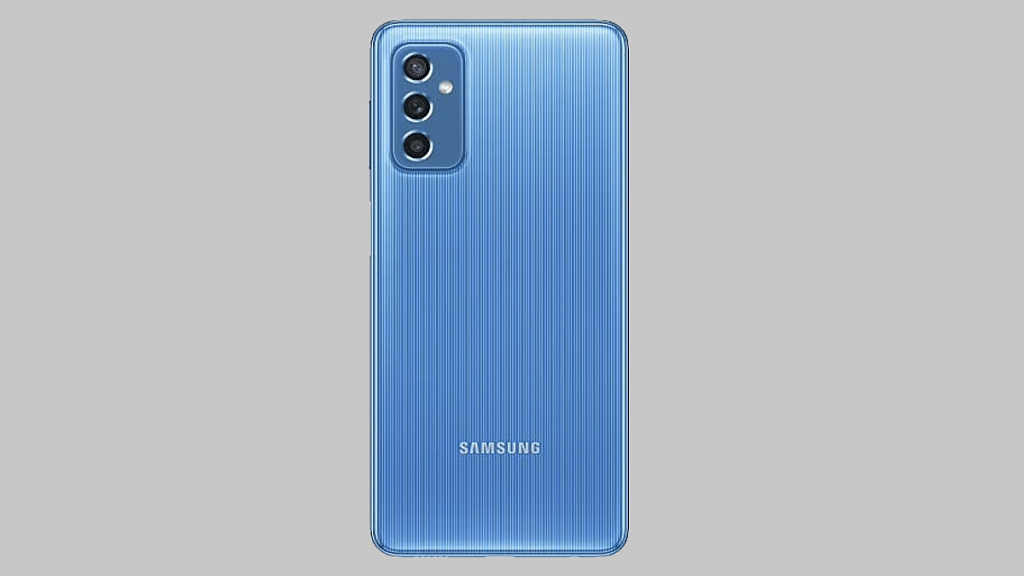
The Galaxy A24’s main camera sensor is said to be a 48MP lens with OIS (Optical Image Stabilization) compatibility. The primary lens will be an 8MP ultra-wide sensor and a 5MP depth lens. The software version is not confirmed, however, it could be Android 12 OS topped with a custom One UI interface.

The Samsung Galaxy A24 will be launched with a 6GB RAM configuration. The device will be available with a 64GB storage configuration. The availability details of other variants are uncertain at the moment. The Galaxy A24 will be powered by a smaller 4,000 mAh battery as per the new leak. Again, this is smaller than most of the Galaxy A series budget phones and we are not sure why Samsung will be opting for a compact sized battery for an upgraded model.
Categories
Tech Gadgets

Apple iPad Tricks: How Can You Use Visual Look Up Feature On iPad Running On iPadOS 15.1 And Above

Apple product lineup is world renowned for offering a premium experience. The Cupertino tech giant has earned all the fame amongst the audience with its high-end mobiles, tablets, and also digital accessories. iPhones and iPads are currently handling the users demanding premium mobile experience. Apple has been revamping all its product lineups and bringing in the latest of hardware and software innovations with all its devices.

Apple iPad tablet series has been out for a long and has been users’ first choice for a premium large-screen laptop-like experience. Apple is driving all the iPad models with iPad OS and has released several new updates for a better user experience with all sets of tasks. The latest iPad OS available for z is the iPad OS 16. This firmware kets users do multiple customizations and access several user-oriented features that helps with the refined experience with app usage.

The visual lookup is one of the options that are available for iPad users that helps with recognising images such as landmark and art and getting additional details on the selected object in the image. You can use the Visual Look Up feature on your respective iPad models that are running on iPadOS 15.1 and above.

All the iPad models including the iPad pro 12.9-inch (3rd Gen), iPad Pro 11-inch (all models), iPad Air (3rd Gen) or later, or iPad mini (5th Gen or later) offer this Visual Lookup feature to help you get information on certain subject in any photo. But how exactly you use this feature? We have shared the steps for teh same here:

How To Use Visual Look Up feature In iPad (supported models)

Step 1: On your iPad, select any photo. Or if if you wish to use any image from apps like Notes, Mail, and Messages, you need to touch and hold the image to select it.

Step 2: Click on the Info Button. If you are doing this in Safari, you would need to tap on the Look Up tab from the Options menu.

Step 3: You will now see the icons popping up on the photo. Tap on it. You will see a bunch of options including paw print (for pets and animals) or a leaf icon (for floral objects).

Categories
Tech Gadgets

Smart TV Privacy: How To Block Unauthorized People From Using Specific Apps And Games On Your Smart TV

Android ecosystem isn’t just smartphones. Google has expanded Android services to tablets and smart TVs. Multiple TV and smartphone OEMs associated with the smart TV business utilize Google Android services for operations. If you own a new-generation Android smartphone, you probably are accustomed to using Google and third-party apps. The same goes for smart TVs running on Android OS. You get the provision to download and use compatible third-party apps and games on smart TVs just as you do on Android phones.

And you don’t have to worry about any privacy-related aspects as well when with the latest smart TVs. You might have some apps or games pre-installed on Android smart TVs that you would wish to monitor when someone else is using it. Specifically, any game you wouldn’t want your kids to waste time on in your absence.

Also, any age-restricted app or streaming service that you wouldn’t want anyone to have access to at your home. This is also security from unwanted purchases made via Google Play and other paid services.

Is there any way out with which you can restrict people from using a specific app on your TV? The answer is yes and the steps aren’t much complicated either. We have listed the steps with which you can block people from using third-party or specific apps on your Android TV. Take a look:

How To Block People  From Using Specific Third-party Apps On TV

Using Restricted Profile Mode

By enabling the Restricted profile mode, you can easily block people from using a bunch of apps that you have restricted. The steps to activate this profile are below:

Step 1: Power on your Android TV and from the Home screen, go to the Settings menu.

Step 2: Scroll to the Personal option.

Step 3: Tap on the Security and Restrictions menu.

Step 4: Select the Create restricted profile.

Step 5: Now, set the desired PIN to activate the restricted profile option.

Step 6: You can now select the apps that you wish to block from unauthorized access. You can add the apps that will work in the restricted mode.

Step 7: Go back and make this profile default.

Categories
Comparison Featured Tablet Tech Gadgets

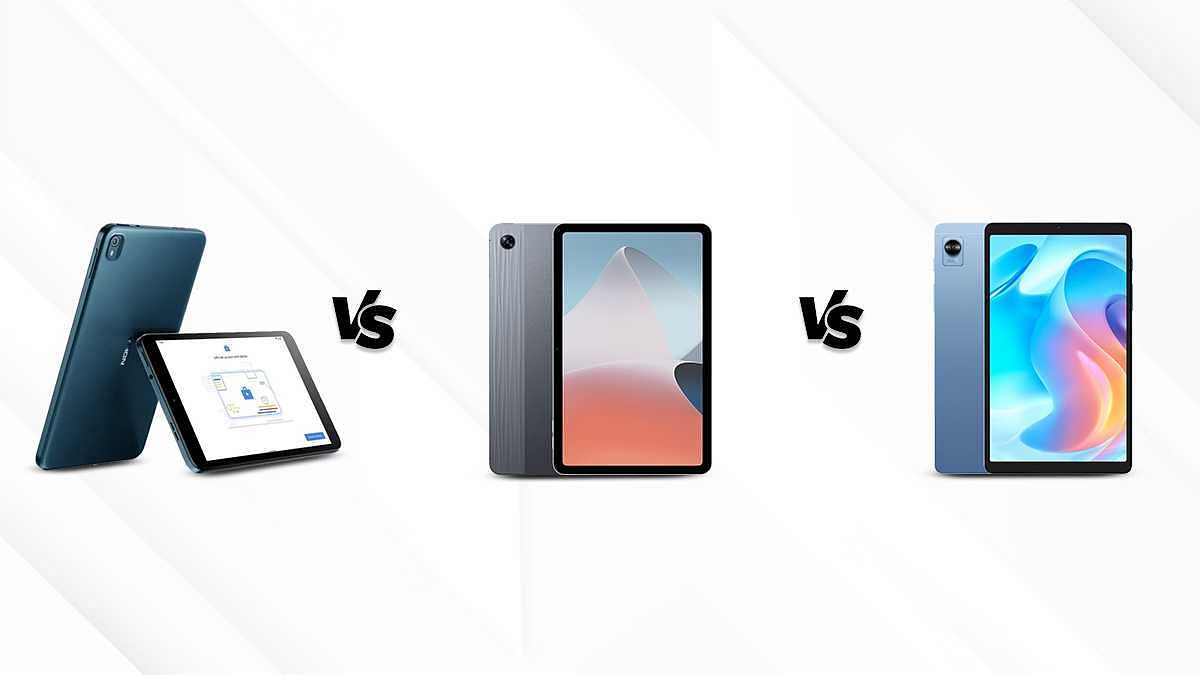
Nokia T10 Vs Nokia T20 Vs Samsung Galaxy Tab A7 Lite: Best Budget Tablets For Students In India

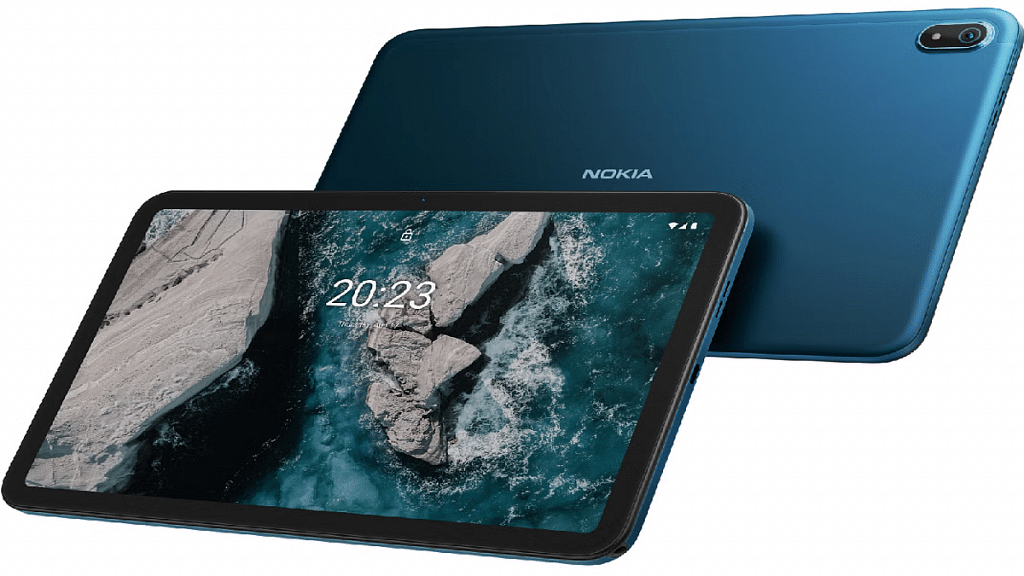
Nokia has marked its presence in the tablet industry by introducing entry-level tablets. Nokia tablets have become widely popular among the budget masses with their durable design and user-friendly interface. The Nokia T10 and the Nokia T20 tablets have emerged as popular choices. The Galaxy Tab A7 Lite has been one of the foremost reinventions by Samsung which falls in the budget segment. Here we are comparing the Nokia T10, the Nokia T20, and the Galaxy Tab A7 Lite 

Also Read: Samsung Galaxy Tab A8 Vs Nokia T10 Vs Moto Tab G62: Which Tablet Makes The Best Option For Budget Audience

Display Comparison 

The Nokia T10 features an 8 inches IPS LCD display which has a typical brightness of 360nits. Moreover, it has a resolution of 800 x 1280 pixels.

On the other hand, the Nokia T20 has a 10.4 inches IPS LCD display which has a resolution of 1200 x 2000 pixels. This model has a typical brightness of 400 nits which is higher than the Nokia T10 and offers better visibility outdoors. Its screen has scratch-resistant glass as well. The Galaxy Tab A7 Lite has an 8.7 inches TFT LCD display which has a resolution of 800 x 1340. 

Overall, the Nokia T20 offers an immersive visual experience through its high-resolution expansive display. It will deliver clear output compared to the remaining models and will be suitable for high-res video consumption.

Chipset Specifications 

The Nokia T10 has the Unisoc T606 chipset with a 12 nm fabrication and an octa-core CPU architecture. It is available in two different variants to choose from. The base model, includes 3GB RAM and 32GB ROM, while the top model features 4GB RAM along with 64GB onboard storage. 

The Nokia T20 runs on the Unisoc T610 which is also fabricated with a 12nm TSMC process. It is also available in two variants to choose from including 3GB of RAM+ 32GB storage and the second one offers 4GB of RAM and 64GB of storage. 

The Samsung Galaxy Tab A7 Lite houses the  MediaTek Helio P22T with a 12 nm architecture. This tablet also comes in dual configurations with the base model offering 2GB RAM along with 32GB of ROM, and the second variant featuring 3GB RAM+32GB storage and 4GB RAM+ 64GB storage.

Overall, all three tablets offer similar performance since they are equipped with an entry-level chipset based on a 12nm architecture. However, the Nokia T10 and Nokia T20 are slightly better performers with daily tasks. 

Camera Features 

The Nokia T10 has an 8MP rear camera and a 2MP front camera. It supports LED flash and allows video recording of 720P and 1080P respectively.

The Nokia T20 also has an 8MP AF rear camera and a 5MP front camera. It also supports LED flash and video recording of 1080P at 30fps. 

The Galaxy Tab A7 Lite is equipped with an 8MP AF rear camera and a 2MP front camera. It allows the users to record videos of 1080P at 30fps. 

Overall, the Nokia T20 has a higher megapixel selfie camera that captures vivid and detailed selfies. On the other hand, both Nokia T10 and Galaxy Tab A7 Lite are good for general photography. 

Also Read: Nokia T21 Vs Nokia T20 Vs Realme Pad Mini Tablet Comparison: Best Entry-Level Android Tablet For Daily Use

Battery and Fast Charging 

The Nokia T10 has a battery of 5250mAh which can be fueled up by a 10W charger. The company claims that it has a battery life of up to a day. 

The Nokia T20 is equipped with a massive battery of 8200mAh which is supported by a 15W charger, which fuels up its battery to full in three hours. It has a battery life of about 5 hours. 

The Galaxy Tab A7 Lite has a 5100mAh battery which is accompanied by a 15W charger. It takes about three hours to completely charge it. Moreover, once fully charge it can last up to 10 hours 

Overall, the Nokia T20 ranks on top since it has a longer battery backup. 

Final Verdict 

After comparing all the key aspects of the three tablets, we have arrived at the conclusion that Nokia T20 offers the best value for money, keeping in mind its widescreen, rich display, smooth performance, and good battery backup, it becomes an obvious choice. The Galaxy Tab A7 Lite and Nokia T10 follow 

Also Read: Oppo Pad Air Vs Samsung Galaxy Tab A7 Vs Honor Pad 8: Which Should Be Your Bet

Categories
Info mobile Tech Gadgets

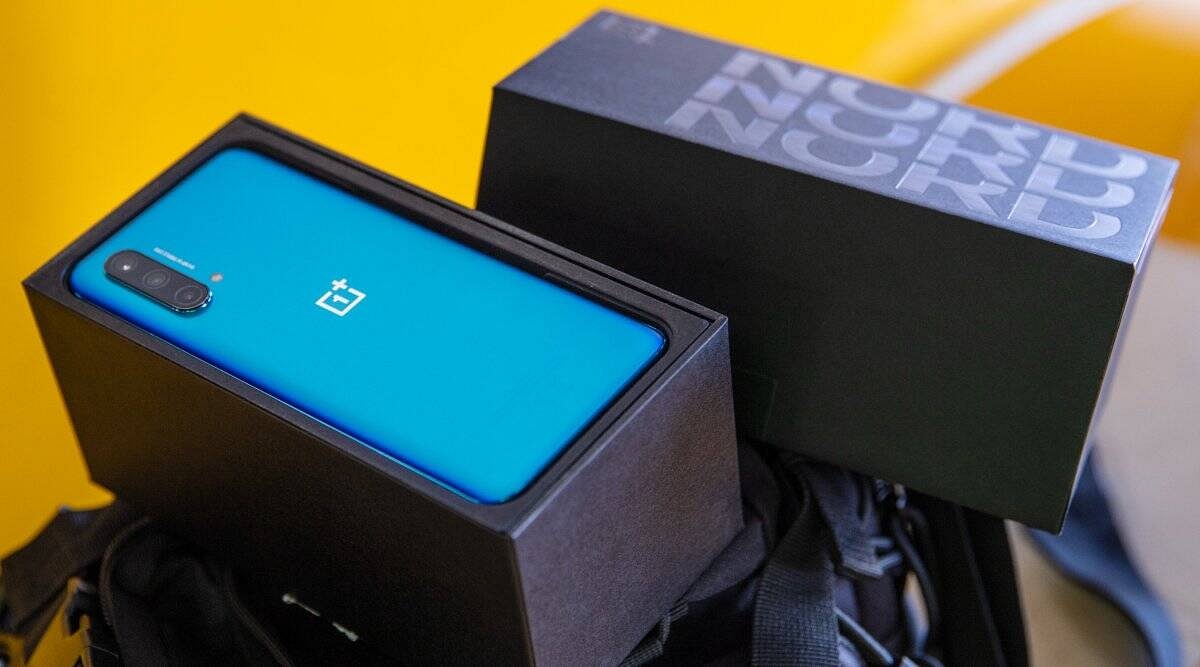
OnePlus Diwali Sale Offers On OnePlus Nord CE 2 Lite, 10 Pro, 10R Smartphones, And More: See List Here

OnePlus has come up with new offers for the festive sale that has already commenced on Thursday ( September 22, 2022). Notably, the smartphone maker has announced big discounts on a few of its devices, including the OnePlus 10T. In addition, the company announced discounts on televisions and wearables.

It is worth noting that customers will get a discount of Rs. 3,000 while buying the OnePlus 10R Prime Blue Edition via SBI Credit cards. In addition, the e-commerce platform is providing cashback of Rs. 500 through Amazon Pay on all prepaid payments for purchasing the OnePlus 10R Prime Edition for Prime members. So, let’s find out all the offers and the details of all devices that are available in the sale.

OnePlus Nord CE 2 Lite 5G Smartphone: Details

The OnePlus Nord CE 2 Lite 5G smartphone comes with a discount of Rs. 500 and Rs. 1,500 if you are purchasing the OnePlus Nord CE 2 Lite via Axis Bank Cards via the company’s website and Amazon.

OnePlus 10 Pro Smartphone Offers

The 8GB + 128GB storage of the OnePlus 10 Pro is priced at Rs. 61,999, whereas 12GB + 256GB storage model will cost you Rs. 66,999. In addition, the OnePlus is providing Rs. 6,000 instant discounts to all customers who will purchase via Axis Bank Card and EMI transactions on the company’s website, App Store, Experience Stores, retail outlets, and through SBI cards.

Additionally, buyers can avail of discounts up to Rs. 10,000 as exchange value on the OnePlus and iPhone devices.

OnePlus 10R Smartphone Discount

The OnePlus 10R is priced at Rs. 32,999. Besides, buyers will get discounts up to Rs. 3,000 through Axis Bank Card and EMI transactions on the company’s store, App, OnePlus.in, and offline stores. The offer is also available on SBI Cards on Amazon.

Apart from that, buyers are allowed to exchange their older smartphones, including OnePlus and iPhone devices.

Categories
Tech Gadgets

Instagram Group Chat: How To Start Group Chat On Instagram, Add Members, Send Private Media

Instagram is getting popularity as one of the best social media platforms for mobile and desktop users in the global market. Since Meta acquired this photo-sharing app, we have seen some major overhauls with the UI and features. Instagram has been rapidly working to improve the user experience and has added a myriad of features in a bid to offer the same.

Instagram has evolved from being just a photo-sharing app and now lets users share short videos and stories. The company has also added the Direct messaging feature which allows the users to chat without leaving the app. The company has made it an end-to-end platform for a secure messaging experience and has also added support for direct calling (both voice and video).

Also, there aren’t many limitations with the direct messaging feature and you can also make use of the group chatting feature to talk to multiple of your friends simultaneously. You would need to create a group in order to initiate a group chat, video, or voice call. If you are unaware of the steps to start a group chat on Instagram, this step-by-step guide article is what you need to go through. Read on here:

Steps To Initiate Group Chat On Instagram

Step 1: You can start a group chat using the Instagram mobile app for Android and iOS devices. Launch the app on your respective smartphones and move to step 2.

Step 2: Go to the direct messaging section. Click on the messenger option from the top left corner.

Step 3: Now, select the square with a pencil icon which is for adding group chat members.

Step 4: Tap the users’ profile with whom you would want to initiate the group chat.

Step 5: Once you perform these steps, the group chat window will be created.

Step 6: You can now start chatting with your group and send photos and videos from your gallery or Instagram feed.

Step 7: You can also take care of your privacy by selecting the View once and Allow replay option. Tap on send once done.

How To Add More Members To Instagram Group Chat

Step 1: Go to the Direct Messaging option on the Instagram app.

Step 2: Now, open the group chat where you want to add the additional members.

Step 3: Right next to the Members tab, you’ll see the Add people option. Tap on it.

Step 4: Now, scroll to the users you want to add to the group chat.

Step 5: Tap on Next and the new users will be added to the group.

Categories
Leaks mobile Tech Gadgets

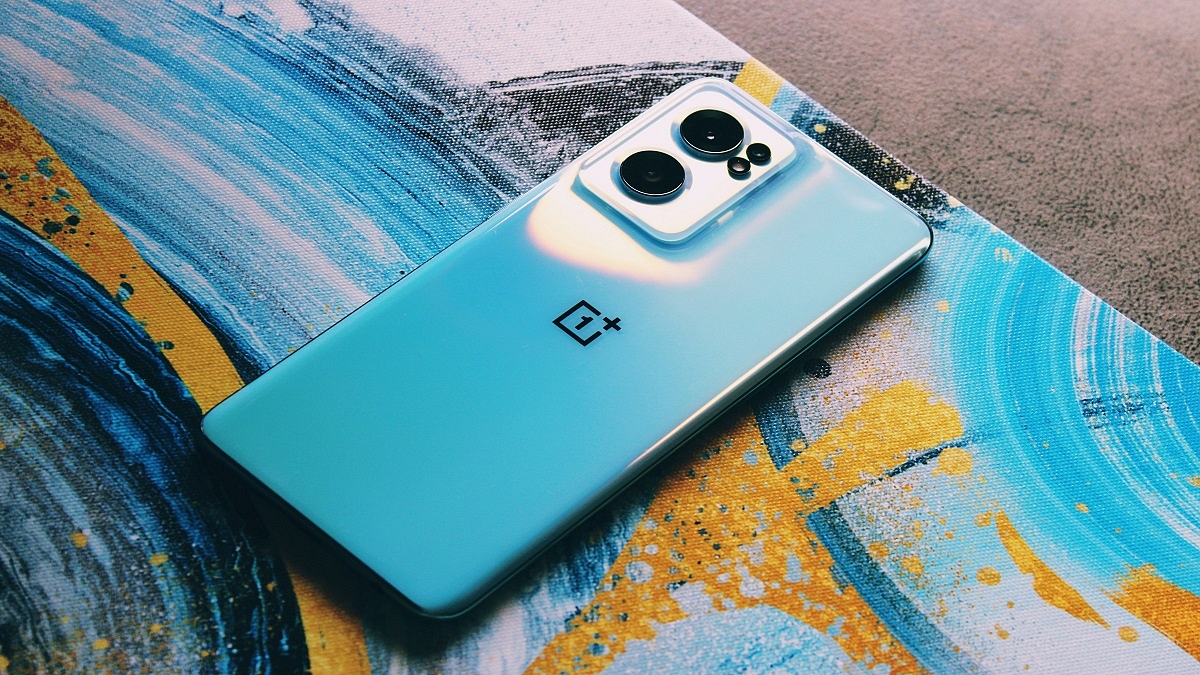
OnePlus 11 Pro 5G Smartphone Specifications Tipped; Might Launch With Snapdragon 8 Gen 2 SoC

Chinese smartphone maker OnePlus is likely to bring a new smartphone soon. In fact, the full specifications of the OnePlus 11 Pro 5G have been shared 91Mobiles in collaboration with tipster Steve Hemmerstoffer. Earlier, SmartPrix shared its CAD renders with the same tipster.

Notably, the device is expected to be launched in China by the end of this year. However, the smartphone will be available in early 2023 in other markets and India. The company has not shared anything on the upcoming launch, but rumors suggest that it will have Snapdragon 8 Gen 2 mobile platform.

OnePlus 11 Pro 5G Smartphone: Expected Specifications

According to the 91 Mobiles report, the OnePlus 11 Pro will have a 6.7-inch AMOLED display, 120Hz refresh rate along with curved edges, and Quad HD+ resolution. The OnePlus 11 Pro will have Snapdragon 8 Gen 2 that is likely to be launched in November.

The report claims that there will be two variants such as 8GB of RAM and 128GB of storage and 16GB of RAM and 256GB of storage. However, there is no update on the 12GB RAM variant. In addition, the display punch-hole of the OnePlus 11 Pro might have a 16MP camera for selfies.

There will be a 50MP main sensor along with OIS support, 32MP telephoto camera, 48MP ultra-wide lens, 32GB telephoto camera along with 2x optical zoom.

The OnePlus 11 Pro will have a 5,000mAh battery along with 100W charging, an in-screen fingerprint scanner, WiFi 6E, Bluetooth 5.2, GPS, USB Type-C port, an alert slider, dual SIM, and 5G support. Additionally, the device will have OxygenOS 13 which is Android 13 OS.

OnePlus 11 Pro 5G Smartphone: Expected Launch Date

It is important to note that there is no update on the launch of the OnePlus 11 Pro 5G on the global market. The smartphone is expected to be launched by the end of this year but will be launched in the first quarter of the next year in the global market.

Categories
Tech Gadgets

Google Chat Latest Update Adding Support To Send Multiple Videos, Photos Simultaneously: How To Use

Highlights

Google Chat gets a new update

Users will be able to send up to 20 videos and images simultaneously

Mass update rollout awaited

Google is one of the biggest providers of mobile services and apps. The brand is making our lives easier with its services and tools covering most aspects such as multimedia, navigation, lifestyle, and health. Google has also tried its hand in the social media space and messaging. For the latter, it offers Google Chat which is an improved app dedicated to messaging. Going forward, Google plans to replace Hangouts with Chats. In the meanwhile, Google has updated the Chat app with new features. Below are the details:

Google Chat Getting Updated With This New Features

A new report by 9To5Google has revealed Google Chat’s upcoming update rollout. Going by the information shared by the publication, Google will be adding support to share multiple images as well as videos to the Chats app. The company currently allows users to send a single image or video to any contact.

However, the latest update is now letting users easily send more than one image or video to their contacts. Therefore, it was quite a task to send multiple photos or videos at once using Google Chat. This is one of the primary reason why Google Chat is still not as popular as WhatsApp and similar popular instant messaging applications.

Since Google is shutting down Hangouts and improving the messaging experience with Google Chat, we are expecting this app to become more successful in the coming years. The report also mentions Google has started releasing this update to the Chat app for Android users. However, the company is dishing out this update in a phased manner and will possibly be done with the mass rollout going forward.

How Can You Send Multiple Images And Videos Using Google Chat?

You don’t have to perform any special steps to send multiple images or videos using Google Chat. Rather, the method is similar to how you would send a single video or image. Just open the chat window and go to the media option, and select the images that you want to send to the contact. Similarly, you can select multiple videos simultaneously and share them with the desired contacts. It is worth adding that Google has added support to send up to 20 images and videos simultaneously from the gallery.

Categories
Tech Gadgets

Edit WhatsApp Sent Messages: New Feature Upcoming To Let You Correct Sent Messages On WhatsApp

WhatsApp messaging is the modern way of communication. The end-to-end encryption platform offers a secure environment for sharing texts, media, and even voice/video calling has been driving the user base from across the globe to WhatsApp. The company has also been proactively adding useful features to enhance the entire messaging experience. Earlier WhatsApp released the much-awaited message delete feature and now is testing another such option. WhatsApp will now finally roll out the option to edit sent messages to any contact. Here are the latest developments:

WhatsApp Edit Message Option Coming Soon

WaBetaInfo which has been consistent with sharing upcoming WhatsApp features has shared a new report suggesting the arrival of the Edit message option. According to the report, WhatsApp is now testing the feature that will let users edit sent messages. This upcoming editing option will be of great use for professional communications by correcting typos. This otherwise is not possible with WhatsApp messages.

The WaBetaInfo report further suggests WhatsApp has already sent this feature in the development phase. WhatsApp is said to be testing this new messaging feature with v2.22.20.12. However, the company is yet to roll out a beta update for this new feature. The stable versions availability remains uncertain until then. We can this new Whatsapp feature to be available for both Android and iPhone users.

Any Timeline For Editing Sent Messages?

One of the biggest questions that come to the mind is whether WhatsApp will set any timeframe for the sent messages to be edited. Since this update is in the development phase, it would be difficult to anticipate. WhatsApp had imposed a minimum time limit previously to delete a sent message. But later extended the timeframe.

There could be a possibility that the same limitations could be present with the edit message feature. However, we would have to wait for a while and see how WhatsApp works around this. Nevertheless, the screenshot shared in the report suggests the users will be notified if the message received is edited. This is the same as the delete message notification. This means, that even if you make some corrections the recipient of the message would be aware if any changes have been made to the text.

Categories
Tech Gadgets

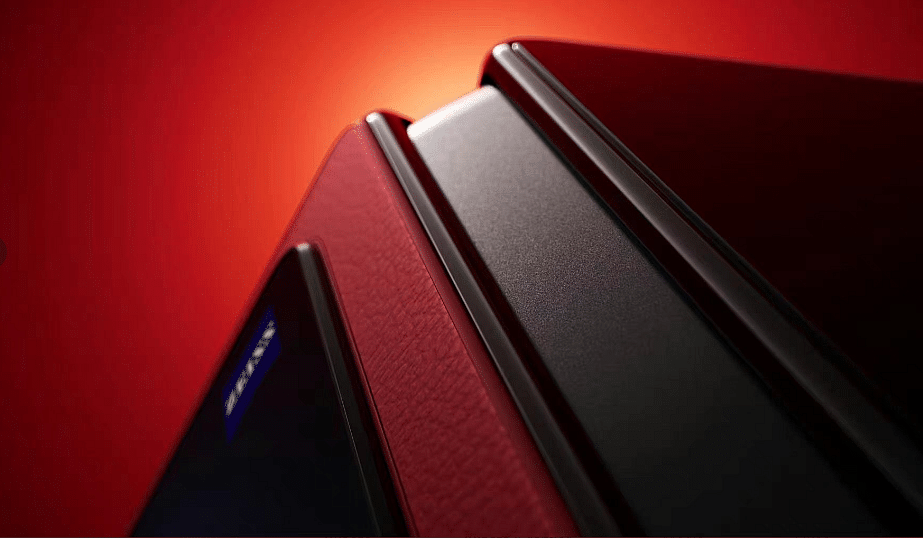
Vivo To Launch Second Foldable Smartphone: X Fold+ 5G Smartphone Specifications Teased Before Launch

Key Highlights

  • The Vivo X Fold+ 5G will launch in its domestic market in China. The launch date has not been shared by the company yet.
  • The Vivo X Fold+ 5G will be the second smartphone in the foldable segment and will have some upgradation from the existing device.
  • The Vivo X Fold+ 5G will be in the premium segment like other devices (Samsung) that exist in the same segment.

Vivo has started teasing the launch of the upcoming smartphone. The Vivo X Fold+ 5G will be launched in China first; however, the exact launch date is not known at this moment. In addition, the Vice President of the company Jia Jingdong shared some key details of the upcoming foldable device.

The Vivo X Fold+ 5G is likely to be the second foldable smartphone from the device maker. In addition, the device will have some upgradation from the X Fold 5G that is already available. However, it is worth noting that the upcoming phone will be available in the global markets. So, let’s take a look at the details of the upcoming device.

Vivo X Fold+ 5G Smartphone: Specifications

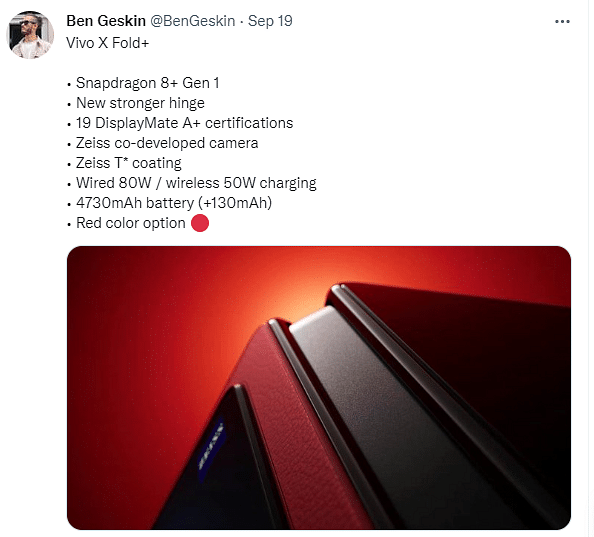
The Vivo X Fold+ 5G is expected to be under the premium segment foldable like Samsung Galaxy Z Fold 5G. Besides, the smartphone is likely to launch soon, but ahead of the actual launch, the company said that the device will have a new hinge mechanism that can help the device at different angles like 90 degrees, 120 degrees, and 30 degrees.

Vivo Vivo X Fold+ 5G Smartphone

In addition, Jingdong reveals that the X Fold+ 5G will have a 120Hz foldable display. Besides, the screen received 19 display A+ certificates and an ultrasonic fingerprint scanner. There are also rumors that the device will have an 8.03-inch foldable display along with a 6.53-inch cover display.

The smartphone will have Snapdragon 8+ Gen 1 processor, 4730 mAh battery along with 80W fast charging and 50W wireless charging. In addition, the smartphone will have Zeiss-tuned cameras along with a T* coating.

Furthermore, the rumors suggest that the smartphone will have a 50MP main camera, 48MP ultrawide camera, 12MP portrait camera, and 8MP periscope camera. Also, the foldable smartphone might be available in a new Red color option as well.