Categories
Apps Featured How To Info

How to Enable 2-Step Verification On Telegram App: Step-By-Step Guide

Key Highlights

  • Enhanced Security with Two-Step Verification.
  • Simple Setup for Added Account Protection.
  • Protect Messages: Easy Steps for Privacy.

Telegram is a popular messaging app that prioritizes simplicity and security. It allows users to send messages, share media, and documents in a secure way. The app features end-to-end encryption for secret chats and supports self-destruct timers for messages.

Also Read: How Can You Change Font Style In Telegram: Steps For Android, iOS, Desktop

How to Enable 2-Step Verification On Telegram
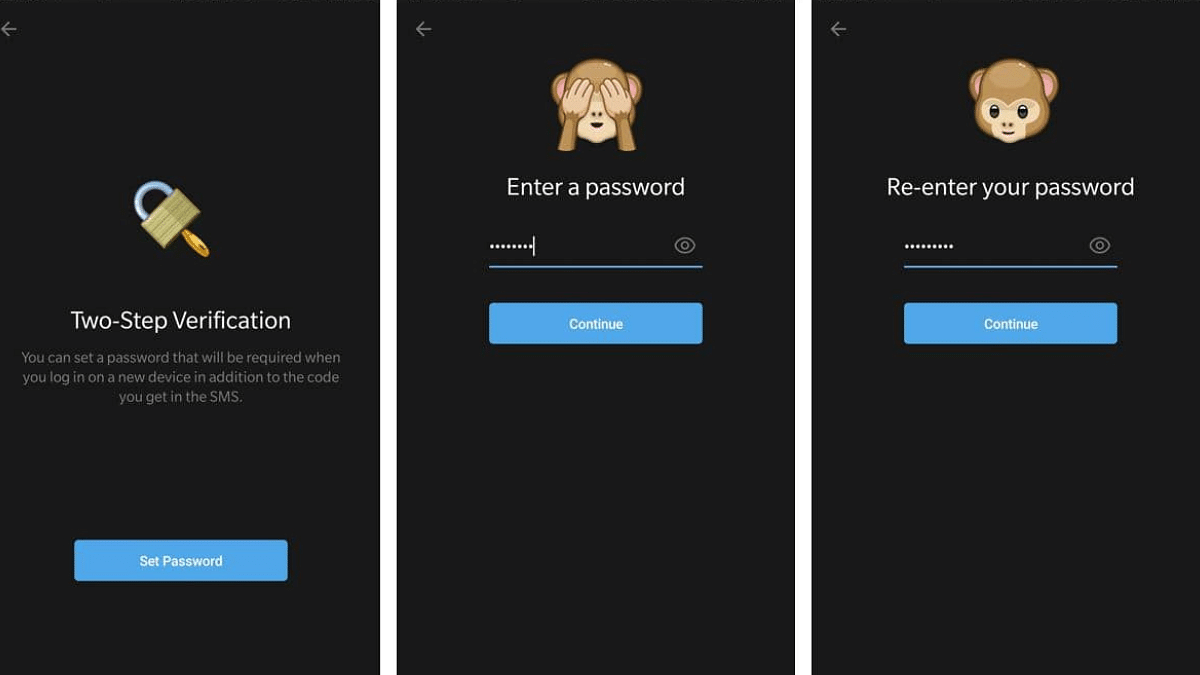
Telegram is a widely used messaging app known for its user-friendly interface and commitment to privacy and security. One key feature to enhance the security of your Telegram account is the 2-step verification process. By following a few simple steps, you can add an extra layer of protection to safeguard your messages and information.

Also Read: Telegram Introduces Stories For All Users: A 10th Anniversary Gift

Step-By-Step Process:

1. Access Menu: To get started, swipe left on your screen or tap on the hamburger menu icon to open the menu interface.

2. Navigate to Settings: Within the menu, find and select “Settings” to proceed to the app’s settings.

3. Privacy and Security: Once in the Settings menu, choose “Privacy and Security” to access security-related options.

4. Select Two-Step Verification: Under Privacy and Security, tap on “Two-Step Verification” to initiate the setup process.

5. Set Additional Password: Telegram will prompt you to set up an additional password for added security. Choose a strong and unique password.

6. Add Password Hint and Recovery Email: For enhanced account recovery options, enter a password hint and provide a recovery email. This ensures you can regain access to your account if needed.

7. Verification Code: Telegram will send a verification code to the recovery email provided. Input this code to complete the two-step verification process.

By following these straightforward steps, you can protect your messages and information from unauthorized access, enhancing the overall privacy and integrity of your communication on the platform.

Also Read: Top Five Hacks To Protect Your Privacy On Telegram
Categories
Apps Featured

CES 2024: Google Unveils Exciting Features For Android Devices

Key Highlights

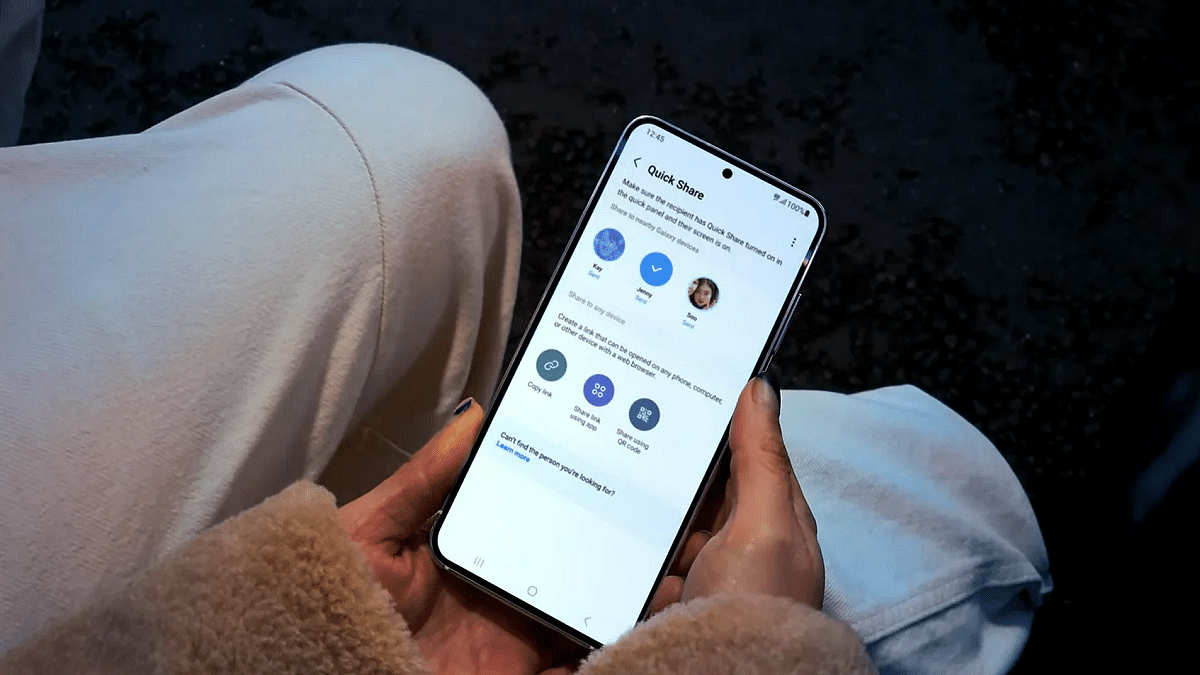
  • Google’s improved file-sharing, ‘Quick Share,’ will come to all Android devices next month
  • Google extends Fast Pair to Chromecast with Google TV and more devices later
  • LG TVs and select Google TVs become hubs for Matter devices in homes

At the ongoing Consumer Electronics Show (CES) 2024 in Las Vegas, Google introduced several innovative features for Android devices. These enhancements not only facilitate quick file sharing from Android phones but also aim to streamline the interaction between users and their smart home devices. Also Read | CES 2024: LG Unveils World’s First Transparent TV ‘Signature OLED T’

Quick Share: Enhanced Nearby Share Experience In Collaboration With Samsung

Google has collaborated with Samsung to introduce an upgraded version of the Nearby Share feature, named ‘Quick Share.’ While Samsung users already enjoy a Quick Share feature, this updated version will be available to all Android device owners. The feature enables users to view a list of nearby devices and choose recipients for file sharing. The rollout for current Nearby Share-enabled devices is set to begin next month. Google also revealed plans to extend Quick Share to Windows PCs as a pre-installed app, collaborating with leading PC manufacturers like LG.

Fast Pair Expansion, Including Chromecast With Google TV

Google is expanding its Fast Pair support to include Chromecast with Google TV and plans to extend this feature to more Google TV devices later in the year.

Also Read | Google Maps On Apple Watch: How To Setup And Use Google Maps For Navigation On Apple Watch

TikTok Casting To Chromecast-enabled Devices

In a notable development, TikTok users will soon be able to cast content from their phones to devices with Chromecast built-in. The feature will include the ability to cast LIVE videos from TikTok to smart TVs, with compatibility extended to the 2024 LG TV series.

Enhanced Casting Features For Spotify, YouTube Music

Google is introducing a new casting feature that allows users to seamlessly transfer what’s playing on Spotify and YouTube Music from their compatible Pixel phones to their docked Pixel Tablet when in proximity.

Expanded Matter Support For LG TVs, Google TV Devices

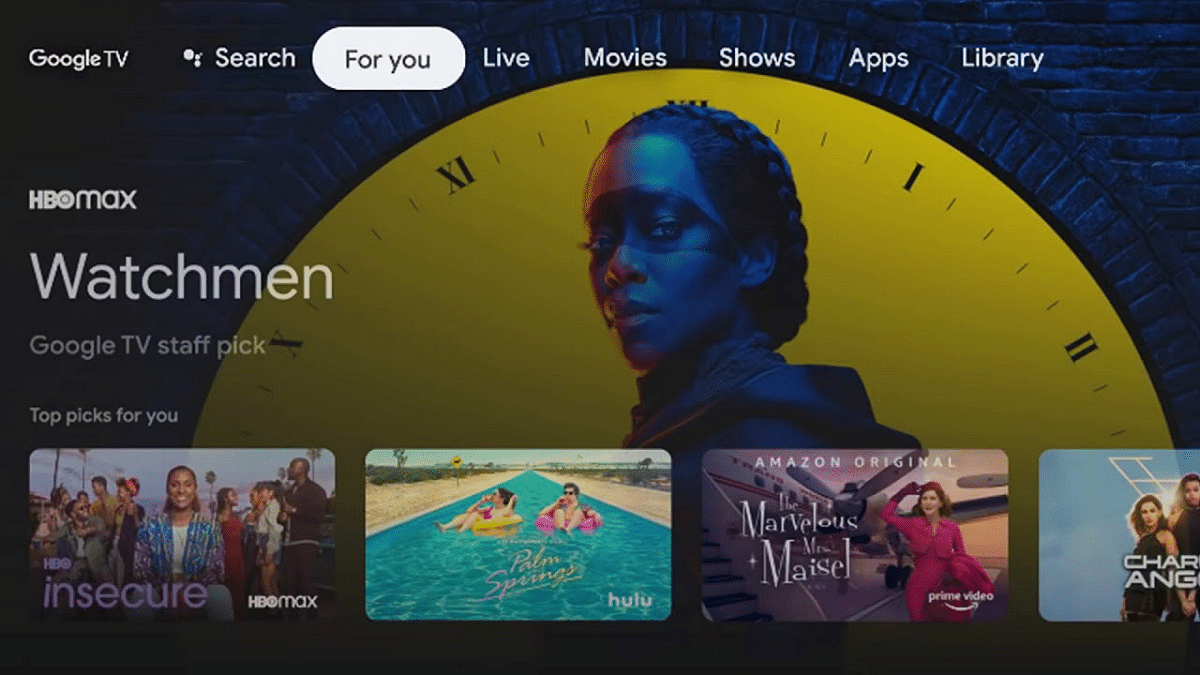
In the future, LG TVs and select Google TV and other Android TV OS devices will serve as hubs for Google Home. This advancement aims to simplify the process of adding Matter devices to home networks and locally controlling them through the Google Home app.

Also Read | CES 2024 EV Update: Honda Unveils Two New Concept Electric Cars Scheduled For 2026 Debut

Categories
Apps Featured

Republic Day Sale 2024: Amazon, Flipkart, Myntra, And Others Announce Sale Dates

Key Highlights

  • E-commerce giants unveil details for Republic Day Sales 2024
  • Flipkart set to kick off its Republic Day Sale on January 14
  • Myntra Right to Fashion Sale scheduled from January 12-18

As Republic Day approaches, major e-commerce players like Amazon, Flipkart, Myntra, Tata Cliq, and Jio Mart are gearing up for their grand festive sales. Flipkart, in particular, is all set to kick off its Republic Day Sale on January 14, with exclusive early access for Flipkart Plus members starting on January 13. The sale, running until January 19, promises exciting deals on a variety of products, especially smartphones. Also Read | Top Five Budget Android 5G, 4G Smartphones Available Under Rs. 15,000 In India Right Now

E-commerceSale Dates
AmazonJanuary 14 onwards
FlipkartJanuary 14-19
MyntraJanuary 12-18
Tata CliqJanuary 20-26
Jio MartDetails yet to be announced

Amazon’s Great Republic Day Sale

Amazon is set to launch its Great Republic Day Sale from January 14 onwards. While the specific offers on phones and electronic gadgets are yet to be revealed, expectations are high. Discounts on popular smartphones, including the iPhone 13, Motorola Razr 40 Ultra, OnePlus Nord CE 3 Lite 5G, and others, are expected. For instance, the iPhone 13 could see a price drop to less than Rs. 52,999 from its original Rs. 59,999 during Amazon’s sale.

Flipkart’s Smartphone Deals

Flipkart has teased its upcoming sale with a sneak peek at discounted prices for various phones. While specific prices remain undisclosed, potential offers include discounts on iPhone 15, iPhone 14, iPhone 13, iPhone 12, Samsung Galaxy S21 FE 5G, Pixel 7a, Motorola Edge 40 Neo, and more. The iPhone 15 is already marked down to Rs. 72,999 from its original Rs. 79,900, with additional sale offers expected to make it an enticing deal.

Myntra’s Right to Fashion Sale 2024

Myntra is adding flair to the Republic Day celebration with its Right to Fashion Sale, scheduled from January 12 to January 18. Shoppers can expect discounts of above 60 percent on a wide range of products, making it an ideal opportunity to upgrade their wardrobe.

Also Read | Upgrade To A Curved Display: Four Best Smartphones To Buy

Tata Cliq’s India’s Got Style Sale

Tata Cliq is joining the Republic Day festivities with its India’s Got Style Sale, running from January 20 to January 26. The sale promises large discounts of up to 85 percent on gadgets, including headphones, 80 percent on smartwatches, 65 percent on speakers, and similar enticing offers on various items.

Jio Mart’s R-Day Sales

Jio Mart, though part of the Republic Day sales lineup, is yet to disclose the specifics of its offerings. Stay tuned for more details on potential deals and discounts.

Verdict

While the dates of the Republic Day sales are announced, the e-commerce giants are keeping smartphone enthusiasts on the edge by withholding details on prices and specific offers. The iPhone 15, Samsung Galaxy S23 and others remain under wraps, creating an air of excitement as consumers await the unveiling of these Republic Day tech deals.

Also Read |Festive Season Gifting Guide: Best Feature-Loaded Smartphones Priced Under Rs. 10,000

Categories
Apps Featured Info

WhatsApp’s Latest Update: Users Will Now Be Able To Share Music Audio During Video Calls

Key Highlights

  • WhatsApp introduces audio feature during video calls.
  • Similar to Zoom and Google Meet experience.
  • WhatsApp is on it’s way to become the go-to communication platform for all needs.

WhatsApp is now introducing an exciting new feature that allows users to share music audio during video calls. Currently in the testing phase for Android beta users, this feature is expected to be available for all users in the near future.

Also Read: How To Pin A Message In WhatsApp Chat: A Step-by-Step Guide

Shared Audio for Enhanced Group Interactions

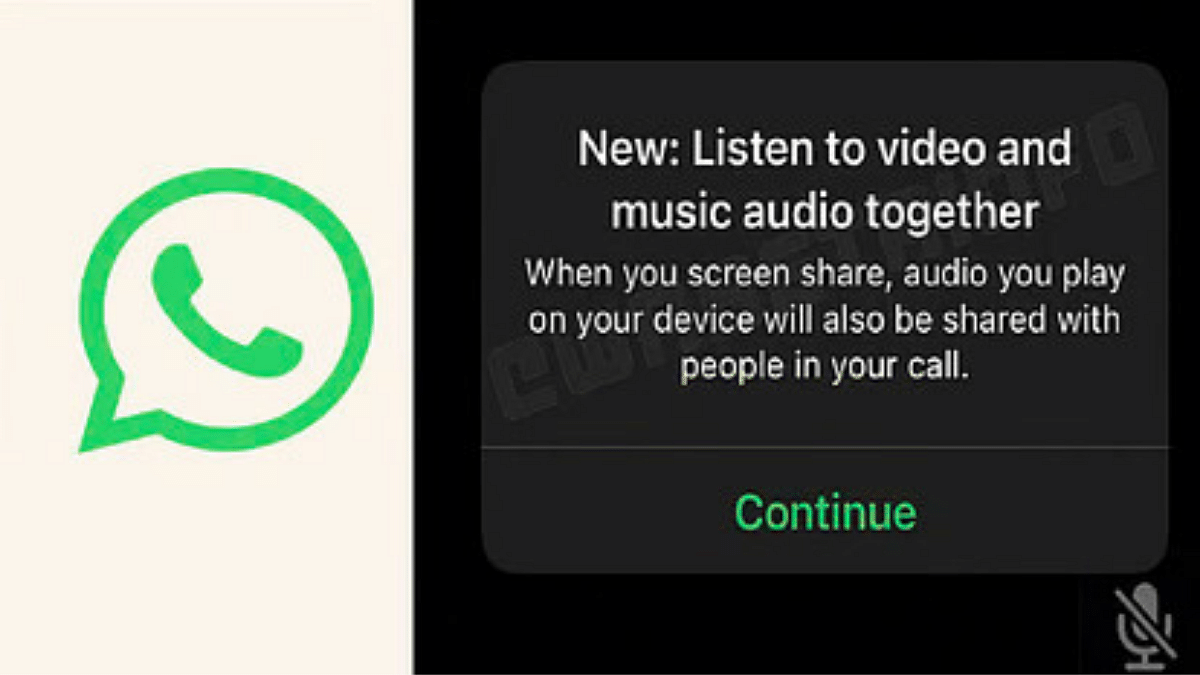
According to a report by WABetaInfo, when a participant in a video call shares their screen, the audio they play on their device will be shared with others in the call. This feature extends to individual calls as well, creating a synchronized audio experience even in one-on-one video conversations. This not only enhances the overall call experience but also promotes a sense of togetherness in group interactions.

In addition to shared music, participants in a WhatsApp call can also watch videos together. The shared audio during video calls allows participants to synchronize their video playback experiences.

Previously, users relied on platforms like Zoom and Google Meet for synchronized audio experiences during video calls. Now, with WhatsApp’s latest update, users can seamlessly share music audio, watch videos together.

Also Read: How To Use WhatsApp’s Disappearing Voice Notes Feature: Guide

WhatsApp: Rollout and Future Developments

The shared music audio feature is currently available to Android beta testers and is expected to roll out to all users in the coming weeks. WhatsApp continues to evolve its services, with a future update planned to enable users to search for others through their usernames on the web client, adding another layer of convenience to the platform.

Stay tuned to Giznext to know about these exciting updates.

Also Read: WhatsApp Introduces New Reply Bar For Status Updates And More..WhatsApp Introduces New Reply Bar For Status Updates And More.

Categories
Apps Auto Tech Featured

100+ Instagram Username Ideas For Auto Tech Influencers
Key Highlights

  • Infuse technology and automotive flair into your username
  • It showcases your expertise and passion for auto tech
  • Convey mastery in auto technology with a touch of sophistication

In the dynamic world of auto tech, establishing a unique online presence is crucial. Instagram, a powerhouse for influencers, demands attention-grabbing usernames. Choosing the right handle can define your brand and connect with enthusiasts. In this article, we explore creative Instagram username ideas tailored for auto tech influencers. From combining industry jargon to infusing personal flair, these suggestions aim to elevate your online identity and resonate with your target audience. Also Read | 100+ Best Instagram Gaming Names For Girls
Creative Username Ideas For Auto Tech Influencers

TechLoomGearWiseTechRev
DriveQuestDrivePilotAutoCraze
IgnitionIQVoltPulseSparkPlug
DriveFlareMechForgeVoltMinds
TechPulseApexSparkTurboByte
SparkCraftRevNinjaMechWhiz
RevNxtGearGuruIgniteX
TurboSyncDriveWizPulseTech

Trendy Username Ideas For Auto Tech Influencers

Turbo TrendGear GlamTurbo Glow
Ignition VibeDrive FlairAuto EliteX
Drive In StyleVolt VogueGear Glow
Tech TorqueMech ModeDrive Swag
Auto ChicApex AuraVolt Vista
Rev TrendzIgnite ChicSpark Sleek
Pulse VogueRev CrazeApex Elegance
Spark StylePulsePoshIgnite Impress

Also Read | 100+ Best Instagram Names For Pet Parents
Catchy Username Ideas For Auto Tech Influencers

Gear Guru ProMechMaestroRev Revolution
Ignition InnovatorApex ArtisanTech Tactician
Drive DynastyIgnite IconAuto Adept
Tech TrailblazerDrive DynamoDrive Dazzle
Auto AlchemyVolt VirtuosoPulse Prodigy
Spark SorcererGear GeniusIgnition Impulse
Rev RoverTurbo TrailApex Astral
Pulse ProdigySpark SculptorRev Ninja

Attractive Username Ideas For Auto Tech Influencers

Auto AttractionGear GlamourIgnition In Style
Tech AllureRevRadianceApex Allure
Drive MagnetAuto AdornVolt Vogue
Spark SeduceTech TeaseGear Glisten
Turbo TemptDrive DapperRev Ravish
Ignition ElegancePulse PizzazzSpeed Check
Apex AppealSpark StylishAuto World
Volt VanityTurbo CharmAuto Vibe

Verdict

Crafting an engaging Instagram username is more than a digital formality—it’s an essential step toward cultivating a distinct brand in the auto tech realm. Elevate your online persona with a carefully chosen handle that reflects your expertise, personality, and passion, creating a lasting impact on your followers and the automotive community.

Also Read | Best 100+ Creative Instagram Names For Productivity And Life Skills Mentors/ Influencers

Categories
Apps Auto Tech Featured How To

Find And Locate Your Parked Car/Vehicle With This Google Maps Hack

Key Highlights

  • Google Maps is the most convenient navigational app for smartphone users
  • Offers hassle free commute directions
  • Can be used to find parked cars and other vehicles

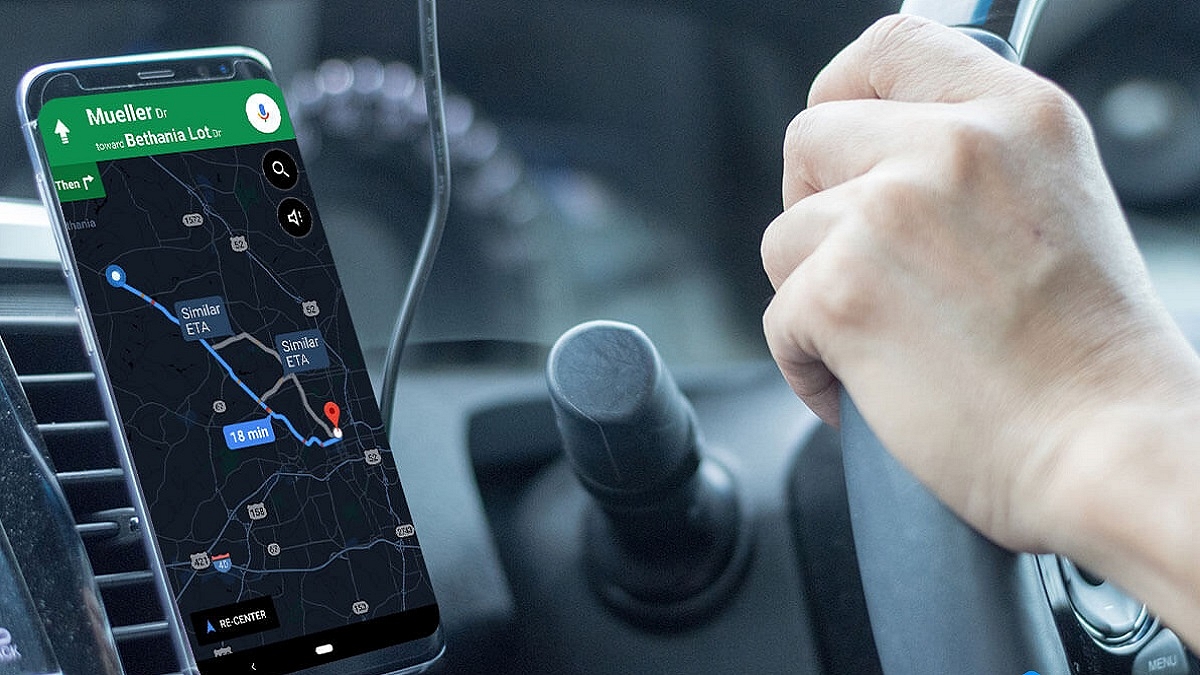
Google Maps have made it convenient for smartphone users to commute to unknown destinations; specifically for the one who are driving through the roads. Over the years, Google has added numerous tools and services to enhance the navigational experience for the masses. From finding a shorter route to getting live traffic status, Google Maps offer a whole wide range of navigation features but also aids with finding grocery stores, fuel stations, hospitals, and much more. But are you aware that Google Maps can also help you locate your parked vehicles. Let’s know more of this useful Google Maps feature and how can you use it to save time finding your parked vehicles.

Also Read: Google Maps Tips & Tricks: How To Use Fuel-Efficient Routing In India

Google Maps Saved Car Parking Feature: Functionality

The Google Maps “Save Parking” is an essential feature that helps consumers to find their parked vehicles. This option makes it super convenient for the users to locate their cars, scooters, and motorcycles with just a tap.

Specifically, if the vehicle is parked in any busy street or locality or even in a big parking lot where it might get a bit difficult to locate the parked vehicle. A dedicated point can be marked where the car is parked which helps with cutting down the confusion of finding the exact spot where it has been parked.

Also Read: Google Maps Live Location Feature Released: Steps To Use On Android, iOS

Steps To Create And Add A New Parking Lot/ Garage On Google Maps

Step 1: Launch Google Maps on your Android/ iOS device or open the desktop version

Step 2: Now, search a location that you wish to add as a new parking lot or garage

Step 3: Click on “Directions” option

Step 4: Locate the “Steps & Parking” option and tap on it

Step 5: Now, select the “Find parking near destination” option

Step 6: You will now be able to select a parking lot or garage by simply tapping on the “Add Parking” tab

Step 7: Hit the Start button

Also Read: Avoid Overspeeding Traffic Challans: How To Enable Speed Limit Warning In Google Maps

How To Save Parking Location On Google Maps

Step 1: Open the Google Maps mobile application on your respective devices

Step 2: Enter the destination

Step 3: Once you have reached the destination, you’ll see the blue navigation icon on the screen. Tap on it.

Step 4: You’ll see a bunch of options from where you need to select “Save parking”

Step 5: That’s all you need to do to save the parking location

Also Read: Want To Report Accidents And Road Closures On Google Maps? Learn How To Do It

Steps To Find Parked Car Or Vehicle Using Google Maps

Step 1: After launching the Google Maps app, go to the profile section

Step 2: Tap once on the search bar

Step 3: Select the Parking location and hit on Directions

Categories
Apps Featured How To

Google Maps Live Location Feature Released: Steps To Use On Android, iOS

Key Highlights

  • Live location sharing feature has been missing from Google Maps
  • Option added to share live location directly using Google Maps
  • Feature can be used on both iOS and Android

Google Maps is one of the most advanced navigation apps that one can use on a variety of gadgets including smartphones, tablets, and laptops. It is one of those applications that has made it easy for the masses to travel to unknown destinations while commuting via public or personal transports. Google has been updating Maps with new features and has also improved its interface for the ease in operations. A new feature has been added to Google Maps which will now allow live location sharing directly from the application. What is this live location feature added to Google Maps and how can you use it on Android and iOS devices? Find out the details below:

Google Maps Live Location Sharing Feature: What Is It?

The live location feature sharing on Google Maps is the same as offered by the popular instant messaging app WhatsApp. This new feature will allow users to send live location to any contact using the Maps app directly.

Also Read: Google Maps Tips & Tricks: How To Use Fuel-Efficient Routing In India

Google Maps Live Location Sharing Feature: Time And Sharing Guide

The maximum limit that Google has set on Maps for sharing live location to any other user is infinite. For this one has to select the “Until you turn this off” option. The minimum limit is set for 15minutes which can be extended to up to 1 day.

Once you set the time limit, you will see a bunch of apps that support Maps and using which you can share the live location.

Also Read: Google Maps Partners With ONDC For Metro Ticket Booking In India

How To Share Live Location On Google Maps Using Android, iOS

Step 1: Launch the Google Maps application on your Android or iOS device

Step 2: Click on the Profile option. Placement of the profile icon may vary depending on the Android or iOS device you are using

Step 3: Tap on the Location Sharing option

Step 4: Now, select the “Share Location” option

Step 5: Adjust the time limit

Step 6: Select the app using which you wish to share your live location

Also Read: Find Nearest Grocery Store: Here’s How To Locate Closest Grocery Store Using Google Maps

Conclusion

It has been long since the third party messaging applications have been using Google navigational support for sharing live locations. And Google’s native navigation app itself remained void of this feature. Now, no more third party application will be required as users will get the option send their live location directly from the Maps app.

Categories
Apps Featured Tablet

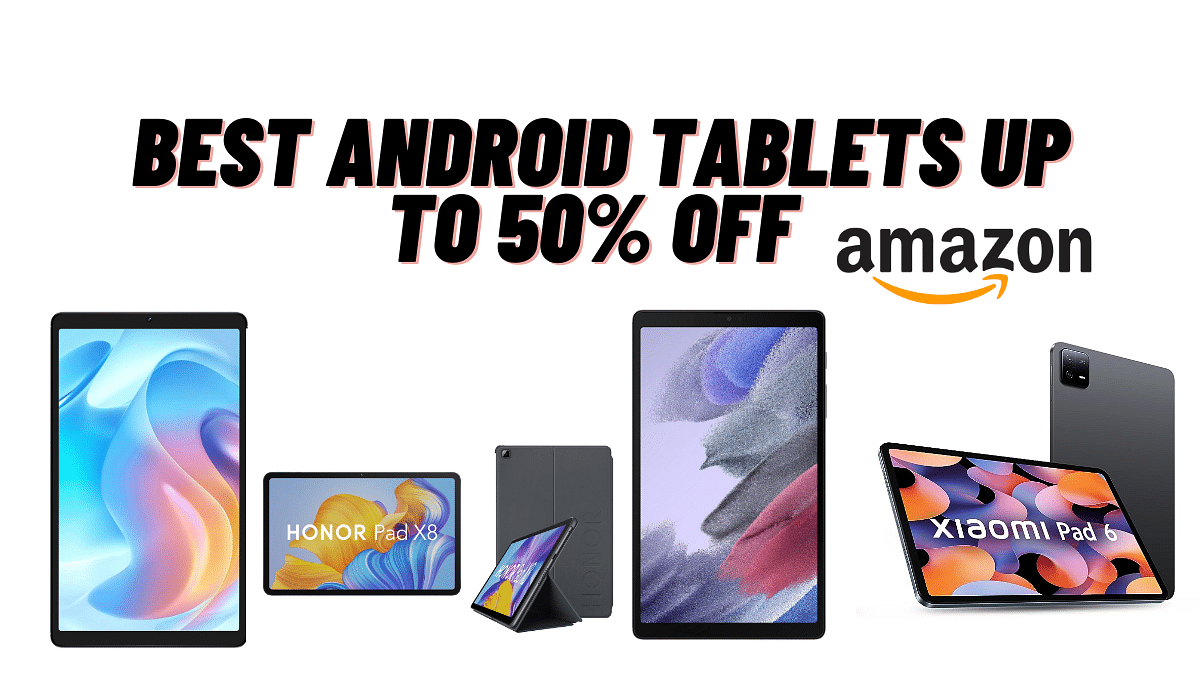
Amazon New Year Deals: Up to 50% Off On Android Tablets – Xiaomi, Realme, Lenovo And More

Amazon brings you unbeatable deals on the best Android tablets from top brands like Xiaomi, Realme, Lenovo, and more. You can get discounts of up to 50% off on mid-range tablets with advanced features. I have mentioned five tablets available at massive discounts, ideal for college and business purposes.

Tablet ModelOriginal PriceDiscounted PriceBuying Link
Xiaomi Pad 6Rs. 39,999Rs. 26,999Amazon
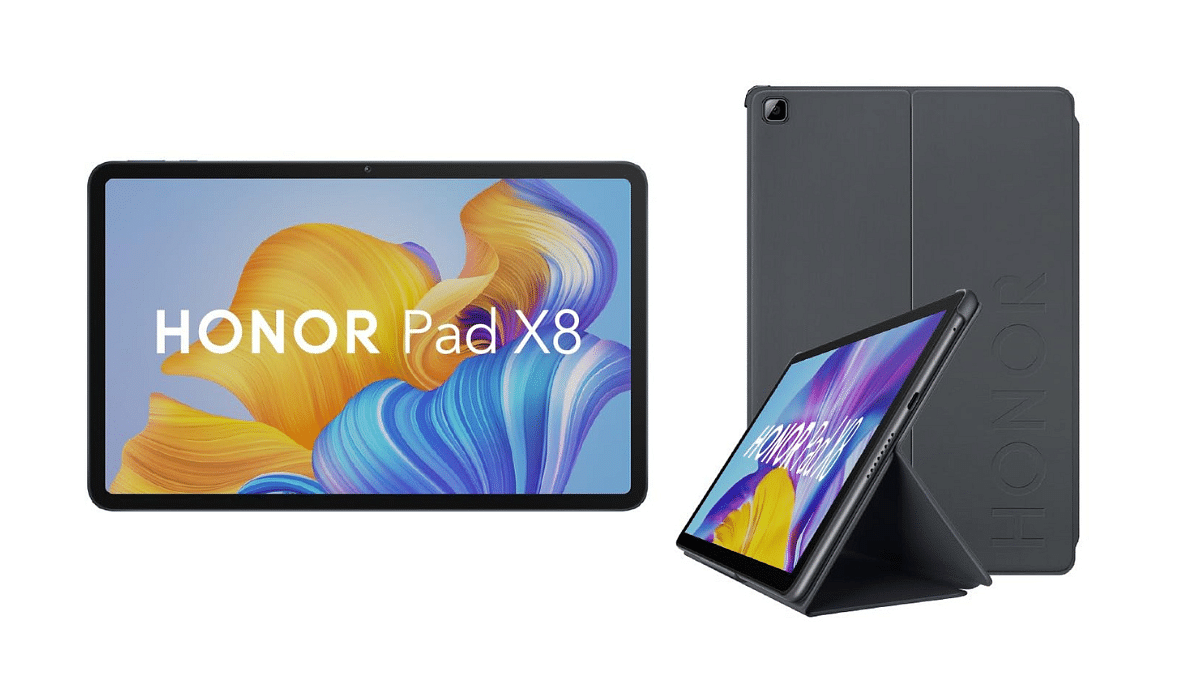
HONOR Pad X8Rs. 21,999Rs. 12,998Amazon
Lenovo Tab M10 FHD PlusRs. 32,000Rs. 18,999Amazon
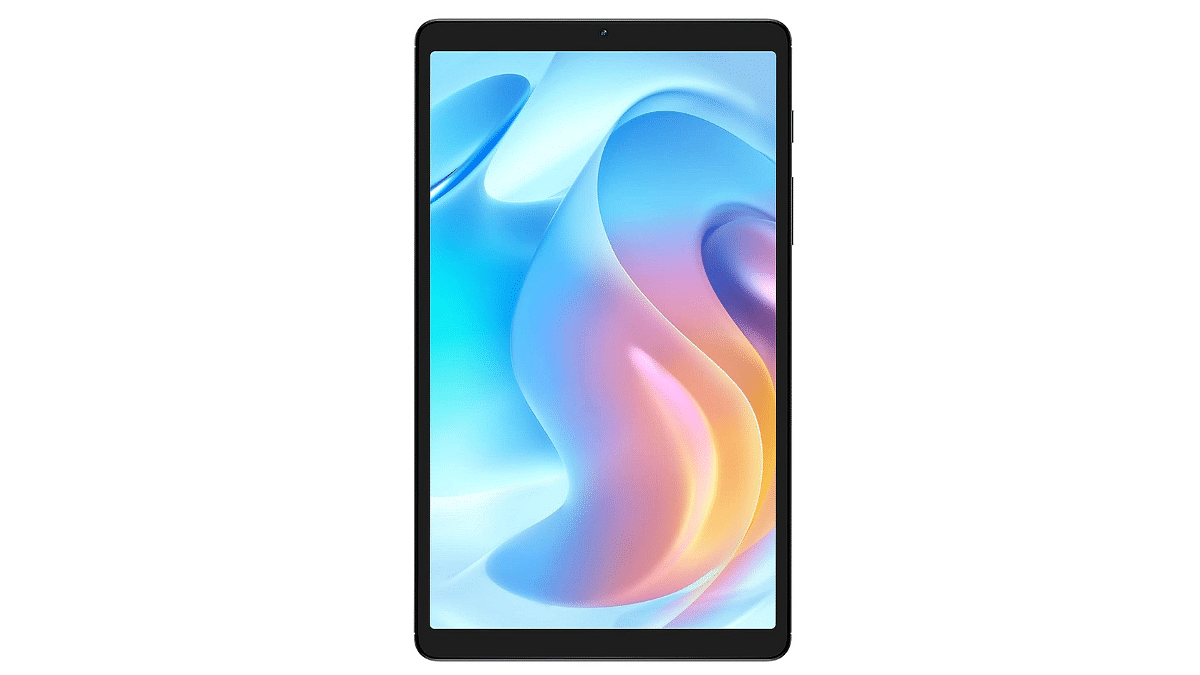
realme Pad MiniRs. 23,999Rs. 10,999Amazon
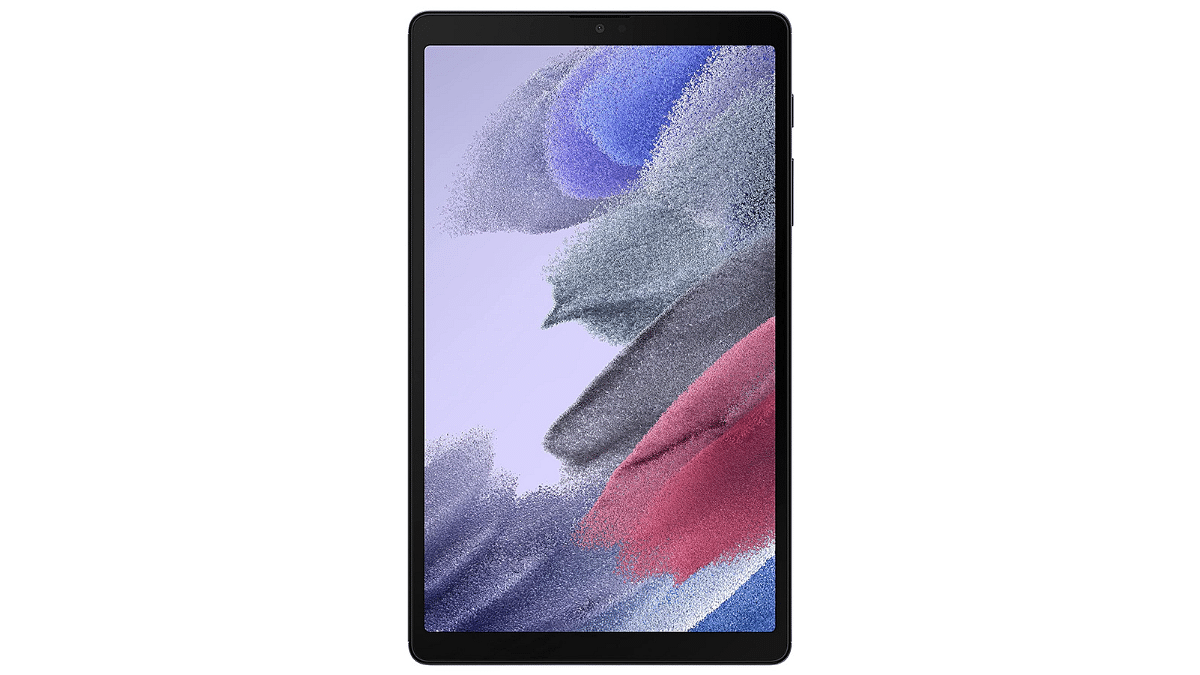
Samsung Galaxy Tab A7 LiteRs. 14,500Rs. 10,999Amazon

Also Read: Best Year-End Deals On Amazon: Get up to 50% Discount On Business Laptops

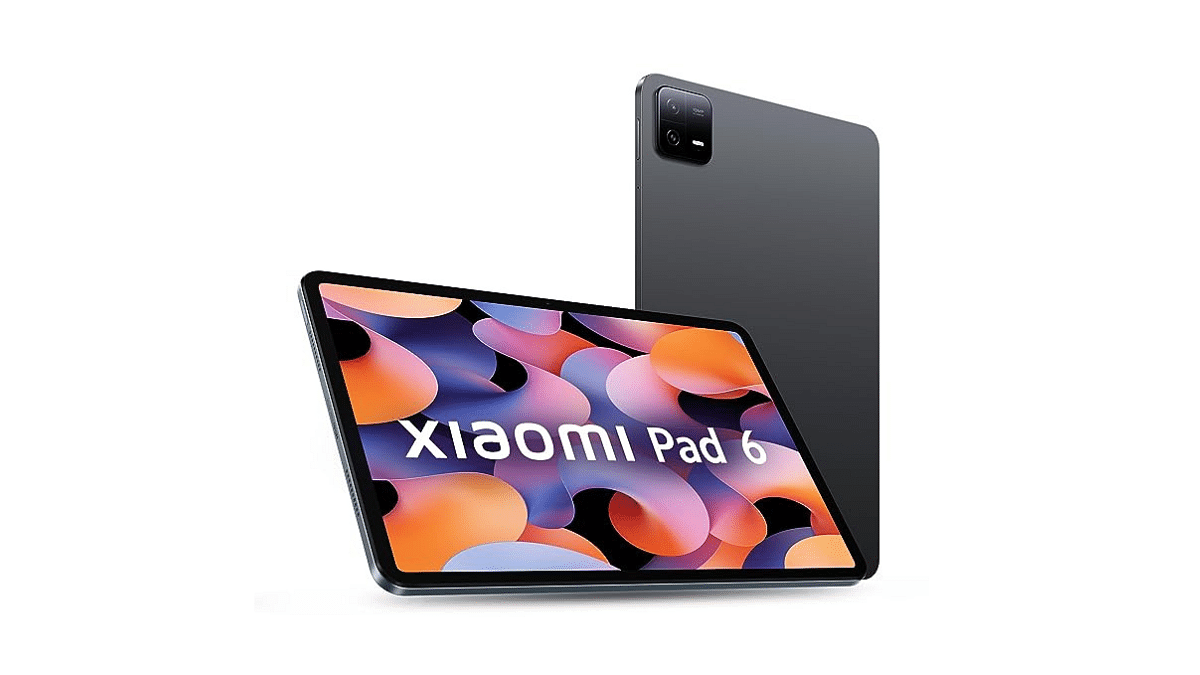
1. Xiaomi Pad 6

  • Equipped with Qualcomm Snapdragon 870 for smooth and efficient operations.
  • 2.8K+ 11-inch display with a 144Hz refresh rate.
  • 6GB RAM and 128GB internal storage for multitasking and ample app storage.
  • Comes with 1 billion colours for lifelike and vibrant visuals.
  • Cinematic Sound with Dolby Vision Atmos and quad speakers
  • Originally priced at Rs. 39,999, now available at just Rs. 26,999 with a 33% discount.

Buying Link: Amazon

2. HONOR Pad X8

  • Full HD Display: 10.1-inch screen on the HONOR Pad X8.
  • With 4GB RAM and 64GB ROM, store more apps and files.
  • Up to 14 hours of long-lasting battery for use.
  • TUV Rheinland Certified for eye protection during extended use.
  • Android 12, the latest Android version for enhanced performance.
  • Originally priced at Rs. 21,999, now available at Rs. 12,998 with a 41% discount.

Buying Link: Amazon

3. Lenovo Tab M10 FHD Plus 

  • Next-Gen Display: 10.61-inch screen.
  • Comes with 6GB RAM and 128GB internal storage.
  • Powered by a Qualcomm Snapdragon Processor for smooth operations.
  • Long-Lasting Power: Equipped with a 7700 mAh battery.
  • Immersive Sound: Quad speakers enhanced with Dolby Atmos for an enriched audio experience.
  • Sleek Design: Elegant Storm Grey colour adds a touch of sophistication to your device.
  • Originally priced at Rs. 32,000, now available at Rs. 18,999 with a 41% discount.

Buying Link: Amazon

4. realme Pad Mini WiFi+4G Tablet

  • Realme Pad Mini, a compact tablet with both WiFi and 4G capabilities.
  • 8.7-inch cinematic display for an immersive experience.
  • 4GB RAM and 64GB ROM (expandable) for storage.
  • Equipped with a 6400 mAh long-lasting battery
  • Experience good audio with the tablet’s dual speaker setup.
  • Originally priced at Rs. 23,999, now available at Rs. 10,999 with a whopping 54% discount.

Buying Link: Amazon

5. Samsung Galaxy Tab A7 Lite

  • Samsung Galaxy Tab A7 Lite features a slim metal body for a sleek and portable design.
  • Enjoy cinematic sound with Dolby Atmos technology enhancing your audio experience.
  • 3GB RAM and 32GB ROM (expandable) for ample storage.
  • The 8.7-inch screen provides a comfortable viewing experience.
  • Available in a stylish grey colour.
  • Originally priced at Rs. 14,500, now available at Rs. 10,999 with a whopping 24% discount.

Buying Link: Amazon

Categories
Apps Featured How To Info

How To Avail Google One Basic Plan At Rs 100 For 3 Months: Guide

Key Highlights

  • Exclusive Offer: Google One Basic Plan at Rs 100
  • Simple Steps: Download, Upgrade, and Unlock Storage Discount
  • Limited Time: Get 3 Months of 100GB Storage for Rs 100

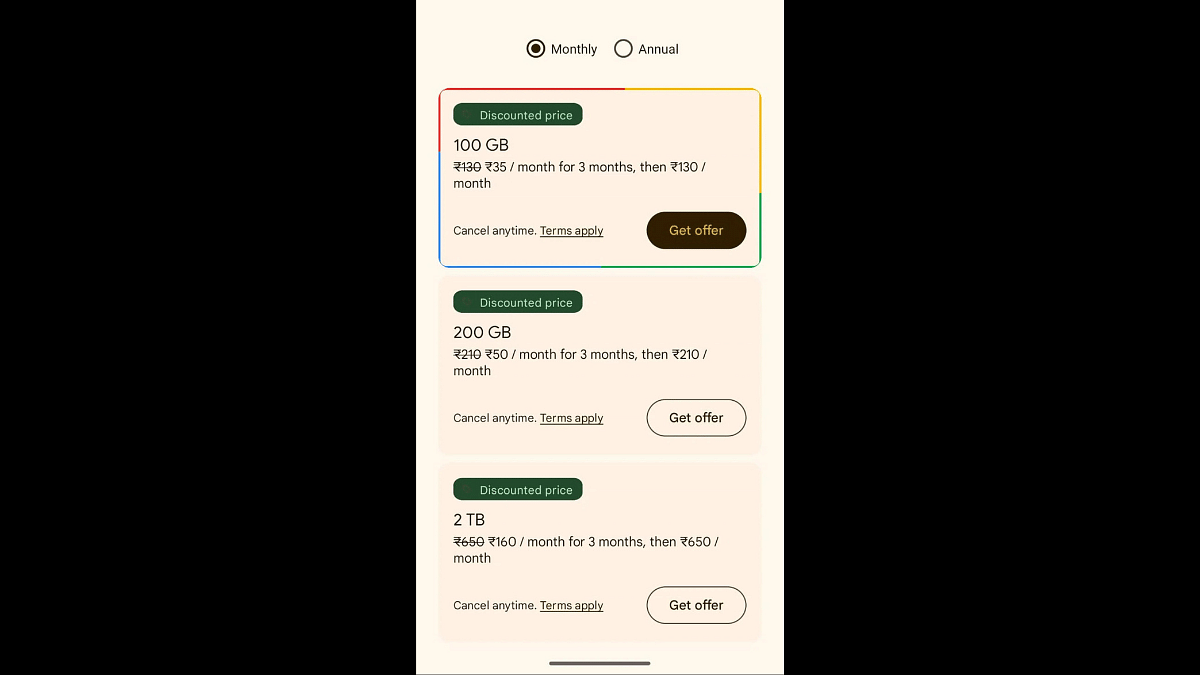
Google One, the cloud storage solution offered by Google for storing photos, videos, documents, and other files, is currently running a limited-time promotion on its plans. The Basic plan, which typically costs Rs 130 per month or Rs 1,300 annually, is now available for just Rs 100 for the first 3 months. This step-by-step guide will walk you through the process of availing this discounted offer, applicable to both desktop and mobile users.

Also Read: How To Activate Spam Protection In Google Messages: Guide

1. Download and Install the Google One App

The first step is to download and install the Google One app on your mobile device. Ensure that you sign in using the Google account for which you want to purchase the plan. The app is available on both Android and iOS platforms.

2. Sign In and Tap on ‘Upgrade’

After installing the app, sign in with your Google account credentials. Once signed in, locate and tap on the ‘Upgrade’ button within the app. Google One will then display all the available plans, including the discounted prices for the first 3 months.

Alternative Method: Unlock Storage Discount via Photos App

Alternatively, you can access the discounted plans through the Photos app. Open the Photos app on your device, tap on the profile picture at the top right of the screen, and click on the ‘Unlock storage discount’ button to view and purchase the plans.

3. Festive Offer on Desktop

For users who prefer to purchase a desktop, visit the Google One website and sign in with your Google account. The website will showcase the available plans in your country, allowing you to choose the desired plan with promotional pricing.

Also Read: Google Launches Gemini: Most Advanced AI Model Yet

What’s Included in the Google One Basic Plan?

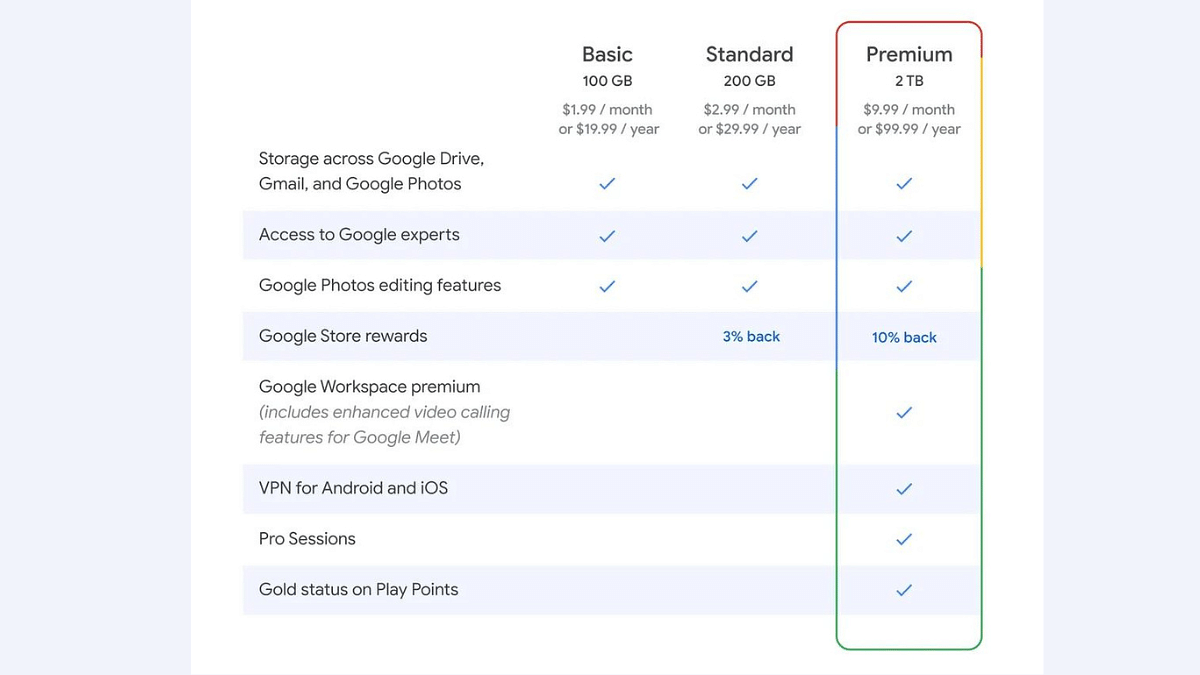
The Google One Basic plan offers 100GB of free cloud storage, accompanied by additional perks such as the ability to share the storage with up to five members, access to Google experts, and a dark web scan for your information like email and phone number. Subscribers also gain access to advanced editing features in Google Photos, including Magic Eraser, Portrait Blur, Portrait Light, Colour Pop, Sky suggestions, and more.

Also Read: Google Unveils OpenAI Competitor Gemini 1.0

Bonus: Check for Manufacturer Trials

Some phone manufacturers, such as Oppo and Pixel, offer a 6-month Google One trial. If you own a device from these manufacturers, check the Google One app to see if this additional trial is available for your phone.

It’s important to note that Google’s policy on storage changed recently, and images and videos uploaded via Google Photos now count towards the available storage space. With these steps, you can make the most of the current promotion and enjoy the benefits of Google One at a discounted rate for the initial 3 months.

Also Read: What Kept India Googling? Google’s ‘Year in Search 2023’ Has The Answers

Categories
Apps Comparison Featured Info

Chatgpt Vs Microsoft Copilot: Which One Is A Better AI Tool?

Key Highlights

  • ChatGPT is good for various tasks, while Microsoft Copilot is more focused on helping with Microsoft tools.
  • ChatGPT offers free and premium plans, while Microsoft Copilot is an add-on to Microsoft 365 with additional perks for specific packages.
  • Choosing between ChatGPT and Microsoft Copilot depends on what you want

As Microsoft and OpenAI team up, they’ve brought us cool AI tools like ChatGPT and Microsoft Copilot. Even though both use fancy language models, they play different roles in business and productivity. This article dives into ChatGPT and Microsoft Copilot to help you choose the one that suits you best.

Also Read: Google Set To Challenge Open AI ChatGPT With Self-Made/ In-House AI ChatGPT Tool

1. Understanding ChatGPT

Overview

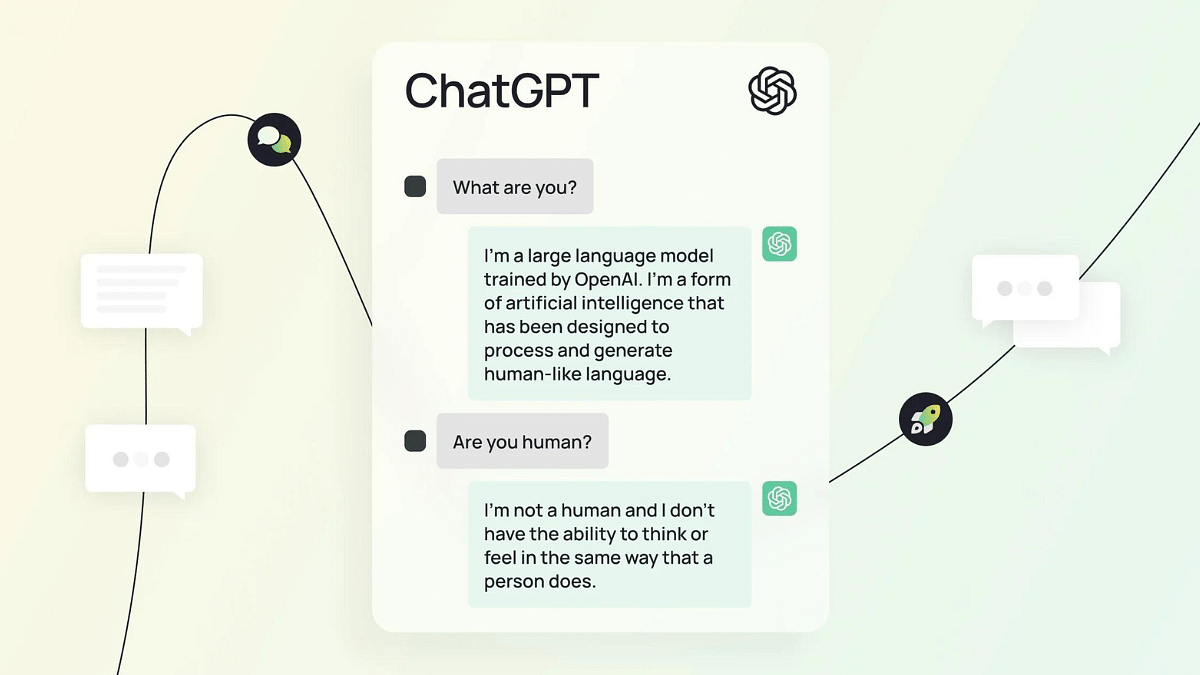
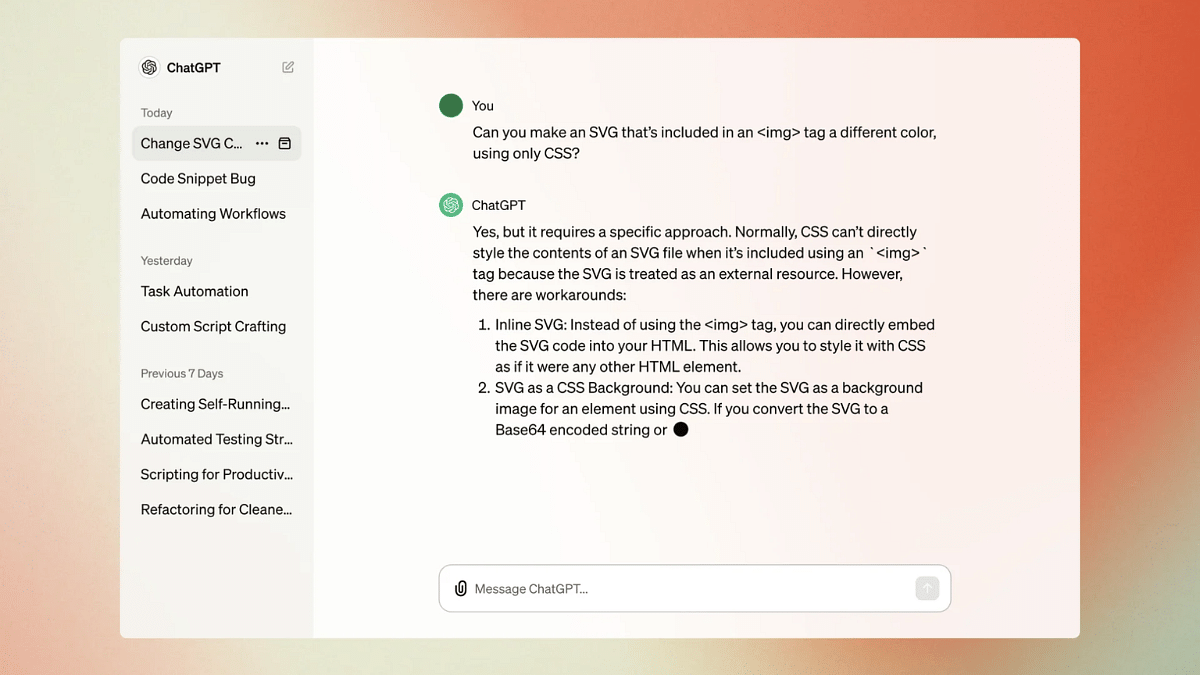
ChatGPT, developed by OpenAI, is a conversational AI model that utilizes large language model technology and machine learning. Launched in November 2022, it is built on the proprietary GPT architecture, incorporating transformer neural networks for processing natural human input.

Variants of ChatGPT

  1. Free ChatGPT: Designed for testing and research, with limitations on internet access and performance.
  2. ChatGPT Plus: A premium subscription offering faster response times, priority access, and additional features for $20 per month.
  3. ChatGPT Enterprise: Geared towards business users, featuring an administrative console, access to OpenAI APIs, and enhanced security and privacy.

Features

  • Multi-lingual Capabilities: Supports various languages, making it a versatile tool for global users.
  • Multi-Modal Development: In progress, allowing users to interact using voice and generate content based on images.
  • Differentiated Plans: Free, Plus, and Enterprise plans cater to different user needs.

Also Read: OpenAI Introduces Dall-E 3: A New AI That Converts Text To Images Using ChatGPT

2. Understanding Microsoft Copilot

Overview

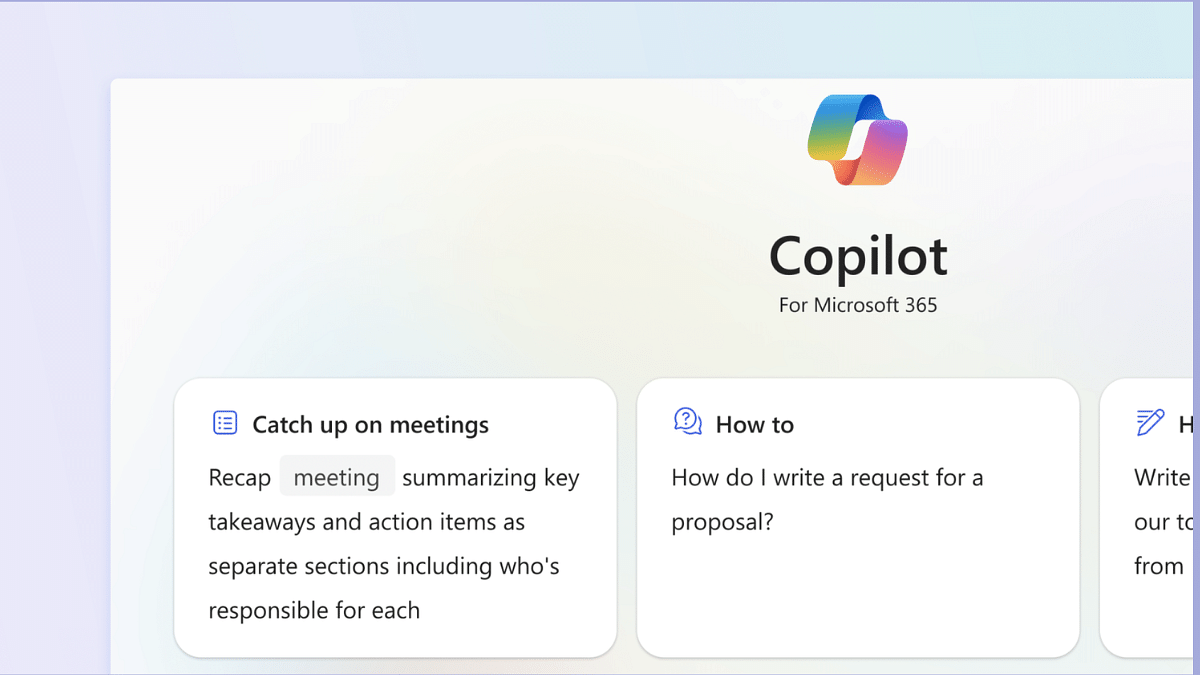
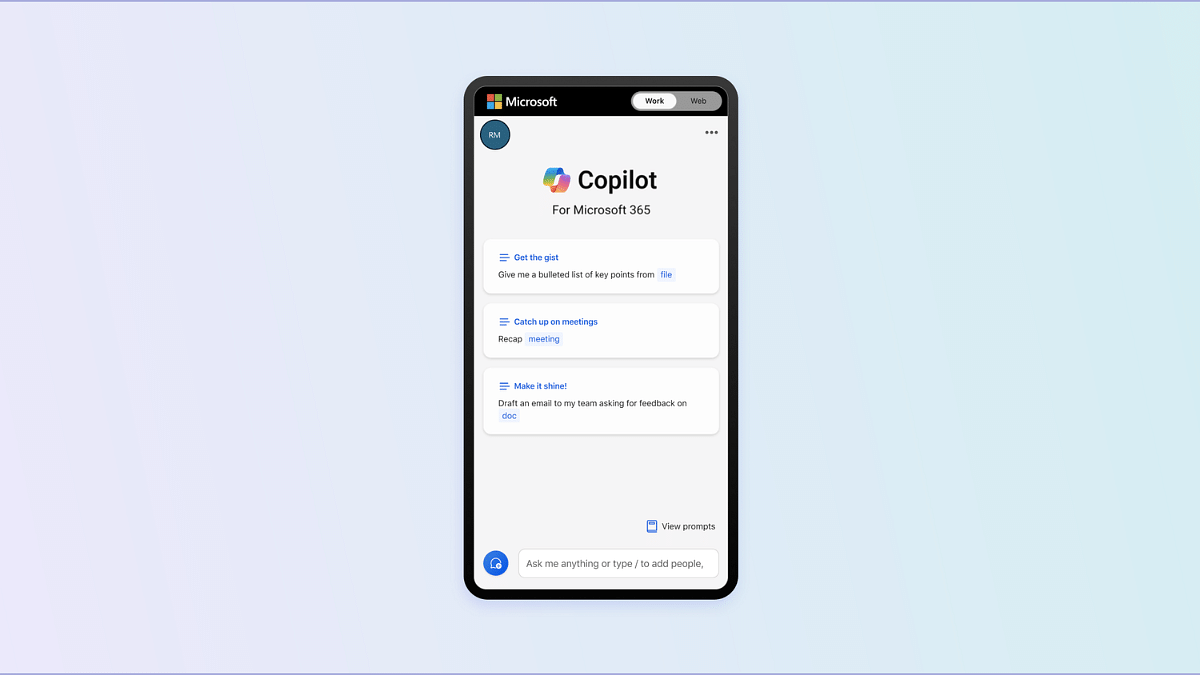
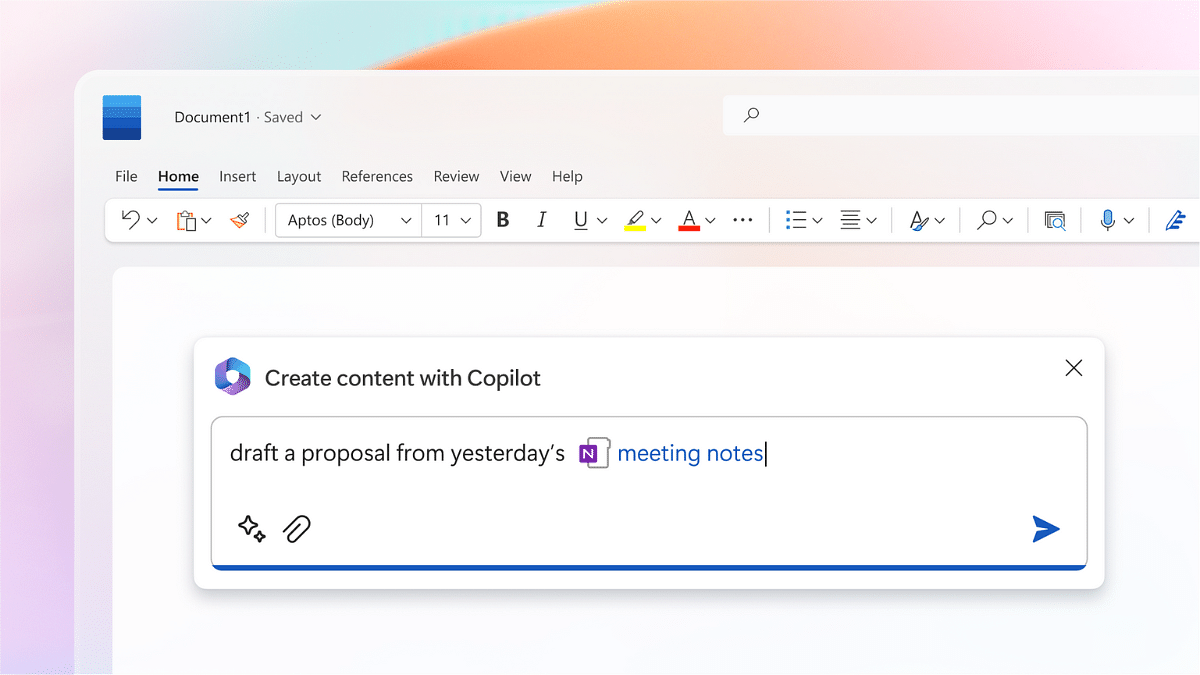
Microsoft Copilot, not to be confused with Github Copilot, is a generative AI companion developed by Microsoft in collaboration with OpenAI. Leveraging OpenAI’s language models and Microsoft resources, Copilot is deeply integrated into the Microsoft ecosystem.

Integration Points

  1. Microsoft Apps Integration: Seamlessly embedded into Word, Excel, PowerPoint, Outlook, Teams, SharePoint, and the Microsoft Power Platform.
  2. Use Case-Specific Solutions: Tailored Copilot tools for Dynamics 365, Microsoft Business Chat, and other specific use cases.

Pricing and Features

  • Add-On Pricing: Available as an add-on to existing Microsoft 365 packages for $30 per user per month.
  • Bing Chat Enterprise Inclusion: No additional cost for users of specific Microsoft 365 packages.

Also Read: FTC Vs Microsoft: Xbox Courtroom Battle, Potential Impact On Activision Deal And In-Depth Analysis

3. Comparative Analysis

Generalization vs. Specialization

  • ChatGPT: A versatile tool suitable for a range of content creation tasks, research, and customer service applications.
  • Microsoft Copilot: Specialized in enhancing productivity, efficiency, and workplace performance within the Microsoft ecosystem.

Use Cases

  • ChatGPT: Ideal for writing essays, creating job descriptions, and diverse content creation tasks.
  • Microsoft Copilot: Tailored for Microsoft applications, excelling in tasks specific to Word, Outlook, PowerPoint, Excel, Teams, and Power Platform.

Also Read: Microsoft Visual ChatGPT Is The New Hype: How To Use This Advanced AI Chatbot

4. Chatgpt Vs Microsoft Copilot: Final Verdict

The choice between ChatGPT and Microsoft Copilot boils down to your specific needs. If you seek a general-purpose AI tool for content creation and experimentation, ChatGPT stands out. However, if your focus is on maximizing productivity within the Microsoft ecosystem, especially with Microsoft 365 applications, Microsoft Copilot emerges as the preferred AI.

Also Read: ChatGPT Voice Chat Feature Released: How Is It Different From Text Version?