Categories
Apps Featured How To

WhastsApp Now Allows Sending High Quality HD Videos: Here’s How

Key Highlights

  • WhatsApp latest feature allows sharing HD videos
  • HD photo sharing option already added to both Android and iOS
  • WhatsApp app needs to be updated to the latest version to use this feature

Meta has been constantly evolving WhatsApp’s messaging platform and has added numerous user-centric features this year. In fact, the brand released multiple new features to improve the messaging experience on its Android and iOS app. Just recently, WhatsApp received the much awaited option to send high quality photos. However, the HD video sending option was pending to be released. Now, after all the wait and anticipation, WhastApp has made it possible for the suers to send videos in HD quality directly from the app. Interested in knowing the steps? Read on below:

Also Read: WhatsApp Short Video Message Reply Feature Introduced: What Is It? How To Use?

WhatsApp HD Video Sending Option: What Is It? How To Use?

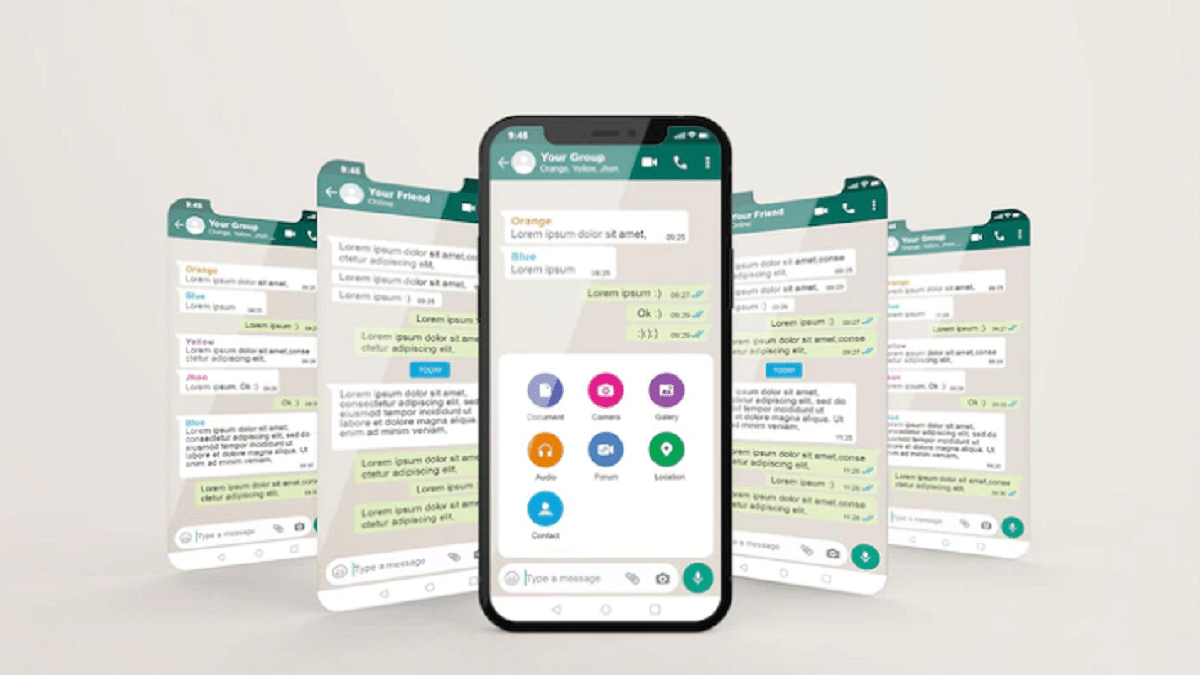
As the name suggests, the new WhatsApp feature will allow the users to send high quality video directly from the mobile app. Until now, the videos sent using both Android and iOS WhatsApp app were compressed before sharing by default. This was done in order to prevent excess storage clogging and swift functioning of the application despite frequent media sharing.


Now, WhatsApp has added the option with which users will be able to send HD quality videos to any of the contacts using the app. It wouldn’t require users to go with the workaround to share high quality videos with their desired contacts. For reference, media sharing on WhatsApp has been standard all this while and users have been demanding the feature to send HD photos/videos since long.

While the HD photo sharing option was released earlier this month, the video sending option is finally making its way to Android and iOS ecosystem. Notably, the videos sent using the standard mode on WhatsApp until now maxed out at 480p. This has been the case with all videos including the ones that are shot with high-end camera phones.

With this new feature at place, WhatsApp uses will now be able to send 720p HD videos to any of the contacts. Nevertheless, there will be still some level of compressions with the sent videos. This is because the WhatsApp app still doesn’t allow sharing 1080p FHD or 4K UHD videos. We are not sure if WhatsApp will allow sharing videos in this high-resolution anytime soon but we can expect some developments around the same in the coming years.

Also Read: Top Methods And Apps For Downloading WhatsApp Status In High Quality

Steps To Share HD Videos Using WhatsApp

Step 1: Open WhatsApp mobile app on your respective smartphones

Step 2: Go to the chat window where you wish to send the HD video

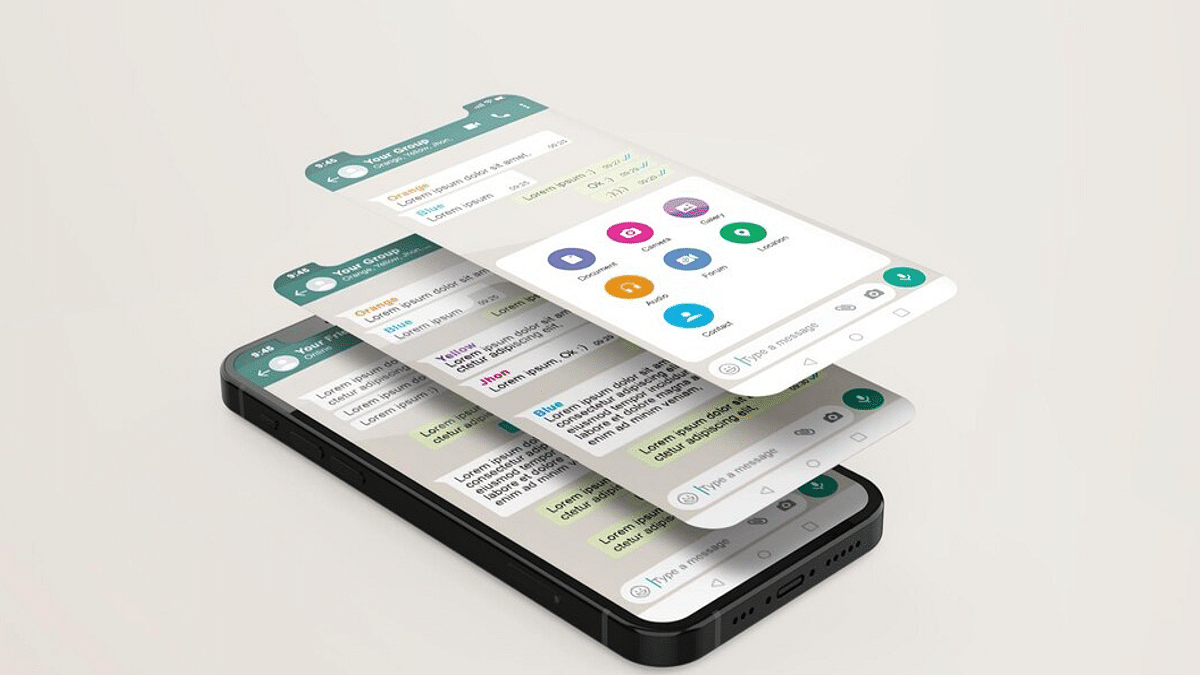
Step 3: Tap on the paper clip (attachment) icon

Step 4: Select the video that you wish to send in HD format

Step 5: Toggle on the HD tab and tap on send to share the video in high quality

Also Read: WhatsApp HD Photo Sharing On iPhone Finally Available: Steps To Share High Quality WhatsApp Photos
Categories
Apps Featured

Best Apps And Tools To Download High Quality Instagram Status On Any Phone

Key Highlights

  • Effortless Status Saving for Instagram Stories
  • Versatile Tools for Downloading IG Status
  • Quality Downloads Anytime, Anywhere: Easy Solutions

Instagram has emerged as a online platform for sharing moments, stories, and status updates. While the platform itself offers a user-friendly interface, it lacks a built-in feature to download the status updates of others. Fortunately, several third-party apps and tools have come to the rescue, allowing users to easily download high-quality Instagram status updates on any phone.

Here are some of the best options:

Also Read: Instagram Privacy: How To Hide Online/ Active Status, Last Seen On Instagram

1. InstaSave

InstaSave has gained popularity due to its simplicity and efficiency. Available for both Android and iOS, this app enables users to download Instagram status updates with just a few taps. Its intuitive interface lets you browse through the statuses of your friends and contacts, and saving a status is as easy as pressing a download button. With InstaSave, you can maintain a personal collection of your favorite moments without compromising on quality.

Also Read: 100+ Cool And Creative Art Studio Name Ideas For Your Instagram Account

2. StorySaver

StorySaver is another versatile app that supports not only Instagram but also other social media platforms. Along with downloading status updates, it lets you repost, share, and organize the downloaded content. Its user-friendly design and multi-platform compatibility make it a powerful tool for users who wish to curate their digital experiences.

Also Read: 100+ Fun And Unique Instagram Name Ideas For Book Lovers

3. DownloadGram

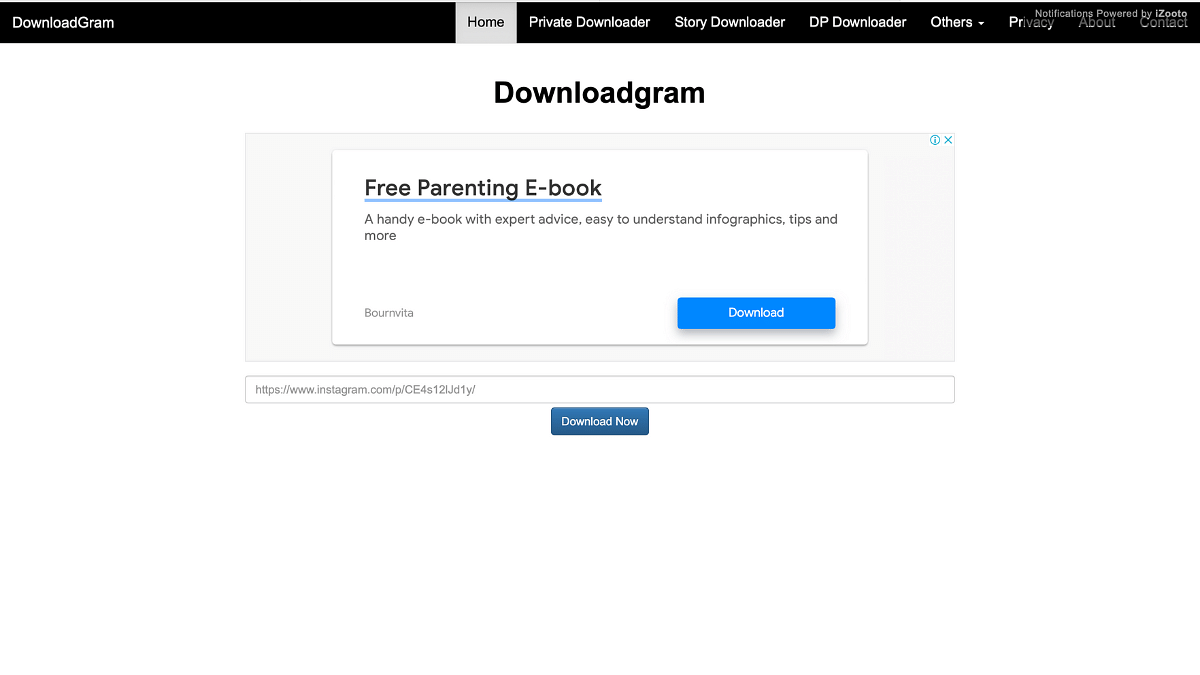
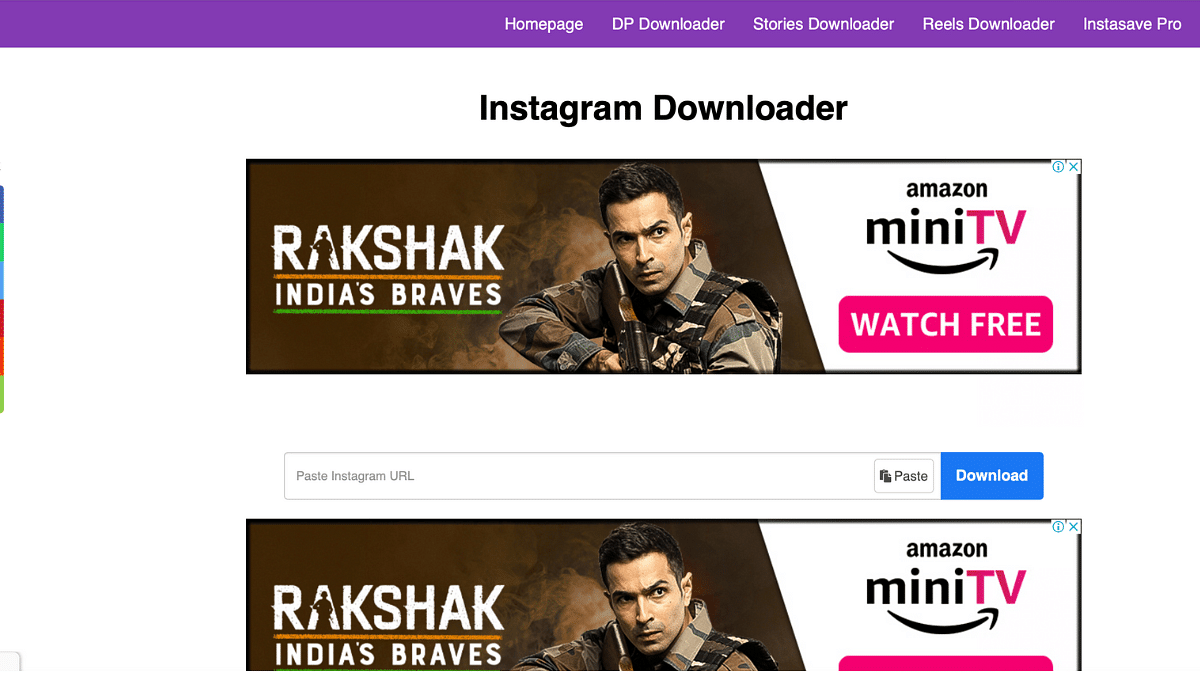
For those who prefer not to clutter their phones with additional apps, DownloadGram comes to the rescue as a web-based solution. This tool allows users to download Instagram photos, videos, and status updates by simply pasting the post’s URL. This method is not only device-agnostic but also ensures privacy as you don’t need to grant app permissions.

Also Read: Best 100+ Instagram Names for Film and Cinema Fans

4. Shortcuts (iOS)

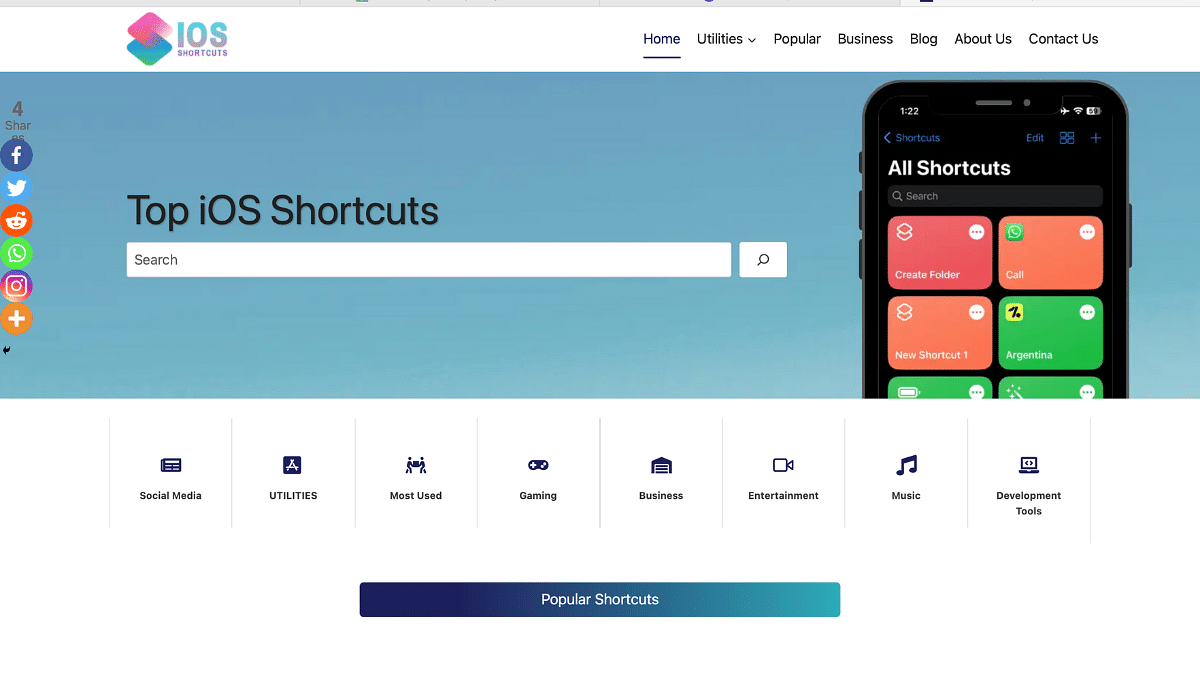
iOS users can take advantage of the Shortcuts app, which offers a way to automate various tasks, including downloading Instagram status updates. By creating a custom shortcut, users can input the profile link and let the automation do the rest. This method adds an extra layer of customization and control to the downloading process.

Also Read: 100+ Best Instagram Gaming Names For Boys

5. InstaG Downloader

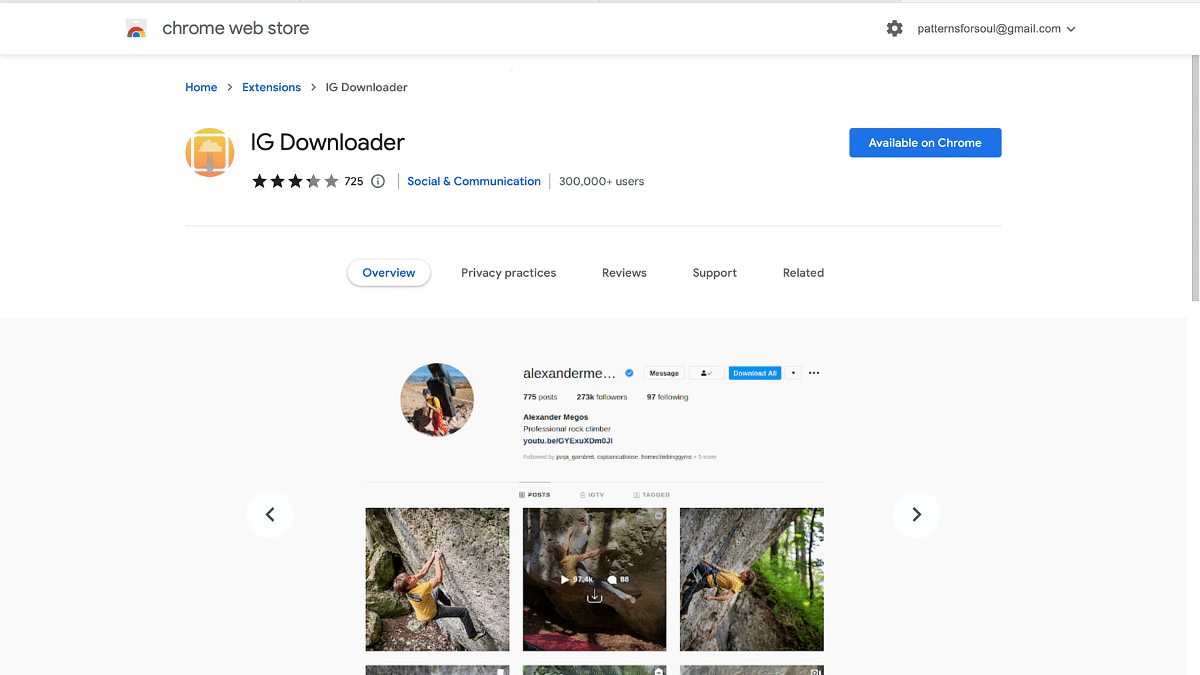
For desktop users who wish to save Instagram status updates, the InstaG Downloader Chrome extension proves to be a handy tool. Once installed, it adds a “Download” button below each status update on Instagram’s web interface. This extension streamlines the downloading process for those who prefer using a computer.

Also Read: 100+ Best Instagram Names For Pet Parents

Categories
Apps Featured How To

Need To Lock And Unlock Your Aadhaar Card Biometrics? Here’s How To Do It

Key Highlights

  • UIDAI has introduced a feature allowing users to lock and unlock their Aadhaar biometrics
  • Locking prevents third-party access
  • This feature enhances privacy and security

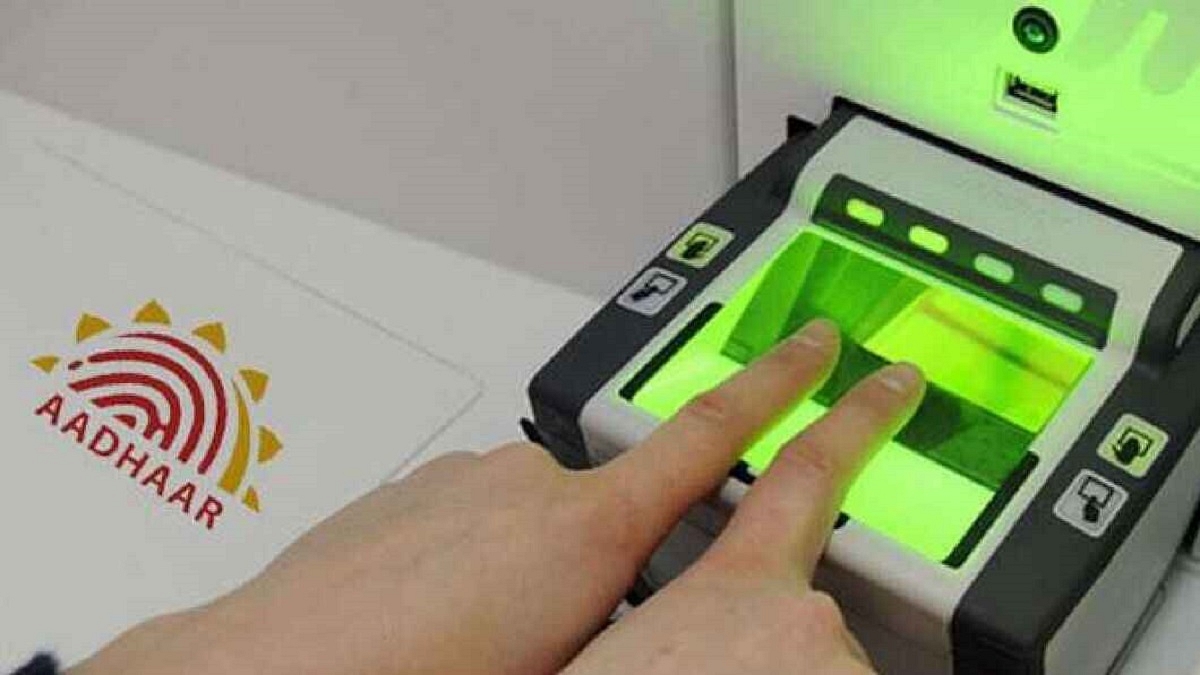
To enhance user privacy and security, UIDAI has launched a feature enabling the locking and temporary unlocking of Aadhaar biometrics. This ensures that fingerprint and iris scan authentication is possible only when biometrics are unlocked, restricting access to these details. This measure aims to prevent the potential misuse of Aadhaar numbers. Also Read | How To Update And Change Mobile Number On Aadhaar Card Online

How To Lock Your Aadhaar Card Online Using UIDAI Website

To lock your Aadhaar card using a PC/laptop, follow these steps:

Step 1: Visit the official UIDAI Aadhaar website on your desktop or laptop.

Step 2: Click the Login button and enter your 12-digit Aadhaar number and captcha.

Step 3: After entering, click Send OTP. Use the received OTP to log in.

Step 4: Access your Aadhaar dashboard and choose the Lock/Unlock Biometrics option.

Step 5: Proceed through the information and confirm your choice.

Step 6: Successfully block your Aadhaar card’s biometrics.

Step 7: Once locked, your Aadhaar card cannot be used for biometric authentication, preventing third-party access for purposes like KYC verification.

Also Read | Here’s How To Check Bank Balance Through Aadhaar Card Number

How To Lock Your Aadhaar Card Online Using mAadhaar App

To lock your Aadhaar card using the mAadhaar app, follow these steps:

Step 1: Download the mAadhaar app from the Play Store (Android) or App Store (iPhone).

Step 2: Open the app, grant necessary permissions, and select your preferred language.

Step 3: Log in with your mobile number and OTP received via SMS.

Step 4: From the dashboard, choose My Aadhaar menu.

Step 5: Create a PIN if it’s your first app access.

Step 7: Log in with your 12-digit Aadhaar number and receive OTP.

Step 8: Navigate to Biometrics Lock and tap Lock Biometric.

Step 9: Enter the captcha, request OTP, and enter the received OTP to block your Aadhaar card.

Step 10: Once locked, your Aadhaar card won’t be usable for authentication.

How To Unlock Your Aadhaar Card Using UIDAI Website

To unlock your Aadhaar card on a PC/laptop, follow these steps:

Step 1: Visit the official UIDAI Aadhaar website.

Step 2: Log in using your Aadhaar number and OTP received after captcha verification.

Step 3: Access the Lock/Unlock Biometrics section.

Step 4: Choose the desired option: temporary or permanent unlock.

Step 5: Confirm your choice.

Step 6: Unlock your Aadhaar card biometrics. If you choose temporary unlock, it remains open for 10 minutes before automatically locking again. The locking process is detailed for both PC/laptop and mobile phone users, as is the process for unlocking the biometrics. Temporary unlocking is also explained as an option for users. This measure ensures that Aadhaar remains a secure and reliable means of authentication.

Also Read | What Is A Masked Aadhaar Card? Here’s How You Can Download It Online

Categories
Apps Featured Info

WhatsApp HD Photo Sharing On iPhone Finally Available: Steps To Share High Quality WhatsApp Photos
Key Highlights

  • WhatsApp has released HD photo sharing option for iOS
  • Feature already available for Android
  • HD video sending option coming soon

Just a few weeks ago, WhatsApp released the much awaited feature where users can send HD quality images on Android devices. Meta did reveal this feature’s availability for the iOS devices soon but didn’t confirm the exact timeline back then. Now, iPhone users will also get to send images in high quality as the feature is being added to iOS version now. Here’s how you can send HD quality images using iOS devices.

How To Send High Quality Images On WhatsApp iOS?

Similar to the Android devices, iOS users will now get the option to send high quality images directly from the app. With this, users wouldn’t have to use any third party app or send the images as documents to the users if they wish to retain the quality of the image. But with this new feature released, WhatsApp users on iOS will be able to share images with high quality to all contacts.

Currently, this feature is being released to the iOS users in a phased manner. The brand is expected to complete the mass rollout of the update soon. It could take a week or two for this feature to be made available globally to all the users. The steps to send HD quality videos will also be released soon. However, the company is yet to confirm the exact details for the timeline. We assume the option to send

The steps to send HD quality images using iPhone is an easy process. We have listed the steps below. Take a look:

Step 1: Launch the WhatsApp application on your respective iPhones

Step 2: Open the chat window where you wish to send the high quality image

Step 3: Select the media sharing option and tap on images

Step 4: Now, you will be able to see the images with HD label in front of it

Step 5: Click on the image to send it in high quality

It is worth mentioning that similar to Android, the high quality images shared in iOS will have some level of compression. But the image compression level wouldn’t be as high as with the standard image sharing option.

Also Read: WhatsApp Finally Allows Sending HD Photos: How To Send High Quality Photos On WhatsApp

Categories
Apps Featured Info

Watch Asia Cup 2023, ICC Men’s Cricket World Cup Live On Disney+ Hotstar, All For Free

Key Highlights

  • Disney+ Hotstar mobile app to stream Asia Cup 2023, ICC Men’s Cricket World Cup for free
  • Viewers looking for a larger screen experience would need to opt for a subscription
  • Disney+ Hotstar provides a variety of subscription plans

Despite losing the IPL deal, Disney+ Hotstar remains a hub for prominent cricket tournaments. The platform is set to offer free live streaming of the upcoming Asia Cup 2023 and ICC Men’s Cricket World Cup. However, the free live streaming will be limited to the Disney+ Hotstar mobile app. Also Read | Here’s How To Download Videos From Netflix, Amazon Prime, And Disney+ Hotstar

Key Cricket Tournaments Available For Free

  • Asia Cup 2023 starts on August 30
  • ICC Men’s Cricket World Cup kicks off on October 5

Asia Cup 2023: Pakistan And Sri Lanka Venues

The Asia Cup 2023 is poised to unfold with 13 scheduled matches. The matches will take place in Pakistan and Sri Lanka, providing an exciting cricket showdown in these regions.

ICC Men’s Cricket World Cup 2023: Hosted By India

The ICC Men’s Cricket World Cup is grandly hosted by India and showcases a staggering total of 48 matches. With the participation of 10 countries, this event promises a thrilling series of cricket clashes.

Also Read | Free Disney+ Hotstar Access: Here’s How To Get It With Airtel Prepaid Plans

Exclusive Mobile App Streaming

Disney+ Hotstar’s announcement regarding the free streaming of both tournaments specifically applies to the mobile app. If you opt for a larger screen viewing experience, a subscription fee would be required. The mobile app grants access to a selection of movies and TV shows, along with five minutes of live cricket streaming. For more extensive content, including Hotstar Originals and Disney content, a subscription plan is necessary.

Disney+ Hotstar Subscription Plans

Here’s an overview of the current Disney+ Hotstar subscription plans:

Plan NamePriceBenefits
Disney+ Hotstar PremiumRs. 299 monthly Rs. 1,499 yearlyAll content, ad-free movies/TV shows, supports up to 4 devices, 4K resolution, Dolby 5.1
Disney+ Hotstar SuperRs. 899 yearlyAll content, with ads, supports up to 2 devices, FHD, Dolby 5.1 Audio
Disney+ Hotstar MobileRs. 149 quarterly Rs. 499 yearly  All content, with ads, limited to 1 mobile device, HD, Stereo sound

Besides, Disney+ Hotstar mobile subscription is available with select Airtel and Vi recharge plans. This subscription is exclusively for mobile devices and is not accessible via the web platform.

Also Read | Want To Cancel Your Disney+ Hotstar Subscription? Here’s How

Categories
Apps Featured Info

Elon Musk’s Twitter: Genuine Followers Or Fakes Dominating the 153 Million?

Key Highlights

  • Elon Musk’s X following numbers may be inflated
  • Musk has 153 million followers
  • The proportion of followers who have no followers is about 42%

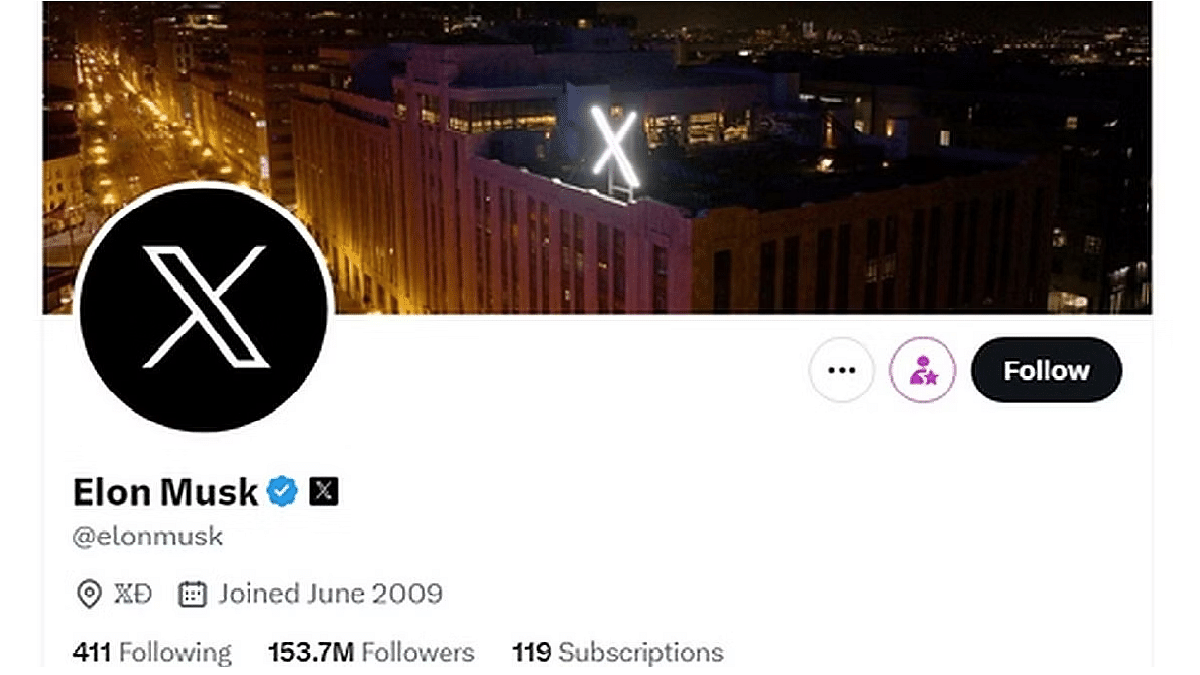
Elon Musk boasts an impressive following of over 153 million on his X (formerly Twitter) account. However, a recent report sheds light on the authenticity of this figure, revealing that a significant portion of his followers are inactive or even fake. Third-party researcher Travis Brown’s data analysis, reviewed by the tech website Mashable, has uncovered intriguing insights. Also Read | Twitter Blue Subscription Finally Launched For Android: Is It Expensive?

Inactive Accounts Galore

Within the staggering count of 153,209,283 X accounts following Musk, a startling 42% – more than 65.3 million users – have absolutely no followers on their own accounts. This revelation points towards a substantial number of inactive accounts bolstering Musk’s follower count.

While the total follower count might appear astronomical, the average number of followers across all 153 million accounts following Musk is merely around 187. This statistic underscores the uneven distribution of genuine engagement and the prevalence of followers with minimal activity.

Premium Subscription

A mere 0.3%, approximately 453,000 Musk followers, have opted for the X Premium subscription (formerly Twitter Blue) priced at $8 per month. This statistic suggests that a vast majority of followers aren’t invested in enhanced features or engagement.

Remarkably, more than 72%, or nearly 112 million users, following Musk, have fewer than 10 followers on their accounts. This observation aligns with the notion that a considerable portion of his followers might be disengaged or not actively participating on the platform.

Lack Of Activity

An astounding 62.5 million of Musk’s followers have yet to send a single tweet, raising questions about the legitimacy and engagement level of a significant portion of the followers.

Data also reveals that more than 100 million followers of Musk have posted less than 10 tweets on their accounts. This statistic paints a picture of low content creation and limited interaction from a substantial portion of the followers.

Also Read | Planning To Leave Twitter? Here Are The Best Twitter Alternatives To Download

Post-Takeover Followers

Elon Musk’s acquisition of Twitter for $44 billion on October 27, 2022, has had a marked impact on his follower base. A significant 25% – 38.9 million followers – were added after this acquisition date, reflecting the evolution of his followership over time.

The report emphasizes that many of Musk’s followers exhibit characteristics suggesting potential inactivity or even the existence of fake accounts. It’s likely that these traits are a combination of all three – ‘lurkers’ who consume content without interacting, inactive users, and potentially fabricated profiles.

25% Using X’s Default Image

Around a quarter of Musk’s followers, surpassing 38 million, sports X’s default profile image, hinting at the presence of users who haven’t fully customized their accounts.

Numeric Handles

More than 40% of Musk’s followers – nearly 50 million – have handles containing four or more numbers. This characteristic adds another layer to the analysis of the authenticity and engagement of his followers.

Musk’s Statement Of Monthly Users

While Musk asserts that X now boasts more than 540 million “monthly users,” the data presented suggests a need for careful examination of the engagement and activity levels among this user base.

Also Read | Twitter Direct Message Feature Removed For Android, iOS Users: What Will Be The Impact?

Categories
Apps Featured

Top Five Shopping Apps In India For Fashion Enthusiasts

Key Highlights

  • Shopping apps help users explore various brands and styles
  • They offer user-friendly interfaces, personalized recommendations, and secure payment options
  • Customer reviews and ratings on these apps help shoppers make informed decisions

In the digital age, shopping for clothes has become more convenient and enjoyable than ever before, thanks to the plethora of shopping apps available at our fingertips. In India, a country known for its rich textile heritage and diverse fashion trends, these apps have revolutionized the way people shop for apparel. Whether you’re seeking the latest trends, traditional wear, or affordable fashion, here are some of the best shopping apps for buying clothes in India.

Also Read | Unlock Exclusive Deals: Five Best Coupon Apps For Online Shopping In India

Myntra

Renowned for its extensive collection of clothing from both Indian and international brands, Myntra offers a user-friendly interface and curated fashion edits. It covers everything from casual wear to formal attire, catering to every style preference.

Features:

  • Curated Collections: Myntra offers meticulously curated collections that cater to different styles and occasions, making it easier for users to discover fashion items that match their preferences.
  • Virtual Fitting Room: The app’s virtual try-on feature allows users to visualize how a clothing item would look on them before making a purchase, enhancing the shopping experience.
  • Easy Returns: Myntra’s hassle-free return and exchange policy ensures that users can return products without any complications, providing added confidence in their purchases.

Ajio

Known for its unique and edgy collection, Ajio is a haven for those seeking contemporary and offbeat fashion choices. It often showcases independent and indie brands that cater to the fashion-forward crowd.

Features:

  • Indie Brands: Ajio is known for showcasing a wide range of independent and indie brands, offering users unique and unconventional fashion choices.
  • Trendy Edits: The app regularly curates trendy edits and style suggestions, helping users stay up-to-date with the latest fashion trends and inspiration.
  • Handpicked Collections: Ajio’s team of stylists handpicks collections that cater to various aesthetics, making it easier for users to find clothing items that resonate with their personal style.

Nykaa Fashion

While Nykaa initially gained fame as a beauty platform, it has expanded to include a fashion section. It’s a great choice for those who appreciate a seamless shopping experience for both beauty and fashion products.

Features:

  • Beauty and Fashion Combo: Nykaa Fashion offers a seamless integration of beauty and fashion products, allowing users to shop for both categories within the same app.
  • Premium Brands: The app features a range of premium fashion brands, catering to users looking for high-quality and designer clothing.
  • Style Inspiration: Nykaa Fashion often provides style inspiration through curated looks and celebrity-inspired collections, helping users put together fashionable ensembles.

Also Read | Mastering A New Tongue? Here Are The Best Mobile Apps For Learning A New Language

FabIndia

If you’re passionate about ethnic wear and handcrafted textiles, FabIndia is the go-to app. It specializes in traditional Indian clothing, offering a mix of contemporary and classic styles.

Features:

  • Ethnic Elegance: FabIndia’s app showcases a wide range of ethnic clothing, including sarees, kurtas, salwar suits, and traditional accessories, catering to those who appreciate Indian heritage and culture.
  • Sustainable Sourcing: FabIndia places a strong emphasis on ethical practices and sustainability. The app provides information about the brand’s efforts to source products responsibly, appealing to environmentally conscious shoppers.
  • Variety of Styles: FabIndia’s collection caters to various styles, ranging from contemporary interpretations of traditional wear to fusion ensembles that blend traditional and modern elements.

Also Read | Best Apps To Detect Hidden Camera For Android And iOS

Koovs

If you’re on the lookout for international fashion trends, Koovs is the app to explore. With its focus on global styles, the app offers an eclectic mix of clothing, footwear, and accessories.

Features:

  • Global Styles: Koovs focuses on international fashion trends, offering users access to a diverse range of clothing, footwear, and accessories inspired by global fashion capitals.
  • Editorial Content: The app often features editorial content such as fashion articles, lookbooks, and style guides, providing users with inspiration and fashion insights.
  • Sale Alerts: Koovs frequently holds sales and discounts, and the app allows users to set up sale alerts to be notified when their favorite items are available at a reduced price.
Categories
Apps Featured How To

WhatsApp Finally Allows Sending HD Photos: How To Send High Quality Photos On WhatsApp

Key Highlights

  • Latest WhatsApp feature allows sending high quality photos
  • Option released for Android and iOS
  • HD video sharing option coming soon

WhatsApp is one of those instant messaging apps that has redefined the mobile text messaging experience. Available for both Android and iOS, the messaging app is not only offering a convenient but also secure platform for personal and professional conversations. Sharing media files such as images and videos has been the selling point for this app. For long, users have been demanding the option to send media in high quality. But finally after all the anticipations, Meta has added this option to WhatsApp. Here’s how you can send HD images on WhatsApp Android and iOS.

Also Read: WhatsApp Edit Message Feature Is Now Available For Android And iOS: How To Correct WhatsApp Message Spelling Errors And More

WhatsApp HD Image Sending Option Released

Mark Zuckerberg, Meta CEO has officially confirmed the option to send high quality videos on WhatsApp is being integrated. The company will be dishing out the updated to both Android and iOS apps. Until now, all the WhatsApp images shared got compressed so that device memory doesn’t get clogged. And it required users to send images as a document so that quality doesn’t get deteriorated. With this new feature rolling, WhatsApp users will now get to send images in high resolution.

The feature will be added to the WhatsApp mobile application soon via an OTA update. It is expected the feature will be available to all the WhatsApp users in coming weeks.

Initially users will only be able to send high quality images on WhatsApp Android and iOS app. It still would take time for the brand to add the HD video sending option. However, this feature will also be made available to the masses. The same has been confirmed by Meta itself.

Also Read: WhatsApp Short Video Message Reply Feature Introduced: What Is It? How To Use?

How To Send High Quality WhatsApp Images?

Users will be directly able to send HD images from the toolbar at the bottom. One has to just select the image sharing option and select the desired image from the gallery to share it in high quality. It is worth mentioning that images when sent in HD would have some level of compression. But they still would be clear compared to the standard images.

Also Read: Want To Share Your Screen On WhatsApp Video Call? Here’s How

Categories
Apps Featured Info

Google Photos Introduces Scrapbook-Style Memories View With Generative AI

Key Highlights

  • Google Photos introduces an innovative ‘Memories’ view that utilizes AI
  • Users can now rename their memories
  • Initially available to select US accounts

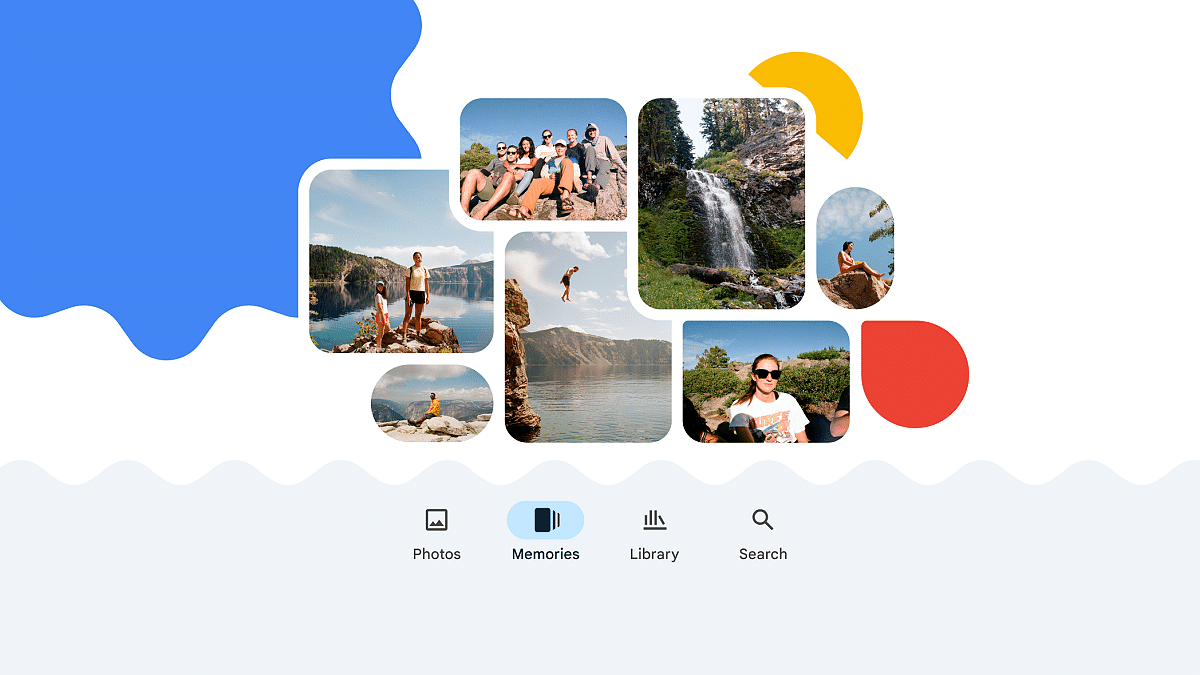
Google has unveiled a new feature called ‘Memories’ for its photo sharing and storage service, Google Photos. Using AI, this feature compiles a visually appealing scrapbook-like memory by merging various photos and videos associated with a specific event, such as a birthday or wedding. Also Read | Google Photos Magic Eraser: What Is This Feature? How To Use It?

Automated Curated Memories With AI

In a recent blog post, the tech giant announced the launch of the ‘Memories’ view, a platform that automatically arranges and organizes memories with the aid of AI. Described as a “scrapbook-like timeline,” this view provides users with a seamless way to relive, personalize, and share their cherished experiences, ranging from memorable journeys to daily occurrences, with their close ones.

Personalized Memory Titles Via AI

Users are empowered to rename their memories, aligning them with recognizable themes that encapsulate the essence and emotions of the moment. Google Photos also offers an innovative ‘Help me title’ option that leverages generative AI to suggest customized titles. If the provided suggestions don’t resonate, users can edit the titles or request additional options. Additionally, users can guide the AI toward including crucial details by using the ‘Add hint’ button.

Also Read | How To Download Or Transfer All Facebook Videos And Images Directly To Google Photos

Limited Rollout

Selected as an experimental feature within Google Labs, this feature will initially be available to a select group of accounts in the United States. Furthermore, users can now collaboratively co-author their memories with others. While the Memories view is currently being introduced in the US, it will gradually become available worldwide over the next few months.

Upcoming Feature: Sharing Memories As Videos

In the near future, Google plans to enable the sharing of memories in video format. A recent report indicated that the company was testing a cinematic effect feature, allowing users to choose a photo and specify the video’s duration. The app would then create a slow-motion zoom animation of the selected image, enhancing the visual appeal of shared memories.

Also Read | Google Photos Hacks: How To Edit Videos And Adding Effects Such As Filters On Google Photos

Categories
Apps Featured Info

Telegram Introduces Stories For All Users: A 10th Anniversary Gift

Key Highlights

  • Telegram now offers Stories to all users as part of its 10th-anniversary celebration.
  • Telegram’s Stories can be edited post-publishing
  • Premium account holders gain access to Stealth Mode

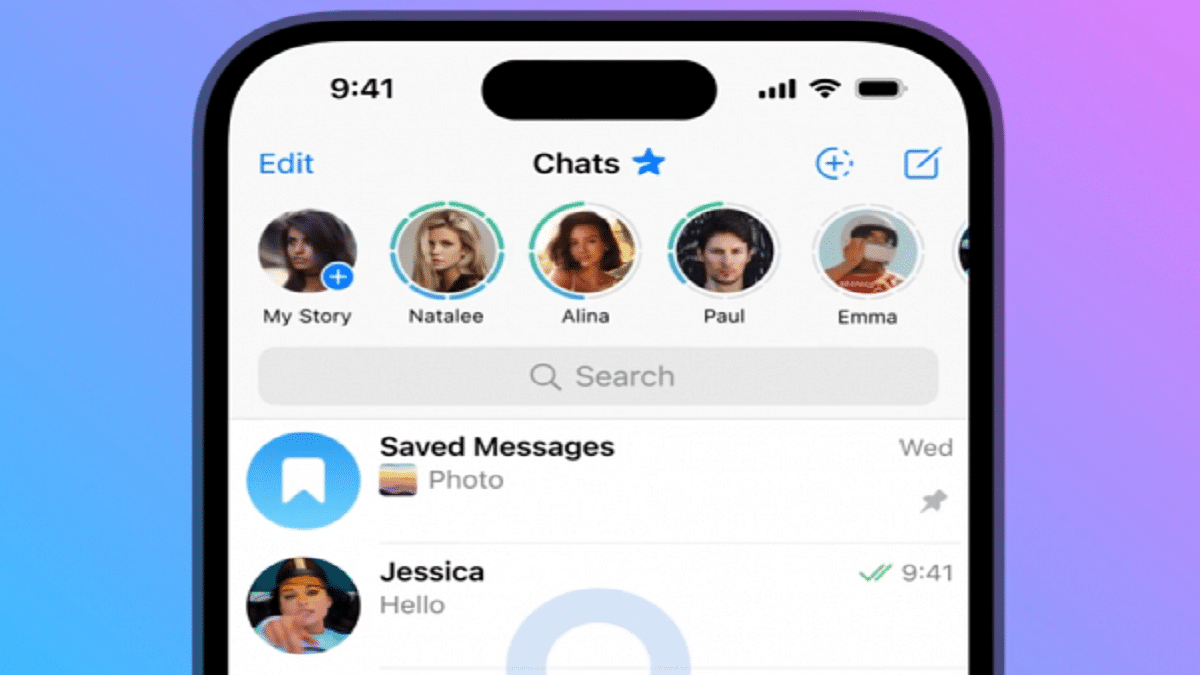
Telegram, on Monday, declared the widespread availability of its Stories feature, marking a noteworthy shift from its previous restriction to only Premium users. As the platform approaches its 10th anniversary, this move is poised to delight its entire user base. Also Read | How Can You Change Font Style In Telegram: Steps For Android, iOS, Desktop

A Unique Take On Stories, Setting It Apart

Diverging from the styles of Instagram, Snapchat, Facebook, and WhatsApp’s ‘status’ feature, Telegram’s Stories stands out. Unlike its counterparts, where once posted, editing is not an option, Telegram allows for post-publishing edits.

Flexibility In Story Management

For the first time in the realm of social media, Telegram redefines story management. Every element of a story—visibility, captions, on-screen text, stickers, and more—can be updated at any time without necessitating a repost from scratch. Telegram’s latest blog post details this groundbreaking feature.

Also Read | Want To Send Secret Messages On Telegram? Here’s A Step-By-Step Guide

Customizing Your Story Audience And Disappearance

Users have full control over their story’s audience. They can opt for it to be visible to everyone, selected contacts, a few chosen individuals, or exclusively to close friends. The stories are prominently displayed at the top of the chats list, and specific contacts can be excluded by relocating them to the “Hidden” list within Contacts. Additionally, story duration can be tailored: vanishing after six, 12, 24, or 48 hours. Alternatively, stories can remain permanently on the profile page, akin to Instagram’s Story highlights.

Exclusivity Amid Universality

While the Stories feature is available to all users, Telegram reserves something special for its Premium account holders. These exclusive users can leverage the Stealth Mode feature. Stealth Mode ensures that their story viewing remains discreet. Their views from the past five minutes are erased, and their future views remain hidden for the subsequent 25 minutes.

With the extension of the Stories feature, Telegram embraces inclusivity and innovation, offering its users a novel way to engage with their audiences and express themselves. The platform’s commitment to enhancing user experience remains evident as it enters its 10th year of operation.

Also Read | How To Upload And Use Animated Emojis As Telegram Profile Picture On Android, iOS